



For private customers
At checkout, product prices are automatically adjusted according to the VAT rate in your delivery country.

Christmas
Furniture
Home & Garden
Sport
Clothing
Mattresses
Watches
Electronics
Construction




Building or upgrading a computer is like creating your own personal masterpiece. Every detail, every choice and every computer component plays a part in the end result: a system built just for you. Whether you're looking to buy the best computer components for the latest games or want an affordable solution for your home office, our online store has everything you need. Best of all, delivery is always free throughout Estonia.
In today's digital world, a computer is much more than just a tool. It's a gateway to entertainment, a way to express your creativity and an indispensable aid at work. That's why choosing the right components is critical. Our range covers everything from the heart of your system to the last cable, so you can find exactly what you need. For many people, the journey starts with a search for a computer component that solves a specific problem, such as slow loading or poor graphics.
The world of computer components may seem complicated at first, but it's actually quite straightforward. Each part has a specific role, and together they create a powerful system. Below, we'll introduce the main components to help you make an informed choice.
The processor is your computer's engine, performing billions of calculations every second. The choice mainly comes down to two major manufacturers: Intel and AMD. For gamers and users of demanding applications, the number of cores and high clock speeds are important. A more modest model will be enough for everyday use. If you're planning to buy processors and accessories, think carefully about how you'll use your computer most to find the best value for money.
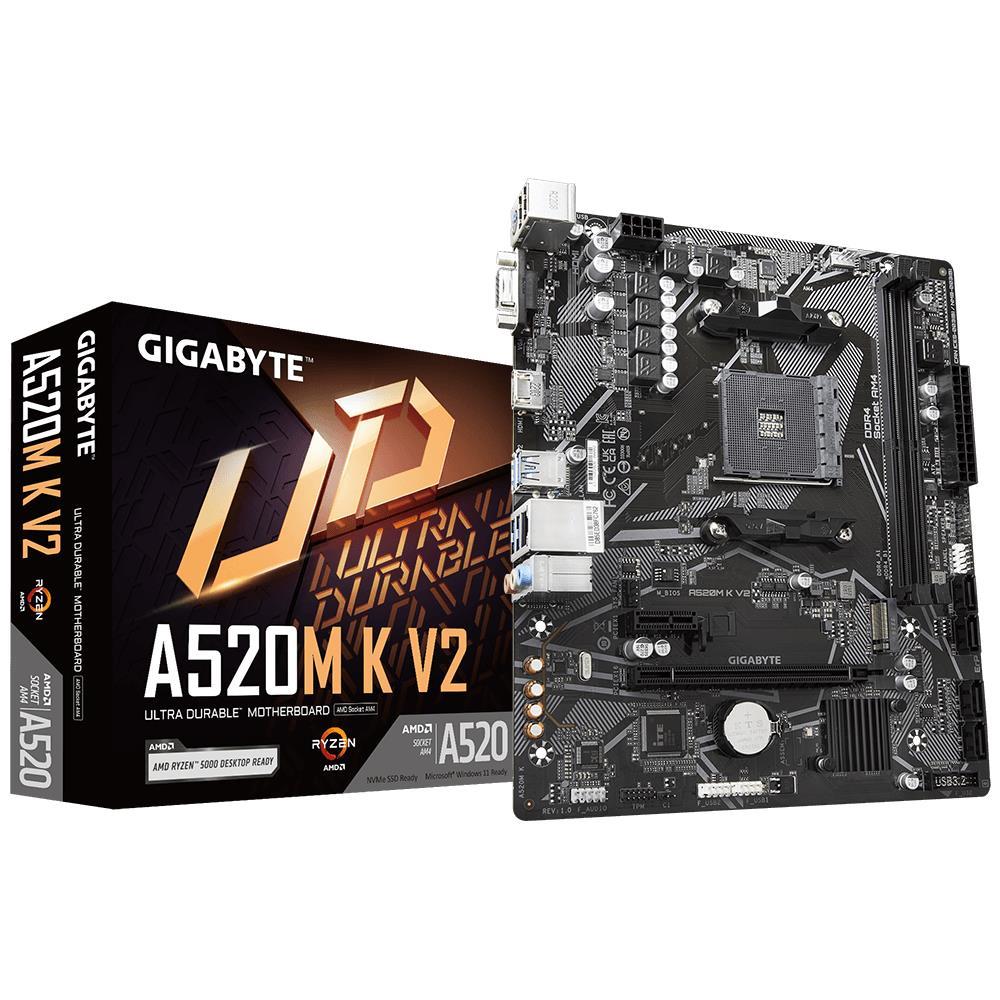
The motherboard is like your computer's nervous system, connecting all the other components. The most important factors when choosing a motherboard are compatibility with your processor (socket, e.g. AM5 or LGA1700) and form factor (e.g. ATX, Micro-ATX), which must fit your computer case. It also determines how much RAM and how many SSDs you can install. A quality motherboard is an investment in the future.
If you game, edit video or work with 3D modelling, a powerful graphics card is essential. The NVIDIA GeForce and AMD Radeon series offer options for every budget. When choosing a graphics card, pay attention to its video memory (VRAM) capacity and cooling efficiency. Our store has a wide range of graphics cards to suit everyone from beginners to professionals.
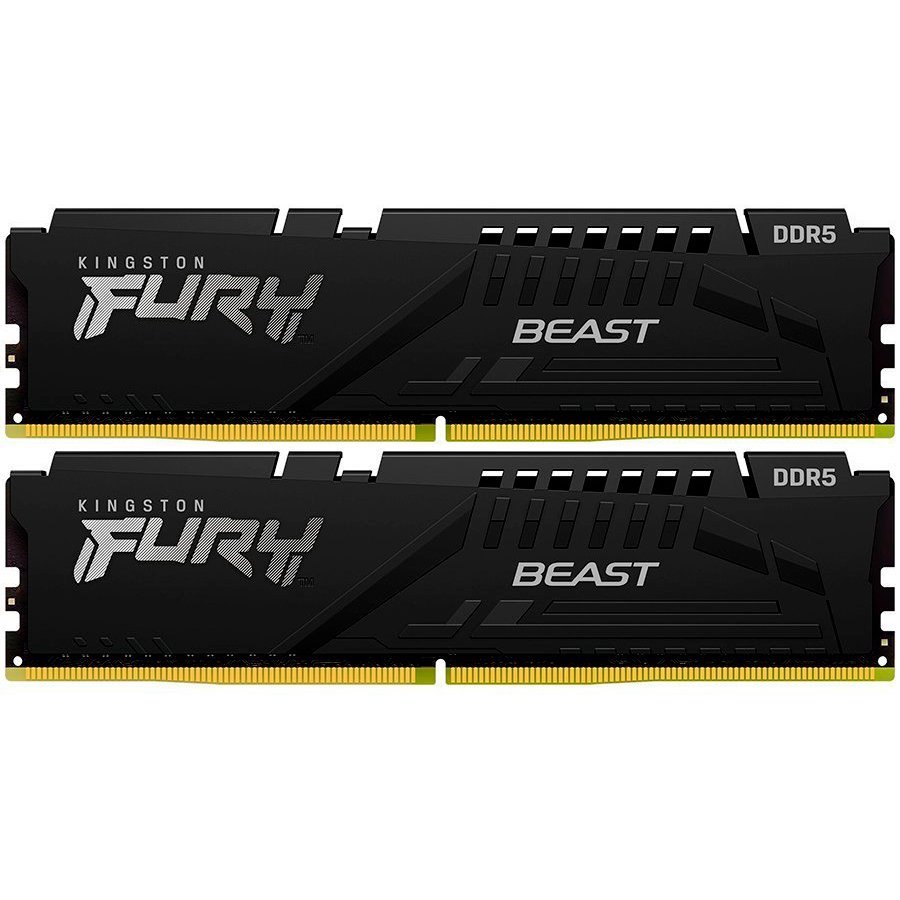
RAM is your computer's short-term memory, allowing you to run multiple programs and files at once. The current standard is at least 16 GB for gaming and everyday use, but professionals may need 32 GB or even more. Make sure you choose a memory type compatible with your motherboard (DDR4 or the newer DDR5). Having enough RAM is one of the easiest ways to improve your computer's overall speed.
Fast SSDs (Solid State Drives) have revolutionised the way we use computers. Installing your operating system and programs on an NVMe SSD means lightning-fast start-up and loading times. A traditional HDD (Hard Disk Drive) is still a good, affordable option for storing large amounts of data, such as films and photos. Many people choose a combination: a fast SSD for the system and a high-capacity HDD for archiving data.
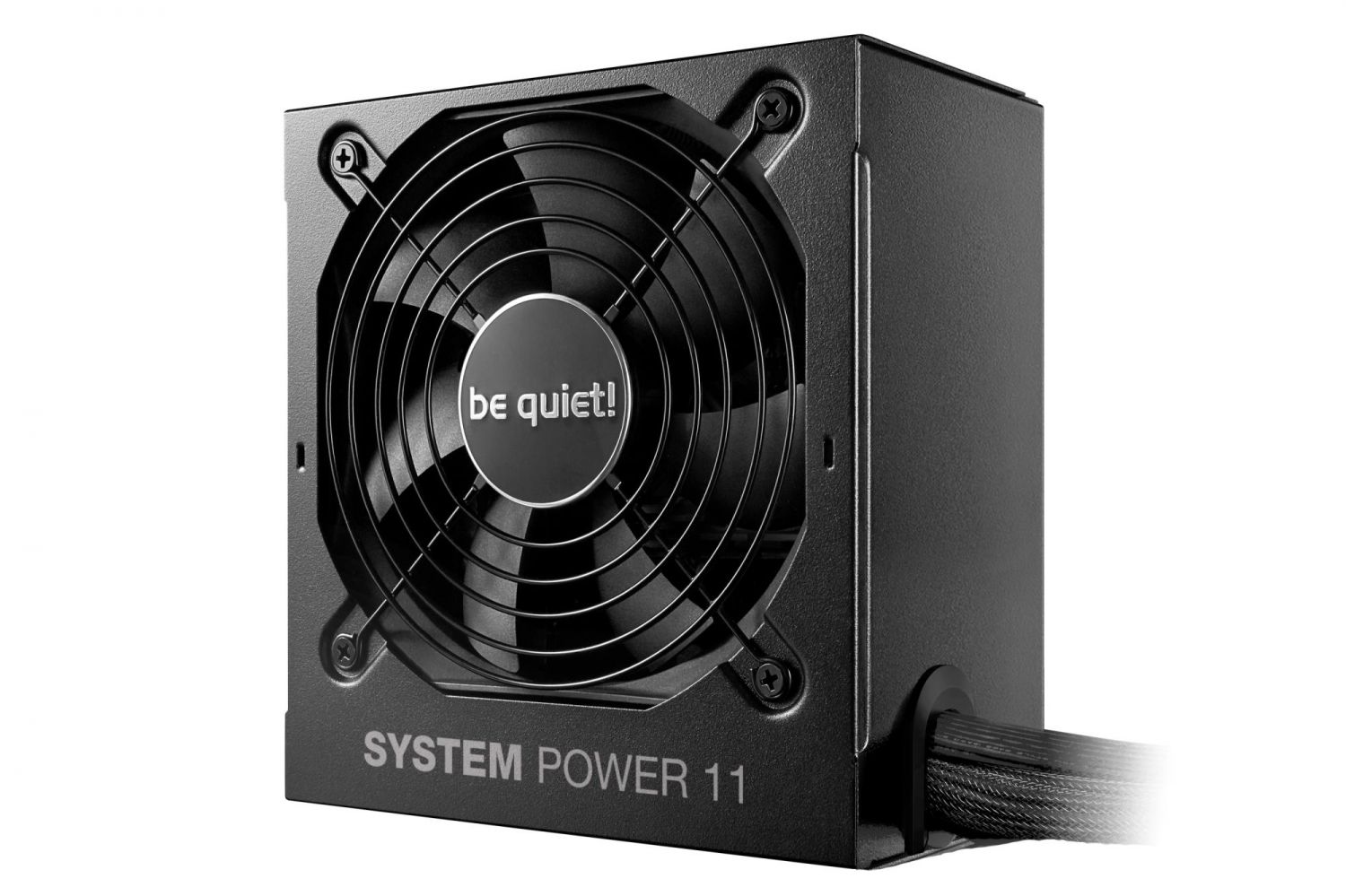
The power supply is often overlooked, but it's one of the most important components. An underpowered or low-quality PSU can make your system unstable and damage other expensive parts. Always choose a power supply with sufficient wattage (W) and a good efficiency rating (e.g. 80 Plus Gold). Our range includes reliable computer power supplies. A computer case isn't just about looks – it also provides the airflow and protection your components need.
While processors and graphics cards get the most attention, the computer components category offers much more. You'll also find everything you need to upgrade your computer setup and optimise your workflow. It's the place to order everything from monitors and keyboards to networking equipment and server solutions.
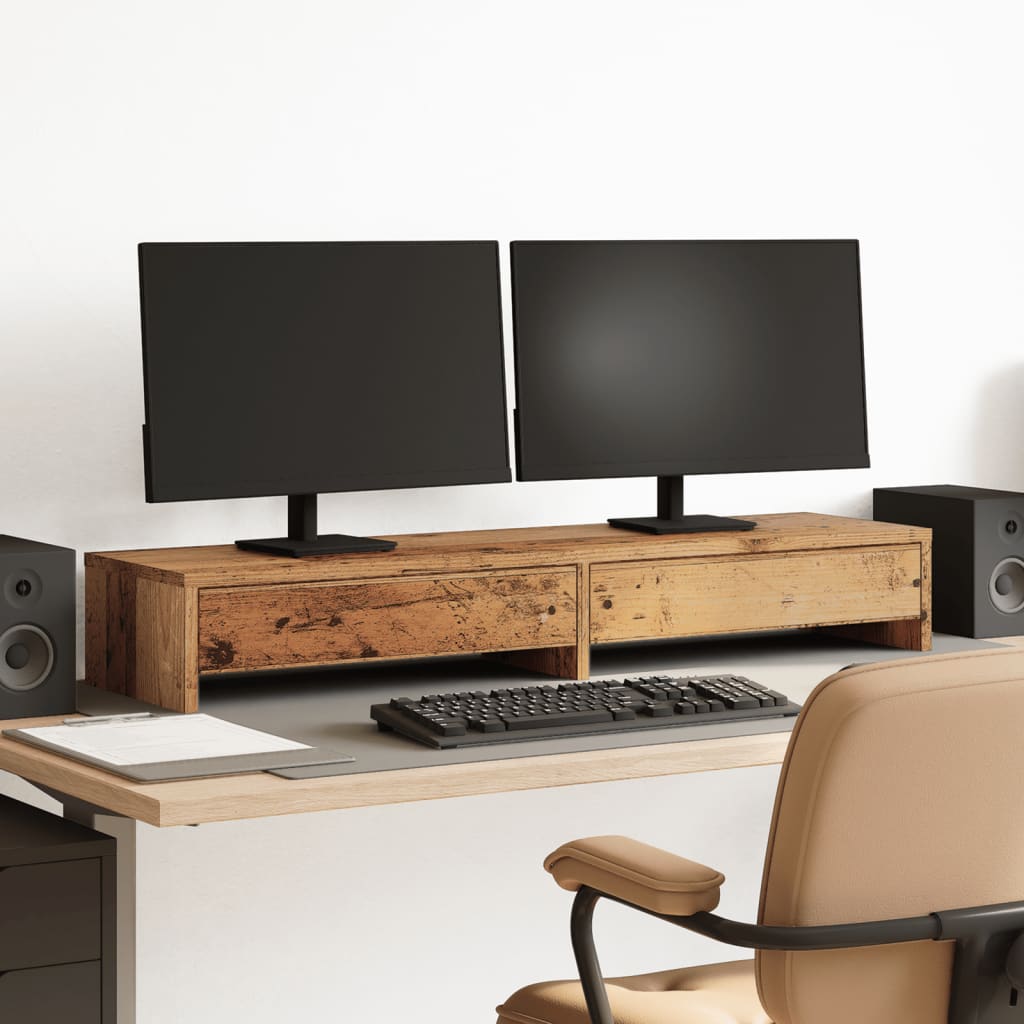
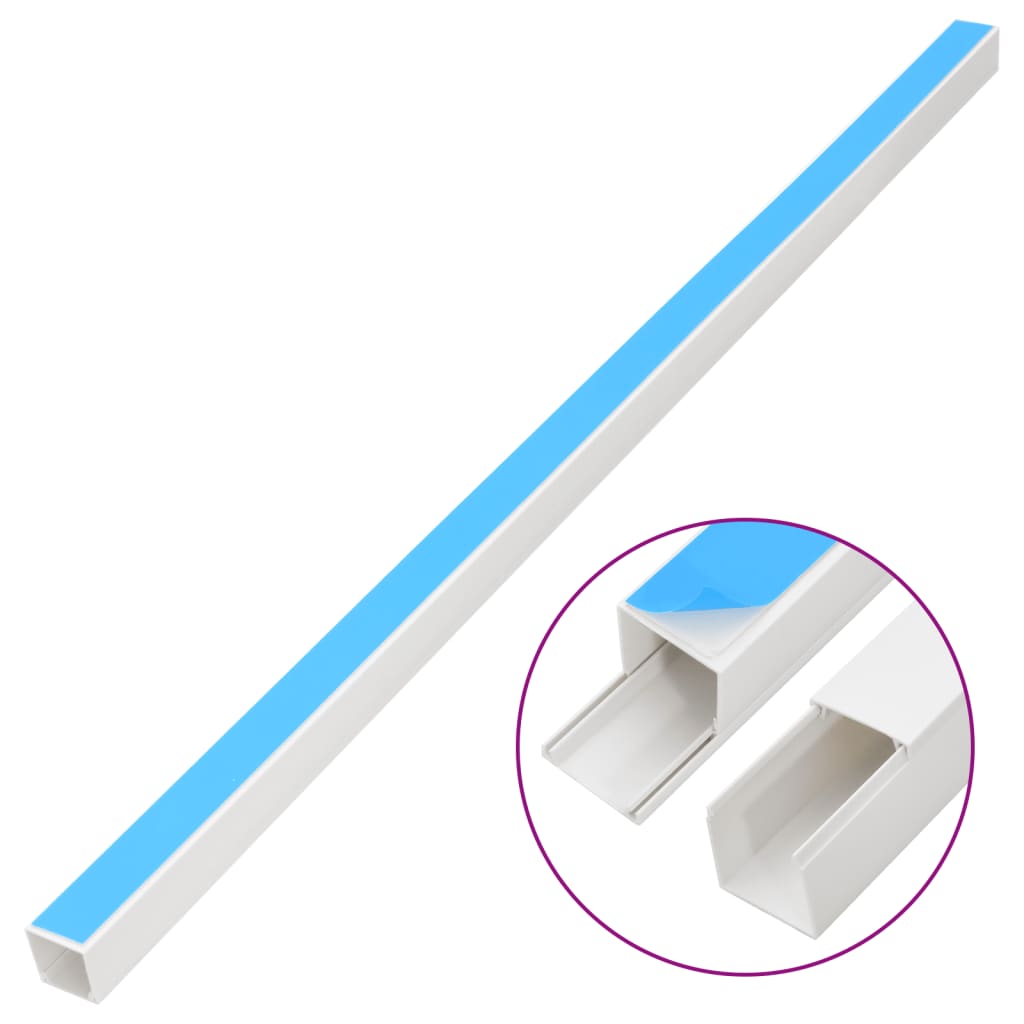
A good computer deserves great accessories. An ergonomic mouse and mechanical keyboard make working and gaming more enjoyable. A monitor with high resolution and a fast refresh rate is essential for graphic design. We also offer a wide range of networking equipment, such as routers and switches, to ensure a fast, stable internet connection. For neat cable routing, take a look at our cable management solutions.
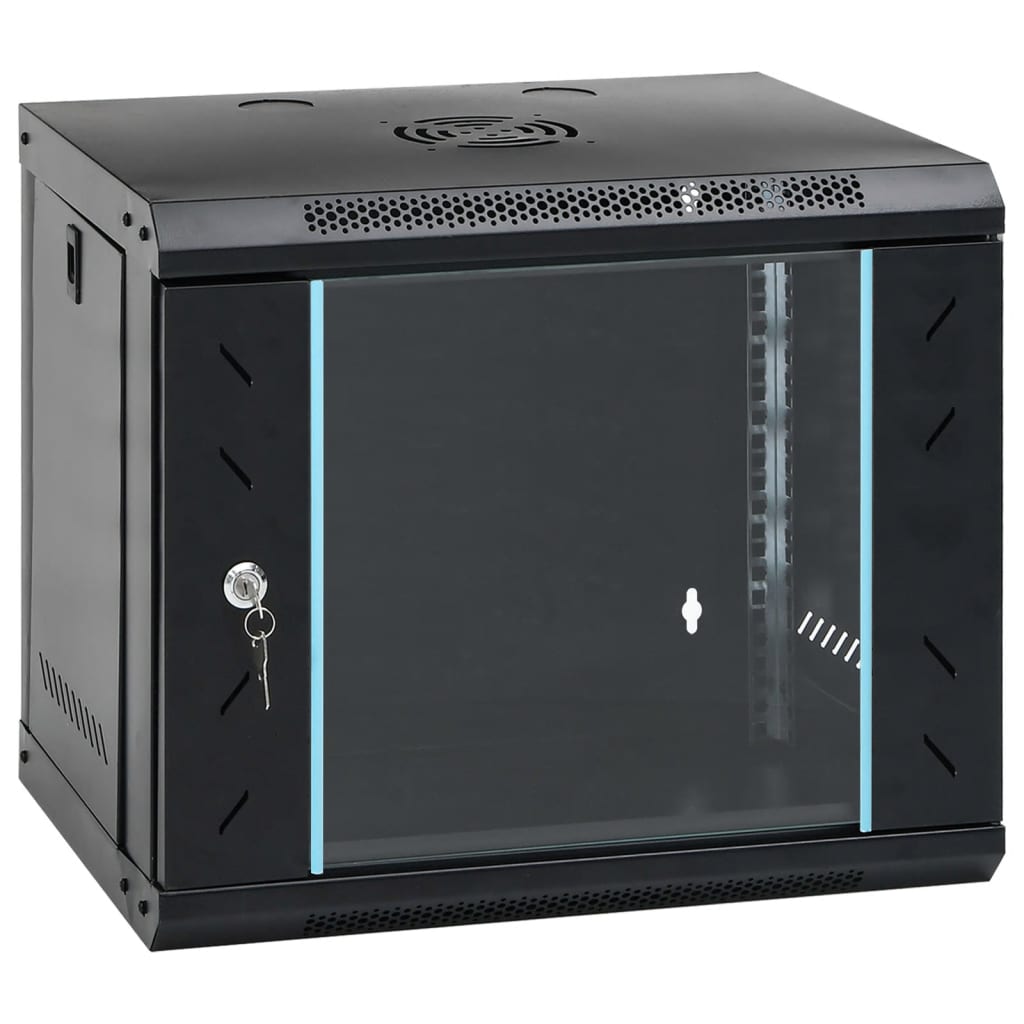
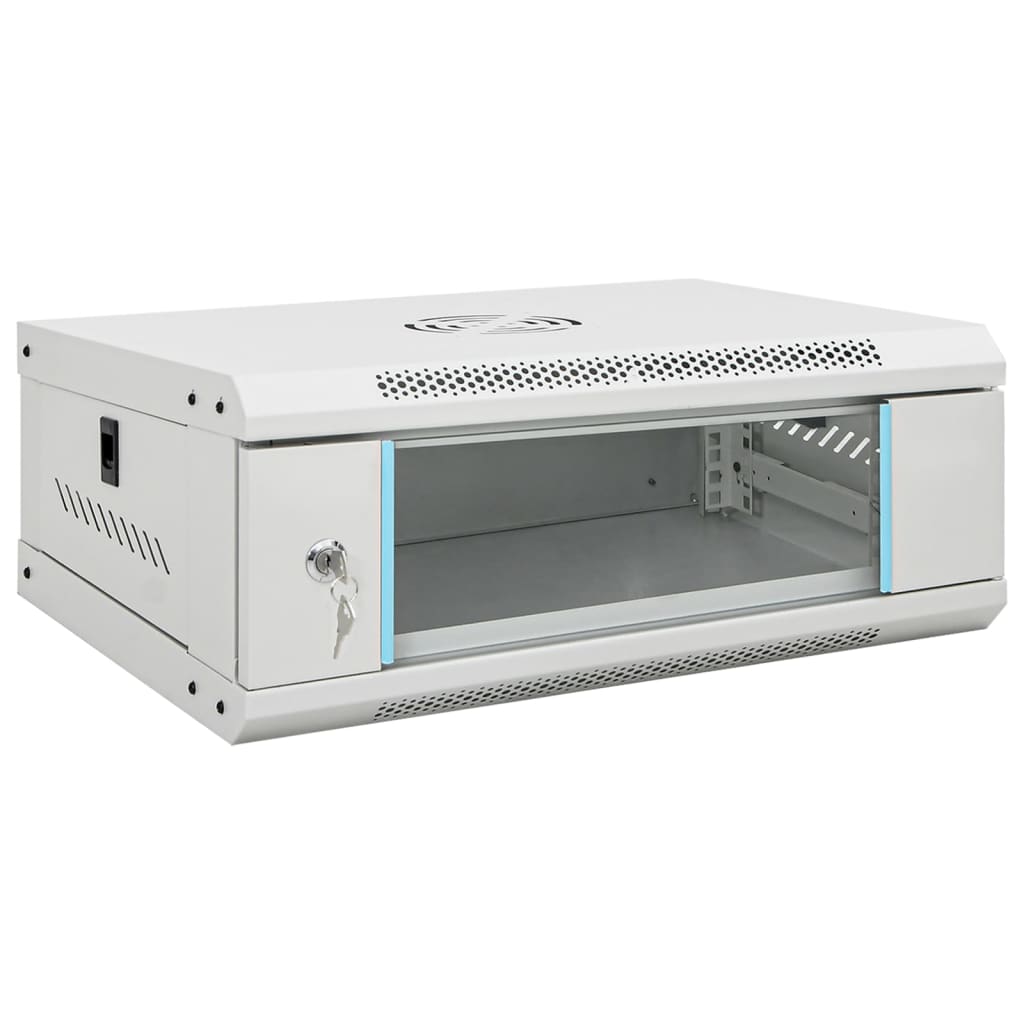
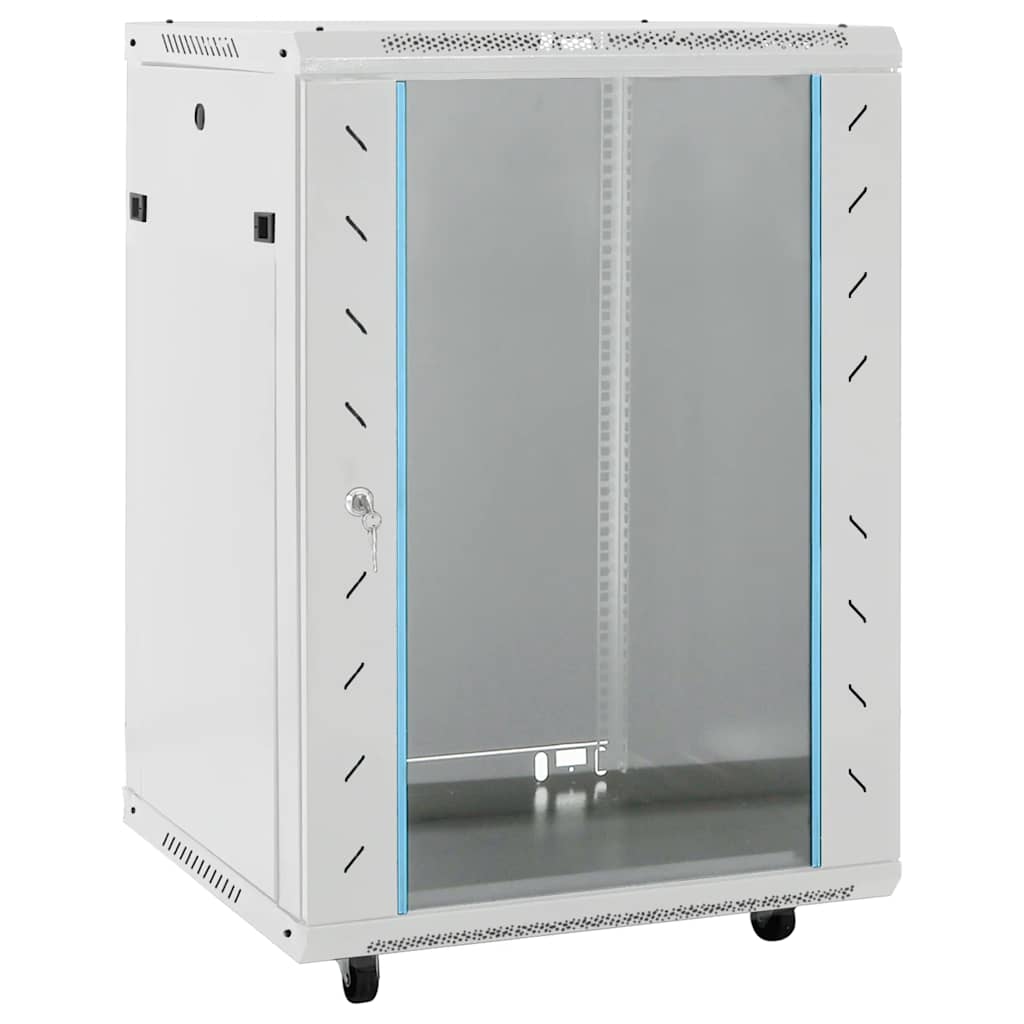
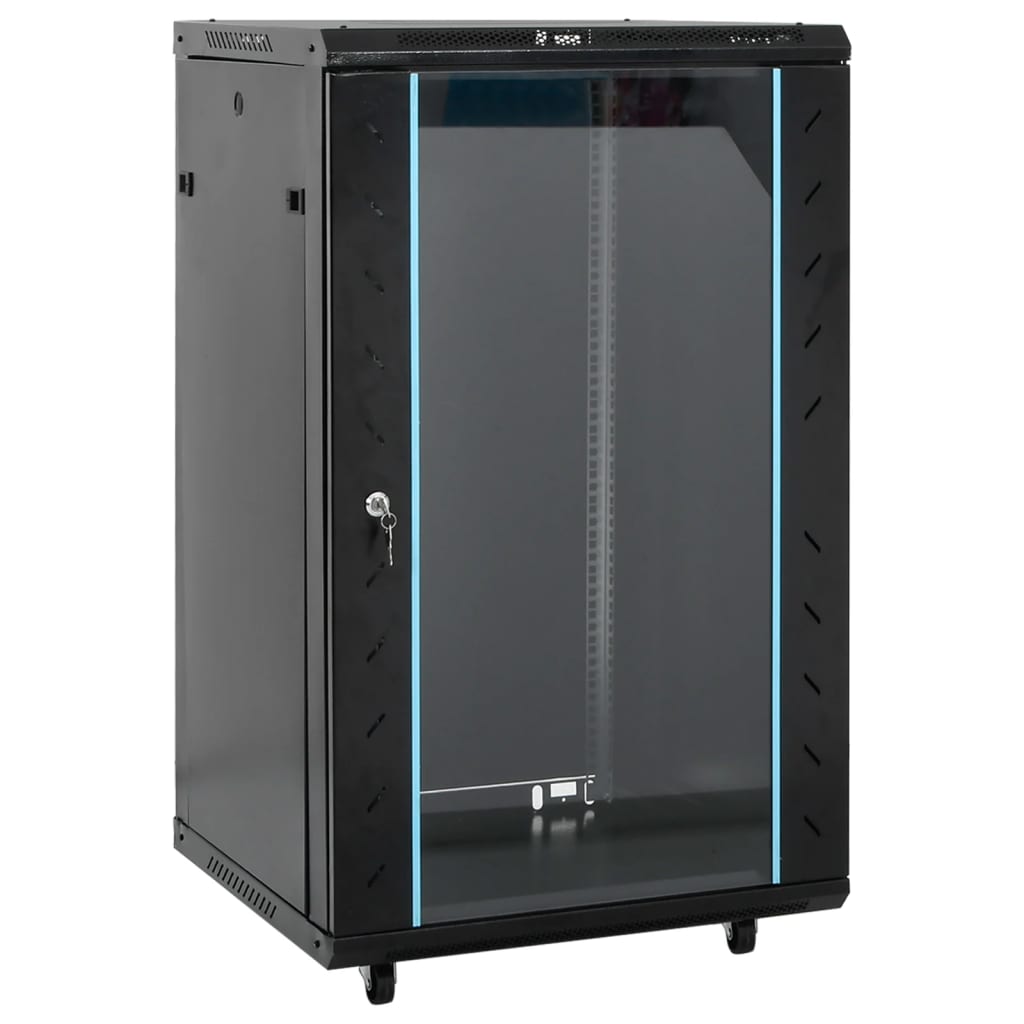
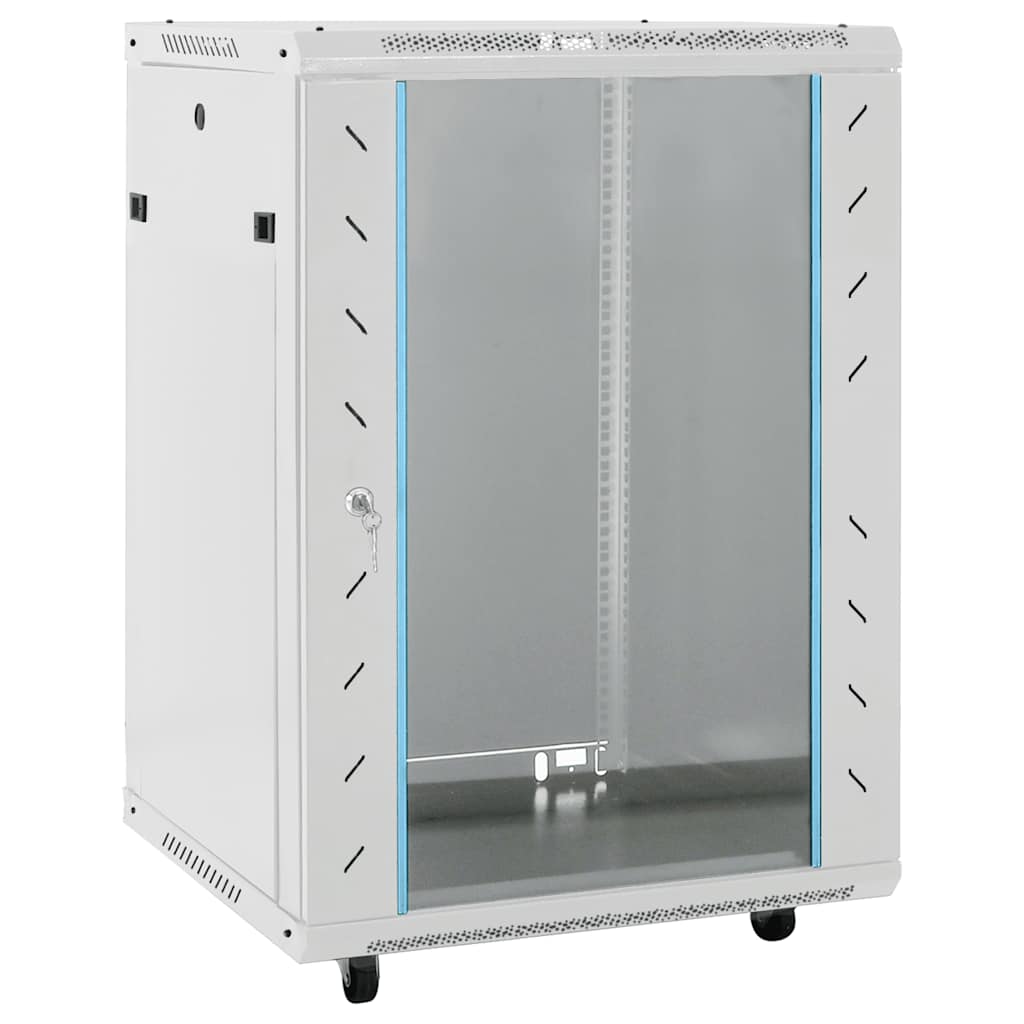
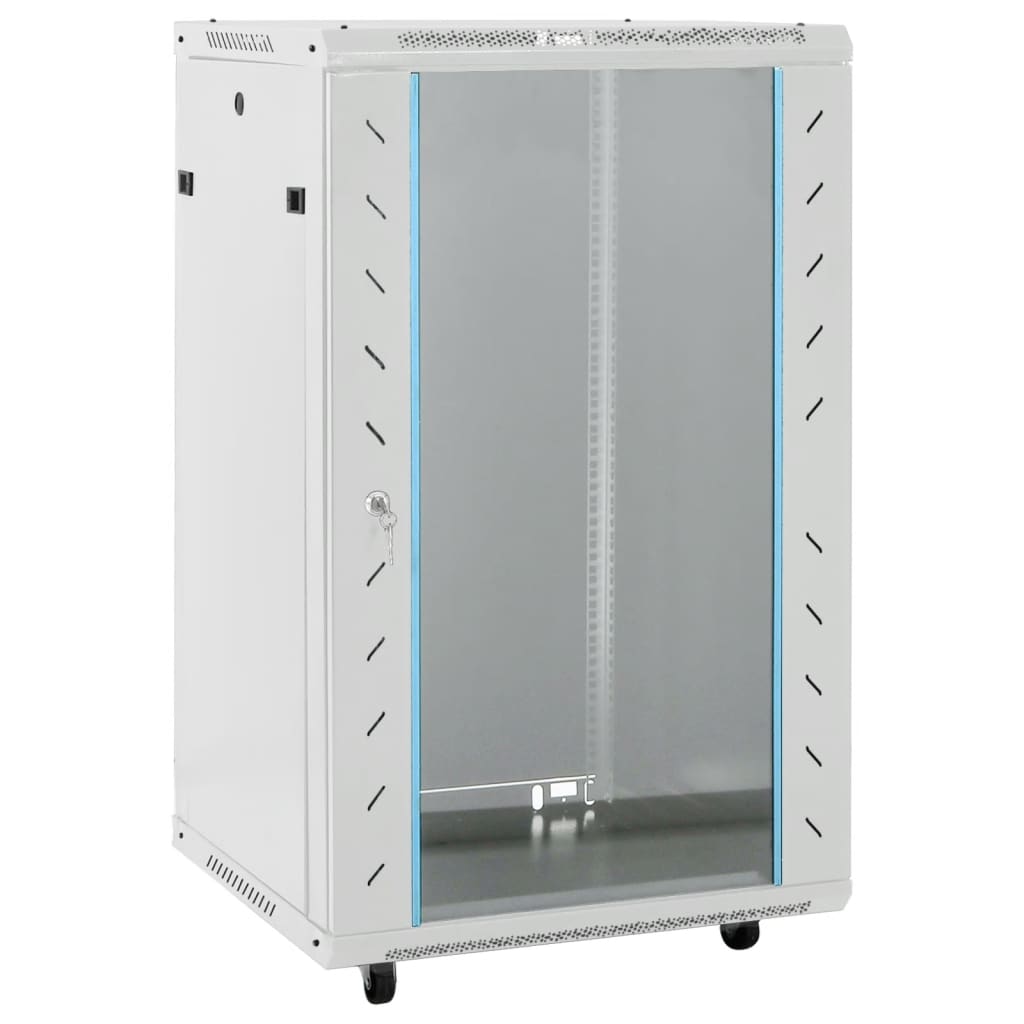
We also offer specialised solutions for businesses and demanding home users. Our range includes powerful server components, rack cabinets and UPS units to keep your data safe and systems running without interruption. If you're looking for reliable hardware for your business, you'll find everything you need here. Ordering online makes the process quick and convenient.
Choosing where to buy your new computer component is just as important as choosing the component itself. Our goal is to make the process as easy, safe and enjoyable for you as possible.
| Question | Answer |
|---|---|
| How much RAM do I need? | 16 GB is enough for everyday use and casual gaming. More demanding games and professional software (e.g. video editing programs) benefit from 32 GB or more. Always check that the memory speed and type (DDR4/DDR5) are compatible with your motherboard. |
| Will my new graphics card work with my old motherboard? | Most modern graphics cards use a PCIe x16 slot, which has been the standard for years. The main things to check are physical size – make sure the card fits in your case – and the power supply's wattage, which must be sufficient to power the card. |
| What wattage power supply (PSU) should I choose? | Add up the maximum power consumption of your main components (CPU and GPU), then allow at least 20-30% extra. For example, if your system draws 400W, a 550W-650W power supply is a safe choice. This ensures stability and leaves room for future upgrades. |
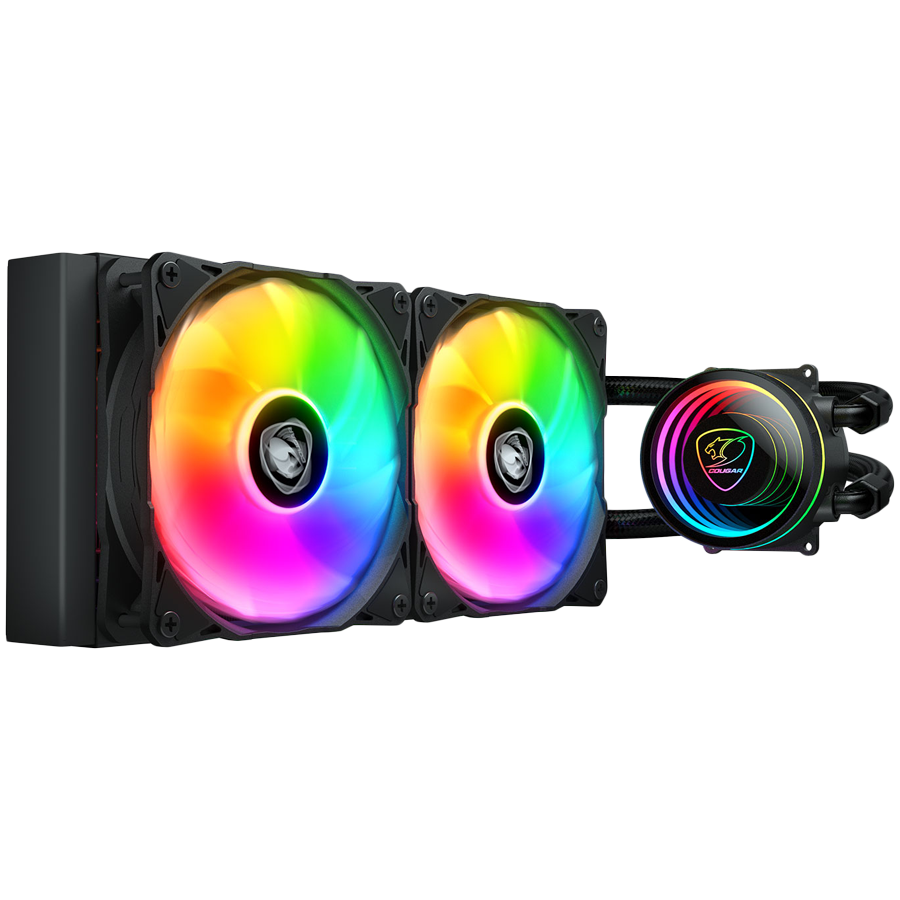
| How can I ensure my components stay cool? | Make sure your computer case has good airflow – at least one fan at the front to draw air in and one at the rear to exhaust it. Remember to clean dust from the radiators and filters regularly. Good cable management also helps improve airflow. |