















For private customers
At checkout, product prices are automatically adjusted according to the VAT rate in your delivery country.

No country found
SKU: 30164
EAN: 8720286082942
SKU: 3307630
EAN: 8721158313874

SKU: 30268
EAN: 8721102676604
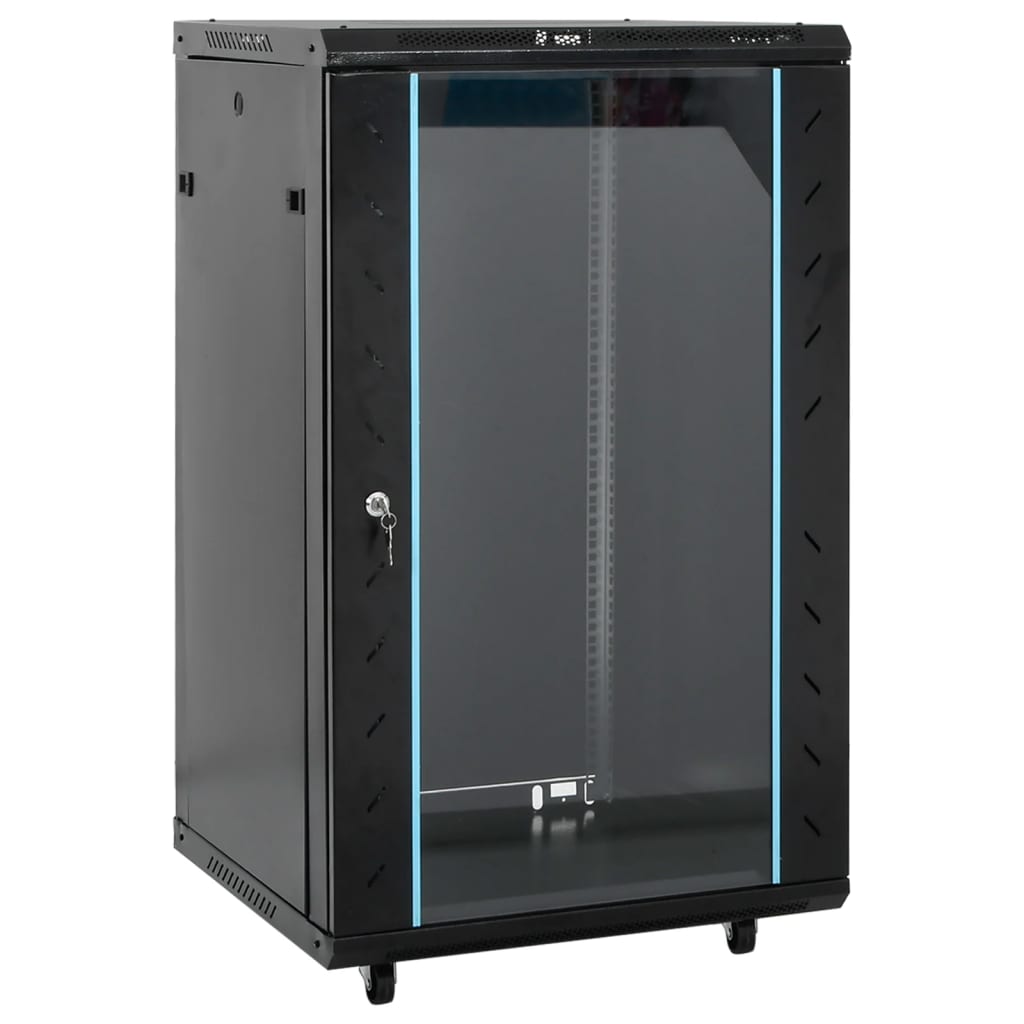
SKU: 30266
EAN: 8721102676581

SKU: 30269
EAN: 8721102676611
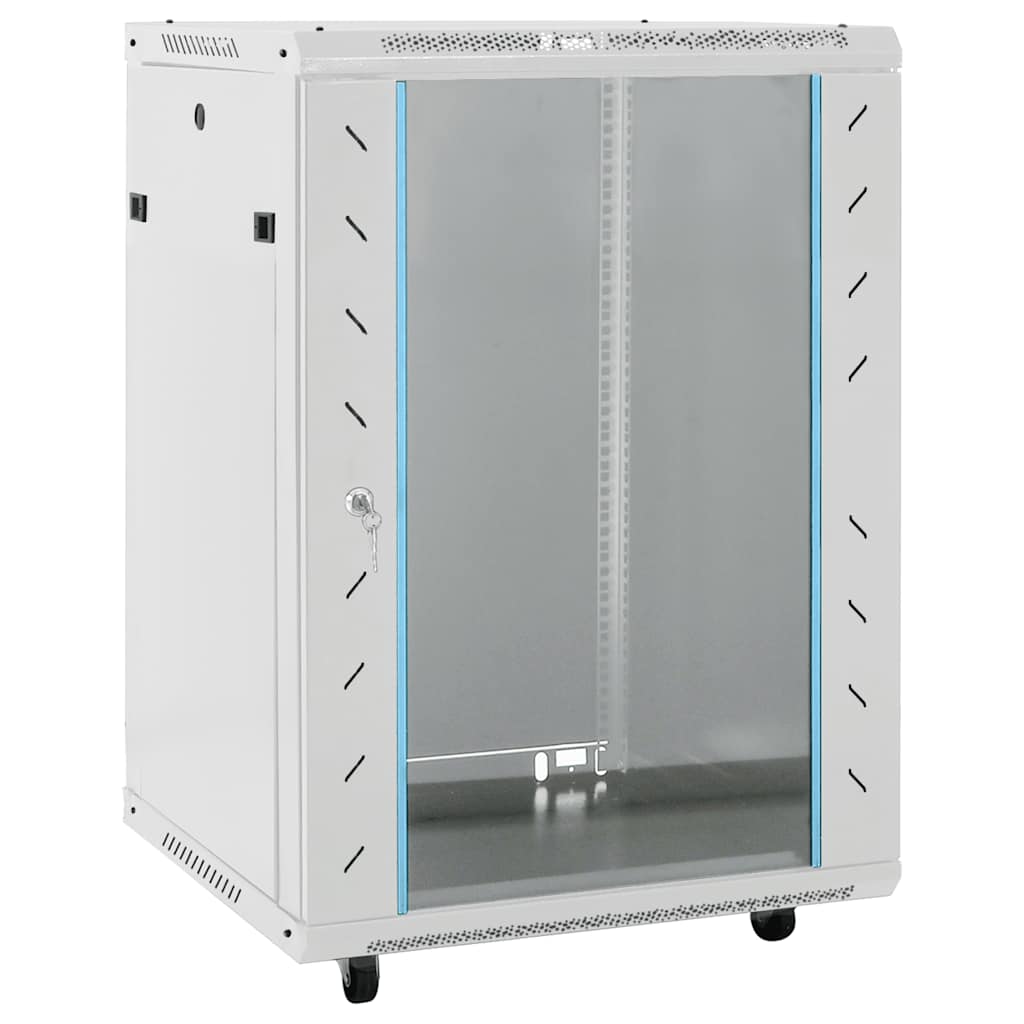
SKU: 30265
EAN: 8721102676574
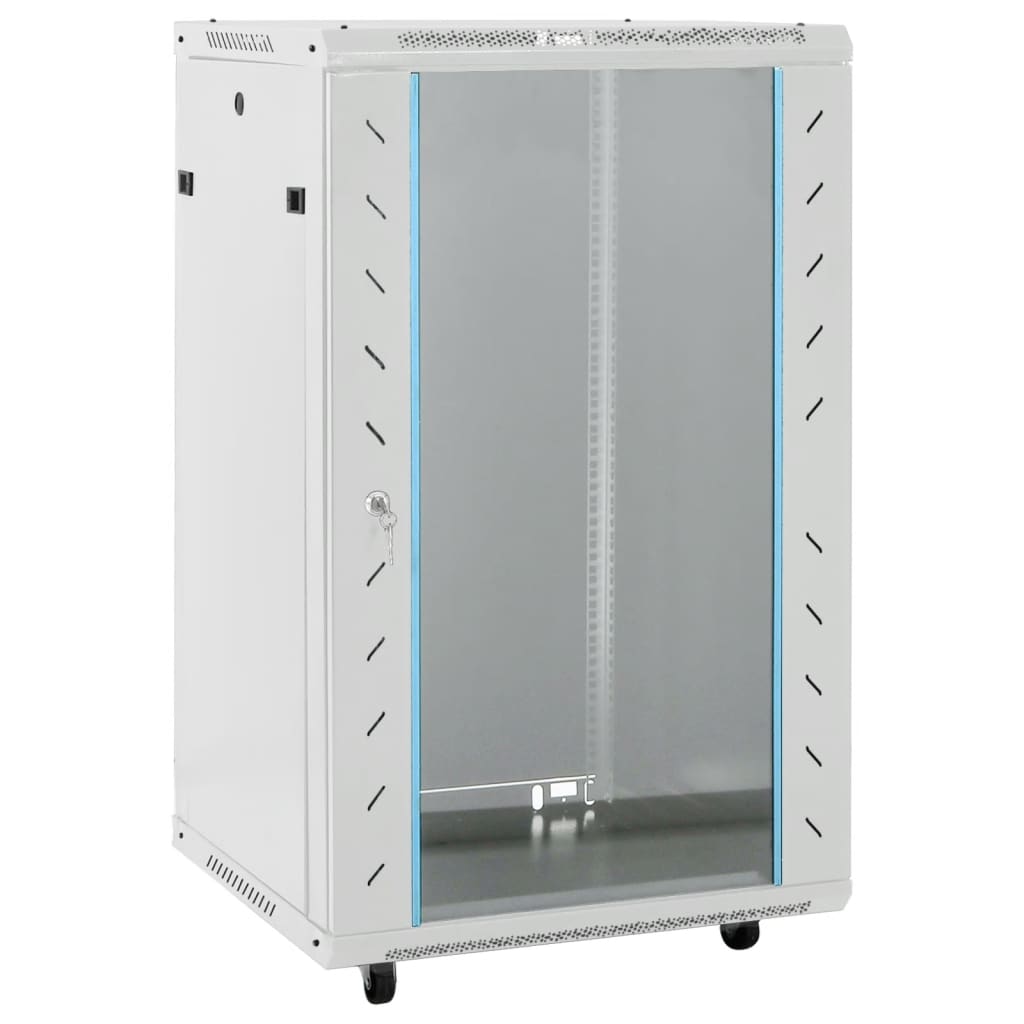
SKU: 30267
EAN: 8721102676598

SKU: 42017659
EAN: 8721288885067

SKU: 42017660
EAN: 8721288885074
In today’s digital age, data is everything. Whether it’s family photos, important work files, your favorite games, or your operating system, it all needs somewhere to live. Storage devices are the components that provide a home for your data. Choosing the right storage device can turn a slow, sluggish computer into a fast, responsive workstation while providing plenty of room for everything that matters to you. Here’s a comprehensive guide to help you find the right solution.
Buying a storage device can seem complicated, with all the different technologies, abbreviations, and numbers. In reality, the choice comes down to a few key factors: speed, capacity, intended use, and budget. Think about what you’ll mainly use the device for: do you need fast loading times for games, plenty of space for a video archive, or simply a reliable companion for everyday tasks?
The most fundamental choice is the technology: do you choose a solid-state drive (SSD) or a traditional hard disk drive (HDD)? An SSD is like a sports car: lightning-fast, quiet, and shock-resistant, but more expensive per gigabyte. An HDD is more like a truck: it offers huge capacity at a lower price, but it’s slower, makes noise while running, and is more delicate due to its mechanical parts. For many people, the best solution is a hybrid approach: a fast SSD for the operating system and programs, and a high-capacity HDD for storing files such as movies and photos.
If an SSD or HDD is your computer’s long-term memory, then RAM is its short-term memory. The more RAM you have, the more tasks your computer can handle smoothly at once. DDR4 is standard today, and DDR5 is becoming increasingly common. Desktop computers use DIMM modules, while laptops require more compact SODIMM modules. For modern office work, 8-16 GB is enough, while 16-32 GB or even more is recommended for gamers and content creators.
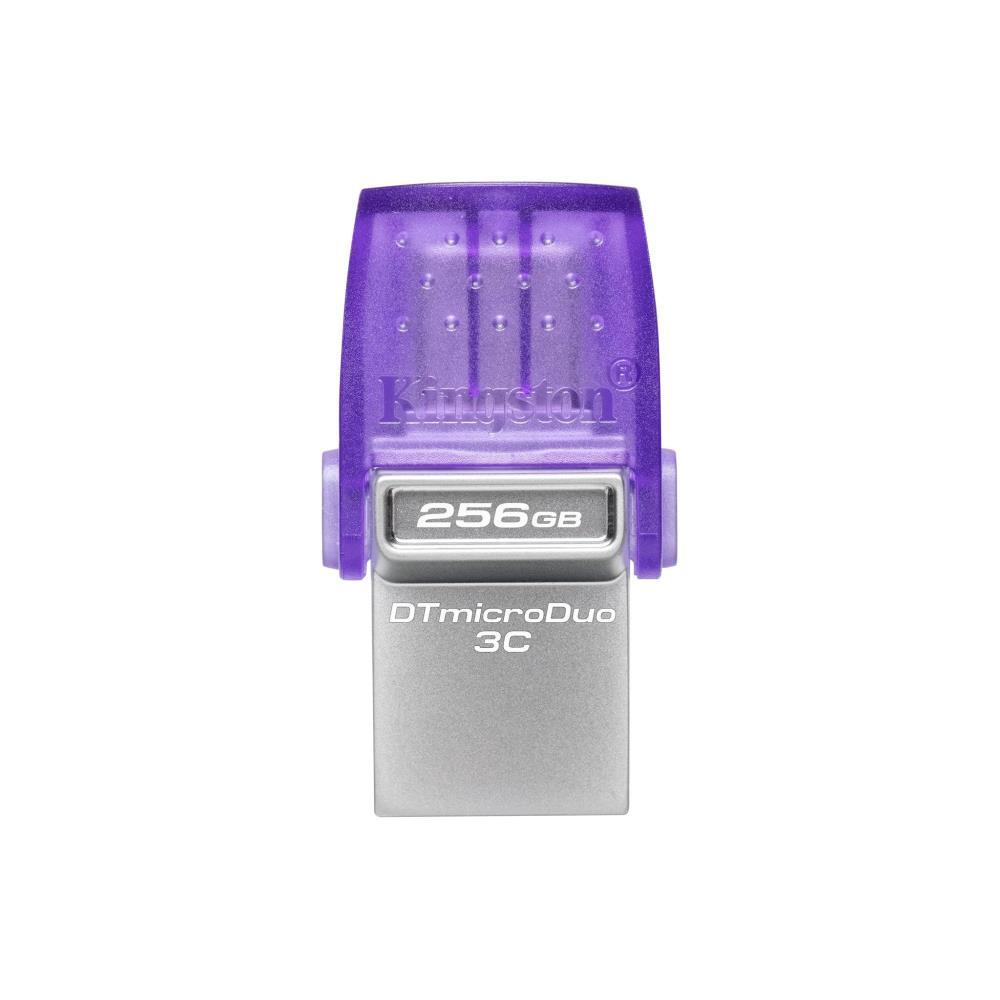
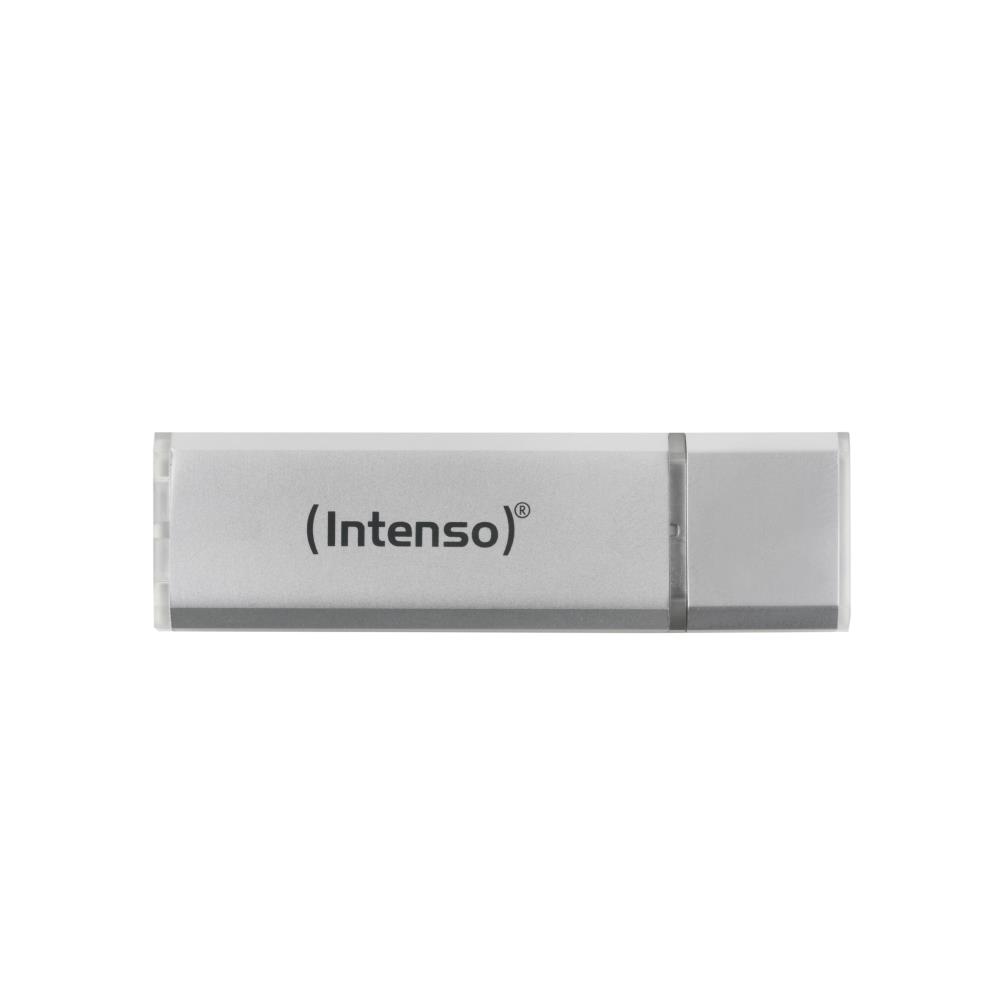
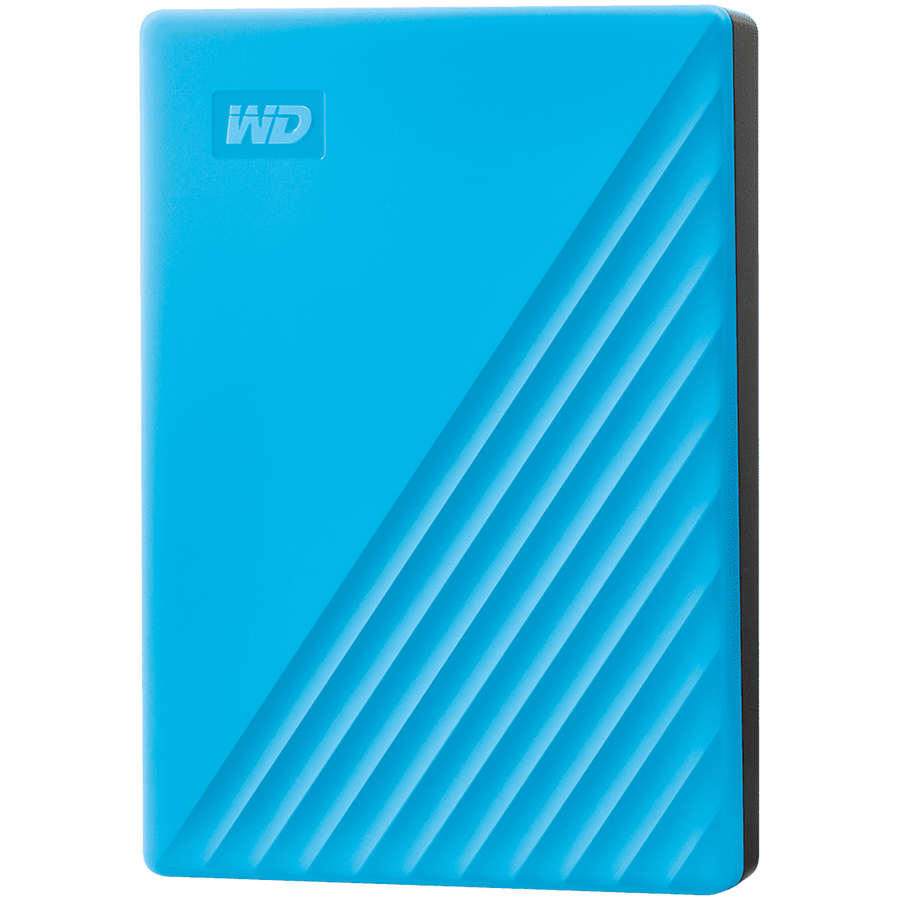
Sometimes you need to take your data with you or quickly create a backup. That’s where external storage devices come in. An external SSD offers incredible speed and durability, making it ideal for transferring large files such as video projects. An external HDD offers the best value for capacity, making it perfect for archiving large collections of data. The most compact option is a USB flash drive, indispensable for quickly sharing documents and smaller files.
For those who want complete control over their data and access from anywhere, network-attached storage systems (NAS) are an ideal solution. A NAS is essentially your personal server, connected to your home network. It lets you create a centralized media server, automate backups from all your devices, and securely share files with family or colleagues. It’s a great solution for both home users and small offices.
To make choosing even easier, we’ve put together a handy comparison of different storage devices. It gives you a quick overview to help you find the right product for your needs. Whether you’re looking for a fast M.2 SSD or another computer component, the right information is the key to making a good purchase.
| Type | Best for | Pros | Cons |
|---|---|---|---|
| SSD (NVMe) | OS, games, programs | Extremely fast, compact, low latency | Higher price per gigabyte |
| SSD (SATA) | General upgrade for older computers, games | Much faster than an HDD, widely compatible | Slower than an NVMe SSD |
| HDD (Hard Drive) | Large files, backups, media archives | Low price per gigabyte, very high capacity | Slow, noisier, sensitive to shocks |
| External SSD | Fast data transfers, work files on the go | Very fast, durable, portable | More expensive than an external HDD of the same capacity |
| USB flash drive | Sharing small files, carrying documents | Very compact, inexpensive, versatile | Usually low capacity and slower speeds |
Ordering a storage device from our online store is convenient and secure. We know choosing the right component is an important decision. That’s why we offer a wide selection of products for every need and budget, from affordable options to high-end devices for professionals. Best of all, we deliver your order quickly and reliably.
What’s the difference between SATA and NVMe SSDs?
The main difference is speed and connectivity. A SATA SSD uses the older SATA interface, which is limited to around 550 MB/s. An NVMe SSD uses the PCIe bus to connect directly to the motherboard, allowing much higher speeds—even over 7000 MB/s. NVMe is clearly faster for loading games and programs.
How much RAM do I need for gaming in 2026?
Although 16 GB is enough for many games right now, games are becoming increasingly demanding. For a gaming PC that will stay relevant in the future, 32 GB of RAM is a solid choice. It ensures a smooth experience with even the latest titles and lets you keep other applications running in the background.
Is an external SSD better than an external HDD?
It depends on what you need. An external SSD is clearly better for speed, durability, and portability. But if your priority is getting the most capacity for the lowest price—for example, for a movie archive—an external HDD is still the more practical choice.
What is a NAS, and do I need one?
A NAS (Network Attached Storage) is a network-connected storage device that acts as your personal cloud. If you want to keep your files safely in one place, access them from anywhere, automate backups, and stream media, a NAS is an excellent investment.