
For private customers
At checkout, product prices are automatically adjusted according to the VAT rate in your delivery country.

Christmas
Furniture
Home & Garden
Sport
Clothing
Mattresses
Watches
Electronics
Construction
Showing 30 of 76 products with selected filters

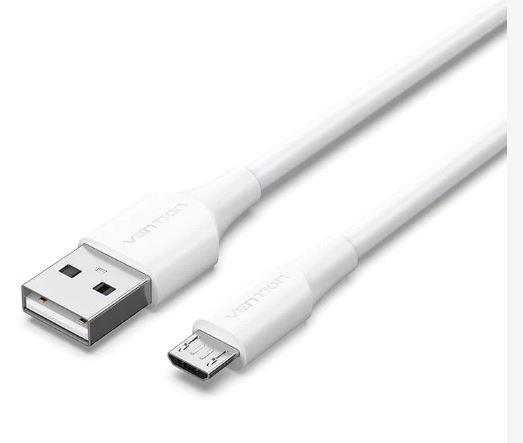
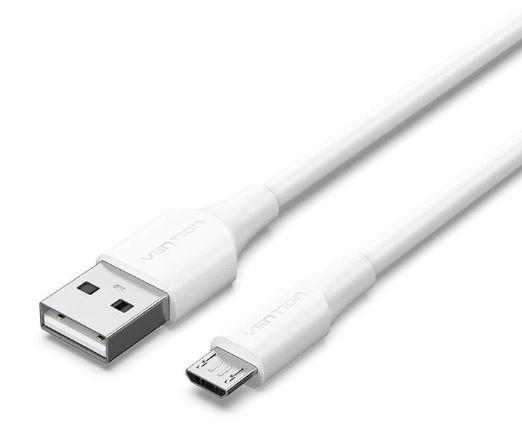

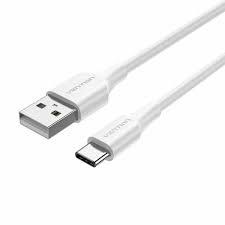
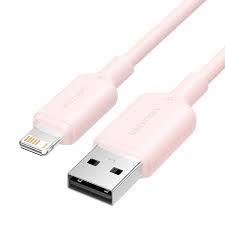
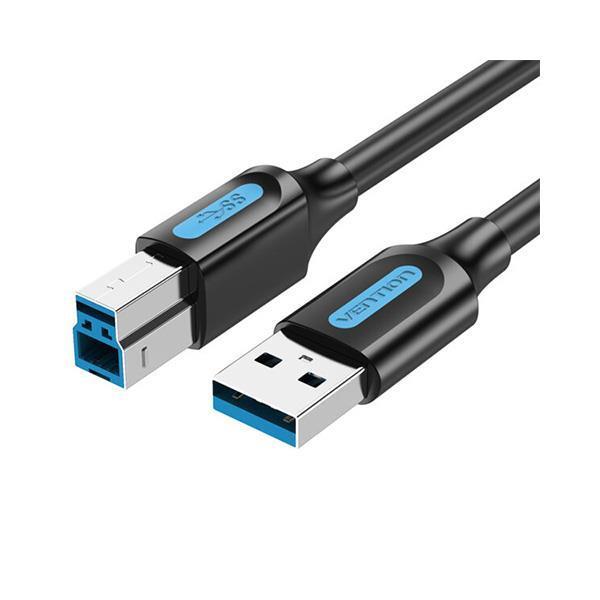
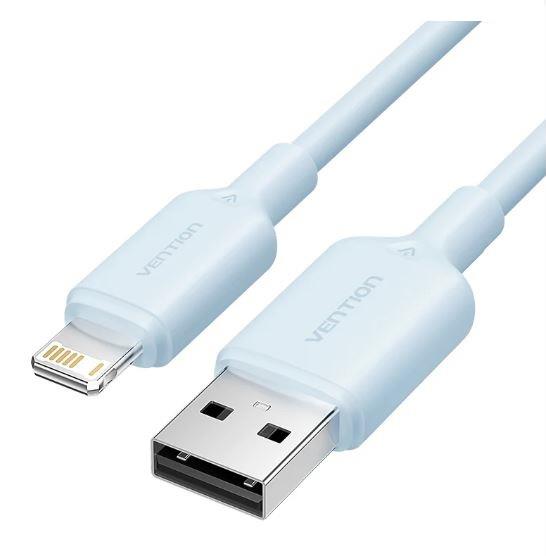
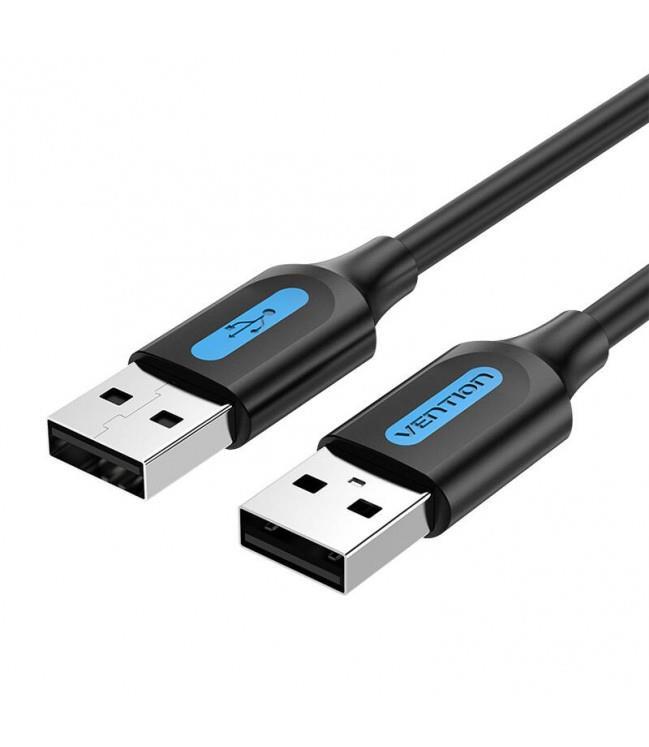
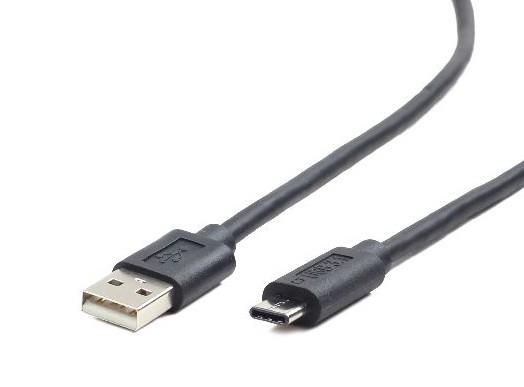
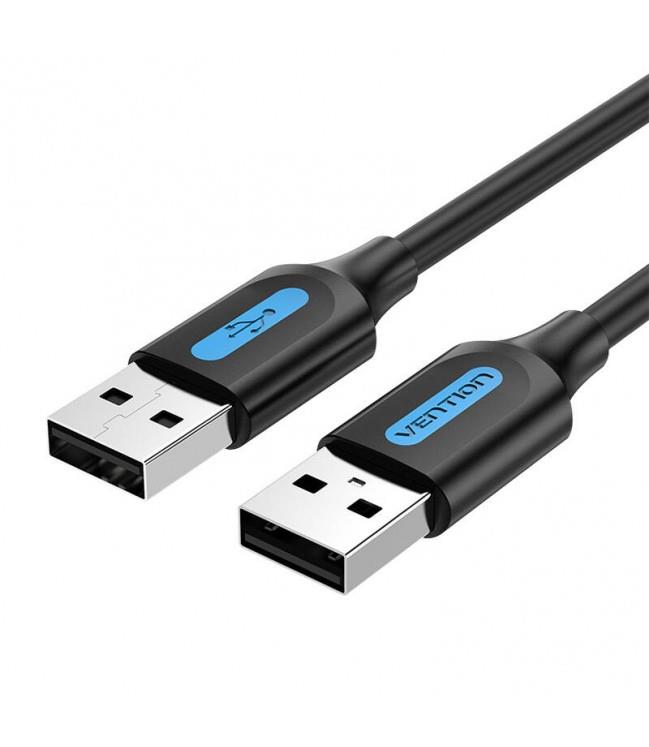
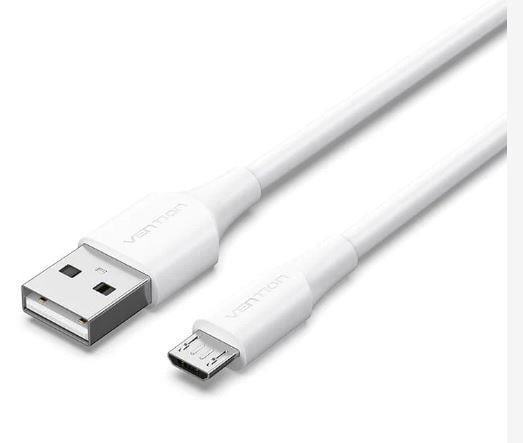


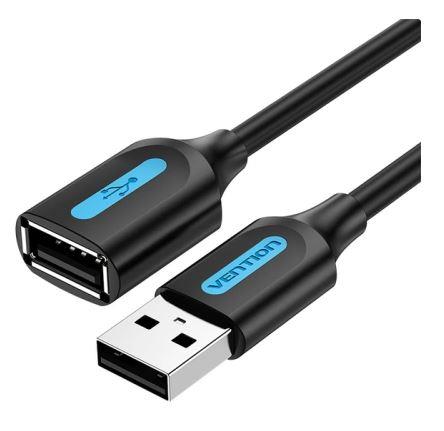
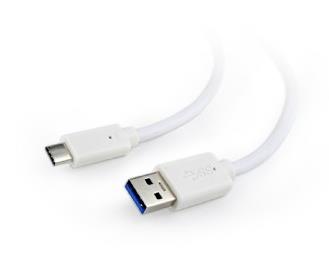

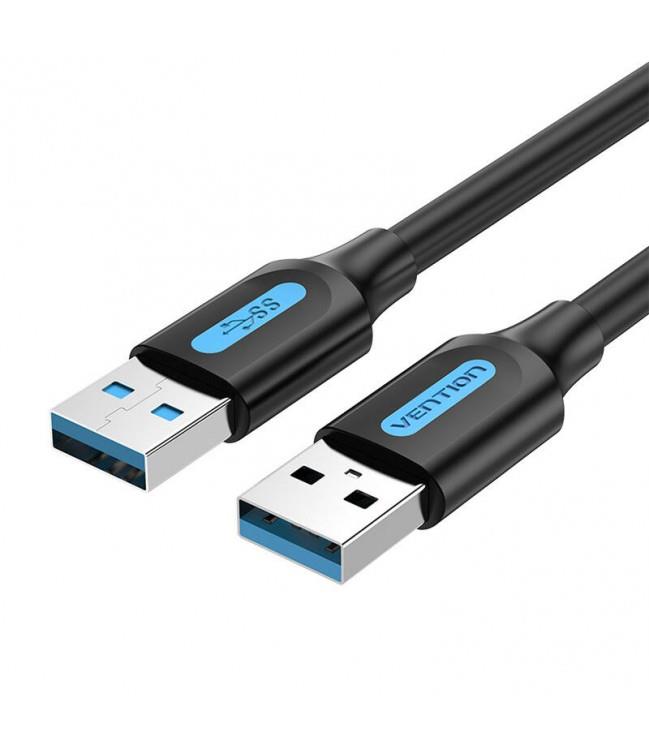

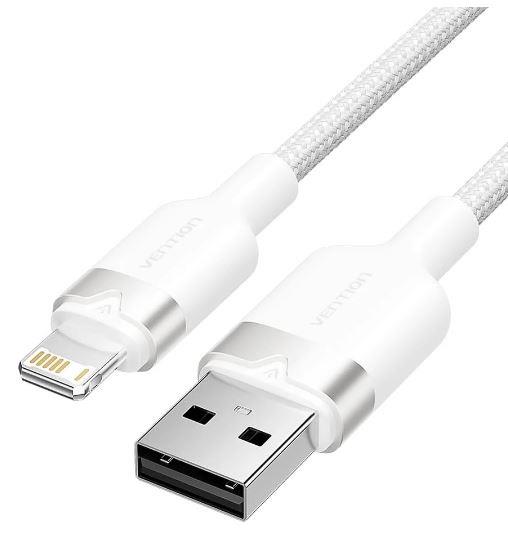
No products match your selected filters.
The world of cables can seem confusing and complicated, but finding the right connection is easier than you might think. Whether you need to charge the latest smartphone, connect a printer or transfer files, a high-quality USB cable that suits your needs is an essential part of digital life. This guide will help you find just the right cable from our wide selection.
Choosing the right cable ensures your devices perform at their best and last longer. Before you buy a USB cable, consider three key factors: connector types, the functionality you need and physical features such as length.
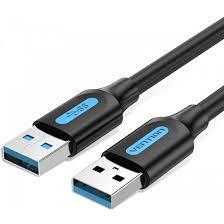
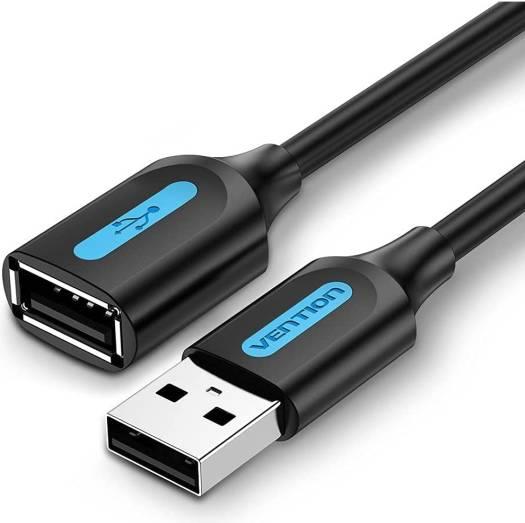
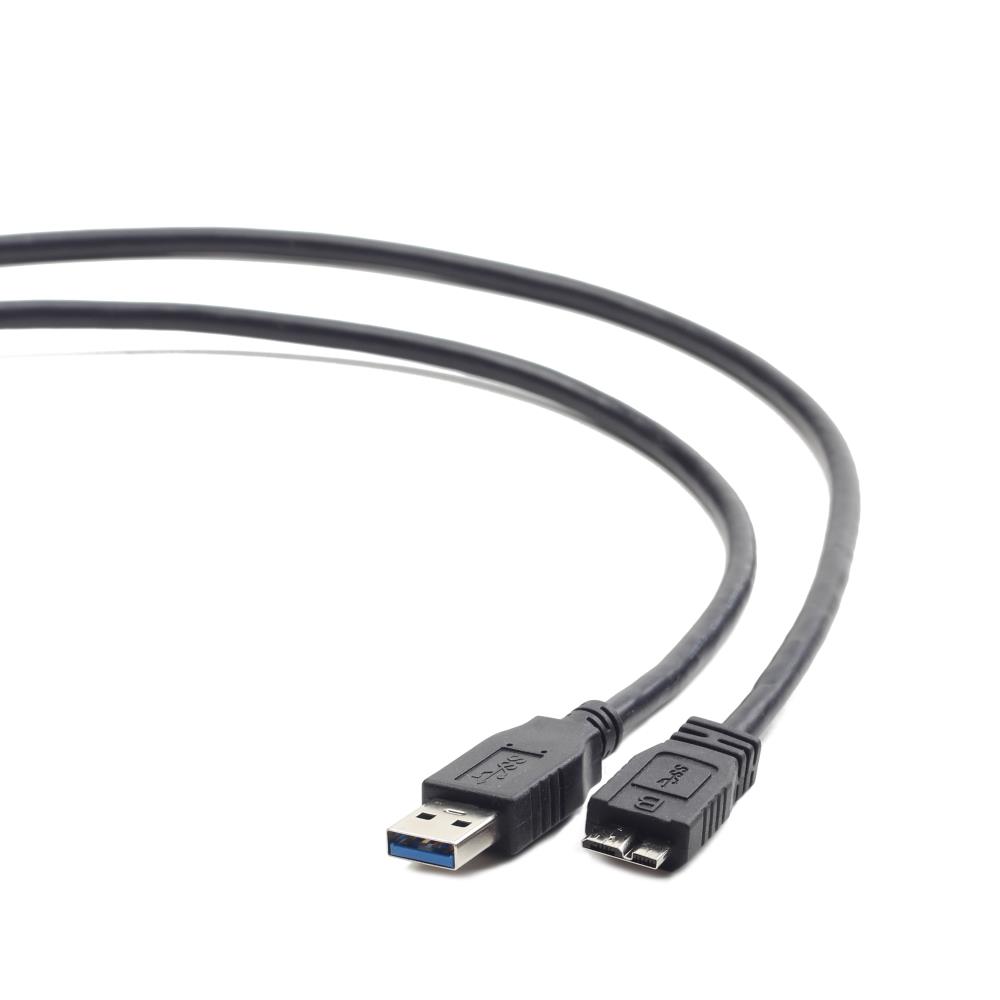
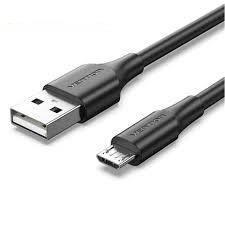
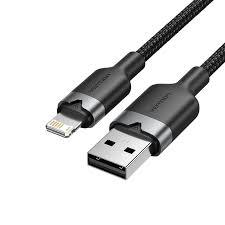
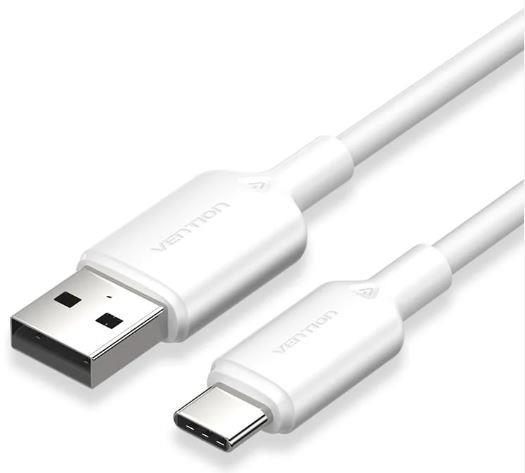
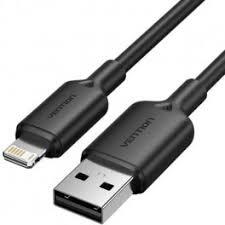
The most important thing is to know which connectors your devices use. Today, the four most common types are:
Not all USB cables are created equal. They do more than just charge devices. Need fast data transfer? A USB 3.0 cable is a much better choice than the older USB 2.0 standard. This is especially important when transferring large files, such as videos or photos. A data cable like this saves you time.
Some cables also offer special features. For example, a USB-C to HDMI cable lets you connect a laptop or phone directly to a monitor or TV to view content on a larger screen. It's ideal for presentations or movie nights. There's also a USB OTG cable (On-The-Go), which lets you connect flash drives or even a mouse to your phone.
Cable length is all about convenience. A short cable (0.25m–0.5m) is ideal for use with a power bank, helping to avoid a tangle of wires. A medium-length cable (1m–1.5m) is the standard choice for charging at home or in the office. A long cable (2m–3m) gives you the freedom to use your device comfortably on the sofa or in bed, even when the power outlet is far away.
The most common materials are standard plastic-coated cables and more durable braided nylon cables. Braided cables are more wear-resistant and withstand bending better, making them a good investment for long-term use.
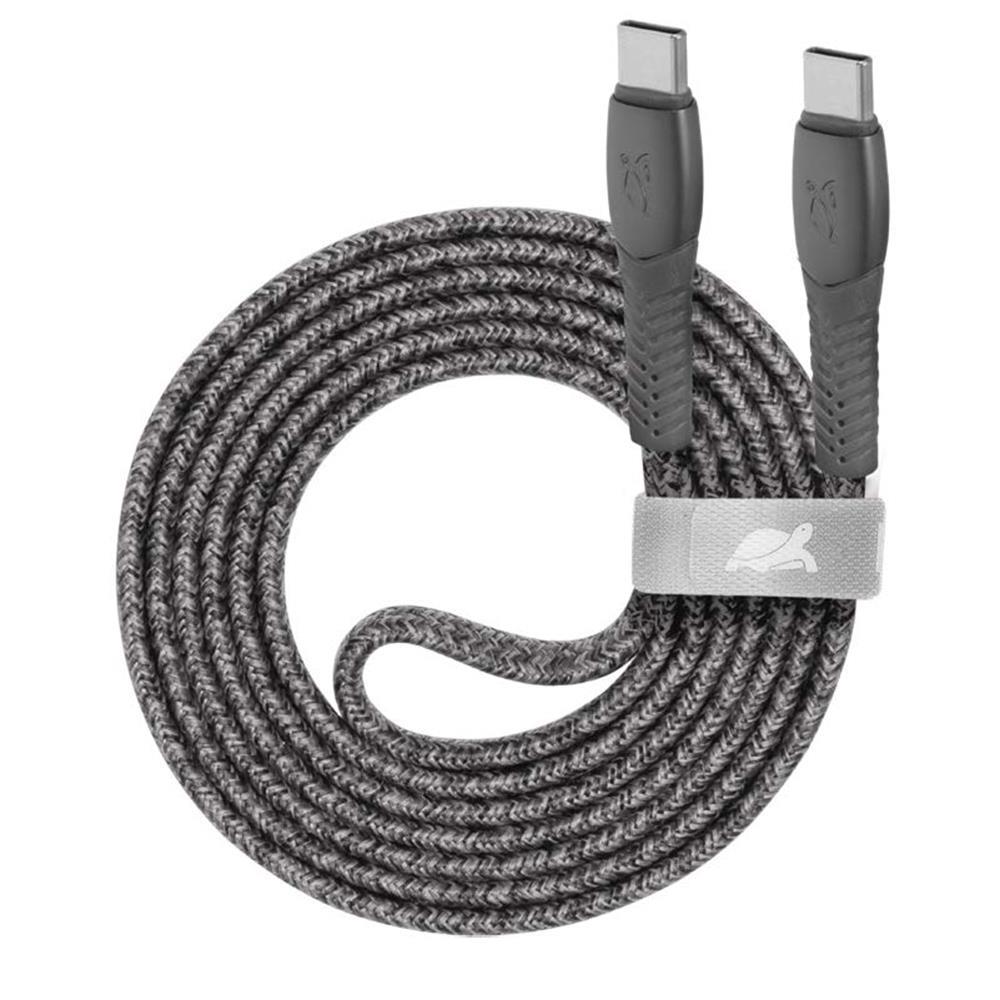


Our range covers every kind of need, from the latest technology to connecting older devices. Here's an overview of the most popular types.
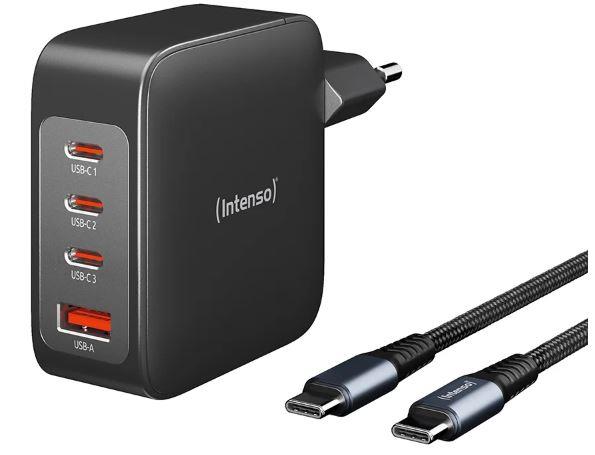
USB-C is here to stay. It's a universal solution for both data transfer and charging devices. Our selection includes both USB-C to USB-C cables and USB-C to USB-A options. Many modern devices, especially those that support fast charging, require a high-quality USB Type-C cable. For example, a specific Samsung USB-C cable ensures optimal charging speeds for your Samsung device. More powerful standards such as Thunderbolt 3 cables are also increasingly common. They use a USB-C connector but offer much faster data transfer.
Every iPhone and older iPad owner knows how important a quality charging cable is. Our range includes Apple Lightning cables in different lengths and colours to charge your device safely and efficiently. Whether you need a new iPad charging cable or a spare cable for your car, you'll find the right option here. These cables are designed specifically for the Apple ecosystem.
Alongside cables for phones and computers, there are also many cables for specific purposes. Office equipment such as printers and scanners often requires a specific printer cable, usually a USB-B cable. There are also HDMI USB cables or USB HDMI cables for transmitting video, although this functionality is usually integrated into USB-C cables. If you have several devices but your computer doesn't have enough ports, USB hubs can expand your connectivity options.
Ordering a cable online is convenient because you can compare different lengths, materials and prices at your own pace, without having to browse store shelves. Each product in our online store comes with detailed information to help you make an informed choice. You can be sure to find the right USB Type-C cable or any other connection your device needs. Our goal is to offer a solution for every need while ensuring good product quality at an affordable price.
| Question | Answer |
|---|---|
| Is a USB 3.0 cable faster than USB 2.0? | Yes, significantly. USB 3.0 offers theoretical data transfer speeds of up to 5 Gbit/s, while USB 2.0 has a maximum speed of 480 Mbit/s. This makes copying large files, such as videos, many times faster. |
| What does OTG cable mean? | An OTG (On-The-Go) cable lets you connect external USB devices, such as flash drives, keyboards or mice, to a smartphone or tablet. It effectively turns your phone into a host device. |
| Can I use one USB-C cable to charge both my phone and laptop? | Yes, that's one of USB-C's biggest advantages. However, make sure both the cable and charger support sufficient power (W) to charge your laptop. Laptops usually need more powerful chargers and cables than phones. |
| How do I know which Apple charger cable I need? | If you have an iPhone 5 or newer, you'll need a cable with a Lightning connector. The latest iPhone 15 series models already use a USB-C connector. Older devices (before iPhone 5) used a wide 30-pin connector, which is no longer commonly found. Our selection mainly includes Lightning and USB-C cables. If you're not sure, check your phone's charging port. |