




For private customers
At checkout, product prices are automatically adjusted according to the VAT rate in your delivery country.

Christmas
Furniture
Home & Garden
Sport
Clothing
Mattresses
Watches
Electronics
Construction
Showing 30 of 128 products with selected filters


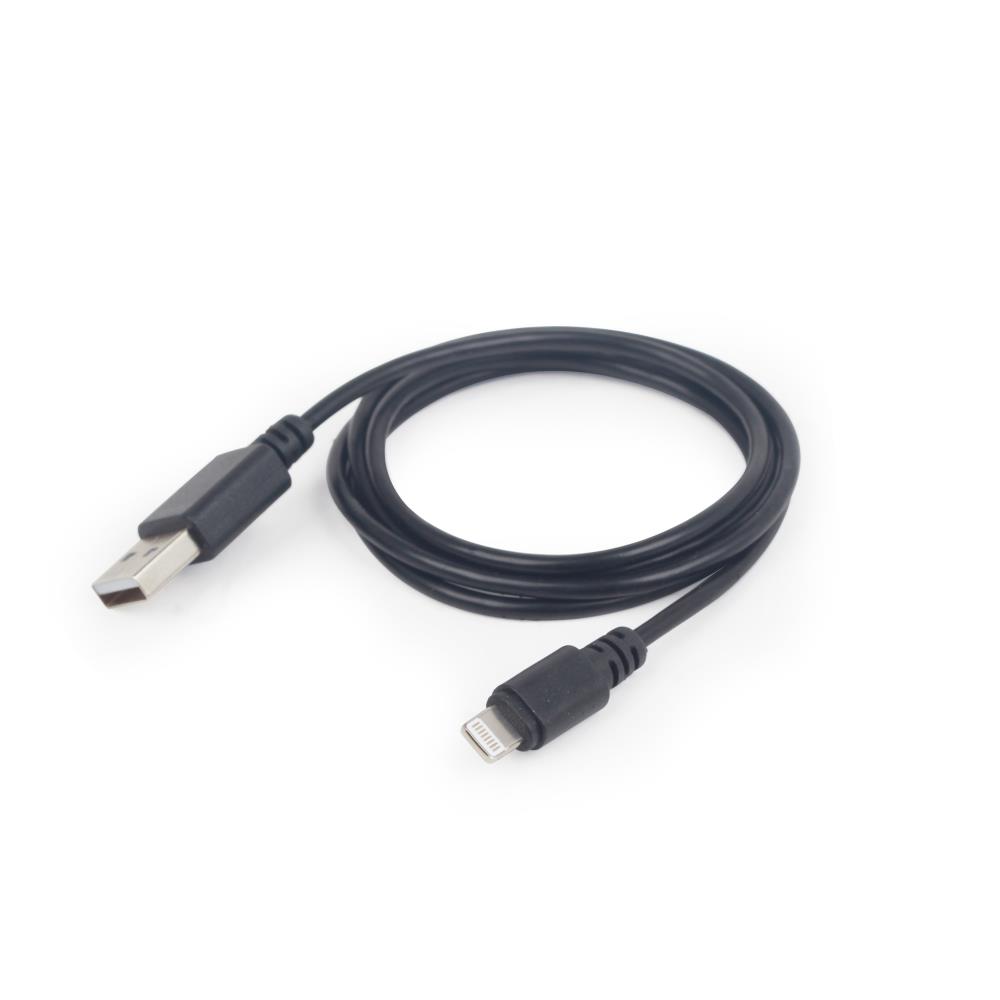


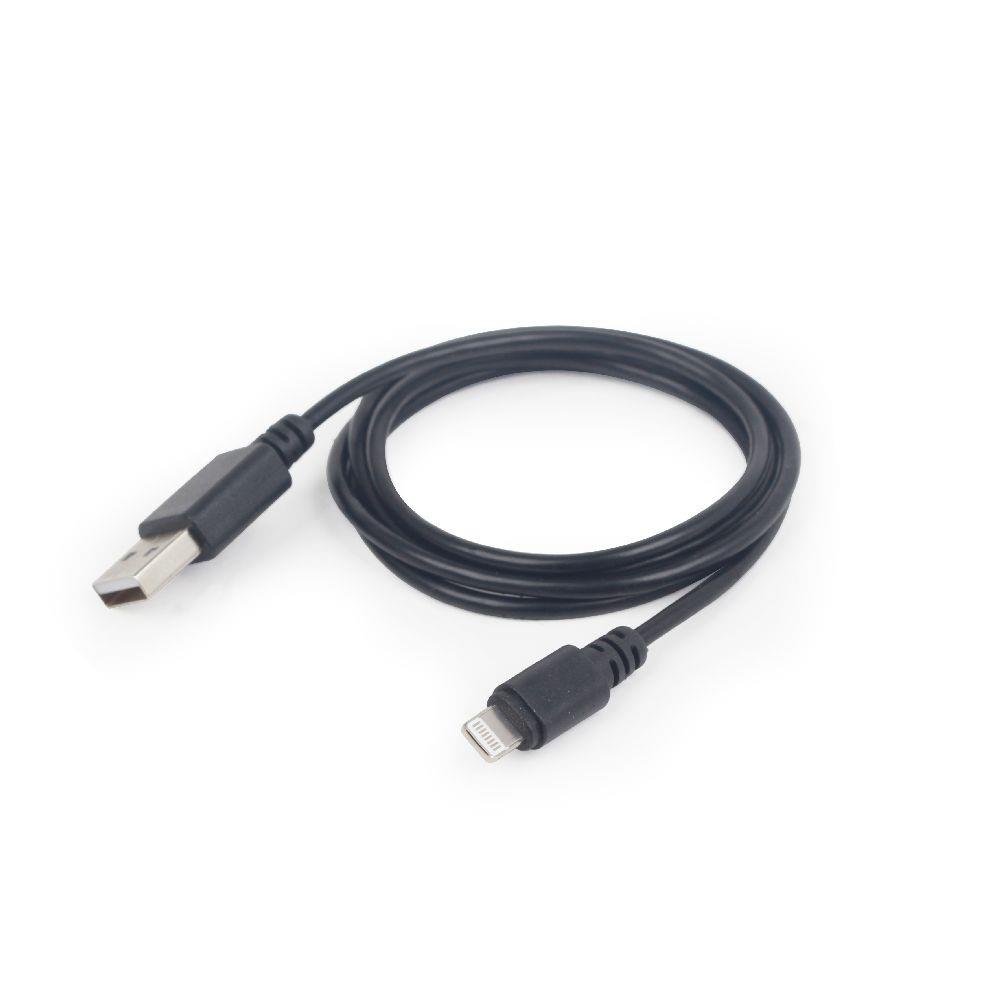


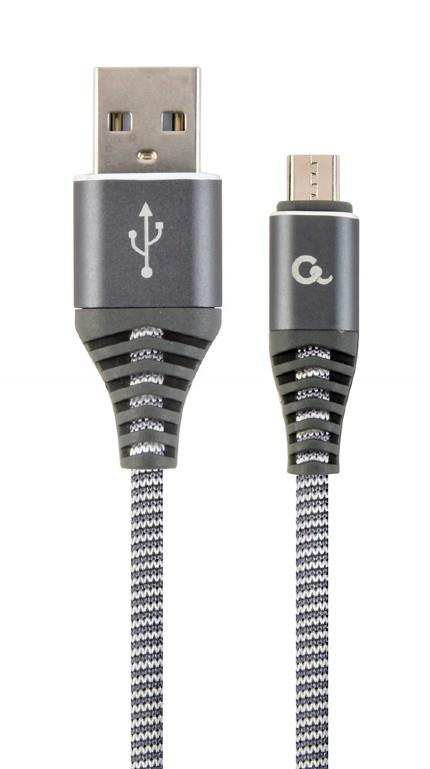
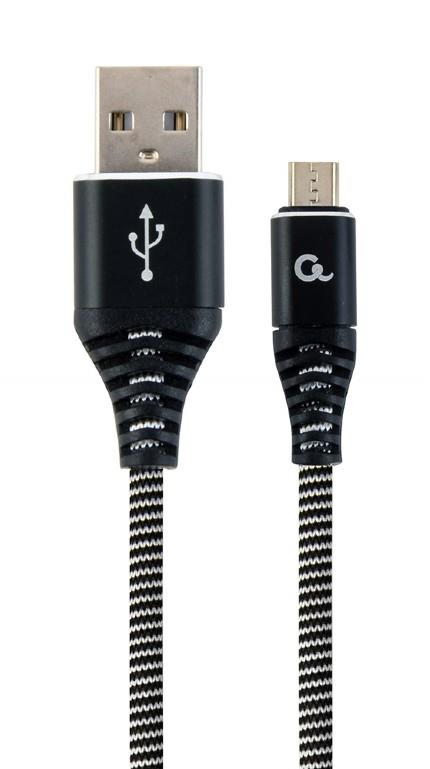





No products match your selected filters.
In today’s digital world, the seemingly simple USB cable has become an essential link between our devices. It is no longer just a wire, but a technological bridge that carries both power and data. Choosing the right cable may seem like a chore, but it directly affects your devices’ charging speed, data transfer stability and even their lifespan. Here you’ll find all the USB cables you need to suit your requirements.
Before deciding which USB cable is best, it’s important to understand the basics. Your choice isn’t limited to the connector type; technology, length and material also matter. Do you need a simple charging cable or an ultra-fast data cable? Our guide will help you find the right product at a reasonable price and with quality you can rely on.
Knowing your connectors makes it easier to navigate the world of cables. Each type has a specific purpose and compatibility. Below is an overview of the most common standards, helping you find the right product, whether you need a modern USB Type-C cable or one for an older device.
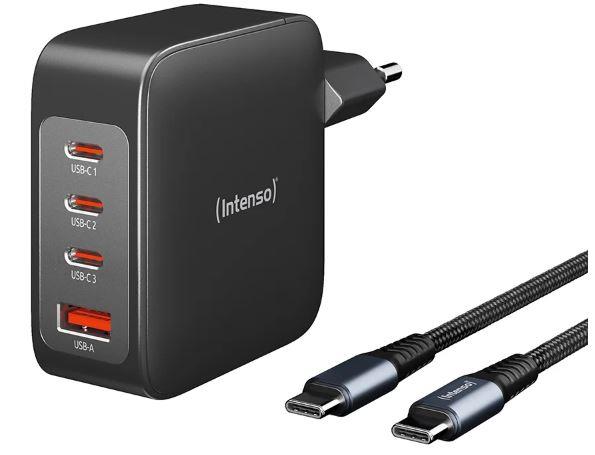
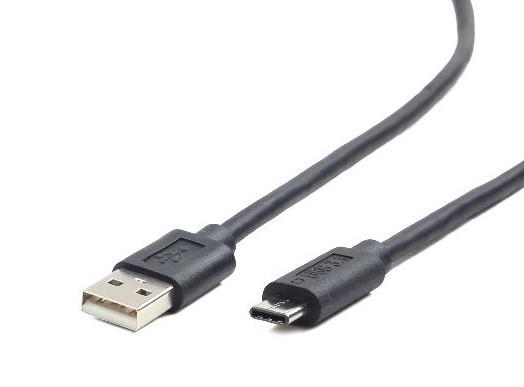
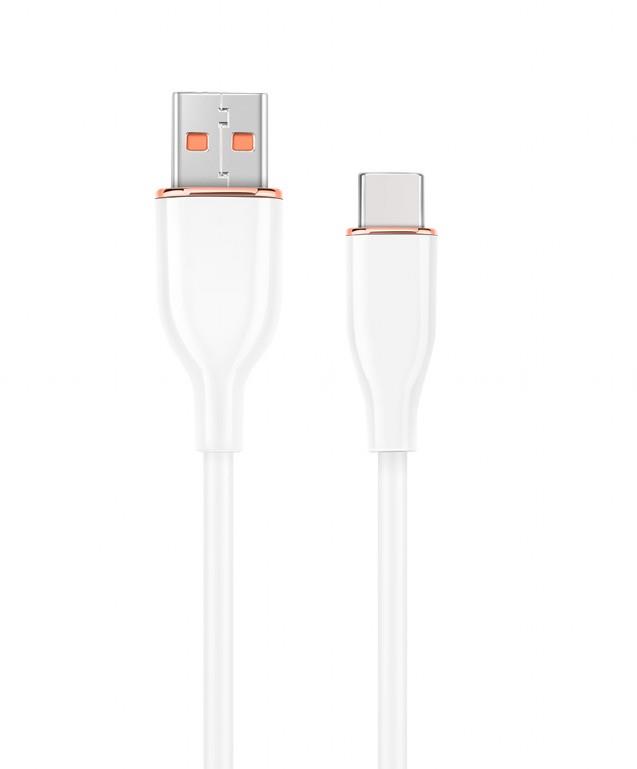
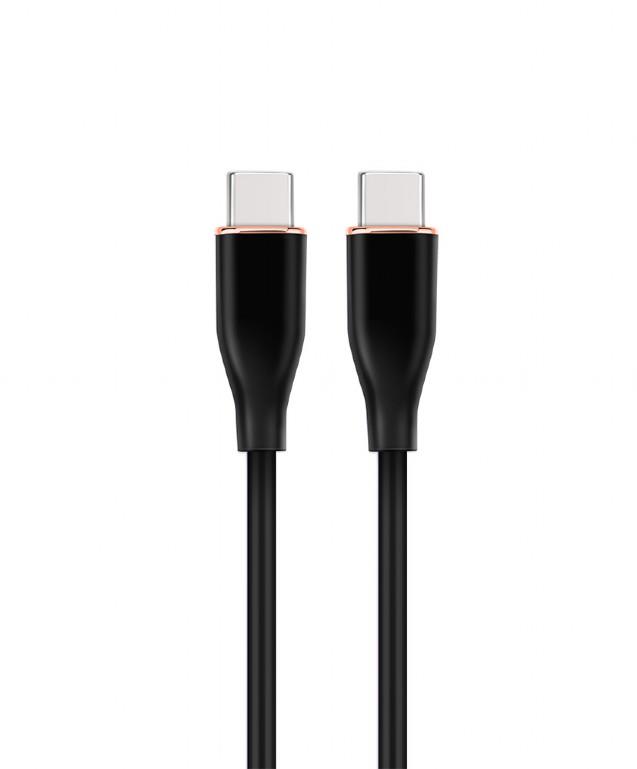
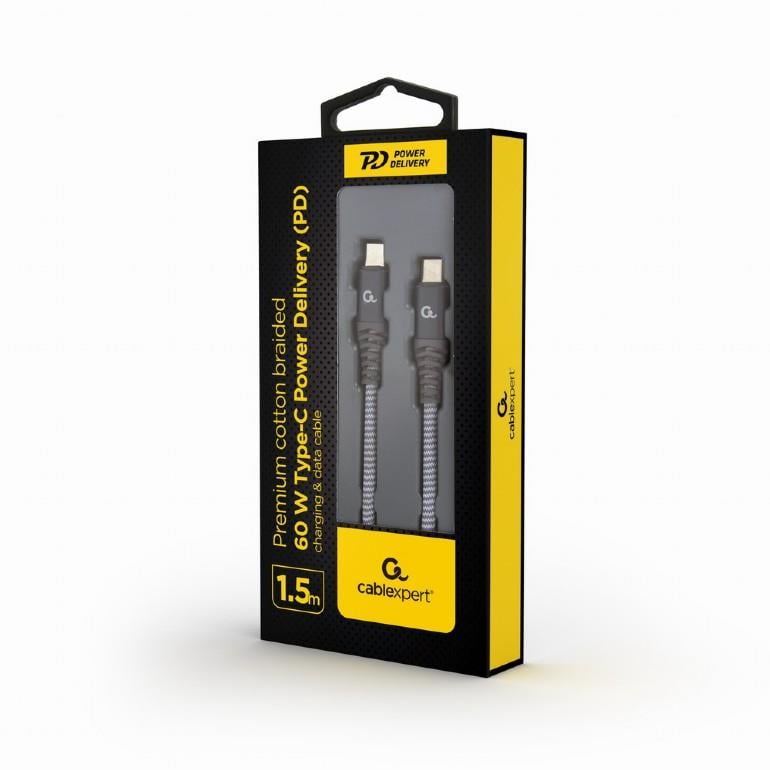
When it comes to modern technology, the USB C cable is the undisputed king. Its symmetrical, reversible connector makes it easy to plug in, and it supports everything from fast charging to 4K video and ultra-fast data transfer. It’s the standard for new smartphones (including Samsung models, which use a specific Samsung USB C cable), laptops and many other devices. If you’re looking for a future-proof solution, a USB C to USB C cable is the best choice, offering maximum speed between two compatible devices. Many modern devices, such as laptop docking stations, use this connection.
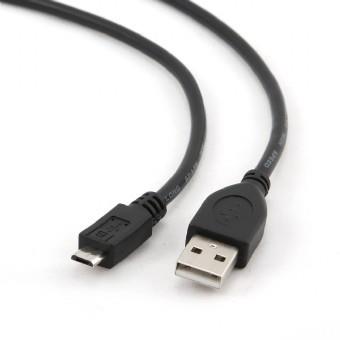
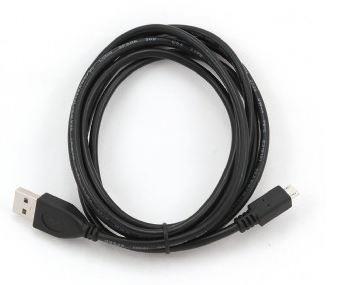
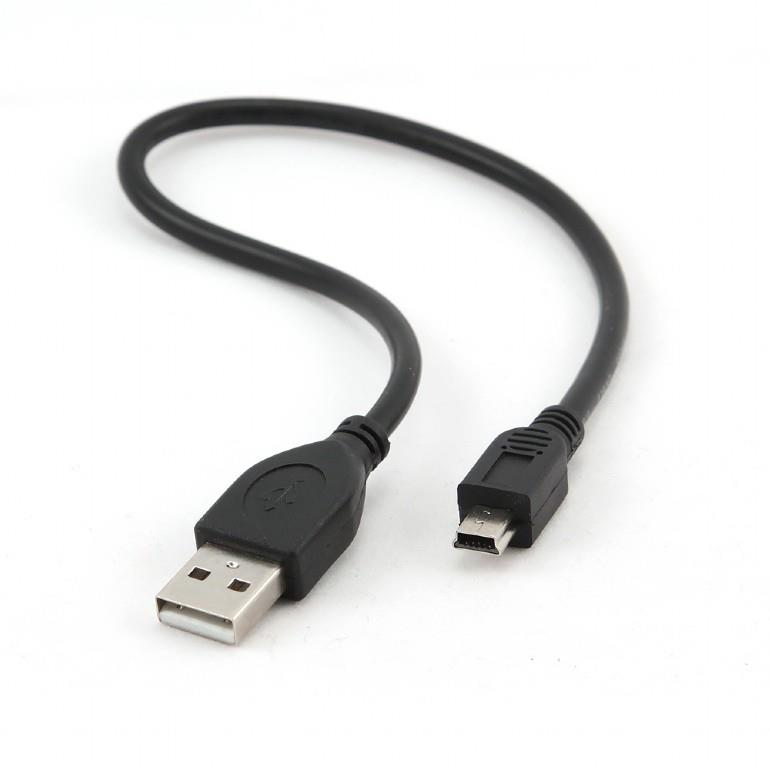
Although USB-C has become the dominant standard, the micro USB cable is still widely used with many devices, including older smartphones, e-readers, portable speakers and power banks. The even older mini USB cable is less common, but can still be found on some digital cameras and GPS devices. You can order both types from our store to keep your older, yet still dependable, devices working.
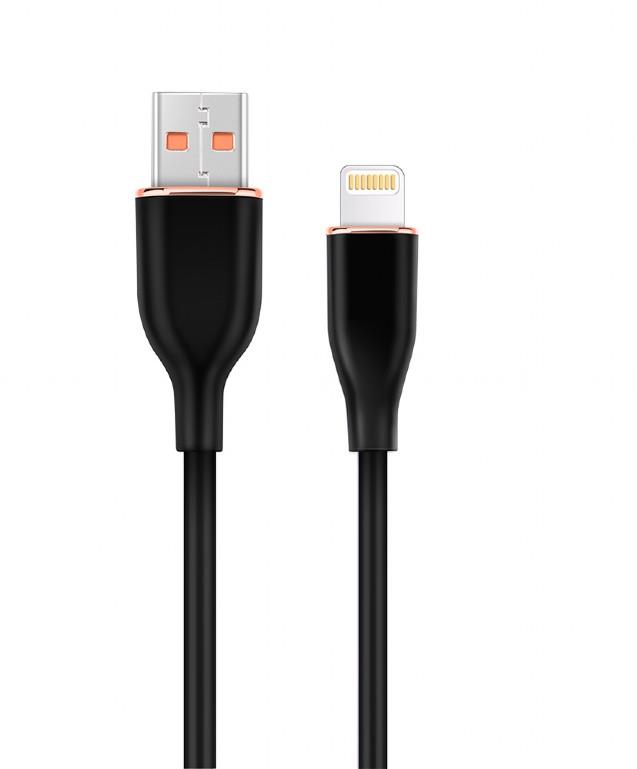
Apple users are familiar with the Apple Lightning cable. It’s the standard Apple charging cable for iPhones, iPads and AirPods. Although newer iPad Pro and Mac models have switched to USB-C, Lightning remains an important part of Apple’s ecosystem. If you need a replacement or spare cable, a quality Lightning USB cable will keep your iPad charging cable or phone cable in good working order. Our range includes Apple cables in different lengths.
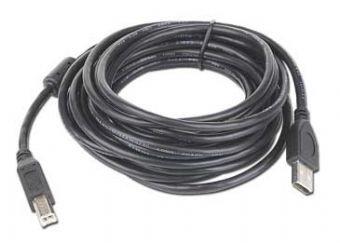
USB-A is the rectangular connector we all know. It’s the host-side connection found on computers, chargers and hubs. The other end often has a different connector. For example, a classic printer cable usually uses a USB-B connector—a square-shaped plug commonly found on printers, scanners and external hard drives. So if you’re looking to connect an office device, a USB B cable is probably what you need.


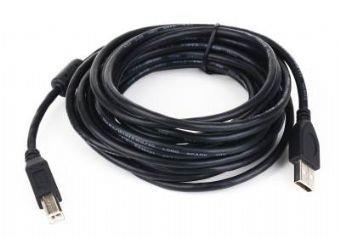
The connector type is only half the story. The technology behind it is just as important, determining data transfer speeds and charging power. Choosing the right standard is essential to get the most out of your devices.
| Standard | Speed (theoretical) | Typical use |
|---|---|---|
| USB 2.0 | 480 Mbit/s | Charging, mice, keyboards, older printers |
| USB 3.0 / 3.1 Gen 1 | 5 Gbit/s | External hard drives, faster data transfer, docking stations |
| USB 3.1 Gen 2 | 10 Gbit/s | Fast SSDs, video transfer, professional use |
| Thunderbolt 3 | 40 Gbit/s | Connecting multiple 4K monitors, eGPUs, ultra-fast drives |
For most everyday tasks, such as charging your phone or connecting a mouse, a USB 2.0 cable is perfectly adequate. However, if you’re transferring large files, such as videos or photo collections, to an external drive, a USB 3.0 cable is essential. It’s up to ten times faster than its predecessor, saving you valuable time. It’s a worthwhile investment, even if you don’t need the extra speed right now. You can buy a quality USB 3.0 cable from our online store at a great price.
Modern USB cables can do more than just transfer data and power. For example, a USB C to HDMI cable lets you connect a laptop or tablet directly to a monitor or TV without needing any extra adapters. It’s ideal for presentations or expanding your home entertainment setup. There’s also a special USB OTG cable (On-The-Go), which lets you connect external devices such as a flash drive, mouse or keyboard to a smartphone or tablet. This makes your mobile device much more versatile. If you’re looking to connect to a monitor, take a look at our range of video cables too.
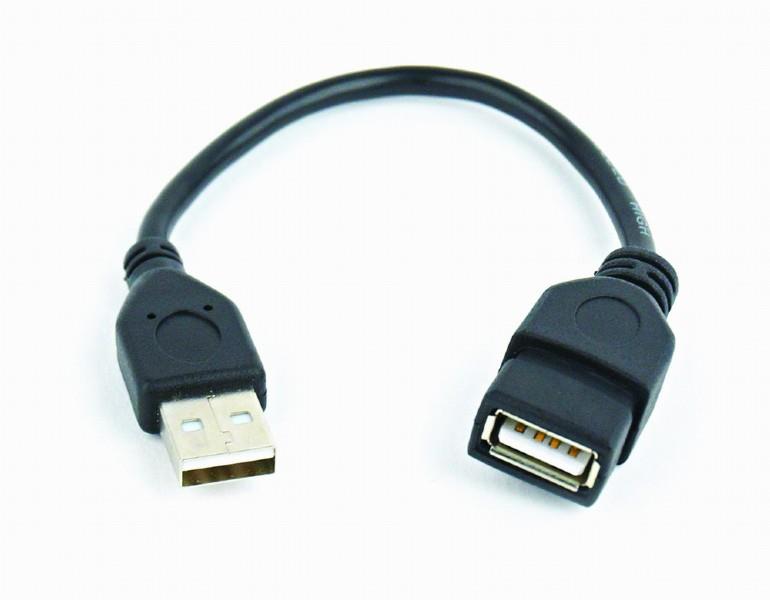
Cable length matters more than you might think. A cable that’s too short is inconvenient, while one that’s too long can cause signal loss and slower charging. Choose a length that suits your needs: 1.8m may work well for a desktop computer, while a 3m cable is more convenient for charging by your bed. For very long distances (over 5 metres), we recommend using active extension cables that boost the signal. Durable braided cables are a popular choice, as they withstand bending better and last longer than standard plastic cables. Our store has USB cables in a range of lengths and finishes.
Ordering online is a convenient way to find exactly the right product. You can compare different models, prices and technical specifications at your own pace. Each product in our online store has a clear description to help you make an informed choice. We also regularly offer discounts to make shopping even more enjoyable. Best of all, every order comes with free delivery throughout Estonia, so your new cable will arrive quickly at no extra cost.
Not necessarily. Although the connector will fit, the cable, phone charger and phone all need to support the same fast-charging standard (e.g. Power Delivery). Cheaper USB-C cables may be designed only for standard charging and slower data transfer.
They look identical, but use different technologies. Every Thunderbolt 3 cable has a USB-C connector, but not every USB Type-C cable supports Thunderbolt 3 speeds (40 Gbit/s). Thunderbolt 3 cables are usually marked with a lightning symbol and cost more.
Most printers use a USB-A to USB-B connection. Check the port on the back of your printer. If it’s square-shaped, you’ll need a USB-B cable. You’ll find the right printer cable in our range.
It can, due to increased resistance. The difference is negligible over short distances, but cables measuring 3–5 metres may take longer to charge with, especially if the cable is low quality. To connect more devices, consider using quality USB hubs to keep your cables shorter.