


For private customers
At checkout, product prices are automatically adjusted according to the VAT rate in your delivery country.

Christmas
Furniture
Home & Garden
Sport
Clothing
Mattresses
Watches
Electronics
Construction


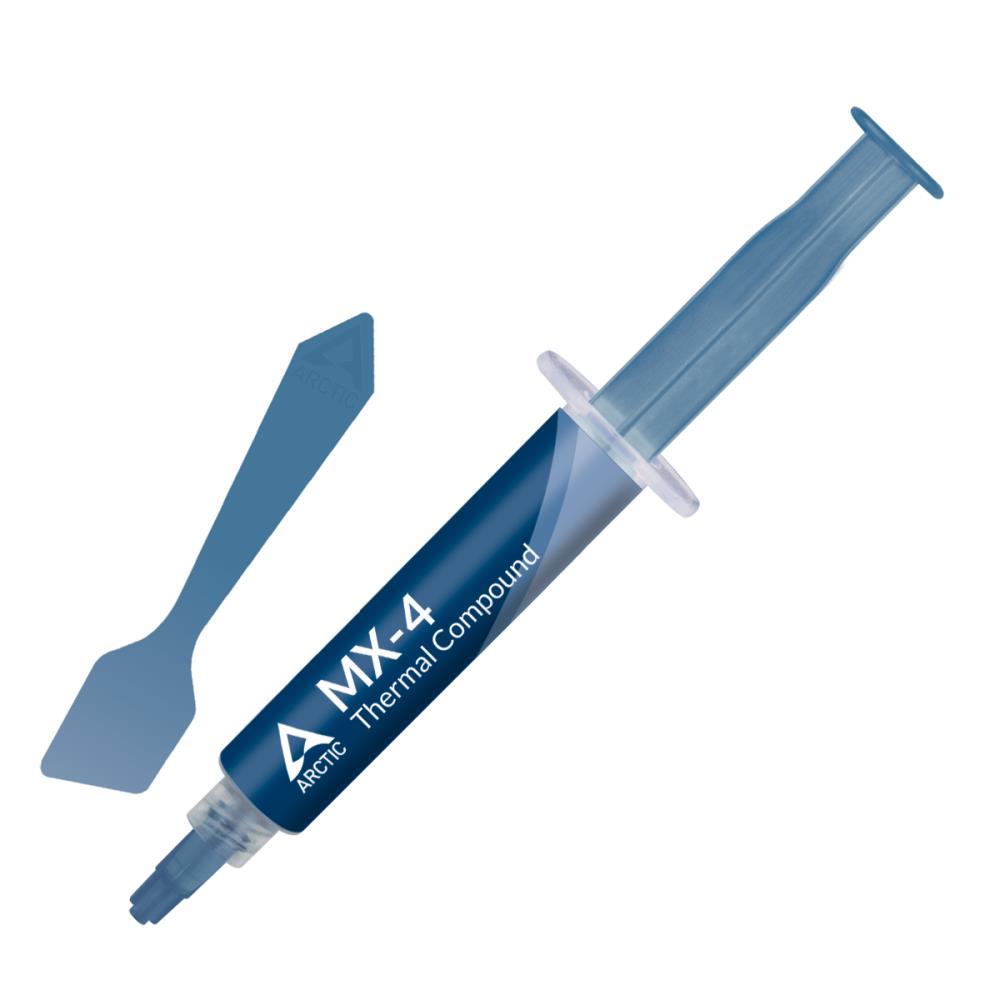
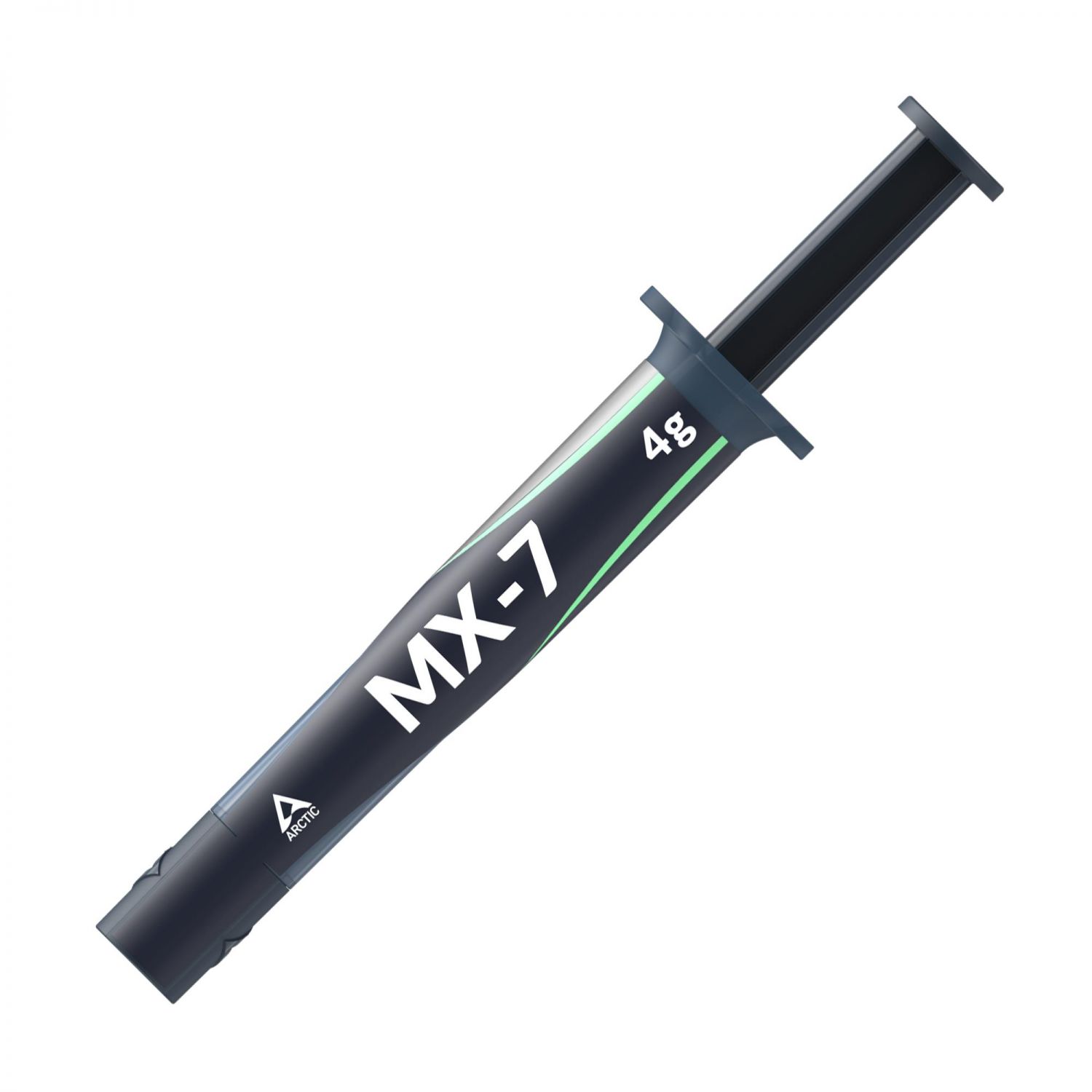

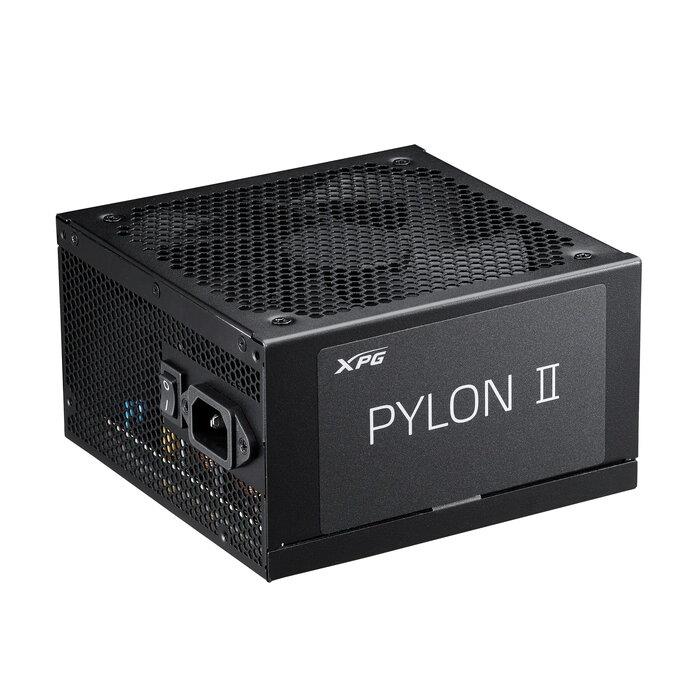
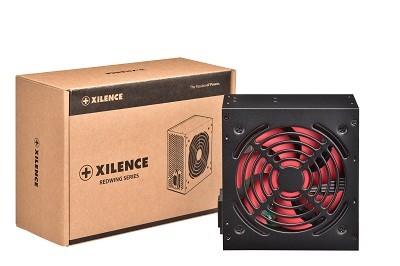

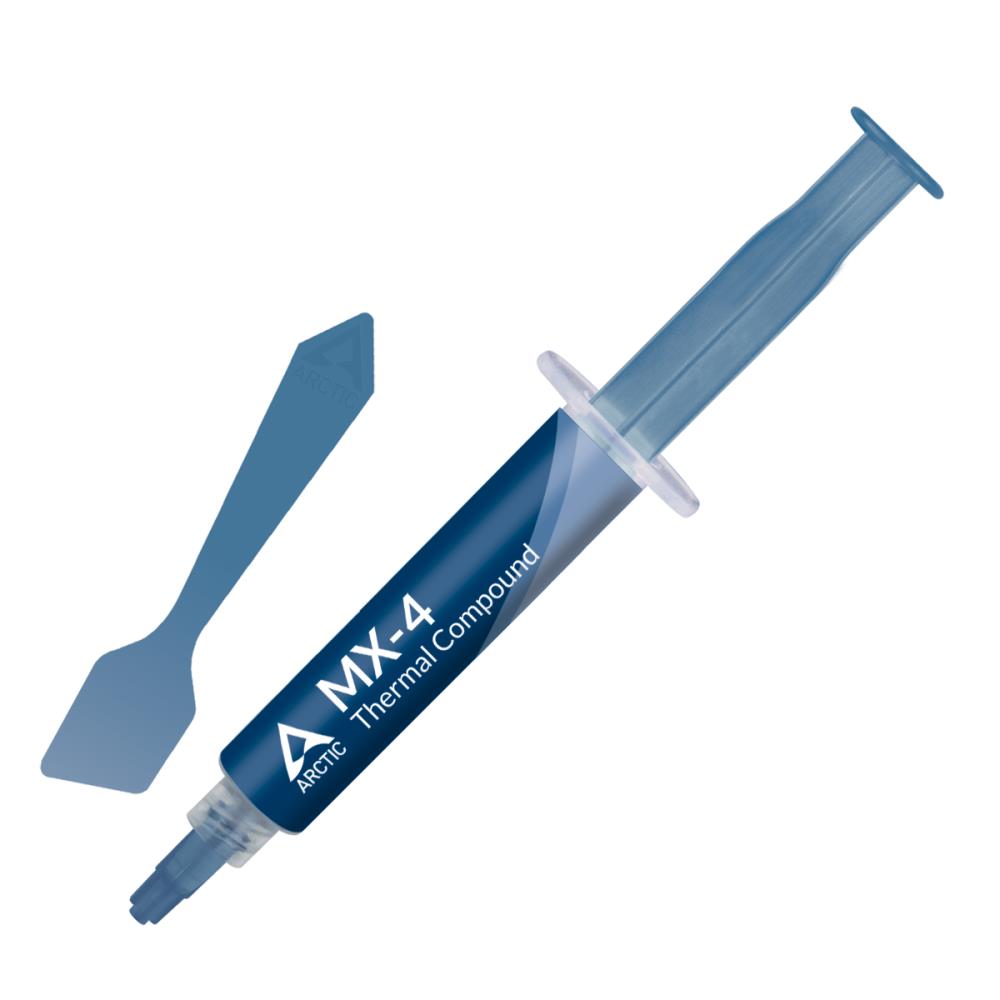

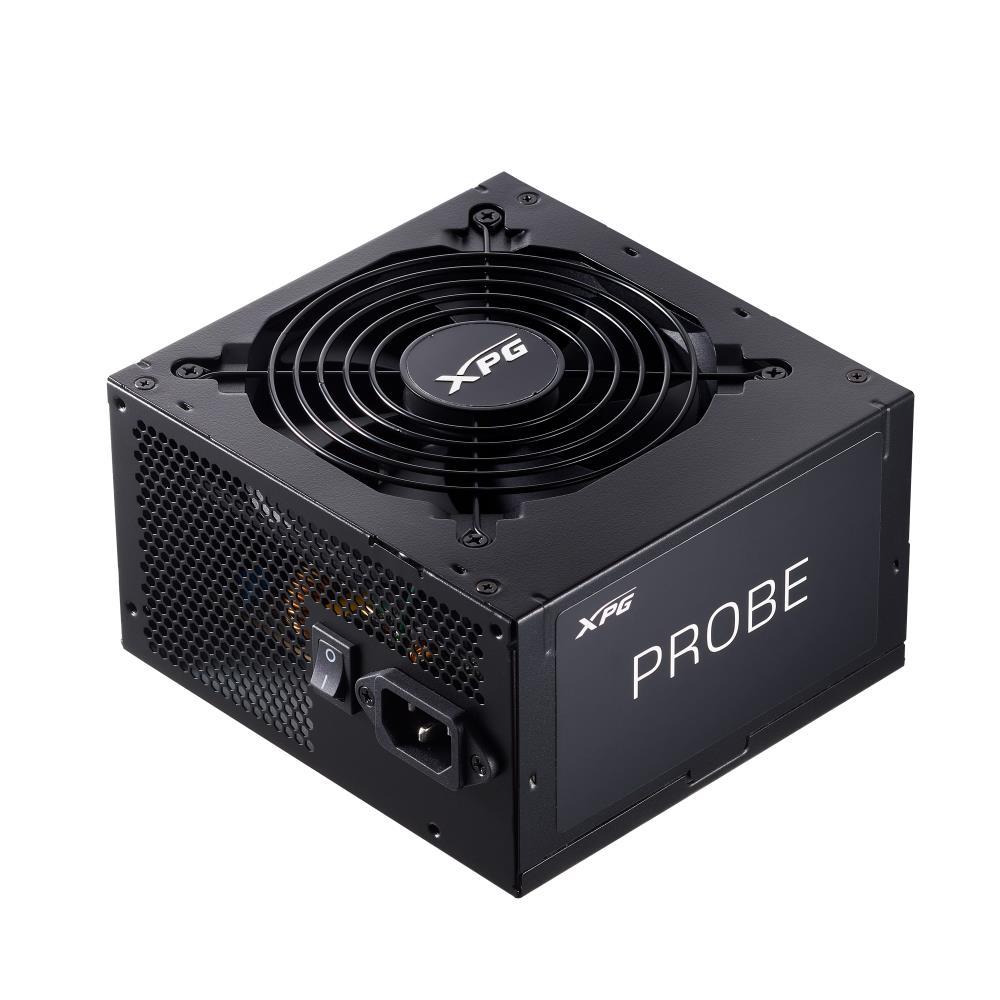

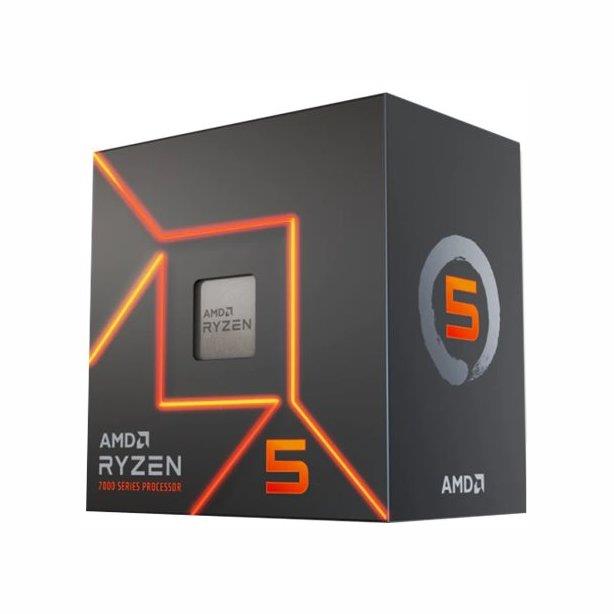
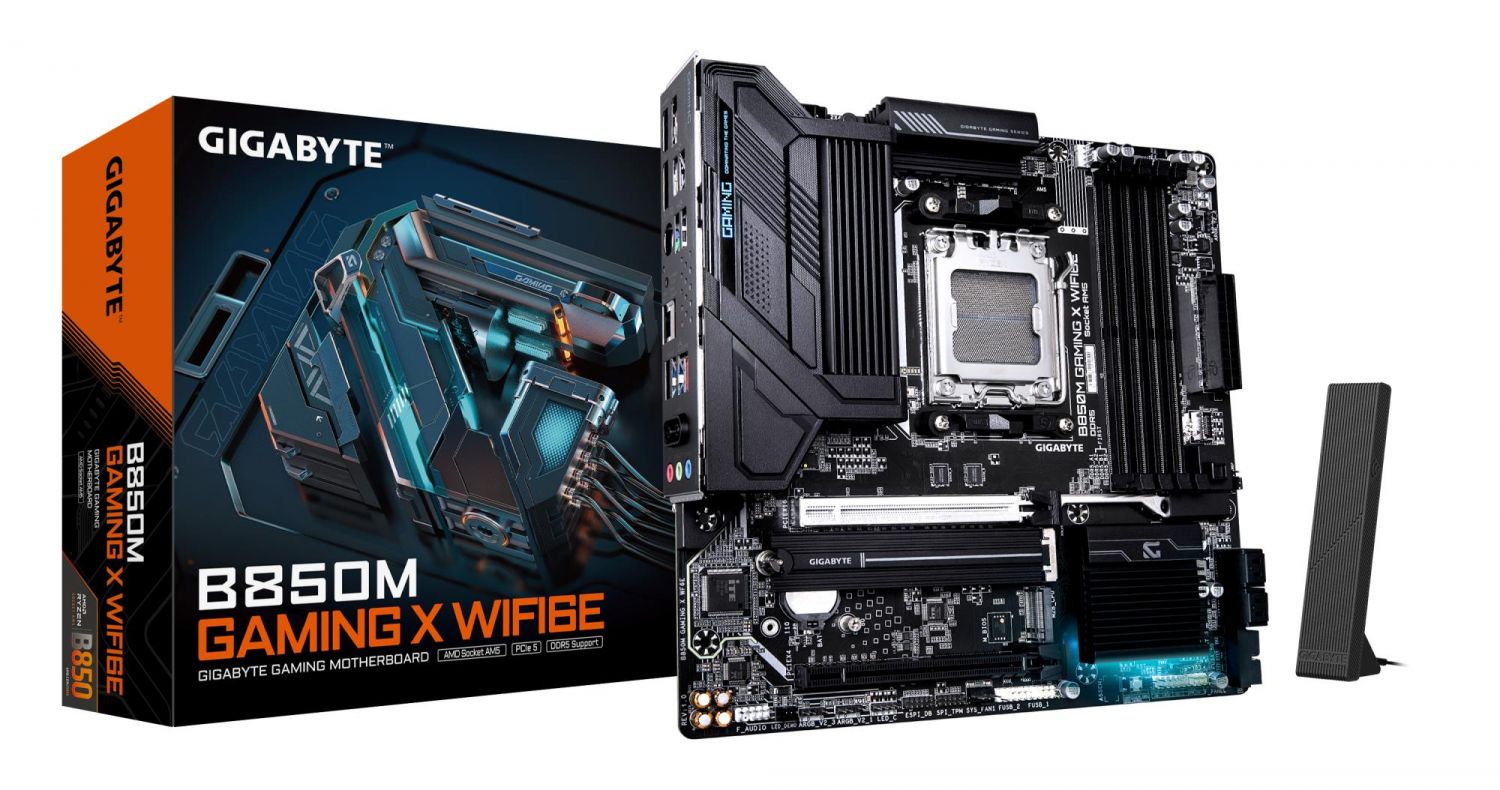






Welcome to the heart of the PC world! Here you’ll find everything you need to build a powerful new desktop or upgrade your existing machine. Choosing PC components may seem complicated, but with the right knowledge it’s an exciting process that results in a computer tailored to your needs. This guide will help you make the best choices, whether you’re buying components for gaming, professional work or everyday use.
Building the perfect PC is like putting together a team – every member needs to be capable and work well with the others. When choosing components, it’s important to strike a balance between performance, price and compatibility to avoid bottlenecks, where one weaker part holds back the whole system. Below, we’ll take a look at the main components to consider.
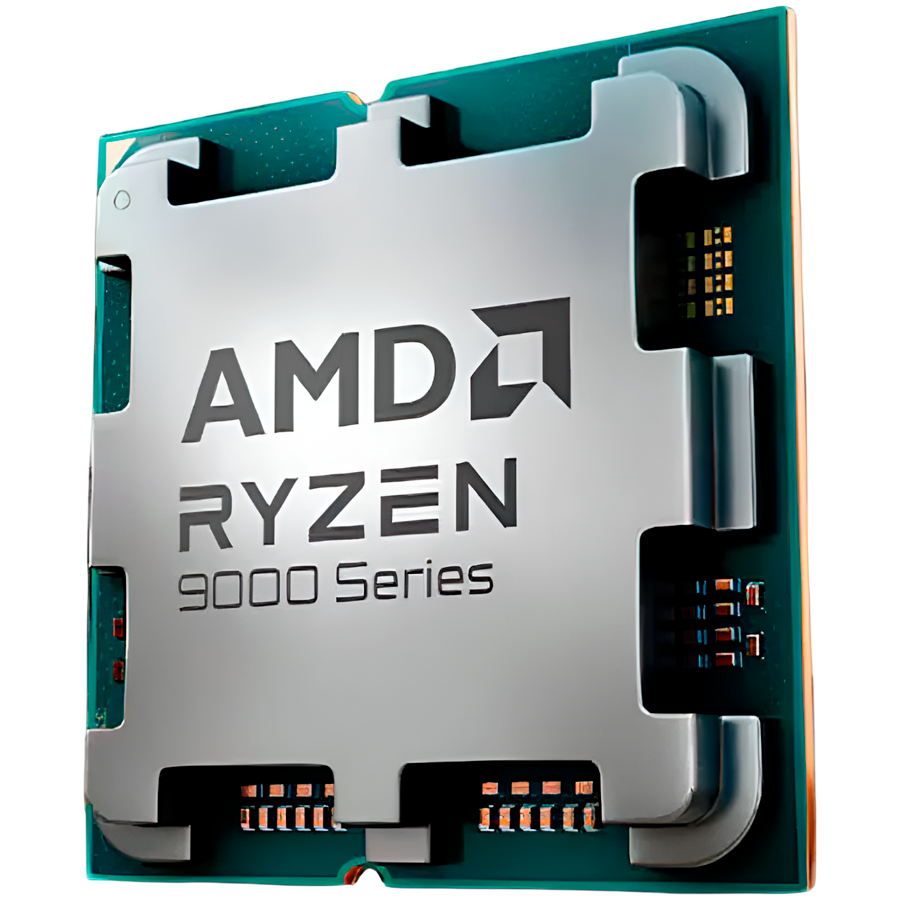
The processor is the computer’s central unit, responsible for carrying out most calculations. The main choices are products from Intel and AMD. Consider what you’ll use your PC for: a high clock speed is important for gaming, while video editing and 3D modelling benefit from more cores and threads. Our online store offers a wide selection of processors, so you’re sure to find the right one, whether you’re looking for an affordable option or the most powerful model on the market.
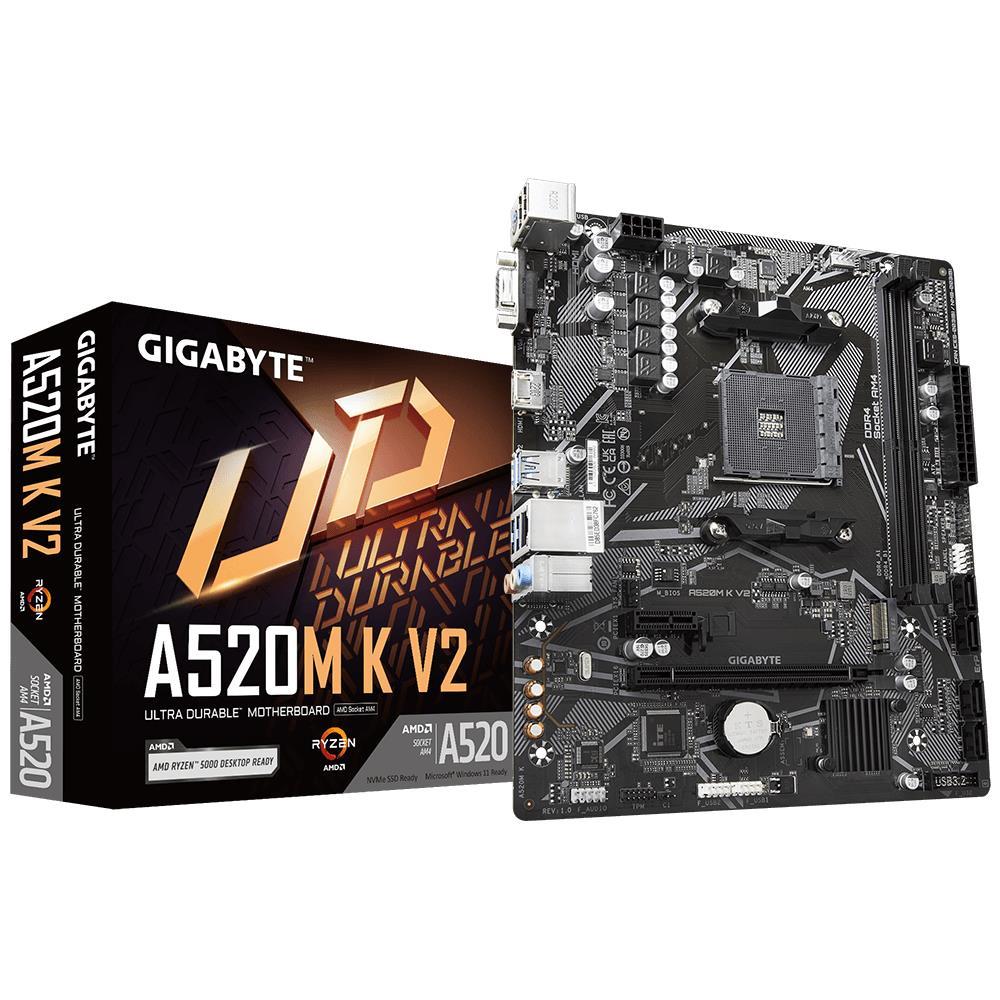
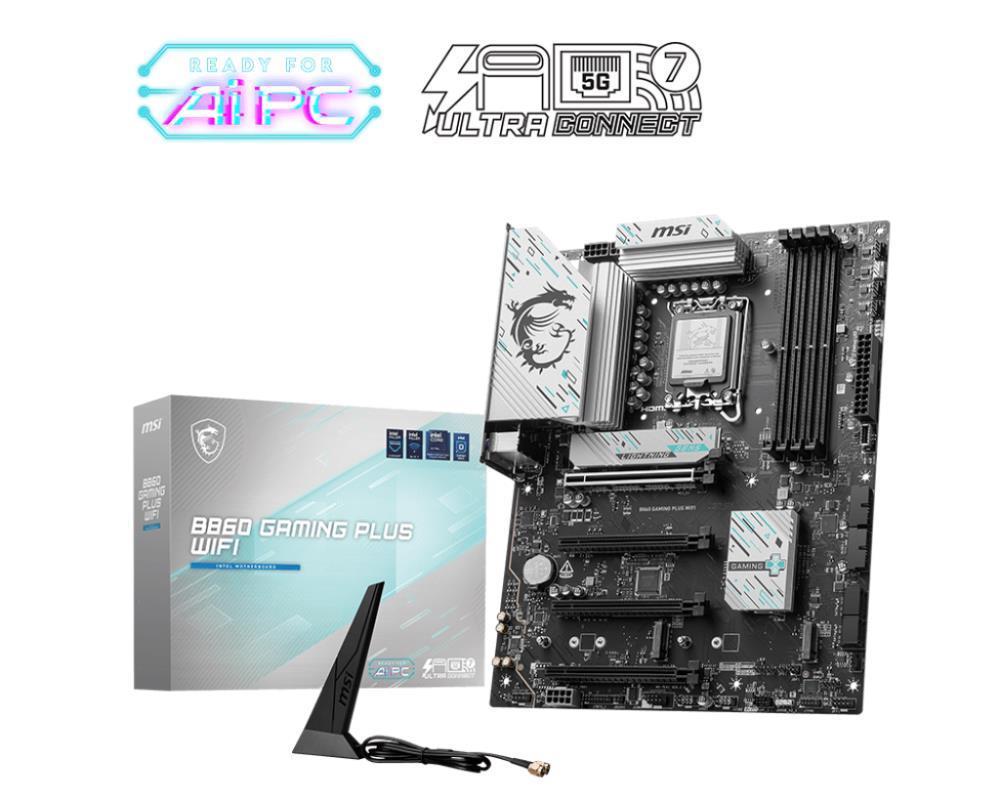
If the processor is the brain, the motherboard is the nervous system that brings all the PC components together. When choosing a motherboard, compatibility with the processor (socket, e.g. AM5 or LGA1700) and memory (e.g. DDR4 or DDR5) is essential. The form factor (ATX, Micro-ATX, Mini-ITX) also matters, as it must fit your PC case. A good motherboard is an investment in stability and future-proofing.
For gamers and people who work with graphics, the graphics card is the most important investment. This component is responsible for displaying images on your screen. Market leaders NVIDIA (GeForce series) and AMD (Radeon series) offer options across every price range. When choosing a card, pay attention to the amount of video memory (VRAM) and the performance of the GPU. Even if you simply need a card to display an image, there are plenty of affordable options available today.
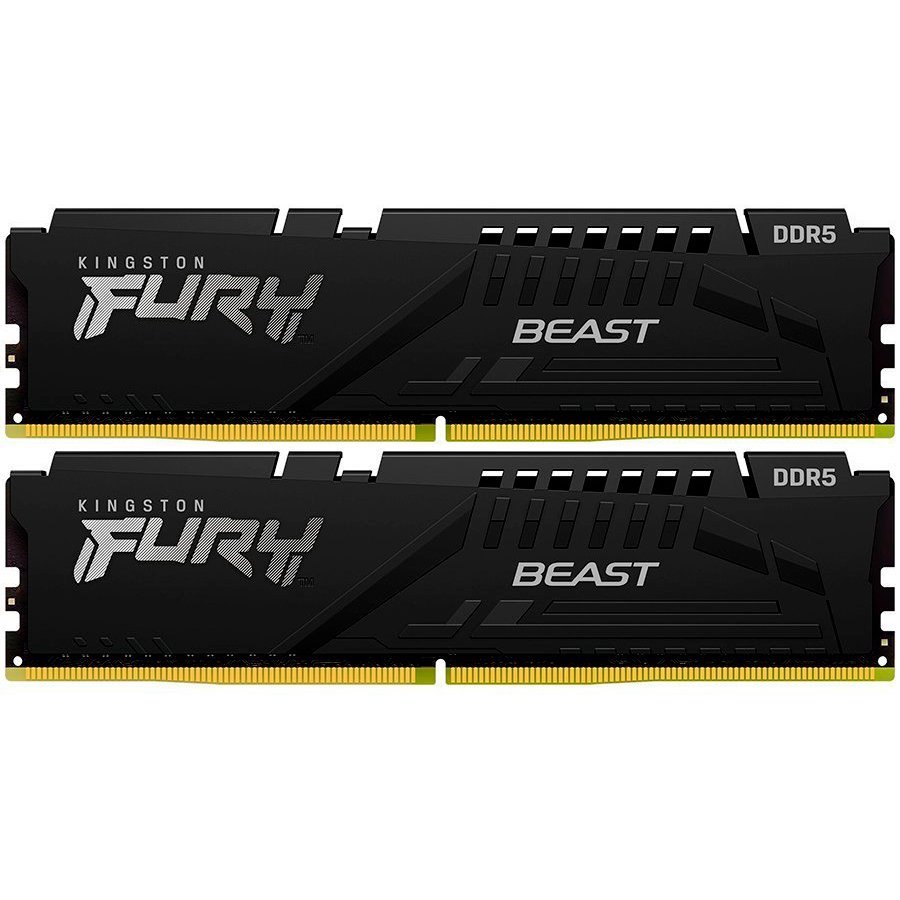
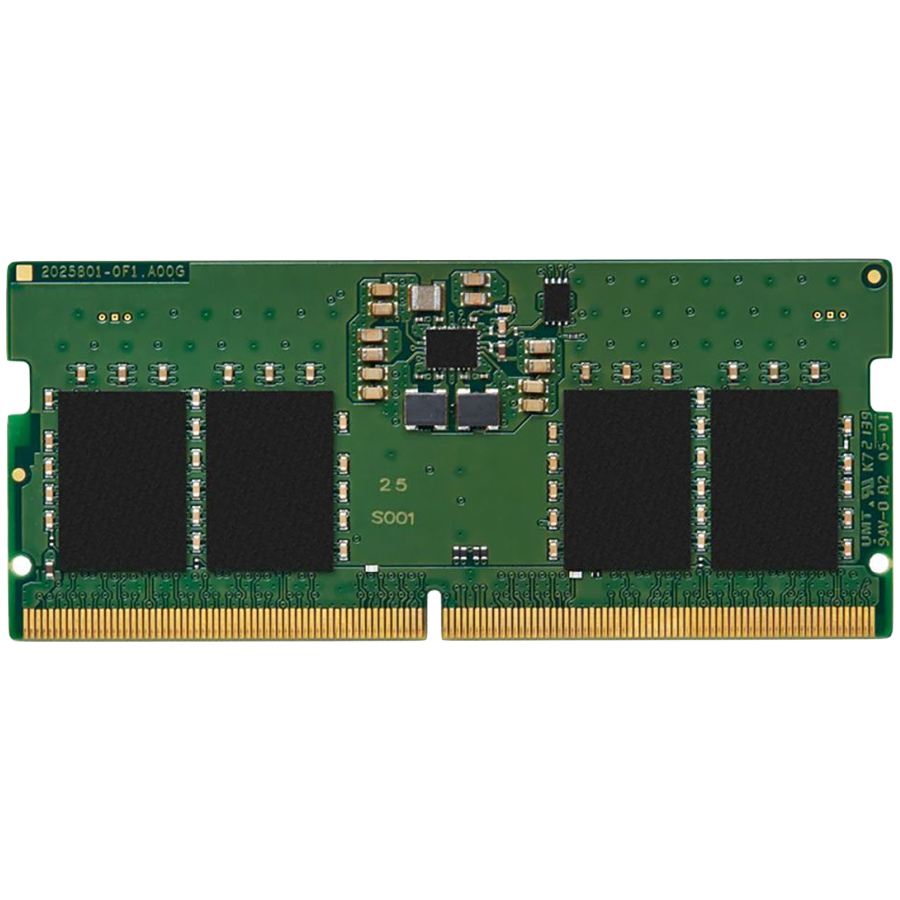
RAM is your computer’s short-term memory, where actively used programs and data are stored. The current standard is 16 GB, which is enough for most games and everyday use. More demanding users and professionals should consider 32 GB or more. The memory type (DDR4 vs DDR5) and speed (MHz) are also important – they must be compatible with your motherboard.
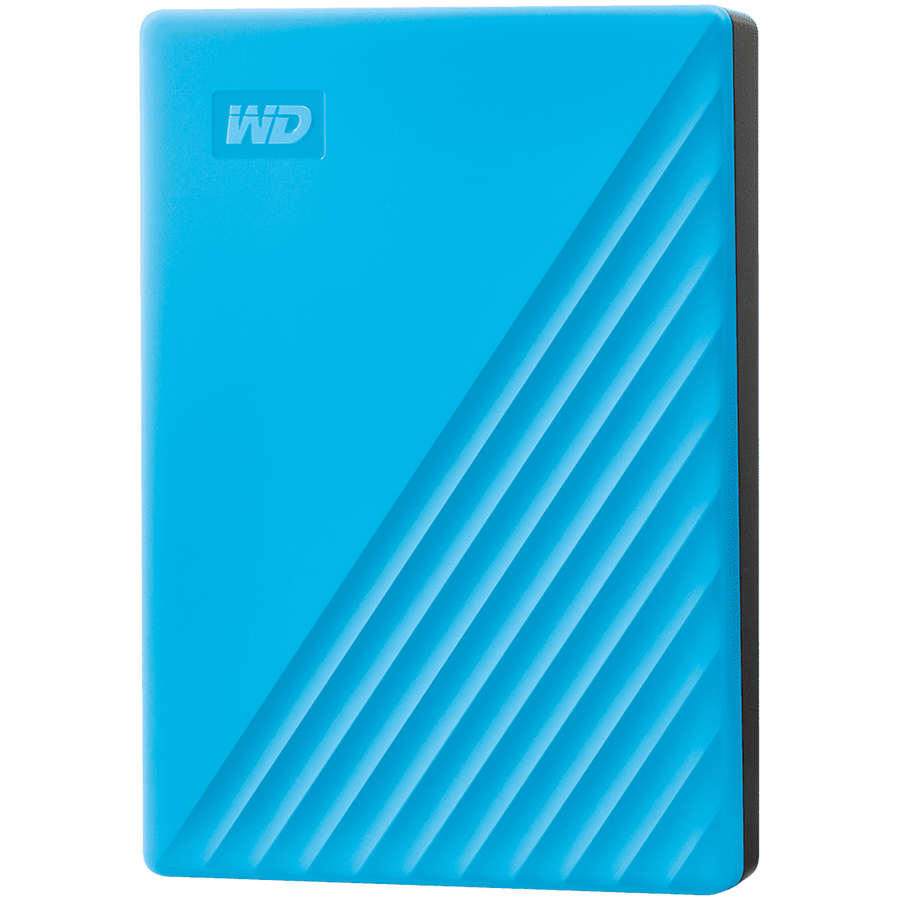
There are two main options for long-term data storage: SSD (Solid State Drive) and HDD (Hard Disk Drive). SSDs are significantly faster, making operating systems and programs load in a flash. M.2 NVMe SSDs are especially fast. HDDs, on the other hand, offer more storage for less money, making them well suited to archiving large files such as films and photos. Many users choose a combination: a fast SSD for the system and a high-capacity HDD for data.
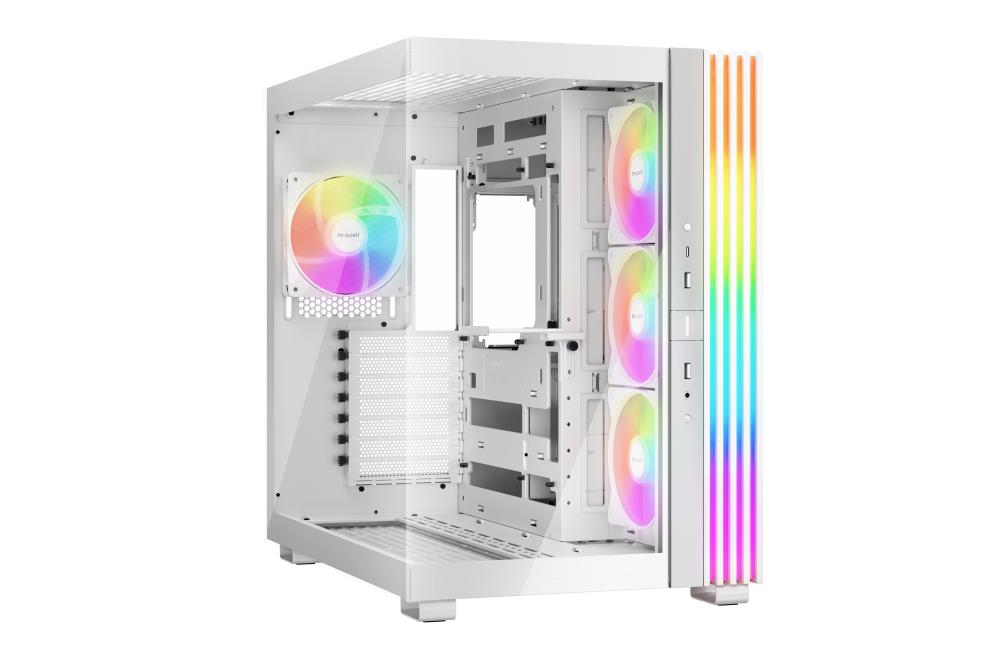
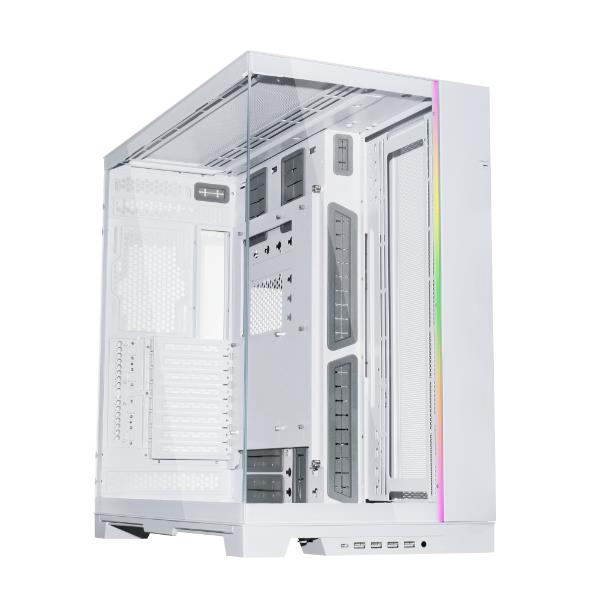
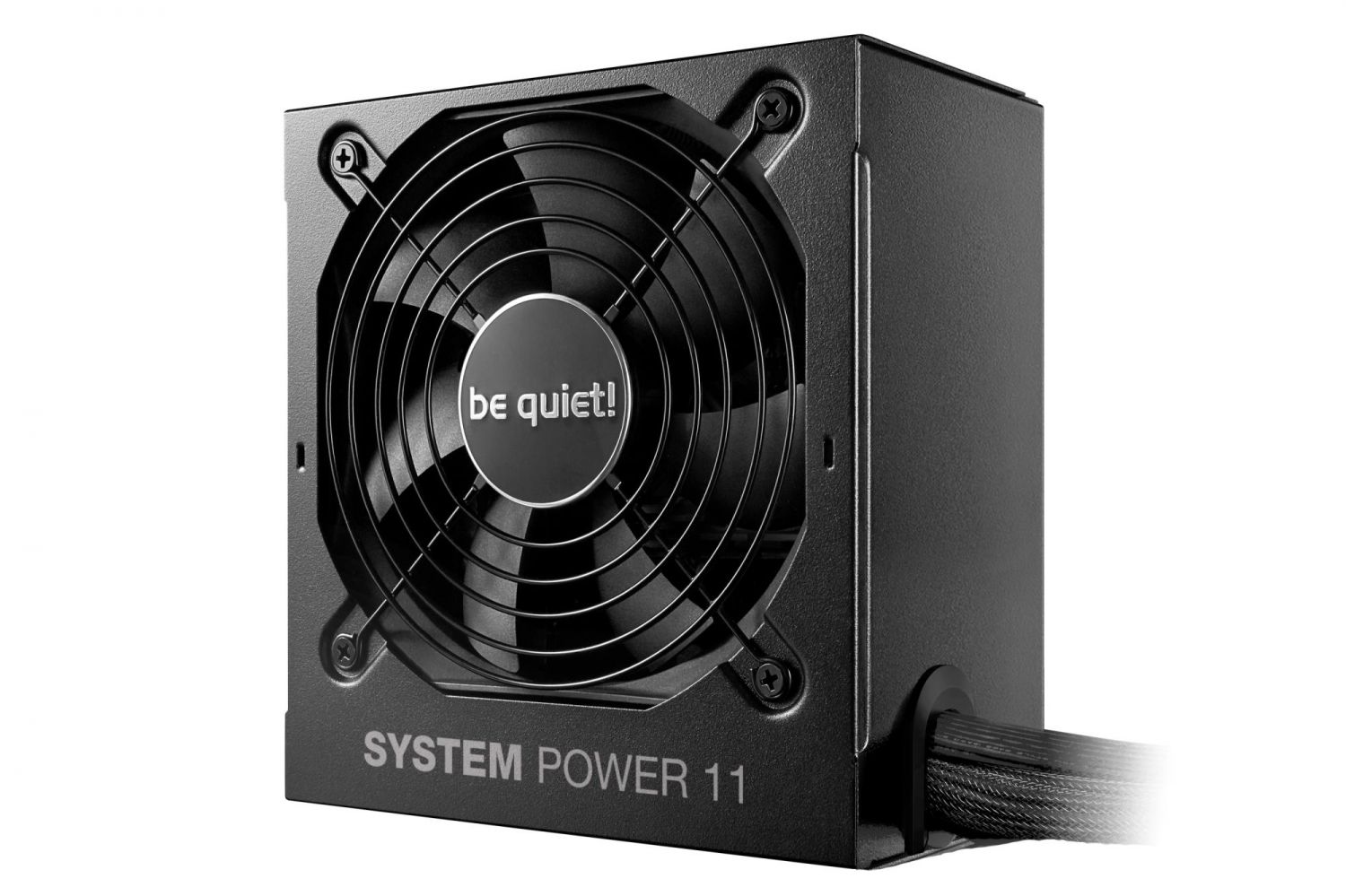
A stable, high-quality PC power supply is the foundation of the entire system. Make sure its wattage (W) is sufficient for all your components, with a little extra capacity for future upgrades. A modular PSU makes cable management easier, which in turn improves airflow. A PC case is about more than just looks. It needs to be large enough to fit all your components and provide effective cooling. Good airflow is essential for preventing components from overheating and ensuring a long service life.
The best PC components don’t always deliver the best results if they aren’t well balanced. For example, an extremely powerful graphics card paired with a slow processor won’t be able to reach its full potential. Before deciding what to buy, research how the different parts work together. The internet is full of reviews and comparisons to help you find the optimal build for your budget and needs. Our online store offers a wide selection, so you can create a balanced, powerful system.
Ordering PC components online is convenient and quick. You can compare prices and specifications at your leisure from home, without having to rush to a store. We make the whole process transparent – every product clearly shows its price and stock availability. We offer a wide range of components for every builder, from budget-friendly options to high-end gear for enthusiasts. Ordering is safe and easy, and your goods will arrive quickly.
| Question | Answer |
|---|---|
| How do I check whether a new component is compatible with my computer? | The surest way is to check that your components are compatible. For the processor and motherboard, make sure the socket types match. For RAM, check that it’s compatible with the type supported by your motherboard (e.g. DDR4/DDR5). Also check that the graphics card and cooler will fit inside your case. |
| What’s the difference between DDR4 and DDR5 RAM? | DDR5 is a newer, faster standard that offers higher data transfer speeds and better energy efficiency than DDR4. Your choice depends on your motherboard, as the two types are not interchangeable. Newer platforms support DDR5 memory. |
| How powerful a power supply (PSU) do I need? | The required wattage depends on the power consumption of your components, especially the processor and graphics card. A 650W–750W power supply is sufficient for most mid-range gaming PCs. High-end systems may need 850W or more. We always recommend leaving around 20-30% headroom. |
| Can I install the components myself? | Yes, many people can. Building a PC is like adult LEGO. There are plenty of video tutorials online (e.g. on YouTube) that walk you through the process step by step. Be careful, discharge static electricity and don’t use excessive force. If you’re unsure, you can always ask a friend or professional for help. |