







For private customers
At checkout, product prices are automatically adjusted according to the VAT rate in your delivery country.

Christmas
Furniture
Home & Garden
Sport
Clothing
Mattresses
Watches
Electronics
Construction








Any computer, whether it’s a powerful workstation or a compact office PC, is only as good as the sum of its parts. That’s where the right accessories and peripherals come in. They’re not just add-ons, but strategic tools that unlock your device’s true potential, solve frustrating problems and make everyday work more comfortable and productive. Find a wide range of products in our store to help you get the most out of your computer.
Want to clear the tangle of cables from your desk? Need to connect multiple monitors, but your computer doesn’t have enough ports? Perhaps your graphic design project needs a more powerful graphics card that can render complex 3D models without delays. Find a solution to all these problems in our category, from a specialist HP mount to a powerful NVIDIA graphics card. We offer a wide range of competitively priced products, with the convenience of ordering everything you need online.
Choosing the right accessory or peripheral can seem complicated, especially with so much choice and so many technical details to consider. The key to making the right choice is understanding your needs and the specifications of your existing equipment. Here are a few pointers to help you find the right product.
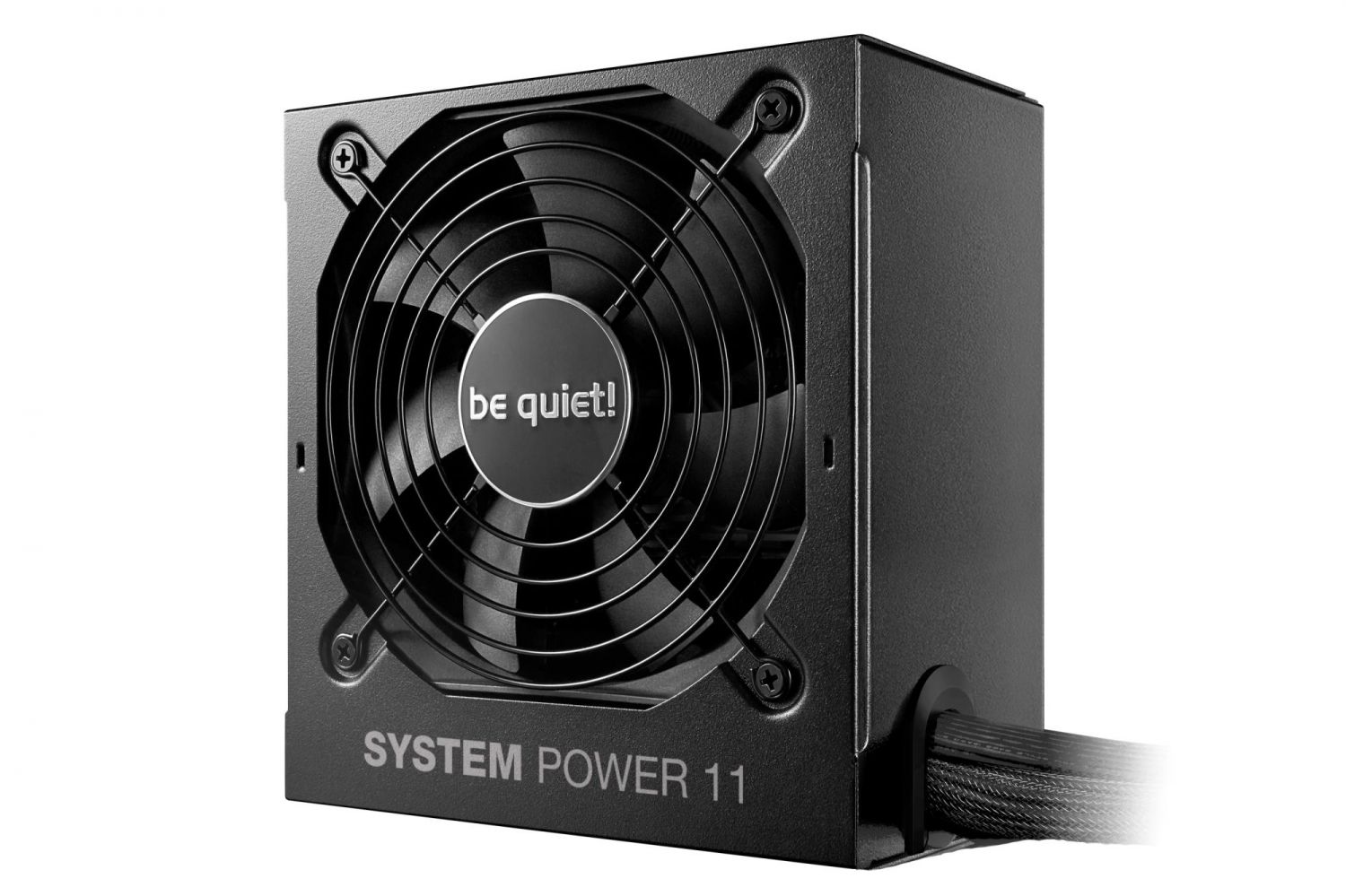
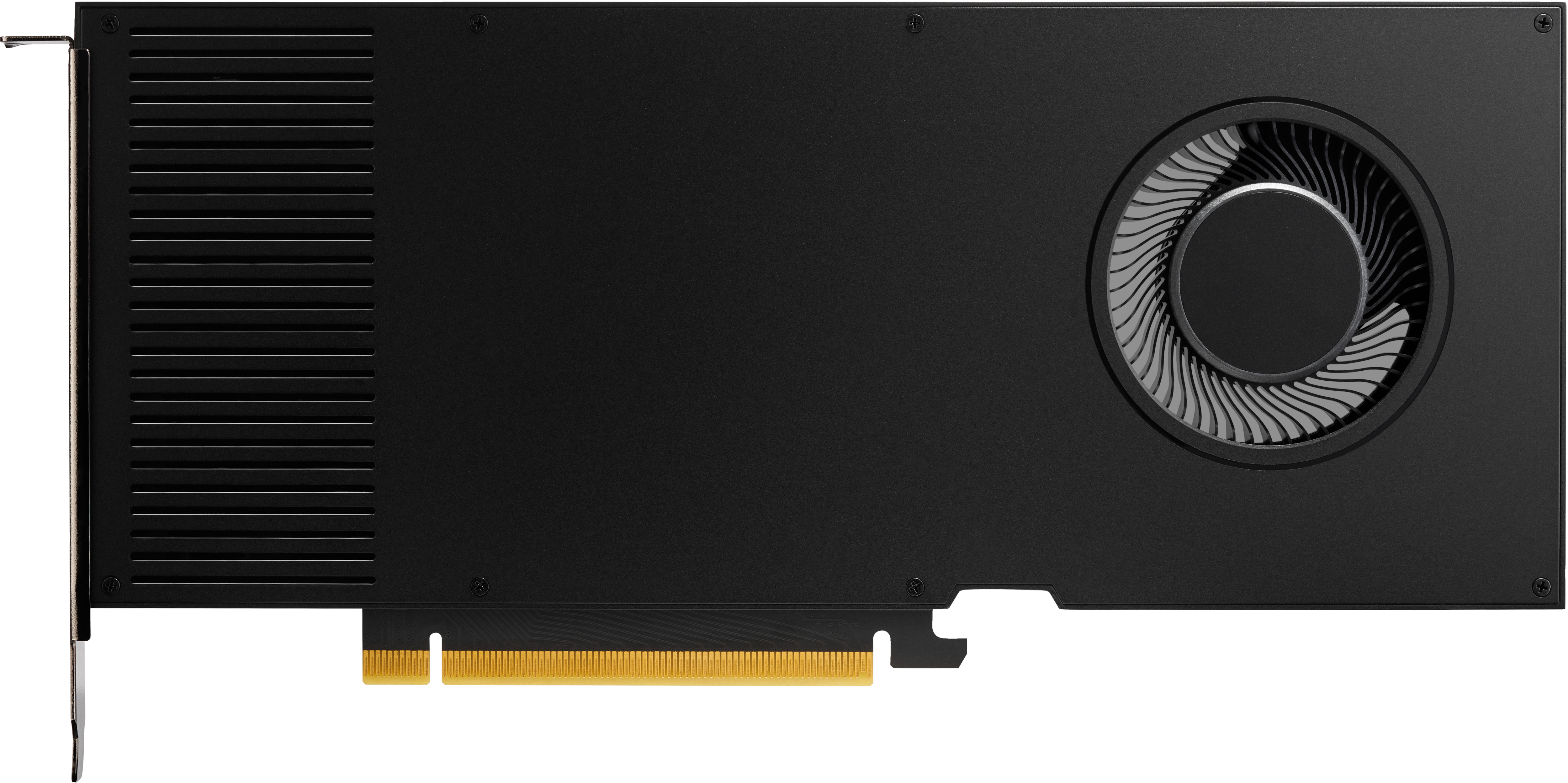
If your goal is to improve your computer’s performance, focus on components that directly affect speed and computing power. A high-quality graphics card is essential for professionals working with CAD software, 3D modelling or video editing. Our range includes NVIDIA Quadro graphics cards designed specifically for these demanding tasks. It’s also important to make sure your PC components, such as the power supply, can keep up with your new hardware.
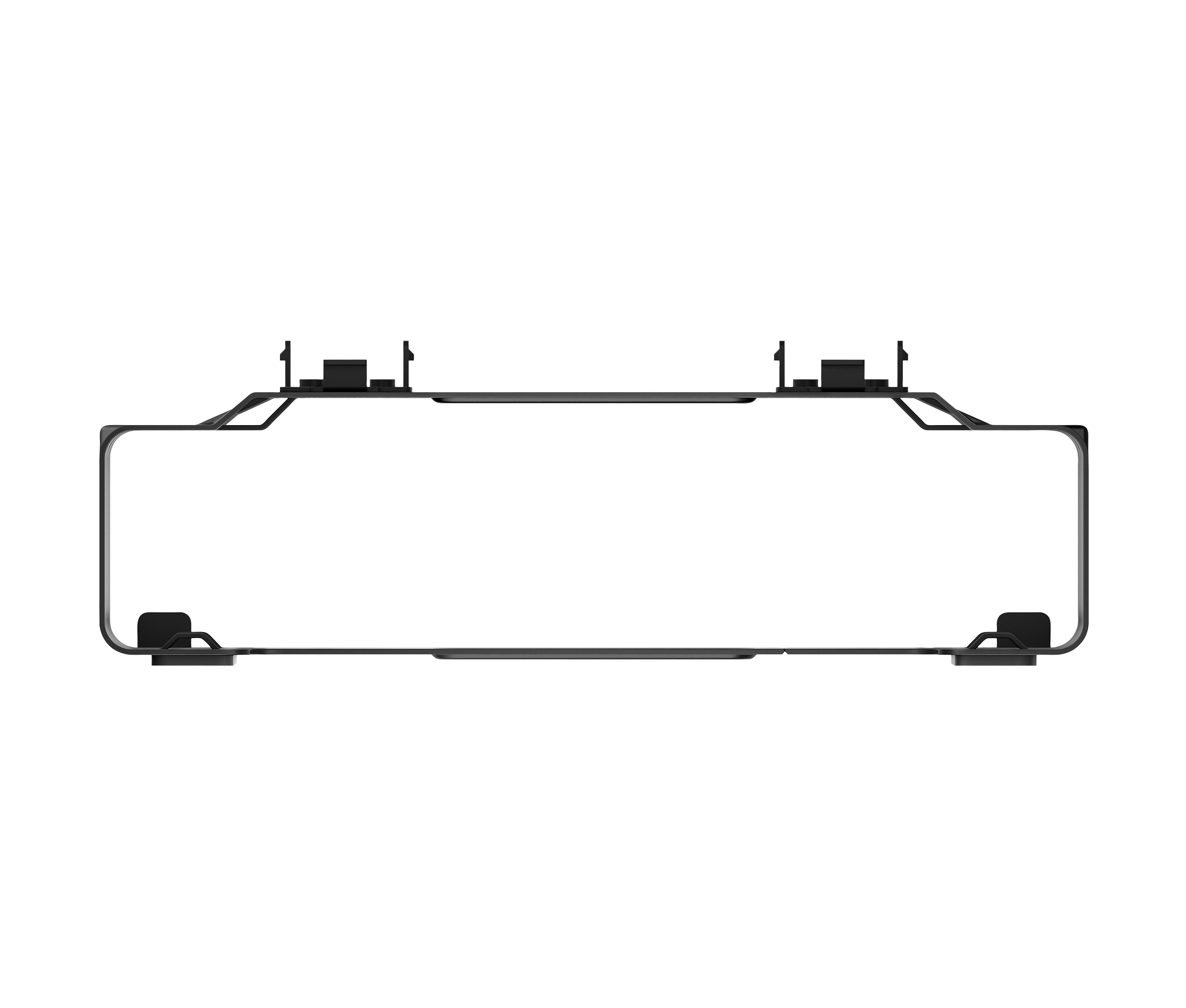
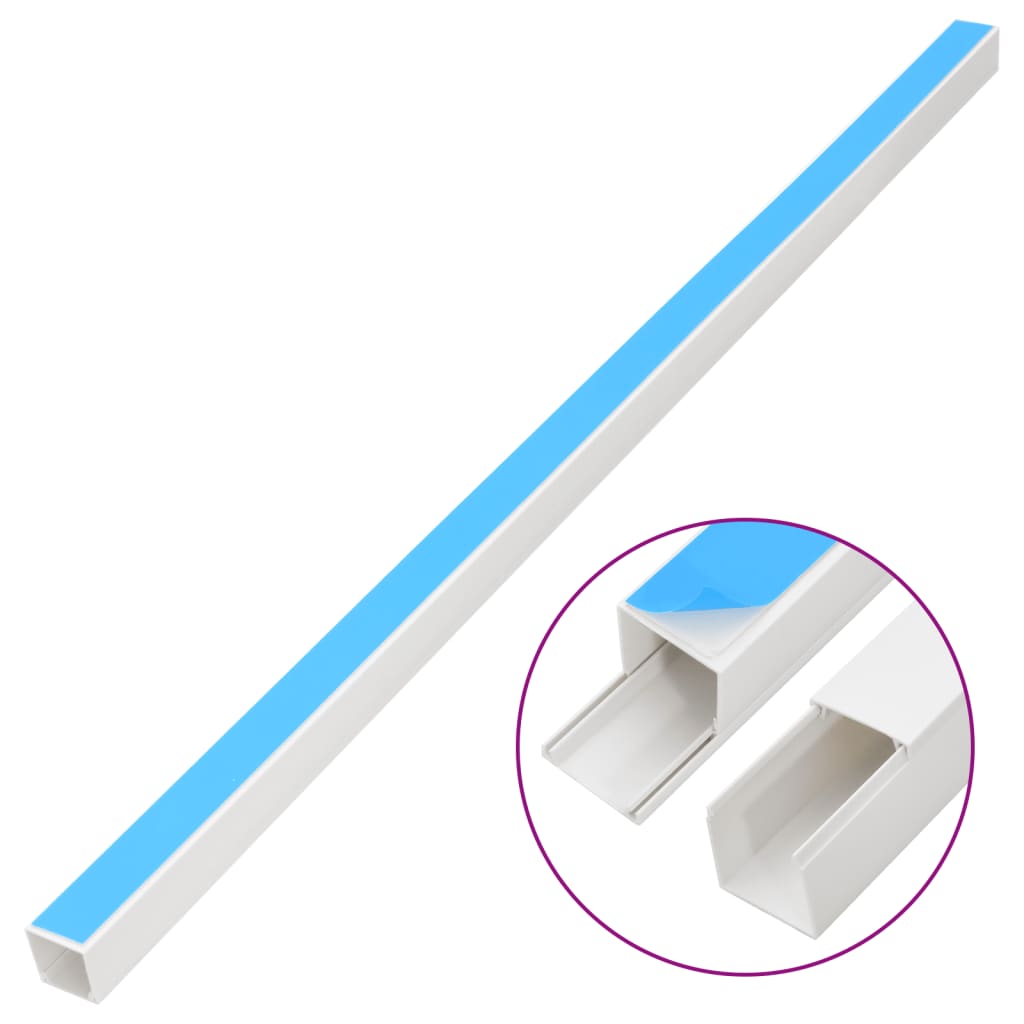
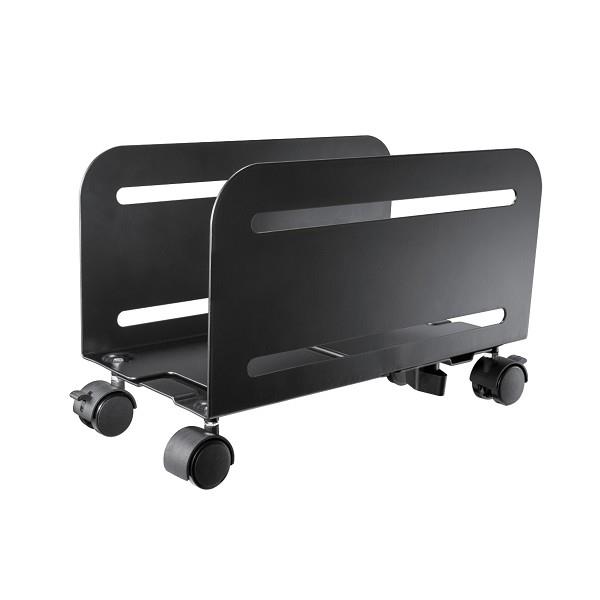
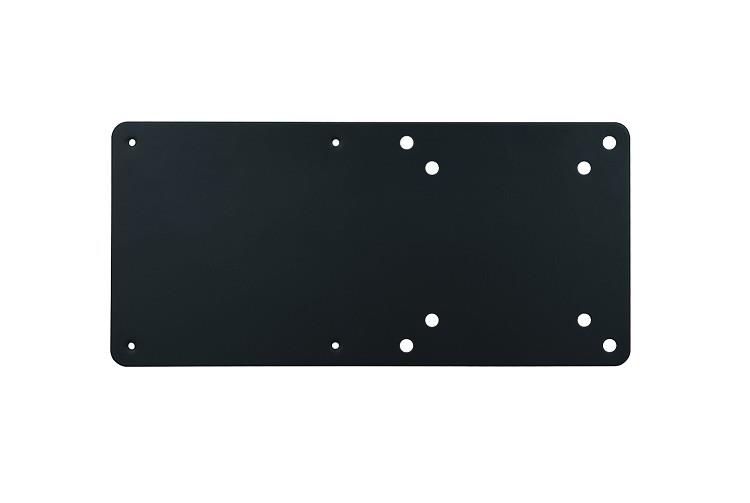
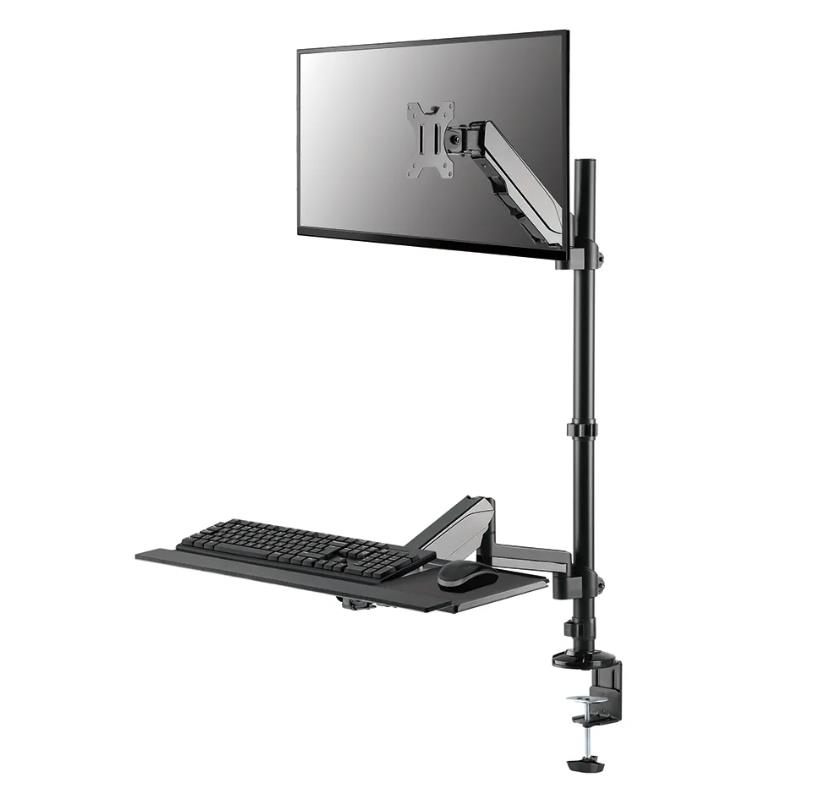
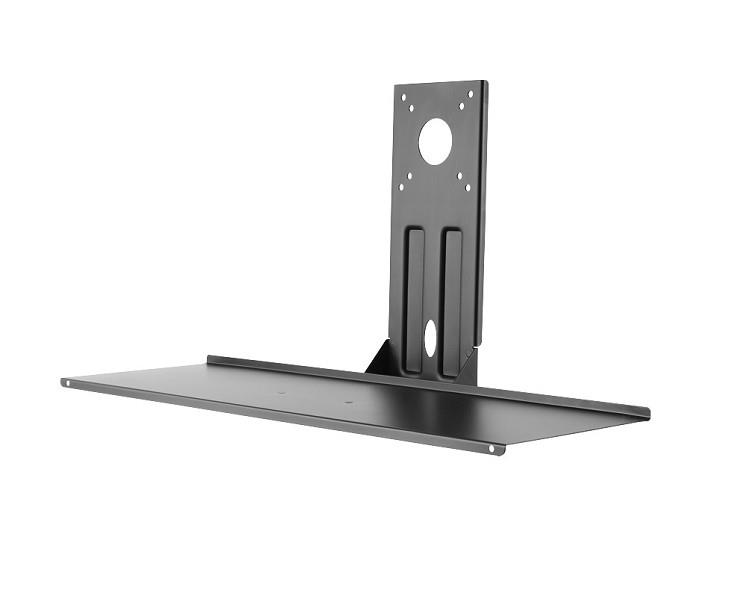
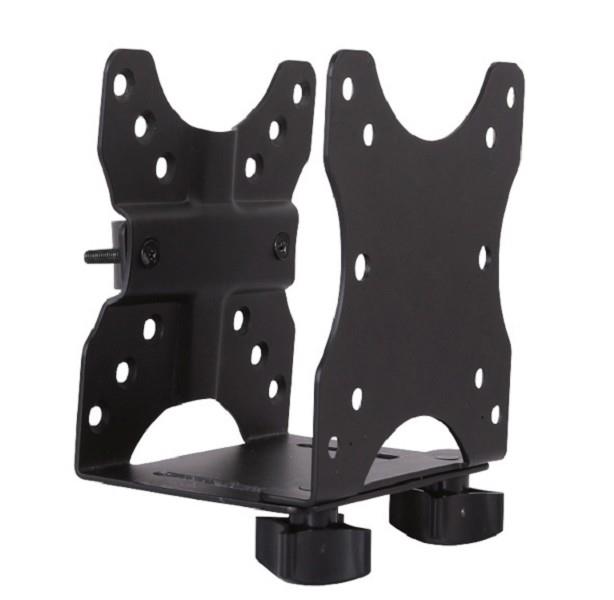
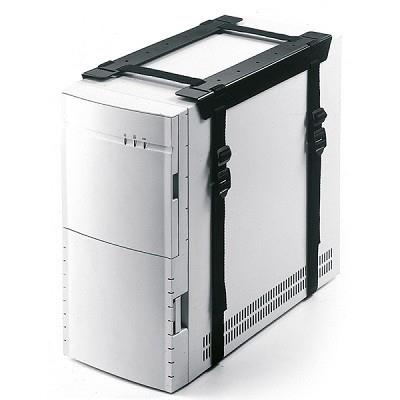
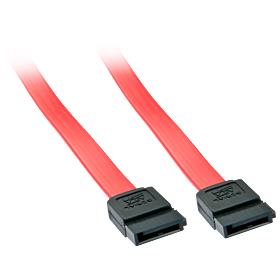
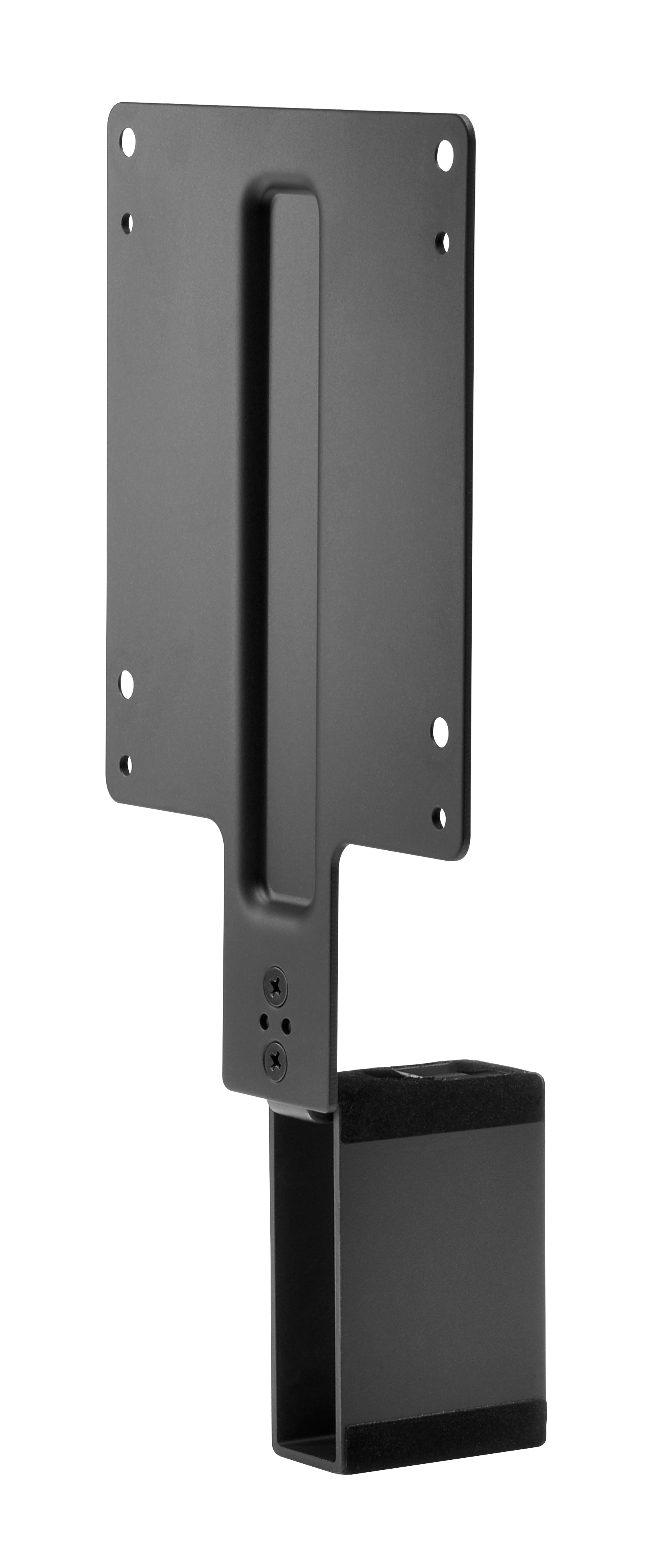
A modern workspace should be both functional and ergonomic. Limited space and cable clutter are common problems that can be solved with smart accessories. A VESA mounting bracket or dedicated stand for HP Desktop Mini computers lets you place the computer directly behind your monitor, freeing up valuable desk space. Good cable management, achieved with a cable of the right length or a dedicated holder, improves both the look and safety of your workspace. These solutions are part of the broader concept of workspace ergonomics, which helps prevent strain and improve focus.
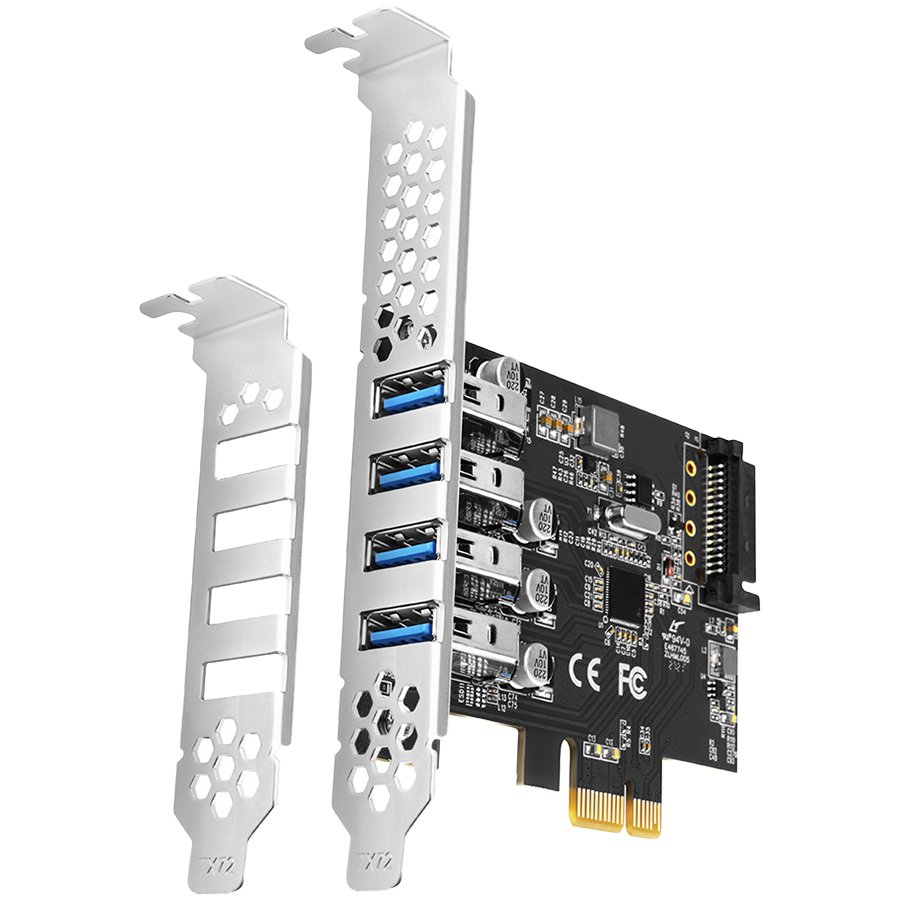
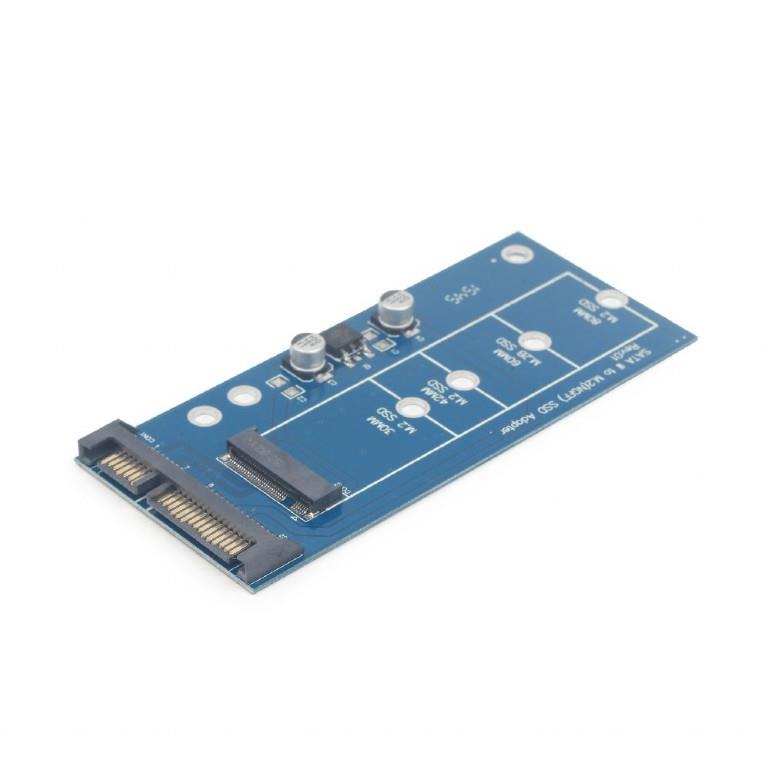
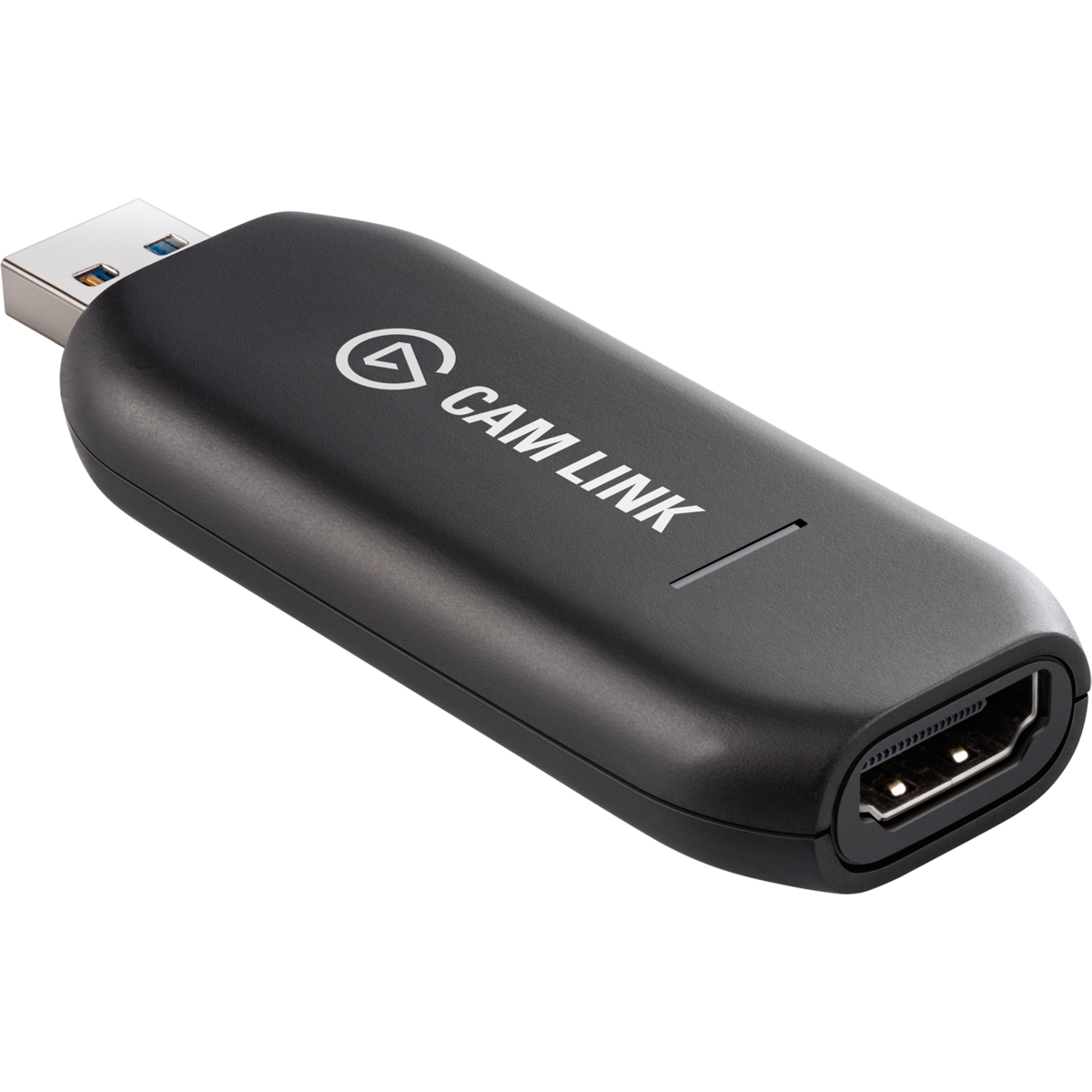
It’s often the case that a computer doesn’t have enough ports, or the right ones. DisplayPort, mini-DisplayPort, USB-C – there are many standards to choose from. Our range includes a wide selection of adapters and splitters to solve connectivity issues. For example, the Elgato Cam Link 4K is an ideal peripheral for streamers and content creators, letting you connect a high-quality camera to your computer. We also offer specialist ports and panels for HP workstations to add the connections you need. Every small but important component, whether it’s a screw or a panel, is available in our online store.
Our product range is designed to meet the needs of both everyday users and specialists. Here’s an overview of the main groups available in our accessories and peripherals category.
It can be tempting to choose the cheapest cable or an adapter from an unfamiliar manufacturer, but in the long run, a high-quality peripheral is always a better investment. Certified and tested products provide a stable connection, reliable data transfer speeds and protection for your valuable equipment. For example, a low-quality power supply can damage your computer components, while a poor adapter can reduce image quality or cause the connection to drop. Order products from our online store with confidence: they come with a warranty and are designed for professional use.
Buying a quality accessory is an investment in reliability and peace of mind. Ordering the right product from the ZAZA.ee online store is easy and convenient. Our products are in stock and ready to ship, and we offer fast delivery across Estonia so you can get on with your project or workspace upgrade without delay. What’s more, delivery is always free, making your shopping experience even better.
| Question | Answer |
|---|---|
| How do I check whether a mounting bracket is compatible with my monitor and computer? | The most important thing is to check the VESA standard (e.g. 100x100 mm) on both the monitor and the bracket. Also make sure the bracket’s weight limit is suitable for your devices. HP product descriptions often list the exact compatible monitor and computer models. |
| What’s the difference between NVIDIA Quadro and GeForce graphics cards? | In short, Quadro cards are designed for professional work (CAD, 3D and video editing), offering certified drivers and stability. GeForce cards are optimised for gaming and deliver maximum frame rates. Both can handle either type of task, but they have different priorities. |
| Does adding a new peripheral require a more powerful power supply? | It depends on the device. Small accessories such as a USB splitter or adapter usually don’t require any changes. However, when adding a powerful graphics card, it’s essential to make sure your computer’s power supply (PSU) has sufficient wattage (W). Insufficient power can make the system unstable. |