



For private customers
At checkout, product prices are automatically adjusted according to the VAT rate in your delivery country.

Christmas
Furniture
Home & Garden
Sport
Clothing
Mattresses
Watches
Electronics
Construction
Showing 14 of 14 products with selected filters
14 / 14



No products match your selected filters.
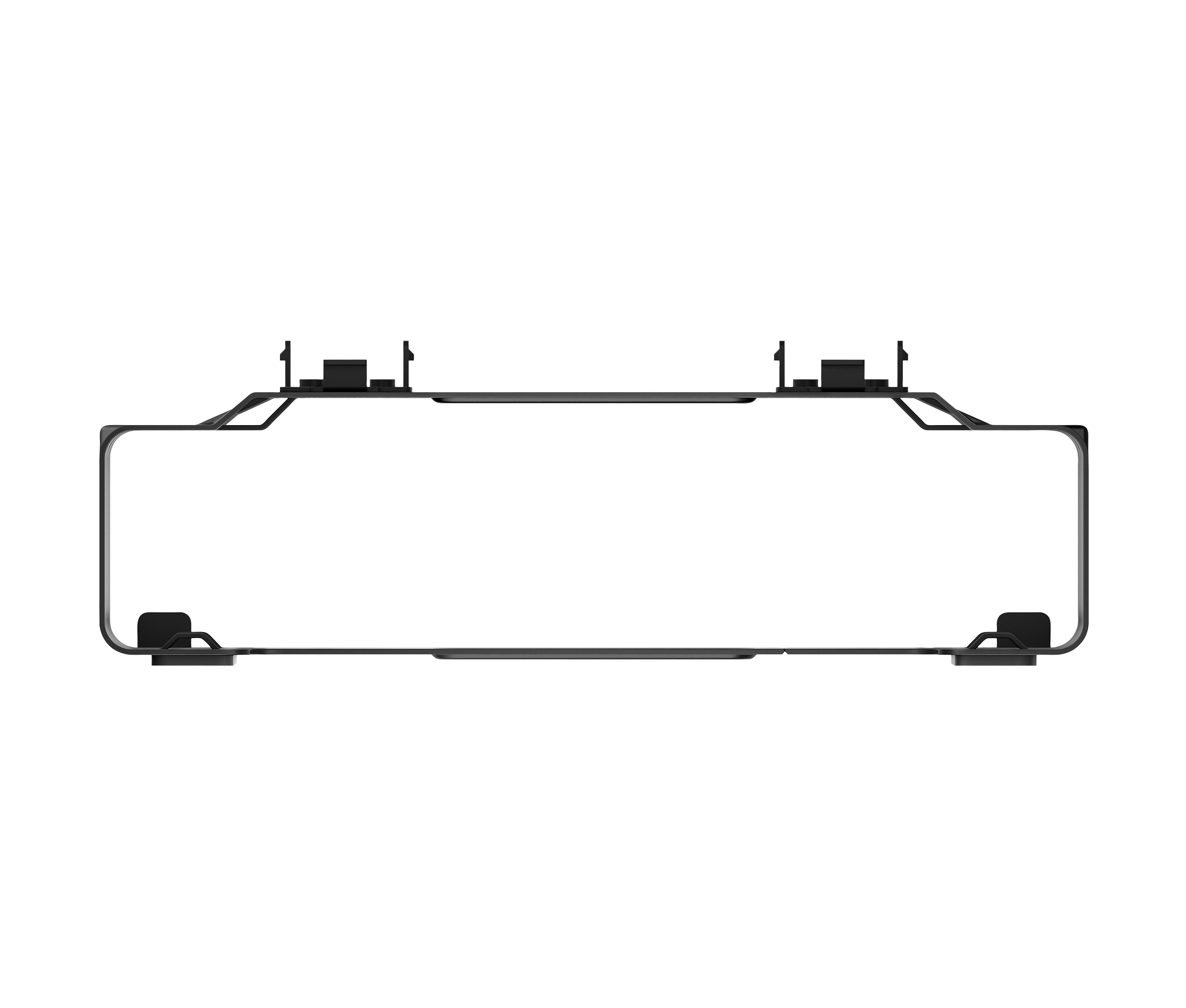
Modern workspaces, whether at home or in the office, are packed with technology. Without proper organization, they can quickly become cluttered with cables and devices—not only looking untidy, but also affecting your productivity and even your health. Our PC mounts and accessories category is designed to solve these problems. Find everything you need to make your desk more spacious, ergonomic and safe for your equipment. Whether you’re looking for a place to put your desktop computer case or need a specific adapter, our wide selection offers solutions for every need and budget.
Choosing the right product may seem complicated at first, but focusing on a few key criteria makes the decision much easier. Think about what you need: are you looking to save space, improve ergonomics or protect your equipment from dust and knocks? Here are the main things to consider when buying a new computer mount.
The first and most important question is where you want to place your device. Each type of mount has its own advantages.
This is crucial. Before buying, weigh and measure your computer case. The product description always lists the maximum load capacity (e.g. 10kg, 20kg) and adjustment range (width and height). Always choose a holder with a load capacity slightly higher than your computer’s weight. This gives you a safety margin and ensures stability. After all, nobody wants a heavy computer case falling down in the middle of the workday.
Most quality mounts are made of durable steel for a long service life. The color (usually black or silver) is a matter of taste, but make sure the finish is high quality and scratch-resistant. Other accessories also play an important role in ergonomics. For example, workspace ergonomics products, such as height-adjustable desks and keyboard trays, help you avoid awkward postures and prevent back and neck pain. Cable management solutions from our cable management category help keep your desk tidy and safe.



Our range covers a wide variety of needs, from standard desktop computers to specialized devices. Here’s an overview of the main product categories.
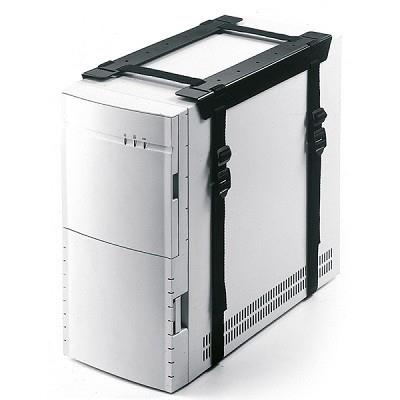
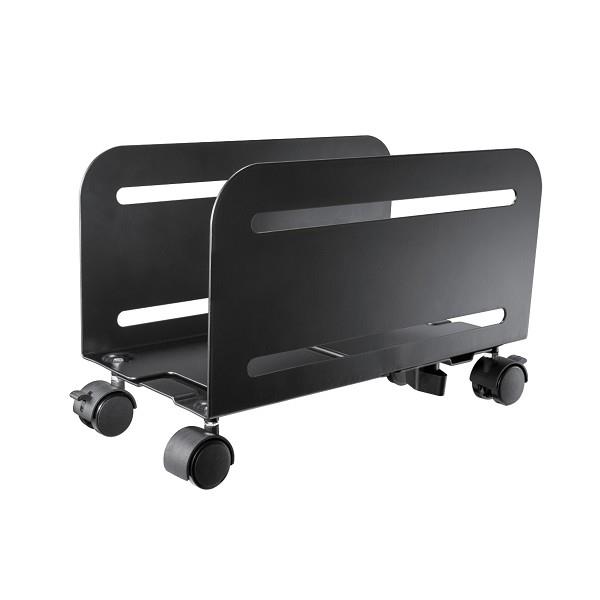
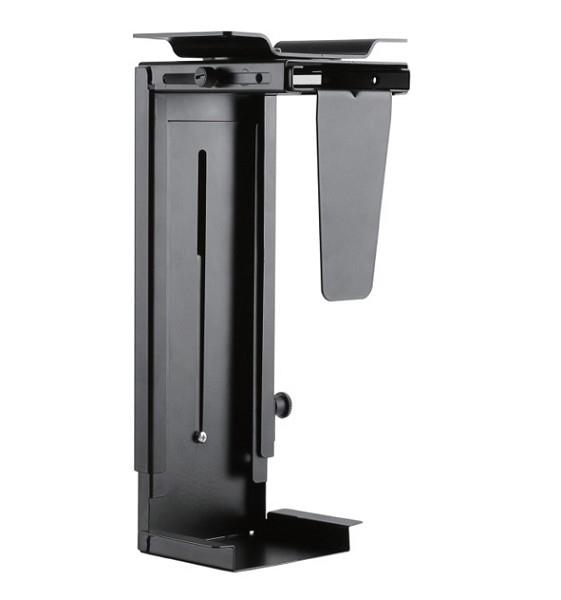
This is our most popular product category. We offer a wide range of Neomounts and other brands’ models to fit computer cases of different sizes and weights. Under-desk mounting is the best way to keep your investment safe, improve cooling and create a tidy workspace. If you’re looking for a great price, you’re sure to find the right solution here.
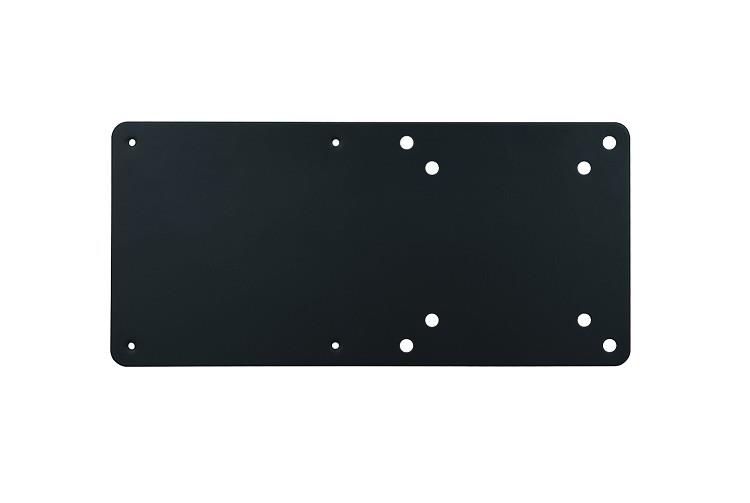
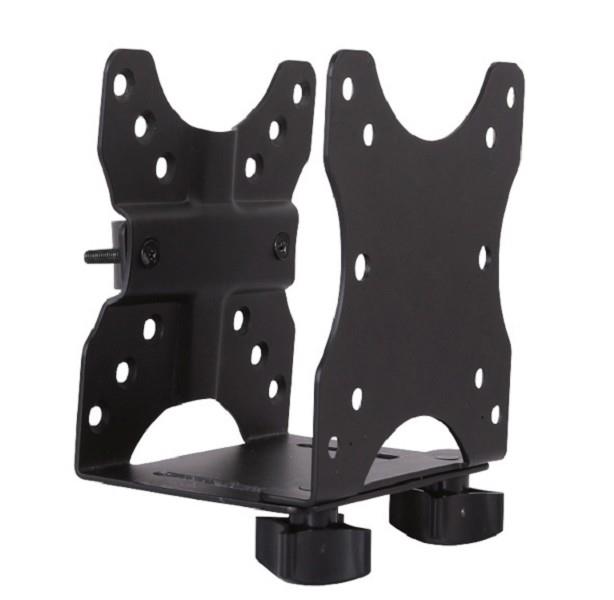
Small computers, such as Intel NUCs and various Thin Client devices, are becoming increasingly common in offices. Their compact size calls for specialized mounting solutions. Our range includes mounts that let you attach these devices directly behind a monitor using VESA mounts, to a wall or under a desk. It’s an ideal way to create a neat, almost invisible workspace.
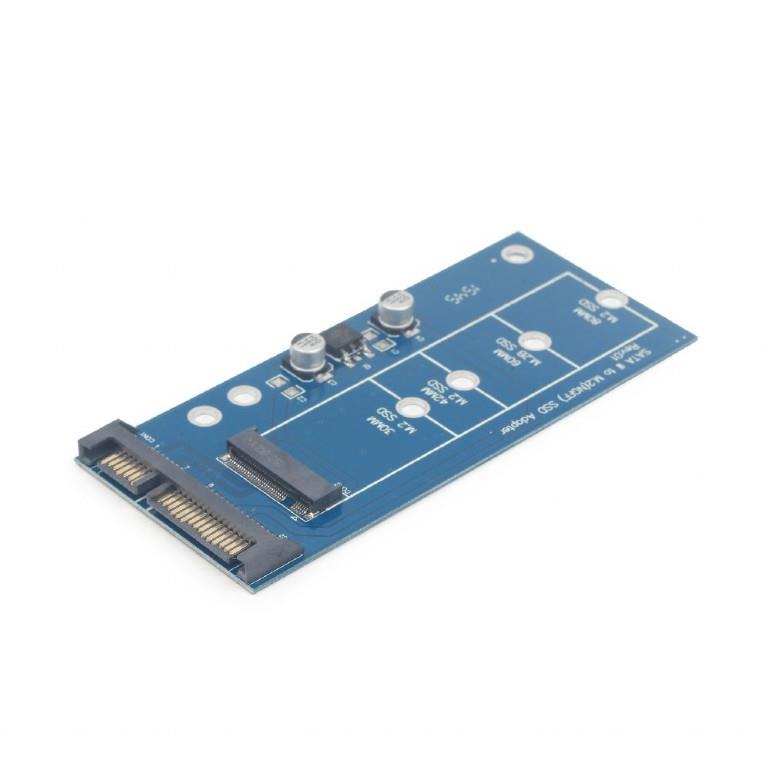
Some devices don’t have standard mounting points. Apple iMacs, for example, don’t come with a VESA mount by default. Our range includes special VESA adapters that let you attach these devices to a standard monitor arm or wall mount. We also offer other useful computer accessories in this category, such as M.2 SSD adapters that let you add faster storage to your computer. These small but important accessories, along with quality computer risers and stands, help you get the most out of your existing equipment.
Ordering computer accessories online can raise questions, but our goal is to make the process as simple and secure as possible. Our online store offers transparent pricing and detailed product descriptions so you can make an informed choice.
| Question | Answer |
|---|---|
| Can I install the holder myself? | Yes. Most of the holders we offer are designed for easy installation. All the necessary screws and instructions are usually included. You’ll only need basic tools, such as a screwdriver or drill. |
| How do I know if the holder will fit my computer case? | The surest way is to check the dimensions (width, height and depth) and weight of your computer case. Then compare them with the maximum dimensions and load capacity listed in the product specifications. Our range includes a suitable solution for almost every computer case. |
| What does the VESA standard mean? | VESA is a standard that specifies the distance, in millimeters, between the mounting holes on the back of monitors and TVs. It ensures that monitors and mounts from different manufacturers are compatible. The most common standards are 75x75 mm and 100x100 mm. |
| Do you also offer solutions for laptops? | Yes. While this category focuses mainly on desktop computers, you’ll also find a wide range of laptop stands and holders in a separate category in our store to improve ergonomics and cooling. The right laptop stand is just a few clicks away. |