

For private customers
At checkout, product prices are automatically adjusted according to the VAT rate in your delivery country.

Christmas
Furniture
Home & Garden
Sport
Clothing
Mattresses
Watches
Electronics
Construction
Showing 9 of 9 products with selected filters
9 / 9





No products match your selected filters.
Every desktop computer, whether it’s a powerful gaming rig or a dependable office PC, is a complex system whose components need to work together seamlessly. Often overlooked but critically important, internal computer cables carry both data and power. A high-quality cable that’s right for the job ensures stability, maximum data transfer speeds and even better airflow inside your PC case. It’s easy to find and buy the computer cable you need in our online store, always at a competitive price.
Choosing the right cable may seem complicated at first, but it really comes down to a few key factors. Consider which device you’re connecting, how long the cable needs to be and any space constraints. The wrong cable may simply not work, or, in the worst case, could damage your expensive components.
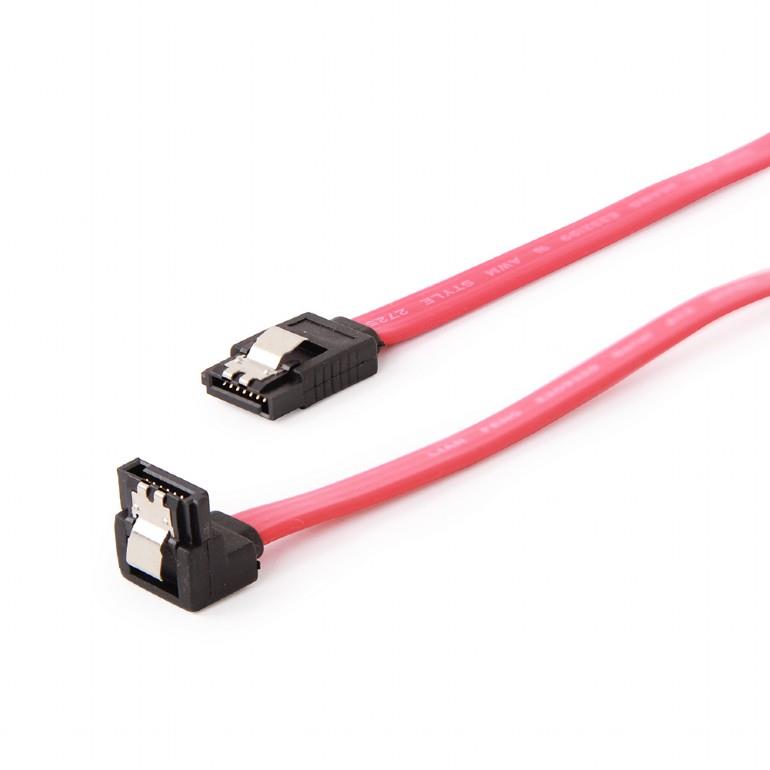
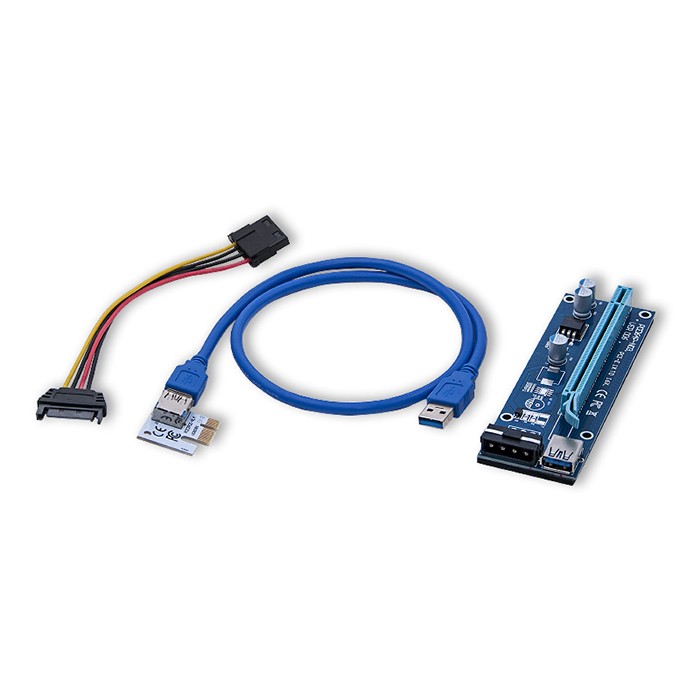
SATA cables are the most common type and are the standard for connecting hard disk drives (HDDs), solid-state drives (SSDs) and optical drives. They come in data and power cables. Our range includes standalone SATA data cables as well as convenient combination cables that provide both data and power connections. For more specialised needs, such as positioning a graphics card in an unconventional location, we offer PCI-E risers. These let you install a graphics card away from the motherboard slot—a popular solution for showcase PC cases and mining rigs alike.
Cable length matters more than you might think. A cable that’s too short simply won’t reach the component, while an overly long cable creates clutter in the case, restricts airflow and collects dust. Our range includes cables from 0.1m to 1m long, so you can find the ideal fit for any system. When space is tight, 90-degree connectors are indispensable, allowing you to connect a cable even in confined spaces—for example, when a hard drive sits right next to the side panel.
Always check that the cable connectors match the ports on your devices before buying. Although SATA is a standard, power connectors vary. These include older Molex connectors and newer PCI-E 6-pin or 8-pin connectors used to power more powerful graphics cards. With PCI-E risers, it’s also important to check which power connector they use to ensure a stable power supply. Always check the specifications of your power supply and components.


Quality is essential when it comes to cables. That’s why our range features trusted manufacturers with a proven track record.
Whether you’re building a new computer, adding an SSD SATA drive to an existing system or carrying out repairs, the right cable is essential. You can order a computer cable for any purpose from our store. Shopping online gives you the chance to compare different lengths and connector types at your leisure, so you can find exactly what you need. We offer a wide range of products in stock and ready to ship, helping every computer enthusiast find the PC components they need in one place.
Here are answers to some common questions about internal computer cables.
| Question | Answer |
|---|---|
| What’s the difference between a SATA II and SATA III cable? | Physically, the cables and connectors are identical and backward compatible. However, to achieve SATA III speeds (6 Gbit/s), it’s best to use a higher-quality cable made specifically for this standard. A low-quality cable may limit speeds and cause errors. |
| Do I need an angled SATA connector? | It depends on your computer case. If a hard drive or SSD is installed close to the side panel, a 90-degree connector helps prevent the cable from bending sharply and possibly getting damaged, while also giving your build a cleaner look. |
| What is a PCI-E riser used for? | A PCI-E riser is an extension that lets you install a PCI-Express device, usually a graphics card, away from the motherboard slot. It can be used to mount a graphics card vertically for aesthetic reasons, fit multiple graphics cards in one case (e.g. for crypto mining), or accommodate specialist PC cases. |