






For private customers
At checkout, product prices are automatically adjusted according to the VAT rate in your delivery country.

Christmas
Furniture
Home & Garden
Sport
Clothing
Mattresses
Watches
Electronics
Construction
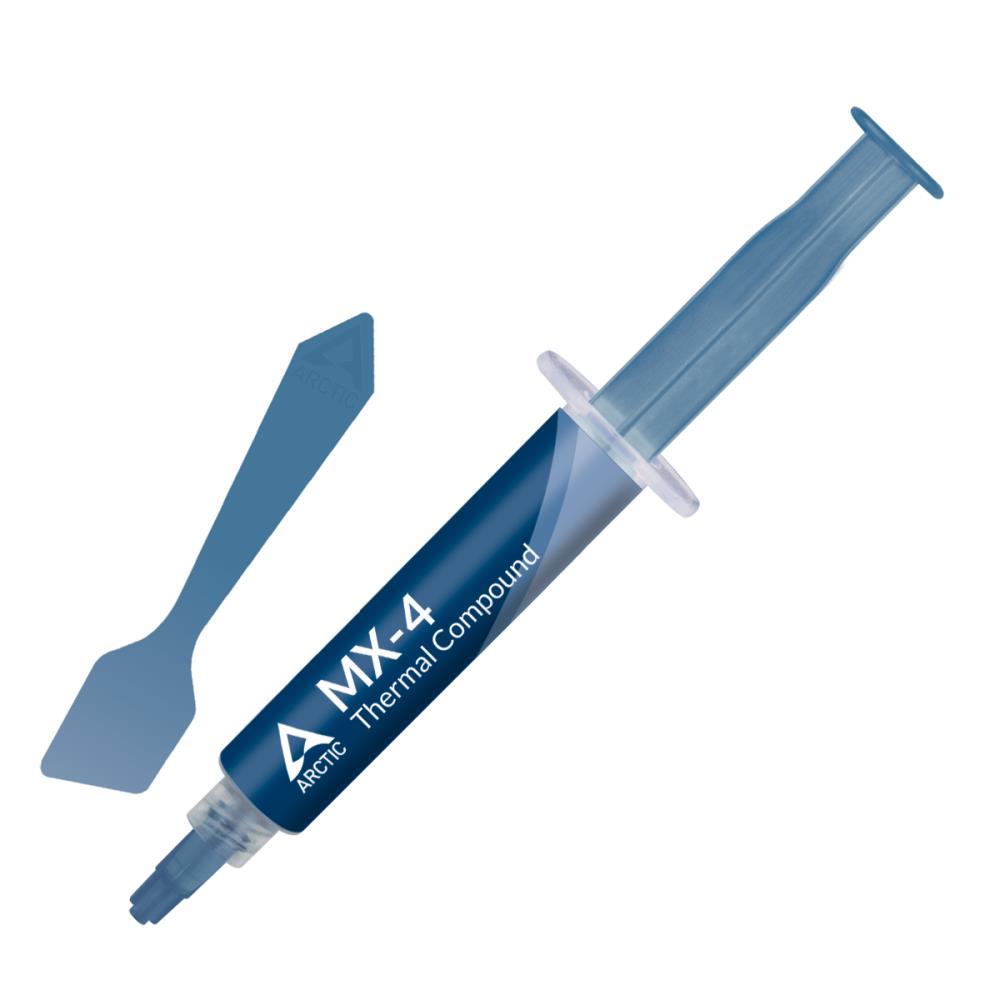
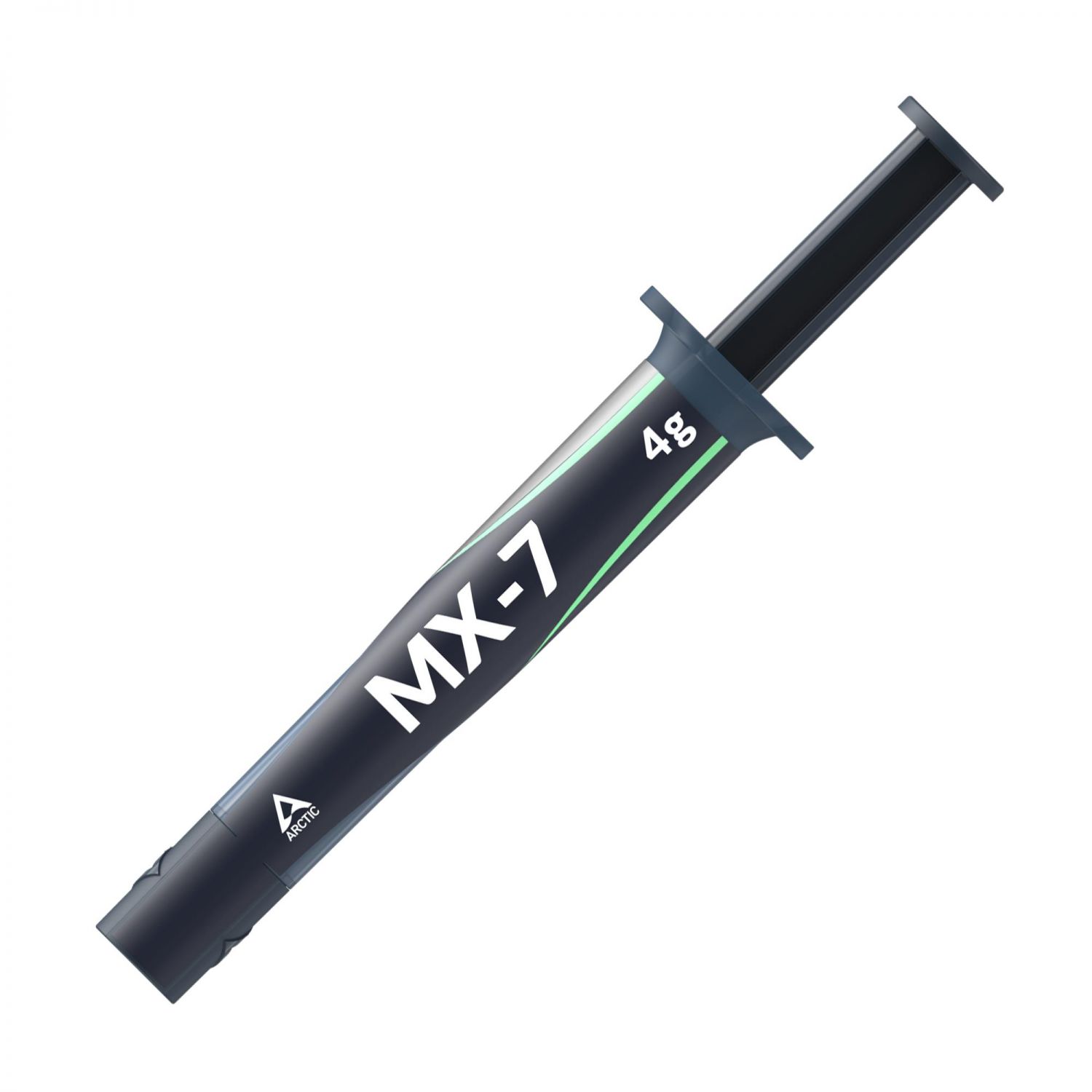

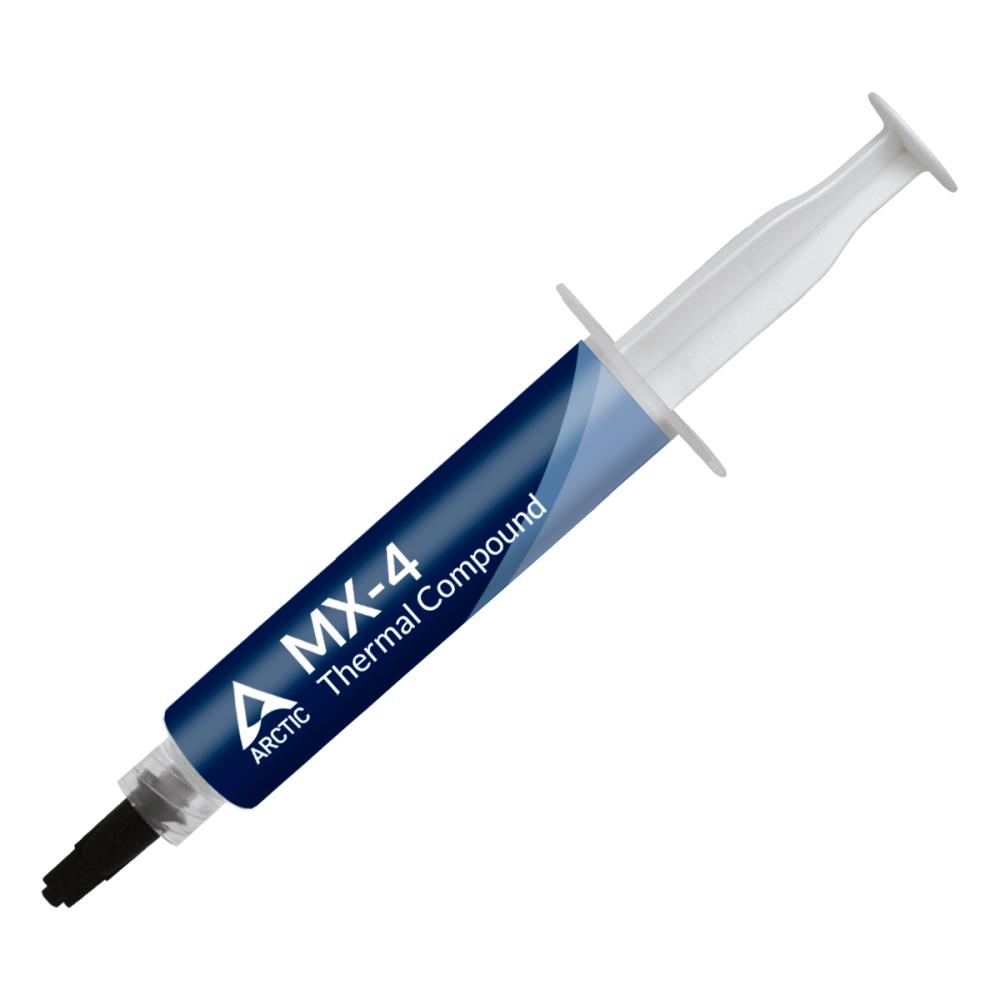


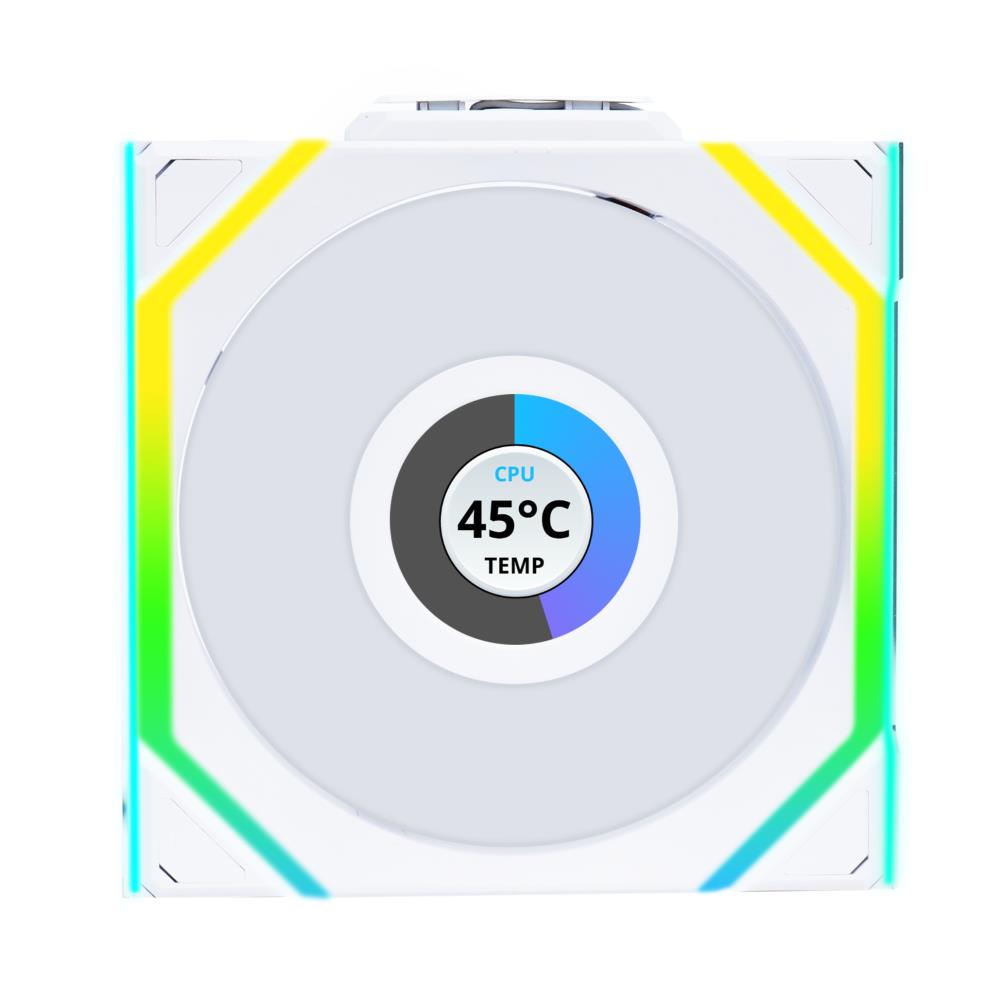
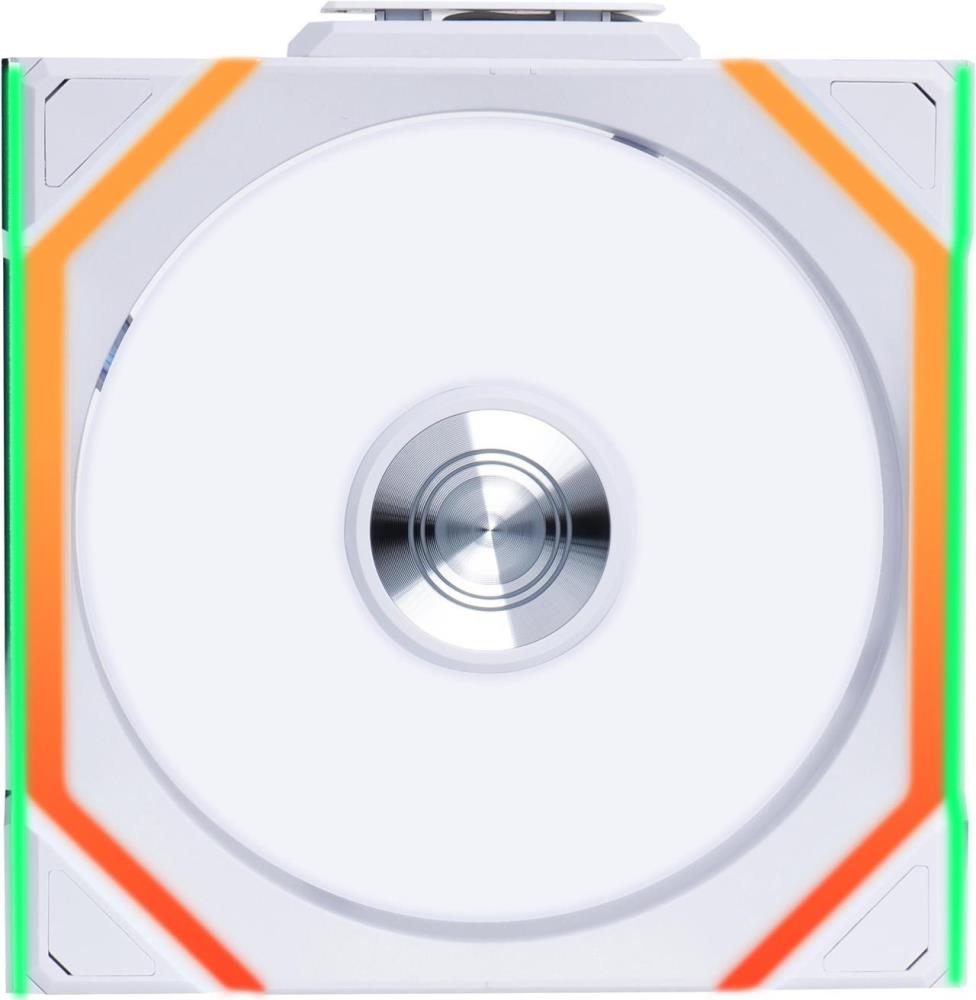
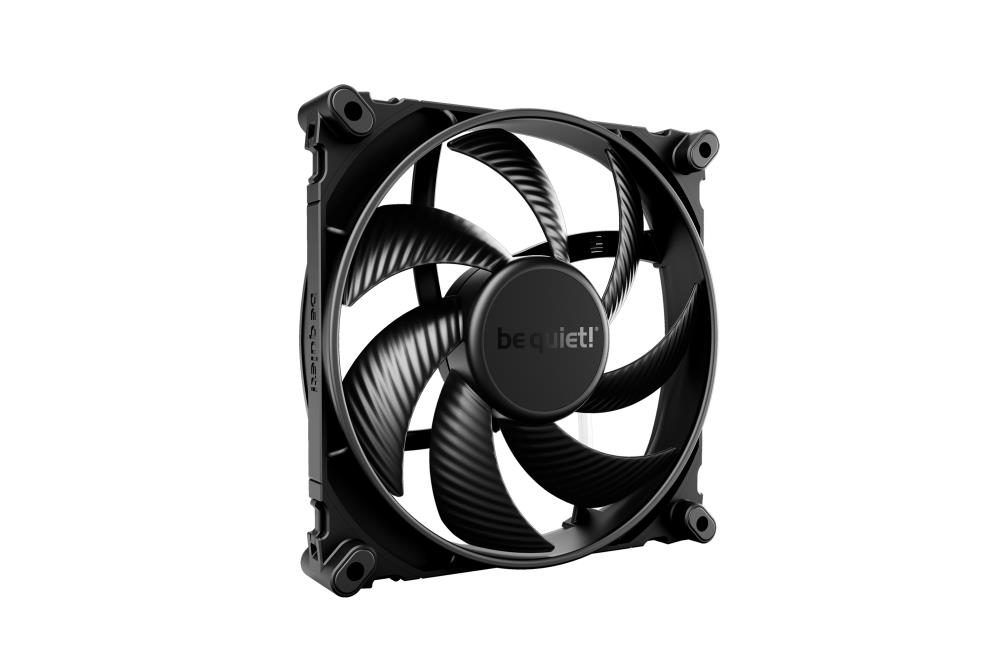
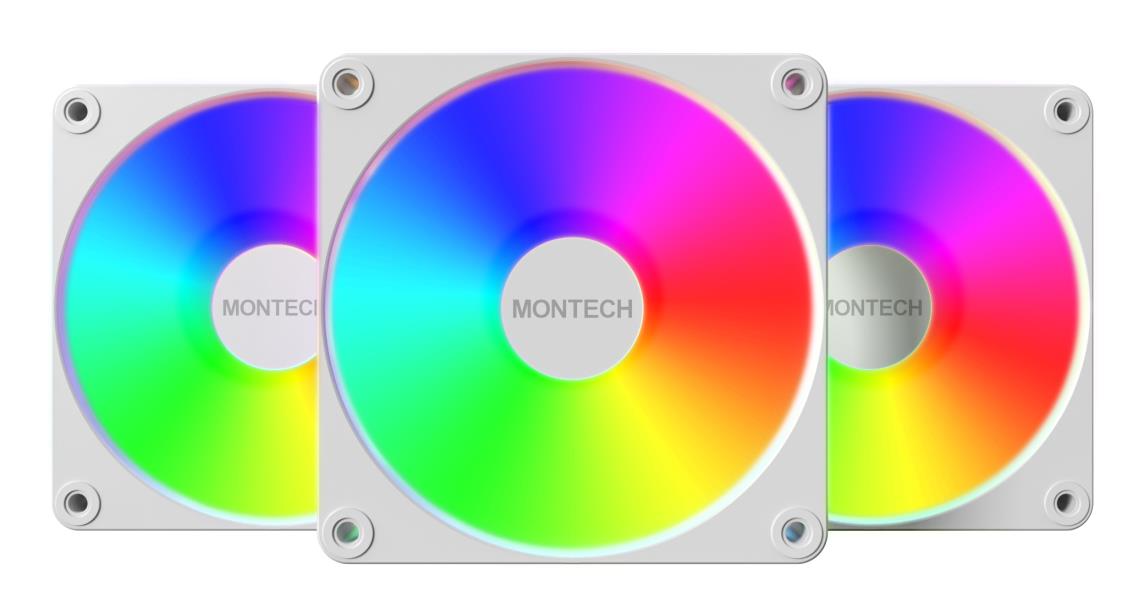
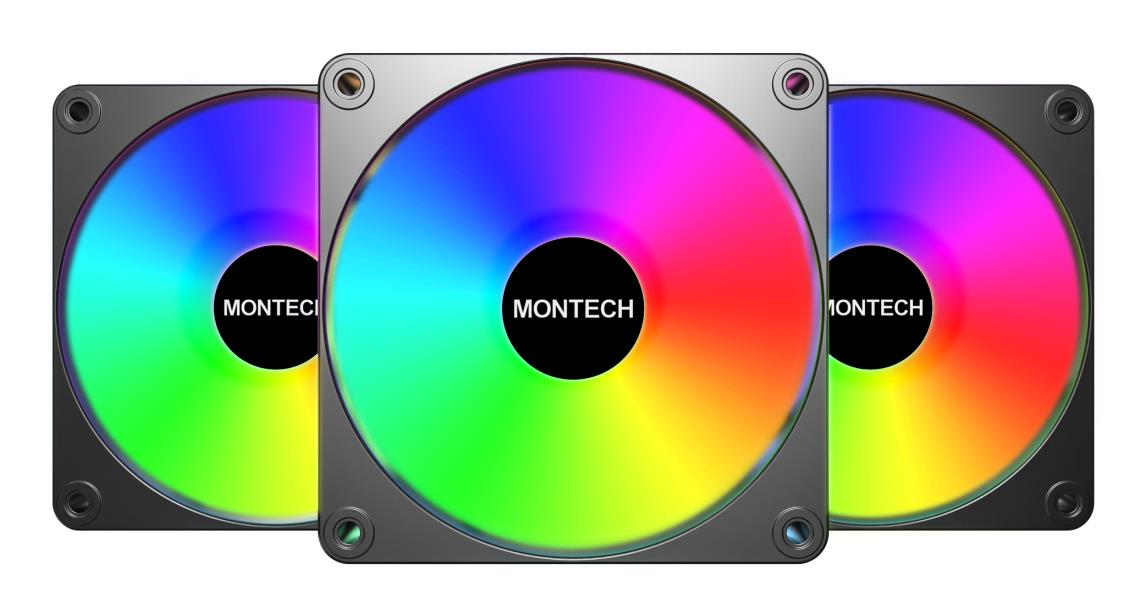
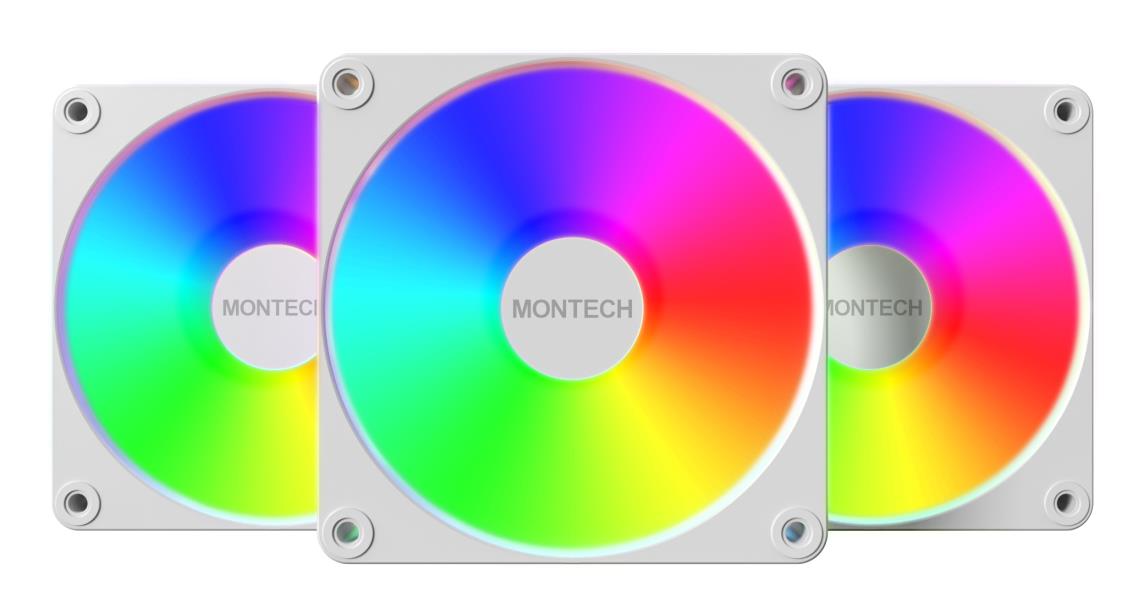



Building or upgrading a modern computer is about more than choosing the fastest processor or graphics card. A quality cooling system is essential for keeping all that power under control and ensuring stable performance. Without one, you risk overheating, reduced performance (thermal throttling) and even a shorter hardware lifespan. Choosing the right PC cooling system is an investment in your computer's longevity and performance.
There are two main types of CPU coolers: traditional air cooling and modern liquid cooling. Each has its advantages, and the best choice depends on your needs, budget and preferences. Understanding how each type of CPU cooler works will help you make an informed decision.
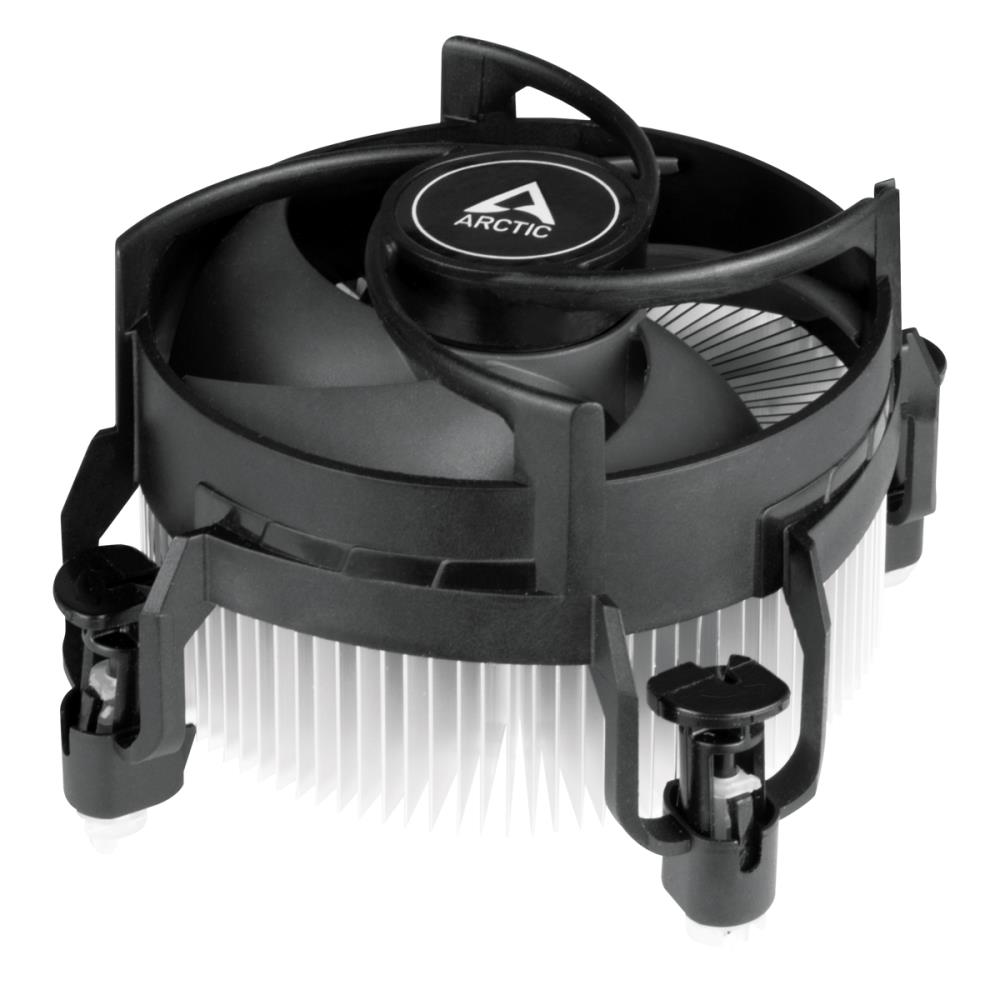
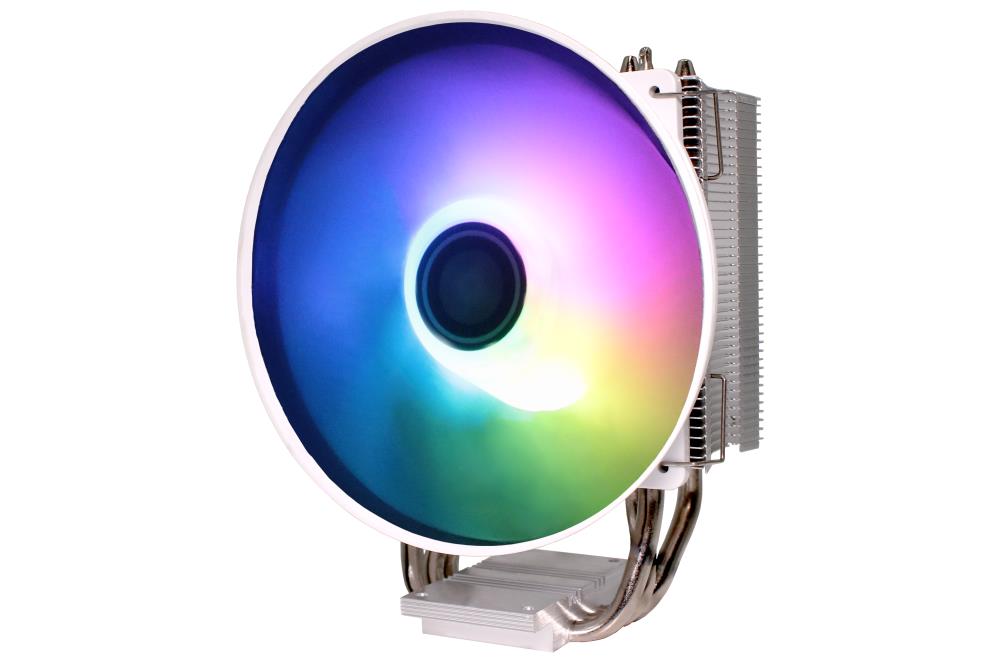
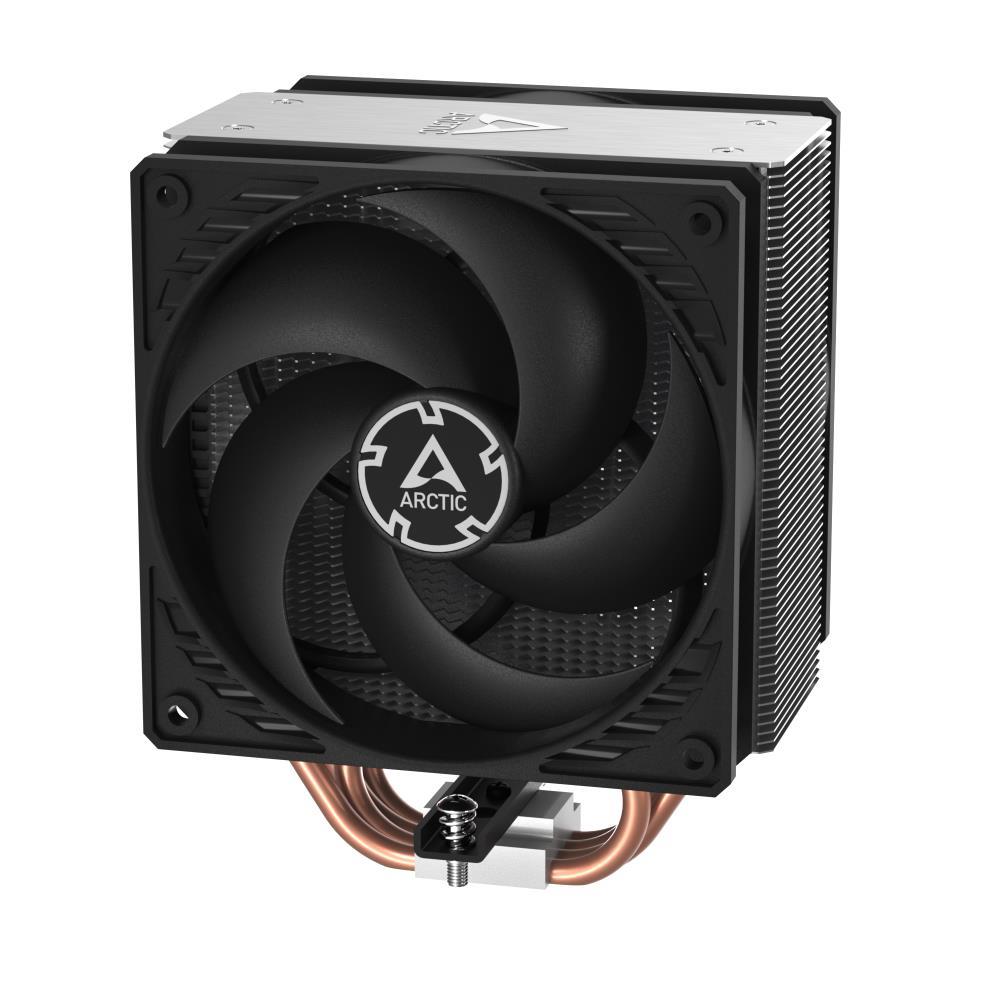
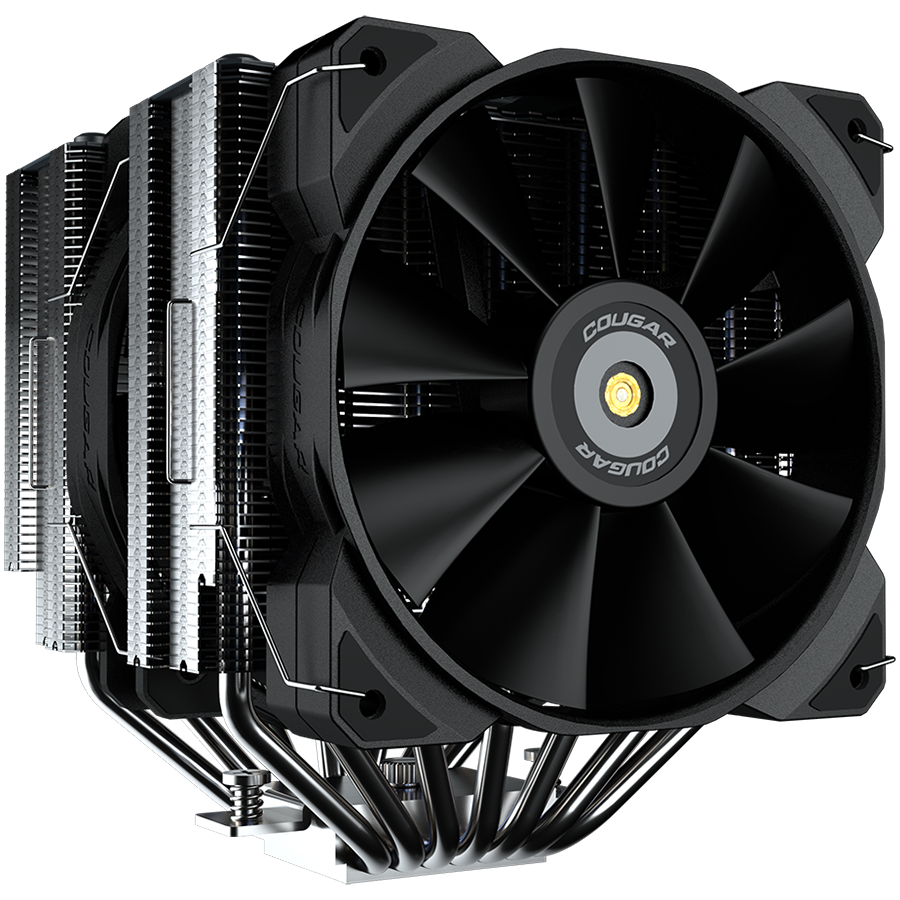
An air cooler is a classic, widely used solution. It consists of a metal heatsink, heat pipes and a fan. Heat from the CPU travels through the copper base and into the heat pipes, then spreads to the aluminium fins, where the fan blows it out of the case. Many enthusiasts prefer air cooling for its reliability and simpler installation. Our store offers a wide selection, from compact models to powerful dual-tower air coolers that can even compete with liquid coolers.
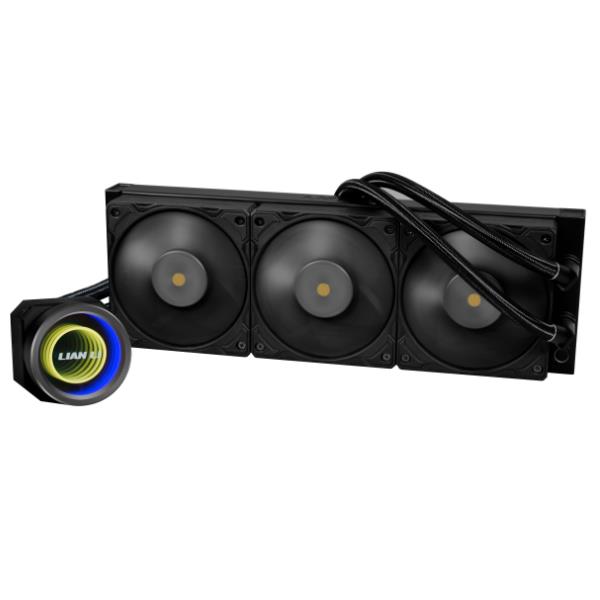
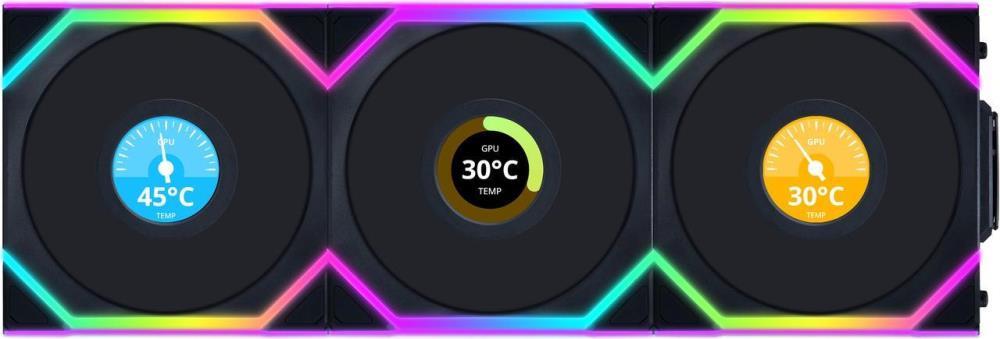
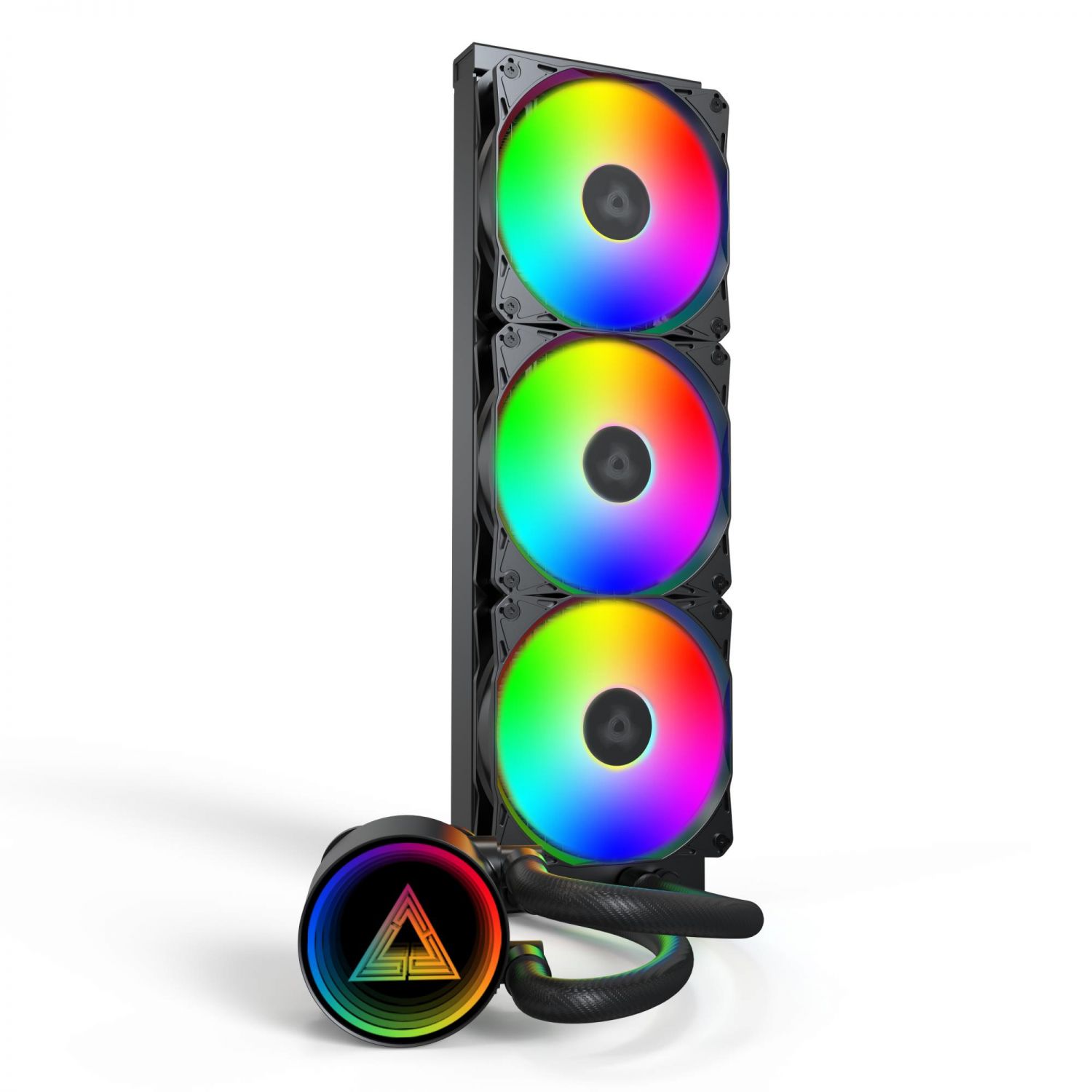
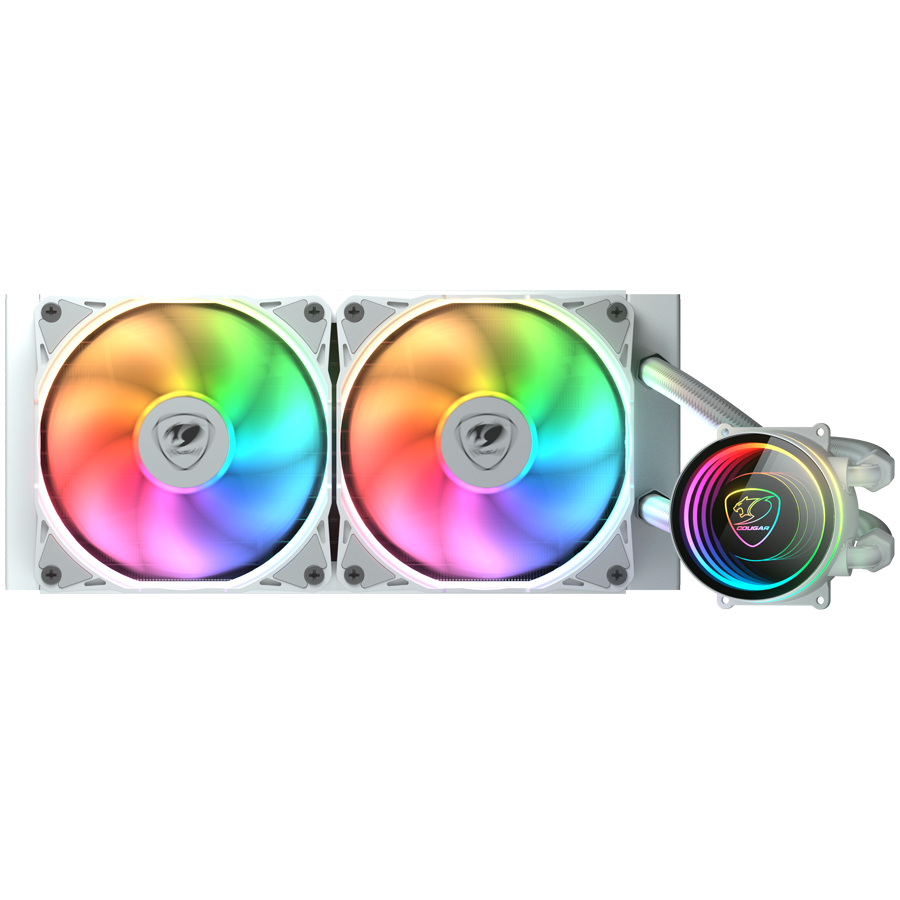
All-in-one (AIO) liquid cooling systems often offer the best cooling performance, making them ideal for overclocked CPUs and high-end gaming PCs. An AIO cooler consists of a CPU block with a built-in pump, tubing and a radiator fitted with fans. The circulating liquid absorbs heat from the CPU and carries it to the radiator, where it is cooled. If you're looking for the best cooling for a gaming PC and want a clean, impressive look inside your case, ARGB liquid cooling is an excellent choice. A range of radiator sizes is available, including 240mm AIO and 360mm liquid coolers, so you can find the right solution for any case.
Choosing the right cooler may seem complicated, but keeping a few key specifications in mind makes the process much easier. Whether you're looking for an affordable cooling system or a high-end solution, these factors always matter.
TDP indicates the maximum amount of heat a CPU produces, measured in watts. Your cooler's TDP rating should be equal to or higher than your CPU's TDP. If you plan to overclock, choose a cooler with plenty of headroom. This helps the cooling system keep temperatures under control, even under load.
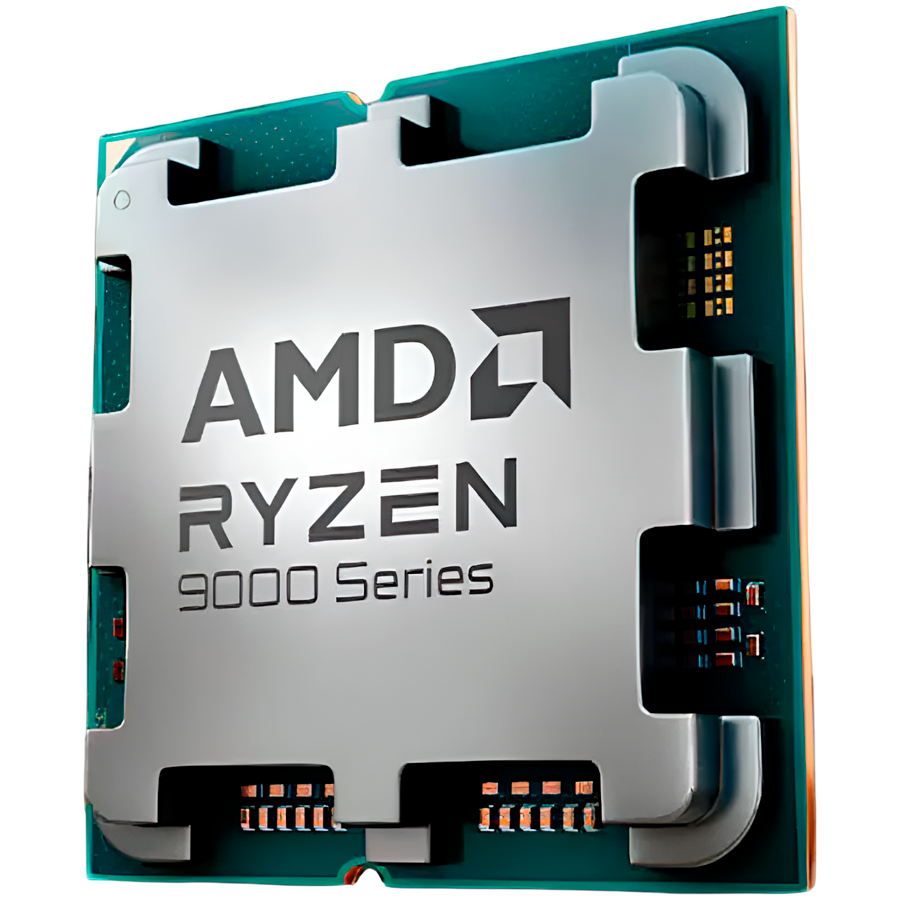
Before buying, it's essential to check that the cooler is compatible with your CPU socket. The most popular modern sockets are LGA 1700 and LGA 1200 for Intel, and AM5 and AM4 for AMD. Most coolers come with mounting kits for both manufacturers, but it's always wise to double-check. You should also consider the cooler's physical dimensions to make sure it won't interfere with your RAM modules and will fit neatly inside your PC case.
Nobody likes a noisy computer. Cooler noise is measured in decibels (dBA)—the lower the number, the quieter it is. Fan performance depends on its size, blade design and rotational speed (RPM). When looking for a quiet PC cooler, choose larger fans that spin more slowly and can move the same amount of air at a lower noise level.

In today's computers, the CPU isn't the only source of heat. Fast NVMe M.2 SSDs can overheat under heavy use and throttle their speeds. That's where an M.2 SSD cooler comes in. These are usually passive coolers—small aluminium heatsinks that help dissipate heat. It's a simple, affordable way to keep your storage drive running reliably. It's also important to ensure good overall airflow inside the case with quality case fans. Good airflow helps keep all components cool, including the motherboard and power supply.
Our goal is to offer you the best selection and the most convenient shopping experience. We know that price and quality matter when choosing the right cooling system, so we've carefully curated our catalogue.
| Question | Answer |
|---|---|
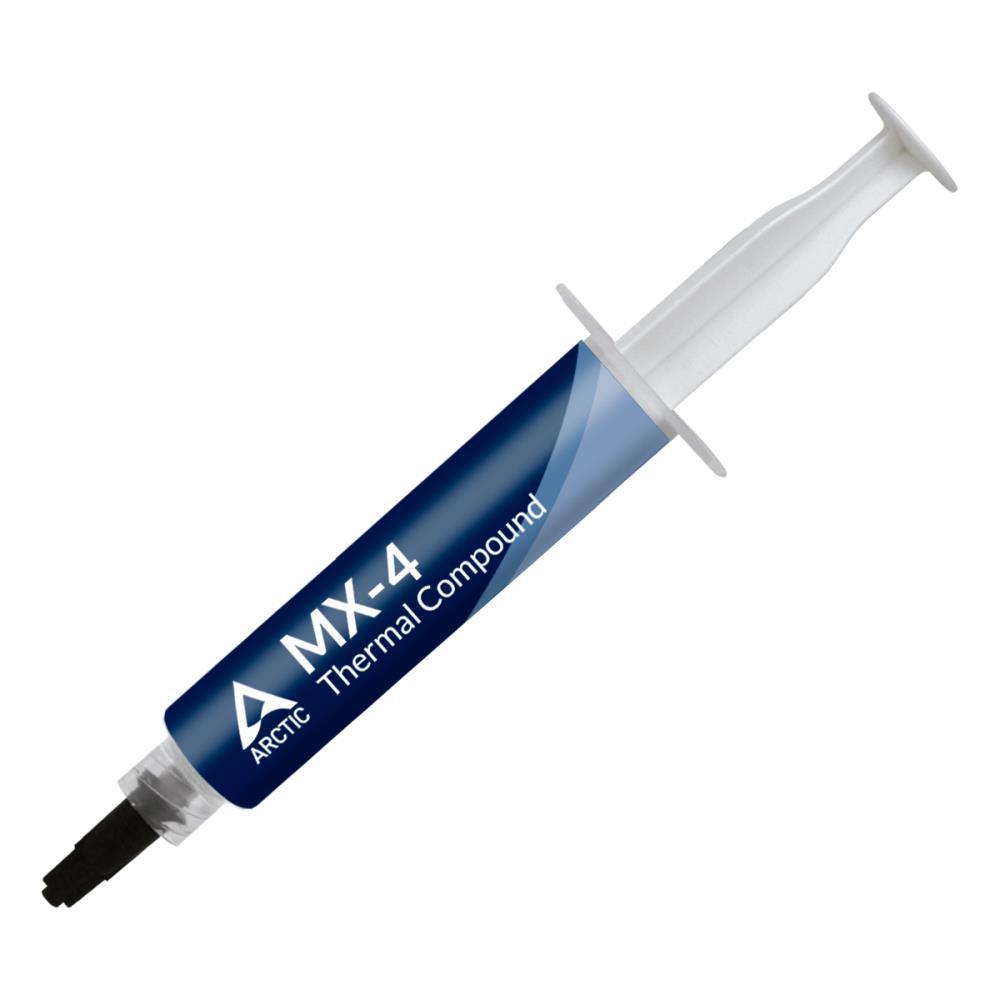
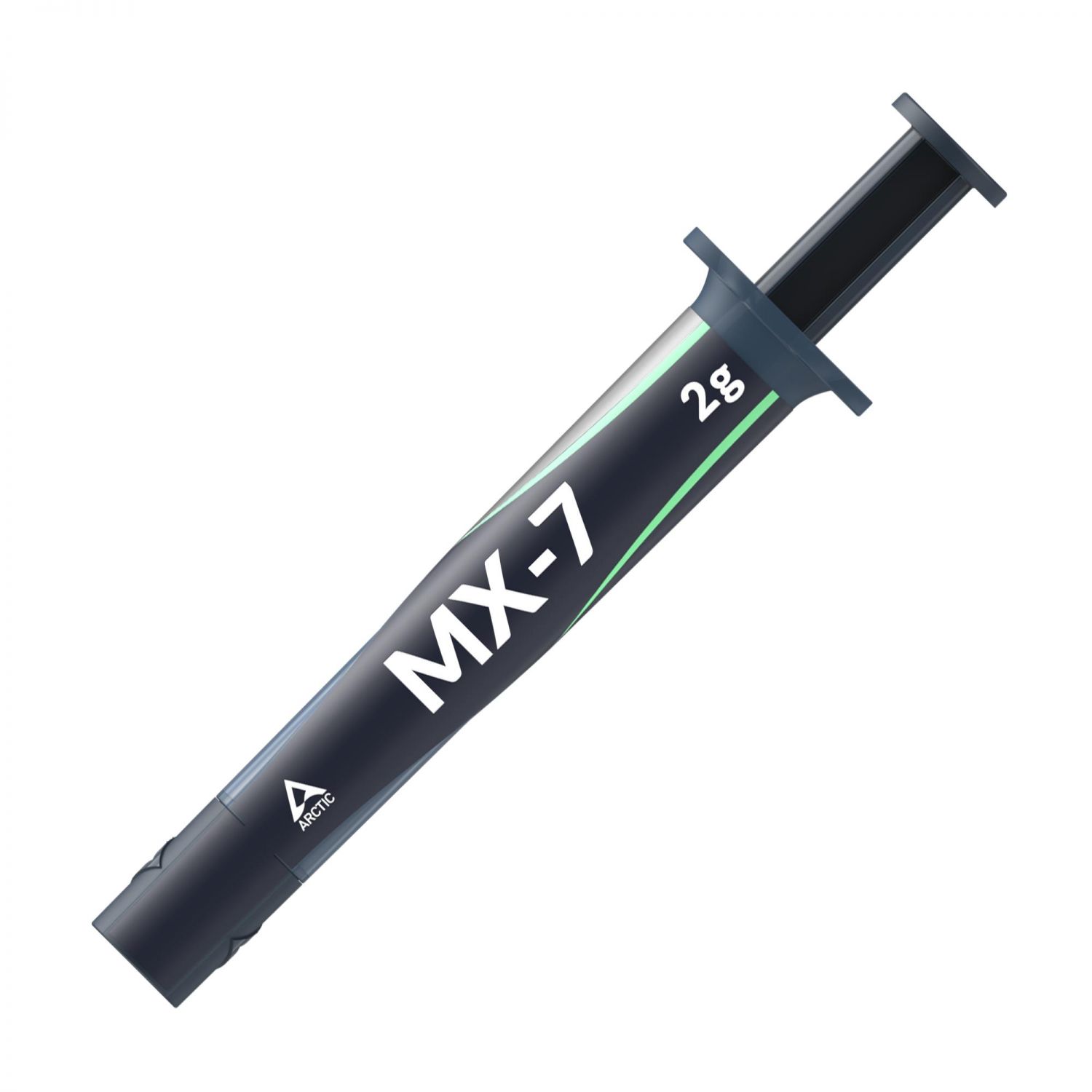
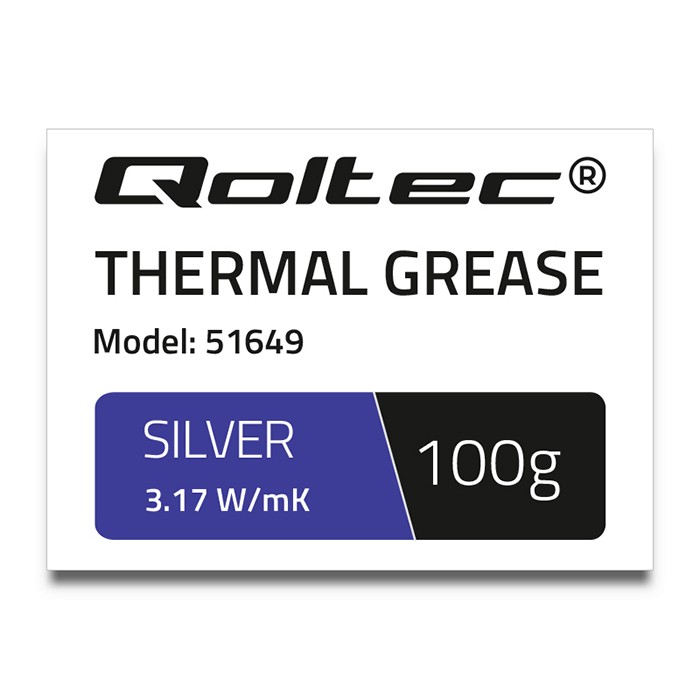
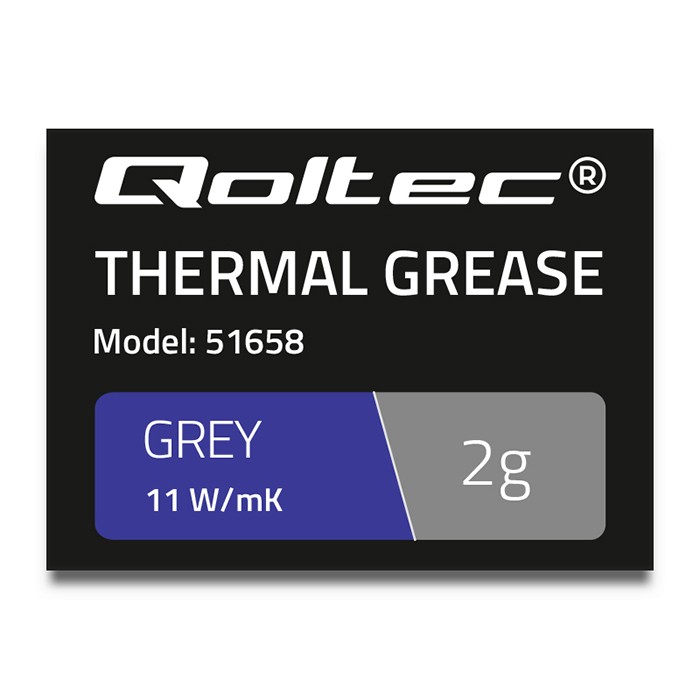
| Do I need to buy thermal paste separately? | Most new CPU coolers come with thermal paste pre-applied or included in a tube. This is perfectly adequate for everyday use. For maximum performance or when reinstalling a cooler, we recommend using quality aftermarket thermal paste. |
| How often should I maintain my cooling system? | We recommend removing dust from the radiator and fans at least once every 6-12 months, depending on how dusty your environment is. This helps maintain optimal airflow and cooling efficiency. AIO liquid cooling systems are sealed and don't need to be refilled. |
| Are AIO liquid coolers safe, and can they leak? | Modern AIO systems are highly reliable, and leaks are extremely rare. Manufacturers use quality materials and subject their products to rigorous testing. When you buy a product from a well-known brand at a trusted store, the risk is minimal. |