
Fast deliveryTop brandsLow PricesFast delivery
0

Cooling Supplies

Computer overheating and declining performance are signs that it’s time to check the critical components of your cooling system. Quality thermal paste or a thermal pad ensures optimal heat transfer between the processor and heatsink, restoring your device’s stability. Our range includes the right solution for routine maintenance as well as high-end systems built for enthusiasts.

25 / 25

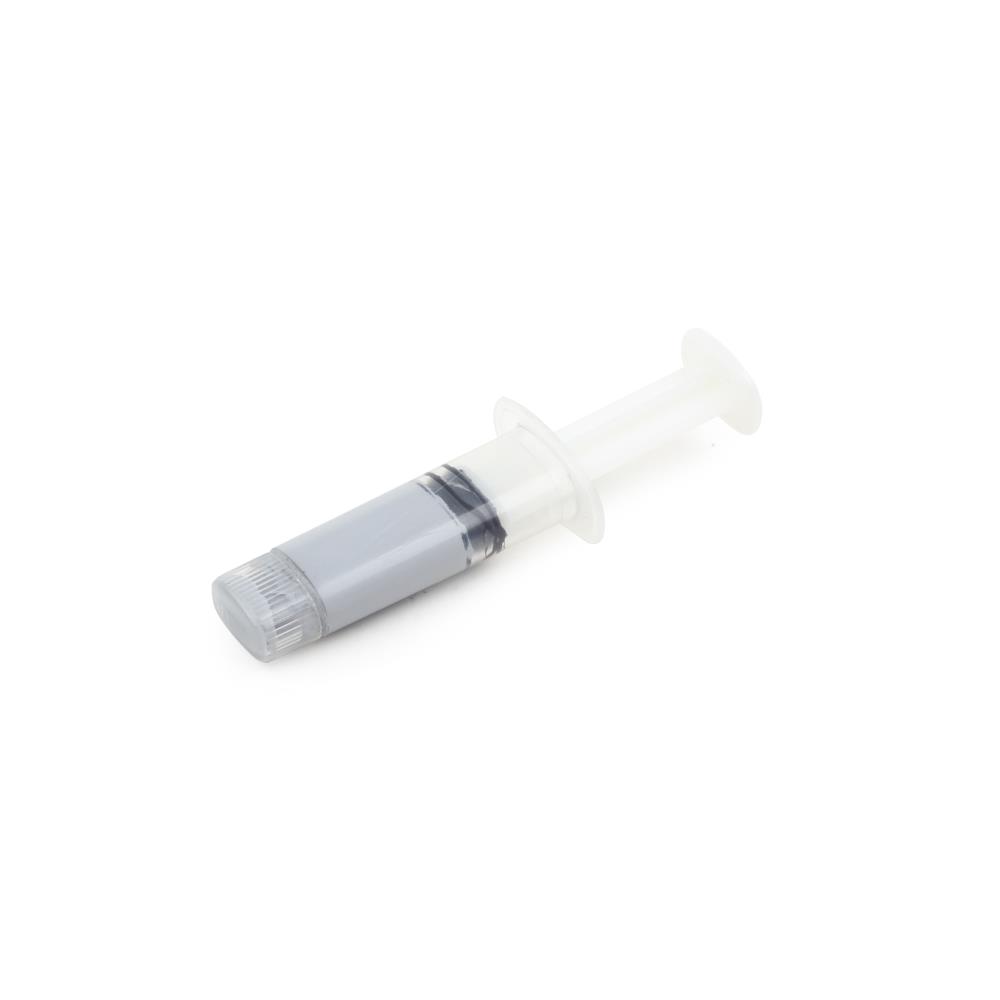
Processor thermal paste Gembird TG-G1.5-01, 1.5 g

Processor thermal paste Gembird TG-G1.5-01, 1.5 g

€5.32 100 pcs
1
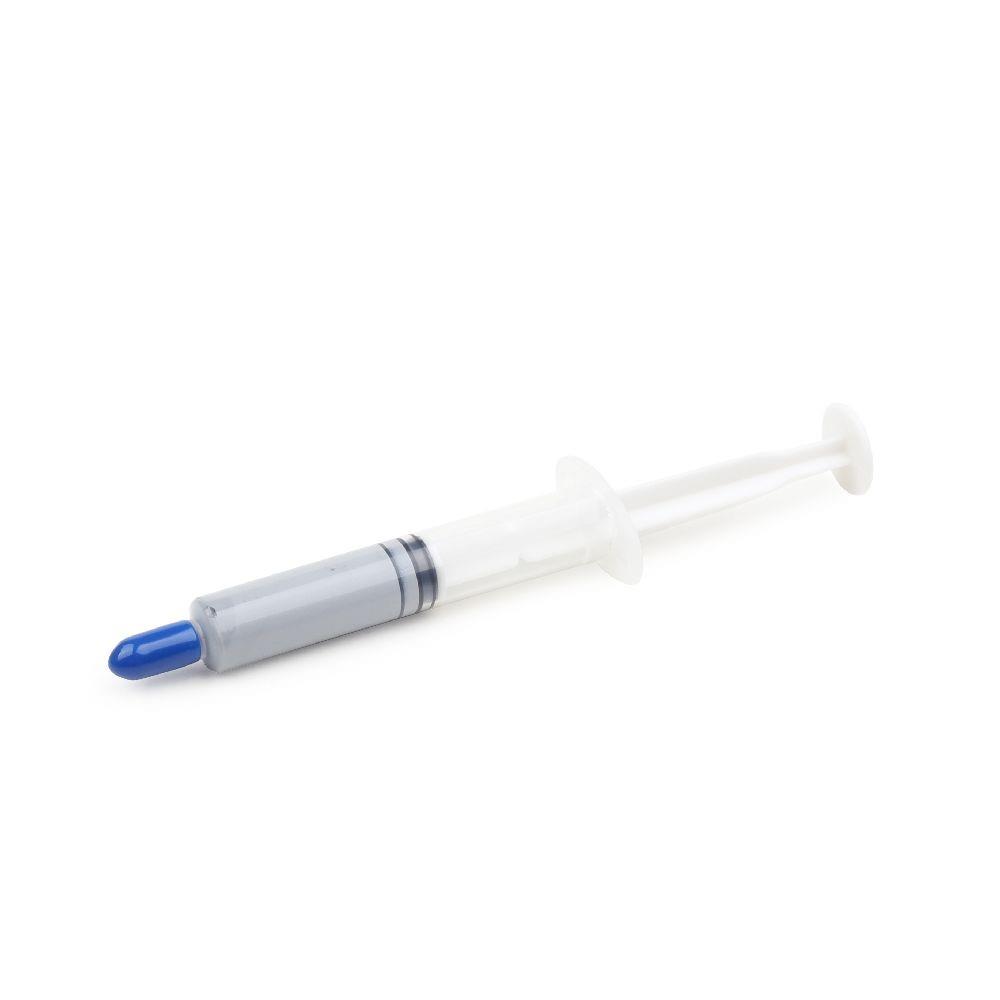
Processor thermal paste Gembird TG-G3.0-01, 3 g

Processor thermal paste Gembird TG-G3.0-01, 3 g

€5.98 80 pcs
1
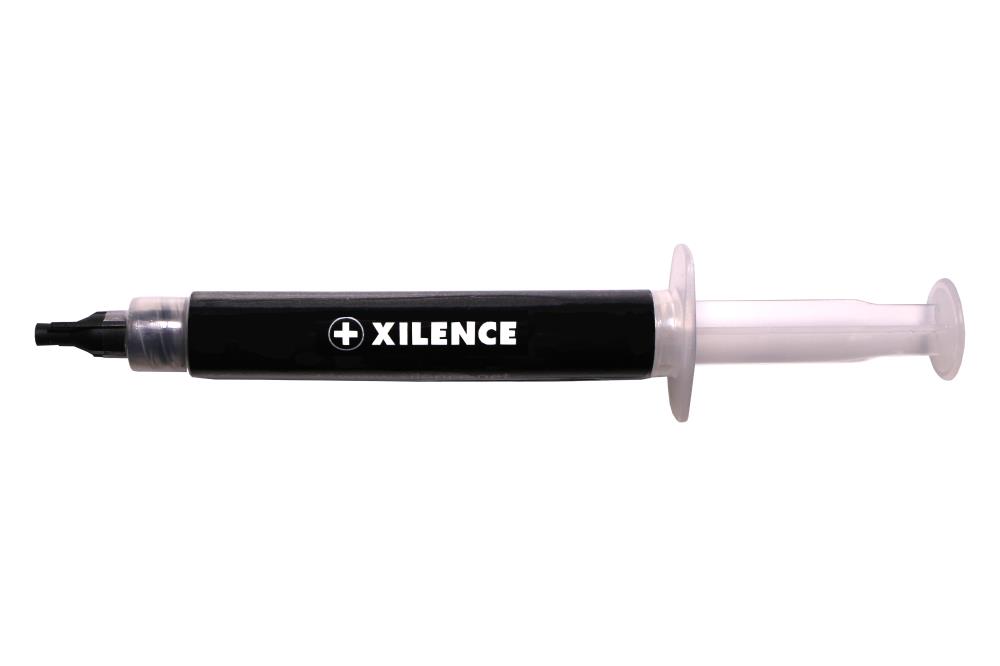
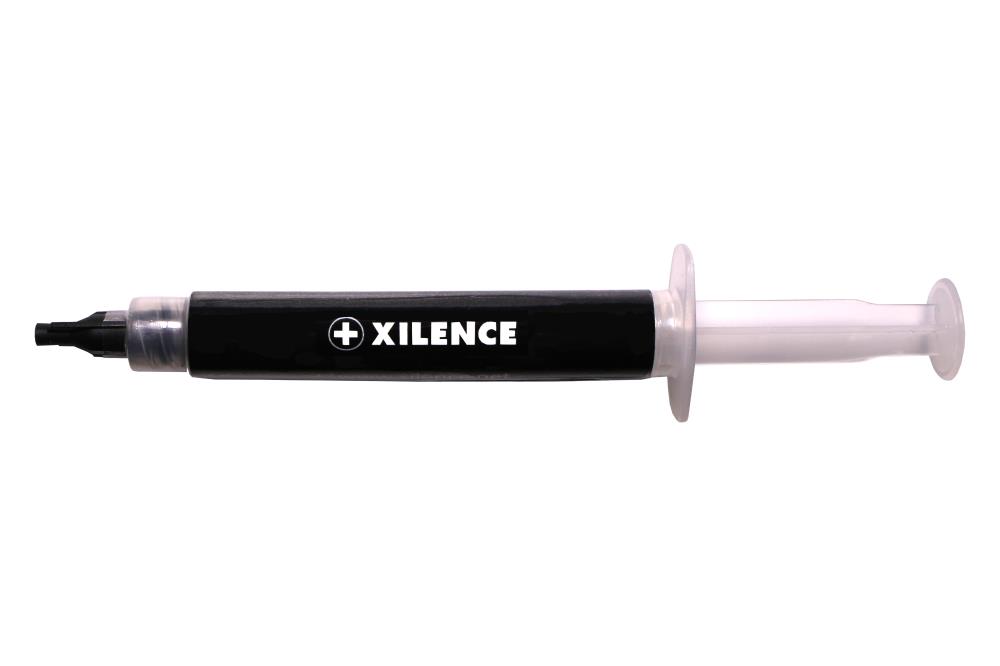
CPU thermal paste Xilence XZ018, 1.5 g

CPU thermal paste Xilence XZ018, 1.5 g

€6.59 38 pcs
1
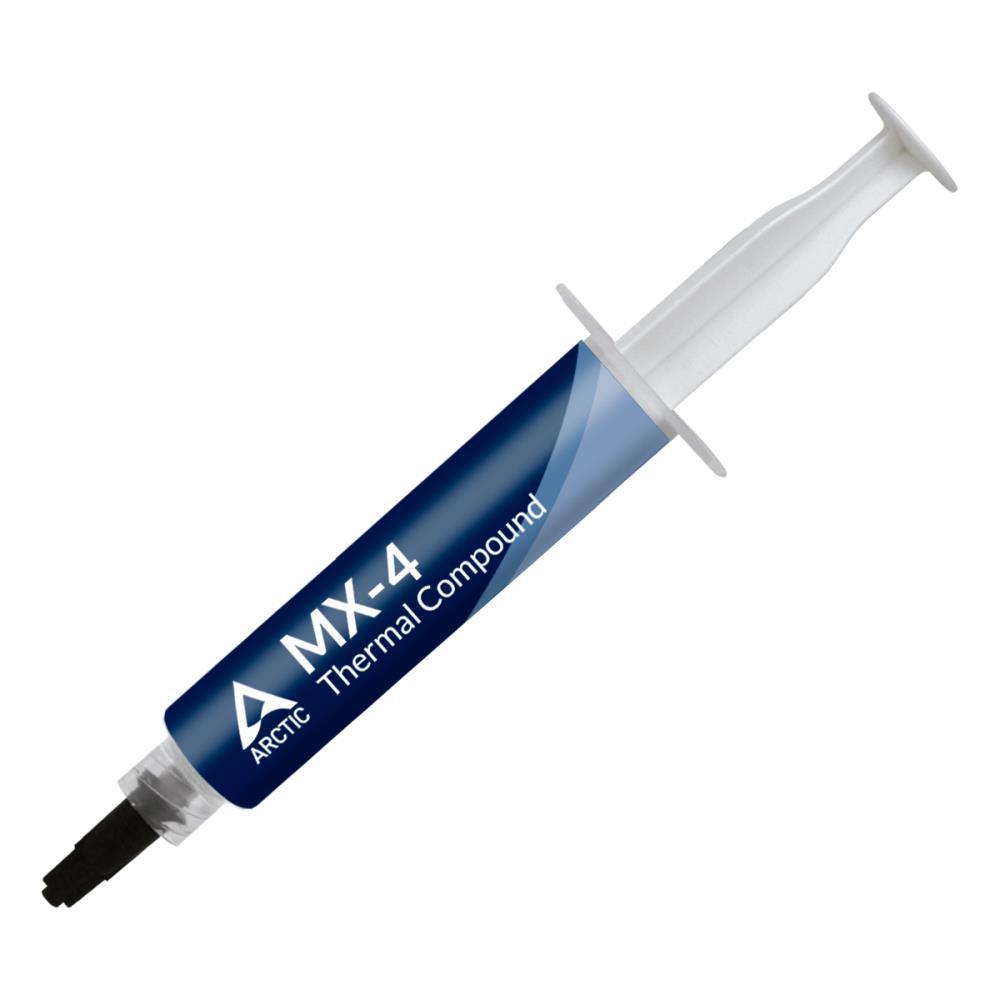
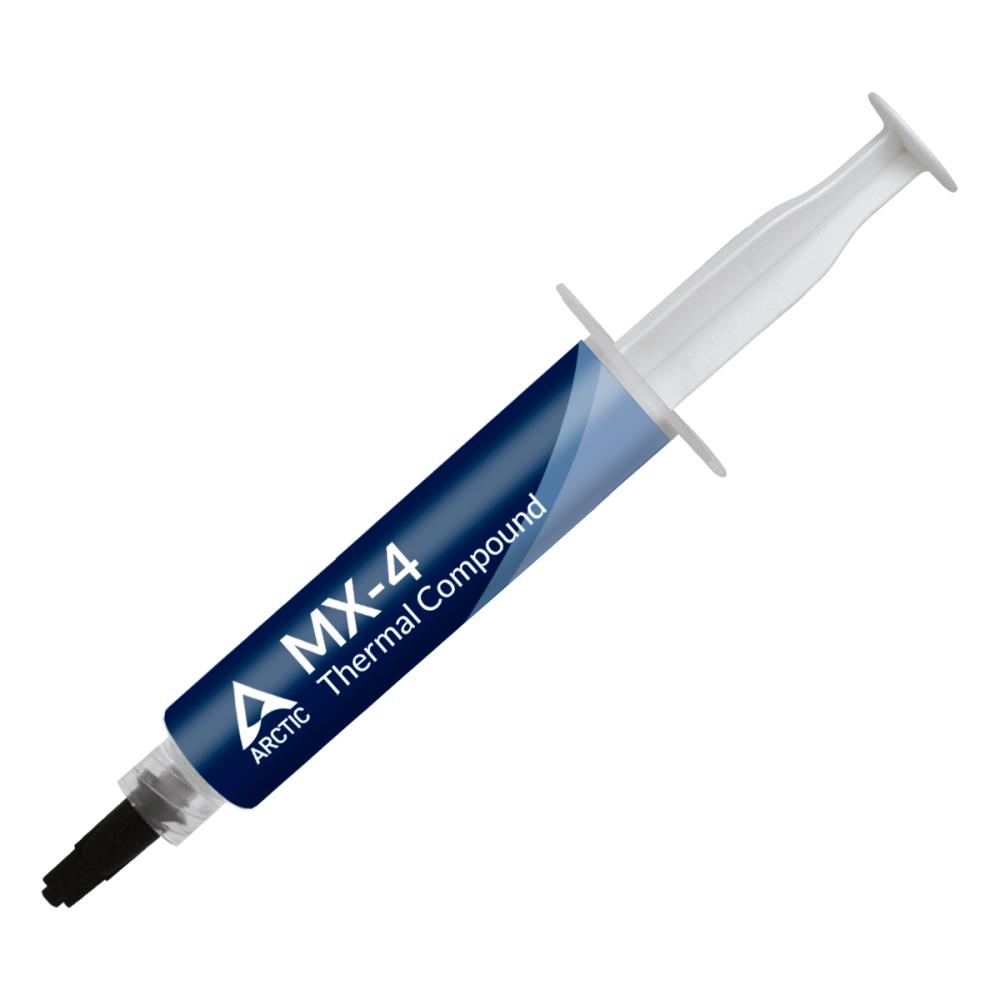
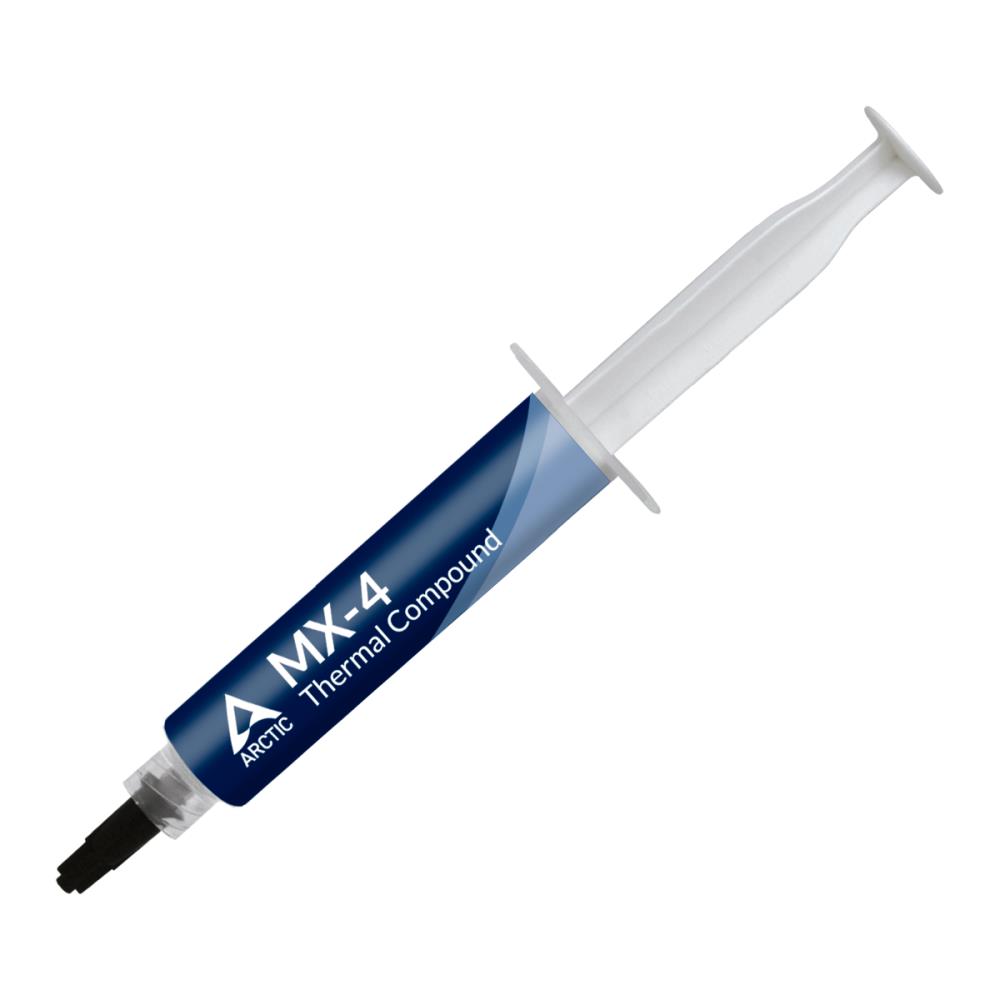
Processor Thermal Paste Arctic MX-4, 4 g, Grey

Processor Thermal Paste Arctic MX-4, 4 g, Grey

€7.81 1075 pcs
1
CPU thermal paste Xilence X5, 2.5 g

CPU thermal paste Xilence X5, 2.5 g

€7.94 59 pcs
1
Processor Thermal Paste Arctic MX-4, 4 g, Grey

Processor Thermal Paste Arctic MX-4, 4 g, Grey

€7.99 973 pcs
1
Processor Thermal Paste Arctic ACTCP00089A

Processor Thermal Paste Arctic ACTCP00089A

€8.37 1004 pcs
1
Processor Cooling Fan Arctic ACTCP00090A

Processor Cooling Fan Arctic ACTCP00090A

€8.92 767 pcs
1
Arctic MX-4 Thermal Paste 8g, Grey

Arctic MX-4 Thermal Paste 8g, Grey

€9.28 560 pcs
1
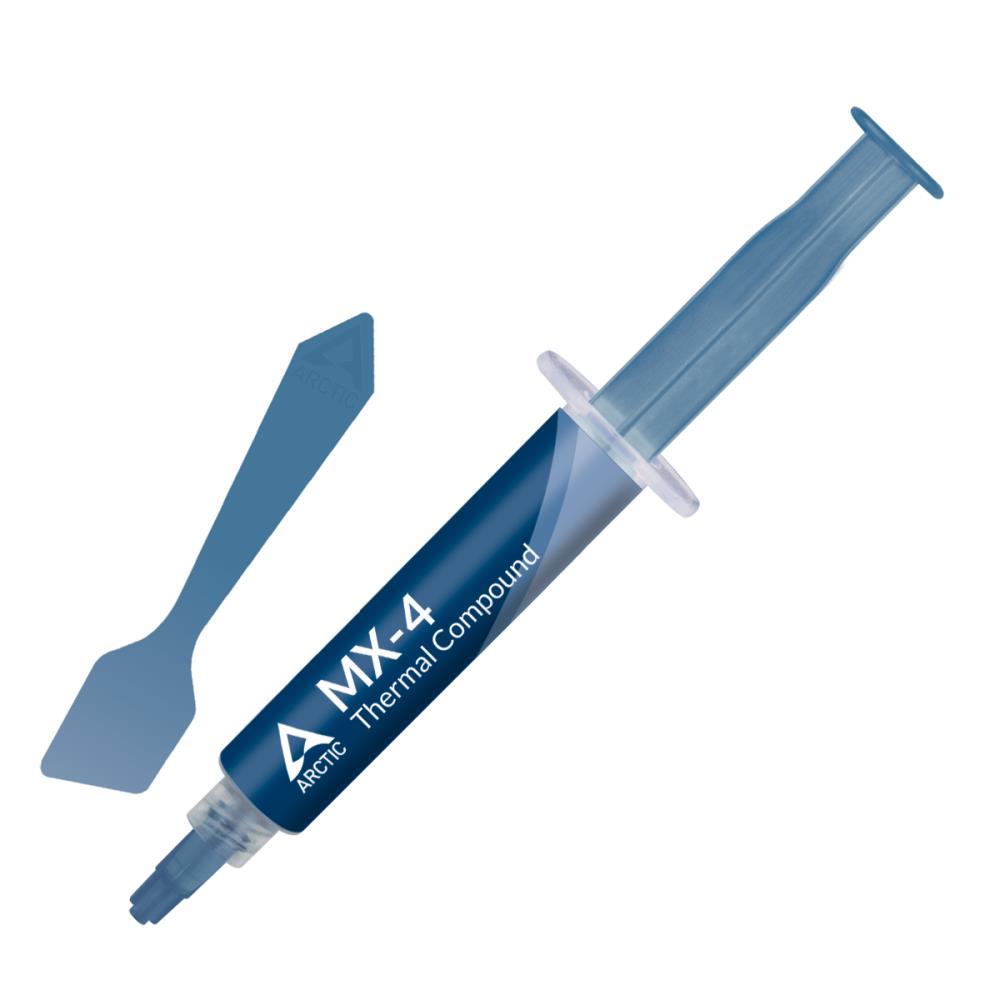
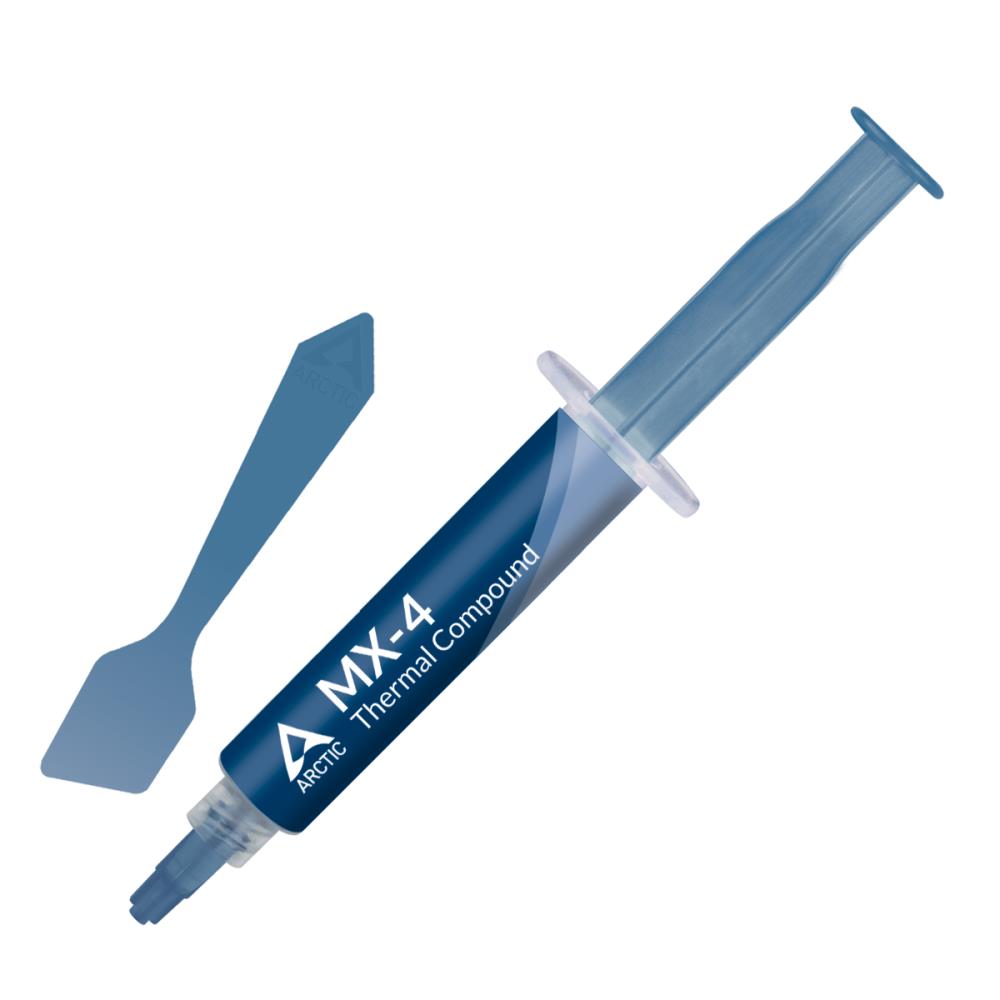
Arctic MX-4 Thermal Paste 8g with Spatula, Grey

Arctic MX-4 Thermal Paste 8g with Spatula, Grey

€9.47 539 pcs
1
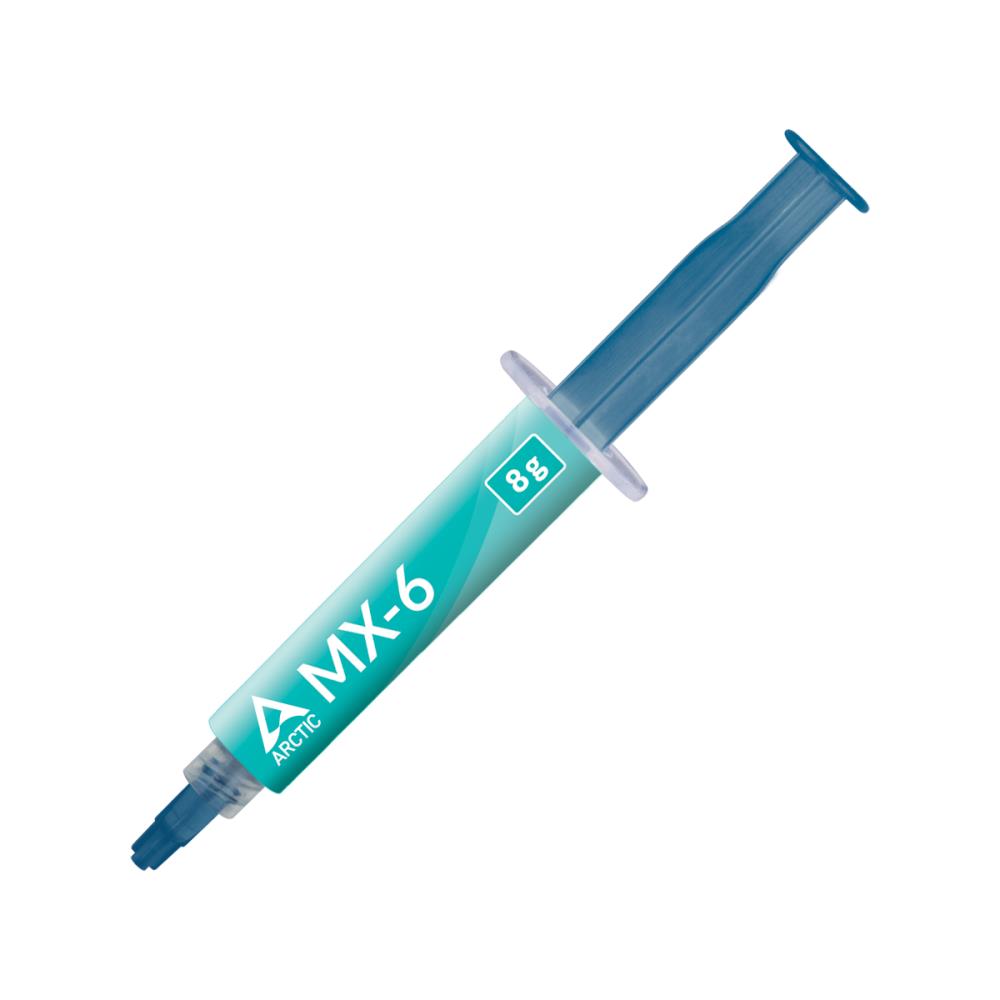
Arctic MX-6 Thermal Paste, 8 g, Grey

Arctic MX-6 Thermal Paste, 8 g, Grey

€9.85 123 pcs
1
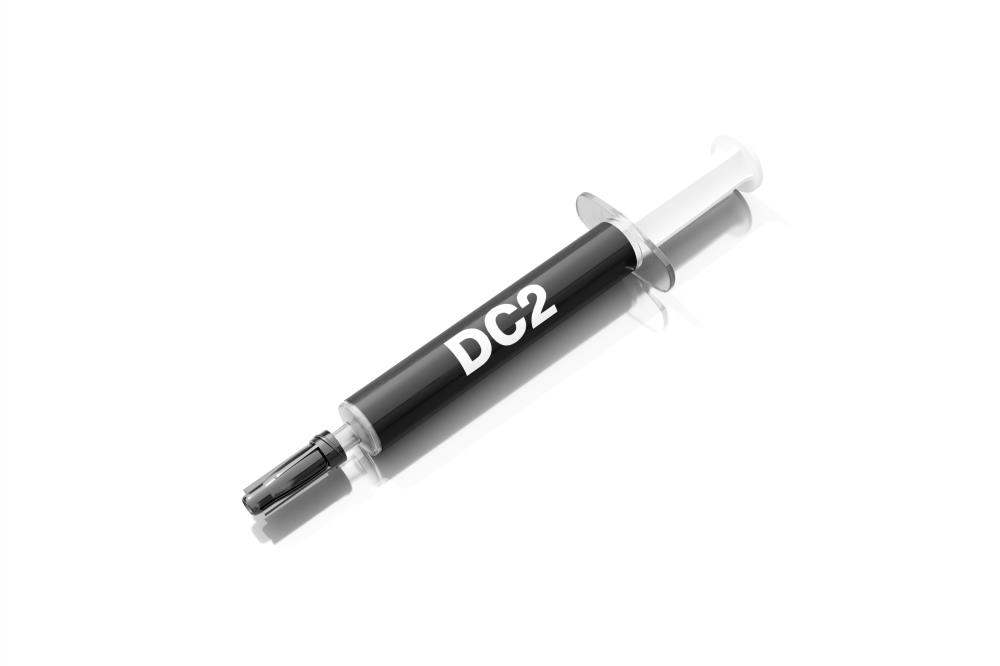
Processor Thermal Paste Be Quiet DC2, 3 g

Processor Thermal Paste Be Quiet DC2, 3 g

€9.91 41 pcs
1
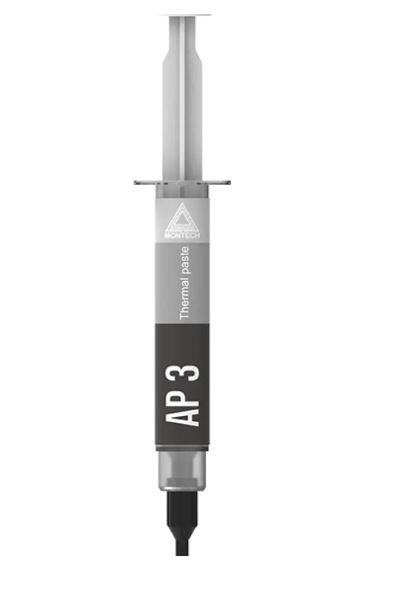
Processor thermal paste Montech AP3, 4 g, gray

Processor thermal paste Montech AP3, 4 g, gray

€10.27 236 pcs
1
Processor Thermal Paste Arctic ACTCP00092A

Processor Thermal Paste Arctic ACTCP00092A

€10.60 87 pcs
1
Processor Cooling Fan Arctic ACTCP00091A

Processor Cooling Fan Arctic ACTCP00091A

€10.76 9 pcs
1
Thermal Pad Arctic TP-4 120×20×0.5 mm, grey

Thermal Pad Arctic TP-4 120×20×0.5 mm, grey

€11.24 138 pcs
1
Thermal pad Arctic TP-4, 100×100×1.0 mm, grey

Thermal pad Arctic TP-4, 100×100×1.0 mm, grey

€12.07 199 pcs
1
Thermal Pads Arctic TP-4 120×20×1.0 mm, Gray

Thermal Pads Arctic TP-4 120×20×1.0 mm, Gray

€12.81 102 pcs
1
Thermal pad ARCTIC TP-4 100x100x1.5 mm, grey

Thermal pad ARCTIC TP-4 100x100x1.5 mm, grey

€13.64 114 pcs
1
Thermal Paste Arctic MX-4 20g, Grey

Thermal Paste Arctic MX-4 20g, Grey

€14.01 205 pcs
1
Thermal Pad ARCTIC TP-4 120x20x1.5 mm, Grey

Thermal Pad ARCTIC TP-4 120x20x1.5 mm, Grey

€14.56 130 pcs
1
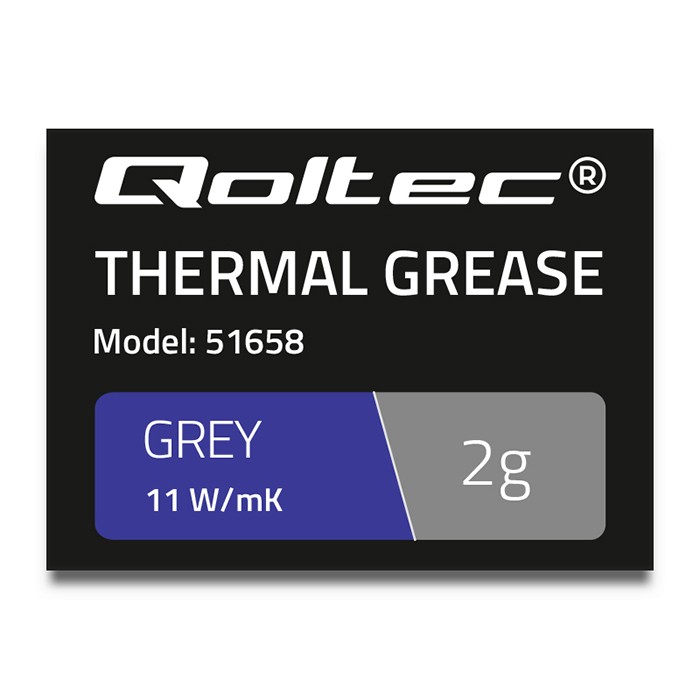
Thermal paste Qoltec, 11 W/m-K, 2 g, grey

Thermal paste Qoltec, 11 W/m-K, 2 g, grey

€20.62 317 pcs
1

At the heart of every powerful computer are components that generate enormous amounts of heat. Without effective cooling, that heat becomes the enemy, causing overheating, unexpected restarts and, worst of all, thermal throttling that cuts your processor or graphics card’s performance just when you need it most. That’s where small but essential cooling supplies come in—the unsung heroes of every stable, fast system.

How to Choose the Right Cooling Material

Choosing the right product depends entirely on how you’ll use it. While the goal is the same—to transfer heat away—thermal paste, thermal pads and thermal adhesive differ greatly in their properties and applications. The wrong choice may be ineffective at best and damage your components at worst.

Thermal Paste: The All-Purpose Choice for CPUs and Graphics Cards

Thermal paste is the most common and versatile solution. It’s a viscous compound applied in a thin layer between the central processing unit (CPU) or graphics processing unit (GPU) and the heatsink. Its job is to fill microscopic air gaps between the metal surfaces, since air is a poor conductor of heat. High-quality thermal paste for your processor ensures maximum contact and heat transfer. If you’re looking for the best results, buying thermal paste is a reliable choice.

Thermal Pads: An Easy Solution for Memory Chips and VRMs

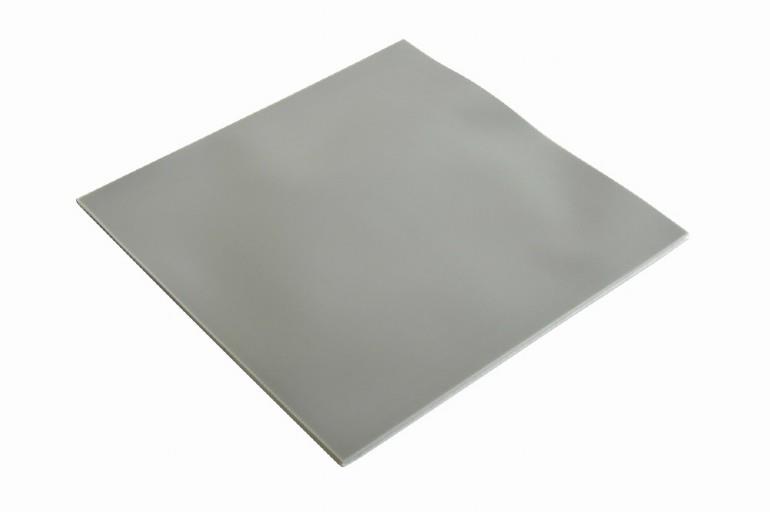
Thermal pads are flexible, pre-shaped sheets made of silicone or other materials. They’re designed for places where there’s a larger gap between surfaces or where applying paste would be awkward. They’re ideal for cooling graphics card memory chips (VRAM) and voltage regulator modules (VRMs), for example. Choosing the correct thickness is crucial to ensure sufficient pressure and contact without damaging the component. Thermal pads are often affordable and very easy to install.

Thermal Adhesive: For Permanent Fixing

As the name suggests, thermal adhesive is a permanent solution. It not only transfers heat but also bonds two components together. It’s mainly used to attach small heatsinks to chips without mechanical mounting, such as a motherboard chipset or Raspberry Pi processor. Be warned: it can’t be easily removed later, so it’s definitely not suitable for CPU or GPU maintenance.

Expert tips: Before applying new thermal paste, it’s crucial to remove all the old paste. Use isopropyl alcohol (at least 90%) and a microfibre cloth or coffee filter to clean the contact surfaces of both the processor and the cooler. Any residue or dust will reduce the effectiveness of the new layer.

The Key Specification: Thermal Conductivity (W/m-K)

The most important technical specification for any thermal material is its thermal conductivity, measured in watts per metre-kelvin (W/m-K). The higher the number, the more effectively the material transfers heat from one surface to another. This is the main factor in determining which thermal paste is best for your system.

  • Everyday use (up to 4 W/m-K): Ideal for standard desktop computers and most laptops that aren’t under heavy load. A good, affordable thermal paste will provide sufficient cooling.
  • Gamers and enthusiasts (5-9 W/m-K): If your gaming PC regularly runs under heavy load, a higher-conductivity thermal paste is worth the investment. It helps keep temperatures stable during long gaming sessions.
  • Overclockers and professionals (10+ W/m-K): For those chasing maximum performance and overclocking their components, every degree matters. Top-tier thermal paste with high thermal conductivity helps deliver stable results under extreme conditions.

Quality thermal paste is especially important for laptops, as their compact cases restrict airflow and make cooling more challenging. Even a small improvement in heat transfer can significantly reduce fan noise and extend component life.
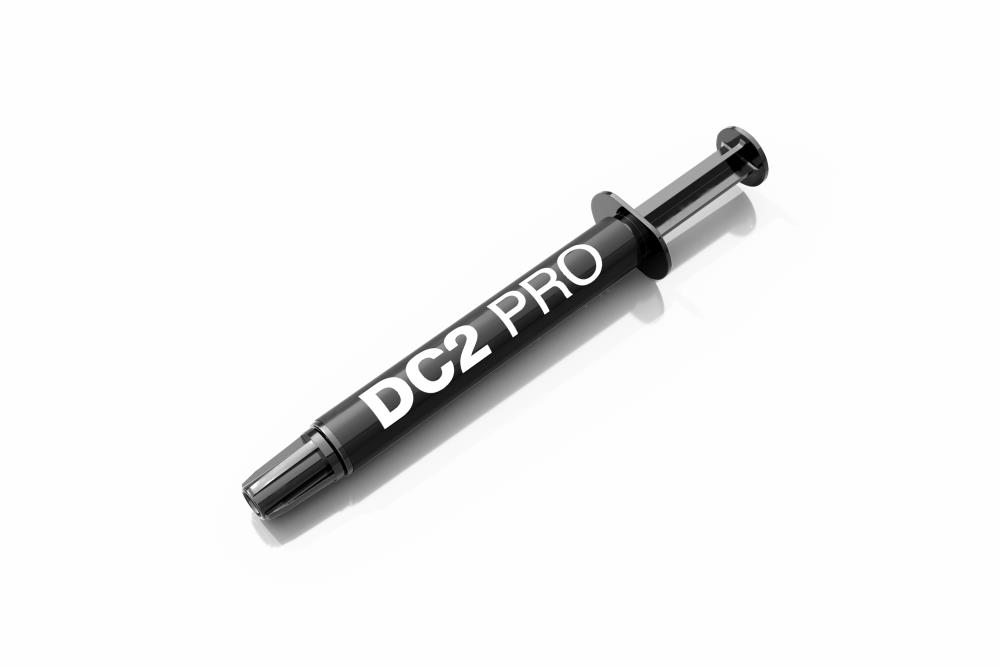
Expert tips: Forget the old myths about complicated application methods. With today’s quality thermal pastes, a pea-sized drop in the centre of the processor is all you need. The pressure from the cooler will spread the paste evenly, ensuring the best contact without air bubbles. Too much paste is just as bad as too little—it reduces heat-transfer efficiency.

Brands You Can Trust

Our range features products from trusted manufacturers whose products have stood the test of time. Every thermal paste shop offers different brands, but we focus on quality.

  • Arctic: A true legend among enthusiasts. Its MX-series pastes (such as MX-4 and MX-5) are known for their excellent value for money.
  • be quiet!: German engineering focused on quiet operation and top quality. Its products are made for those who refuse to compromise.
  • Qoltec, Gembird, Xilence: Offer a wide range of products for every budget, from affordable solutions to high-conductivity pastes. An excellent choice if you’re looking for a quality product at a good price.

Good thermal paste is just one part of your cooling setup. For maximum efficiency, it needs to work alongside a powerful CPU cooler. Whether you’re cooling a high-end processor or a powerful graphics card with a dedicated VGA cooler, the right thermal material is key to success. Explore our full range of PC components to build a perfectly balanced system.

Expert tips: Many users worry about the thermal paste’s curing time. Modern pastes, especially non-silicone-based ones, reach their maximum thermal conductivity almost immediately after application and a couple of temperature cycles. You don’t have to wait days to see results—enjoy a cooler system right away.

Why order cooling supplies from ZAZA?

Ordering cooling supplies online is convenient and straightforward. In our online store, you can compare the technical specifications of different products at your own pace—especially thermal conductivity and quantity—to find the right product for your needs. Clear product descriptions and competitive thermal paste prices make choosing easy. Our warehouse is in Tallinn, ensuring fast delivery across Estonia.

Why customers trust ZAZA

  • A wide range for every budget: From affordable solutions to professional products—we have it all in stock.
  • Guaranteed authenticity: We sell only genuine products sourced directly from well-known manufacturers.
  • Fast, always-free delivery: Get your computer back up and running quickly, with no extra costs.
  • Expert support: If you’re not sure which product to choose, our specialists can help you find the right solution.

Frequently Asked Questions (FAQ)

How often should I replace thermal paste?
As a general rule, replace thermal paste every 2-3 years with typical use. For gaming or work computers that are under heavy load, you may want to do this more often, for example once a year. However, the best indicator is a rise in temperature—if your computer is louder and hotter than before, it’s time for maintenance.

Is expensive thermal paste much better than cheap thermal paste?
Yes and no. The difference is noticeable, but it isn’t always proportional to the price. Premium paste can deliver temperatures 5-10°C lower than a very cheap alternative, which matters for overclockers. For everyday users, however, a quality mid-range paste (e.g. Arctic MX-4) also delivers excellent, long-lasting results.

How much thermal paste should I apply?
Less is more. A small, pea-sized drop in the centre of the processor is enough. A layer that’s too thick acts as an insulator and impairs heat transfer. A small 1-2 gram tube is usually enough for several applications.

Can I use thermal paste in a laptop?
Absolutely. Using quality thermal paste is even more important when maintaining a laptop than a desktop computer, because cooling options are more limited. Choose a paste with good thermal conductivity that is not electrically conductive to avoid the risk of short circuits in the confined space. It’s one of the best ways to give an older laptop a new lease on life.