




For private customers
At checkout, product prices are automatically adjusted according to the VAT rate in your delivery country.

Christmas
Furniture
Home & Garden
Sport
Clothing
Mattresses
Watches
Electronics
Construction
Showing 30 of 126 products with selected filters
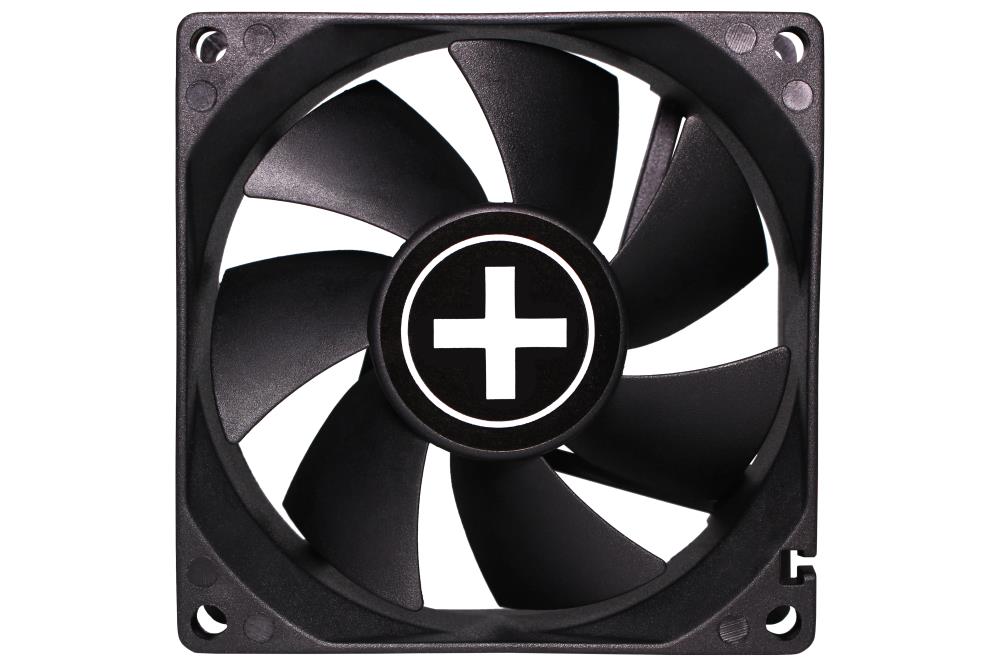
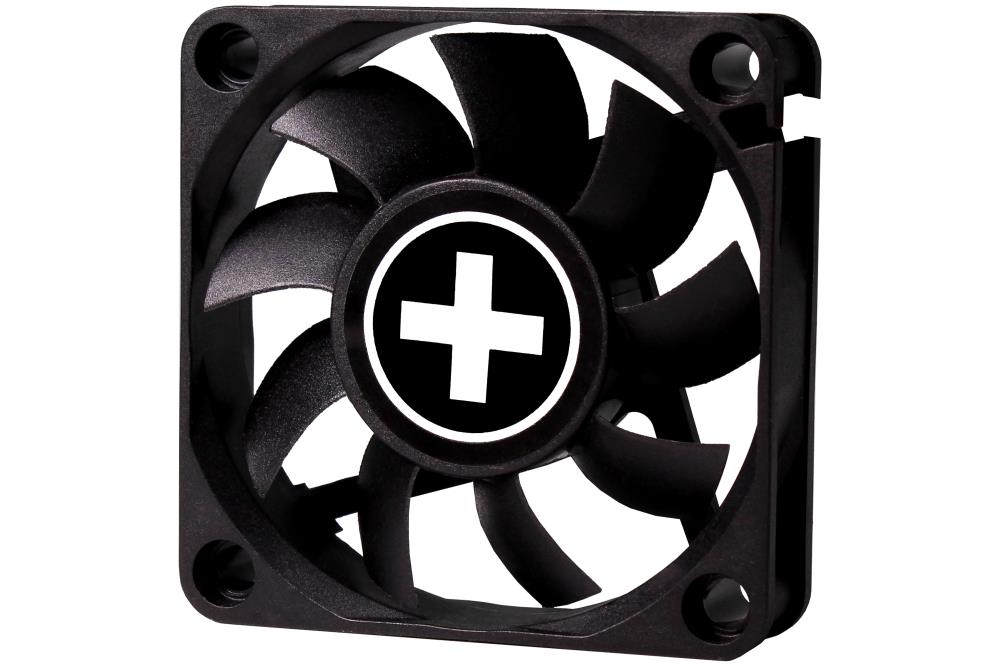
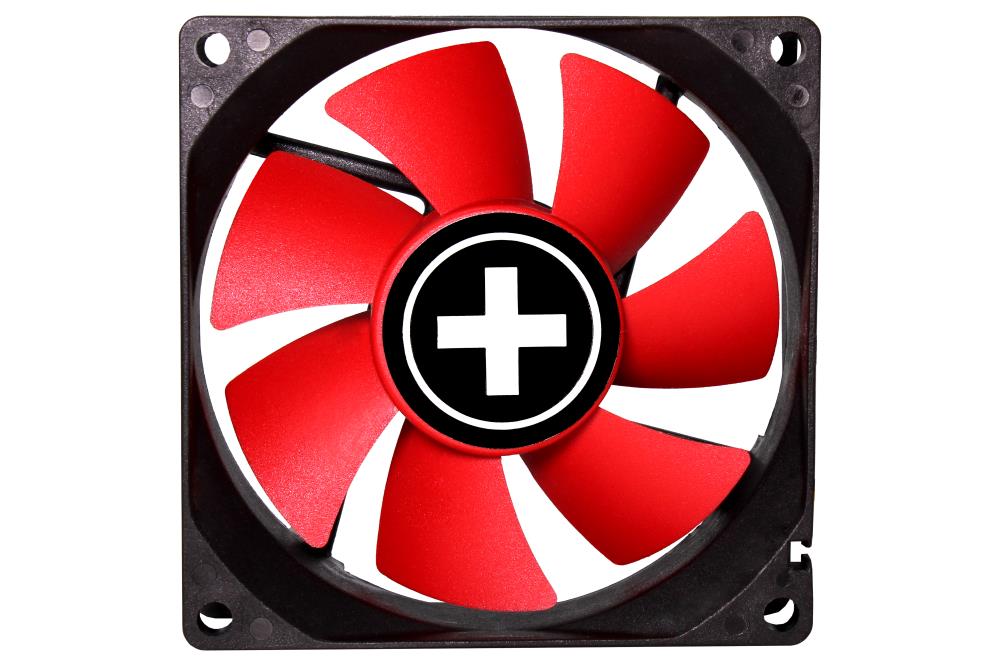
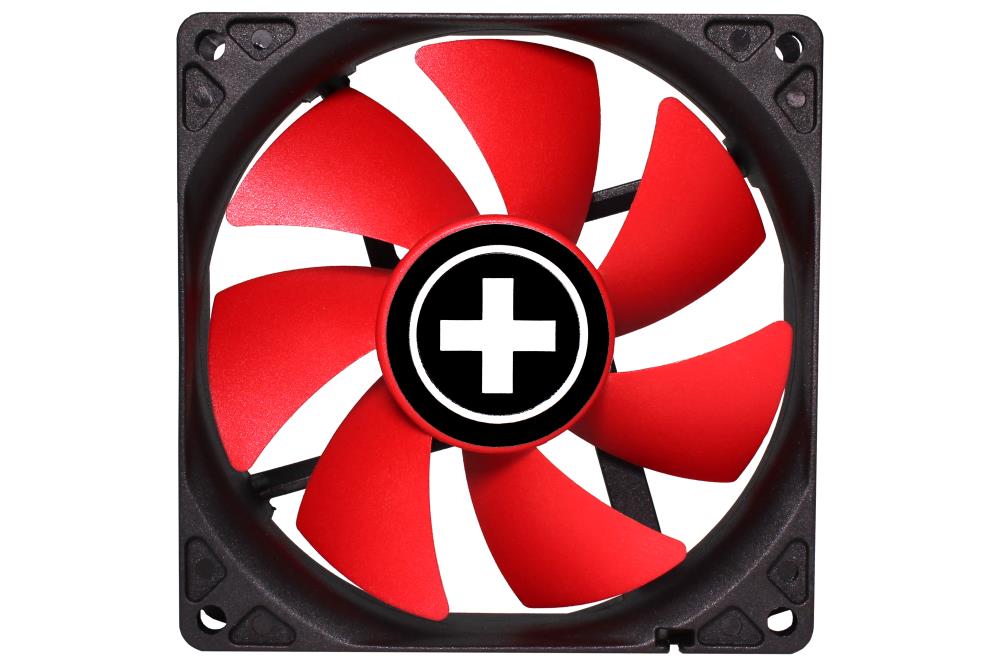
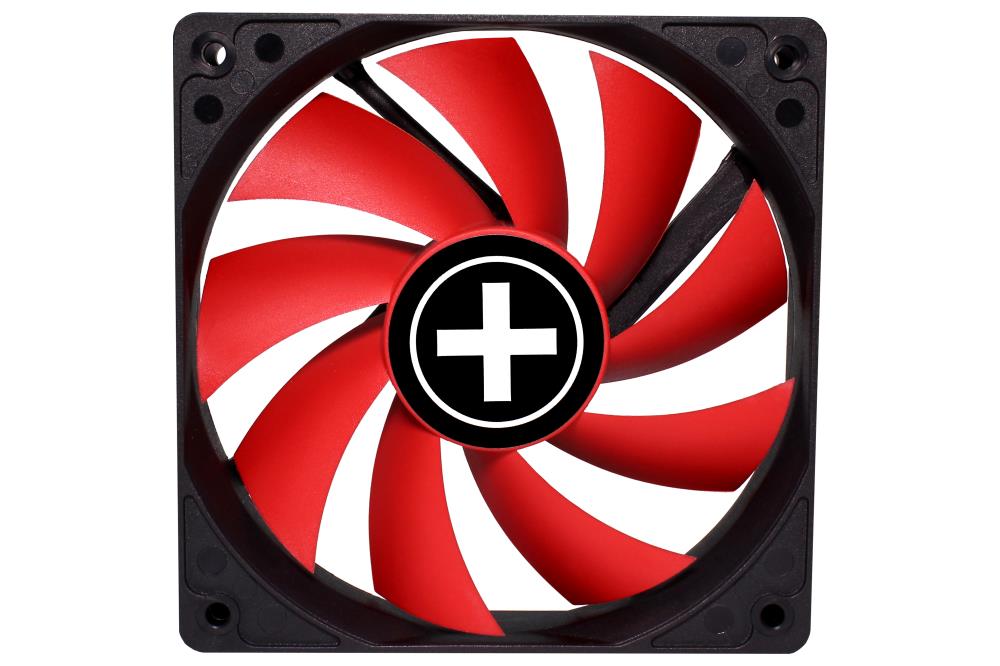
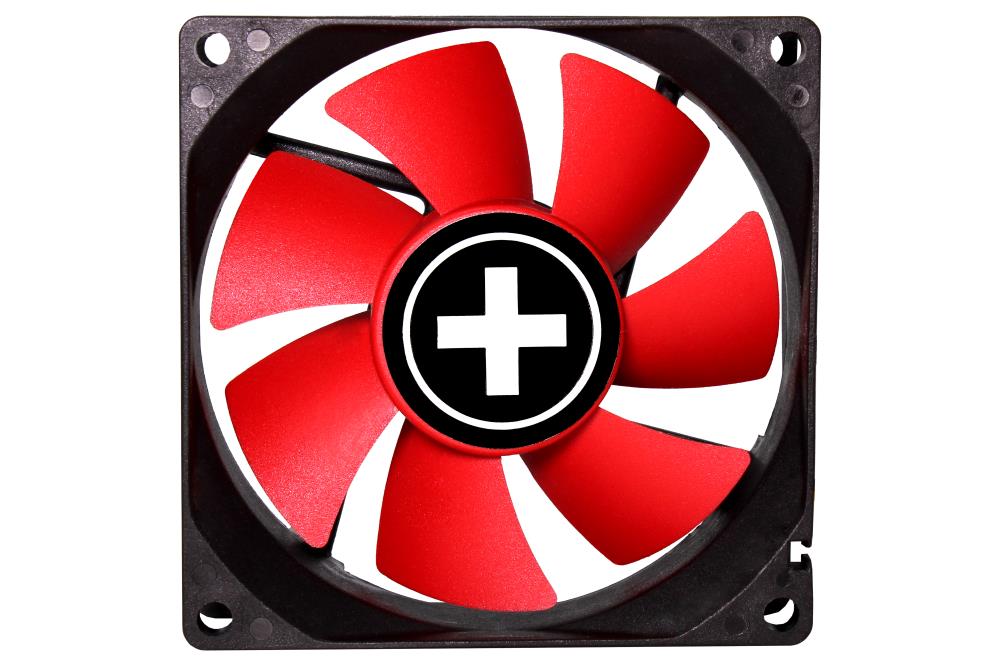
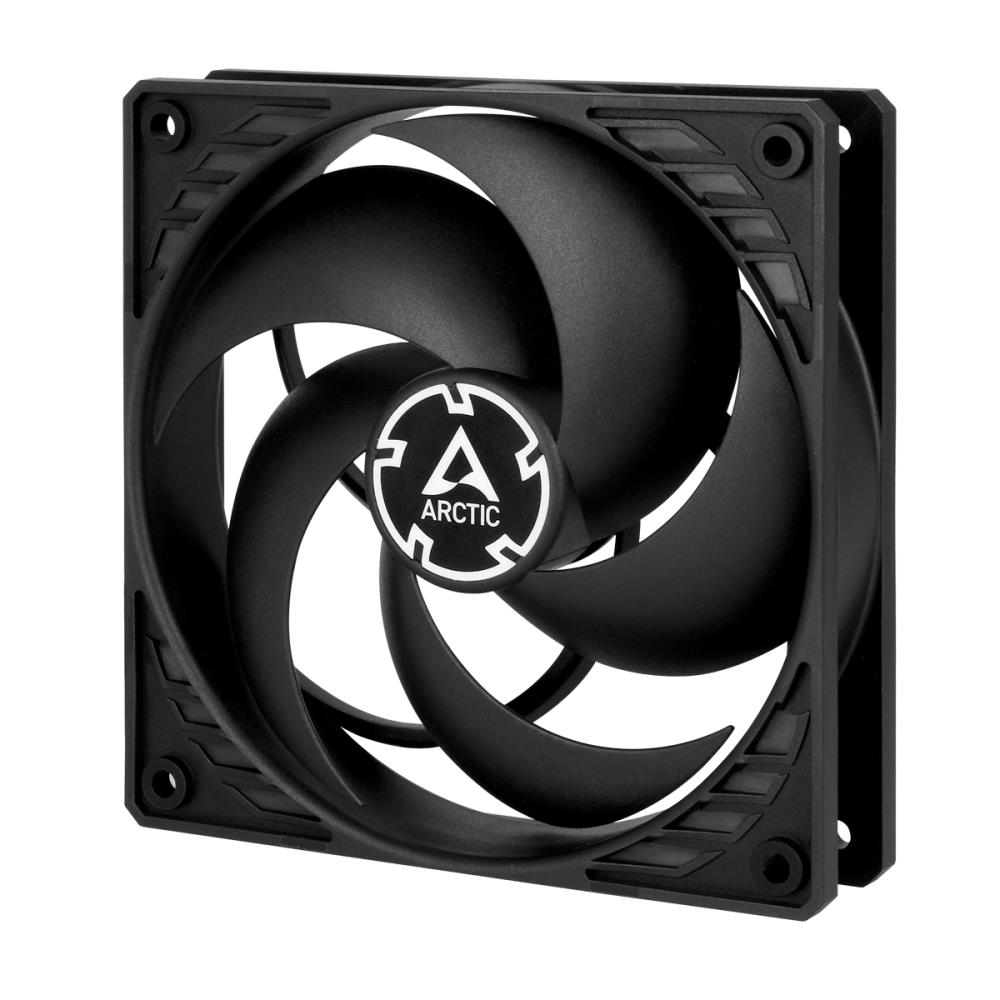
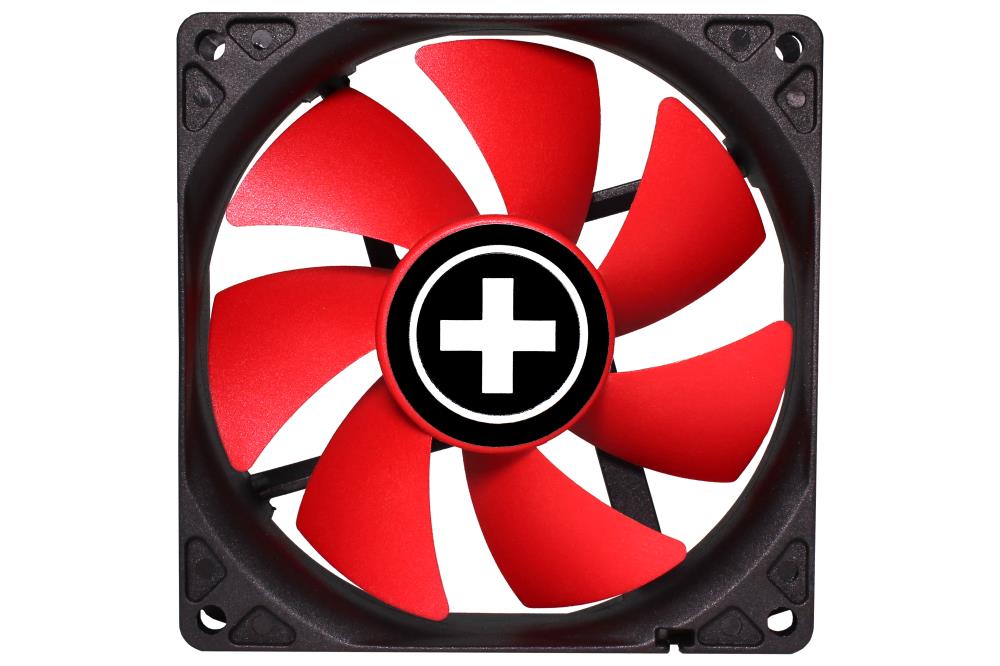

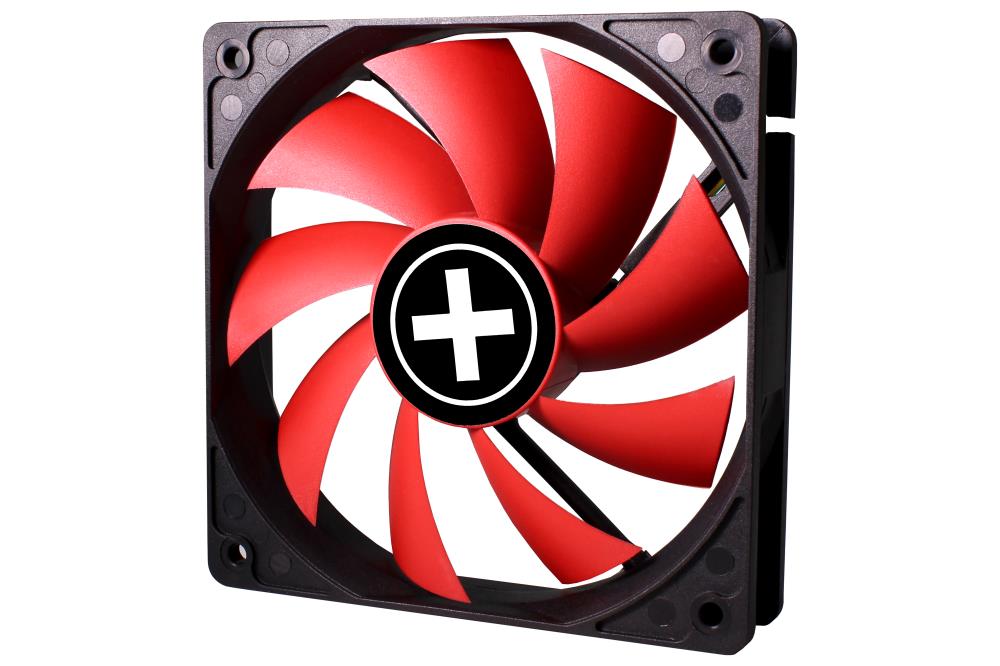
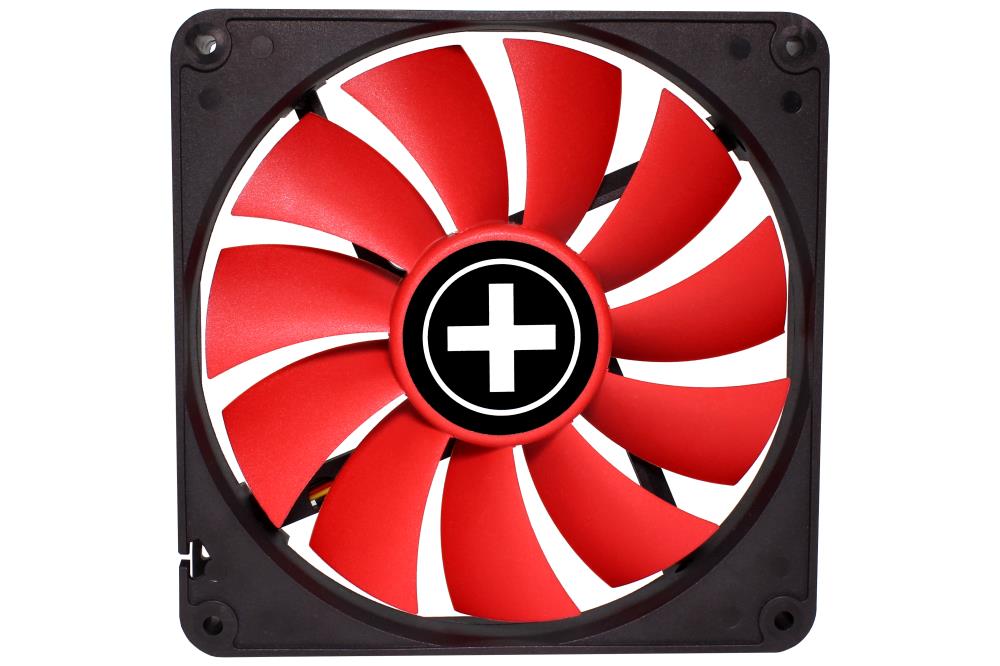
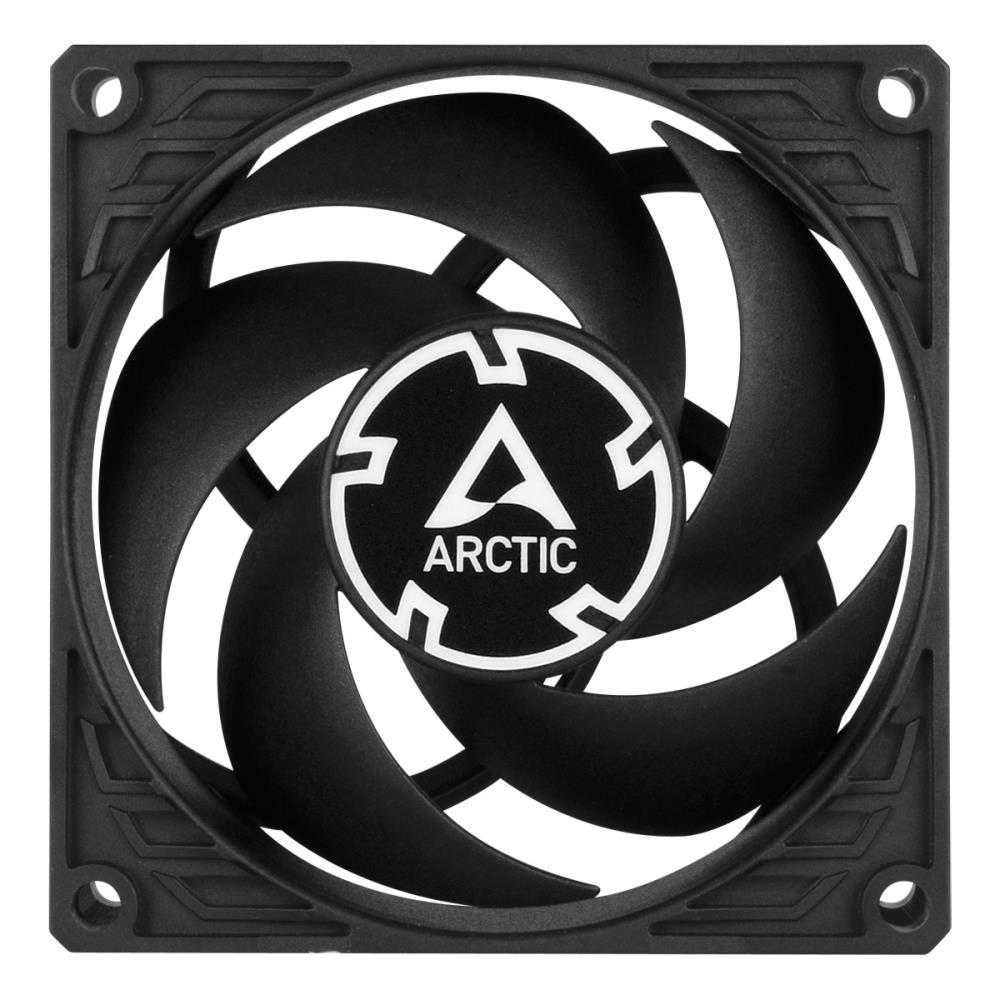
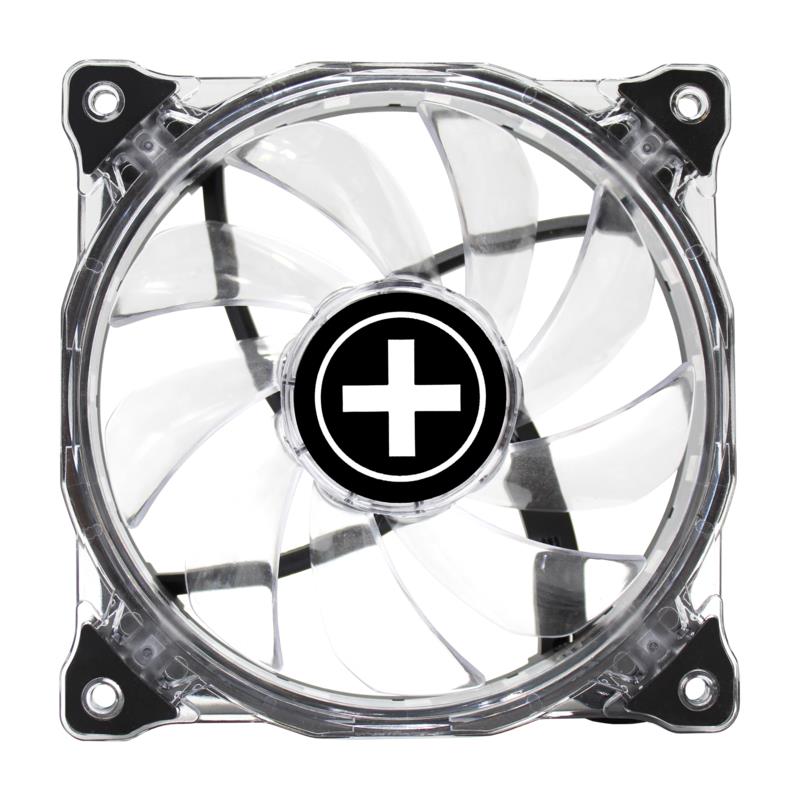



No products match your selected filters.
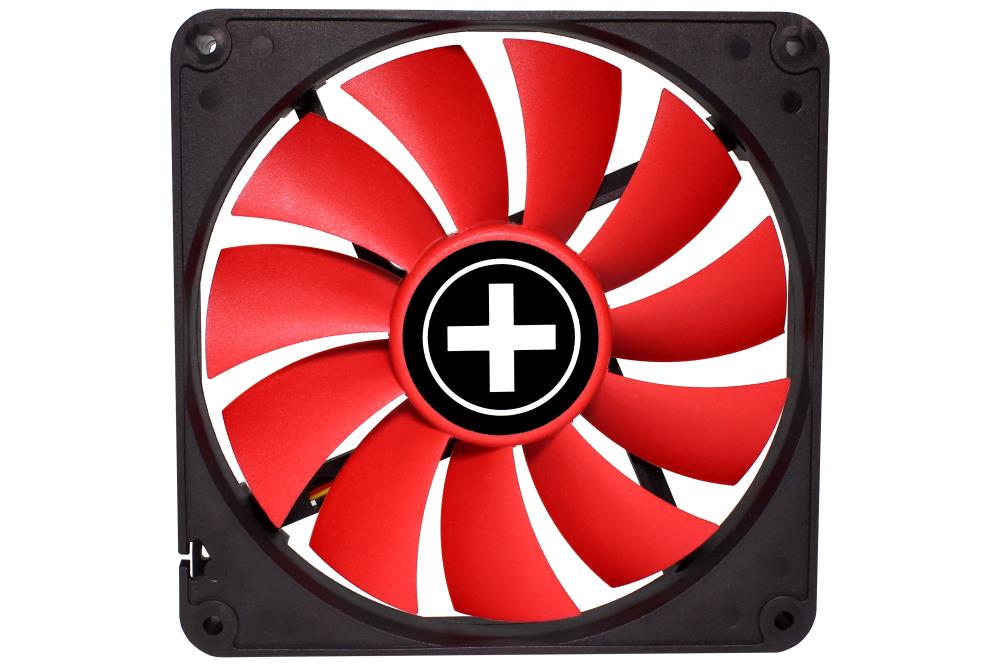
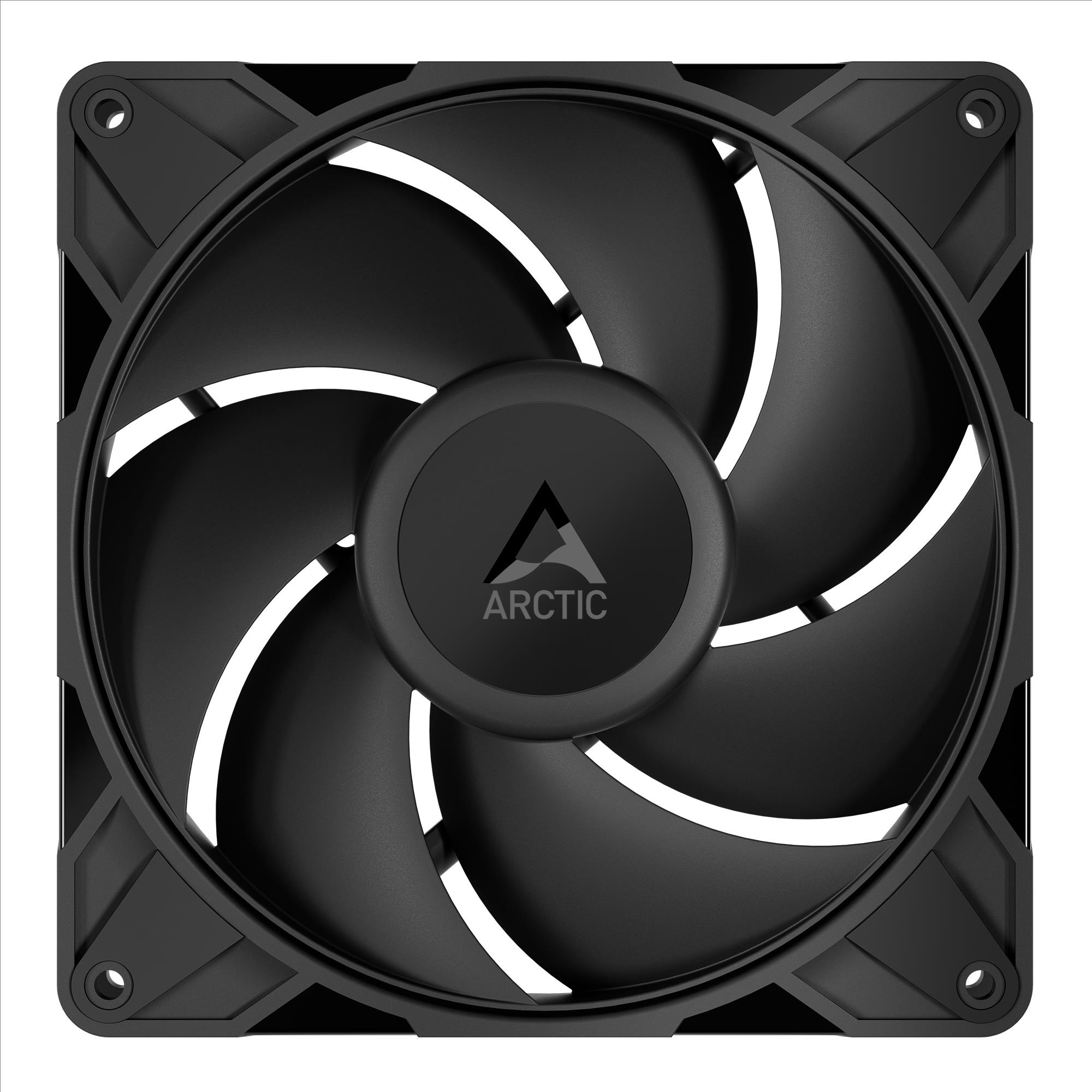
A computer’s stable, long-lasting performance depends directly on effective cooling. Overheating not only shortens component lifespan, but also reduces performance through thermal throttling—a particularly noticeable issue when gaming or running demanding programs. Our online store offers a wide range of system and graphics card coolers to help keep temperatures under control and ensure maximum performance.
Choosing the right PC cooling fan can seem complicated, but understanding a few key specifications makes the decision much easier. The goal is to find a solution that suits your needs, whether you want a quiet working environment or maximum cooling performance. Consider the price and features to decide which PC fan is right for you.
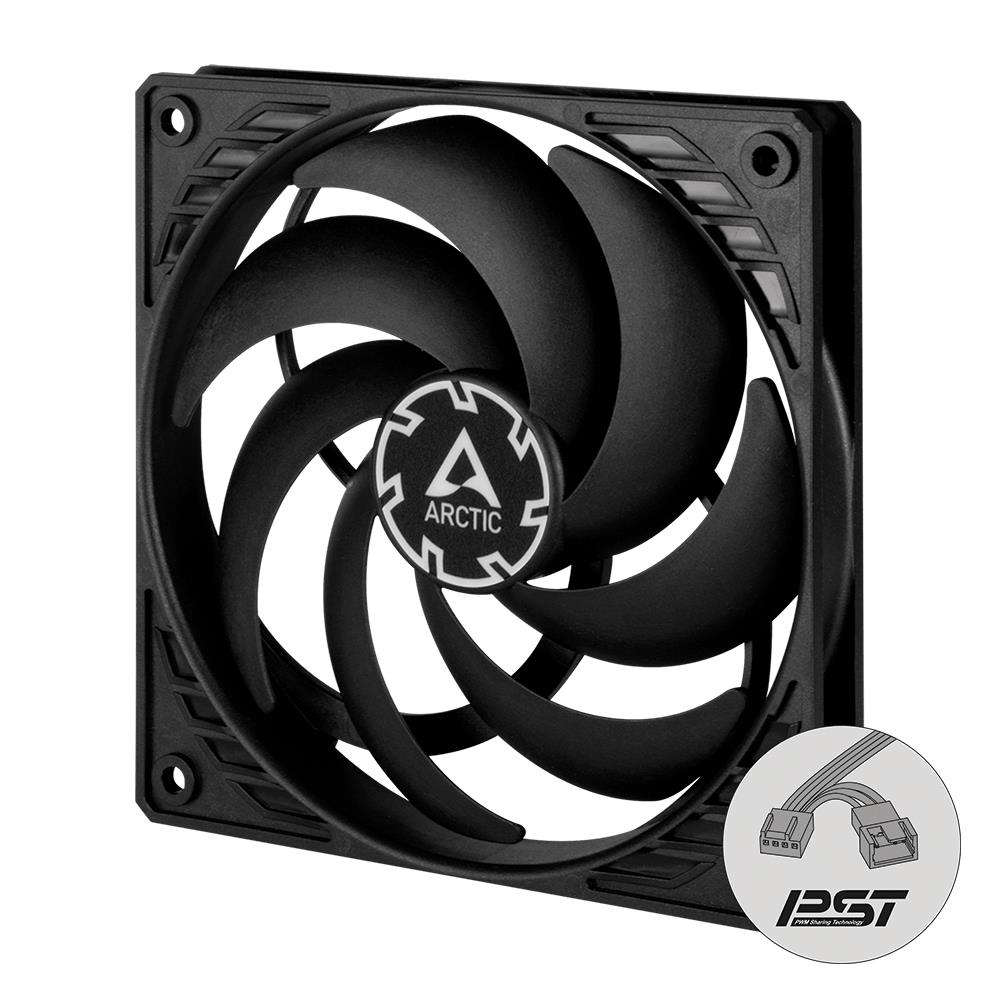
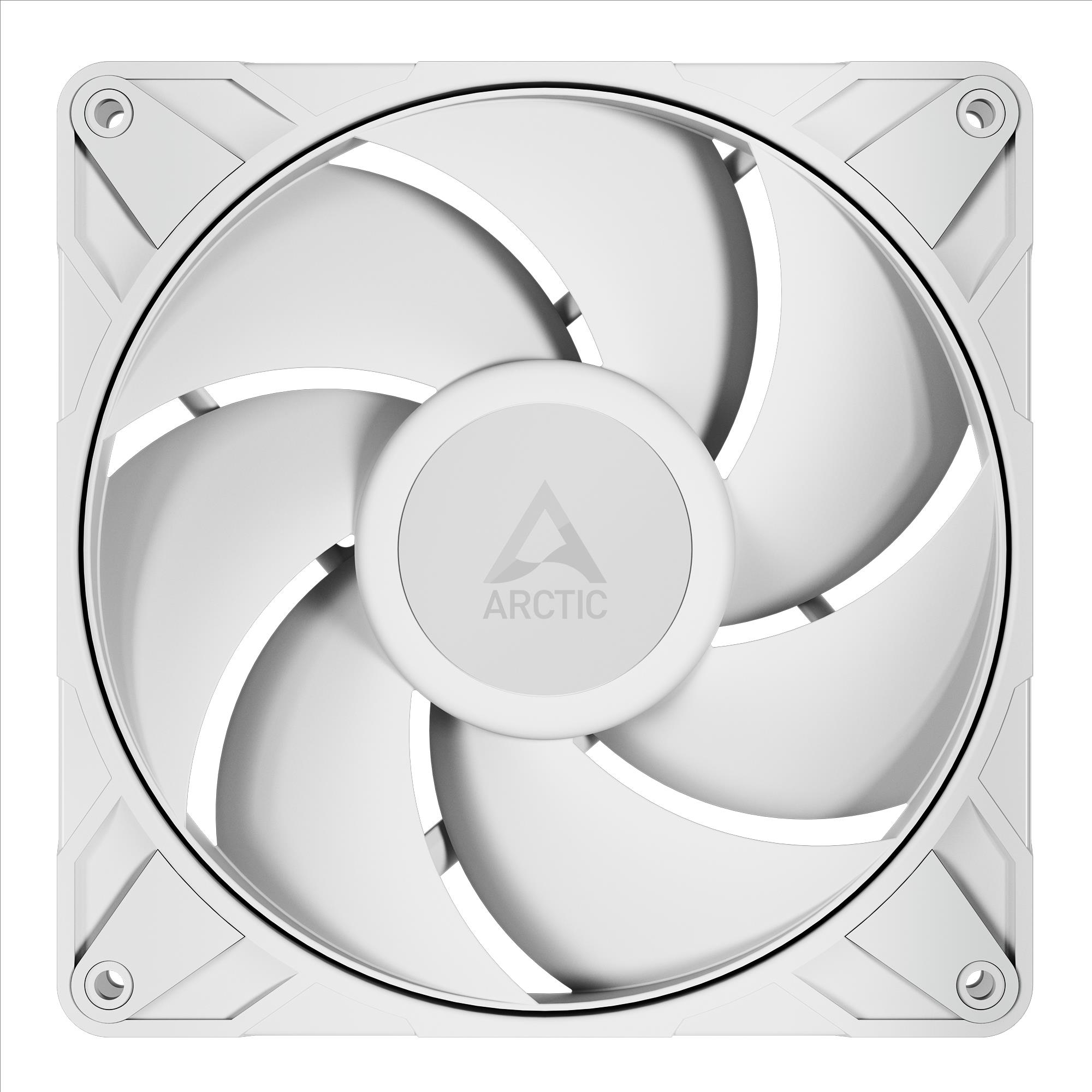
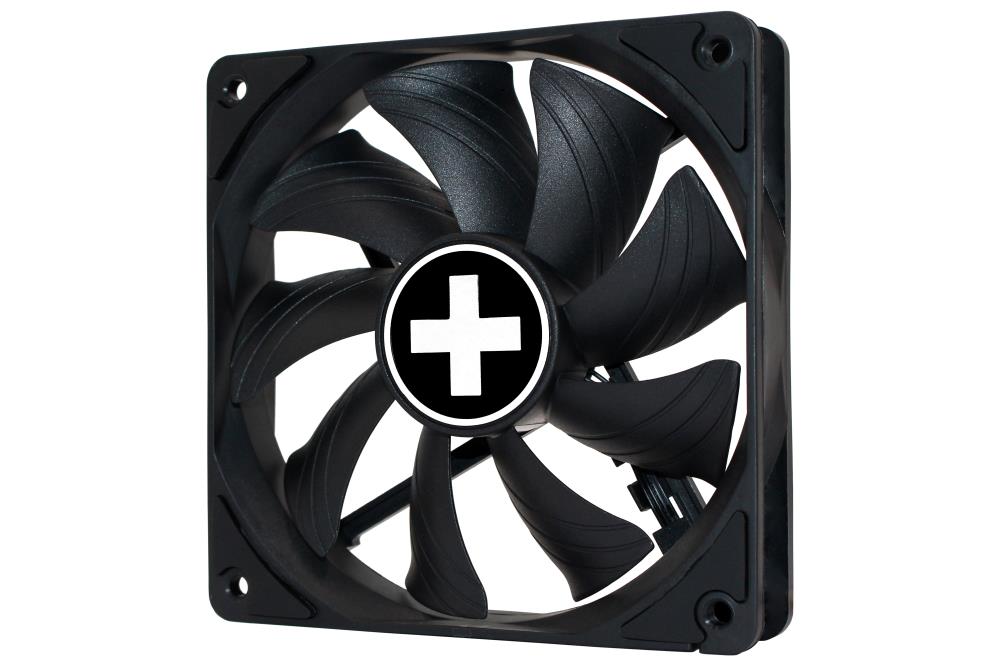
Fan size is one of the most important factors. The general rule is simple: the larger the fan, the more air it can move at lower speeds. This means a larger fan is usually quieter than a smaller one while providing the same or even better cooling. The most common sizes are 120mm and 140mm, which fit most modern PC cases. Before buying, always check your case specifications to make sure the fan will fit.
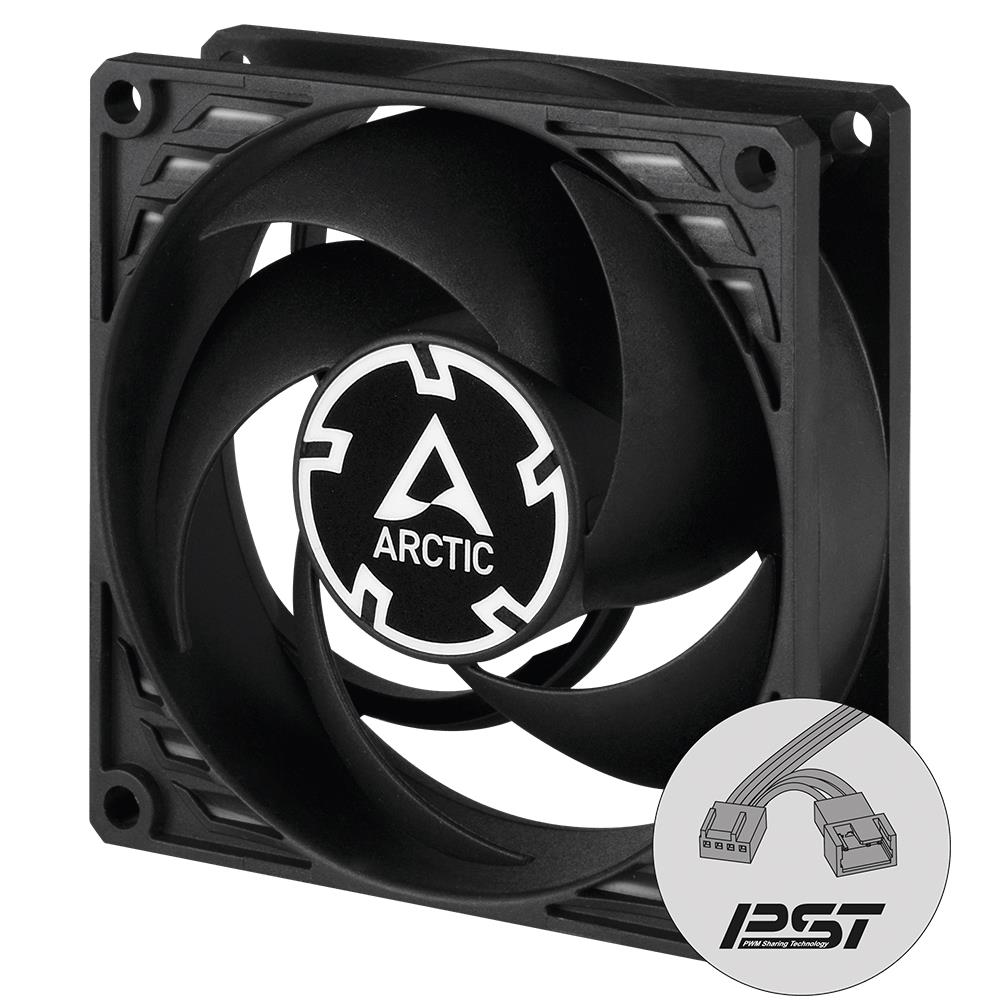
The fan connector type determines how you can control its speed. The speed of fans with a 3-pin (DC) connector is controlled by changing the voltage, which is less precise. In contrast, 4-pin PWM (Pulse Width Modulation) fans let the motherboard adjust speed dynamically and very precisely according to component temperature. If you want to build an especially quiet PC, a PWM PC cooling fan is the best choice, as it runs at minimal speeds when idle.
Not all fans are designed for the same purpose. Some are optimised for maximum airflow (measured in CFM or m³/h), making them ideal for moving air through unobstructed areas of the case. Others are designed to generate high static pressure, which is needed to push air through dense obstructions such as CPU heatsinks, liquid-cooling radiators or tightly packed drive cages. Choose an airflow-optimised model for general case ventilation and a static-pressure-focused model for radiators.
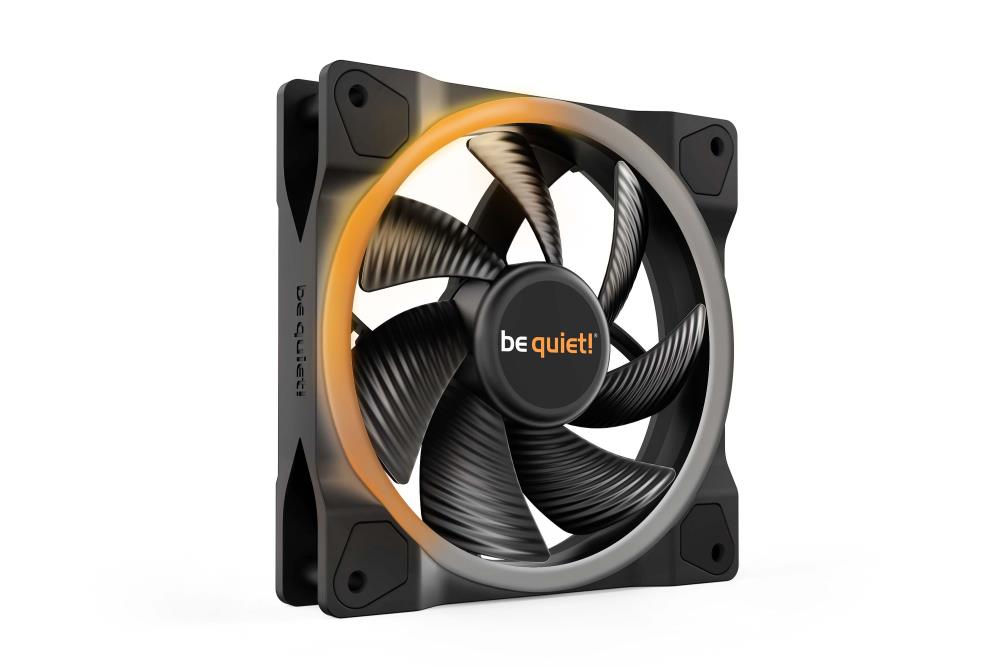
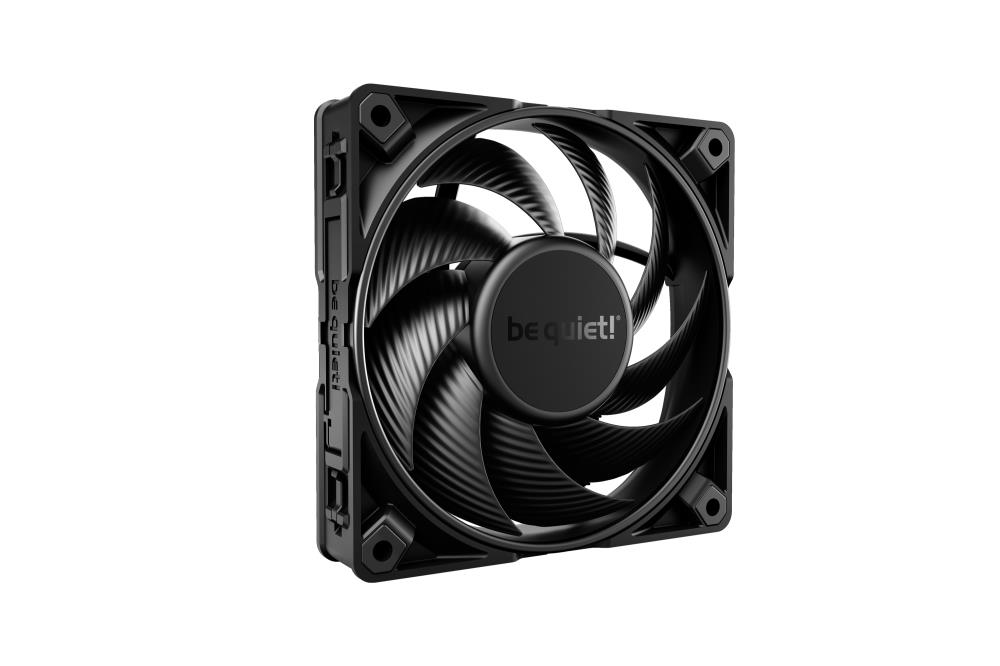

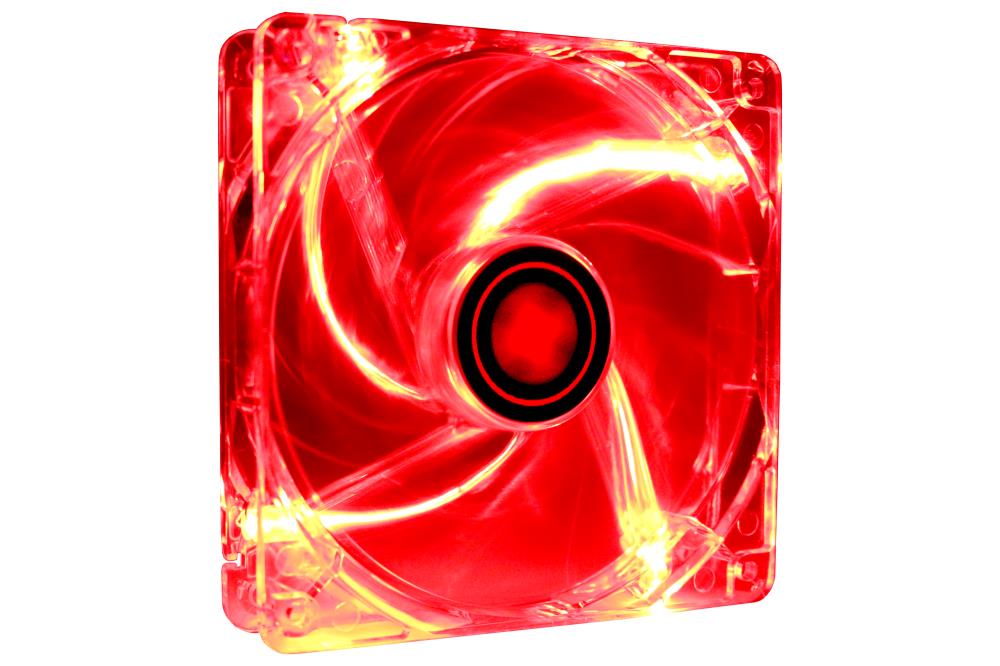
Our range covers every need, from virtually silent solutions to eye-catching illuminated models. Shopping online lets you compare prices and technical specifications at your own pace to find the right option. Consider whether you need a single fan or would be better off ordering a set.
If you value a quiet working environment, look for models specifically designed to keep noise levels low (measured in dBA). These fans often use high-quality bearings, such as fluid dynamic bearings (FDB), and specially designed blades that reduce turbulence. A quiet PC fan is an investment in your comfort.
High-performance fans are available for overclocked systems and powerful workstations, delivering maximum airflow and static pressure. These models run at higher speeds (RPM) and are designed for users who prioritise cooling and are willing to accept somewhat higher noise levels. Buying this type of fan makes sense if your hardware generates a lot of heat.
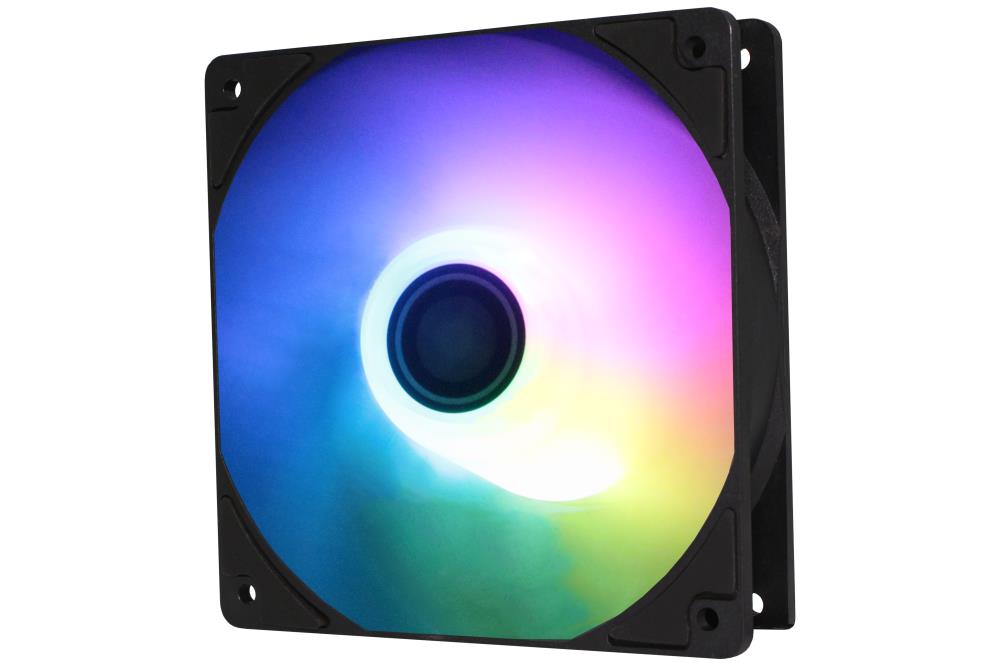
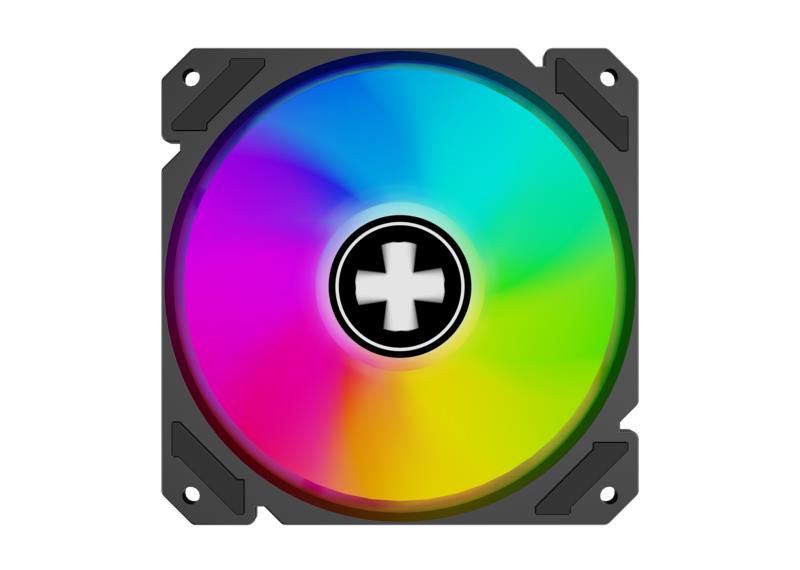
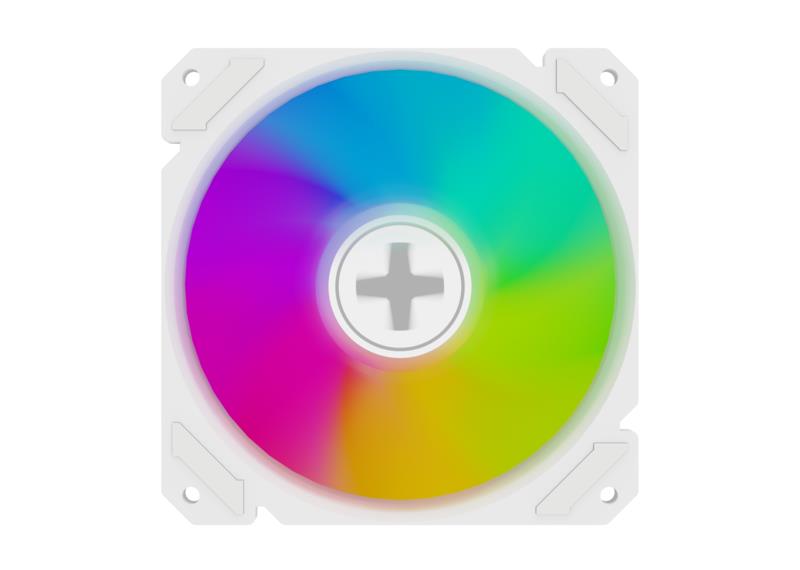
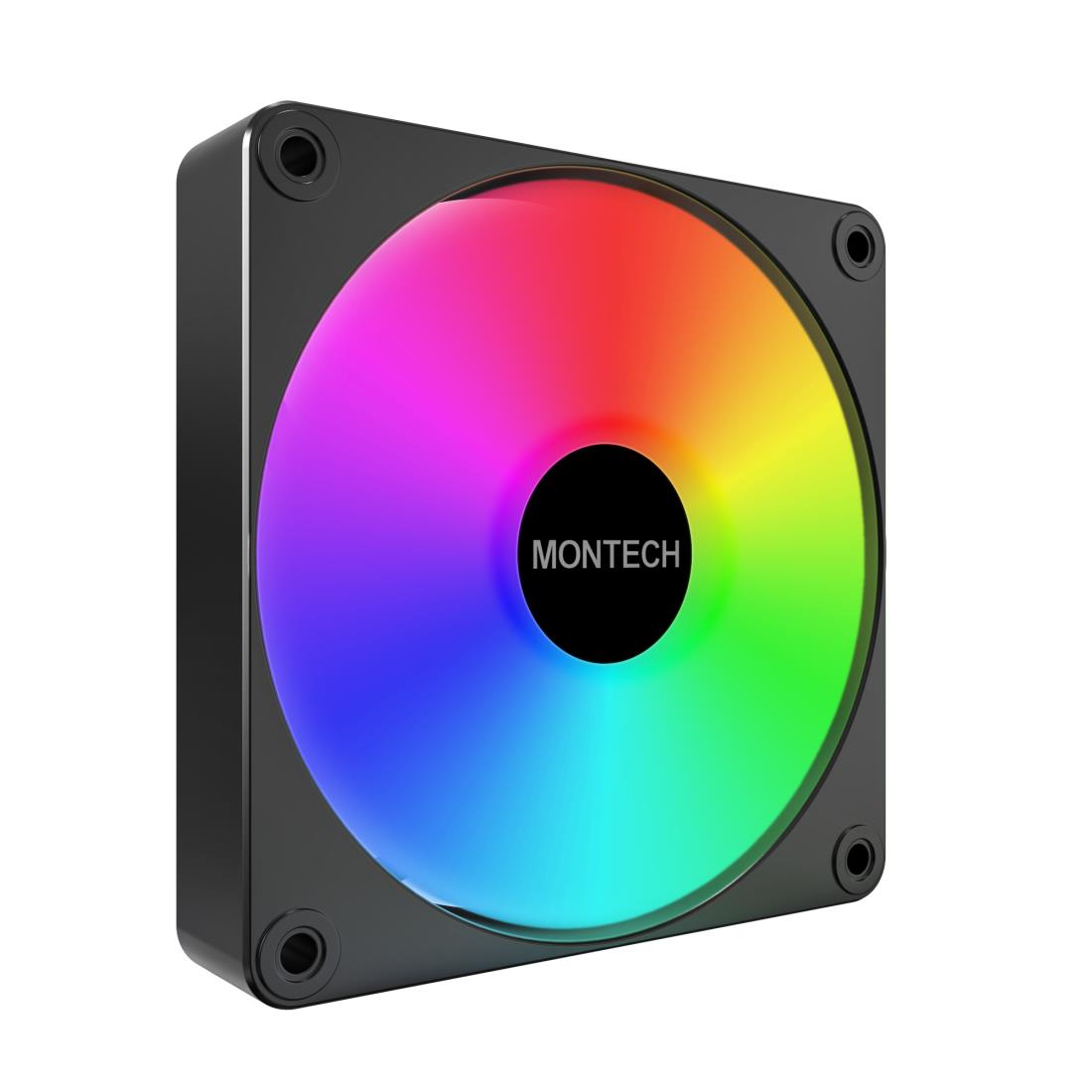
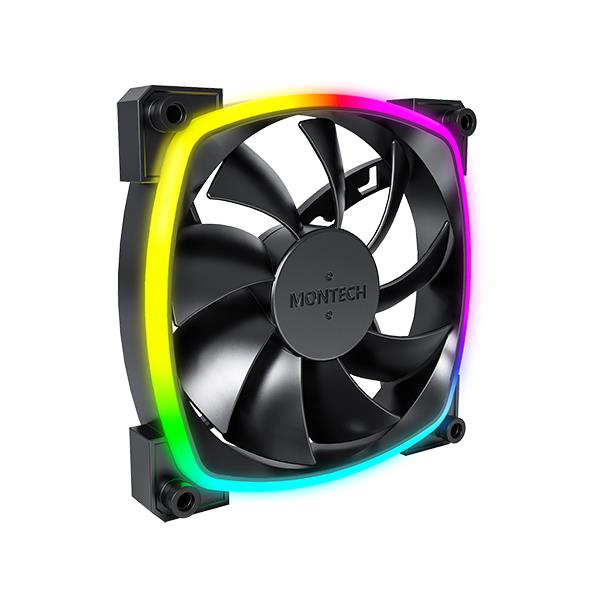
Modern PCs don’t have to be boring. RGB fans add personality and style to your system. Choose from models with fixed-colour RGB lighting or addressable ARGB, which lets you control the colour and effect of each LED individually. This makes it possible to create unique lighting effects that sync with your other components.
Effective cooling is the result of the whole system working together. It starts with choosing the right PC case, with support for a sufficient number of fans in the right sizes. Your chosen motherboard needs enough fan headers, or you’ll need to use a hub. While case fans provide general airflow, your processor needs a dedicated CPU cooler, and a powerful graphics card benefits from airflow directed straight at it. Don’t forget that your PC power supply also generates heat, and its fan plays a part in the system’s thermal balance.
Order all the components you need conveniently from our online store. Transparent PC fan pricing and detailed technical information make it easy to choose. Ordering online is often more convenient, as you can compare different models at your own pace and find the right product in stock and ready to ship. We offer fast delivery across Estonia, including Tallinn.
| Question | Answer |
|---|---|
| How many case fans do I need? | It depends on your case and components, but a common and effective setup uses 2-3 fans: one or two at the front blowing air in (intake) and one at the rear blowing air out (exhaust). This creates good airflow. |
| Can I use a case fan on a CPU cooler? | Sometimes, yes, if it’s the right size (e.g. 120mm) and has good static pressure. However, a fan specifically designed for a heatsink or radiator is always recommended for the best fit and performance. |
| My computer has become noisy. Should I replace the fan? | First, try cleaning the fan and dust filters. If the noise persists, the bearing may be worn. In that case, buying a new, quiet PC fan is an affordable and effective way to solve the problem. |
| What’s the difference between these fans and laptop fans? | The products in this category are designed for desktop PC cases. Although both types are cooling fans, a laptop fan is a specific integrated component and cannot be replaced with these models. To cool a laptop, look for specific replacement parts or an external cooling pad. |