Fast deliveryTop brandsLow PricesFast delivery
0

Desktop PC PSU

A stable and reliable power supply is the foundation of every desktop PC, providing clean, uninterrupted power to its components. Our range has the right solution for every need—from energy-efficient office PCs to powerful gaming rigs and workstations. Explore a wide range of wattages and 80 PLUS efficiency ratings to find the ideal PC power supply for your system.
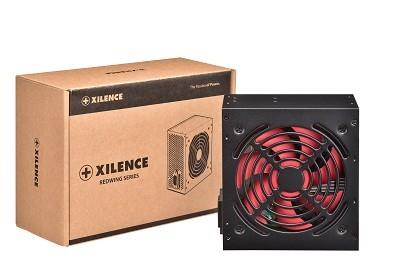
Desktop Power Supply Xilence Redwing 350W, ATX 2.31

Desktop Power Supply Xilence Redwing 350W, ATX 2.31

€28.46 210 pcs
1
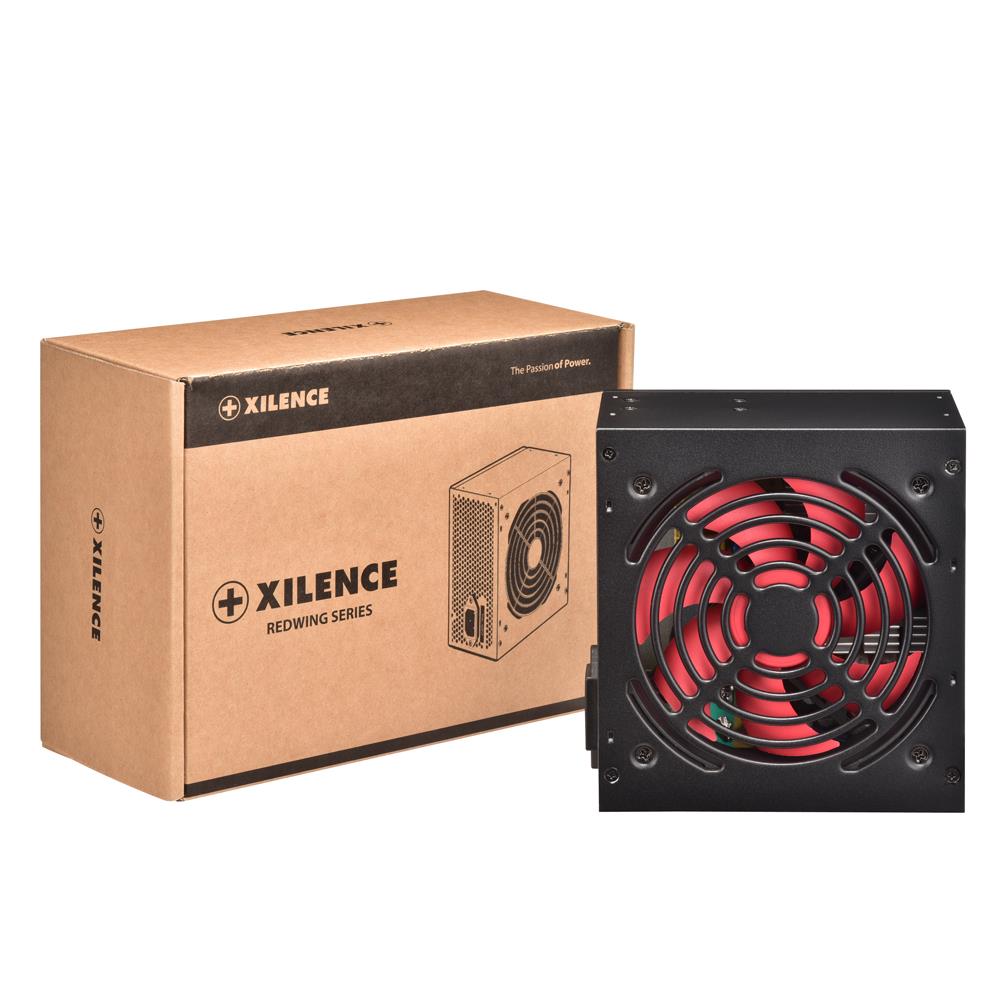
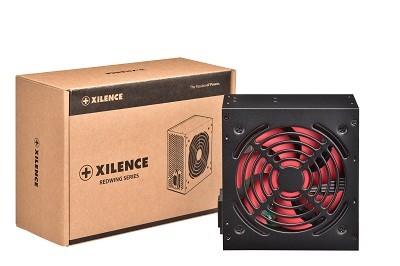
Power supply Xilence Red Wing XN052 500 W, passive PFC

Power supply Xilence Red Wing XN052 500 W, passive PFC

€35.06 294 pcs
1
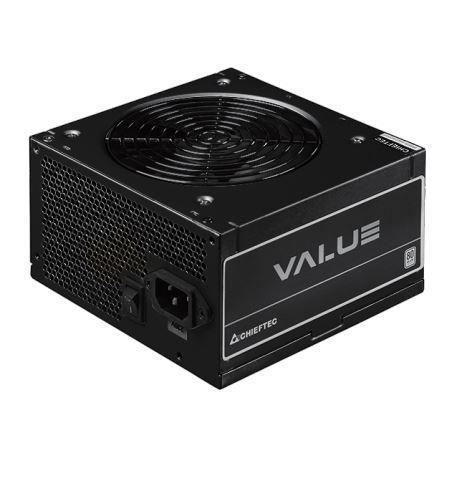
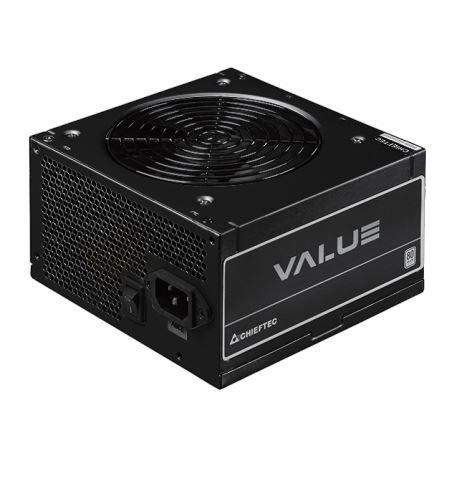
Power supply Chieftec APB-400B8, 400 W, active PFC

Power supply Chieftec APB-400B8, 400 W, active PFC

€35.90 99 pcs
1
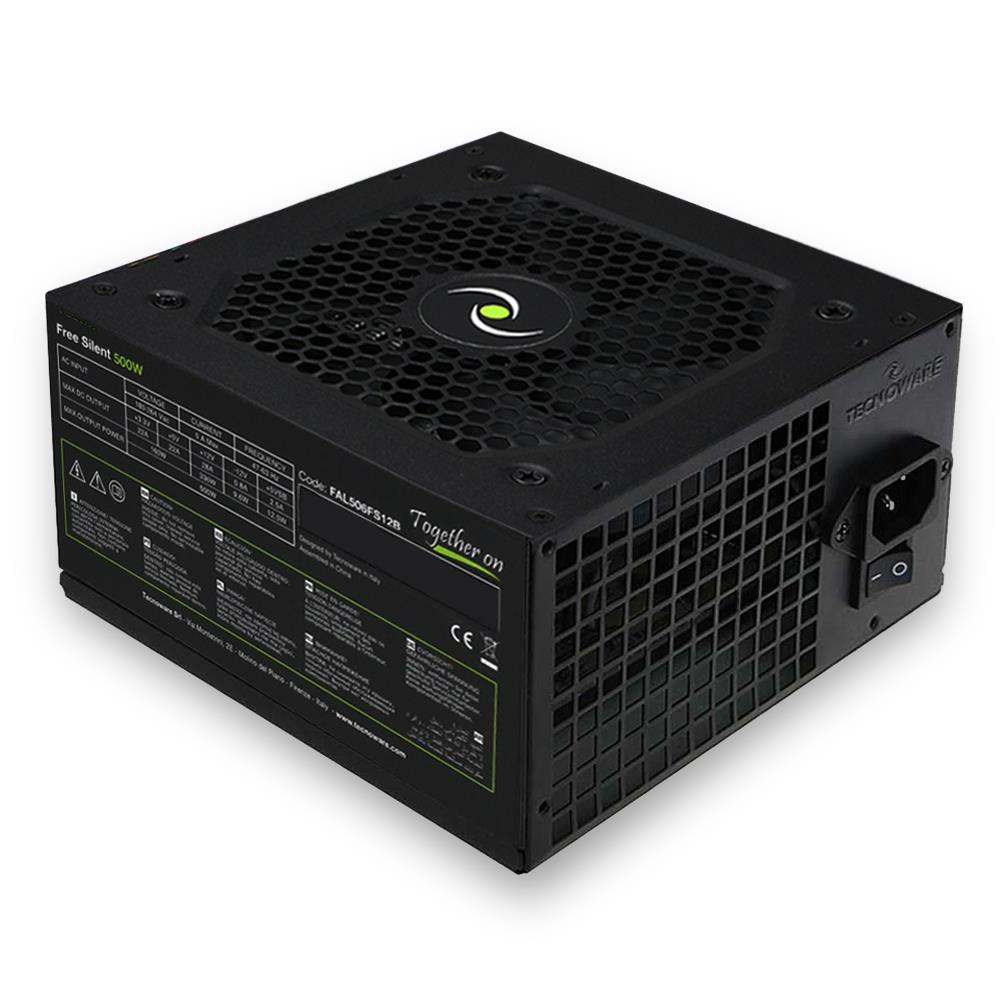
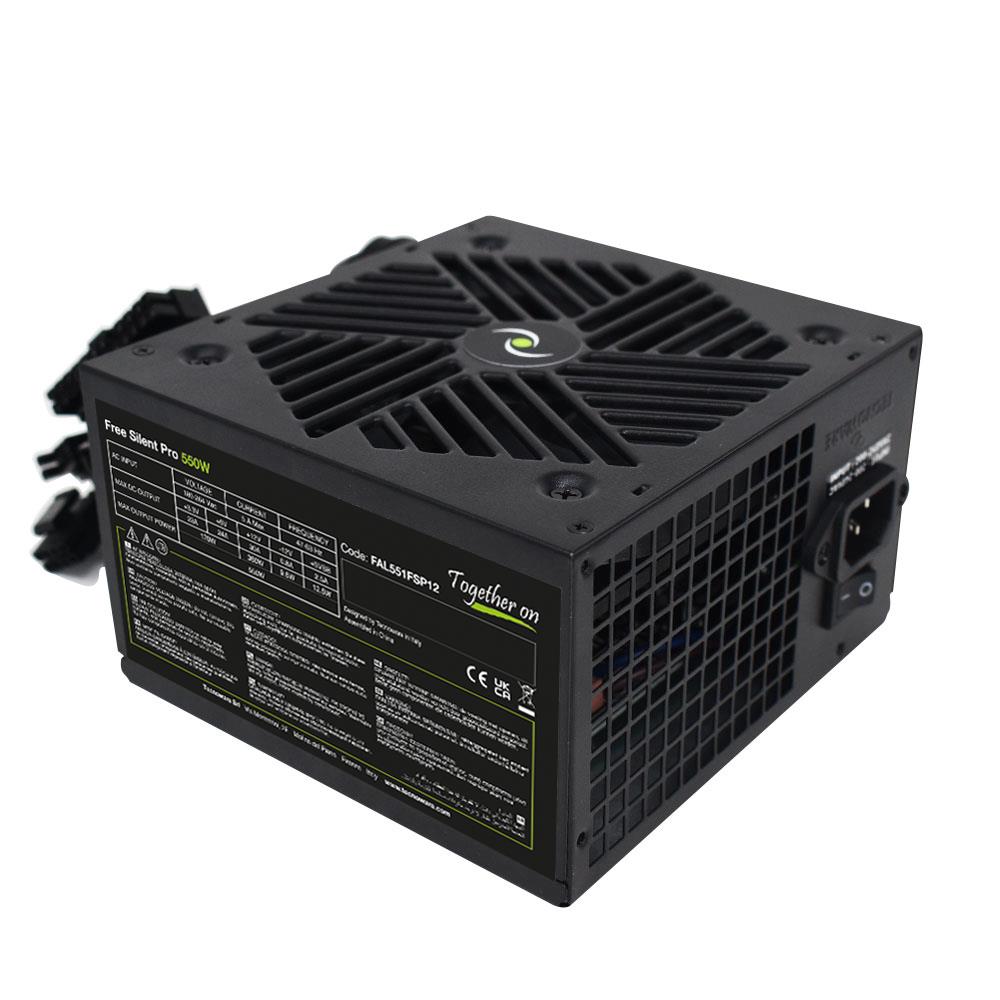
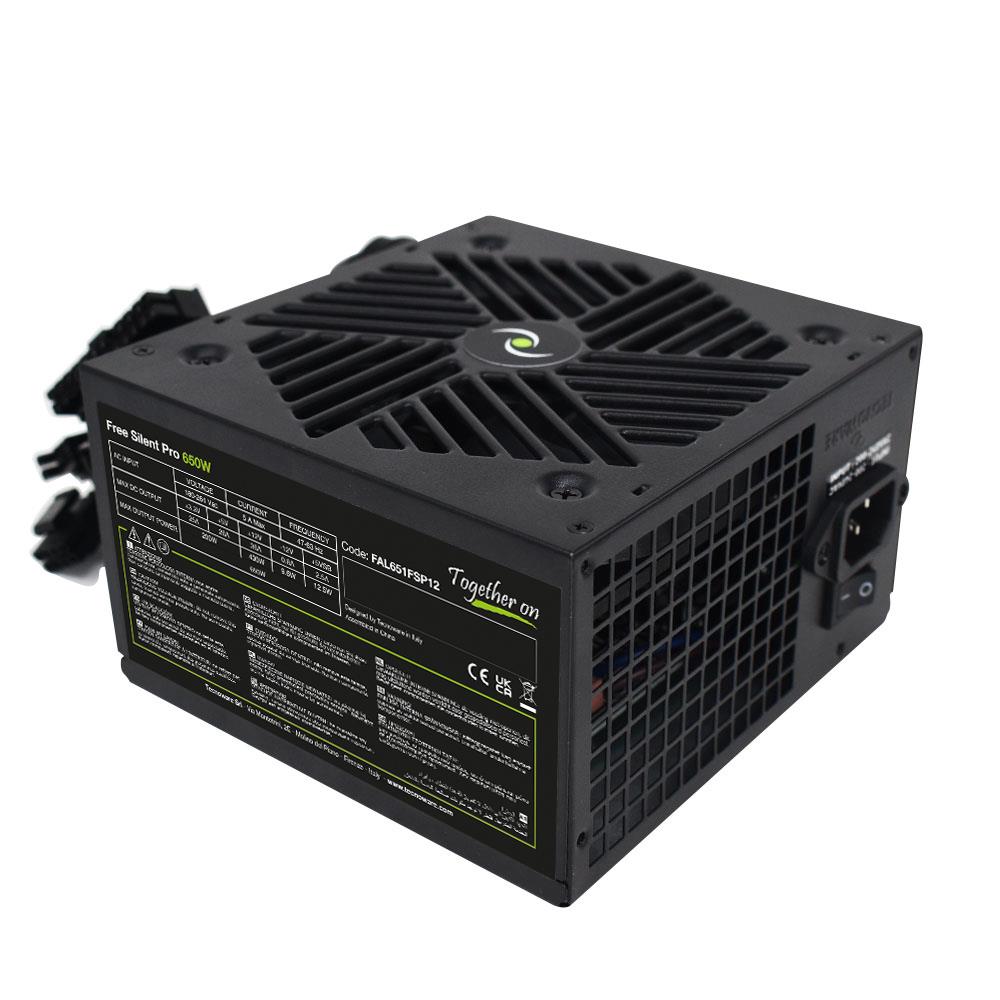
Desktop power supply Tecnoware ATX 650 W, black

Desktop power supply Tecnoware ATX 650 W, black

€37.30 42 pcs
1
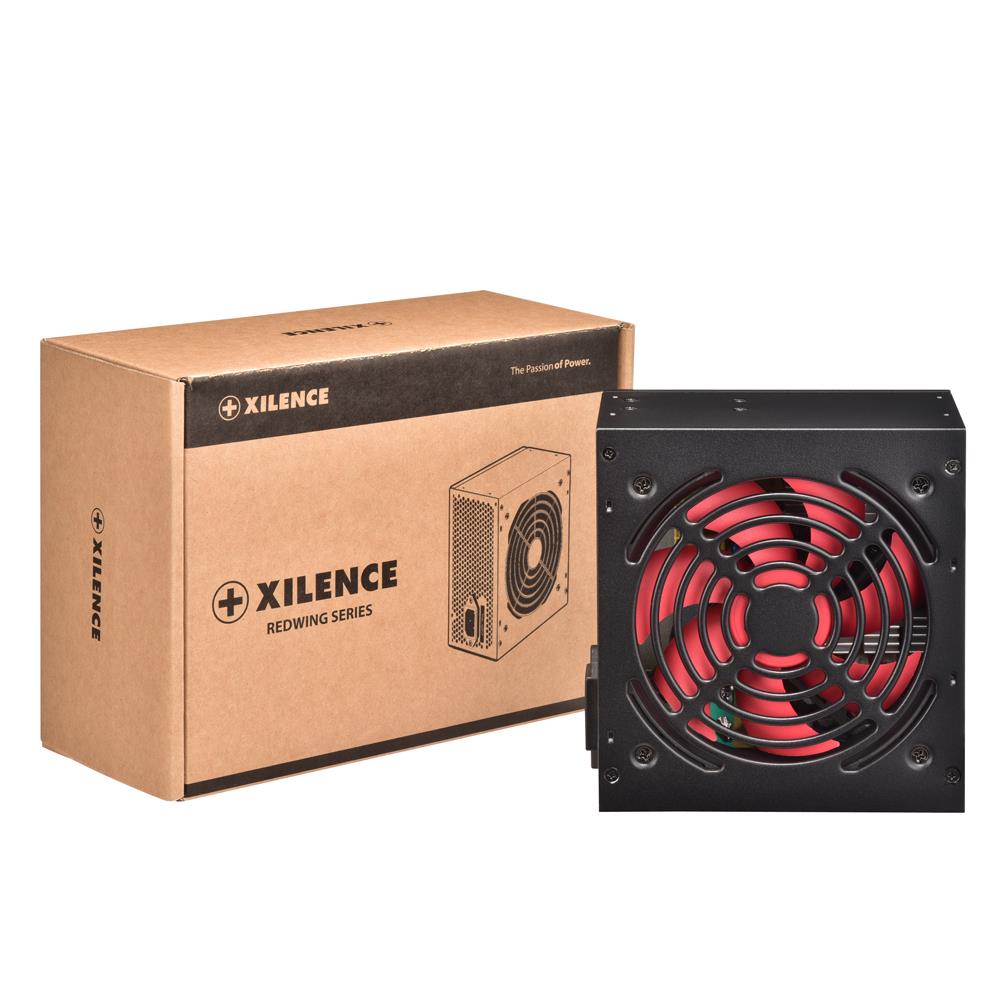
Power supply Xilence Red Wing XN053 600 W, passive PFC

Power supply Xilence Red Wing XN053 600 W, passive PFC

€39.49 734 pcs
1
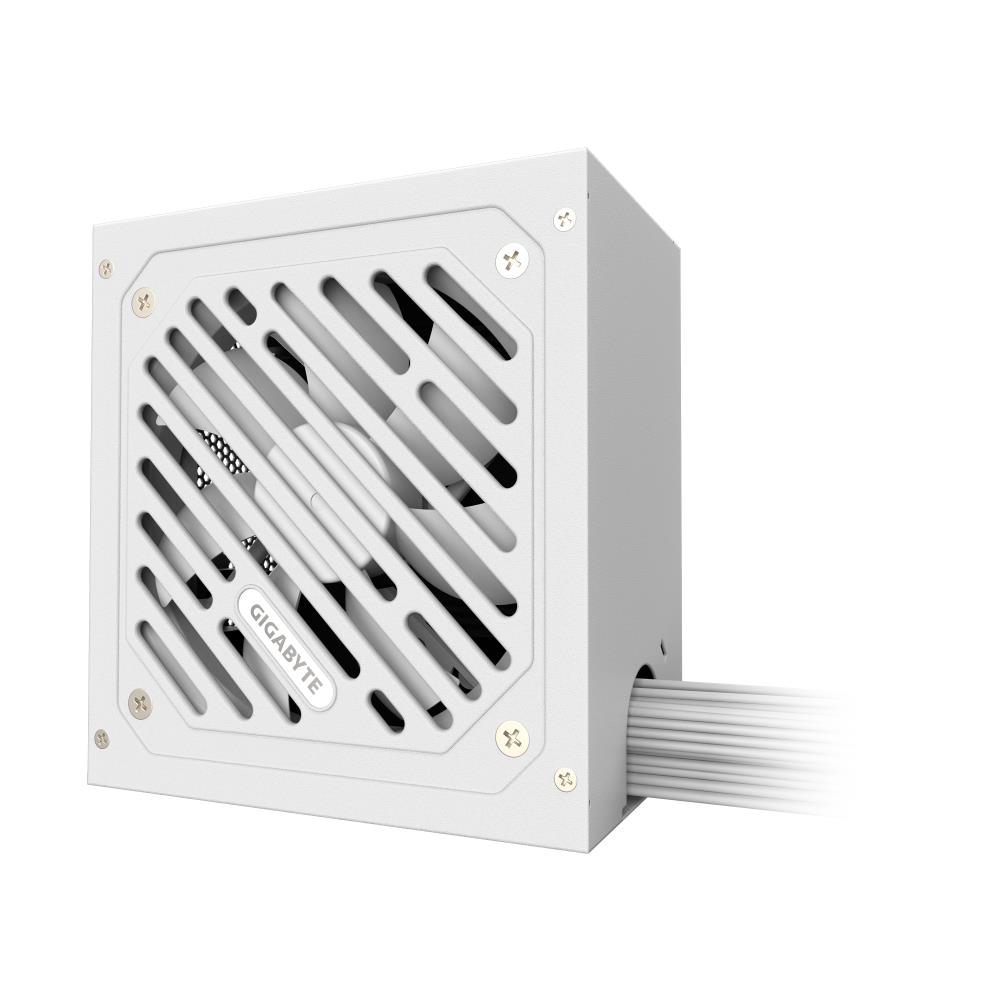
Gigabyte GP-P550SS ICE Power Supply, 550 W, White

Gigabyte GP-P550SS ICE Power Supply, 550 W, White

€48.26 93 pcs
1
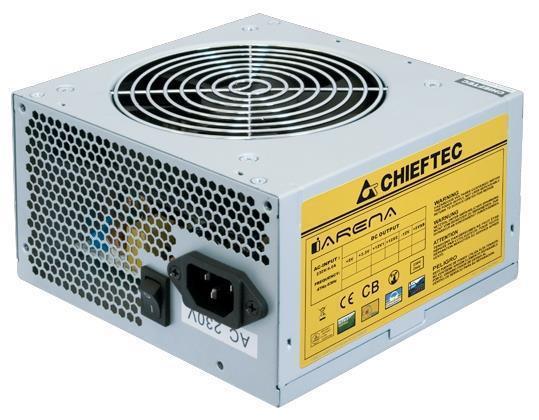
Power supply Chieftec GPA-650S, 650 W, ATX

Power supply Chieftec GPA-650S, 650 W, ATX

€50.29 51 pcs
1
Power Supply Montech APX 650W, 650 W, black

Power Supply Montech APX 650W, 650 W, black

€52.43 1 pcs
1
Power supply Chieftec GPC-600S, 600 W, ATX, silver

Power supply Chieftec GPC-600S, 600 W, ATX, silver

€52.95 35 pcs
1
Desktop power supply Chieftec GPA-700S, 700 W, ATX

Desktop power supply Chieftec GPA-700S, 700 W, ATX

€53.19 27 pcs
1

Desktop PC Power Supply – The Heart of Your Computer

The power supply (PSU, or Power Supply Unit) is often an underrated component, but in reality, it is one of the most critical parts of any desktop PC. It’s like the heart of your computer, delivering vital power to every component, from the processor to the graphics card. A high-quality, correctly chosen PC power supply ensures system stability, protects expensive components from power fluctuations, and runs efficiently to help lower your electricity bill. A poor choice, on the other hand, can cause unexpected restarts, reduced performance and, in the worst case, even component failure. Choosing the right unit is an investment in the longevity and reliability of your entire computer.

How to Choose the Right Power Supply for Your Computer

The world of power supplies may seem complicated at first—watts, certifications, modularity. But choosing one is actually a straightforward process. Let’s look at the main criteria to help you find the right model, whether you’re planning to buy a power supply for an office PC or a high-end gaming rig. Our online store offers a wide selection, with detailed information for every computer power supply.

Wattage (W): How Many Watts Do You Need?

Wattage, measured in watts (W), is the first specification to check. It should cover the combined power consumption of all your computer components, with some headroom to spare. A power supply with too little wattage won’t be able to keep your system running stably, especially under load. A more powerful unit won’t cause any harm, but it may run less efficiently and cost more.

  • Office and home computers (350W-550W): Systems with integrated graphics designed for web browsing and office work don’t need much power. An affordable, reliable entry-level model will do the job.
  • Gaming PCs (650W-850W): Gamers with a mid-range or powerful graphics card need more power. 850W is a good, future-proof choice for most systems.
  • High-end gaming PCs and workstations (1000W+): Systems with multiple graphics cards, a powerful processor and plenty of peripherals may need over 1000W to ensure stability, even under extreme loads.
Expert advice: Don’t simply add up the TDP (Thermal Design Power) values of your components. A good rule of thumb is to choose a power supply rated about 20-30% above your system’s expected maximum power consumption. This ensures the unit runs in its most efficient range (typically at 50-80% load) and leaves room for future upgrades. A stable 12V power supply is particularly important for the graphics card and processor.

Efficiency Certification: The 80 PLUS Standard Explained

The 80 PLUS certification shows how efficiently a power supply converts the alternating current (AC) from your wall outlet into the direct current (DC) needed by your components. The higher the efficiency, the less energy is wasted as heat. That means a lower electricity bill, quieter operation (the fan doesn’t need to spin as fast) and a longer lifespan.

Certification Efficiency (at 50% load) Best for
80 PLUS Bronze ~85% A solid entry-level option for budget and mid-range computers.
80 PLUS Gold ~90% A great all-rounder and the most popular choice for gamers and enthusiasts. Excellent value for money.
80 PLUS Platinum / Titanium ~92% / ~94% Top-tier solutions for professionals, servers and anyone who wants the very best. These power supplies often cost more, but can pay off in the long run.

Modularity: Neater Cabling and Better Airflow

Modularity refers to whether a power supply’s cables can be detached. It directly affects how easy your PC is to build and airflow inside the case.

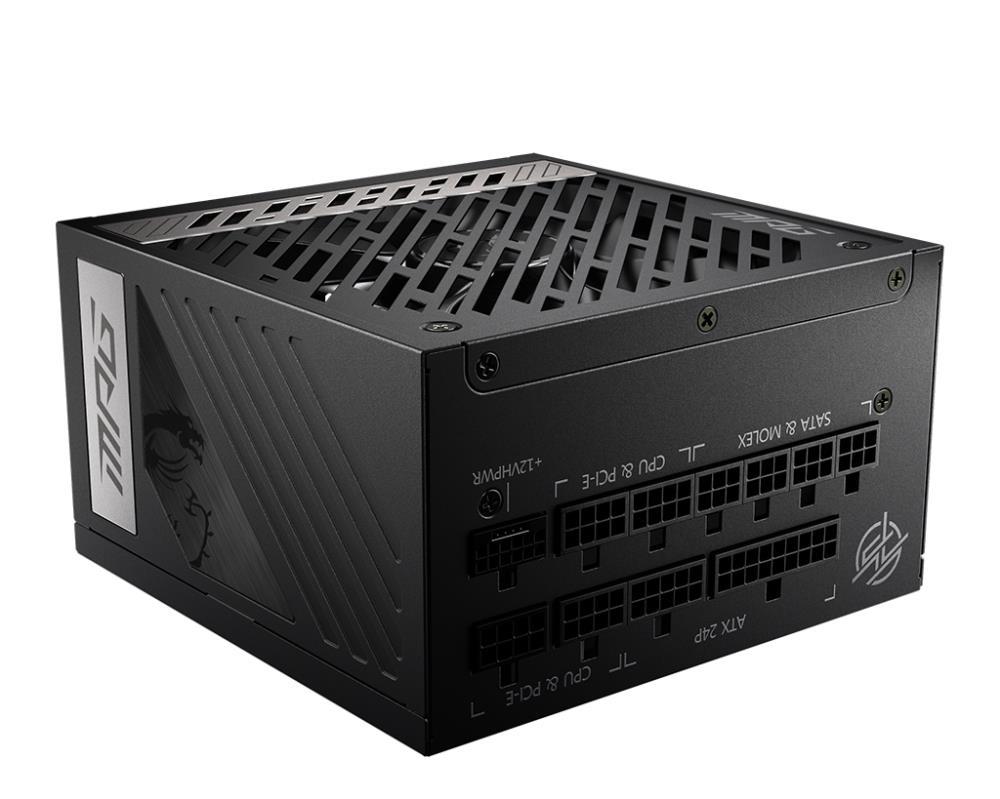
  • Non-modular: All cables are permanently attached. This is the most affordable option, but you’ll need to tuck away any unused cables, which can obstruct airflow.
  • Semi-modular: The main cables (for the motherboard and processor) are fixed, while others (SATA, PCIe) can be detached. A good compromise between price and convenience.
  • Fully modular: All cables can be detached. You can connect only the ones you need, making cable management easier and ensuring optimal airflow inside your PC case.

Important Technical Specifications to Look For

Beyond the basic specifications, there are a few other technical details that set a good power supply apart from an average one. Understanding them will help you make a more informed choice, especially if you’re looking for a solution for a demanding system. While some specifications, such as a 24V power supply or a specific HP power supply, relate to other types of equipment, desktop PCs have their own standards.

Expert advice: Pay attention to the power output on the +12V rail. It’s the most important rail because it powers the most demanding components—the processor and graphics card. Some power supplies have a single powerful +12V rail (single-rail), while others have several lower-capacity rails (multi-rail). For gamers and overclockers, a power supply with a powerful single-rail design is often the more stable choice.

Cooling and Noise Levels

The power supply’s fan is an important component that keeps the unit cool. Larger fans (120mm-140mm) can spin more slowly while moving the same amount of air, making them quieter. Many modern PC power supplies feature a 'Zero RPM' mode, where the fan only switches on at a certain load or temperature, keeping the unit completely silent during light use. For particularly demanding users, there are also models with fully passive cooling, such as those from Seasonic, that make no noise at all. An effective cooling system helps ensure a long lifespan.

Protection Features and Reliability (MTBF)

Quality power supplies include several protection circuits to safeguard your computer against power supply irregularities. Look for abbreviations such as OVP (overvoltage protection), UVP (undervoltage protection), OCP (overcurrent protection), OPP (overpower protection) and SCP (short-circuit protection). Another important specification is MTBF (Mean Time Between Failures), or the average operating time between failures. A higher figure, such as 100 000 hours, indicates greater reliability and higher-quality components—especially important for workstations that need to run around the clock. For an extra layer of protection, we always recommend using a quality UPS for workstations.

Expert advice: Think ahead! If you’re planning to buy a next-generation graphics card, make sure your power supply has the right connectors. Newer NVIDIA cards use a 12VHPWR (or PCIe 5.0) connector. Many new power supplies, including models from MSI and Gigabyte, already come with one as standard, saving you the hassle of using adapters. It’s a small detail that can save you a lot of trouble in the future.

Why Customers Trust ZAZA

Ordering the right power supply online is easy and secure. You can compare different models, prices and specifications at your own pace. We’re here to offer the best selection and shopping experience in Estonia.


  • Wide selection in stock: We offer a wide range of power supplies for every budget and need, from affordable options to high-end models from brands such as Be Quiet!, Seasonic, MSI and Gigabyte.
  • Always free delivery: Whichever product you choose, we’ll deliver it to you free of charge anywhere in Estonia. It makes shopping online even more convenient.
  • Expert advice: If you’re not sure which one to choose, our team can help you find the best option for your system and budget.
  • Warranty and peace of mind: All our products come with an official warranty. When you buy from us, you can count on quality and reliability.

Frequently Asked Questions (FAQ)

What happens if my power supply is too weak?
If your power supply doesn’t have enough wattage, your system may become unstable under load (for example, while gaming). This can result in unexpected restarts, games crashing or blue screens of death (BSOD). Over time, it may also damage other components, such as the motherboard.

Is a more expensive power supply always better?
Generally, yes. A higher price usually means better efficiency (e.g. Gold rather than Bronze), higher-quality Japanese capacitors, a longer warranty and better protection features. However, there’s no point buying a 1200W Titanium power supply for a basic office PC. Always choose a unit that suits your needs.

How do I know which connectors I need?
Check the specifications for your motherboard, processor and graphics card. Most power supplies come with a standard 24-pin motherboard connector and a 4+4-pin processor connector. The most important thing is to check the number and type of PCIe connectors your graphics card needs (e.g. 2x 8-pin or 1x 12VHPWR).

Is a desktop PC power supply different from a laptop power supply?
Yes, completely different. A desktop PC PSU is an internal component that powers several devices at once, while a laptop power supply is an external adapter that charges the battery and powers the laptop. They are not interchangeable. Categories such as bench power supplies or 24V DC power supplies are also designed for specific electronic devices, not desktop PCs.