





For private customers
At checkout, product prices are automatically adjusted according to the VAT rate in your delivery country.

Christmas
Decor
Furniture
Home & Garden
Sport
Clothing
Mattresses
Watches
Electronics
Construction
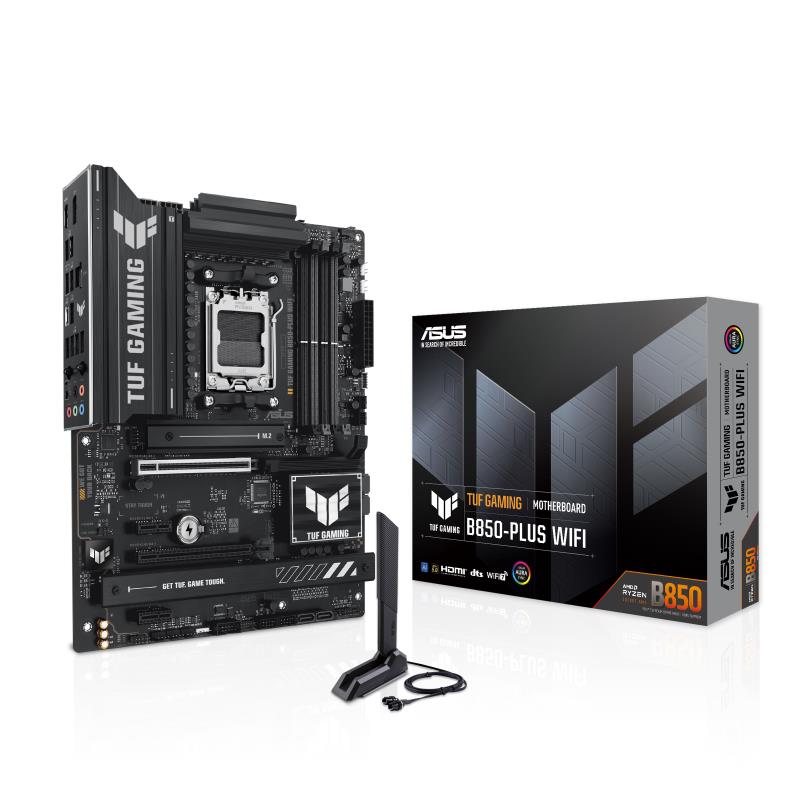
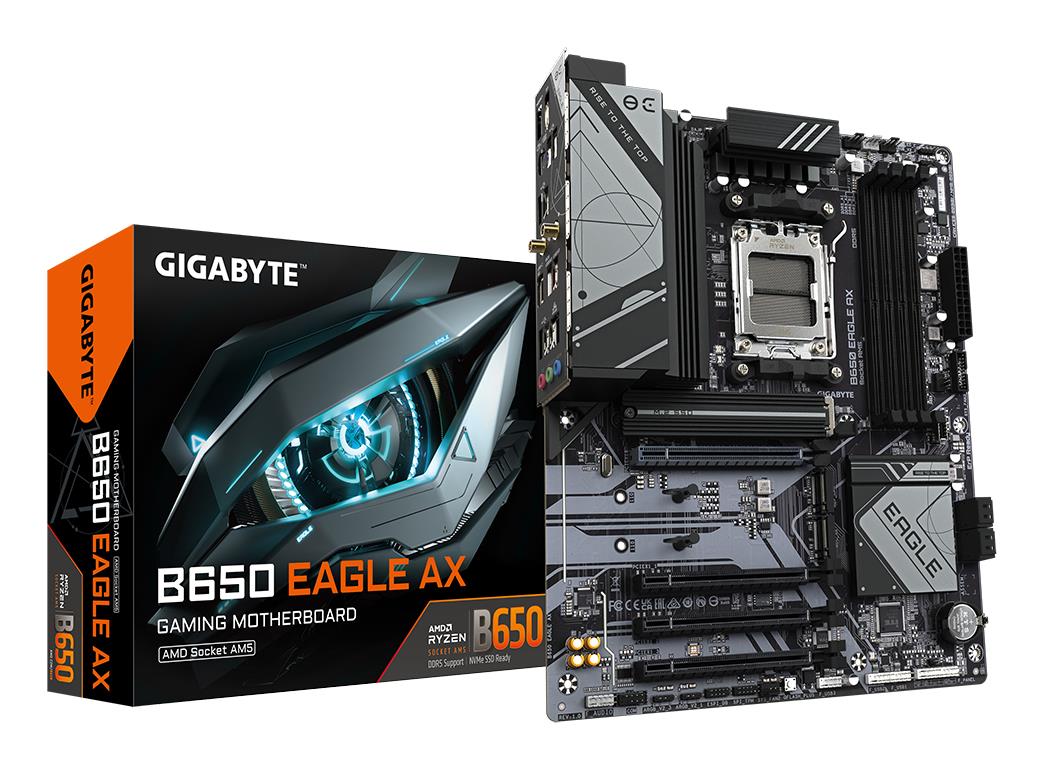
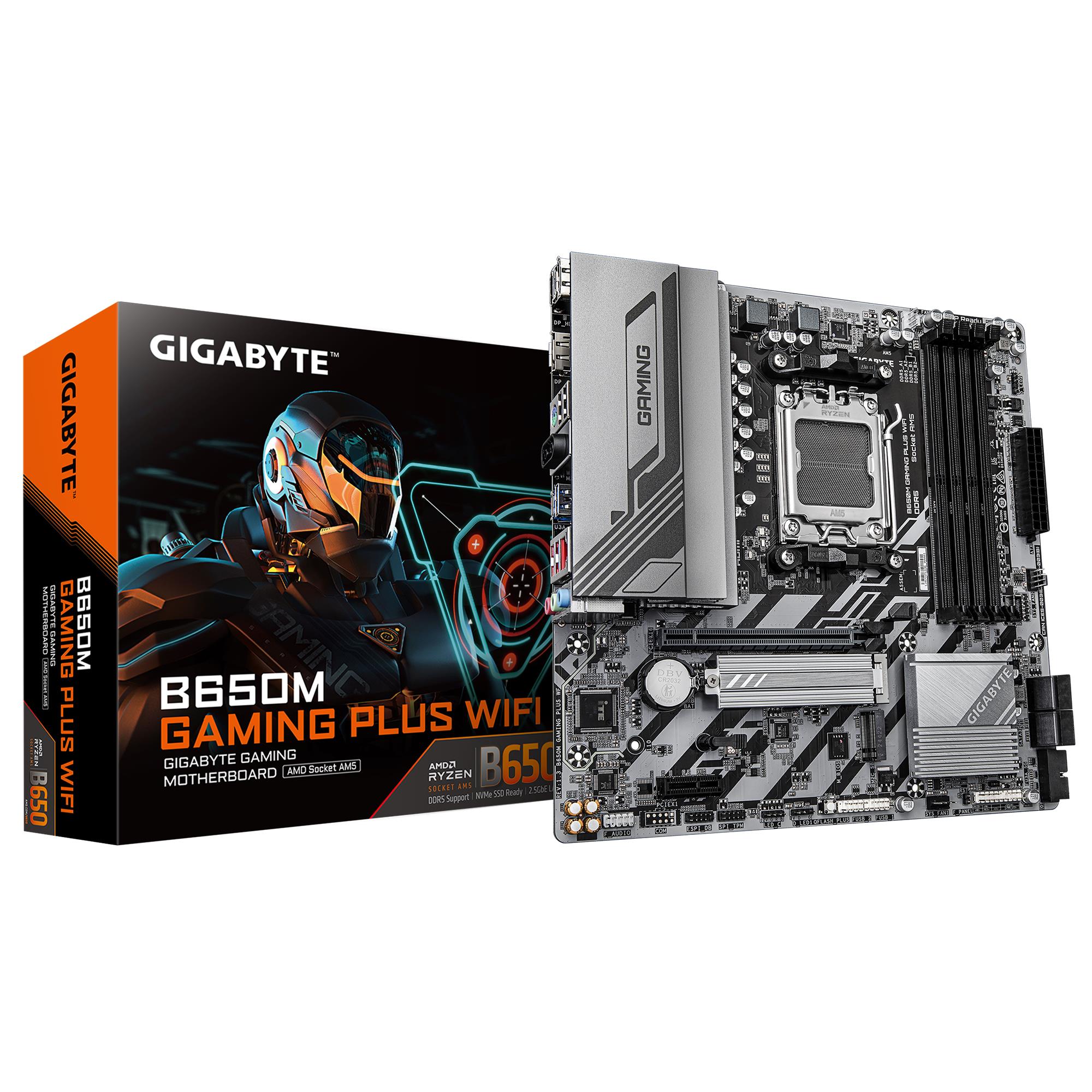
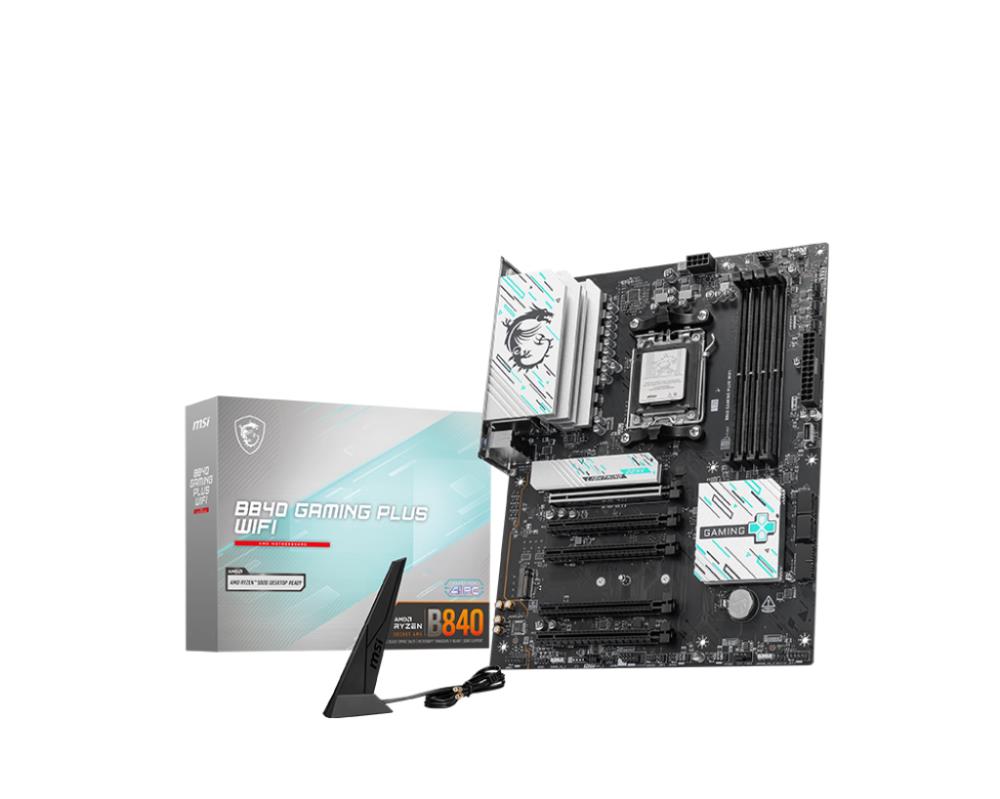
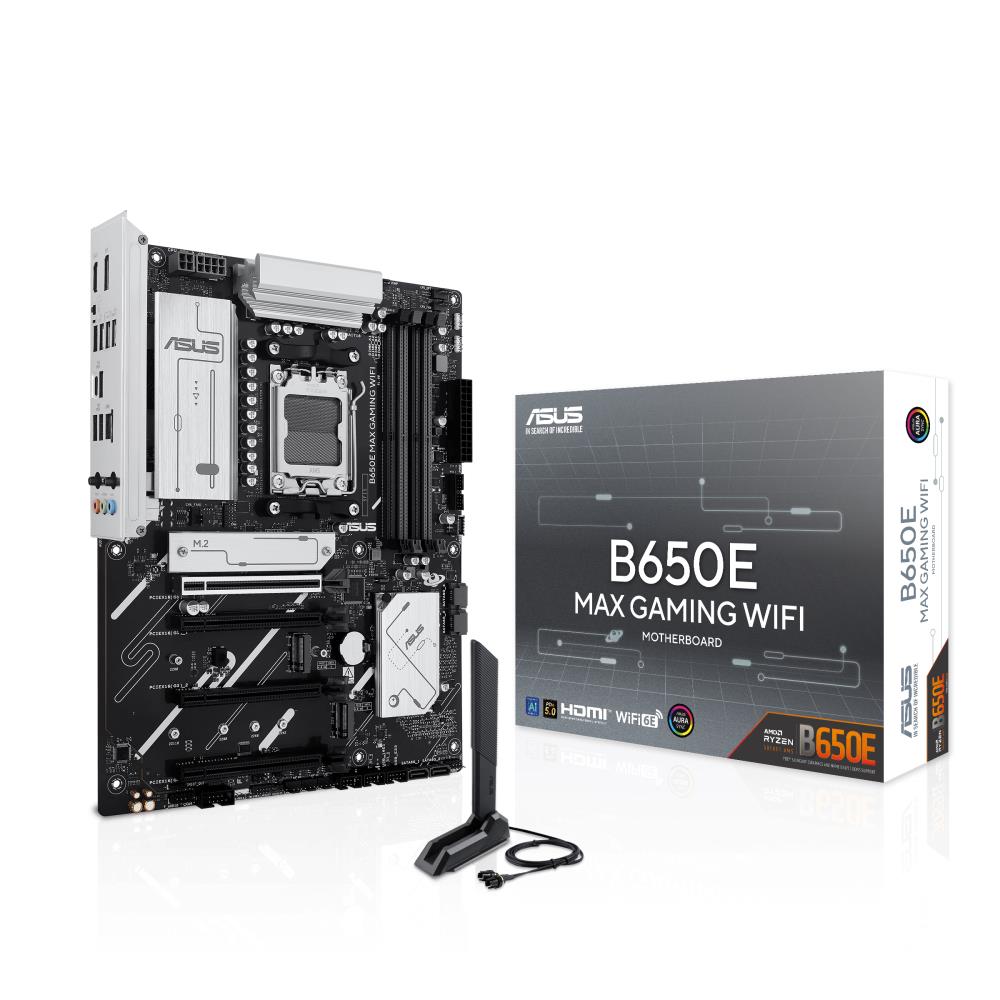
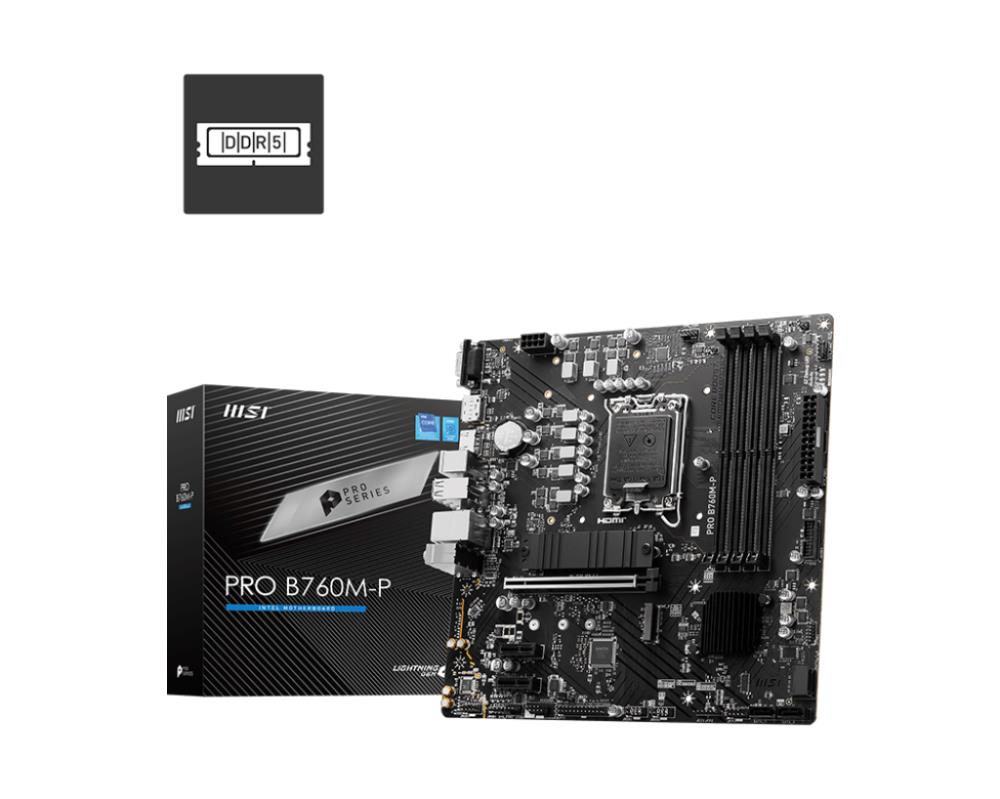

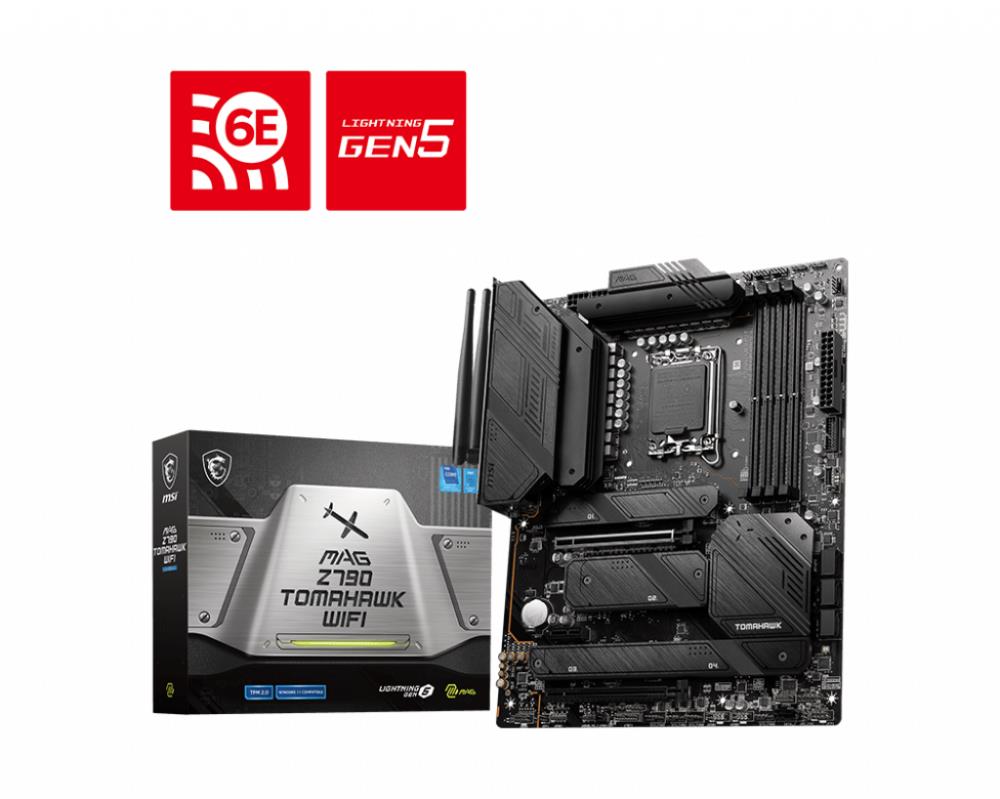


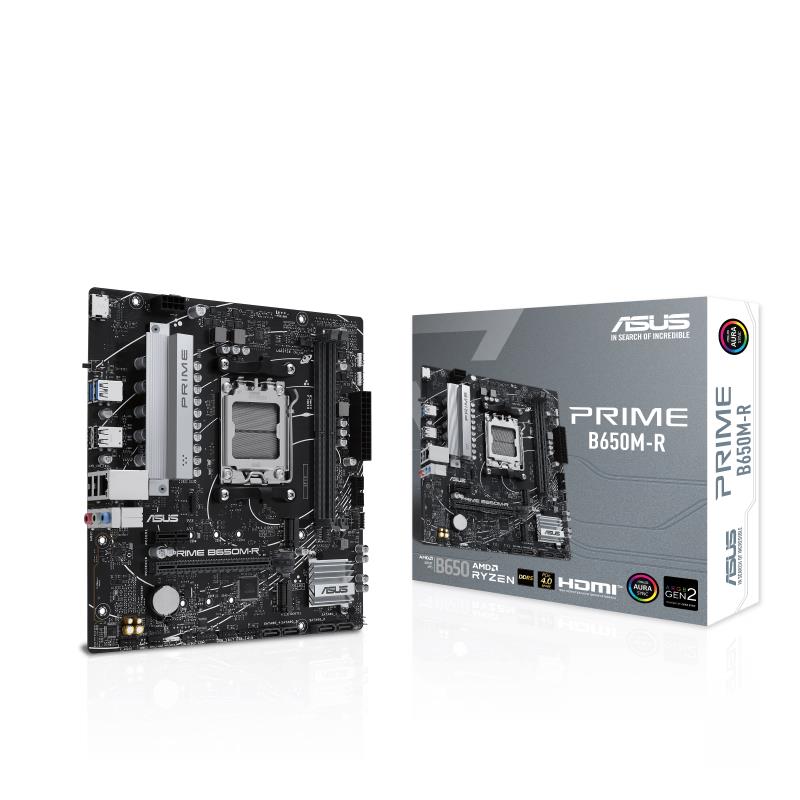


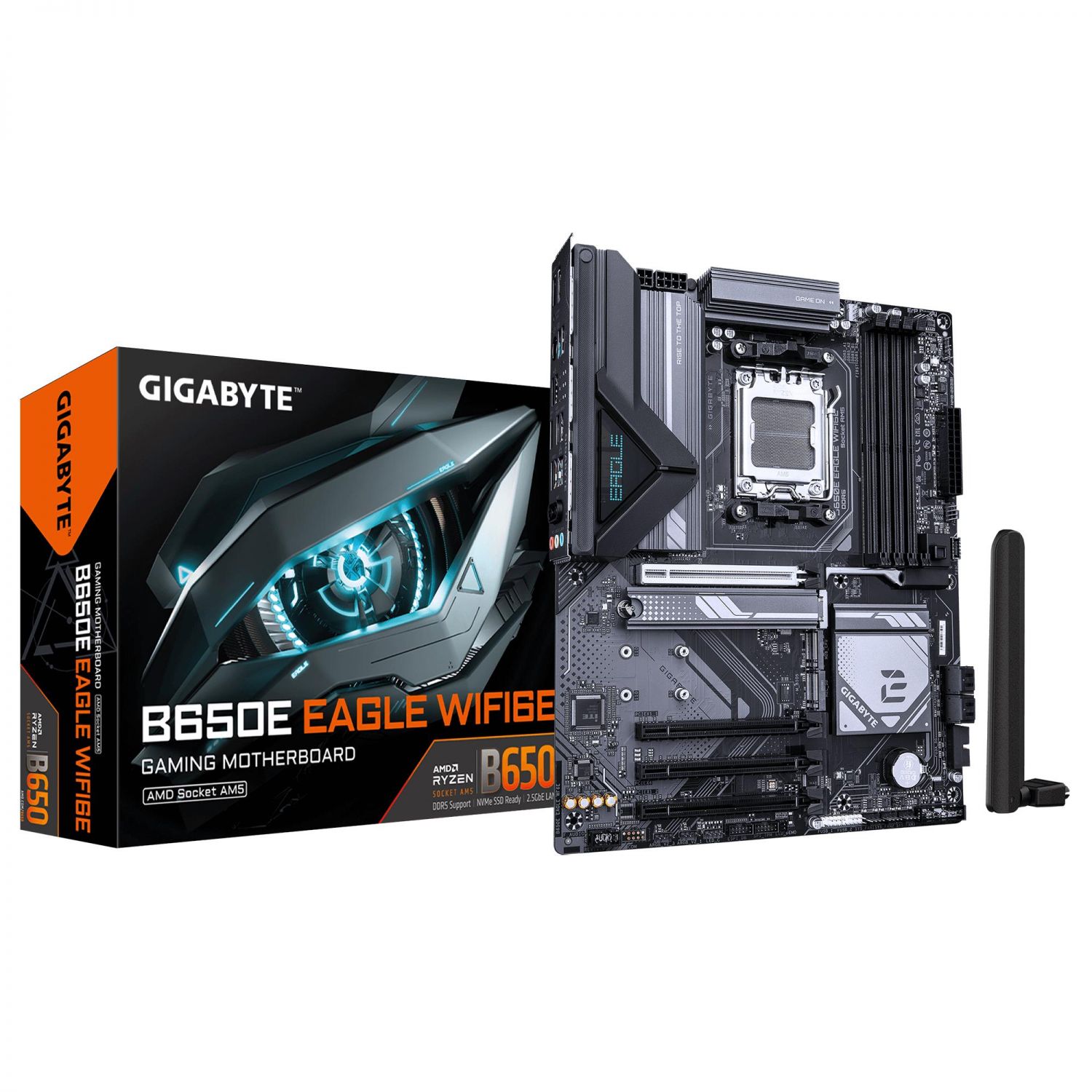

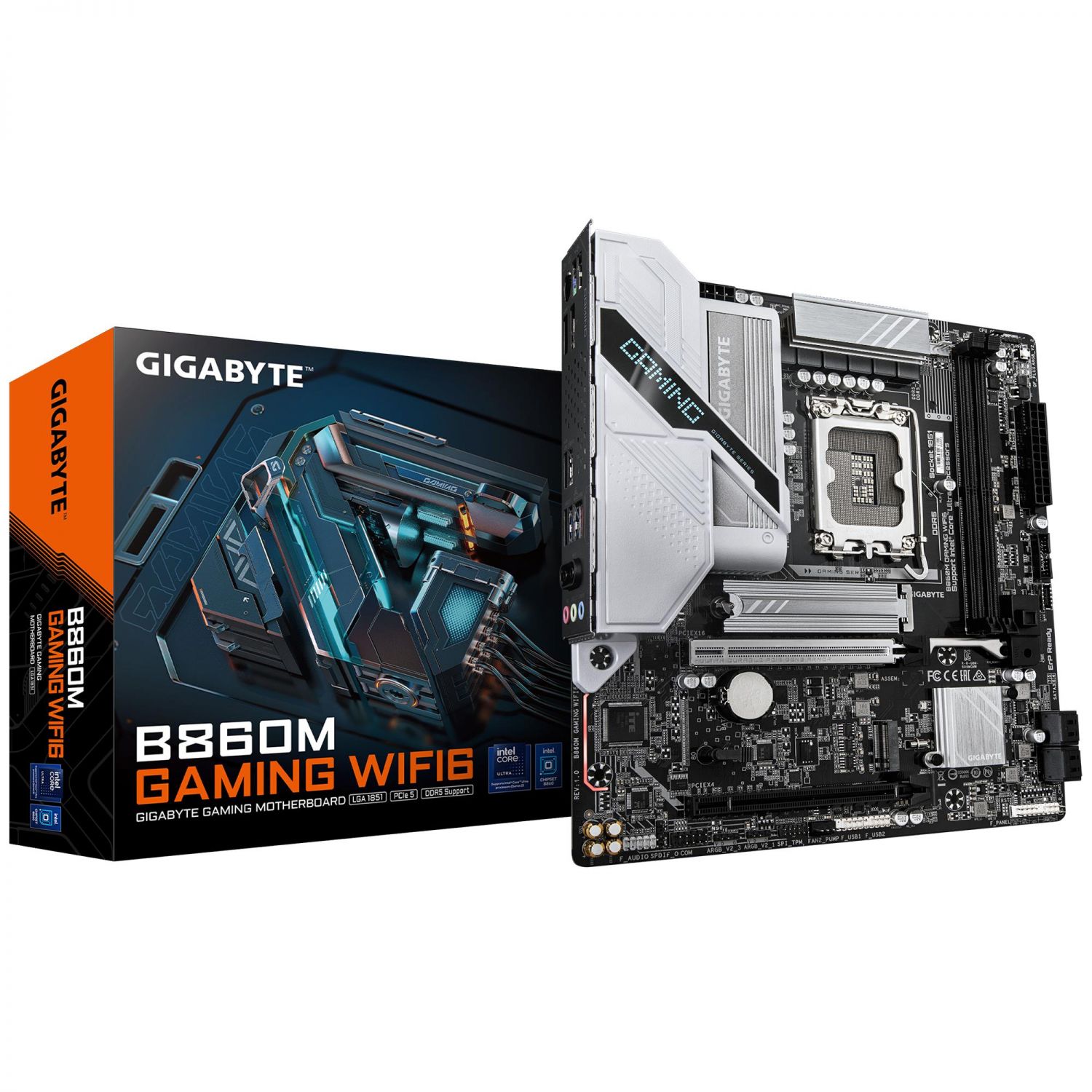
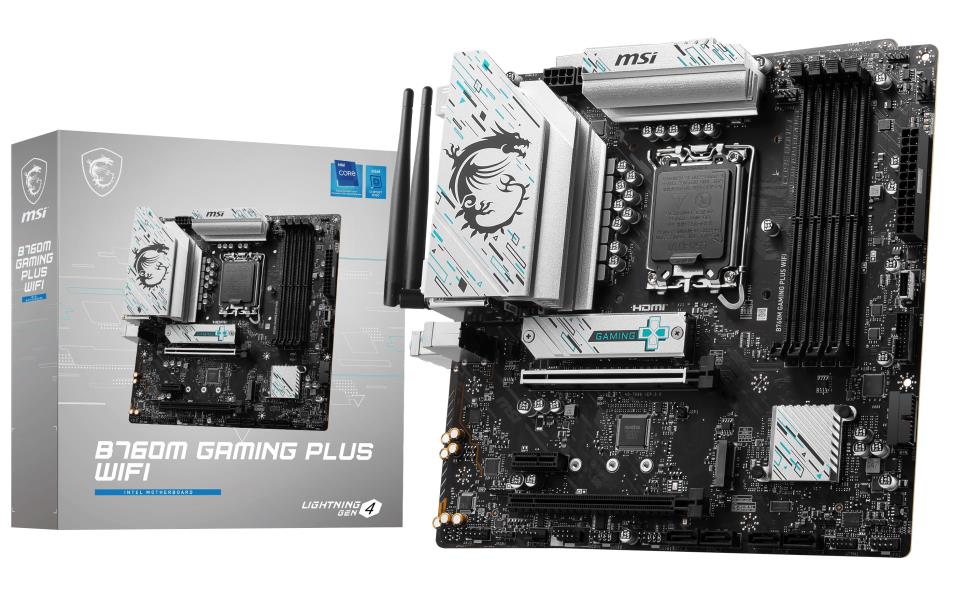


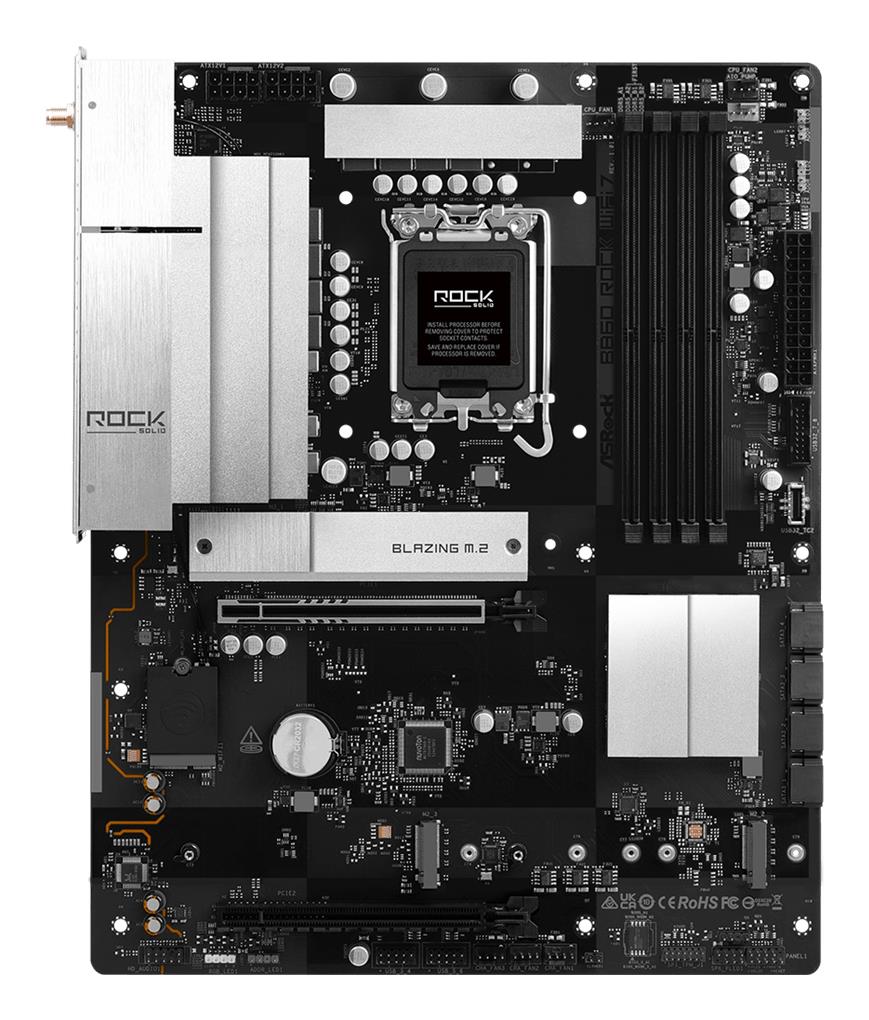
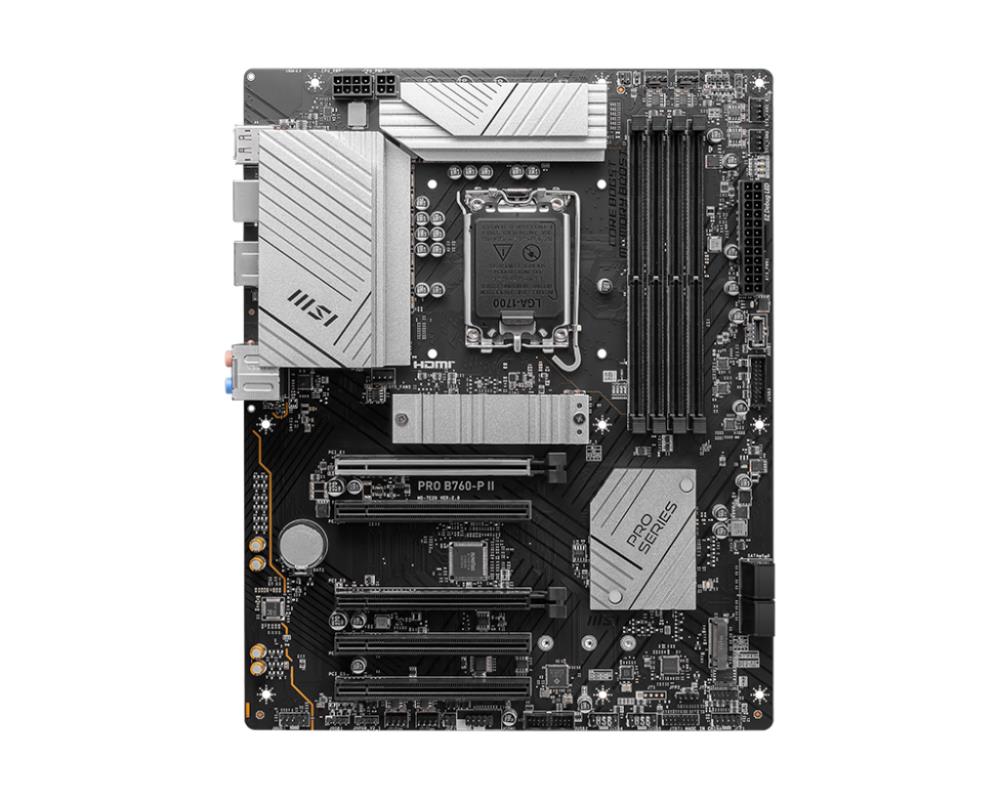

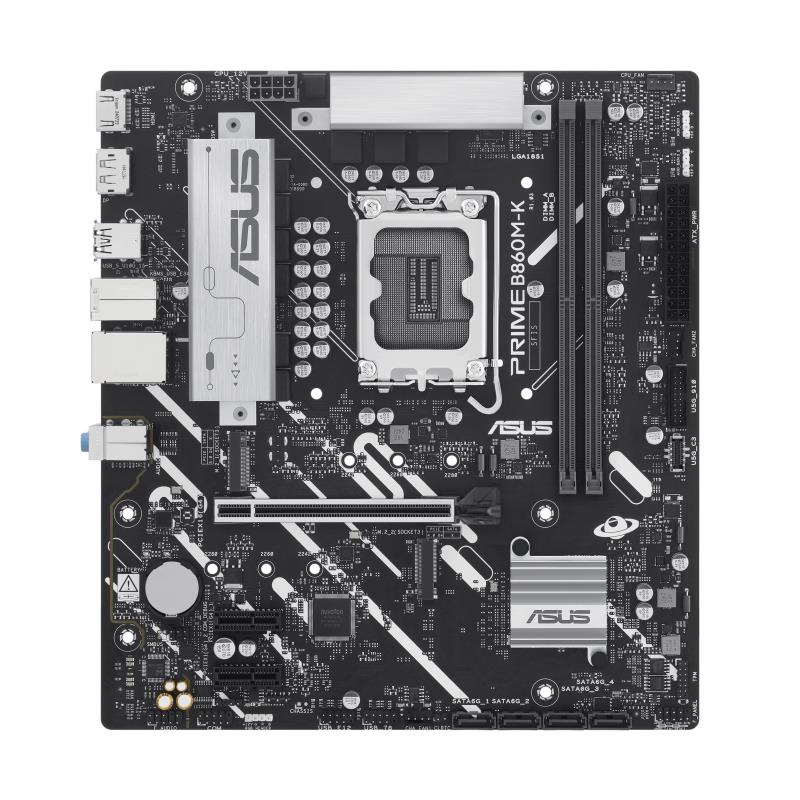
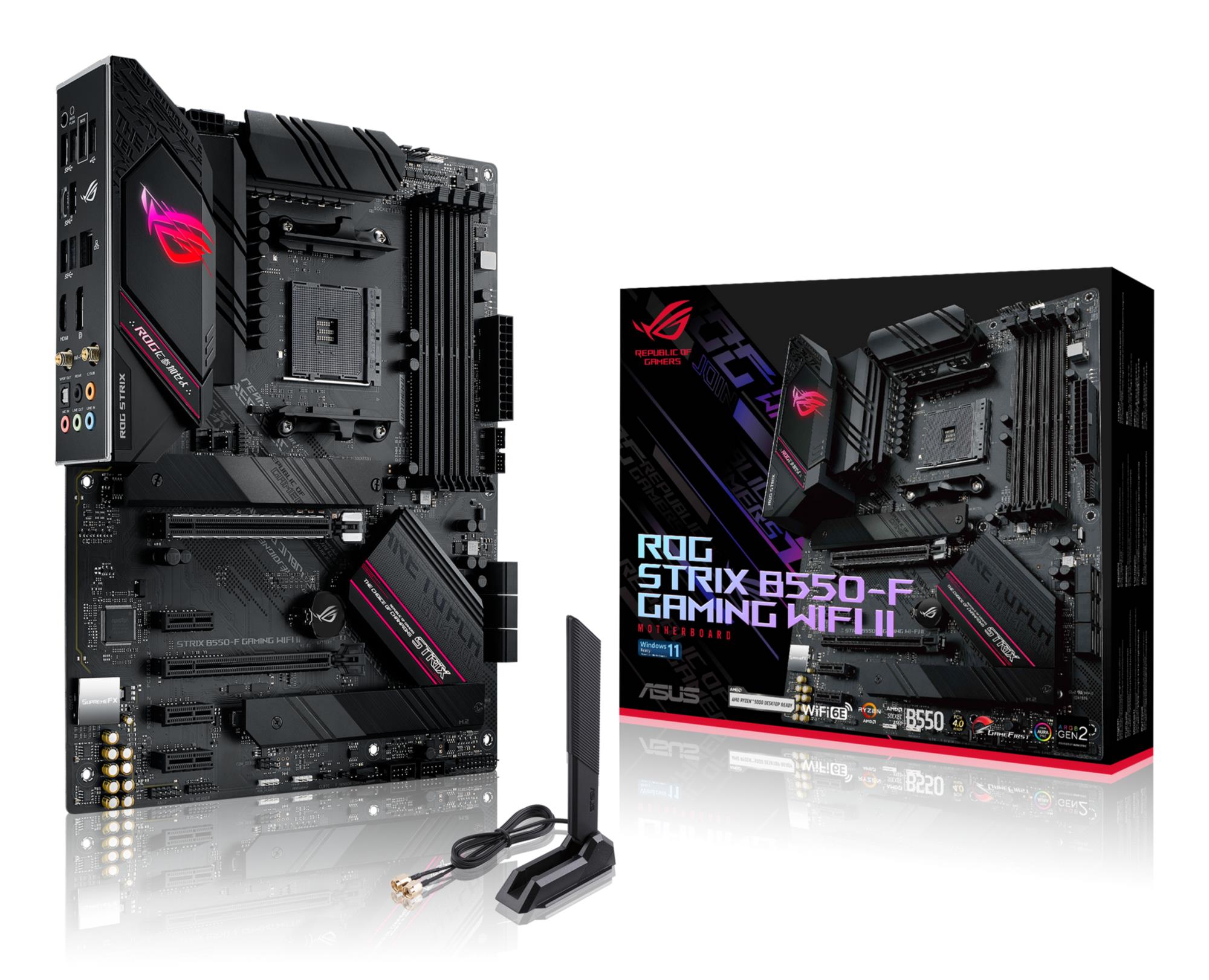
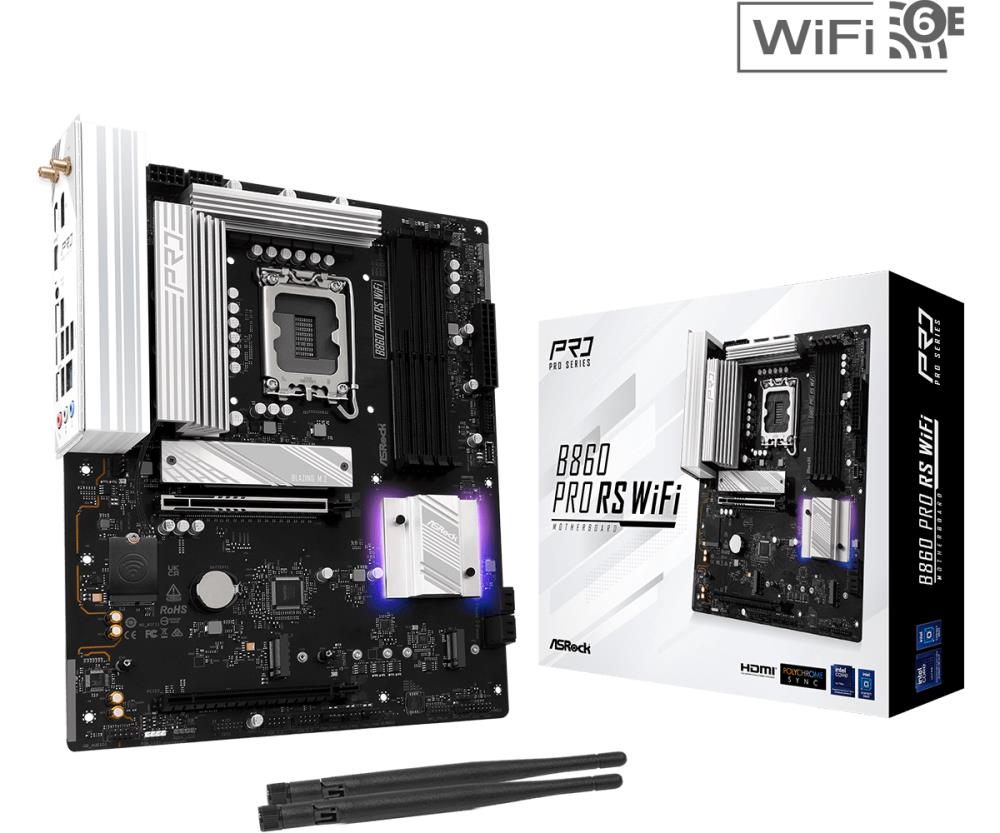
A motherboard, also known as a mainboard, is the central component of every desktop computer, connecting all the other parts into one working system. Think of it as the digital nervous system that determines which processor, memory and expansion cards you can use. Choosing the right motherboard is therefore a critical decision that affects both your computer's current performance and its future upgrade options. It's easy to find and buy the right motherboard for your needs in our store, whether you're building a powerful gaming PC or a reliable office computer.
The world of motherboards can seem complicated at first, full of technical terms and numbers. In reality, choosing one comes down to a few basic criteria. This guide will help you find the best option for your needs and budget. The price of every motherboard in our store is clearly displayed so you can make an informed decision.
The first and most important step is to choose a motherboard with a socket that is compatible with your processor. These two components must be physically and electronically compatible. The main platforms are Intel and AMD.
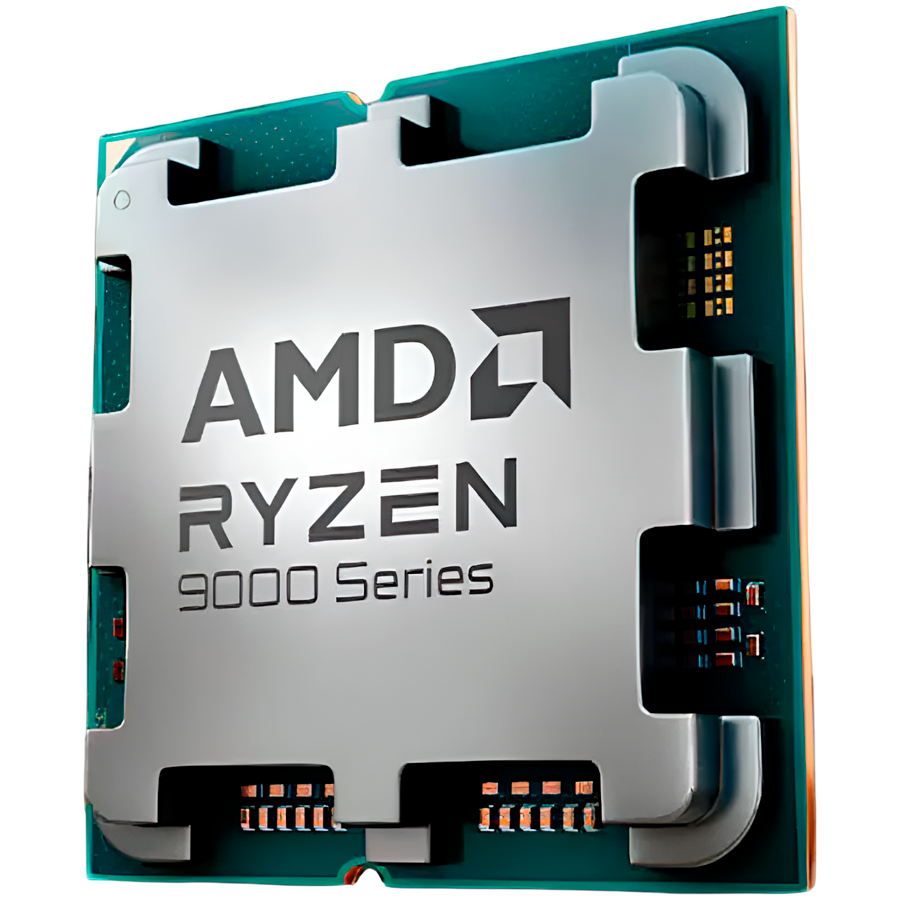
Our range includes popular sockets such as AMD AM5 for the latest Ryzen processors, as well as the still highly capable AM4. On the Intel side, we offer LGA1700 and the forward-looking S1851. For example, when choosing an AMD motherboard, make sure it supports the Ryzen generation you've selected. The same applies to Intel motherboards. Choosing the right socket helps ensure your investment remains reliable for years to come.
The chipset is the motherboard's 'brain', managing data exchange between the processor, memory, expansion cards and other devices. It largely determines the motherboard's features, including overclocking support, the number of USB ports, SATA connections and PCIe lanes. For example, Intel's Z-series chipsets (such as Z890) are aimed at enthusiasts who want maximum performance and overclocking, while the B-series (such as B760) offers an excellent balance of price and features. On the AMD platform, the B-series (e.g. B650) is a popular choice for most users.
The form factor determines the motherboard's physical dimensions and, in turn, which computer cases it will fit. Each size has its own advantages.
When choosing a form factor, consider which computer case you'll be installing it in and how many expansion cards you plan to use in the future.


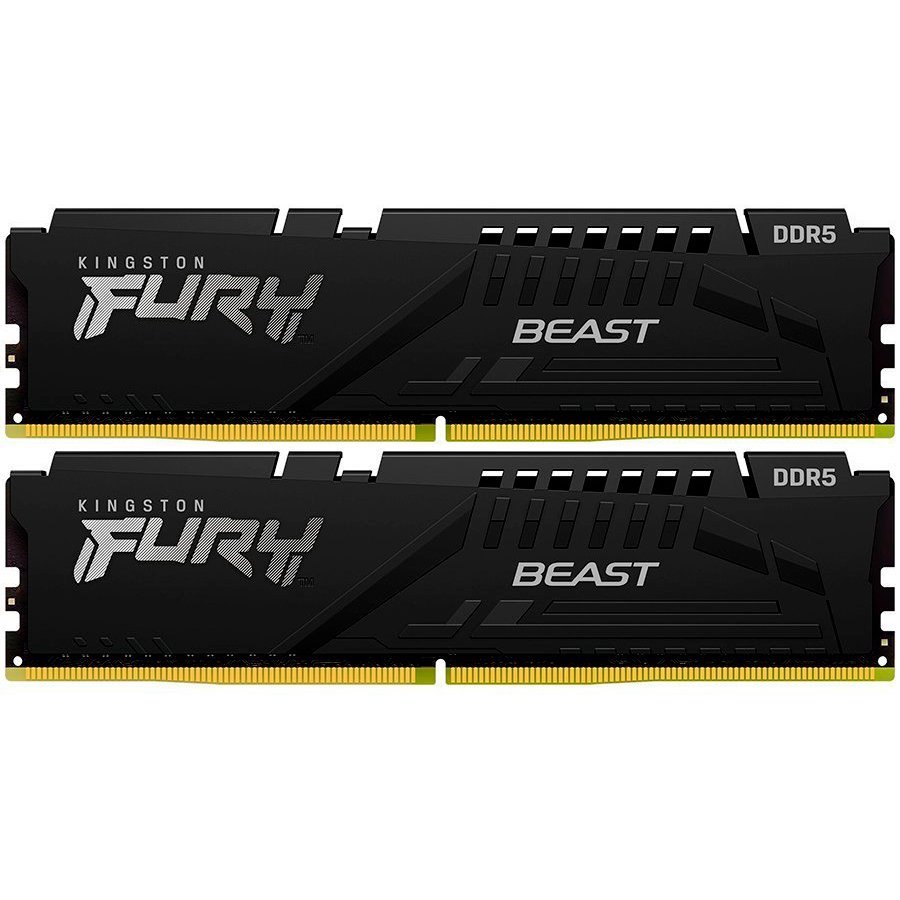
The motherboard determines the type and amount of memory (RAM) you can use. Newer platforms, such as AMD AM5 and Intel 700-series, mainly support DDR5 memory, which offers higher speeds and is a more future-proof choice. However, a DDR4 motherboard is still an excellent, more affordable option for many users, especially with AM4 and older Intel platforms. Storage slots are just as important as memory. Modern motherboards come with fast M.2 slots that support NVMe SSDs (e.g. M.2 SSDs), providing lightning-fast load times in games and applications. Many new boards already support PCIe 5.0 for both graphics cards and M.2 drives.
While many motherboards are versatile, some models are optimised for specific tasks. The right choice depends on how you mainly use your computer.
A gaming motherboard is designed to deliver maximum stability and performance. These boards usually have a more powerful voltage regulator module (VRM) for overclocking the processor, fast 2.5G LAN and Wi-Fi, multiple M.2 slots for games and a high-quality audio chip. RGB lighting and stylish design are often included too. For the best gaming experience, it's important to pair it with a capable graphics card.
For workstations and content creators, connectivity and stability are the top priorities. These boards often have more USB ports, multiple PCIe x16 slots and better support for large amounts of memory. Office and home computers, on the other hand, call for reliability and affordability. An mATX motherboard with integrated video outputs is a good choice here: it's energy-efficient and ideal for everyday tasks.
Ordering a motherboard from our online store is easy and secure. Take your time comparing different models, reading their specifications and finding the right product for your needs. All motherboards in stock come with a warranty. If you're looking for an affordable yet high-quality option, you'll find the right one in our range. We offer solutions for every budget, from inexpensive entry-level models to high-end gaming boards, all with a warranty and fast delivery.
Can I use an AMD processor on an Intel motherboard?
No, that's not possible. AMD and Intel processors use different sockets and chipsets. You must always choose a motherboard from the same manufacturer as your processor and make sure the socket matches.
What does it mean when a motherboard needs a BIOS update?
It means the motherboard's firmware needs to be updated so it can recognise a newer-generation processor. Some motherboards have a dedicated 'BIOS Flashback' feature that lets you do this even without a compatible processor or memory installed.
How many memory (RAM) slots do I need?
For most users, four memory slots are ideal, offering a good balance and room for future upgrades. A board with two slots is also a good choice, especially for budget-conscious builders or compact ITX systems where space is limited.
Will a more expensive motherboard make my computer faster?
Not directly, for example in terms of gaming frame rates (FPS). However, a more expensive motherboard offers better stability, more connectivity options (USB, M.2), higher-quality audio and networking, and better overclocking capabilities. This helps your other components, such as the processor and memory, reach their full potential, which is especially important if you're planning to buy a powerful gaming motherboard.