




For private customers
At checkout, product prices are automatically adjusted according to the VAT rate in your delivery country.


SKU: 1434581
EAN: —
SKU: 1435290
EAN: —
SKU: 1424473
EAN: 730143315609
SKU: 1393494
EAN: 730143312714


SKU: 1467245
EAN: 730143318471

SKU: 100-000001406
EAN: —

SKU: 100-100000927BOX
EAN: 730143314190
SKU: 100-000000927
EAN: —

SKU: 100-100000927MPK
EAN: —
SKU: 1399923
EAN: 730143314572

SKU: BX8071514400SRN46
EAN: 5032037279130

SKU: BX80768225SRQCZ
EAN: 5032037282352
SKU: AT8076806415SRQCZ
EAN: 53972402

SKU: CM8071504821112SRN46
EAN: 649528925497
SKU: CM8071504650608SRL5Y
EAN: —
SKU: 1394667
EAN: 730143314442
The processor, or CPU (Central Processing Unit), is undoubtedly the most important component in any computer—its brain and heart. This chip performs billions of calculations per second, determining how quickly your programs launch, how smoothly your games run, and how efficiently you can multitask. Choosing the right processor is an investment in your computer’s long-term performance and ease of use. Here you’ll find everything you need to make an informed decision, whether you’re looking to buy a new processor or find the right accessory to upgrade your existing setup.
Our online store offers a wide selection to meet every need. If you’re looking for a specific model, chances are we have it in stock. We offer fast—and, most importantly, always free—delivery throughout Estonia, so you can receive your new component conveniently and at no extra cost. Prices are clearly displayed, helping you find the best option for your budget.
For decades, the processor market has been dominated by two giants: Intel and AMD. Both offer excellent products, but their approaches and strengths differ slightly. Choosing between them often comes down to your specific needs and preferences.
Intel’s Core series (Core i3, i5, i7, i9) is known for its strong single-core performance, which has traditionally given it an edge in gaming and many everyday applications. An Intel processor is often a dependable and reliable choice for both work and entertainment. Recent generations have also made significant improvements in multicore performance, making them versatile options for all kinds of users.
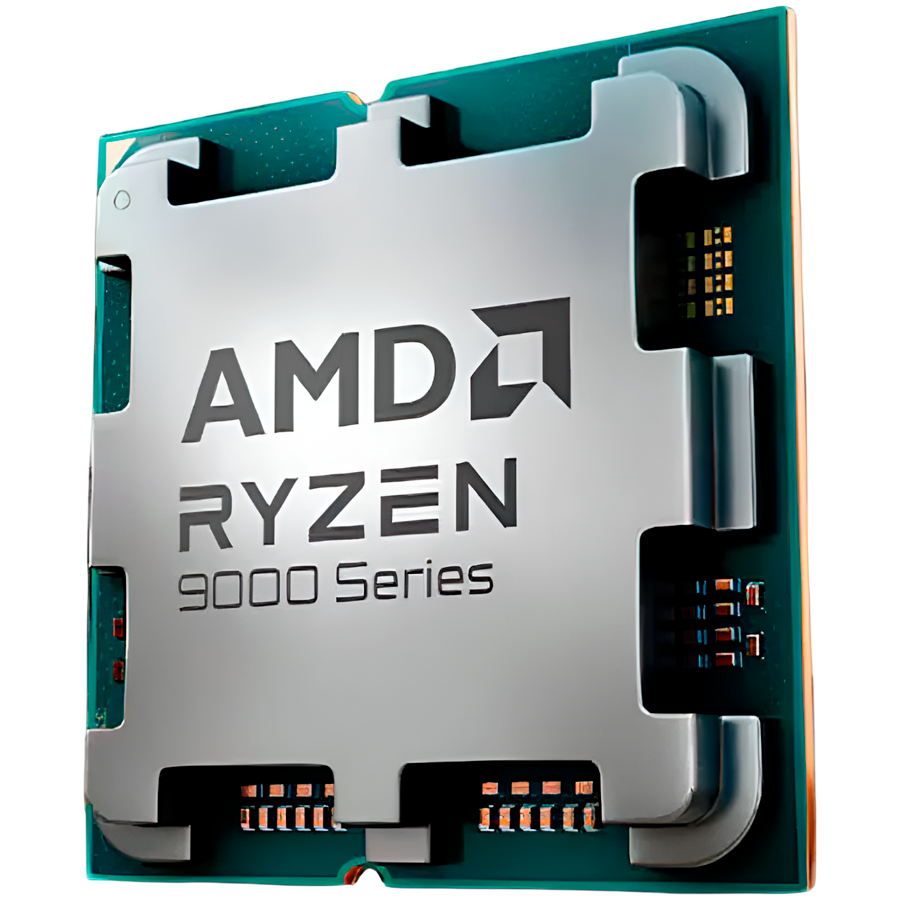
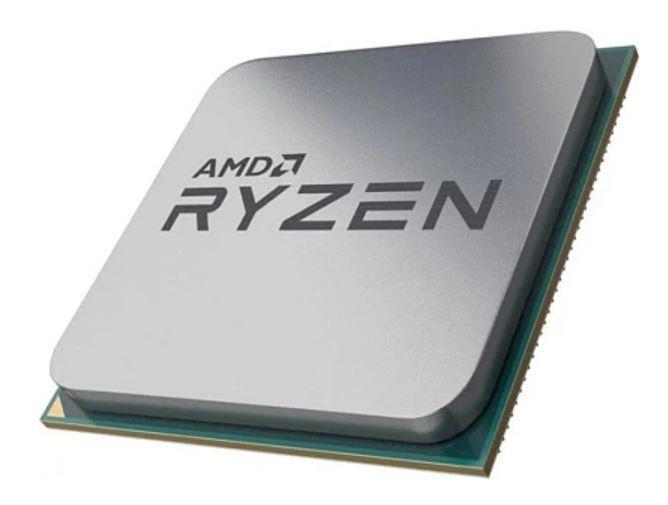
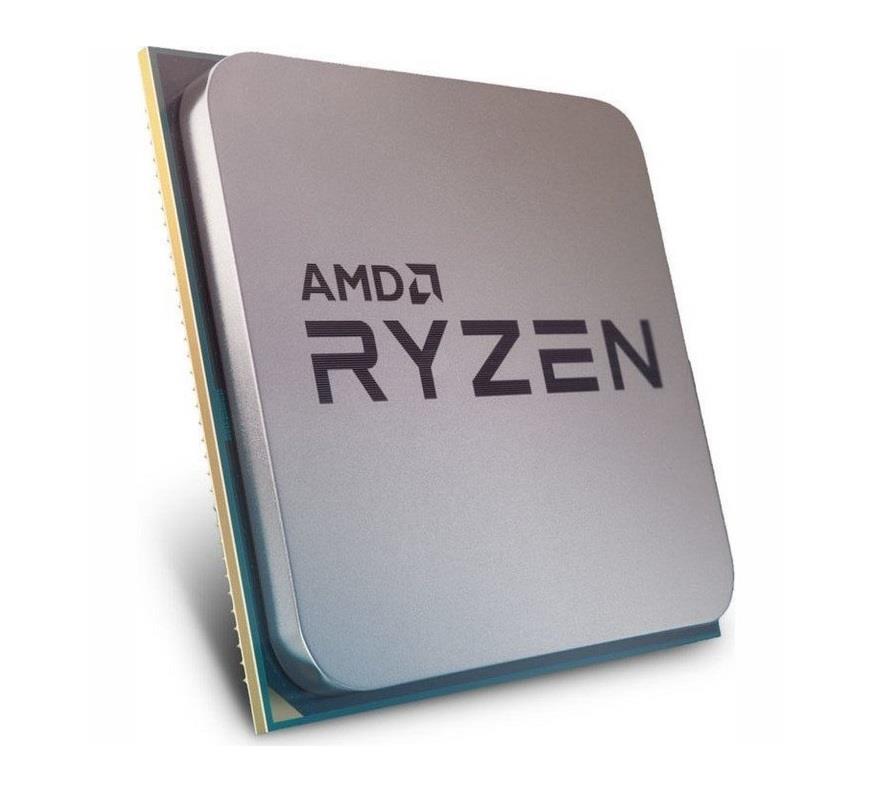
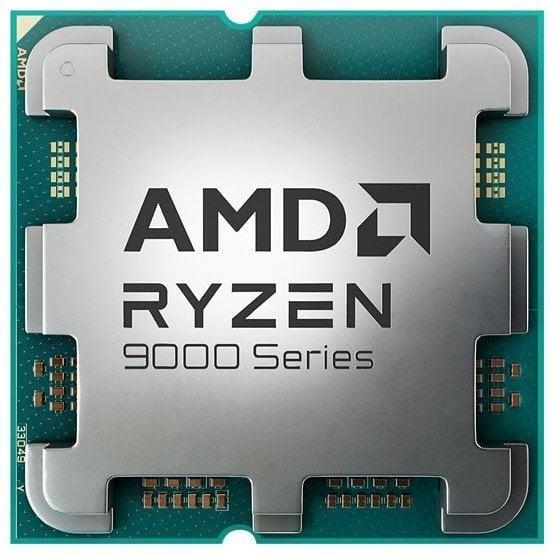
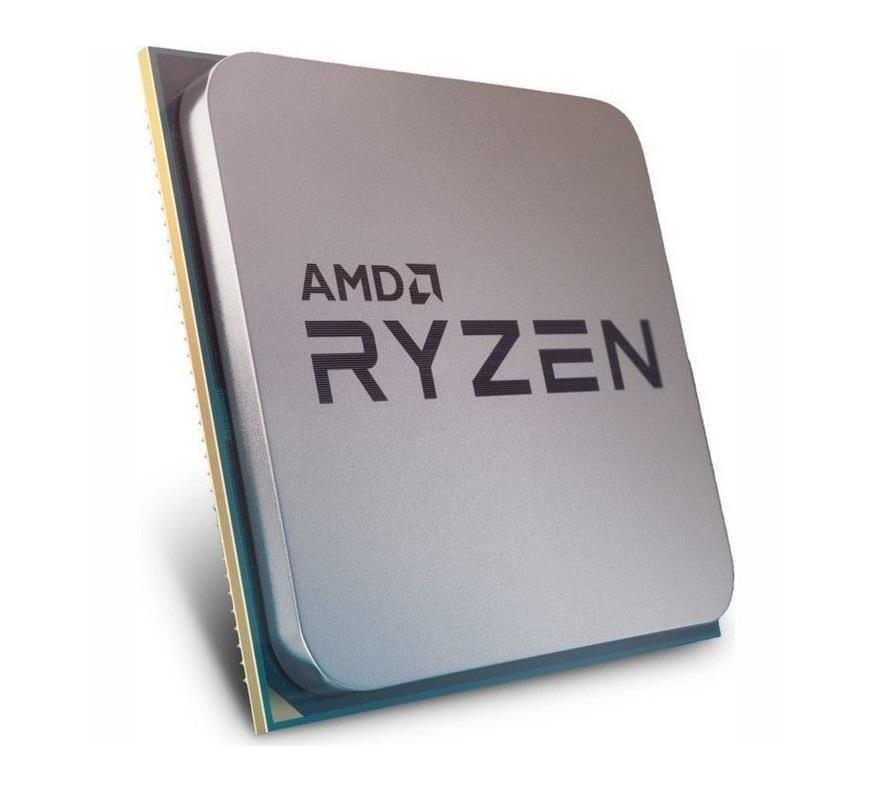
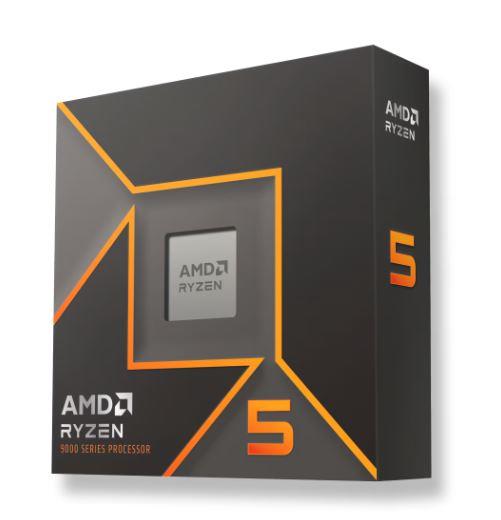
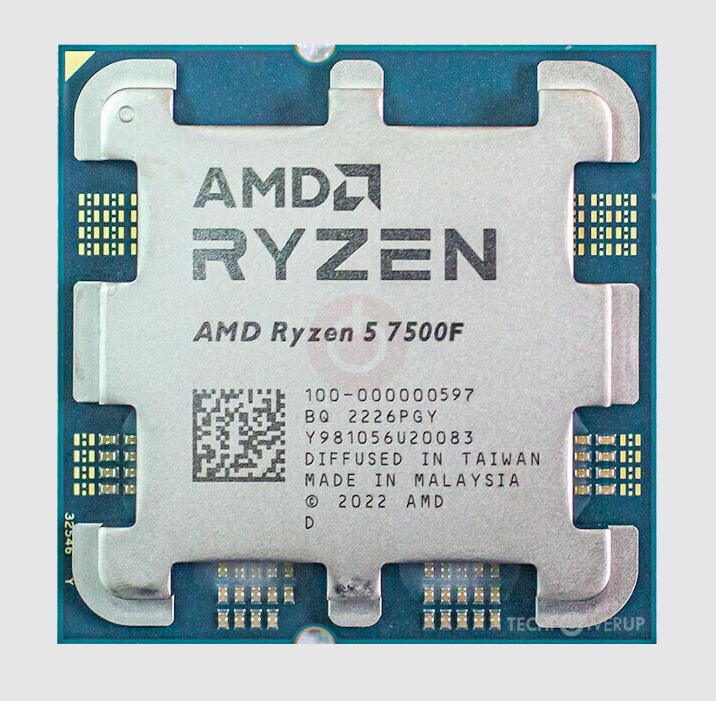
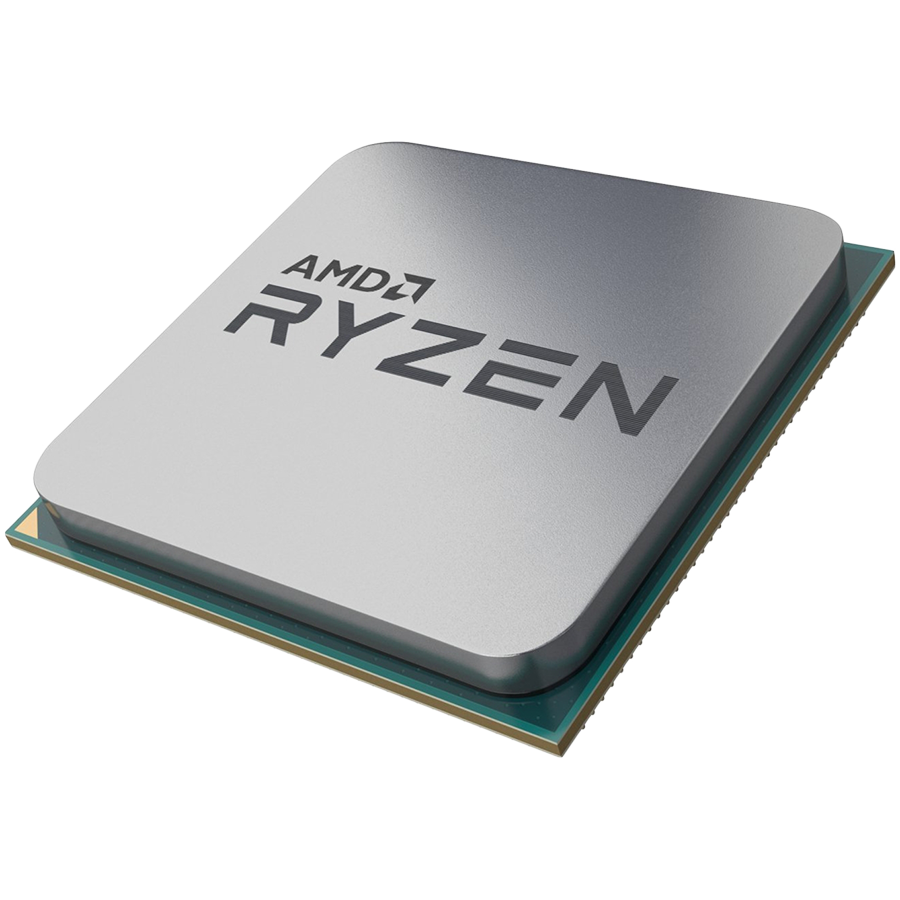
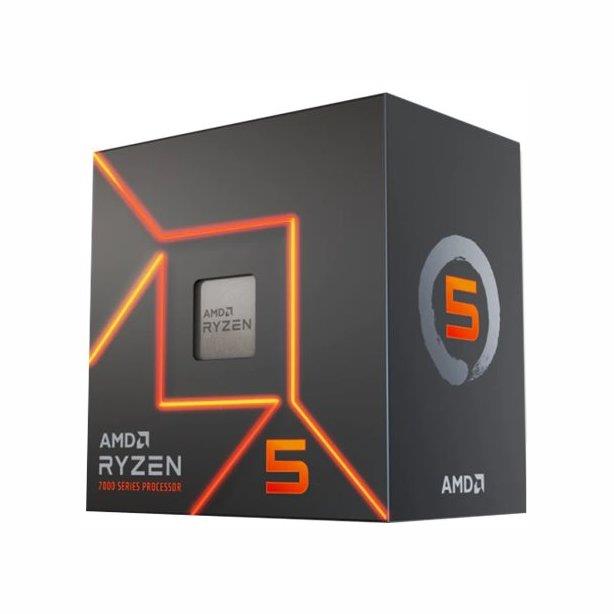
In recent years, AMD has made huge strides with its Ryzen series (Ryzen 3, 5, 7, 9). AMD Ryzen processors are known for their excellent multicore performance and competitive prices. This makes them ideal for video editing, streaming, and other resource-intensive tasks that benefit from multiple cores and threads. Today, they’re also serious competitors to Intel when it comes to gaming performance.
It’s easy to get lost in the maze of processor specifications. Focus on these four key factors to find the right CPU for you.
| Specification | Description | Why does it matter? |
|---|---|---|
| Cores and threads | The number of physical cores and virtual threads. For example, 8 cores / 16 threads. | The more you have, the better your computer can handle multitasking and resource-intensive programs. |
| Clock speed (GHz) | Shows how many processing cycles a core can perform per second. Measured in gigahertz (GHz). | A higher clock speed generally means faster performance, especially in games and applications that don’t use many cores. |
| Socket | The physical connector on the motherboard where the processor is installed (e.g. LGA1700, AM5). | The processor must be compatible with the motherboard socket. This is the first thing to check. |
| TDP (Thermal Design Power) | The maximum amount of heat the processor generates under full load. Measured in watts (W). | Helps you choose a sufficiently powerful cooling system (ID: 1487) and power supply (ID: 1490) to prevent overheating. |
Even the best processor is no use if it overheats or isn’t installed correctly. That’s why accessories such as a cooler and thermal paste play a crucial role in keeping your computer stable and performing well. It makes sense to add them to your order at the same time.
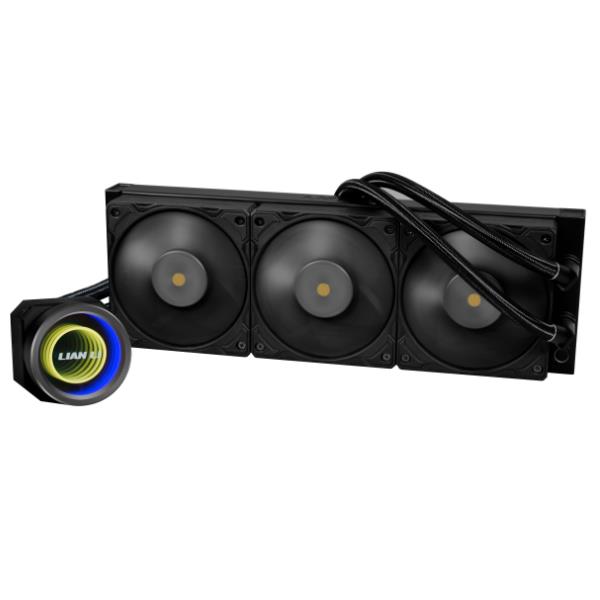
Every processor needs a cooler. Although many models come with a basic “stock” cooler in the box, it may not be enough, especially for more powerful models or when overclocking. A separate CPU cooler, whether air- or liquid-cooled, keeps temperatures lower, reduces noise, and helps maintain stable performance. A good cooler can prevent thermal throttling—the situation where a processor slows down due to overheating, negating the advantage of a more powerful CPU. It also helps prevent bottlenecks when paired with a powerful graphics card (ID: 1513).
Thermal paste is a heat-conductive compound applied between the processor and the cooler’s contact surface. It fills microscopic gaps between the metal surfaces, ensuring maximum heat transfer. Quality paste can lower processor temperatures by several degrees. We recommend replacing thermal paste every few years, or whenever you remove the cooler, to ensure optimal cooling.
For true enthusiasts looking for maximum performance, we also offer specialist accessories. A processor delidder is a tool that lets you remove the processor’s metal lid (IHS) and replace the factory thermal paste directly on the chip with a better compound. This is a risky procedure that may void your warranty, but it can dramatically lower temperatures. We also stock various CPU brackets and mounting kits for installing different coolers on older or non-standard motherboards.
Our goal is to make buying high-end computer components easy and accessible to everyone in Estonia. We understand that choosing the right component can be challenging, so we’re here to help. We’re proud of our wide selection and competitive prices.
Here are answers to some of the most common questions about choosing processors and accessories.
Do I need a separate cooler, or is the one in the box enough?
For everyday use and budget processors, the included cooler is often enough. However, if you plan to play demanding games, edit video, or buy a more powerful processor (Intel K-series or AMD X-series), a separate cooler is strongly recommended for better, quieter cooling.
How do I know which processor is compatible with my motherboard?
The safest way is to check the CPU support list on your motherboard manufacturer’s website. The key specification is the socket type (e.g. AM4, AM5, LGA1200, LGA1700), which must match on both the processor and motherboard.
How often should I replace thermal paste?
Good-quality thermal paste usually lasts 3-5 years. However, it’s a good idea to replace it whenever you remove the processor cooler for cleaning or any other reason, to ensure the best contact and heat transfer.
Which is better, Intel or AMD?
There’s no single answer to this question. Both make excellent processors. The right choice depends on your budget and what you’ll use it for. AMD often offers better value for multicore performance, while Intel has traditionally been strong in gaming. The best approach is to compare specific models in your price range and read up-to-date tests and reviews. 2026 is sure to bring exciting new models from both manufacturers.