






For private customers
At checkout, product prices are automatically adjusted according to the VAT rate in your delivery country.

Christmas
Furniture
Home & Garden
Sport
Clothing
Mattresses
Watches
Electronics
Construction


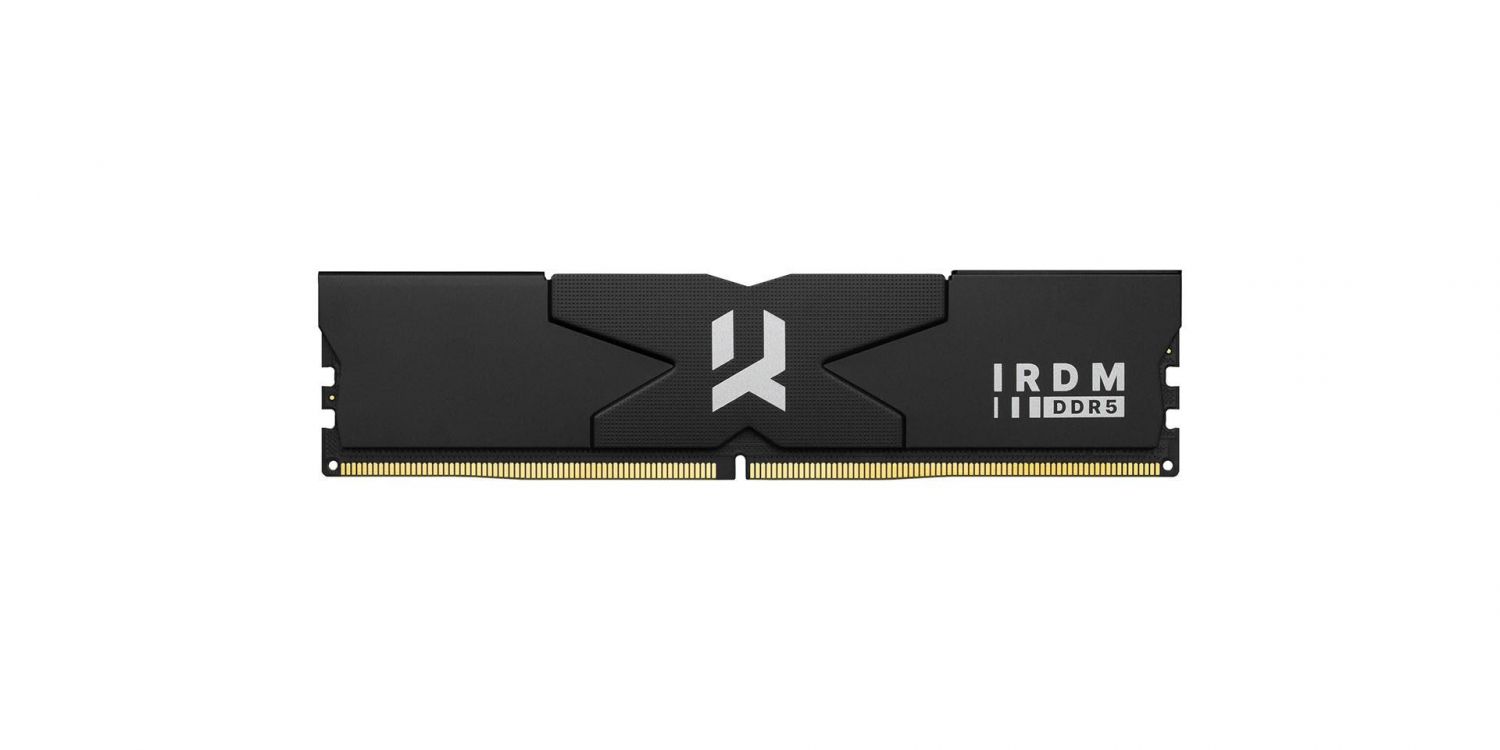



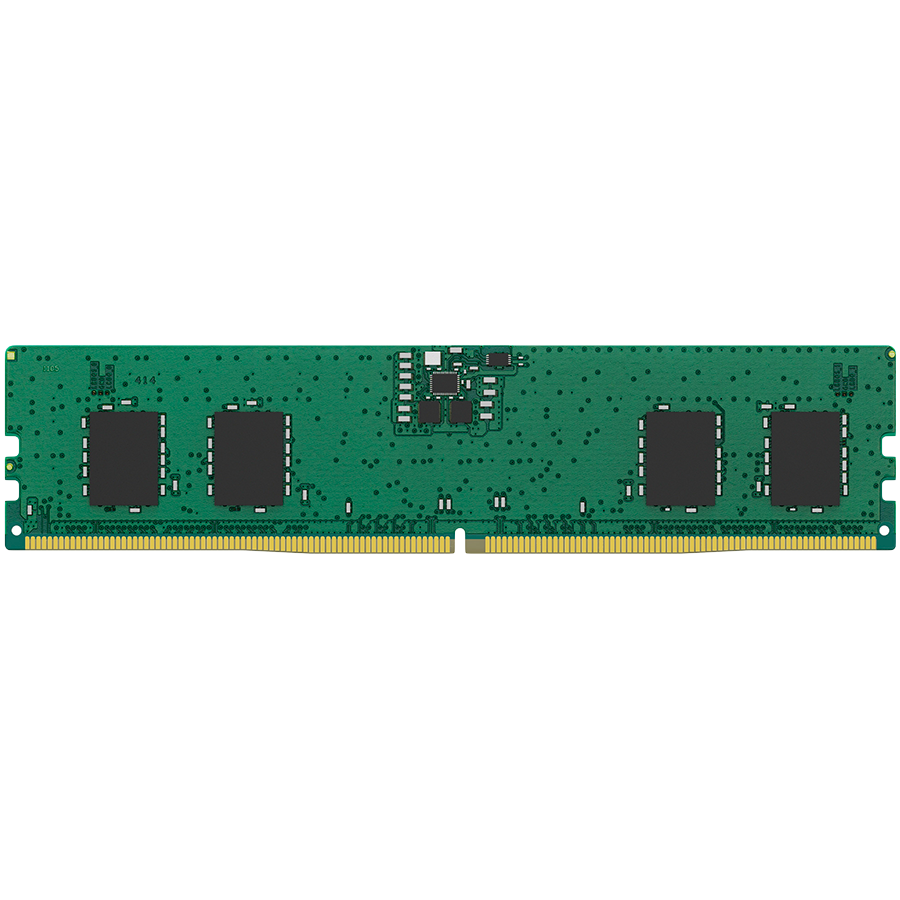

Random Access Memory, or RAM, is one of the most critical components in a computer, directly affecting system speed and responsiveness. It’s your computer’s short-term memory, where data is stored for quick access by the processor. The more high-quality, fast RAM you have, the more smoothly your programs, games, and operating system will run. Here you’ll find a wide selection of memory to help you get the most out of your machine, whether you need a solution for everyday use, professional work, or high-end gaming.
Choosing the right RAM may seem complicated, but knowing a few basics can make the decision much easier. The key is to find the right balance between compatibility, capacity, speed, and budget. Our online store offers solutions for every need, from affordable upgrades to high-performance kits.
The first and most important step is to check your computer’s motherboard specifications. Memory slots are physically different and support only one generation: DDR3, DDR4, or the newest and fastest DDR5. DDR5 memory offers significantly higher speeds and better energy efficiency, making it an ideal choice when building a new system. High-quality DDR4 memory, meanwhile, remains an excellent, cost-effective option for many existing systems. Older computers may need DDR3 memory, which you can also find in our range.
RAM comes in two main physical form factors. DIMM (Dual In-line Memory Module) is the standard for desktop computers. These modules are longer and designed to fit into standard motherboard slots. SODIMM (Small Outline DIMM) is much smaller and more compact, designed specifically for laptops, mini PCs (such as Intel NUC), and some all-in-one computers. Before buying laptop memory, make sure you choose the SODIMM form factor.
Memory capacity determines how many tasks your computer can handle at once. Here are today’s typical recommendations:
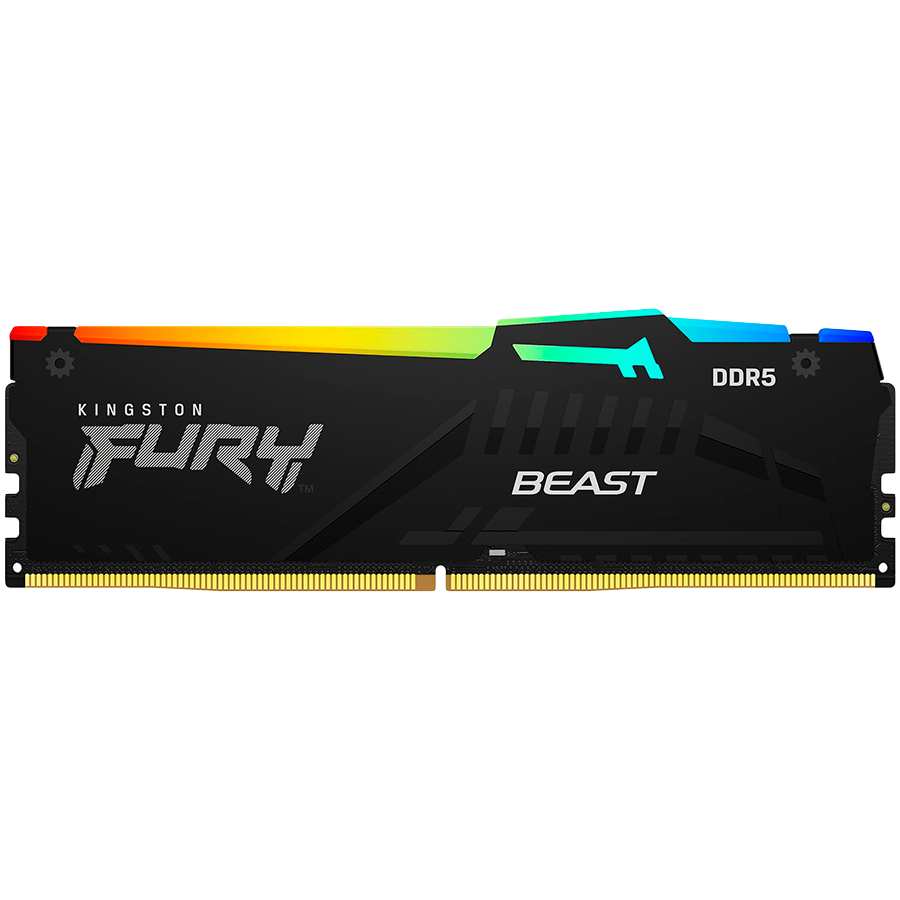
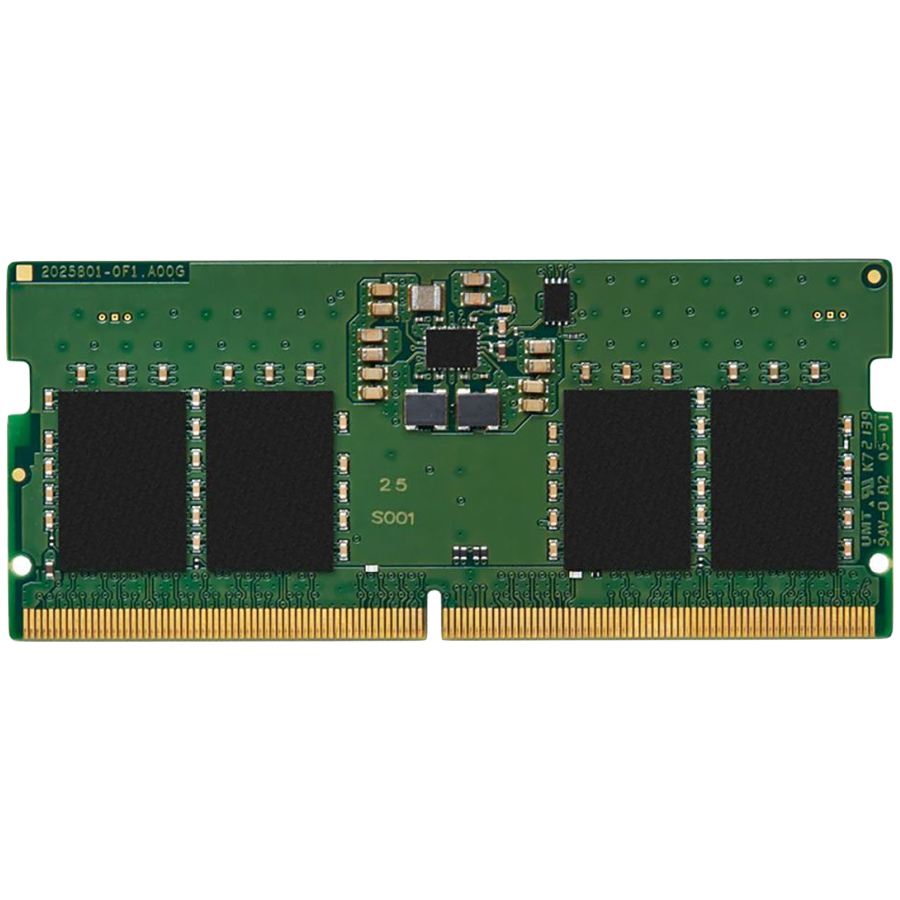
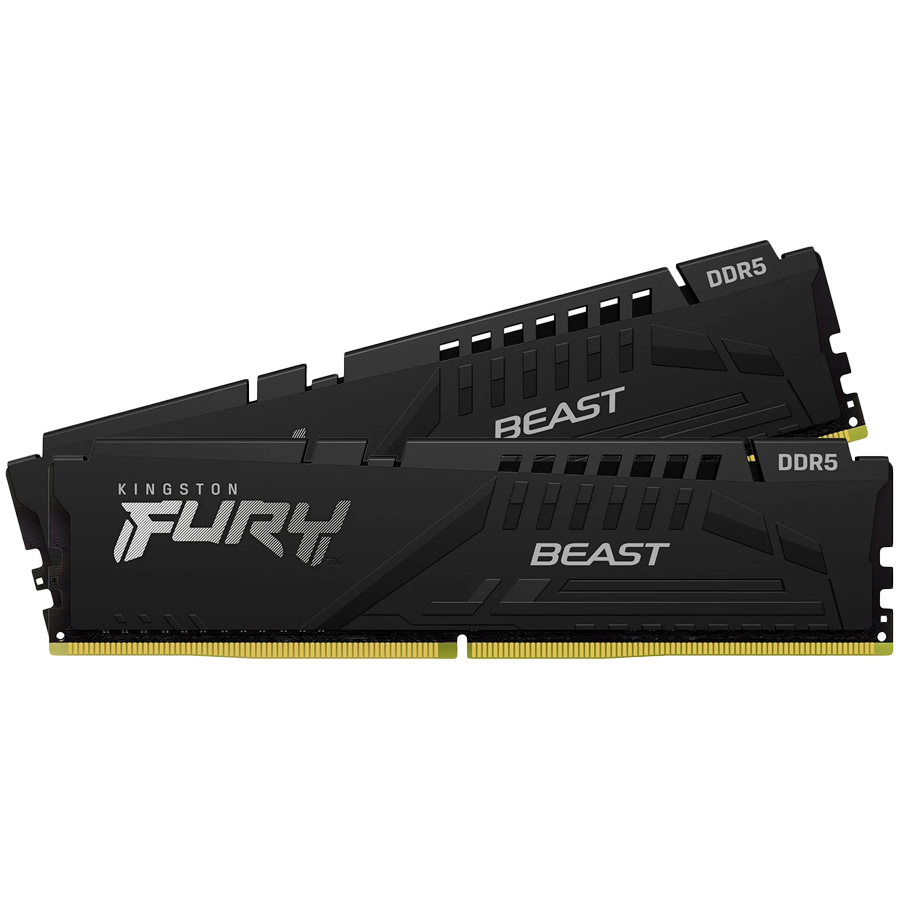
Memory speed is measured in megahertz (MHz) or transfers per second (MT/s). A higher number means faster data transfer. Latency (CAS Latency, or CL) measures the delay between a command being issued and carried out – a lower number is better. When choosing high-speed RAM, it’s important to find the best balance between speed and low latency. This is particularly important for gamers and performance enthusiasts, as it affects frame rates and overall system responsiveness. Good cooling is also important for stable performance, and many high-end memory modules come with built-in cooling solutions.
Most modern motherboards support dual-channel memory, which doubles the data transfer rate between the processor and memory. To take advantage of this, we recommend buying a RAM kit consisting of two identical memory modules. Two 16GB modules offer significantly better performance than a single 32GB module. Our range includes a wide selection of factory-tested kits.
While all RAM essentially does the same job, certain types of memory are optimised for specific tasks. Whether you need gaming RAM or a reliable solution for a server, making the right choice matters.
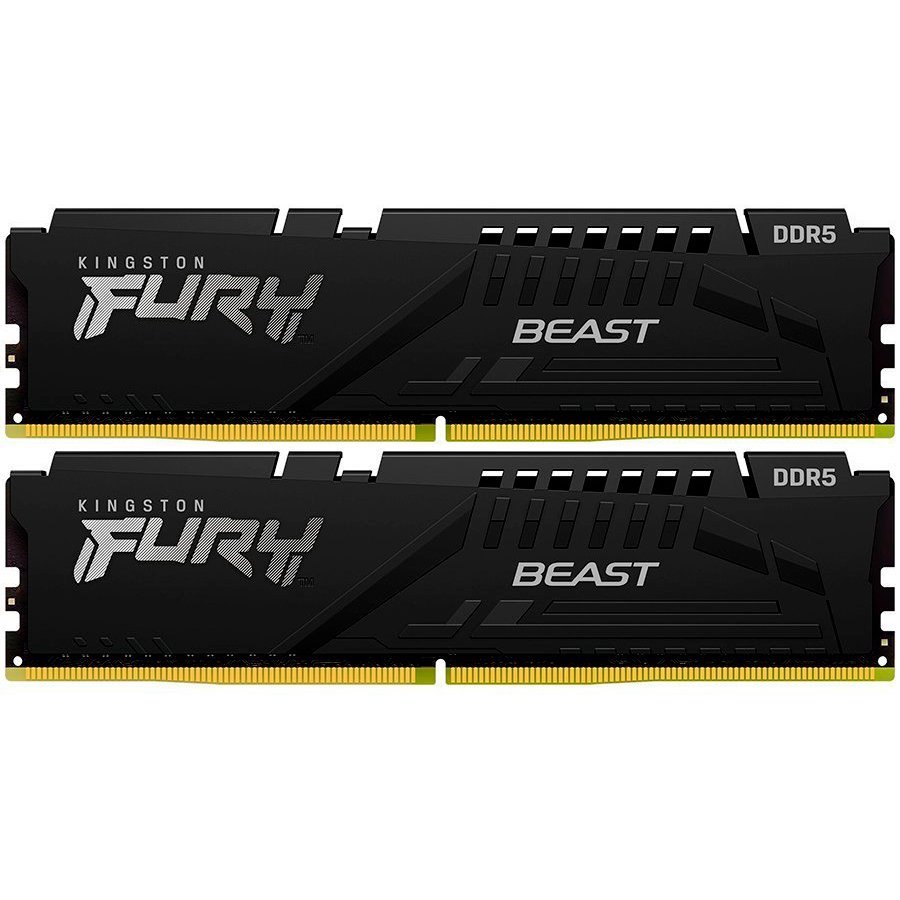
Gaming memory ranges such as Kingston FURY and Crucial Ballistix offer more than striking design and RGB lighting. They’re built with higher-quality chips that are better suited to overclocking. They also often feature efficient heat spreaders to ensure stable performance under heavy loads. If you’re building a powerful gaming PC, investing in quality gaming memory and a powerful processor makes perfect sense.
Upgrading a laptop’s memory is one of the easiest ways to breathe new life into an older machine. Installing higher-capacity SODIMM memory can noticeably improve multitasking. Before buying, check your laptop’s manual to see which type of memory (DDR3, DDR4, or DDR5) and capacity it supports. Choosing a module with the right speed is also important to ensure full compatibility.
Our range includes trusted manufacturers known for quality and reliability. You’ll find a wide selection from brands such as Kingston (including its affordable ValueRAM series and high-end FURY series), Samsung, Crucial, HP, and others. All products come with a warranty for your peace of mind. If you’re looking for a specific memory module or need help choosing, our customer support team will be happy to assist. Along with RAM, we also stock fast SSD M.2 drives to make your system even faster.
We understand that choosing the right computer components is an important decision. That’s why we’ve made shopping as simple and secure as possible, with great service throughout Estonia.
| Question | Answer |
|---|---|
| Can I mix different RAM brands or speeds? | It’s technically possible, but strongly discouraged. The system will always run at the speed of the slowest installed module, and mixing memory can cause stability issues. For the best results, use identical modules. |
| Is more RAM always better? | Up to a point, yes. If you already have 16GB or 32GB, adding more memory may not significantly improve performance for everyday use or gaming. Performance also depends on your processor, graphics card, and storage drive. Aim for a well-balanced system. |
| What happens if I install faster memory than my motherboard supports? | In most cases, the memory will simply run at the lower speed supported by your motherboard. For example, 3600MHz memory may run at 3200MHz on a motherboard that supports 3200MHz. Compatibility issues can occur in some cases. |
| How difficult is it to install RAM? | It’s one of the easiest computer upgrades. On a desktop, open the case, locate the memory slots, open the clips, remove the old memory, and press the new module firmly into the slot until the clips click into place. The process is similar for laptops, but you may need to remove the bottom cover. |