

For private customers
At checkout, product prices are automatically adjusted according to the VAT rate in your delivery country.

Christmas
Furniture
Home & Garden
Sport
Clothing
Mattresses
Watches
Electronics
Construction
Showing 10 of 10 products with selected filters
10 / 10



No products match your selected filters.
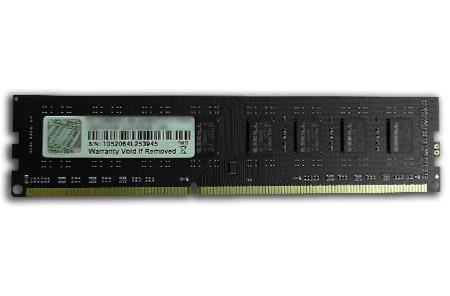
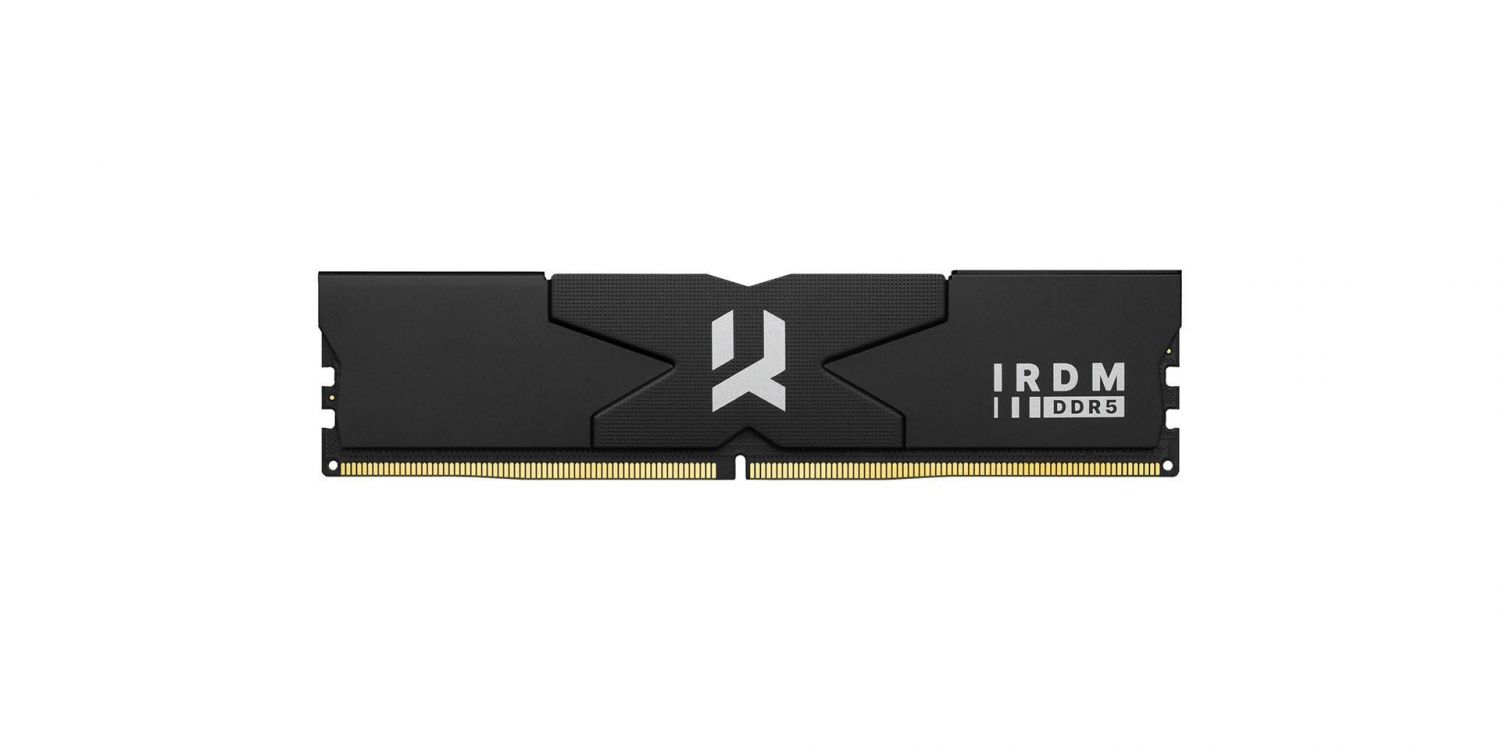
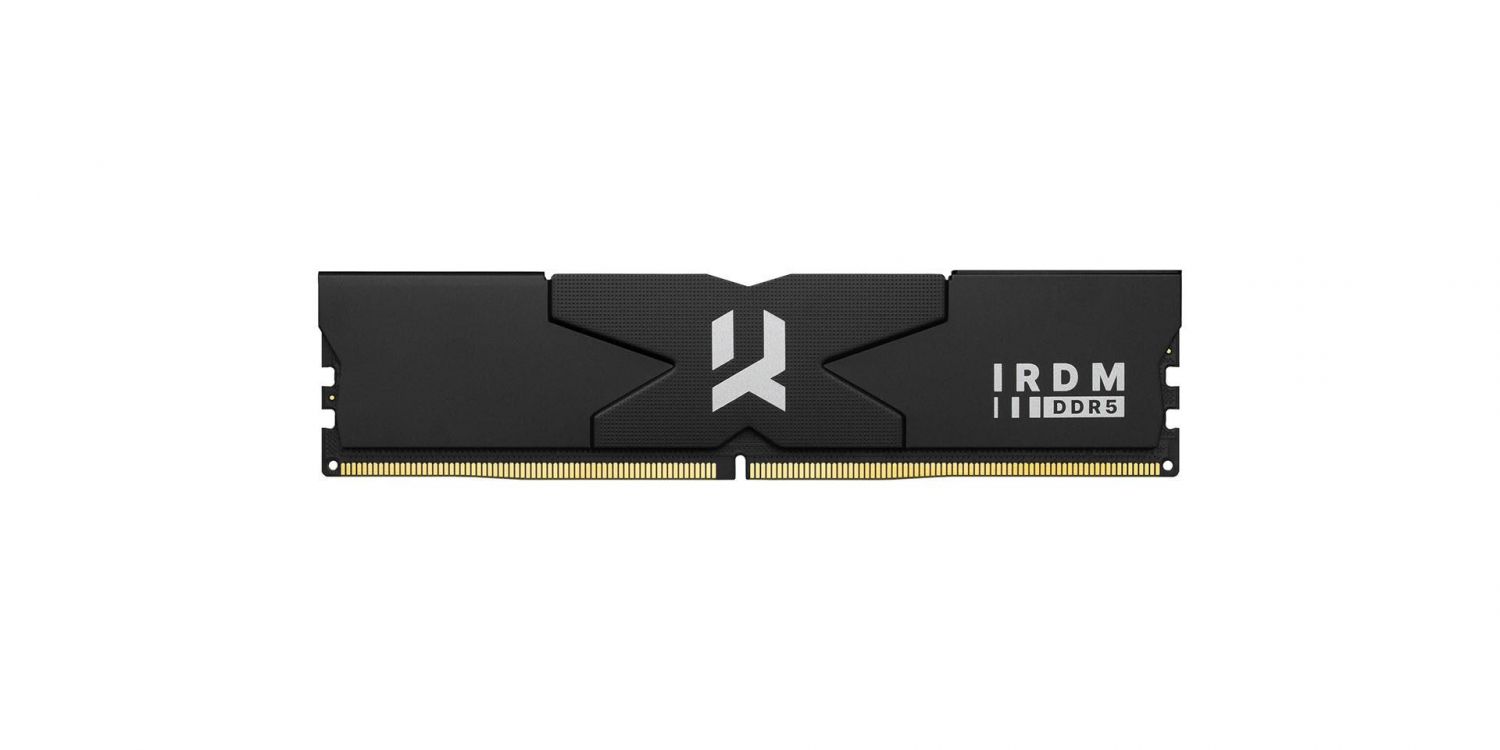
RAM (Random Access Memory) is one of the most important components of a computer, directly affecting its speed and ability to handle multiple tasks at once. DIMM (Dual In-line Memory Module) is the standard for desktop computers. Choosing the right computer RAM may seem complicated, but it is the most effective way to breathe new life into your machine, whether you use it for gaming, video editing or simply smoother web browsing. You’ll find a wide selection of memory for every need and budget in our store.
Before you decide to buy RAM, it’s important to understand the main technical specifications. The wrong choice may not only fail to deliver the expected results, but may also be completely incompatible with your system. Below is an overview of the key criteria to help you make an informed decision.
This is the most critical step. Memory modules differ physically and fit only into specific types of slots. Your computer’s motherboard and processor support only one type of memory. DDR5 is the latest and fastest standard, designed for modern gaming and work computers. DDR4 is still widely used and offers excellent value for money. DDR3 is an older standard, found mainly in older computers. Always check your motherboard’s specifications on the manufacturer’s website before buying.
Memory capacity, measured in gigabytes (GB), determines how much data your computer can process at once. Think of capacity as a desk – the bigger it is, the more programs and files you can keep open at the same time without the system slowing down. RAM has become more affordable in recent years, making higher capacities more accessible.
| Memory capacity | Recommended use |
|---|---|
| 8 GB | The minimum for modern use. Enough for web browsing, office work and light multimedia. May not be enough for more demanding games and programs. |
| 16 GB | The gold standard for most users, including gamers. Lets you run most games and programs smoothly. A good choice if you’re looking for a good price on 16GB DDR4 memory. |
| 32 GB | A future-proof choice for enthusiasts, streamers and professionals working with video editing or 3D modelling. 32GB of computer RAM ensures you have enough resources for even the most demanding tasks. |
| 64 GB+ | Needed for specialist workstations and servers that handle especially large amounts of data, such as scientific computing or professional film production. |
Speed (measured in MHz) and latency (CAS Latency, or CL) are the two main performance indicators. Speed shows how many data transfers memory can make per second. Latency indicates the delay between issuing a command and its execution. Ideally, you want high speed and low latency. For example, DDR5-6000 CL30 memory is generally faster than DDR5-6000 CL36. Your choice depends on your budget and how much performance you actually need. This balance is especially important for gamers.
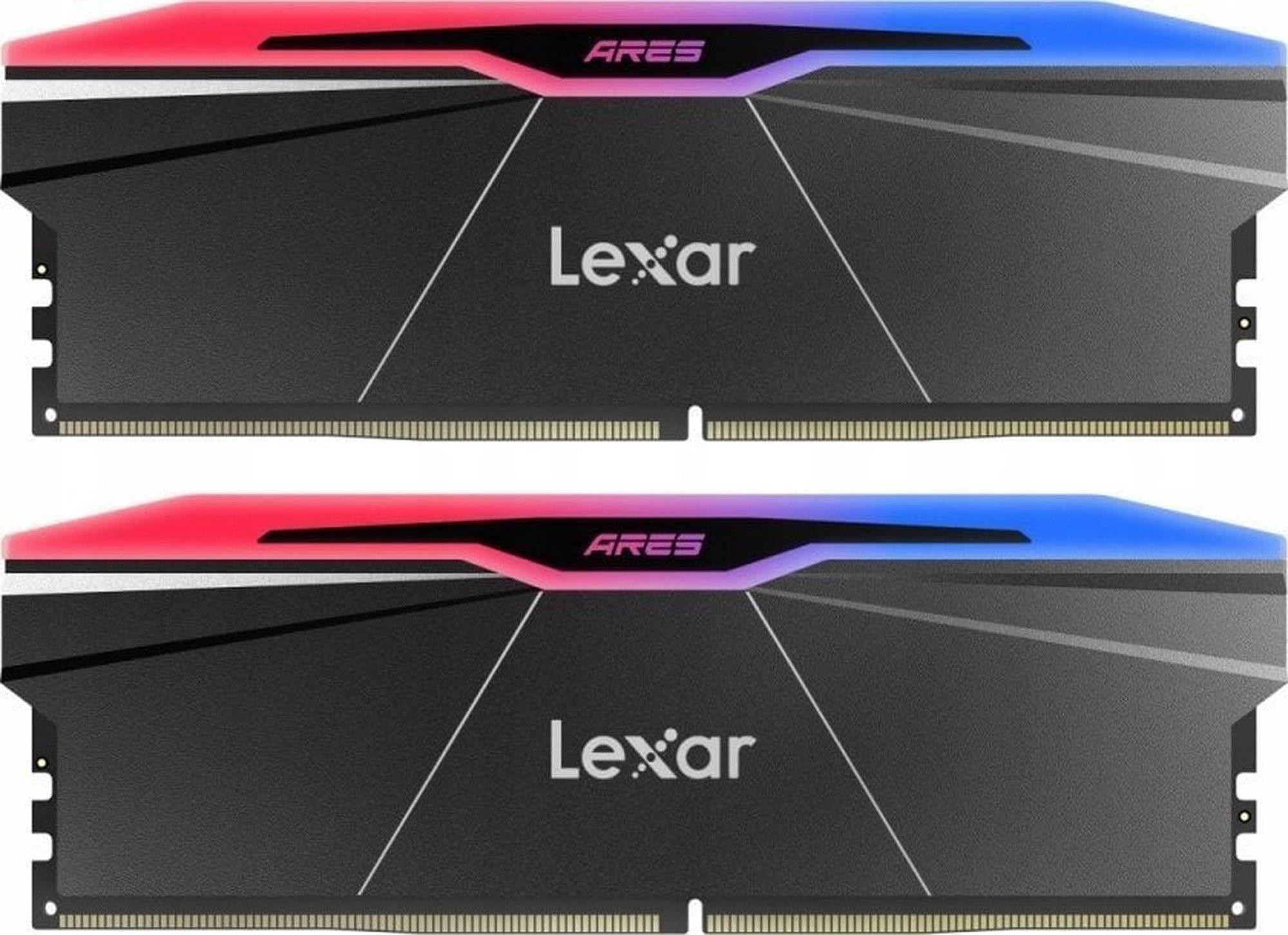
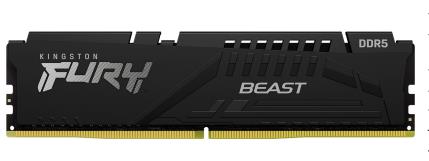
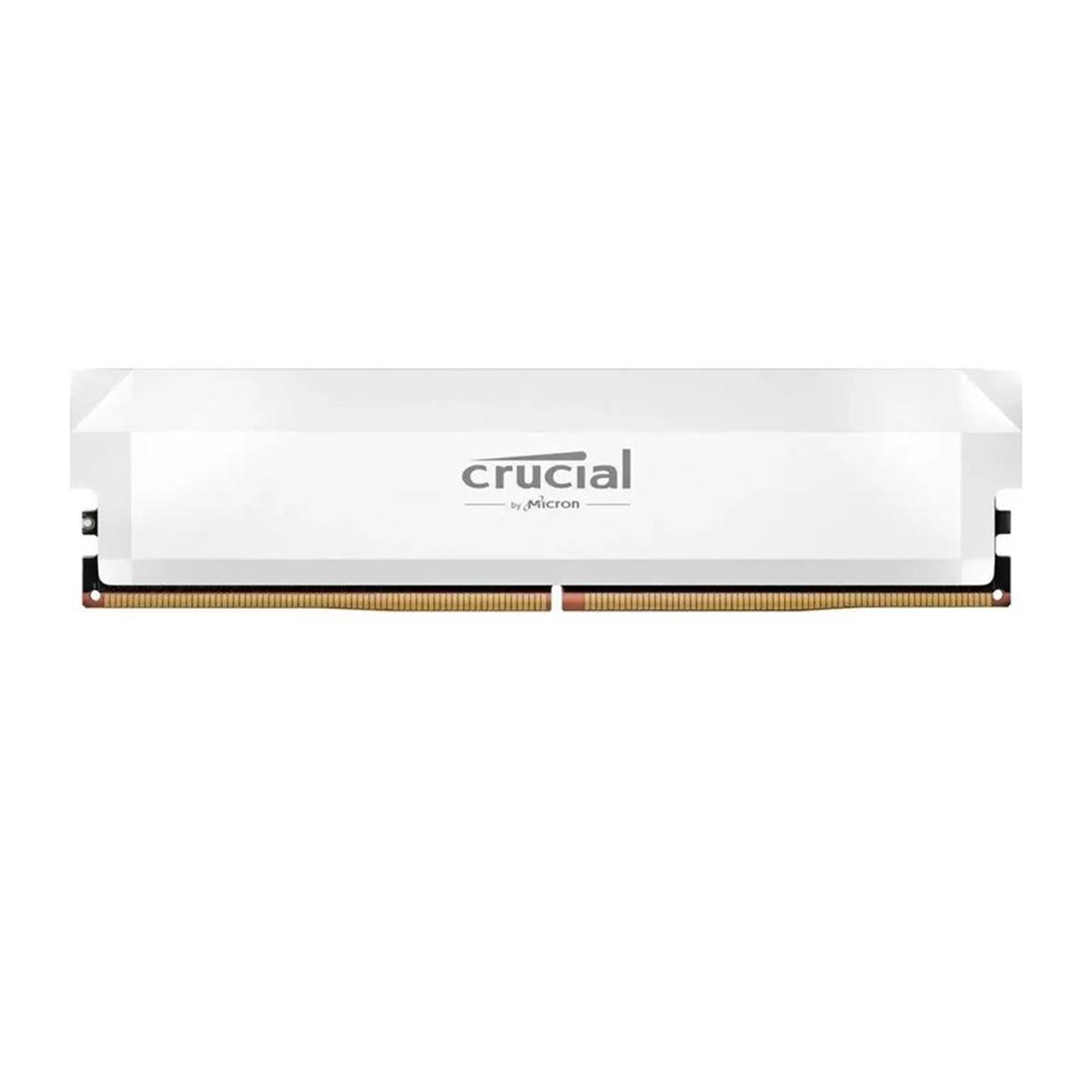
Along with the main specifications, there are also features that may influence your choice, especially if you’re building a visually appealing computer.
Many modern memory modules, especially gaming-focused series such as Kingston FURY or Lexar ARES, come with customisable RGB lighting. This lets you synchronise the memory lighting with other components, such as case fans or a graphics card, creating a unified and striking look. Even if you don’t need lighting, high-quality metal heatsinks are important because they help keep memory temperatures under control, ensuring stable operation even under heavy loads. Effective cooling systems are critical for high-frequency memory.
The speed advertised on the memory packaging (e.g. 6000 MHz) may not be enabled by default. To achieve it, you need to enable a special profile in your computer’s BIOS/UEFI settings. For Intel platforms, this is XMP (Extreme Memory Profile), and for newer AMD platforms, it is EXPO (Extended Profiles for Overclocking). This is a simple, one-click setting that ensures you get the most out of your investment.
Ordering the right RAM from the ZAZA online store is convenient and secure. We offer a wide selection of products that are in stock and available right away. Our range covers every need, from inexpensive RAM for upgrading an older computer to top-of-the-range DDR5 kits for enthusiasts. If you need help, our customer support team is always ready to help you find the right solution for your system. Unlike desktop computers, laptops use a different standard, which you can find in our SODIMM Memory category.
Here are answers to some of the most common questions about RAM.
| Can I mix memory modules with different speeds and capacities? | Technically, it’s possible, but not recommended. If you install modules with different speeds, the whole system will run at the speed of the slowest module. Mixing different manufacturers and models may cause stability issues. For the best results, always use identical modules from a kit. |
| What is dual-channel mode? | This technology allows the processor to communicate with two memory modules simultaneously, doubling data transfer bandwidth. To activate it, you need to install two (or four) identical memory modules in the correct slots on the motherboard (these are usually colour-coded). |
| How do I physically install RAM? | This is one of the simplest computer upgrade procedures. Turn off the computer and unplug the power cable. Open the case, find the memory slots on the motherboard, open the clips at the ends of the slots, align the notch on the memory module with the ridge in the slot, and press the module firmly into place until the clips click shut. |