






For private customers
At checkout, product prices are automatically adjusted according to the VAT rate in your delivery country.

Christmas
Furniture
Home & Garden
Sport
Clothing
Mattresses
Watches
Electronics
Construction
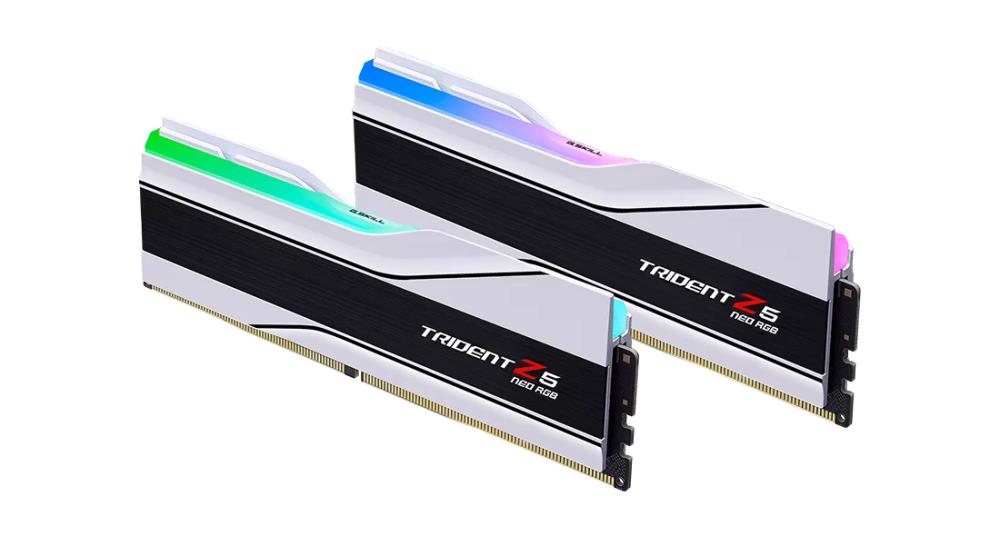


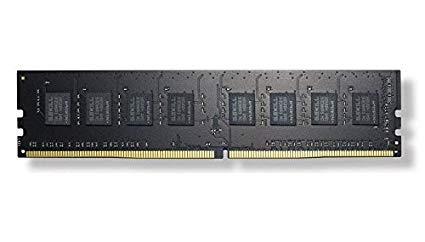


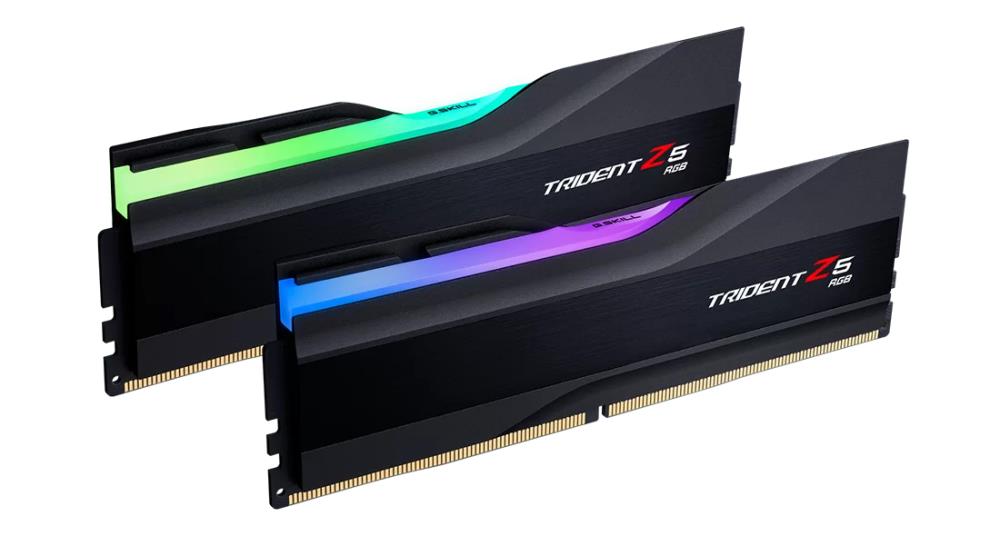


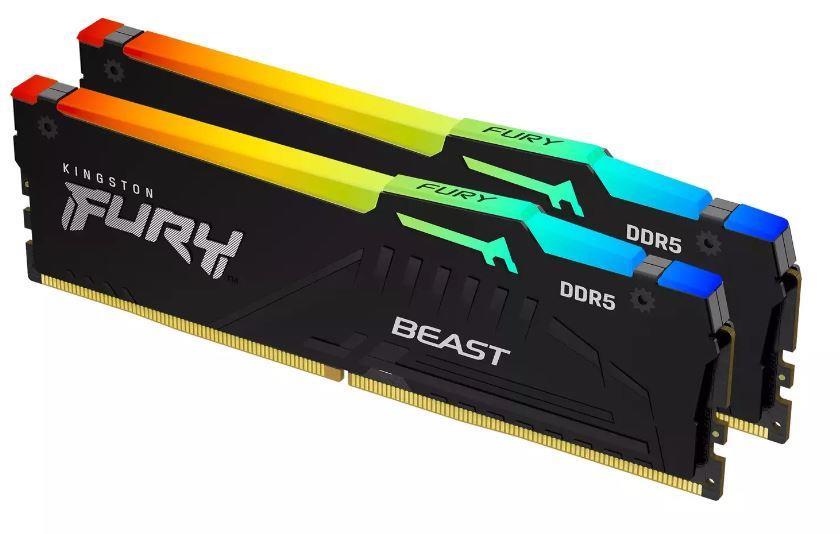
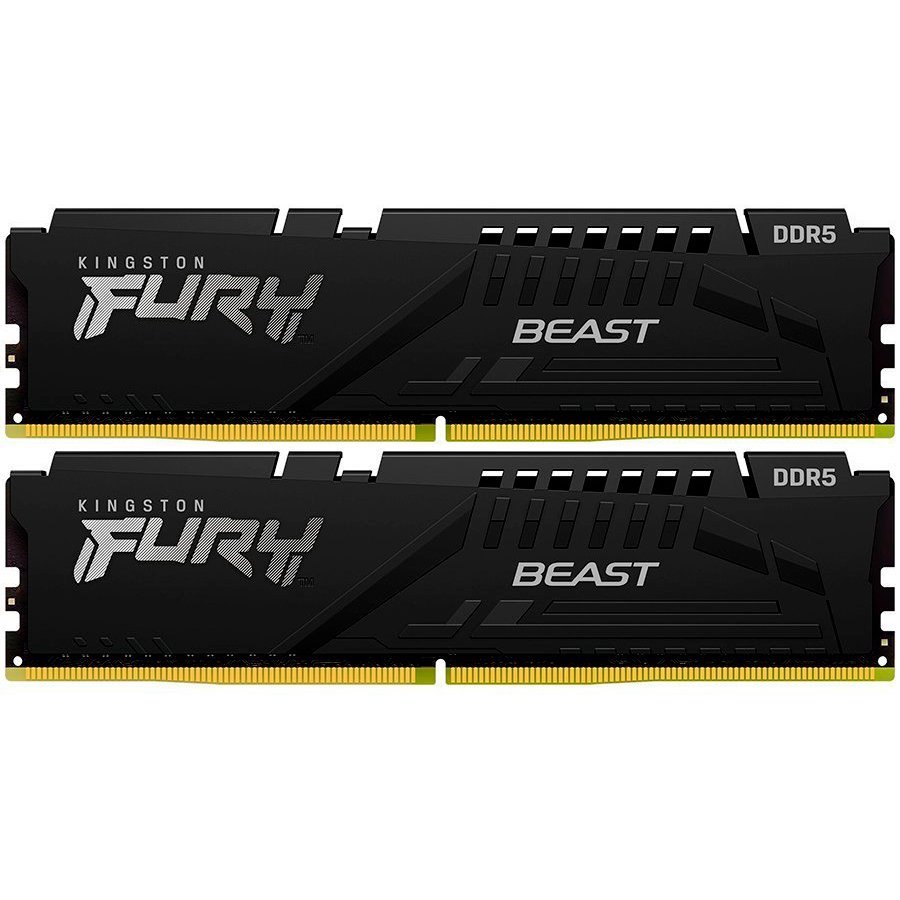


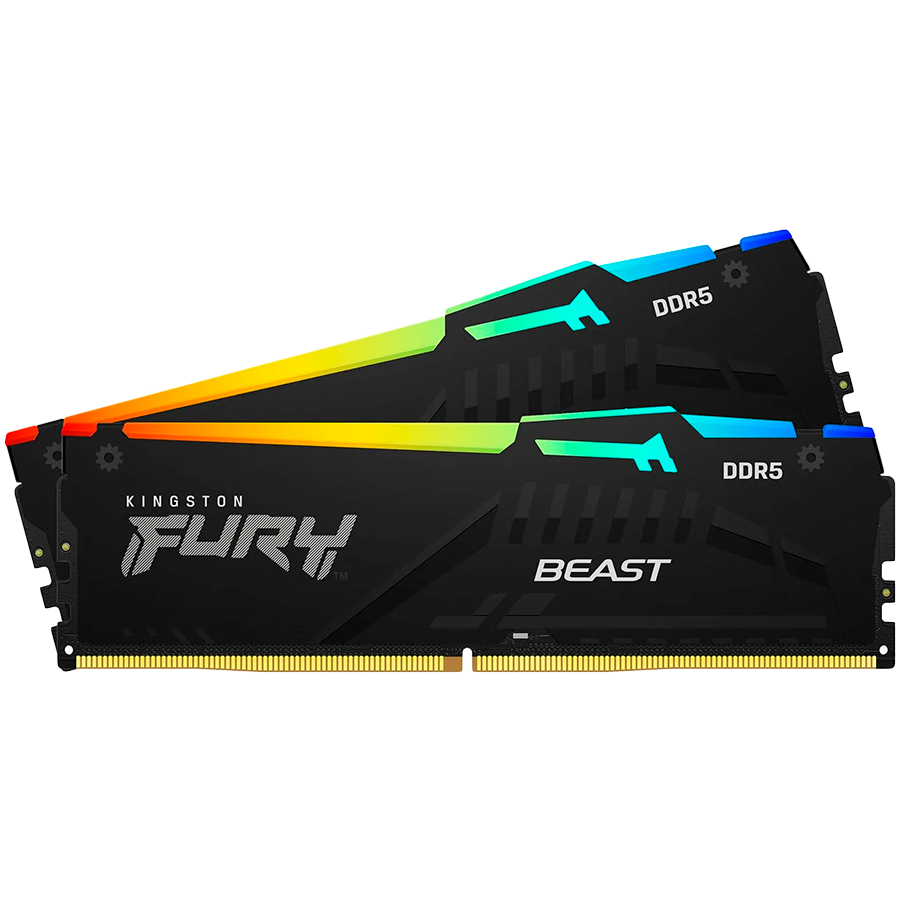

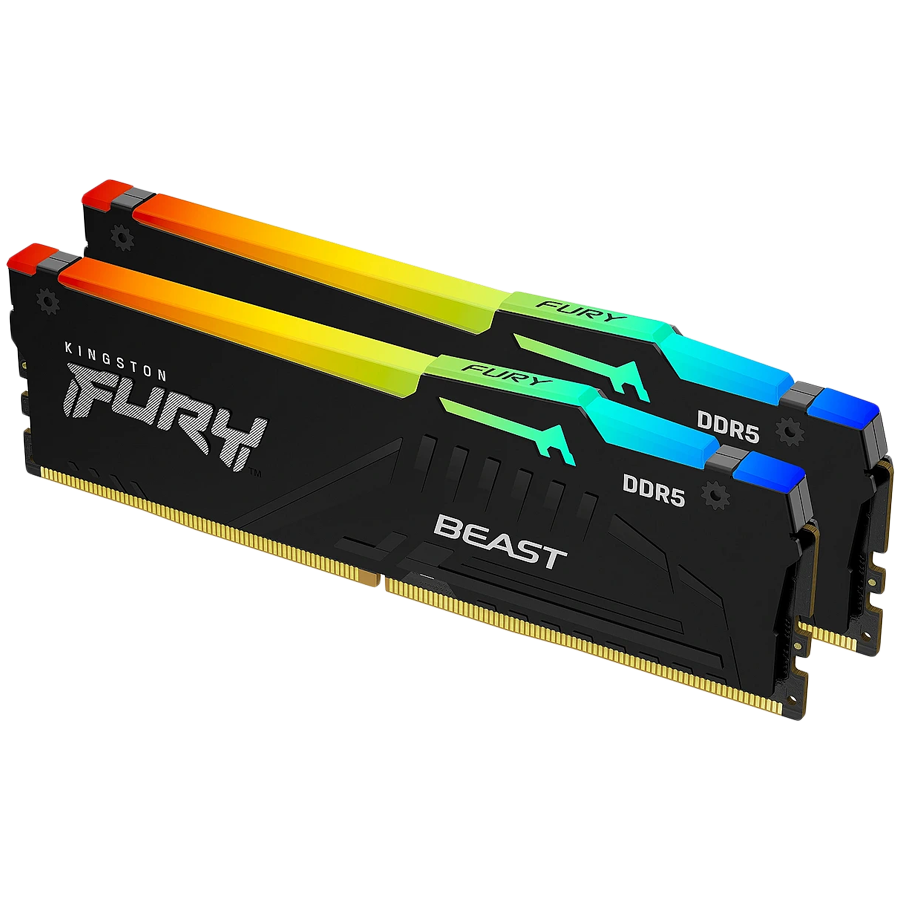
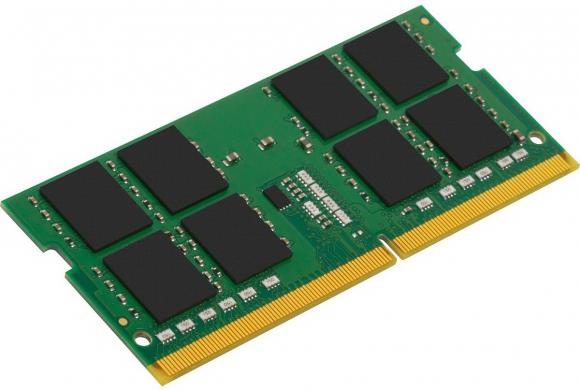

Random Access Memory, or RAM, is one of your computer’s most critical components, acting as a high-speed buffer between the processor and storage drive. It temporarily stores the data your computer is actively using. Having enough fast RAM is essential for keeping your system running smoothly and without delays, whether you’re gaming, editing video or simply using several programs at once.
Investing in quality memory is one of the most effective ways to improve your computer’s overall responsiveness. If you’re looking to buy RAM that meets your exact needs, you’re in the right place. Our online store offers a wide range of memory modules for every device and budget.
Choosing the right RAM might seem complicated, but it really comes down to a few key specifications. This guide will help you find the best option for your system and ensure maximum compatibility and performance.
The most important thing is to make sure the memory you choose is compatible with your device. The key factor here is the memory generation. DDR4 is the most common standard today, alongside the newer, faster DDR5. Older systems may still use DDR3 memory. These generations are not interchangeable because they have different physical connectors and electrical specifications. Always check your device’s specifications before buying to find out which type of memory it supports. The safest option is to check the compatible memory list (QVL - Qualified Vendor List) on your motherboard manufacturer’s website.
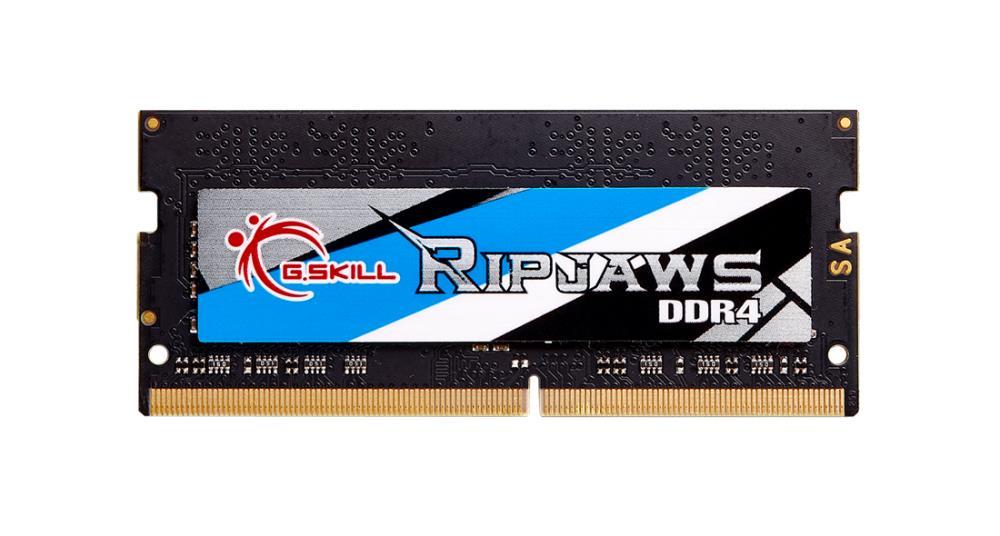
The next important distinction is form factor. Desktop computers typically use larger DIMM (Dual In-line Memory Module) modules. Laptops, compact mini PCs and some all-in-one computers, however, require much smaller SO-DIMM (Small Outline DIMM) modules. Although the technology is similar, the physical sizes are different, so be sure to choose the right form factor for your device. Our range includes desktop RAM and laptop RAM for every model.
Memory capacity, measured in gigabytes (GB), determines how much data your computer can process at once. The amount you need depends on how you use your computer.
Adding memory is an easy way to give an older computer a new lease of life. If your current RAM capacity is low, upgrading it is often the most cost-effective improvement you can make.
Speed (measured in megahertz, MHz, or megatransfers per second, MT/s) and latency (CAS Latency, CL) are the two main performance specifications. Speed indicates how many data transfer cycles the memory can perform per second, while latency measures the delay between issuing a command and completing it. Ideally, you want high speed and low latency. For example, 3200MHz CL16 DDR4 memory is an excellent choice, while 6000MHz CL30 DDR5 offers top-tier performance. Compatibility with your processor and motherboard is crucial, as they determine the maximum supported speed.
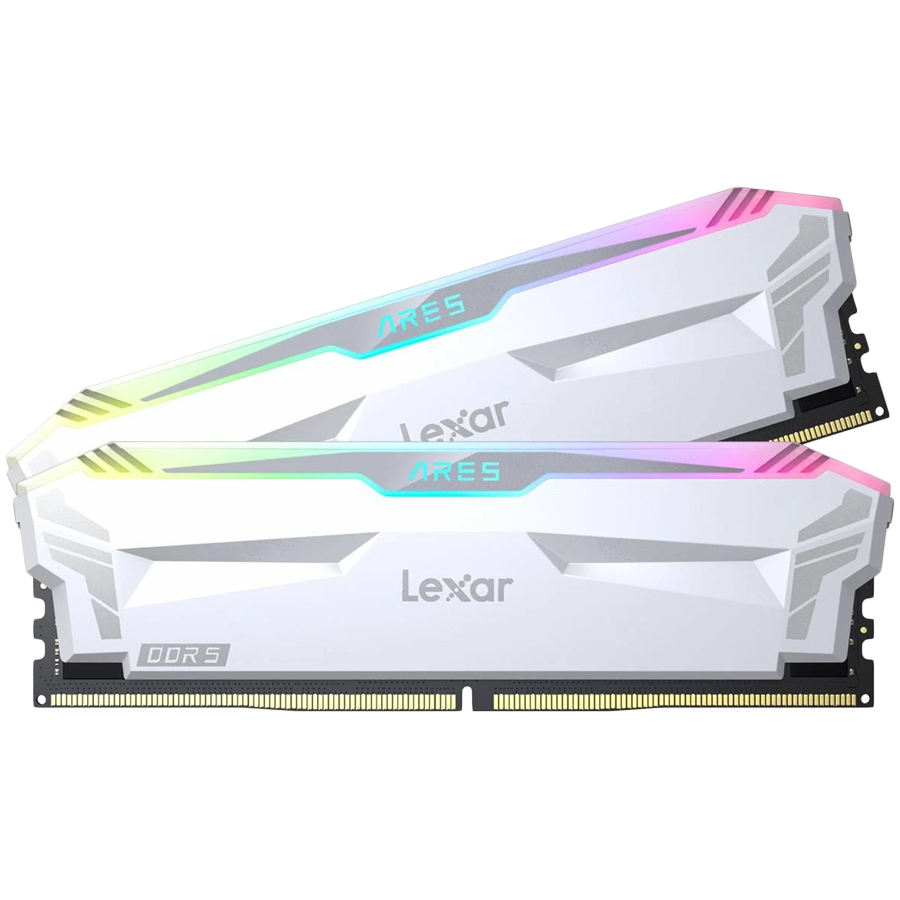
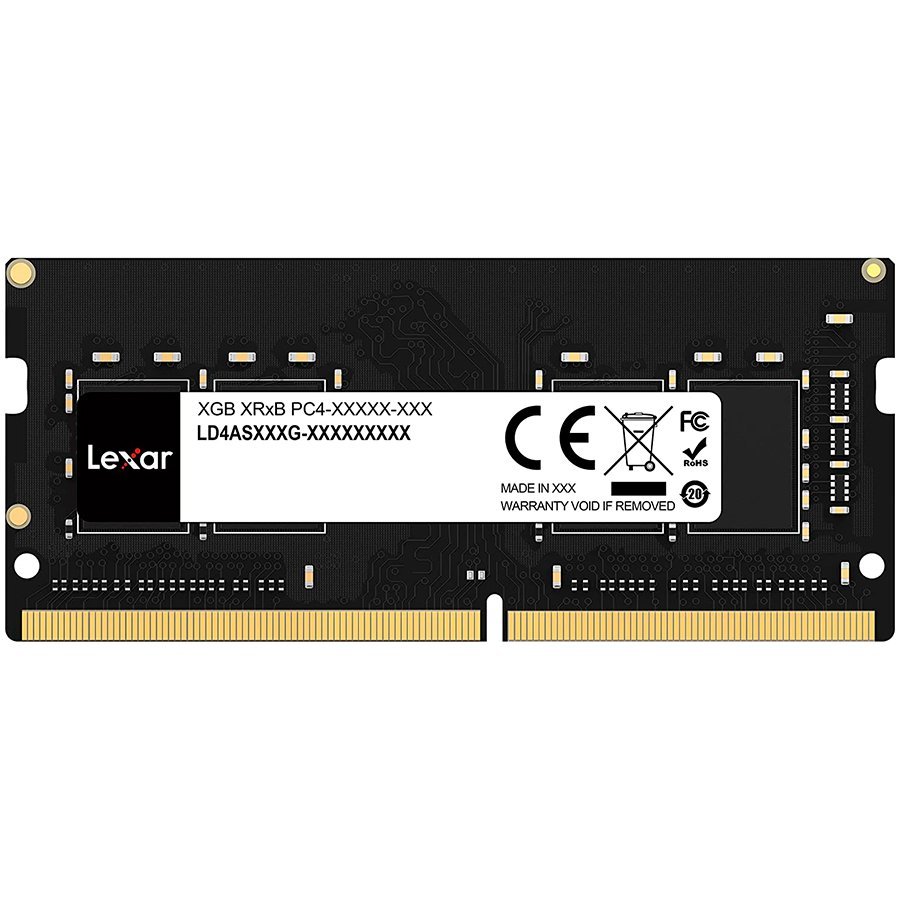
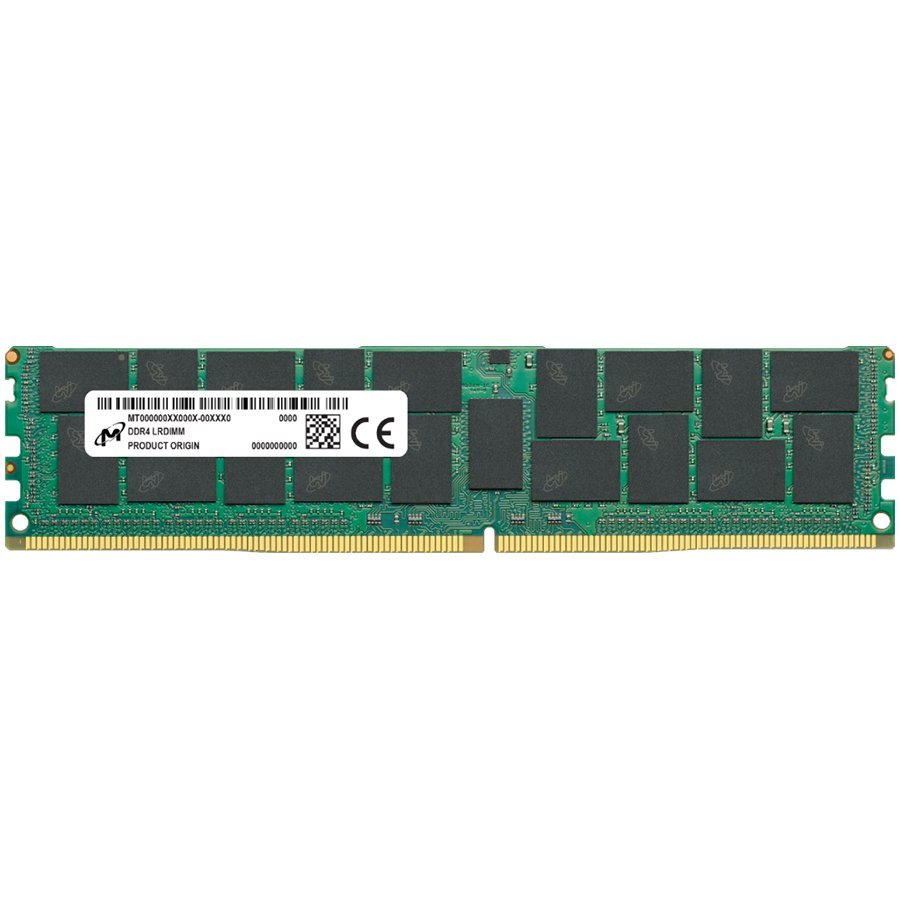
Although all RAM basically does the same job, certain types of memory are optimised for specific tasks. Our store offers a wide range to meet every need, from budget-friendly options to high-end modules.
Memory designed for gamers and enthusiasts, such as the Kingston FURY, Crucial Pro Overclocking and Lexar ARES series, often delivers higher speeds and lower latency thanks to Intel XMP (Extreme Memory Profile) or AMD EXPO technology. These profiles let you overclock your memory to its advertised speed with a simple BIOS setting. Many gaming RAM kits also come with stylish heat spreaders and customisable RGB lighting to give your computer a personal touch. Effective heat dissipation is important, especially if your system also has a powerful processor, which makes a quality CPU cooler an important component too.
Professional workstations and servers, where data integrity and system stability are critical, use specialised ECC (Error-Correcting Code) memory. This memory can detect and correct minor data errors in real time. Such errors might go unnoticed in everyday use, but could have serious consequences in scientific computing or when working with large databases. RDIMM (Registered DIMM) and LRDIMM (Load-Reduced DIMM) are types of server memory that allow more memory modules to be installed in a system while maintaining stability even at very high capacities, for example with 96GB or even 128GB modules.
Our range features only trusted, recognised manufacturers whose products meet high quality standards. You’ll find a wide selection from brands such as Crucial, known for excellent compatibility and reliability; Kingston, whose FURY series is a gamer favourite; Lexar, which offers both stylish RGB memory and standard modules; as well as GOODRAM, Samsung and Micron, all strong players in both the consumer and server memory markets. Each brand has its strengths, and they all offer products backed by a warranty and built to last.
Our goal is to make buying quality computer technology easy, convenient and affordable throughout Estonia. We know how important it is to find the right component, so we offer a wide selection and all the information you need to make an informed decision. Our RAM prices are always competitive.