0

DIMM Memory

Boost your desktop PC’s speed and multitasking performance. Find the right RAM for any computer in our selection, from older DDR3 systems to the latest DDR5 platforms. We offer modules from trusted brands like Kingston, G.SKILL and Crucial for reliable performance and stability.
Weight: 33 g
In stock
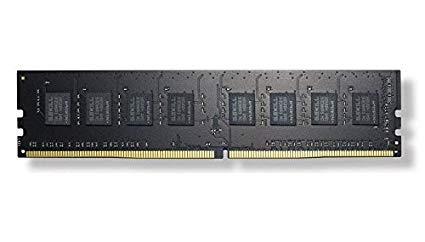
G.Skill 8GB DDR3 1333 MHz DIMM Memory Module, Black

G.Skill 8GB DDR3 1333 MHz DIMM Memory Module, Black

€52.75 27 pcs

SKU: 1250944

EAN: 4711148598316

1
Weight: 50 g
In stock
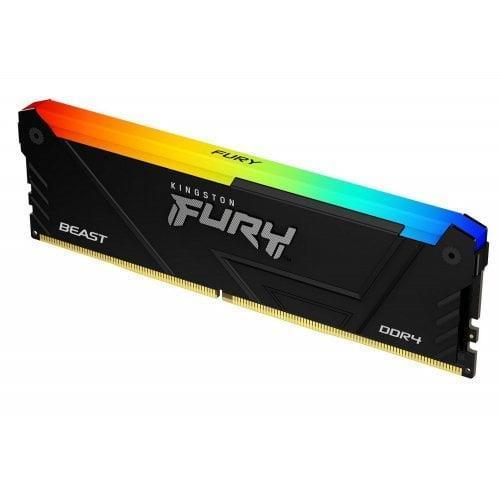
Memory module Kingston Fury Beast 8 GB DDR4-3200 CL16, black

Memory module Kingston Fury Beast 8 GB DDR4-3200 CL16, black

€116.84 16 pcs

SKU: 1342023

EAN: 740617319910

1
Weight: 76 g
In stock
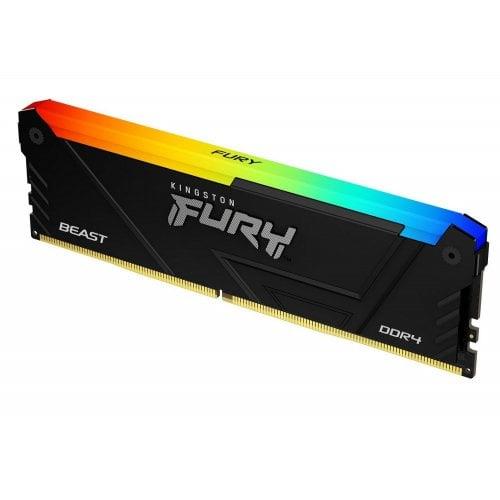
Kingston FURY KF432C16BB2A/8 8 GB DDR4-3200 RAM Module, Black

Kingston FURY KF432C16BB2A/8 8 GB DDR4-3200 RAM Module, Black

€123.52 9 pcs

SKU: 1404764

EAN: 740617337549

1
Weight: 10 g
In stock
Samsung 8GB CUDIMM DDR5 6400MHz Memory Module

Samsung 8GB CUDIMM DDR5 6400MHz Memory Module

€125.96 15 pcs

SKU: M333R1GB4PB1-CCP

EAN: —

1
Weight: 75 g
In stock
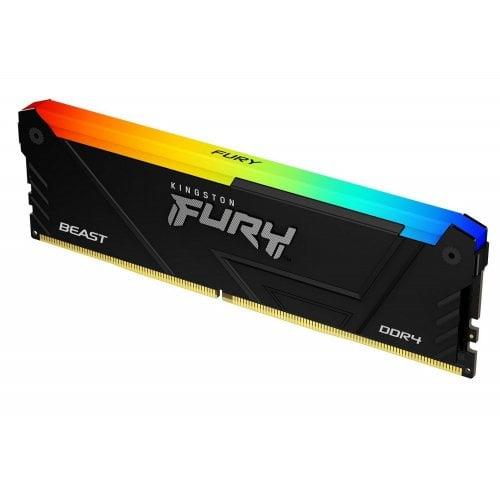
Kingston FURY Beast 8GB DDR4-3600 DIMM Memory Module, Black

Kingston FURY Beast 8GB DDR4-3600 DIMM Memory Module, Black

€131.45 10 pcs

SKU: 1404769

EAN: 740617337464

1
Weight: 30 g
In stock
Memory module DIMM 8 GB Kingston KVR32N22S6/8, DDR4, 3200 MHz

Memory module DIMM 8 GB Kingston KVR32N22S6/8, DDR4, 3200 MHz

€135.39 3 pcs

SKU: 1314147

EAN: 740617310870

1
Weight: 115 g
In stock
RAM Module DIMM 8GB DDR5-6000 Lexar LD5U08G60C380V-RGS

RAM Module DIMM 8GB DDR5-6000 Lexar LD5U08G60C380V-RGS

€174.32 50 pcs

SKU: 1464337

EAN: 843367145621

1
Weight: 50 g
In stock
DIMM RAM stick Kingston Fury Beast 16GB DDR4-3200 CL16, black

DIMM RAM stick Kingston Fury Beast 16GB DDR4-3200 CL16, black

€213.62 19 pcs

SKU: 1342040

EAN: 740617319880

1
Weight: 100 g
In stock
Kingston Fury 16 GB (2×8 GB) DDR4-3200 CL16 Memory Kit, Black

Kingston Fury 16 GB (2×8 GB) DDR4-3200 CL16 Memory Kit, Black

€229.45 6 pcs

SKU: 1342228

EAN: 740617319903

1
Weight: 153 g
In stock
Memory Stick DIMM Kingston FURY Beast 16GB (2x8GB) DDR4-3200 CL16, Black

Memory Stick DIMM Kingston FURY Beast 16GB (2x8GB) DDR4-3200 CL16, Black

€242.84 7 pcs

SKU: 1404762

EAN: 740617337532

1
Weight: 96 g
In stock
Kingston Fury Beast 16 GB (2×8 GB) DDR4 3600 MHz Memory Kit, Black

Kingston Fury Beast 16 GB (2×8 GB) DDR4 3600 MHz Memory Kit, Black

€245.90 10 pcs

SKU: 1342243

EAN: 740617319781

1
Weight: 50 g
In stock
DIMM RAM stick Kingston Fury Beast 16GB DDR4-3200 CL16, black

DIMM RAM stick Kingston Fury Beast 16GB DDR4-3200 CL16, black

€264.76 23 pcs

SKU: 1341902

EAN: 740617319859

1
Weight: 70 g
In stock
RAM stick GOODRAM 16 GB DDR5 5600 MHz CL46 DIMM

RAM stick GOODRAM 16 GB DDR5 5600 MHz CL46 DIMM

€273.36 1 pcs

SKU: GR5600D564L46S/16G

EAN: —

1
Weight: 75 g
In stock
Kingston FURY Beast 16GB DDR4-3600 DIMM Memory Module, Black

Kingston FURY Beast 16GB DDR4-3600 DIMM Memory Module, Black

€286.37 1 pcs

SKU: 1404768

EAN: 740617337426

1
Weight: 30 g
In stock
Memory module Kingston 16GB DDR5 5600MHz DIMM, CL46

Memory module Kingston 16GB DDR5 5600MHz DIMM, CL46

€313.72 12 pcs

SKU: KVR56U46BS8-16

EAN: 740617332827

1
Weight: 50 g
In stock
Kingston FURY Beast DDR5 16 GB (1x16 GB) 5600 MHz CL36 memory module, black

Kingston FURY Beast DDR5 16 GB (1x16 GB) 5600 MHz CL36 memory module, black

€314.85 15 pcs

SKU: KF556C36BBE-16

EAN: 740617330809

1
In stock
Memory stick Kingston 16GB 6800MT/s DDR5 CL34 DIMM FURY Beast Black, black

Memory stick Kingston 16GB 6800MT/s DDR5 CL34 DIMM FURY Beast Black, black

€371.75 5 pcs

SKU: KF568C34BBE-16

EAN: 740617342628

1
In stock
Memory module Kingston 16GB 6400MT/s DDR5 CL32 DIMM FURY Beast RGB EXPO, black

Memory module Kingston 16GB 6400MT/s DDR5 CL32 DIMM FURY Beast RGB EXPO, black

€371.75 3 pcs

SKU: KF564C32BBEA-16

EAN: 740617343120

1
In stock
Kingston 16GB 6800MT/s DDR5 CL34 DIMM FURY Beast RGB EXPO memory module, black

Kingston 16GB 6800MT/s DDR5 CL34 DIMM FURY Beast RGB EXPO memory module, black

€378.57 6 pcs

SKU: KF568C34BBEA-16

EAN: 740617342932

1
Weight: 144 g
In stock
DIMM memory Kingston FURY Beast 16 GB (2×8 GB) DDR5-6000, RGB, black

DIMM memory Kingston FURY Beast 16 GB (2×8 GB) DDR5-6000, RGB, black

€414.53 32 pcs

SKU: 1405720

EAN: 740617331905

1
Weight: 119 g
In stock
Memory DIMM Kingston FURY Beast 16GB (2x8GB) DDR5-6000, RGB, black

Memory DIMM Kingston FURY Beast 16GB (2x8GB) DDR5-6000, RGB, black

€420.01 21 pcs

SKU: 1418596

EAN: 740617342840

1
Weight: 100 g
In stock
Kingston Fury Beast 32 GB (2×16 GB) DDR4 3200 MHz DIMM Memory Kit, Black

Kingston Fury Beast 32 GB (2×16 GB) DDR4 3200 MHz DIMM Memory Kit, Black

€423.04 4 pcs

SKU: 1342300

EAN: 740617319873

1
Weight: 103 g
In stock
DIMM RAM stick Kingston Fury Beast 32GB (2x16GB) DDR4 3200MHz, black

DIMM RAM stick Kingston Fury Beast 32GB (2x16GB) DDR4 3200MHz, black

€525.32 25 pcs

SKU: 1342092

EAN: 740617319842

1
Weight: 90 g
In stock
Kingston 32GB (2x16GB) DDR5 6000MHz CL36 FURY Beast RGB EXPO Memory

Kingston 32GB (2x16GB) DDR5 6000MHz CL36 FURY Beast RGB EXPO Memory

€686.95 12 pcs

SKU: KF560C36BBE2AK2-32

EAN: 740617345902
1
Weight: 132 g
In stock
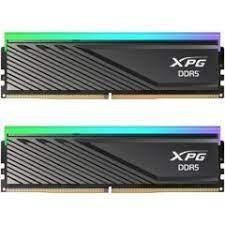
DIMM memory 32GB DDR5-6000 K2 Adata XPG LANCER BLADE RGB, black

DIMM memory 32GB DDR5-6000 K2 Adata XPG LANCER BLADE RGB, black

€692.64 95 pcs

SKU: 1409218

EAN: 4711085944887

1
In stock
Kingston 32GB 6000MT/s DDR5 CL30 DIMM FURY Beast Black EXPO Memory Module

Kingston 32GB 6000MT/s DDR5 CL30 DIMM FURY Beast Black EXPO Memory Module

€721.09 4 pcs

SKU: KF560C30BBE-32

EAN: 740617343410

1
Weight: 150 g
In stock
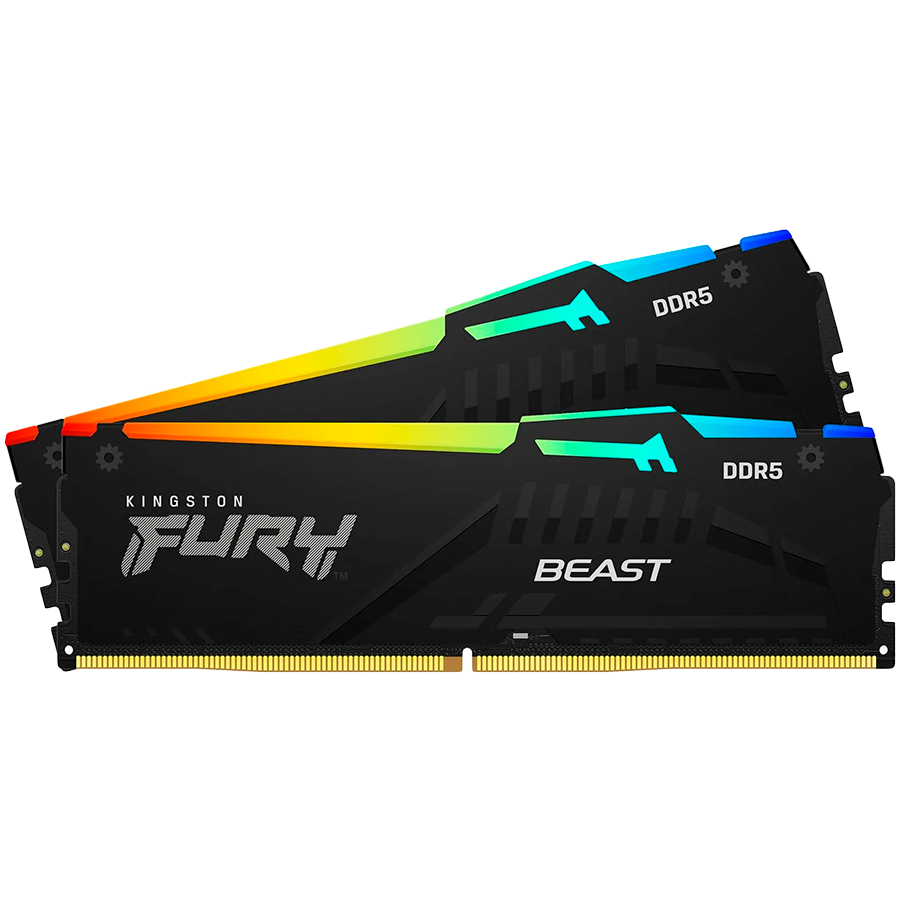
Kingston 32GB (2x16GB) DDR5 6000MHz CL30 FURY Beast RGB EXPO Memory

Kingston 32GB (2x16GB) DDR5 6000MHz CL30 FURY Beast RGB EXPO Memory

€738.16 2 pcs

SKU: KF560C30BBEAK2-32

EAN: 740617342895
1
In stock
Kingston 32GB (2x16GB) DDR5 6400MHz CL32 FURY Beast RGB EXPO Memory

Kingston 32GB (2x16GB) DDR5 6400MHz CL32 FURY Beast RGB EXPO Memory

€738.16 14 pcs

SKU: KF564C32BBEAK2-32

EAN: 740617343113

1
Weight: 130 g
In stock
Kingston FURY Beast Black 32GB (2x16GB) DDR5 6800MHz CL34 Memory Kit, black

Kingston FURY Beast Black 32GB (2x16GB) DDR5 6800MHz CL34 Memory Kit, black

€743.85 3 pcs

SKU: KF568C34BBEK2-32

EAN: 740617342611

1
In stock
Memory Module DIMM Kingston Fury Beast 32 GB (2×16 GB) DDR5-6000, Black

Memory Module DIMM Kingston Fury Beast 32 GB (2×16 GB) DDR5-6000, Black

€746.92 36 pcs

SKU: 1424444

EAN: 740617345841

1

A slow computer is a sign that it needs a boost. Before you start thinking about buying a new computer, one of the easiest and most effective ways to improve performance is to upgrade your existing memory (RAM). It’s an investment you’ll notice straight away: programs open faster, games run more smoothly, and using several applications at once no longer leaves your system struggling. Our store offers a wide selection of DIMM modules designed specifically for desktop computers.

How to choose the right memory: a step-by-step guide

Choosing the right memory module may seem complicated, but it really comes down to a few key points. The right choice ensures your investment pays off with a significant performance boost. Choose the wrong one, and the memory may not work at all. Here’s what you need to know to find the right option for your system.

Step 1: Check compatibility – DDR3, DDR4 or DDR5?

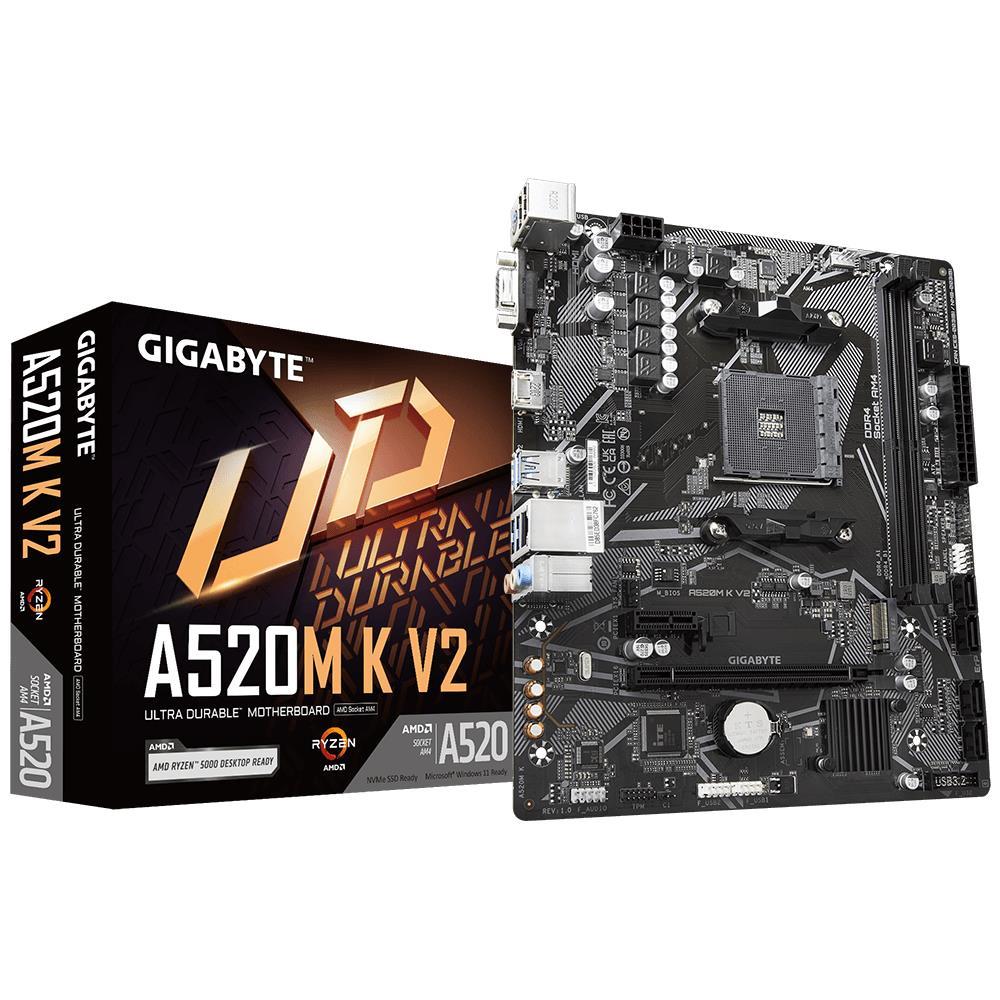
This is the most important step. Memory modules come in different generations: DDR3, DDR4 and DDR5. They are not compatible with one another: DDR5 memory physically won’t fit in a DDR4 slot, and vice versa. The surest way to find out which type of memory your computer uses is to check your motherboard (ID: 1546) specifications or use a diagnostic program such as CPU-Z. Our selection includes all generations, so you can upgrade both older and brand-new systems.

Expert tip: Before making a purchase, always check the QVL (Qualified Vendor List) on your motherboard manufacturer’s website. It lists all the memory modules the manufacturer has tested with that motherboard and confirmed to be fully compatible, especially important if you’re planning to buy high-speed memory.

Step 2: Choose the capacity (GB) – How much memory do you need?

Memory capacity determines how much data your computer can process at once. The amount you need depends entirely on how you use your computer. Here’s a rule of thumb to help you decide which computer memory capacity is right for you:

  • 8 GB: Enough for everyday web browsing, office work and light media use. This is the minimum these days.
  • 16 GB: The gold standard for most users, including gamers and hobbyist content creators. Lets you use several programs smoothly and keep plenty of browser tabs open.
  • 32 GB and up: Recommended for professionals working with video and photo editing, 3D modelling and virtualisation, as well as avid gamers who want the best possible experience now and in the future.

Step 3: Speed (MHz) and latency (CL) – Balancing performance and price

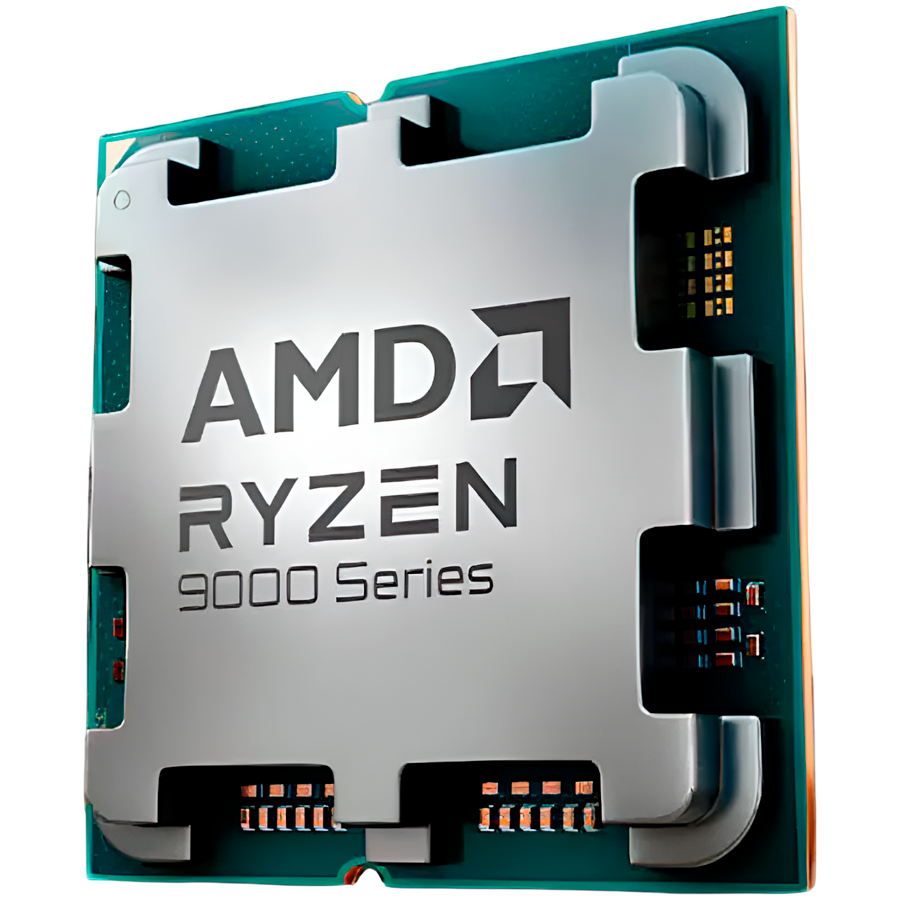
Memory speed is measured in megahertz (MHz) and indicates how quickly memory can read and write data. Latency, or CAS Latency (CL), measures the delay between a command being issued and carried out. In general, higher speeds and lower latency are better. This is especially important for AMD Ryzen processors (ID: 1551), whose performance is closely tied to memory speed. Many modules support Intel XMP (Extreme Memory Profile) technology, which lets you enable the memory’s rated maximum speed in just a few BIOS clicks.
Single modules vs. kits: The benefits of dual-channel mode

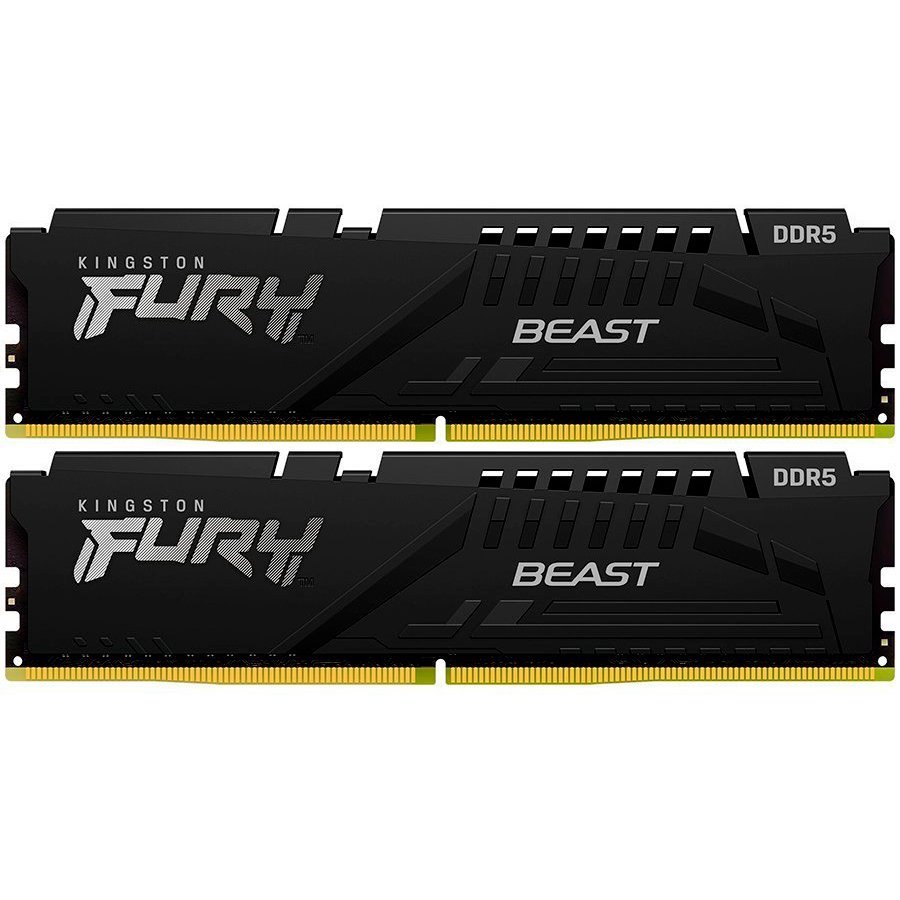
Most modern motherboards support dual- or even quad-channel memory. This lets the processor communicate with multiple memory modules at the same time, doubling data transfer speeds. To take advantage of this, we recommend buying a memory kit (marked K2 for two modules or K4 for four). These modules are factory-tested to work together, ensuring maximum stability and performance. Buying a single module makes sense if you plan to add an identical one later.

Expert tip: Is ECC memory right for me? Some modules in our selection support ECC (Error-Correcting Code). This specialised type of memory can detect and correct data errors in real time. It’s essential in servers and workstations, where data integrity is critical. ECC memory isn’t necessary for a standard desktop or gaming PC.

More than just memory: cooling and aesthetics

Modern memory, particularly faster DDR4 and DDR5 models, can get quite hot under load. That’s why many performance-oriented modules come with metal heatsinks. They not only give your system an aggressive look but also help dissipate heat, ensuring stable operation even during long gaming sessions. If your computer case has a window, RGB memory modules add a striking visual touch to your system. Their lighting can be synchronised with other PC components (ID: 1473) and cooling systems (ID: 1487).

Expert tip: Don’t forget laptops! The DIMM modules in this category are designed for desktop computers. To upgrade a laptop’s memory, you’ll need the smaller SO-DIMM form factor. We have a separate category for those too – browse our SO-DIMM memory (ID: 1550) selection.

Why customers trust ZAZA

Getting the right balance of memory price and quality matters. Shopping with us is convenient and secure, and we know how important it is to find exactly the right component for your computer. That’s why we’ve carefully curated our product range.

  • A wide, carefully selected range: Find memory for every purpose and budget, from affordable DDR3 upgrades to premium DDR5 kits for gamers and professionals.
  • Always free delivery: Whether you order a single memory module or a full kit, we’ll deliver your order free of charge anywhere in Estonia.
  • Easy, informed shopping: Clear product descriptions and guides help you make an informed choice. If you’re unsure, our customer support team is always ready to help.
  • Trusted, well-known brands: We offer only quality products from manufacturers such as G.SKILL, Kingston, Crucial and Lexar, all backed by a warranty and known for their reliability.

Frequently asked questions (FAQ)

Question Answer
Can I mix memory modules with different speeds or from different manufacturers? It’s sometimes technically possible, but we don’t recommend it. The system will always run at the speed of the slowest installed module, and modules from different manufacturers may have compatibility issues. For the best stability and performance, use identical modules, preferably from the same kit.
What does an XMP profile mean? XMP (Extreme Memory Profile) is Intel technology stored on the memory module itself. It contains preset settings (speed, timings and voltage) that let the memory run at its advertised speed. Without XMP enabled, memory usually runs at a slower standard speed.
How do I install new computer memory? It’s a fairly simple process: shut down your computer and unplug the power cable. Open the computer case and locate the memory slots on the motherboard. Open the clips at the ends of the slots, line up the notch on the memory module with the ridge in the slot, then press the module firmly into place until the clips snap shut.
What offers the best balance of memory price and quality? For most users, a 16 GB (2x8 GB) DDR4 kit running at 3200-3600 MHz offers the best value for money. It delivers a noticeable performance boost at a reasonable price. For new systems, a 32 GB (2x16 GB) DDR5 kit running at 5600-6000 MHz is a good choice.