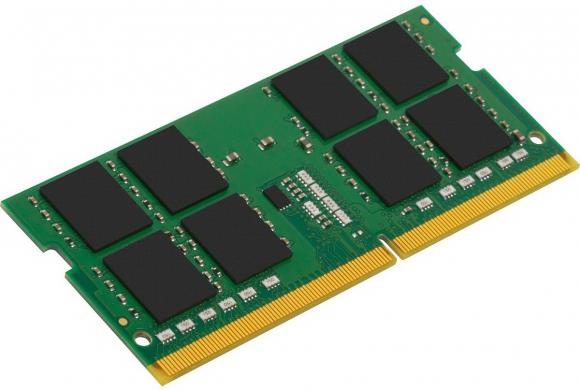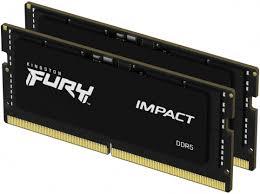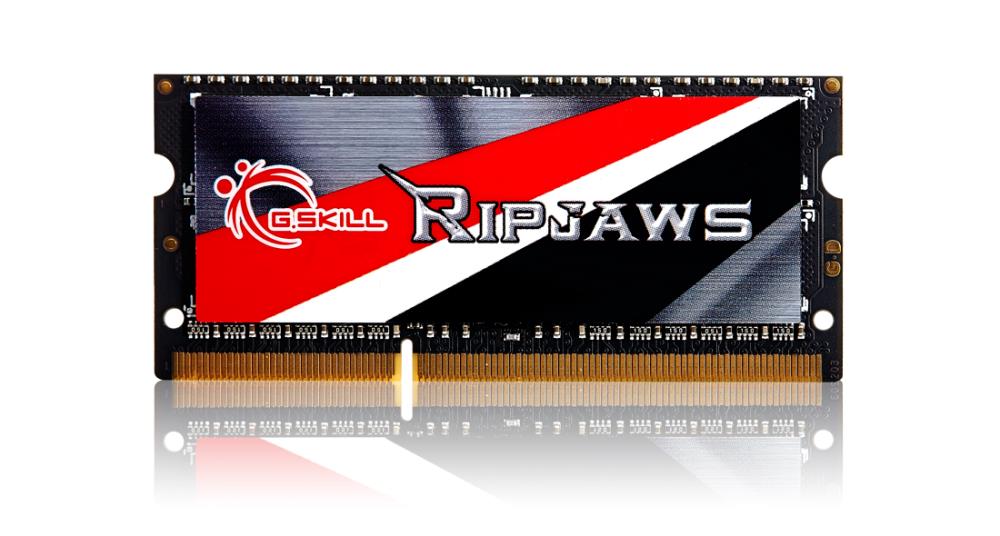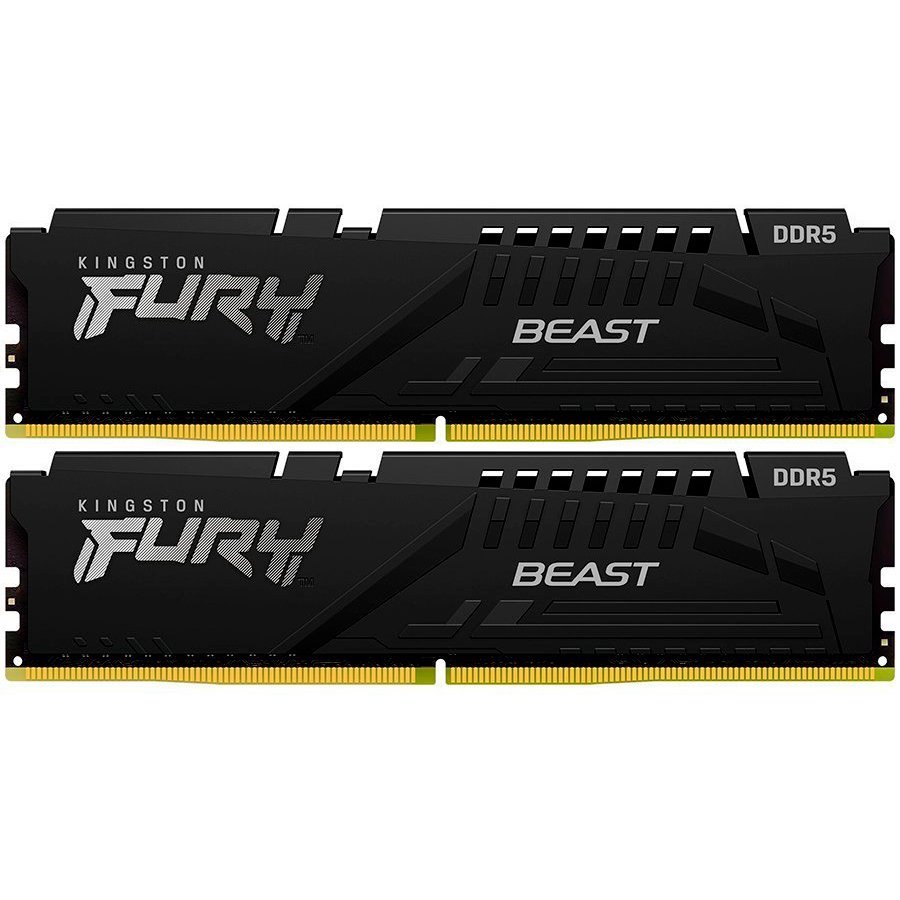
Give your laptop a new lease on life. A slow computer doesn’t mean you need to buy a new one—upgrading the RAM is often the most cost-effective solution. Our range includes the right SO-DIMM memory module for every laptop, whether it uses the DDR3, DDR4 or latest DDR5 standard. We offer products from trusted brands like Kingston and Crucial for better multitasking and a smoother user experience.
Laptop RAM is one of the most important components affecting your device’s speed and responsiveness. If you notice that running several programs at once slows your computer down, web pages take a long time to load, or professional software crashes, it may be time to consider a memory upgrade. It’s an easy, affordable way to give your laptop a significant performance boost and put off the need to buy a completely new machine. Choosing the right laptop memory may seem complicated, but the process is quite straightforward.
How to choose the right RAM for your laptop
Before looking for where to buy laptop memory, it’s essential to find out which module is compatible with your device. The wrong choice simply won’t work. Follow these steps to find exactly the right product.
Step 1: Identify the memory type (DDR3, DDR4, DDR5)
The most important factor is the memory standard. Laptops use SO-DIMM (Small Outline Dual-In-line Memory Module) memory, which comes in generations that are not compatible with one another. You can’t install a DDR5 module in a DDR4 memory slot.
DDR3: The standard for older laptops, generally those manufactured before around 2015. Lower speeds and higher power consumption.
DDR4: The most common standard in today’s laptops. Offers a good balance between price and performance. We have a wide selection, including the popular SO-DIMM DDR4 3200MHz.
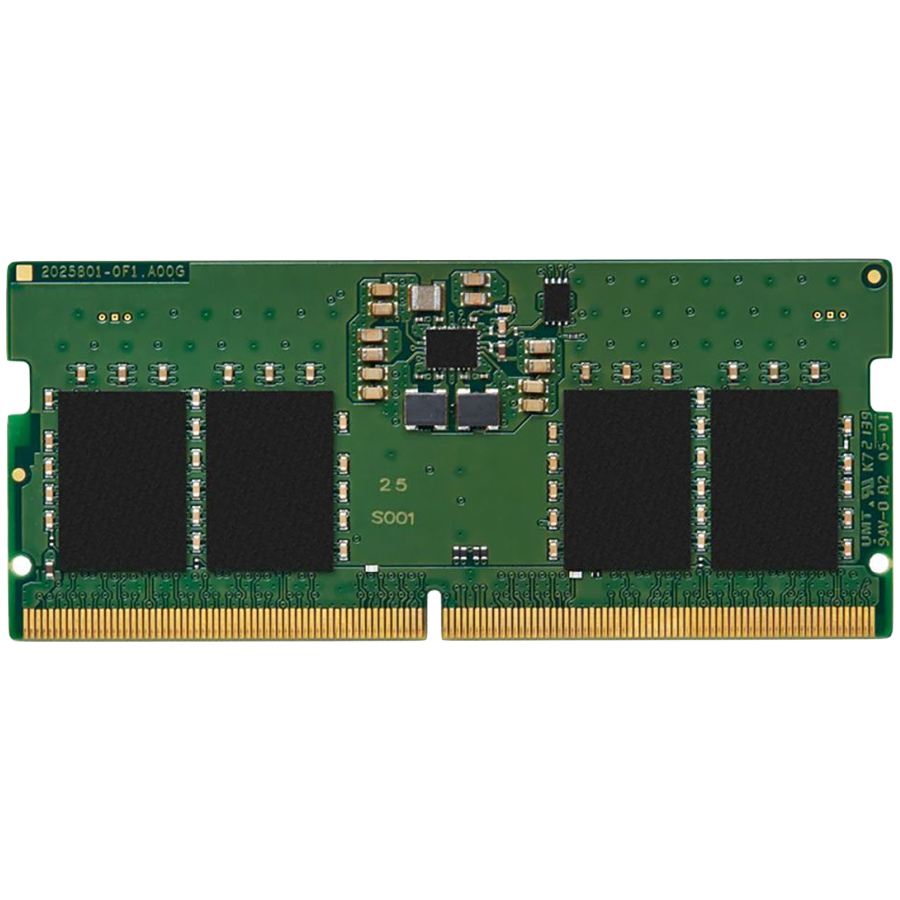
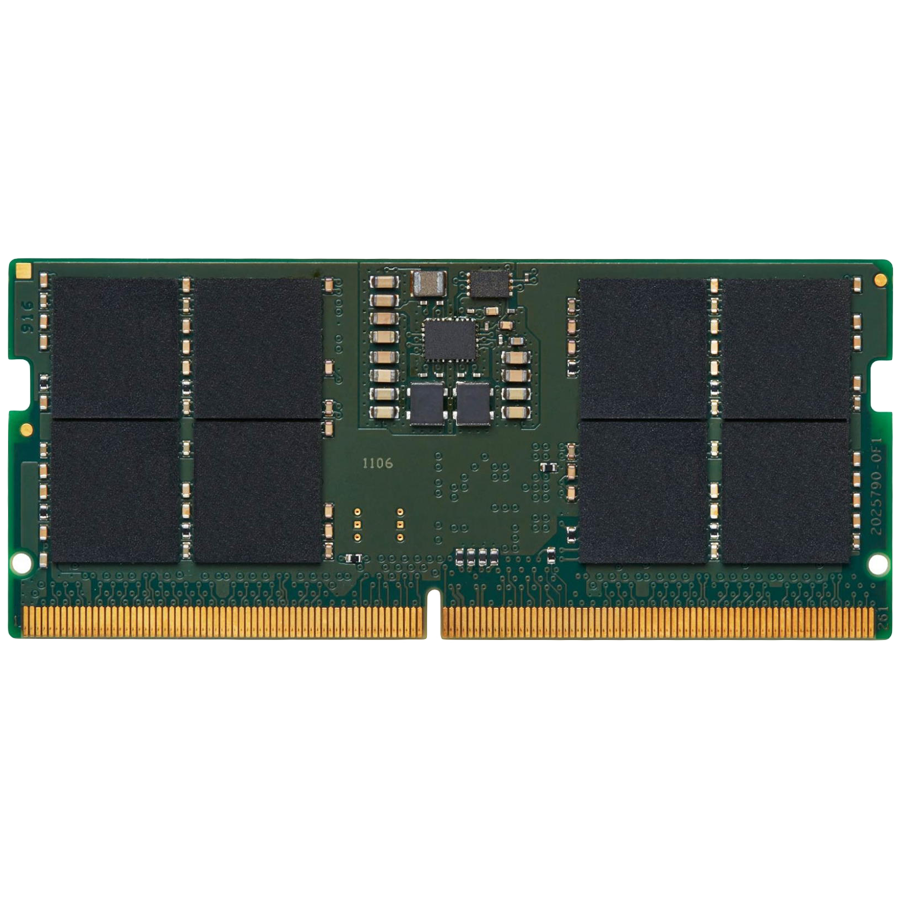
DDR5: The latest and fastest standard, used in the newest and most powerful laptops. It offers significantly higher data transfer speeds, which are essential for gamers and professionals.
The easiest way to find out what type of memory your computer uses is to check with free software such as CPU-Z or in Windows Task Manager (Task Manager > Performance > Memory). You can also find the information on your laptop manufacturer’s website using the model number.
Expert tip: Always check your laptop manufacturer’s specifications before buying. In some cases, the memory is soldered to the motherboard and cannot be replaced. The specifications also list the maximum supported memory capacity and speed.
Step 2: Decide how much memory you need (GB)
Memory capacity determines how much data your computer can process at once. More memory means smoother multitasking. Laptop memory prices depend largely on capacity.
8GB: The minimum for everyday use today: web browsing, office work and watching films. If you’re looking for an affordable option, 8GB laptop memory is budget-friendly.
16GB: The gold standard. Enough for most users, including more demanding multitasking, photo editing and most games. 16GB laptop memory is the most popular choice.
32GB and more: Ideal for power users: professional video editing, 3D modelling, virtualisation and high-end gaming. 32GB laptop memory gives you enough resources for even the most demanding tasks.
Step 3: Consider speed and latency (MHz and CL)
Speed, measured in megahertz (MHz), indicates how quickly memory can read and write data. Latency (CAS Latency, or CL) measures the delay between a command being issued and being carried out. As a general rule, higher speed and lower latency are better. However, it’s important to know that your laptop’s motherboard and processor only support speeds up to a certain limit. Buying faster memory won’t make a difference if your system doesn’t support it—it will simply run at the lower supported speed.
Our online store offers a wide selection of memory from trusted manufacturers. While they all follow industry standards, there are some differences between brands.
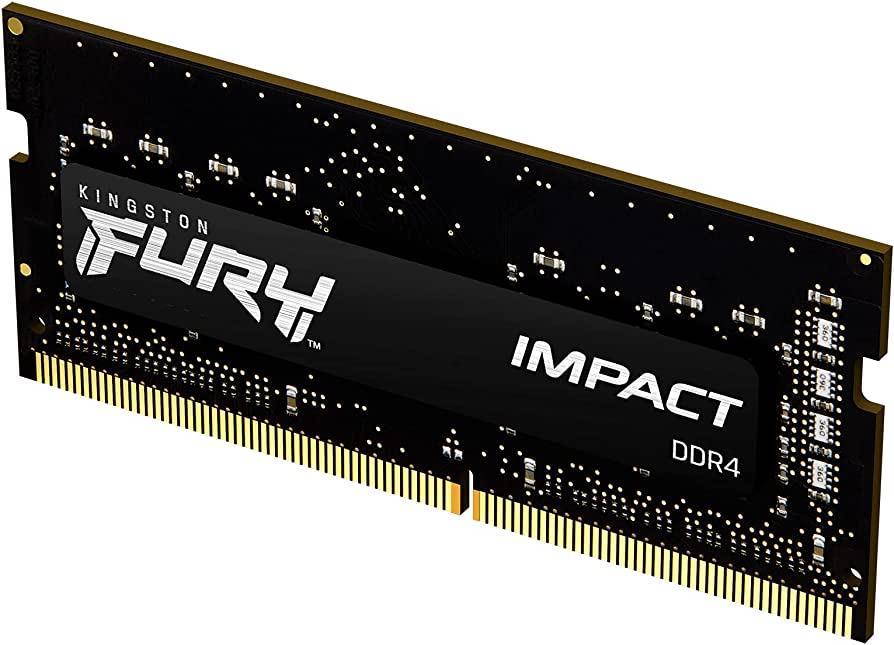
Kingston: Probably the best-known name in memory. Kingston laptop memory is known for its reliability and broad compatibility, with options for everyday users (ValueRAM series) and enthusiasts (Fury series).
Crucial: The direct-to-consumer brand of memory giant Micron. Crucial SO-DIMM memory offers excellent value for money and is always 100% tested.
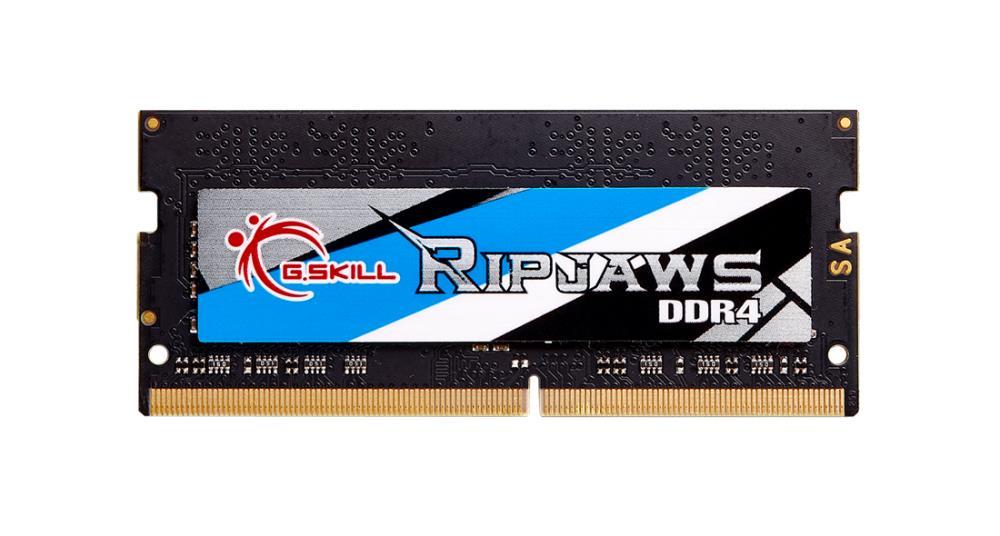
G.Skill, Patriot, Lexar: These brands are often aimed at gamers and performance-focused users, with models offering high speeds and low latency.
Expert tip: For the best performance, use two identical memory modules to enable dual-channel mode. This doubles the theoretical data transfer rate between the memory and the memory controller. That’s why it makes sense to buy a kit of two.
Ordering RAM online is convenient because you can take your time comparing prices and specifications across different models. Our product pages provide all the information you need to make an informed choice. Whether you’re looking for an affordable DDR3 module to revive an older machine or a high-end DDR5 kit for a new gaming laptop, our wide selection and competitive laptop memory prices make it easy to find the right option. All products are in stock and ready for fast dispatch, and every order includes free delivery across Estonia.
Installation and frequently asked questions
For most laptops, replacing the memory is a simple process that takes just a screwdriver and a few minutes. Be sure to discharge any static electricity before you start. If you’re not sure how to replace your laptop memory, you can find plenty of video guides online for your specific model. After installing new memory, the computer may take longer than usual to start the first time as the system detects and configures the new components.
Expert tip: After installing the new memory and starting your computer, make sure the operating system recognises the full capacity. You can check this in the same place where you checked the original capacity—for example, in Windows Task Manager. If the capacity doesn’t match, check that the modules are firmly seated in their slots.
Upgrading your memory is often just one part of improving your computer overall. For the biggest impact, consider replacing a traditional hard drive with a fast SSD M.2 drive as well. Together, these two upgrades can make even an older computer feel like a completely different machine. Unlike desktop computers, which use larger DIMM modules, this category features exclusively SO-DIMM RAM.
Why customers trust ZAZA
Wide selection: We offer laptop memory for every need and budget, from DDR3 to the latest DDR5. Our online store is the perfect place to find the right memory in Tallinn and across Estonia.
Always free delivery: Forget extra costs. Every order, whatever the size, is delivered to you free of charge.
Trusted brands: We only sell products from reputable, quality manufacturers such as Kingston, Crucial, G.Skill and Patriot, all backed by a manufacturer’s warranty.
Clear information: Every product includes detailed specifications to help you make the right choice and avoid compatibility issues.
Frequently asked questions (FAQ)
Here are answers to some common questions about buying laptop memory.
Can I mix memory modules with different speeds or from different manufacturers?
It’s sometimes technically possible, but we don’t recommend it. For stability and the best performance, all memory modules should have identical specifications—the same type, capacity, speed and latency. The system will always run at the speed of the slowest installed module.
How much memory does my laptop support at most?
This information is listed in your laptop’s technical documentation or on the manufacturer’s website. It’s an important limit that cannot be exceeded.
Will replacing the memory myself void my laptop’s warranty?
For most manufacturers, replacing components such as memory or a hard drive won’t void the warranty, as long as the work is done correctly and nothing is damaged. However, it’s always a good idea to check your device’s warranty terms first.
Please log in or create an account to request product availability.
For private customers
At checkout, product prices are automatically adjusted according to the VAT rate in your delivery country.
For B2B customers and legal entities
Registered B2B customers and legal entities receive personalized wholesale prices. After registering, contact us and we’ll activate your company’s individual discount. Special prices for all products will then be shown automatically in your account.