
For private customers
At checkout, product prices are automatically adjusted according to the VAT rate in your delivery country.

Christmas
Decor
Furniture
Home & Garden
Sport
Clothing
Mattresses
Watches
Electronics
Construction





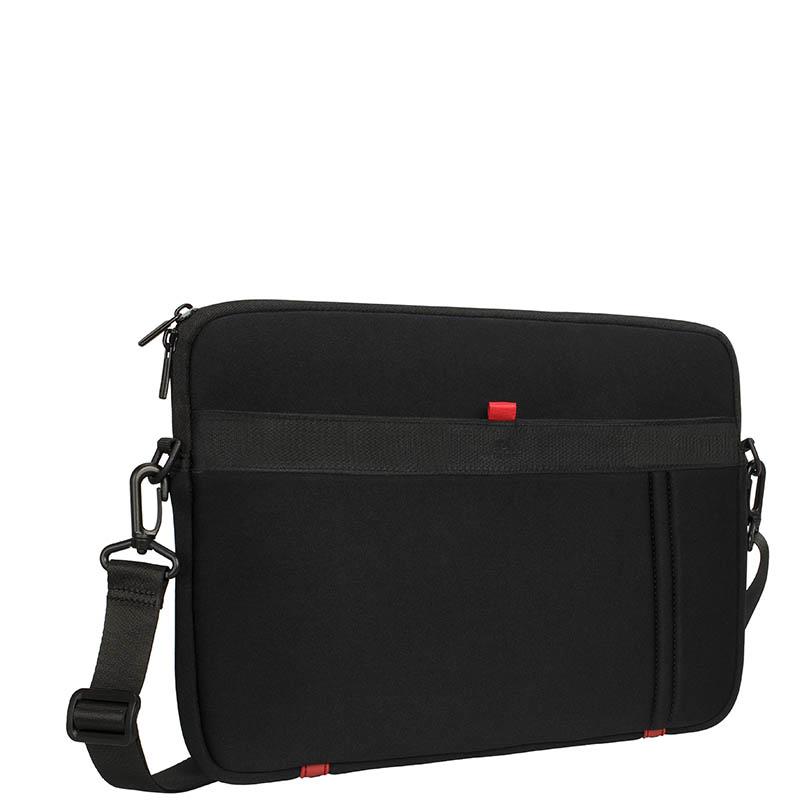

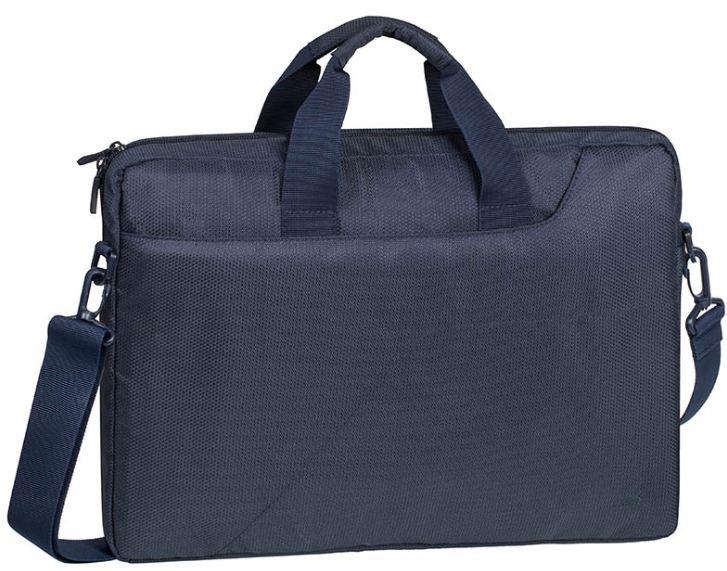
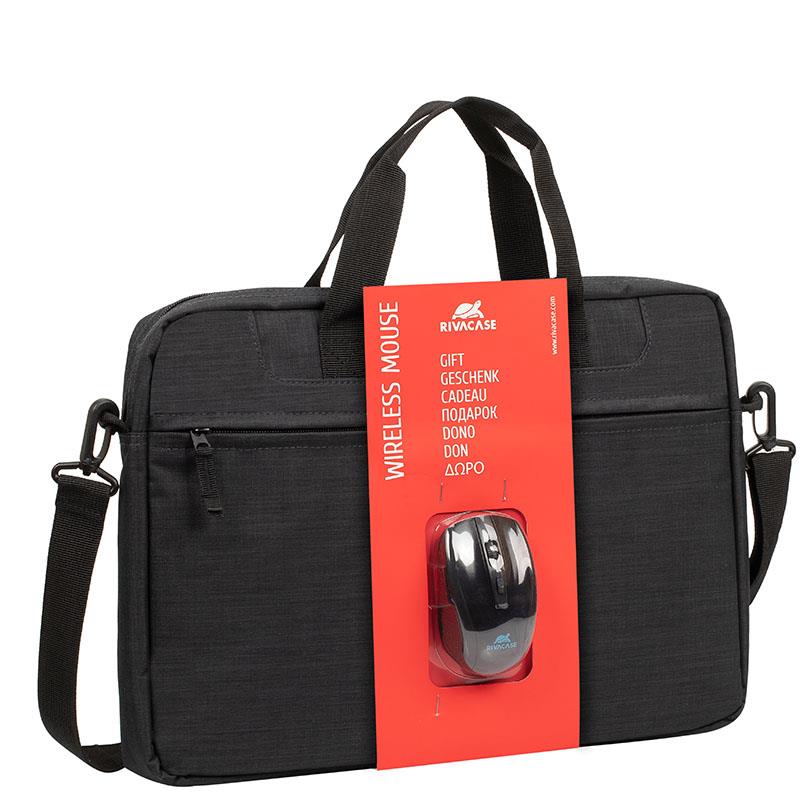
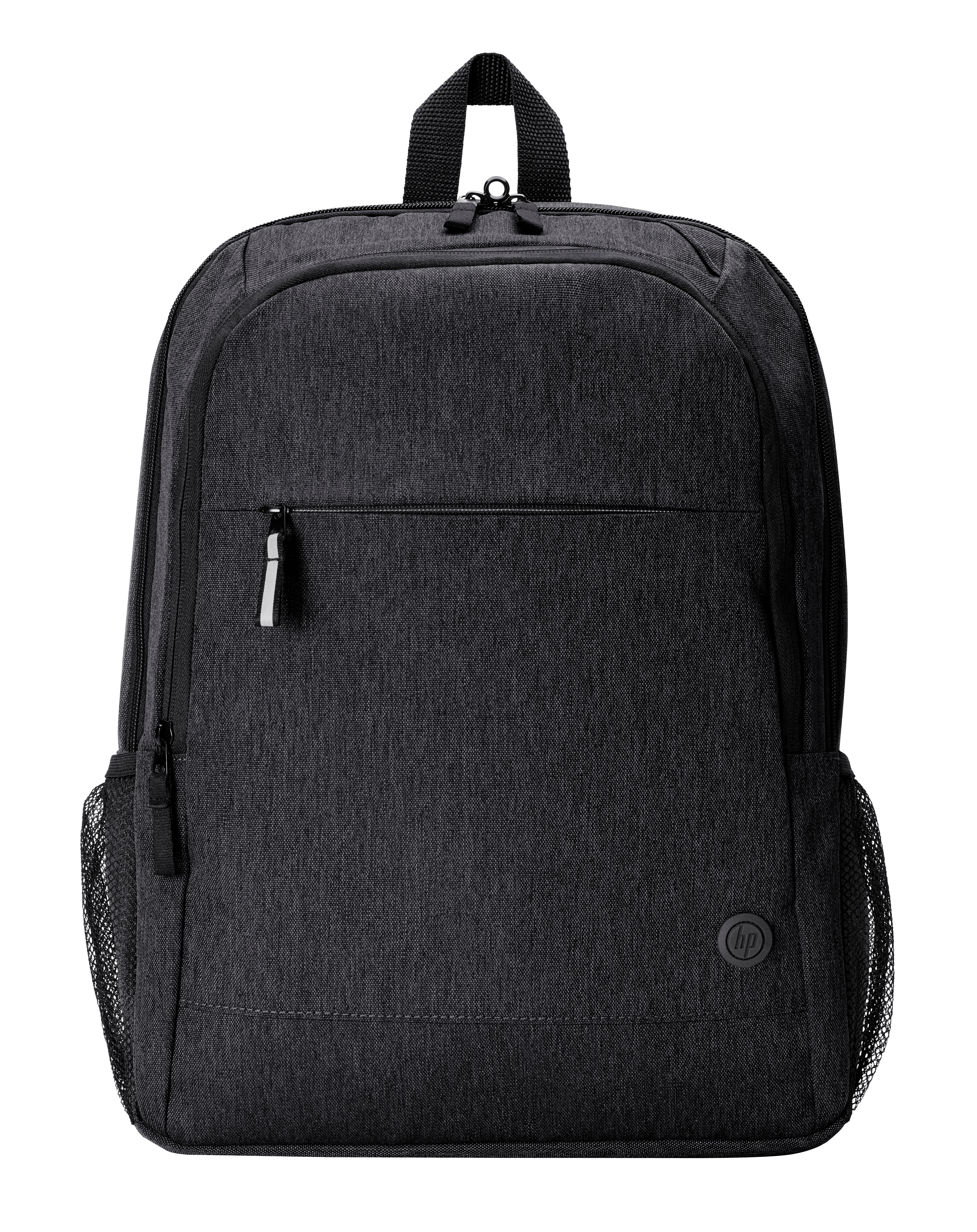


In today’s digital age, choosing the right computer is a crucial decision. It affects your work, studies, creativity and entertainment. The first and most basic question is: should you choose a portable laptop or a desktop computer? Both have clear advantages, and the best computer for you depends entirely on your needs and lifestyle. Think about where and how you’ll use your device most – that’s the first step towards finding the ideal solution.
A laptop is the symbol of a modern, mobile lifestyle. Its greatest advantage is undoubtedly portability. If you’re always on the go, work from cafés, travel or need a device for lectures, a lightweight laptop is an indispensable companion. Today’s ultrabooks and business-class models offer impressive performance and long battery life in a slim, stylish design. You no longer have to choose between portability and power. Many people looking to buy a laptop are searching for precisely that balance.
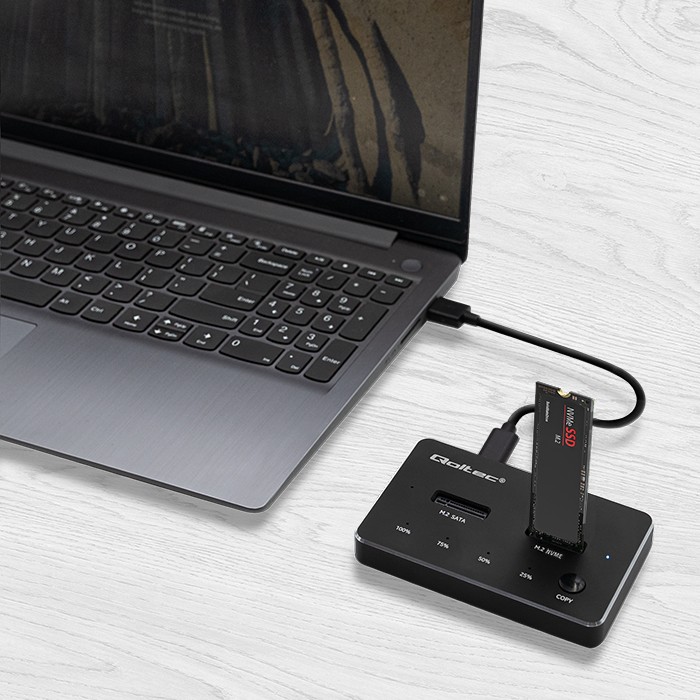
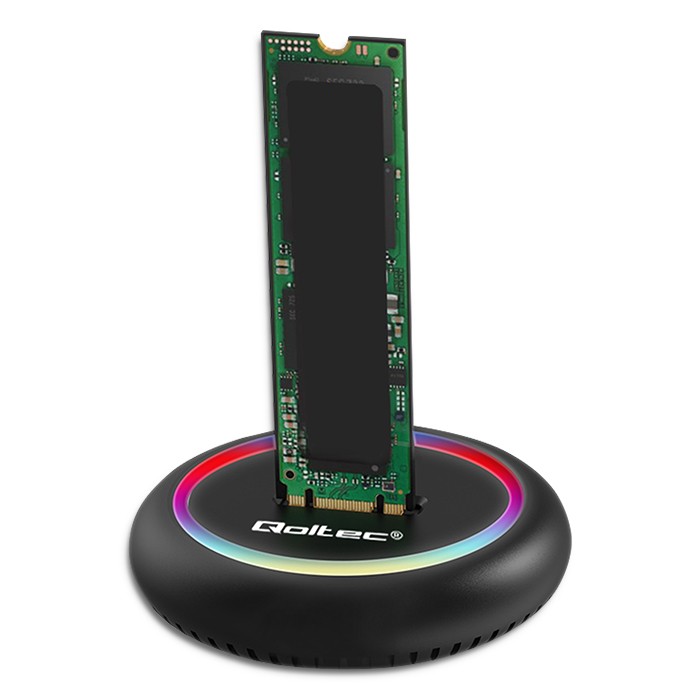
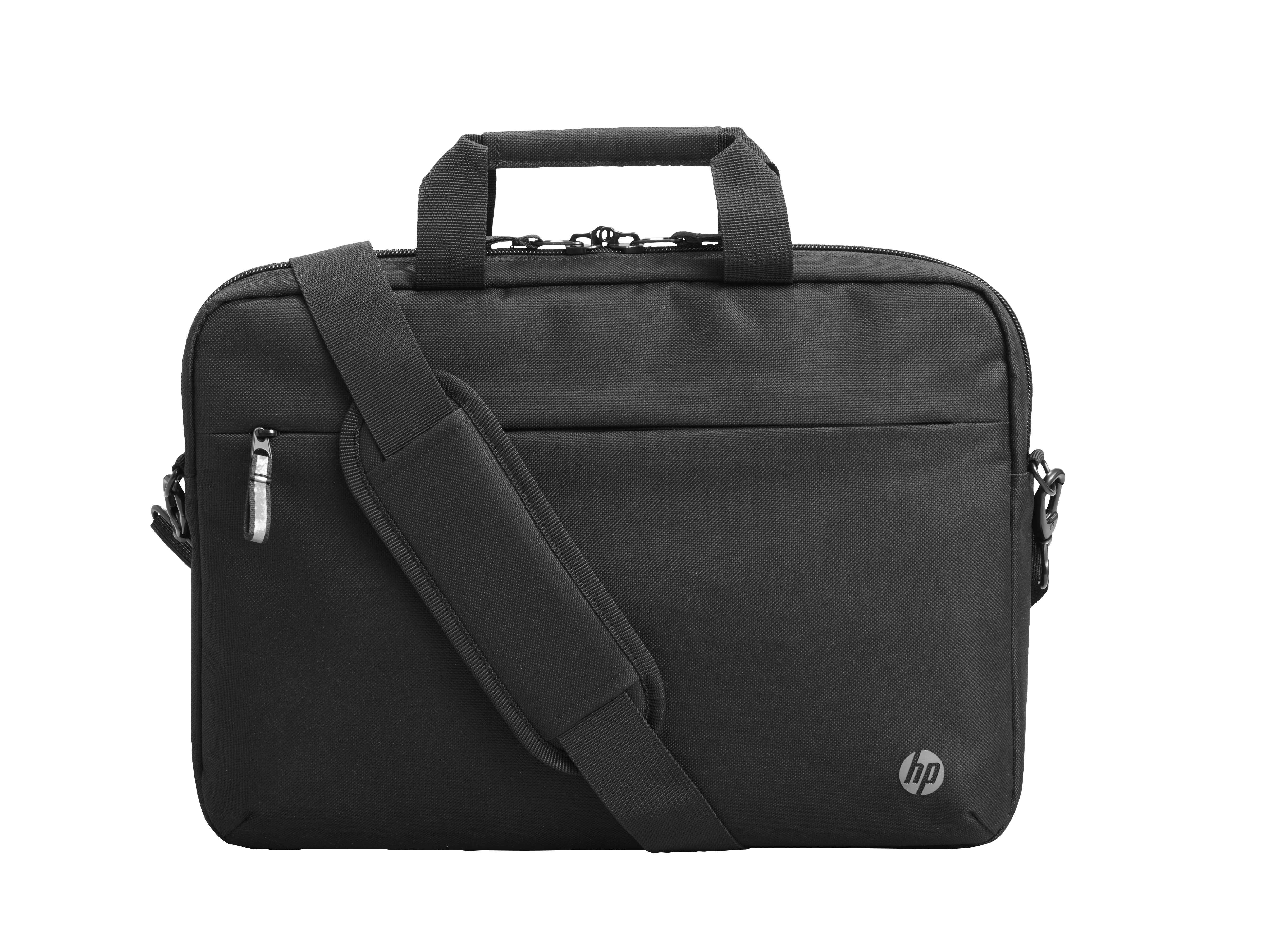
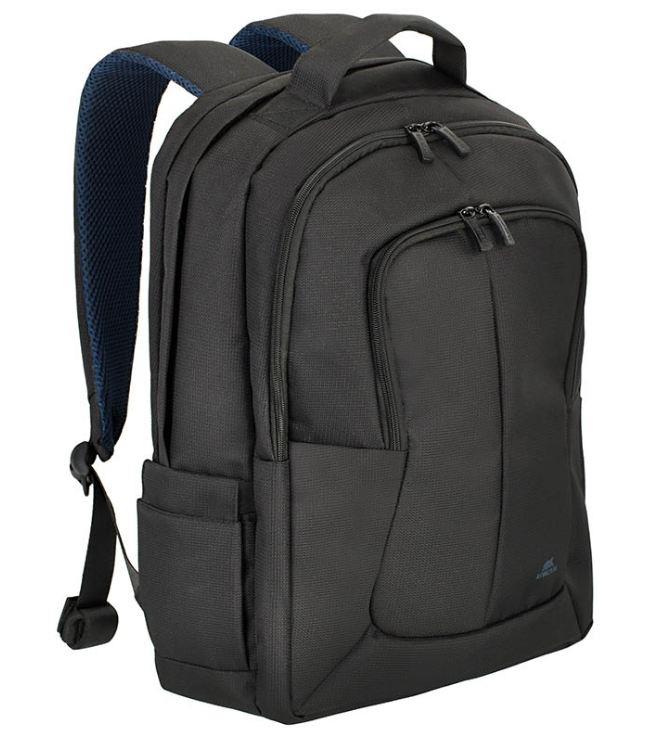
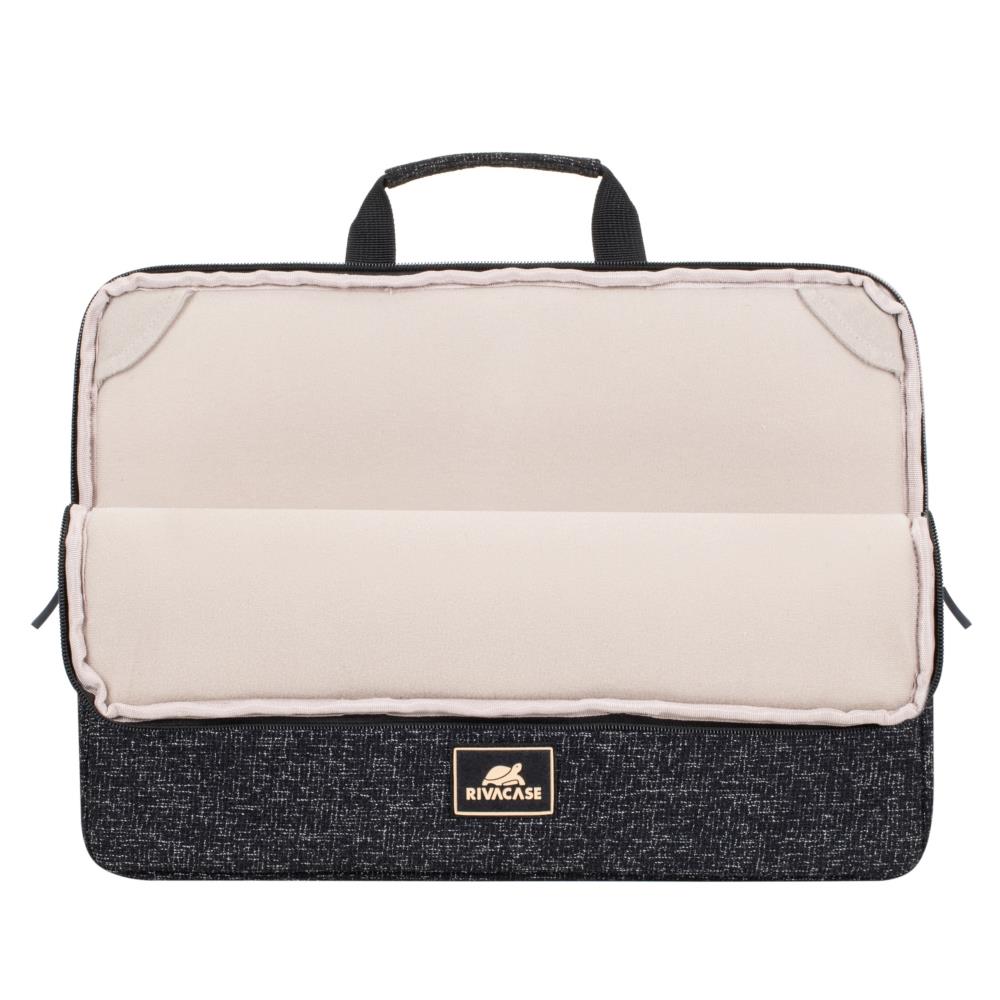
There’s a wide range to choose from: from 13-inch models that fit into any bag to machines with 17-inch screens that can replace a desktop computer. If you’re looking for a device for entertainment, consider a model with a high-quality Full HD or even 4K screen. For work, a comfortable keyboard and enough ports to connect all the laptop docking stations and other accessories you need are important. And of course, a high-quality laptop bag is an essential investment to keep your valuable device protected.
If you need uncompromising performance, a desktop computer is still king. For the same price, you can usually get a more powerful processor and graphics card than you would in a laptop. This makes a desktop computer an ideal choice for gamers, video editors, designers and anyone else whose work requires serious computing power. Desktop computer prices are often more flexible, since you can choose your own components and build a machine that meets your exact needs.
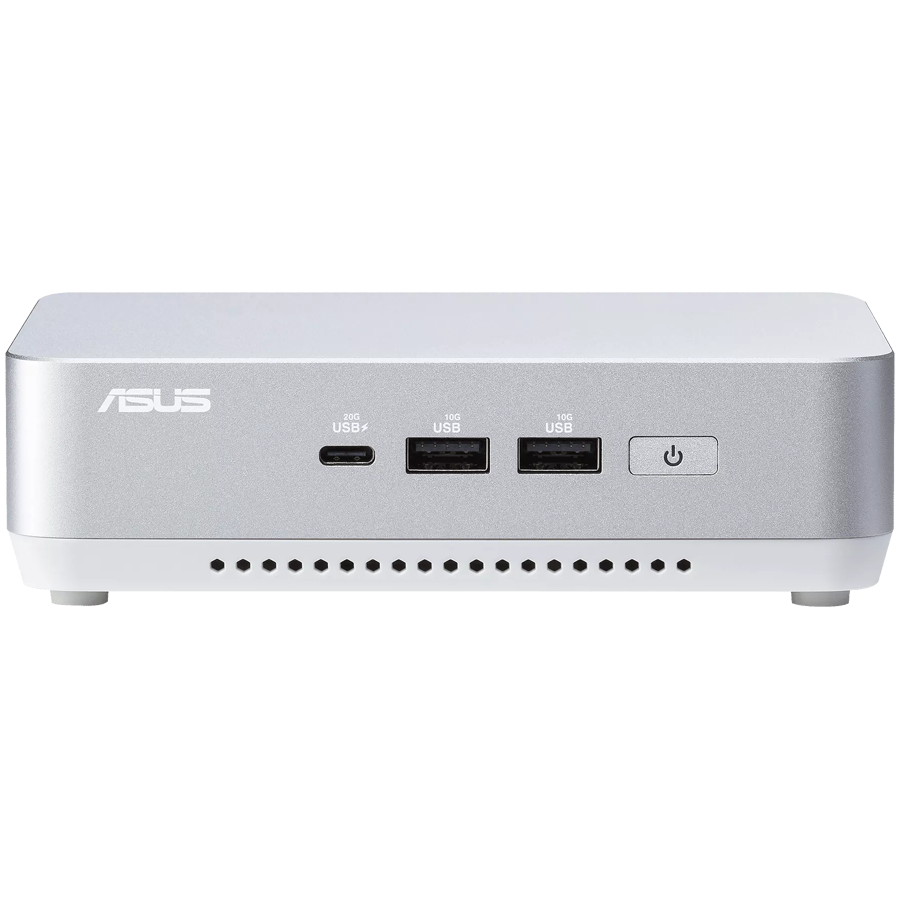
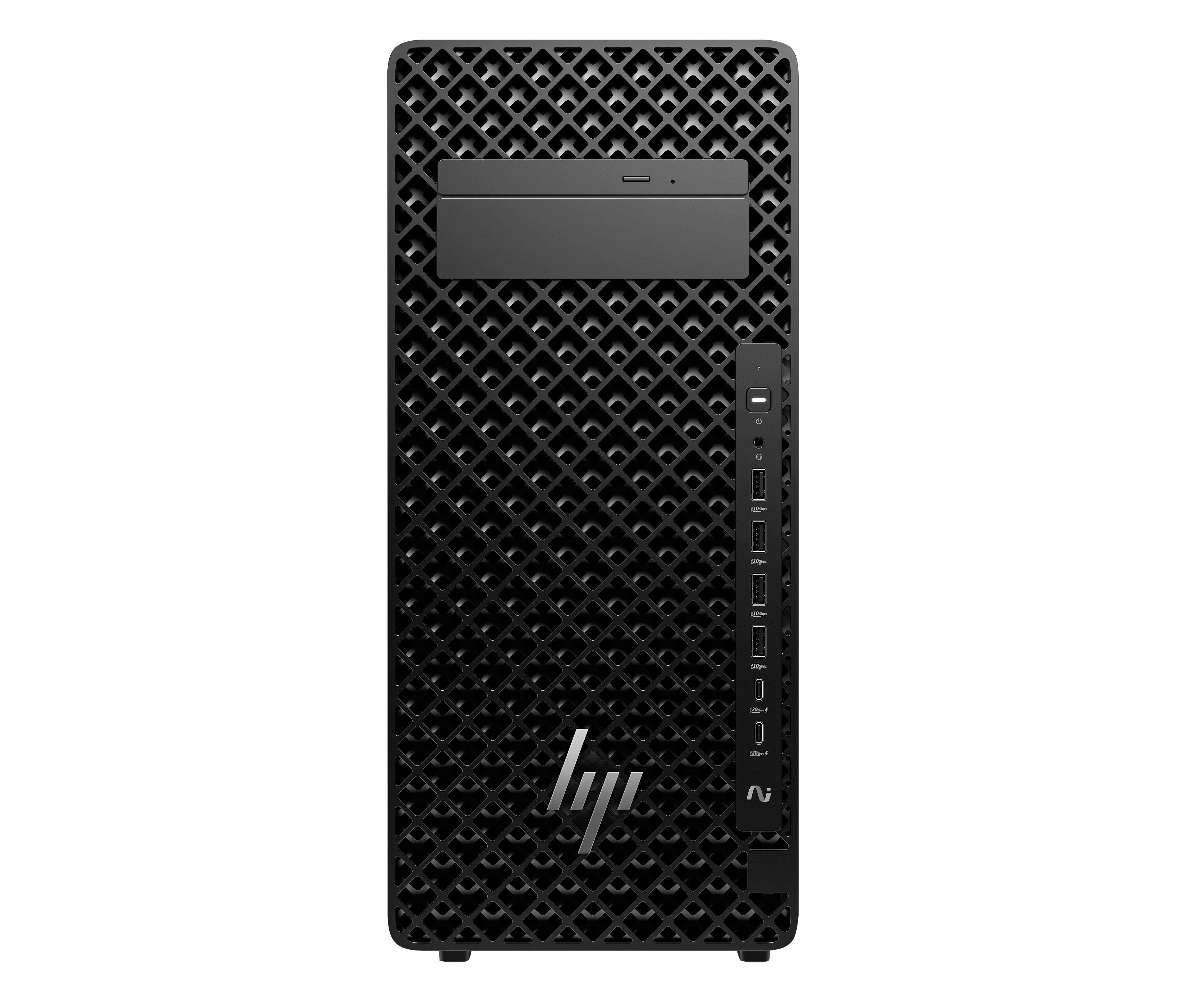
The biggest advantage of desktop computers is how easy they are to upgrade. Technology moves fast, but with a desktop you don’t need to buy an entirely new device. You can simply replace an outdated component, whether it’s the graphics card, RAM or hard drive. This makes a desktop computer a long-term, sustainable investment. In addition to traditional tower PCs, there are compact mini desktops and stylish all-in-one PCs that save space and look great in any interior.
The world of computers is full of technical terms, but understanding a few key components will help you make an informed decision. Here’s a quick overview of what a good computer should have.
The processor is the engine of a computer, determining its overall speed and responsiveness. The main manufacturers are Intel (Core i3, i5, i7, i9 series) and AMD (Ryzen 3, 5, 7, 9 series). A Core i5 or Ryzen 5 processor is perfectly adequate for everyday home use and office work. But if you work with video editing, 3D modelling or gaming, a powerful desktop with an Intel Core i7/i9 or AMD Ryzen 7/9 processor is a solid choice.
RAM is your computer’s short-term memory, which lets you keep several programs and files open at once. The more RAM you have, the more smoothly you can switch between different tasks. Today, 8 GB is the absolute minimum. For the best experience, we recommend choosing a laptop or desktop with at least 16GB of RAM. For demanding users and gamers, 32 GB or even 64 GB of RAM is becoming the standard, especially when looking for the best laptop for 2026.
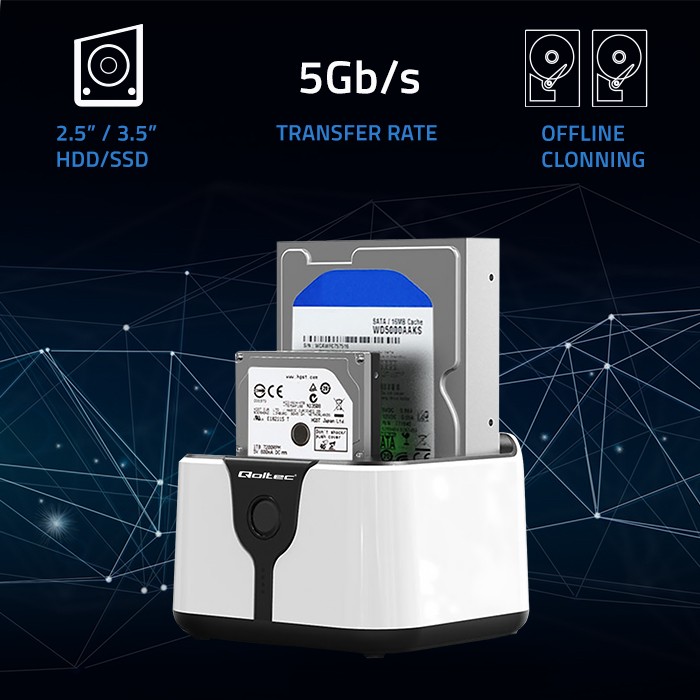
There are two main storage technologies: the traditional hard disk drive (HDD) and the lightning-fast solid-state drive (SSD). HDDs offer large capacities at a lower price, making them well suited to archiving large files such as films and photos. SSDs are many times faster, so the operating system and programs load in seconds. Often, the best solution is a combination: a fast SSD for the system and programs, plus a high-capacity HDD for storing data.
The graphics card, also known as a video card, is the component responsible for displaying images on your screen. Integrated graphics are perfectly adequate for everyday web browsing and office work. But if you’re planning to play modern games, edit videos or work in graphic design, a dedicated graphics card is essential. NVIDIA (GeForce series) and AMD (Radeon series) dominate the market. A powerful gaming laptop or desktop will always come equipped with one.
Our wide range has the right solution for you, whether you’re looking for a device for work, school or entertainment. Here are a few recommendations to help narrow down your choices and find the computer that’s right for you.
For students and home users, an affordable laptop that’s lightweight and has good battery life is often the best choice. Chromebooks and mid-range Windows laptops are great for taking notes, browsing the web and writing essays. If you prefer a desktop setup, a compact all-in-one PC or an affordable desktop computer is a good choice that doesn’t take up much space. Above all, a student computer should be reliable and last through a full school day.
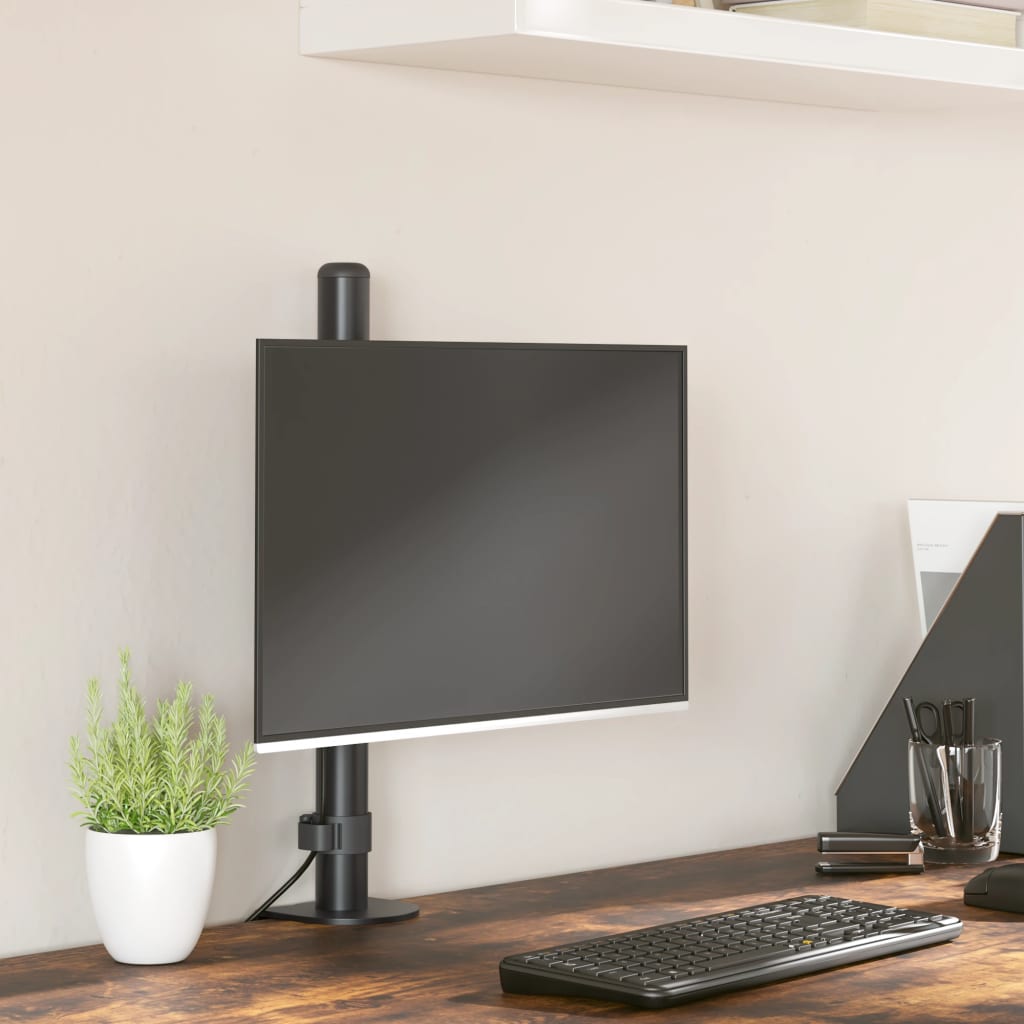
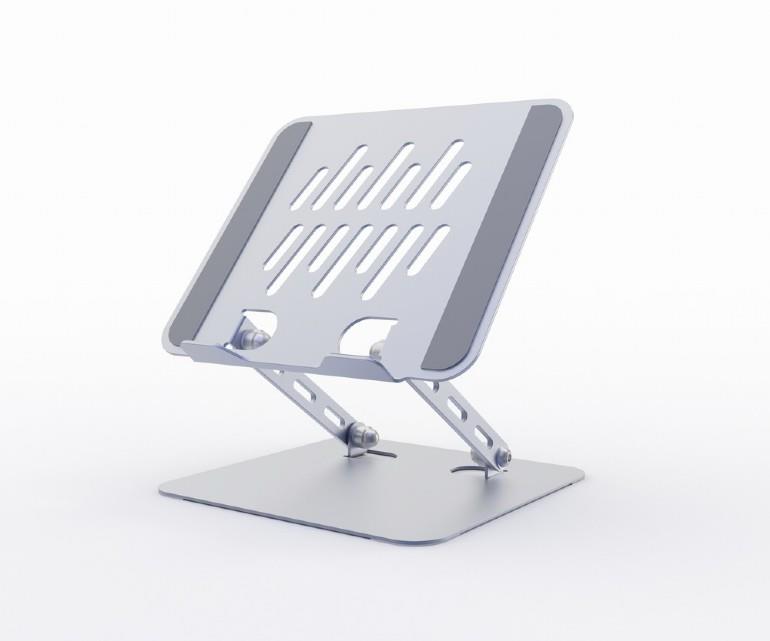
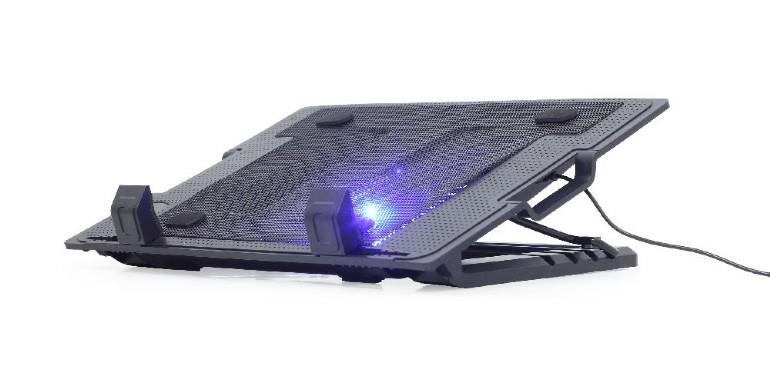
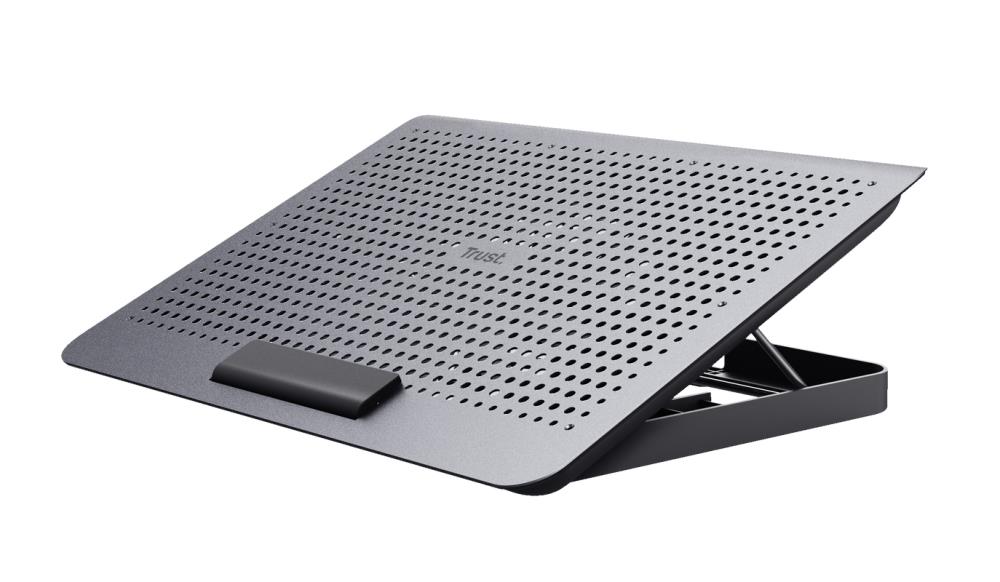
Performance, security and reliability are important for professionals. A business-class laptop, such as a Lenovo ThinkPad or Dell Latitude, offers a durable casing, an excellent keyboard and advanced security features. If your work requires maximum performance, an office desktop computer with multiple monitors is the best way to boost productivity. Don’t forget ergonomics – investing in workspace ergonomics, such as adjustable computer stands, is well worth it.
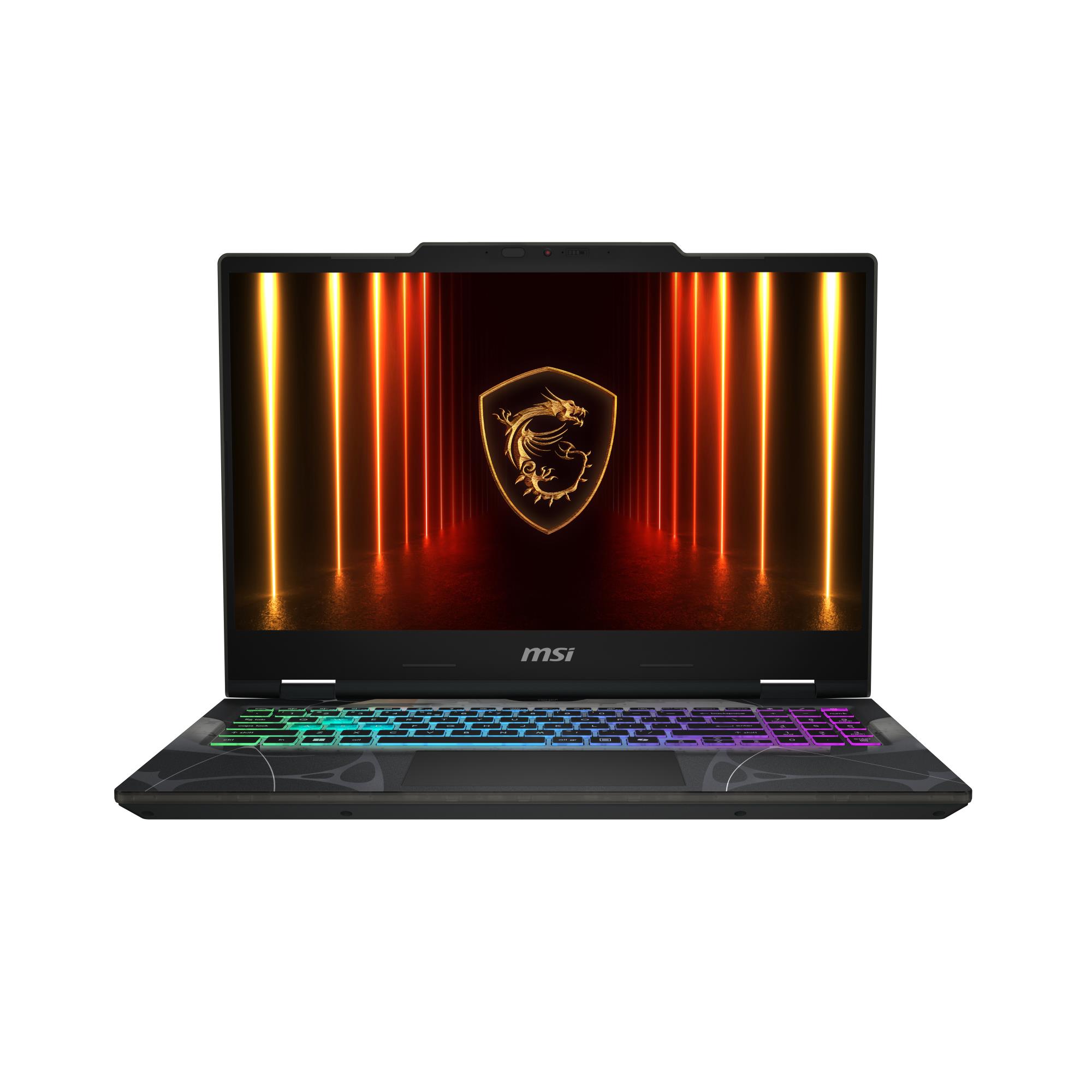
Performance is the top priority for gamers. A gaming computer, whether a laptop or desktop, needs a powerful processor, a top-of-the-line graphics card and plenty of RAM. A high refresh rate screen (120Hz or more) ensures a smooth gaming experience. A gaming desktop offers the best value for money and lets you upgrade components in the future. The ZAZA.ee computer store offers a wide range, so you’re sure to find the right machine.
Our goal is to make buying the right computer easy and convenient. We offer a wide range of devices for every need and budget, from affordable models to high-end machines. It’s easy to buy a computer online from us, and detailed specifications on every product help you make the right choice.
| Question | Answer |
|---|---|
| How much RAM do I need in 2026? | Although 8 GB is currently the minimum, we recommend looking at models with at least 16 GB of RAM to future-proof your purchase. This will ensure smooth performance for years to come as software becomes more demanding. For demanding users, 32 GB is a reliable choice. |
| Is integrated graphics enough? | Yes, modern integrated graphics are perfectly adequate for office work, web browsing, watching films and playing less demanding games. But if you plan to play the latest games or do professional video editing, a dedicated graphics card is essential. |
| What’s the difference between an SSD and an HDD? | An SSD (solid-state drive) is considerably faster than an HDD (hard disk drive). This means your computer starts up faster and programs open instantly. An HDD offers more storage at a lower price, though. Often, the best solution is a combination of the two. |
| How do I choose a laptop battery life? | Think about how long you need to be away from a power outlet each day. Manufacturers list battery life in hours (e.g. 'up to 10 hours'), but actual battery life depends on how intensively you use the device. If you’re always on the go, choose a model with at least 8-10 hours of battery life. |