



For private customers
At checkout, product prices are automatically adjusted according to the VAT rate in your delivery country.

SKU: 1430318
EAN: 4711377225021
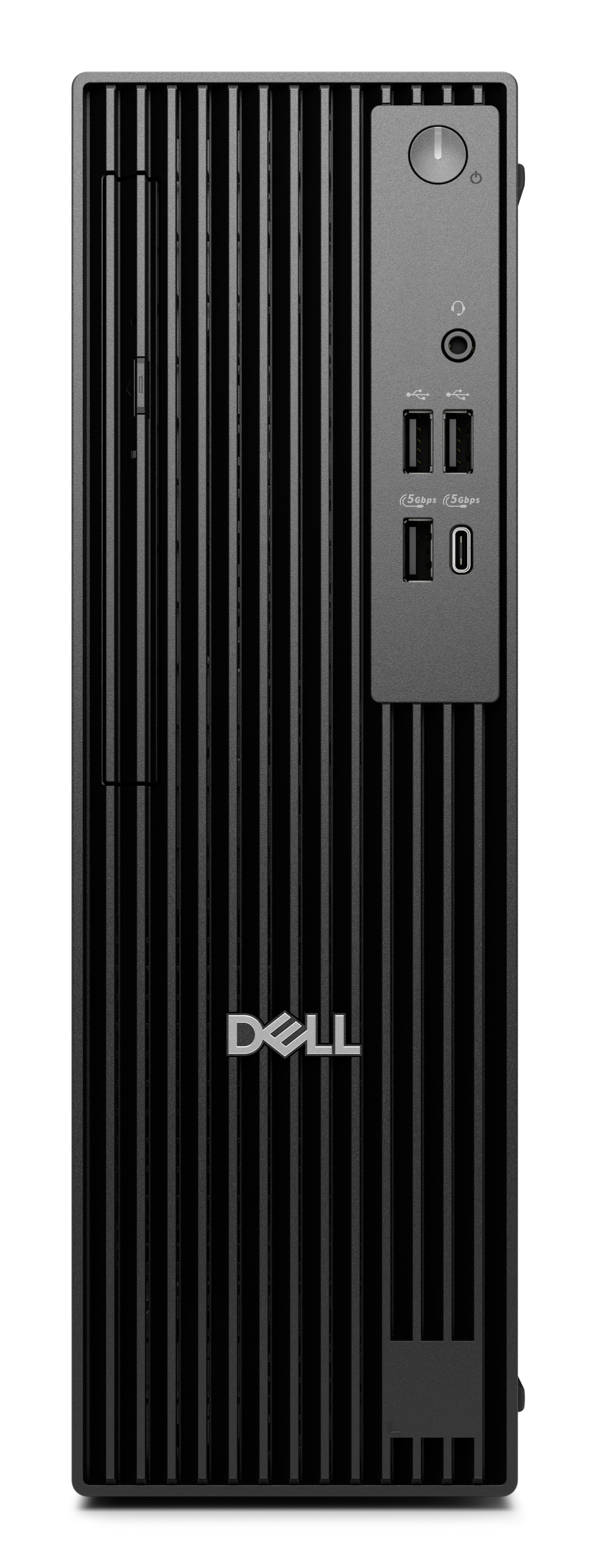
SKU: BTO003_QCS1250_EMEA_NoKb
EAN: 3707815160635
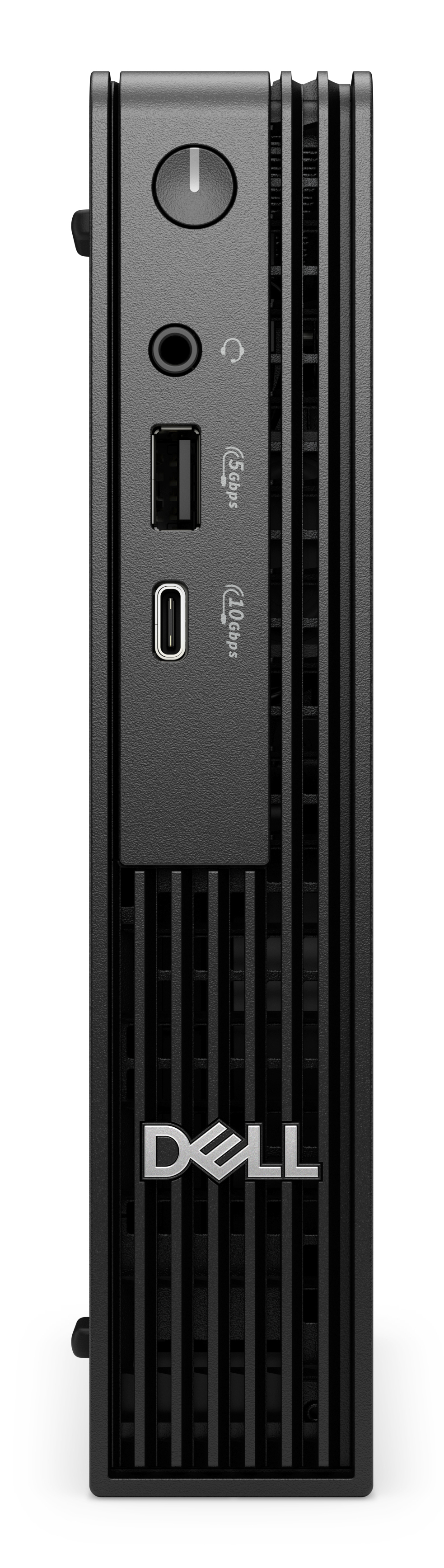
SKU: BTO106_QCM1250_EMEA_NoKb
EAN: 3707815115901
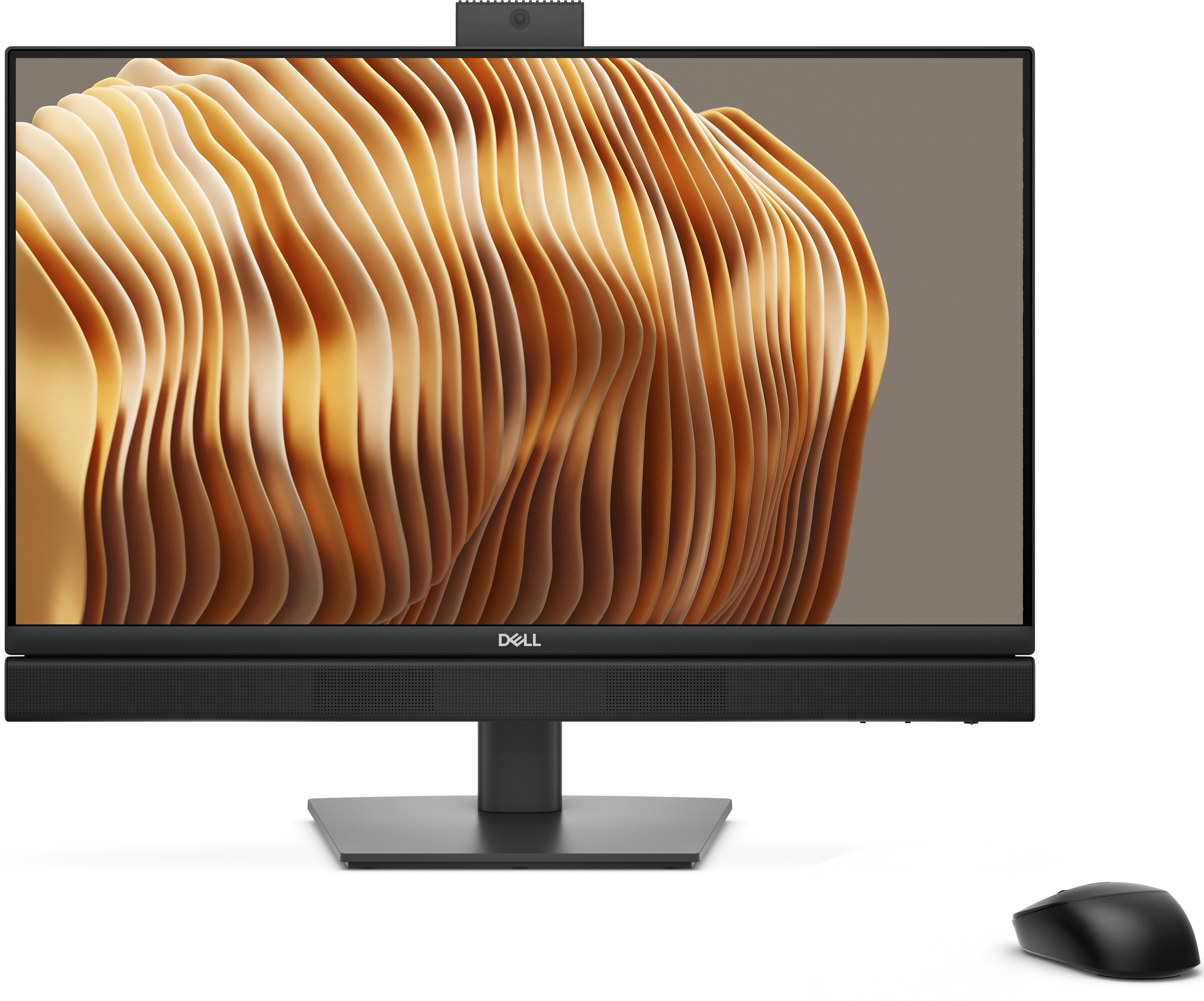
SKU: BTO103_QC24251_EMEA_NoKb
EAN: 3707815115888

SKU: 1462667
EAN: 4711636621571
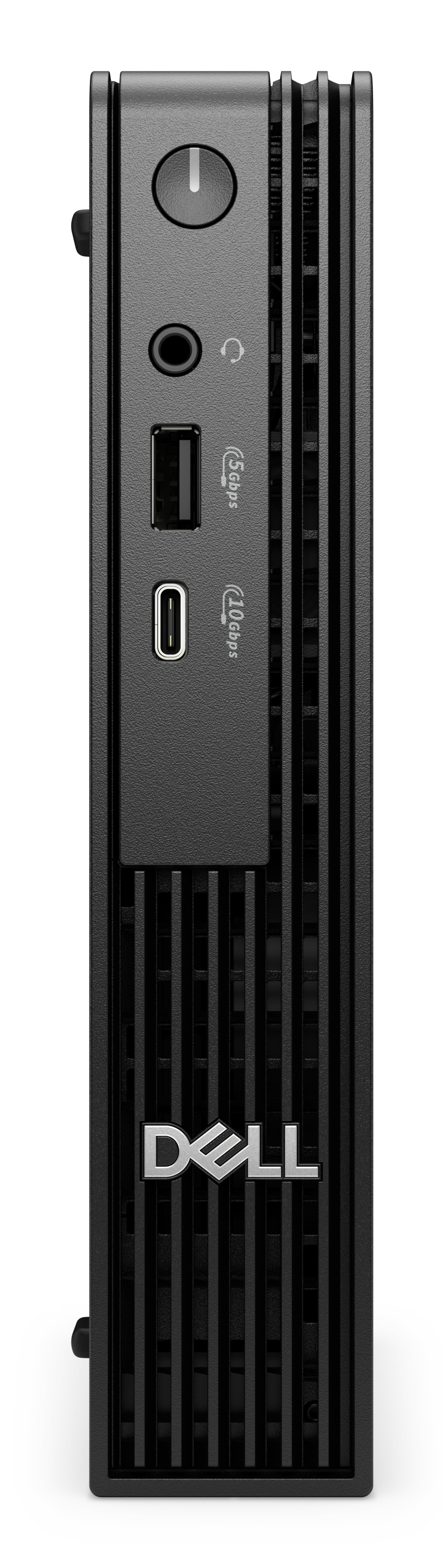
SKU: BTO003_QCM1250_EMEA_NoKb
EAN: 3707815106367
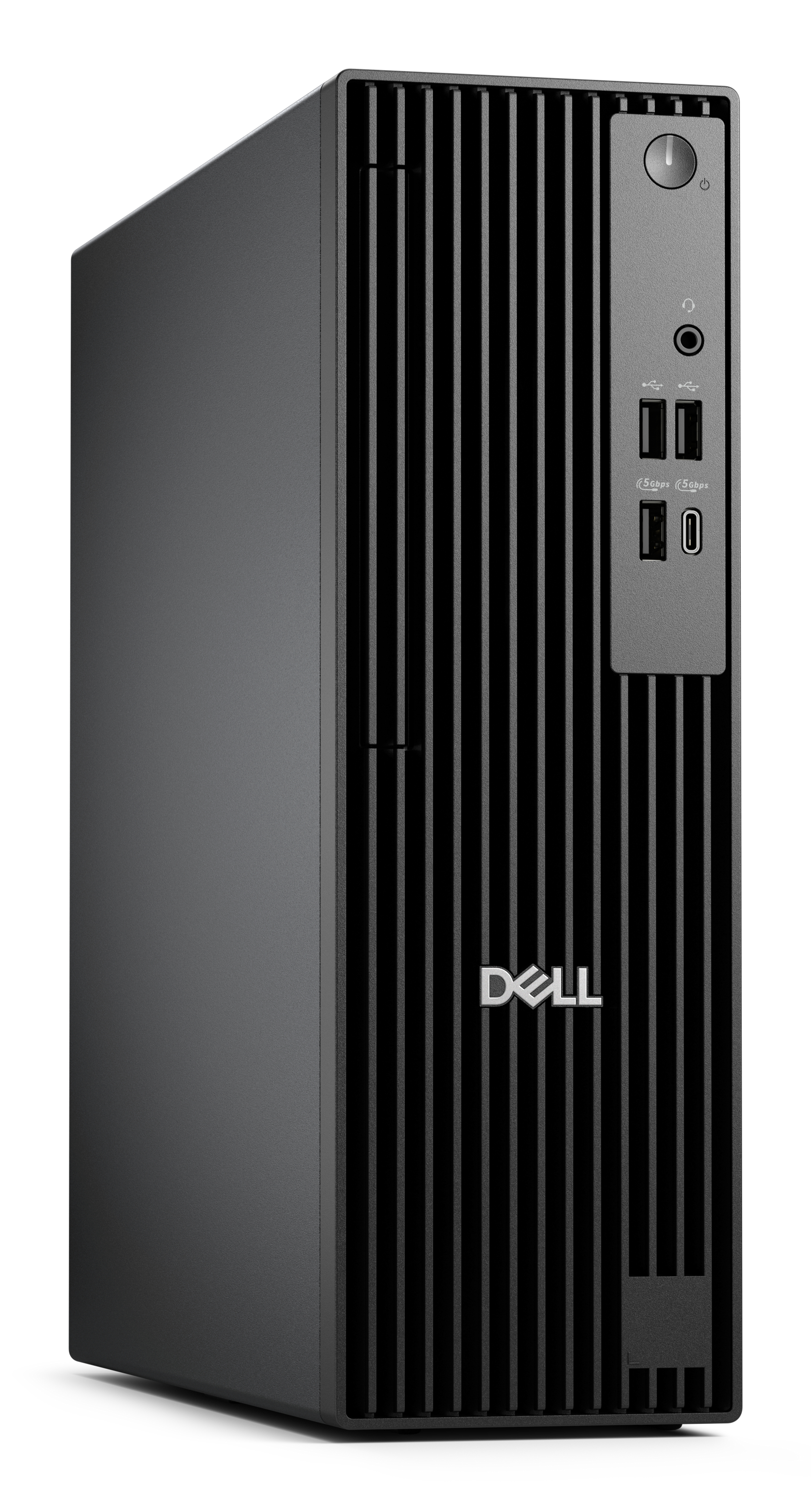
SKU: BTO107_QCS1250_EMEA_NoKb
EAN: 3707815131444
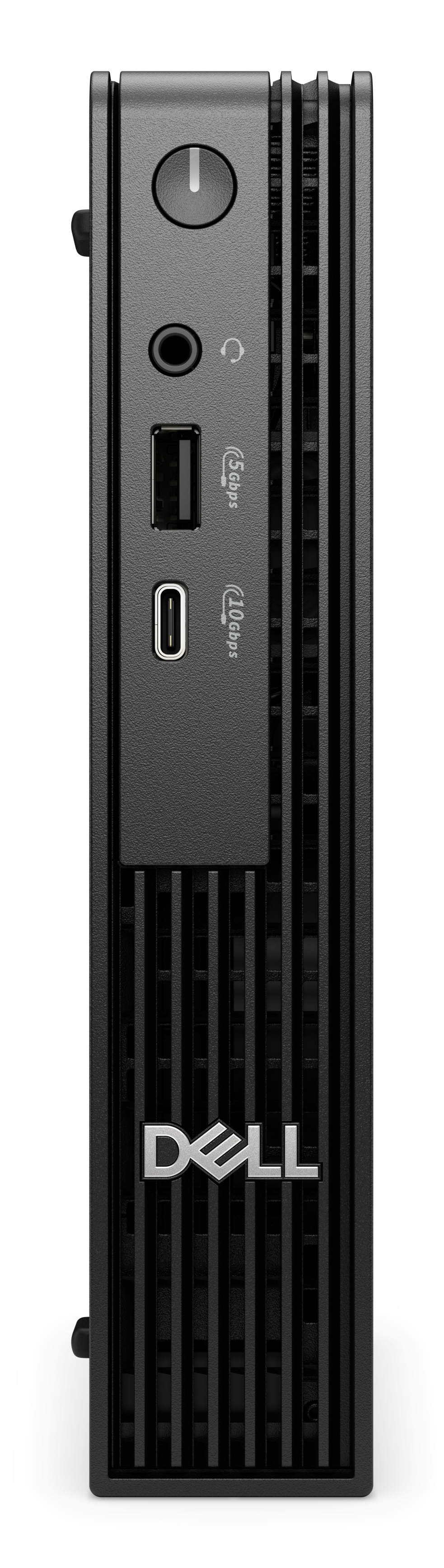
SKU: BTO102_QCM1250_EMEA_NoKb
EAN: 3707815115895

SKU: 1430321
EAN: 4711377180351
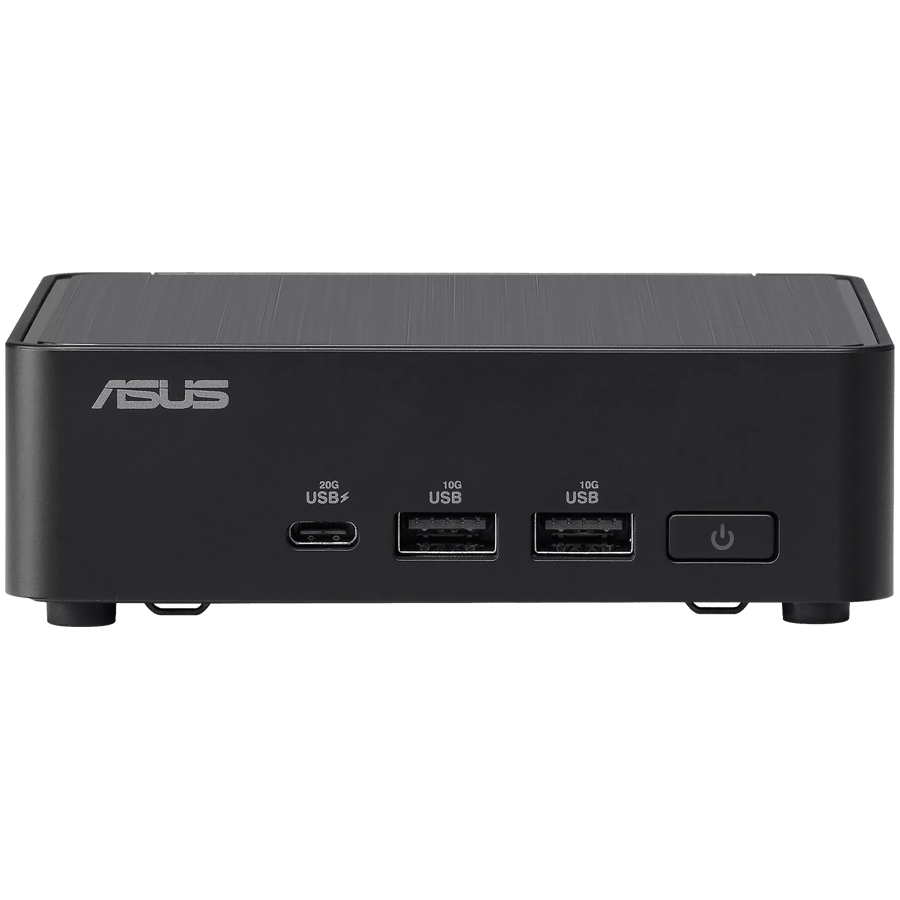
SKU: 90AR0062-M00040
EAN: 4711387492260
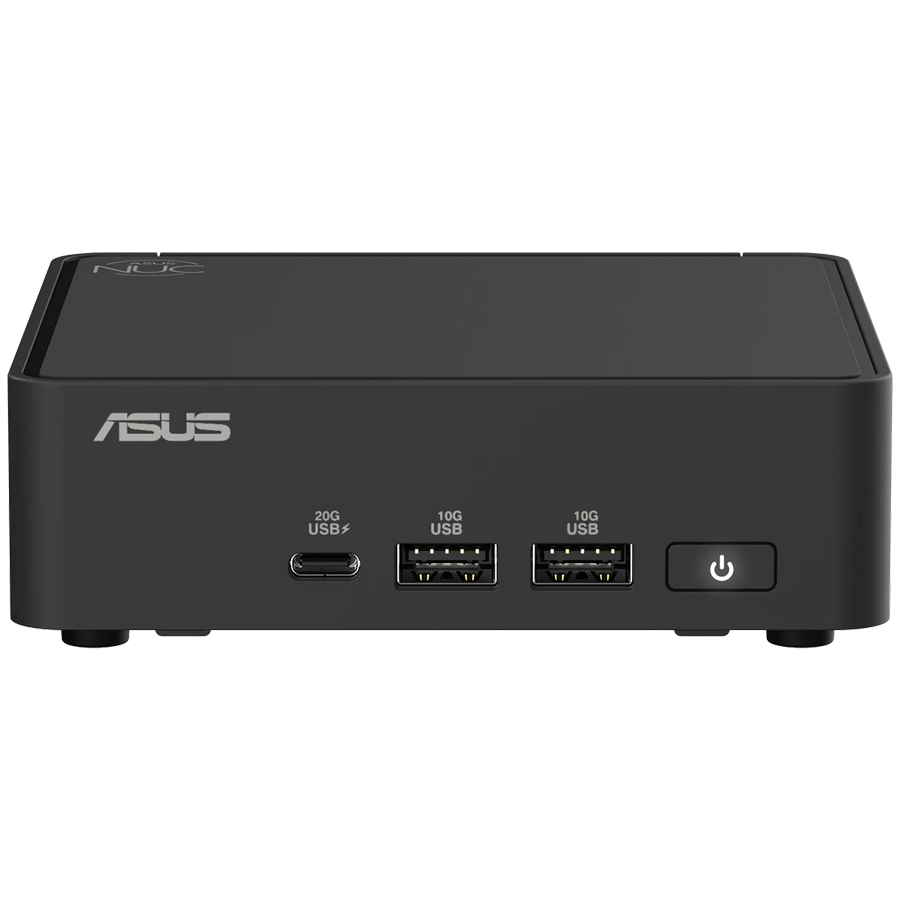
SKU: 90AR00R2-M00080
EAN: 4711387949856
SKU: 90AR00P3-M00040
EAN: 4711387950241

SKU: A0YZ9EAR#ABU
EAN: —
SKU: 90AR0051-M000A0
EAN: 4711387496725

SKU: 90AR00Q2-M000A0
EAN: 4711387950005
SKU: 90AR00R2-M00090
EAN: 4711387949863
SKU: 90AR00Q2-M00050
EAN: 4711387949955
SKU: 90AR0072-M000P0
EAN: 4711387491584
A desktop computer is more than just a piece of technology; it's an investment in productivity, entertainment and creativity. Unlike laptops, desktop computers offer almost unlimited upgrade and customisation options, letting you build exactly the machine you need. Our online store offers a wide range of ready-made solutions, from affordable home models to professional workstations designed for the most demanding tasks. If you're looking for a great deal, our desktop computer offers are just what you need.
Choosing the right desktop computer may seem complicated, but it really comes down to understanding your needs and goals. Think about what you'll mainly use the computer for, then take a closer look at its components. This will help you find the best desktop computer to serve you for years to come.
The first step is to determine what you'll primarily use the computer for. This will help you decide which components to prioritise and where you can save money. Making an informed choice means you won't pay extra for features you don't need.
| User type | Main activities | Key components |
|---|---|---|
| Gamer | Playing the latest video games at high settings, streaming | Powerful graphics card (GPU), fast processor (CPU), at least 16GB RAM |
| Office worker / Student | Web browsing, email, word processing, video calls | Fast SSD, sufficient RAM (8-16GB), reliability |
| Professional / Creative | Video editing, 3D modelling, graphic design, programming | Multi-core processor, plenty of RAM (32GB+), professional graphics card, fast NVMe SSD |
The processor is the computer's central component and performs most of its calculations. The main manufacturers are Intel (Core i3, i5, i7, i9 series) and AMD (Ryzen 3, 5, 7, 9 series). A Core i3 or Ryzen 3 series processor is more than enough for everyday use. For more demanding work and gaming, consider at least a Core i5 or Ryzen 5. Professionals working with video editing or large datasets should consider Core i7/i9 or Ryzen 7/9 series processors.
A graphics card is essential for gamers and professionals working in graphic design. It processes and outputs images to the screen. Integrated graphics are usually sufficient for office work and web browsing. Gaming, however, requires a dedicated graphics card, with NVIDIA (GeForce series) and AMD (Radeon series) as the main manufacturers. The more powerful the graphics card, the more smoothly you can play games at higher resolutions.
RAM is the computer's short-term memory, where actively used programs and data are stored. The more RAM you have, the more applications you can keep open at once without slowing down your computer. In 2026, 8GB is the minimum, but 16GB RAM is recommended for comfortable use and gaming. Professionals and serious gamers should consider 32GB or more.
A fast SSD (Solid State Drive) has become the standard. Compared with an older HDD (Hard Disk Drive), it loads the operating system and programs many times faster. The ideal solution is often a combination: a smaller (e.g. 512GB), ultra-fast NVMe SSD for the operating system and essential programs, plus a larger (e.g. 1-2TB) HDD for storing data, films and photos.
Along with the internal components, it's important to choose the right case type. Your choice depends on the space you have, your aesthetic preferences and your plans for future upgrades.
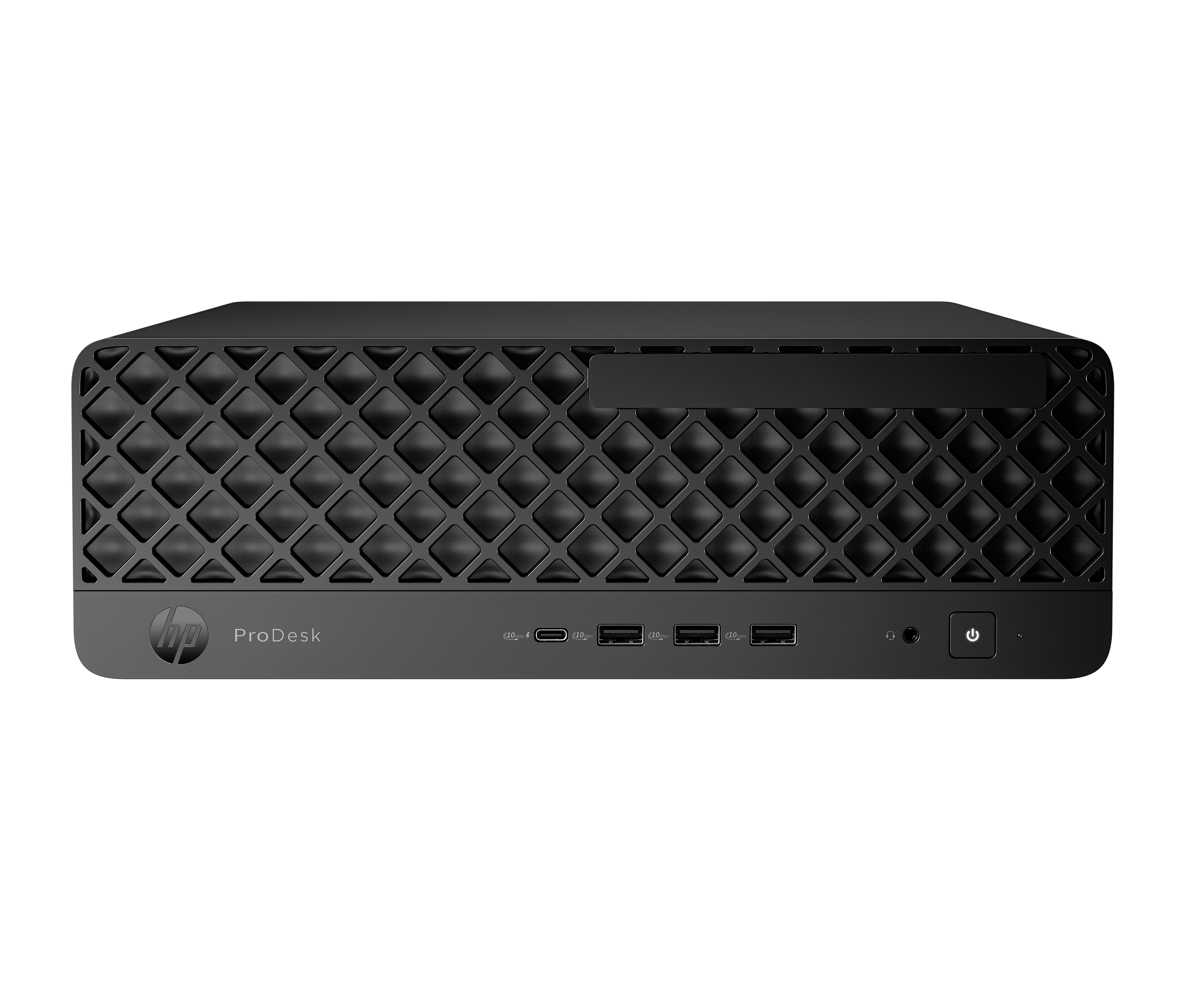
The most common type of desktop computer. Tower cases offer the most room for components and the best cooling options. They're ideal for gamers and enthusiasts who want to upgrade their computer themselves in the future, for example by adding a more powerful graphics card or extra drives. For reliable operation, it's also important to choose a high-quality computer power supply.
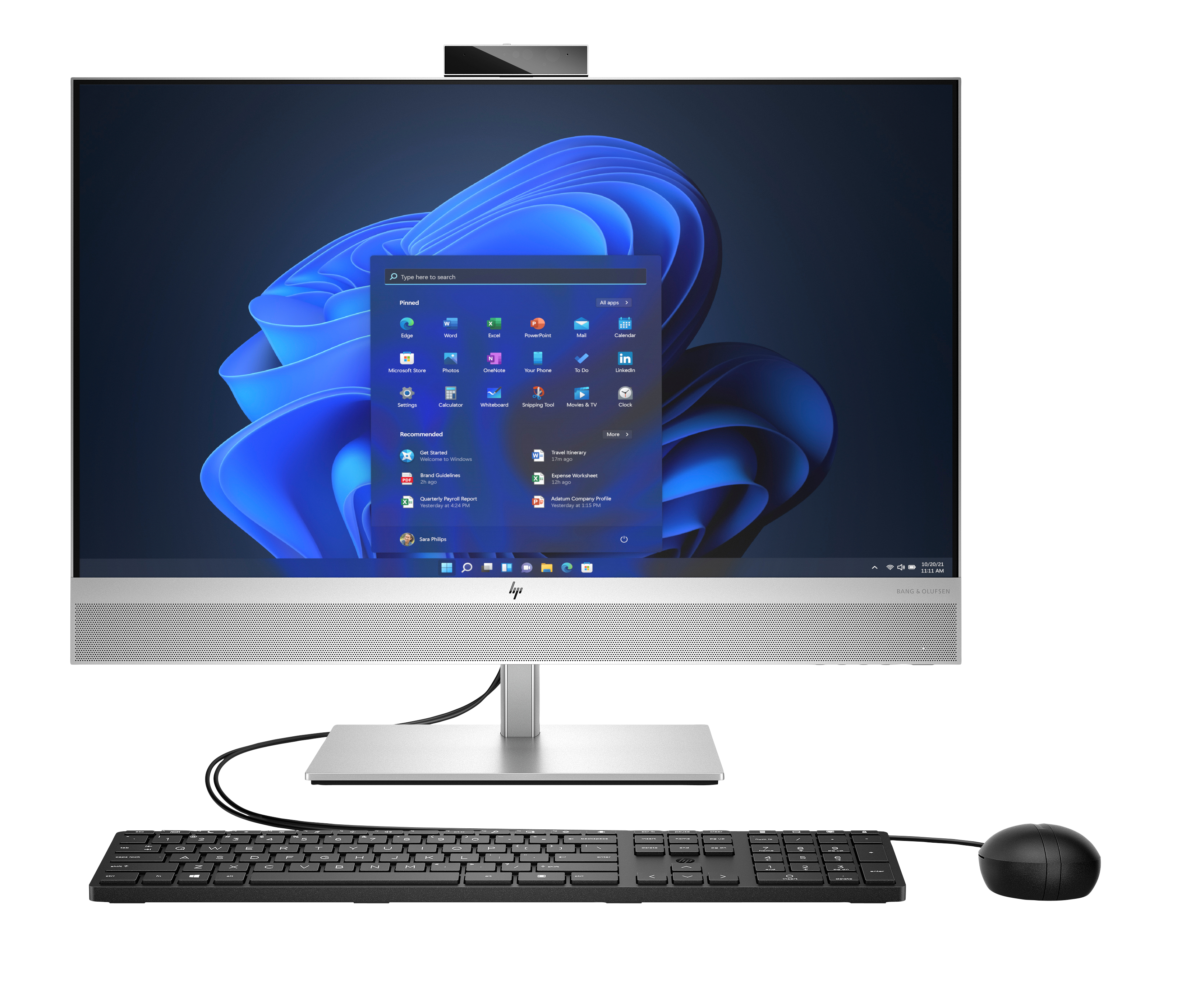
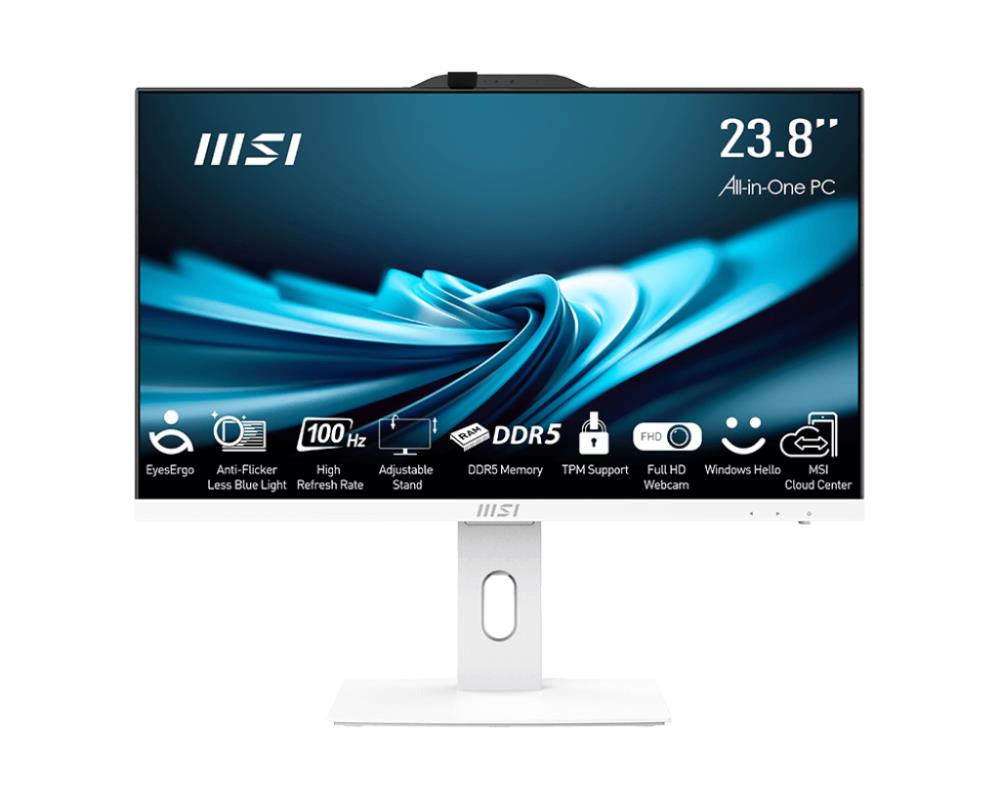
As the name suggests, all-in-one computers have the entire system integrated into the monitor's casing. This elegant, space-saving solution is ideal for an office or living room. There are fewer cables, but upgrade options are limited.
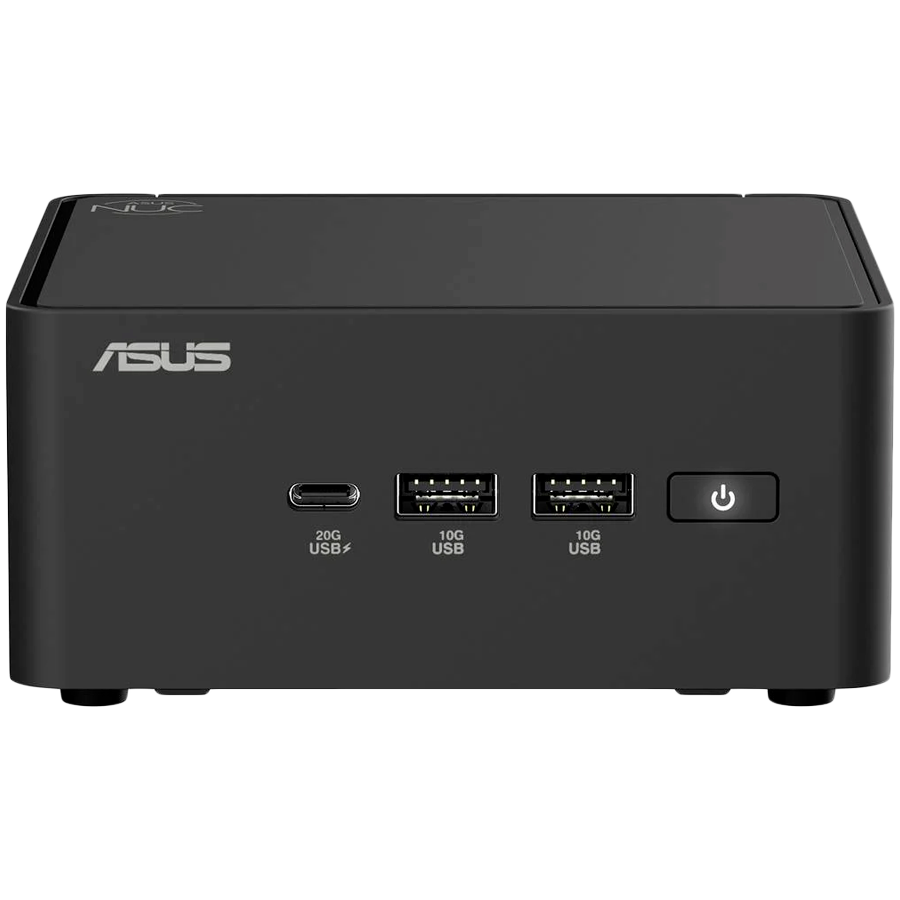
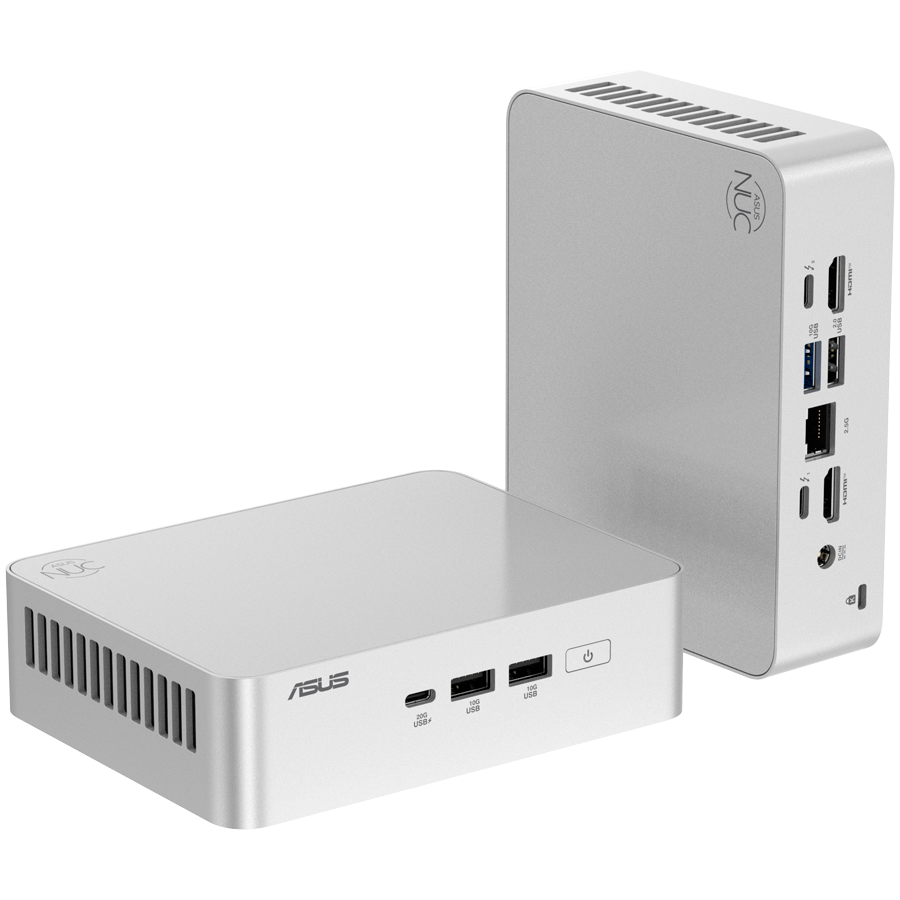
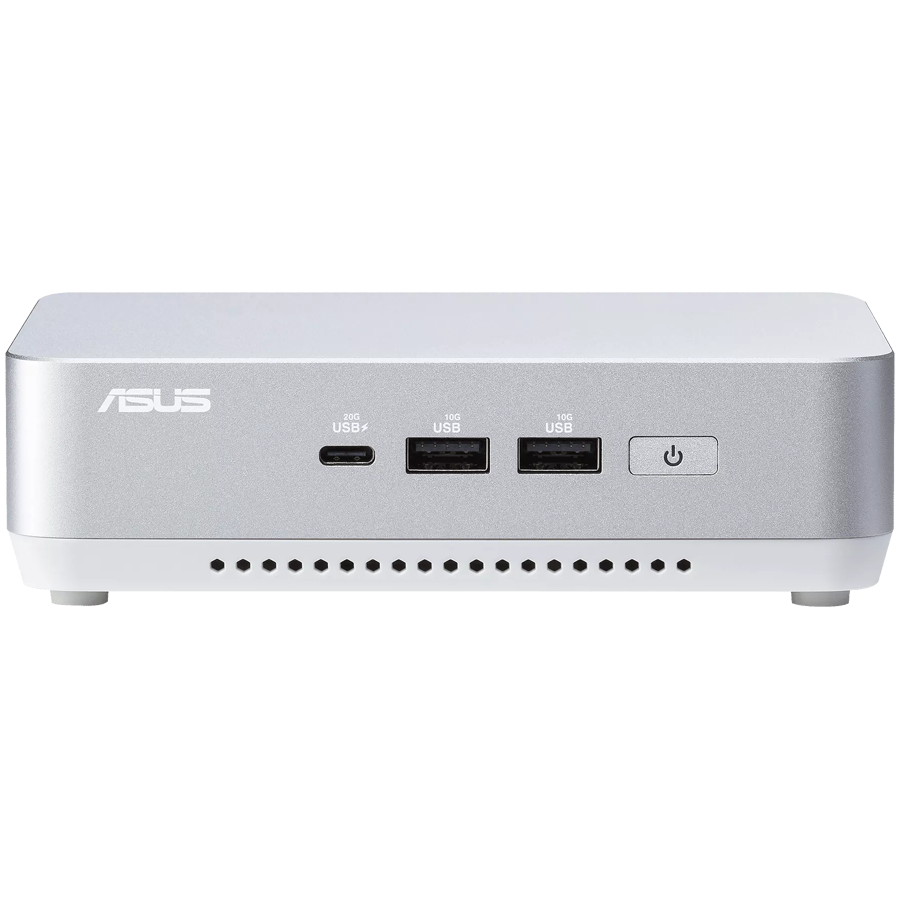
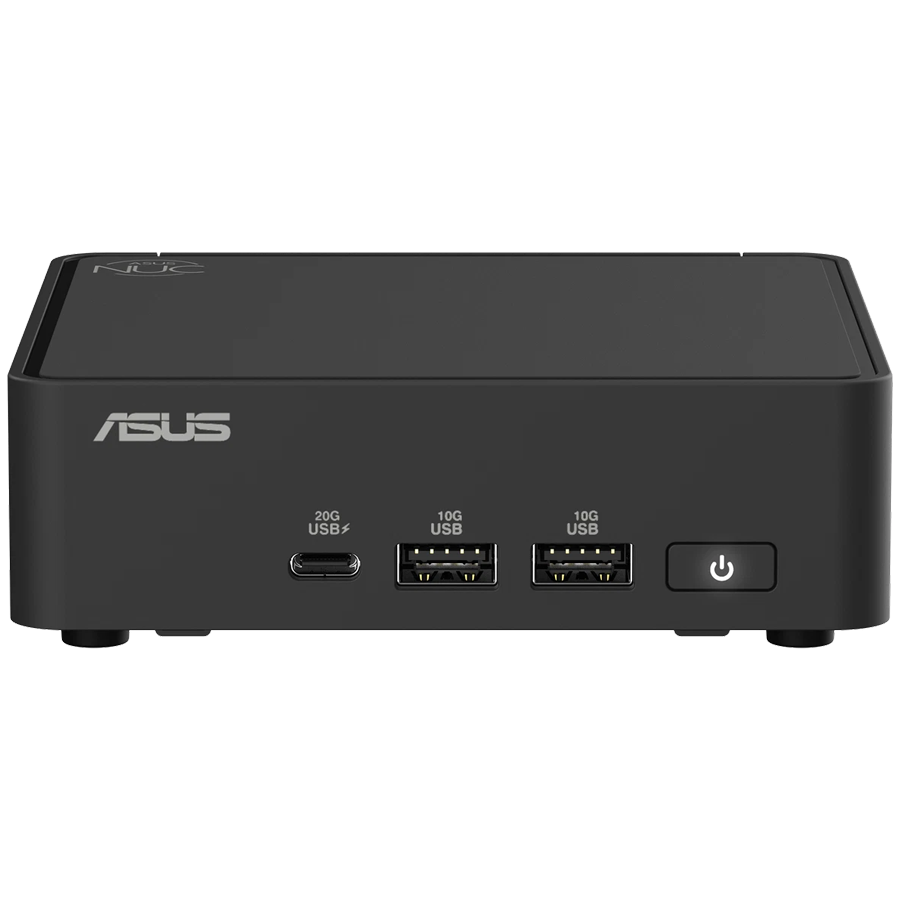
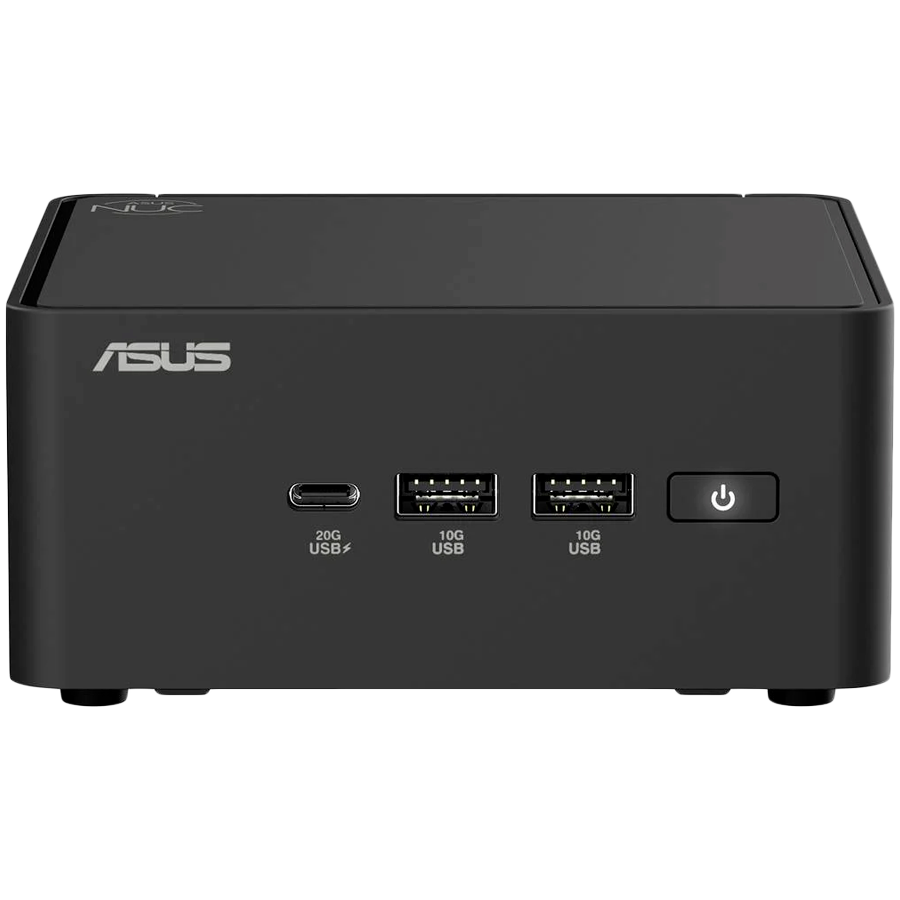
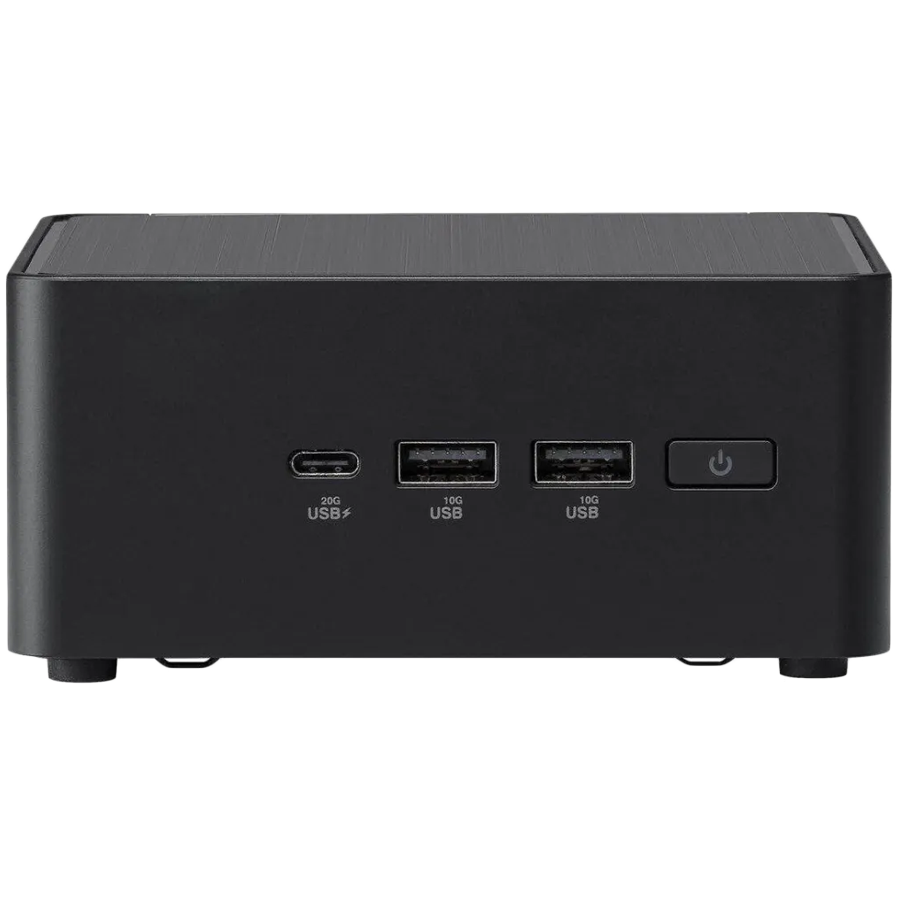
Mini PCs are surprisingly powerful given their compact size. They're ideal as a media centre next to your TV, a basic office computer or for situations where space is very limited. Although their cooling and expandability are limited, their convenience and low power consumption are major advantages.
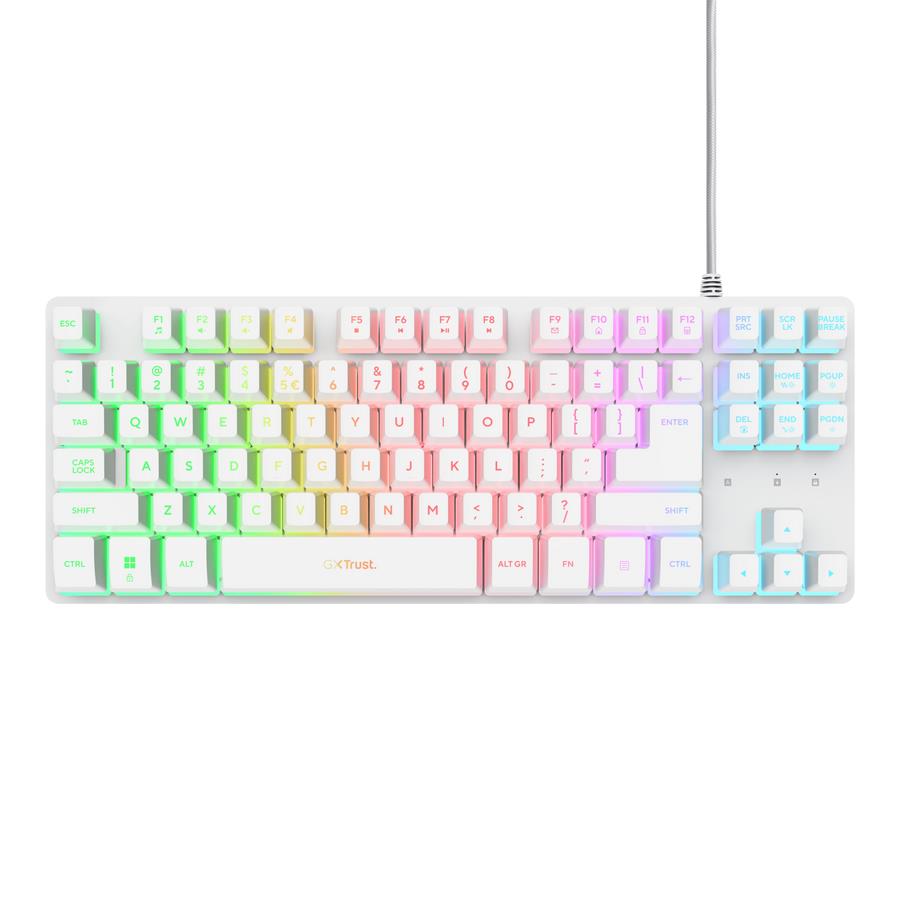
A desktop computer is only half the battle. To create a truly comfortable and productive setup, you'll also need quality accessories. Ordering online is convenient, as you can compare different products at your own pace and find the solution that suits you best.
We understand that buying a desktop computer is an important decision. That's why we're committed to offering not only a wide range of products, but also reliable service and the best terms in Estonia. Ordering a desktop computer from our online store is easy, safe and fast.
| Question | Answer |
|---|---|
| What's the difference between a gaming PC and a regular desktop computer? | The main difference is a more powerful graphics card, often paired with a faster processor and more RAM. Gaming PCs also have better cooling and often feature eye-catching designs with RGB lighting. |
| Can I upgrade a desktop computer in the future? | Yes, that's one of the biggest advantages of desktop computers. Most components, such as RAM, the graphics card and drives, are easy to replace or add. Replacing the processor and motherboard is more complicated, but it's also possible. |
| How much RAM do I need in 2026? | 8GB is enough for everyday home use, but we recommend 16GB to ensure smooth performance in the years ahead. For gaming and demanding work, 16GB is the minimum, while 32GB is the optimal choice. |
| Should I buy a pre-built PC or build my own? | For beginners and anyone who values convenience, a pre-built PC is the best choice – it's tested and ready to use straight out of the box. Building your own gives you complete control over every component and can be a great learning experience, but it takes more time and requires prior knowledge of component compatibility. |