


For private customers
At checkout, product prices are automatically adjusted according to the VAT rate in your delivery country.

No country found
SKU: 50309
EAN: 5901878503097
SKU: 50313
EAN: 5901878503134

SKU: 50316
EAN: 5901878503165
SKU: 52274
EAN: 5901878522746

SKU: 1462672
EAN: 4711636638319
SKU: 1433564
EAN: 8716309132329
SKU: 52275
EAN: 5901878522753
SKU: 3E2U6AA
EAN: 195908300953

SKU: 1456226
EAN: 4711636484008
SKU: 1247609
EAN: 8716309101424
SKU: 1207001
EAN: 4260403570012
SKU: 1450416
EAN: 4711377407724
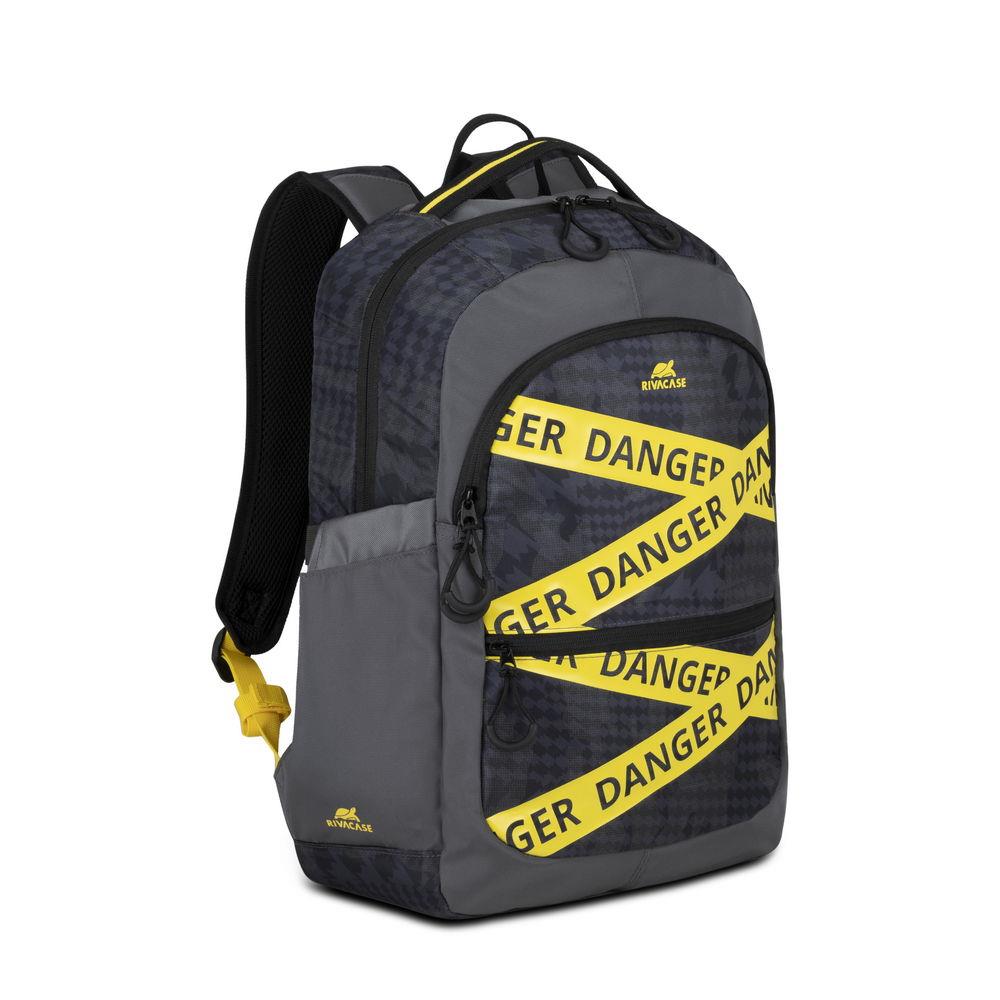
SKU: 1374370
EAN: 4260709010472
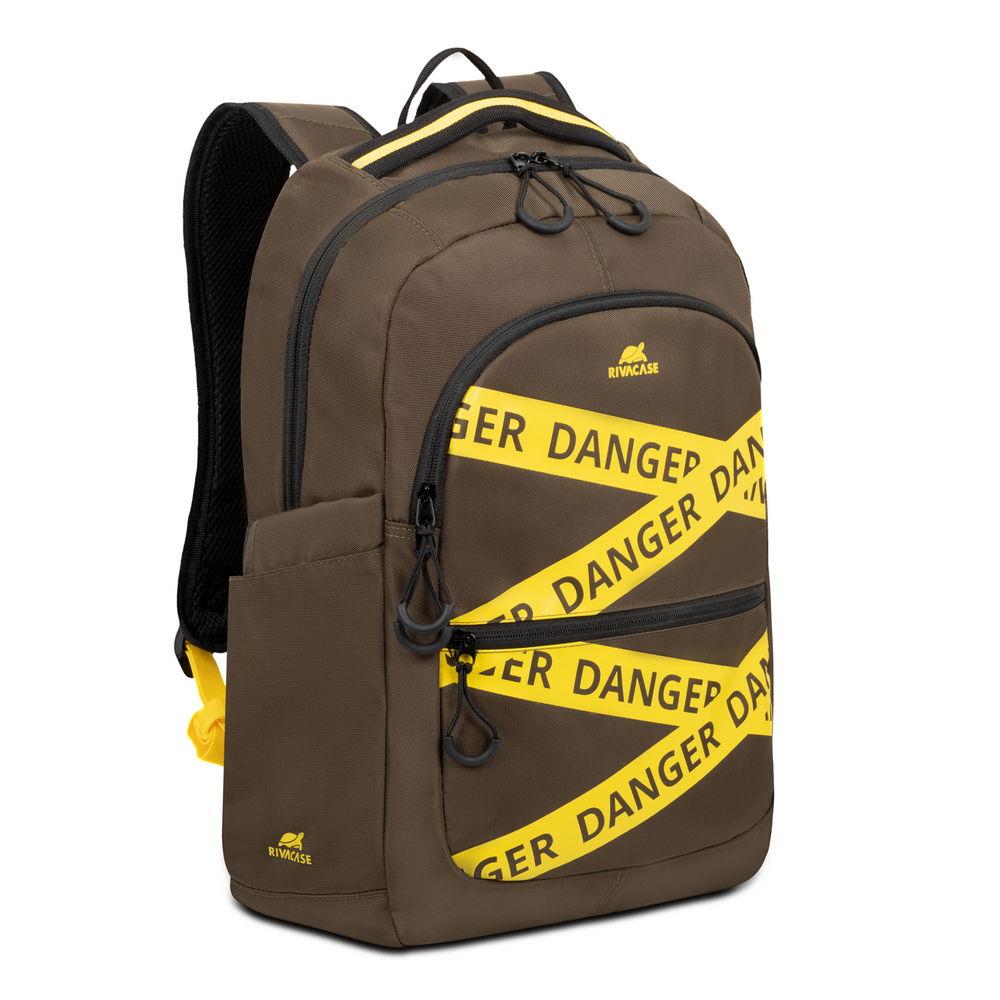
SKU: 1374371
EAN: 4260709010489
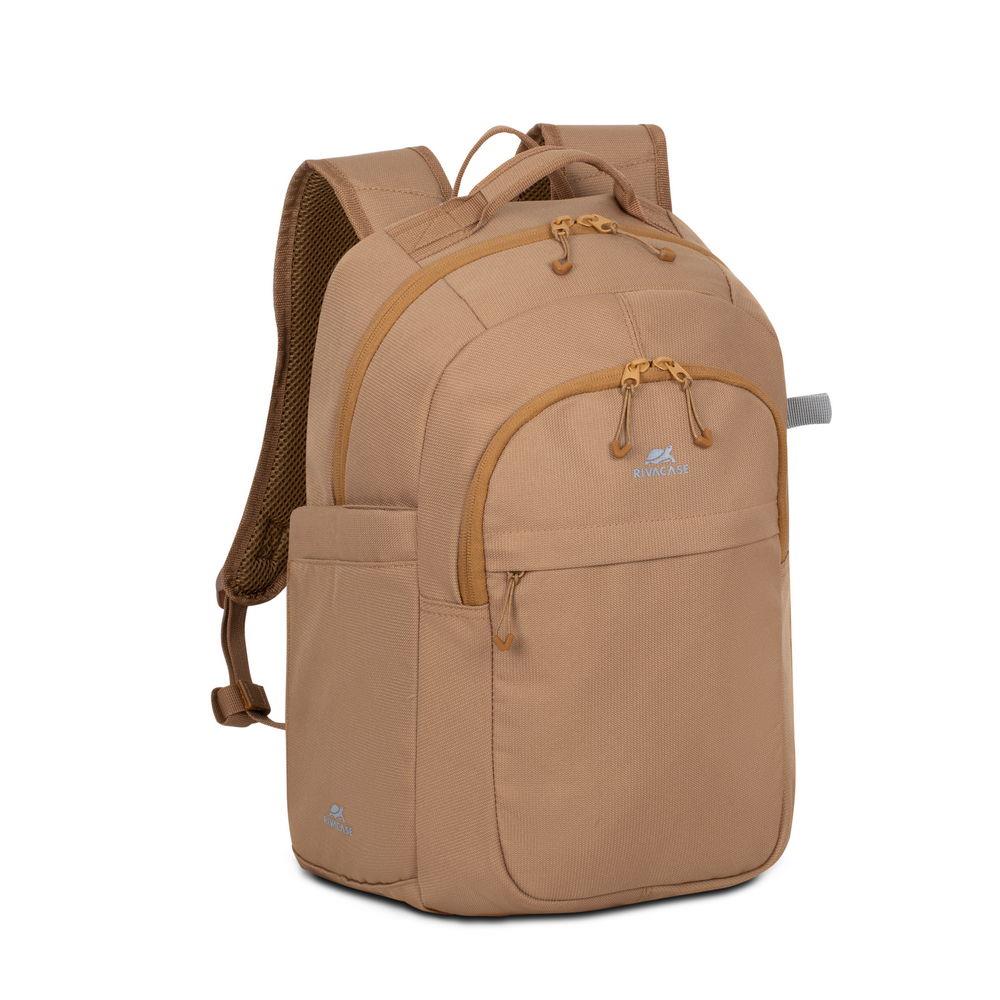
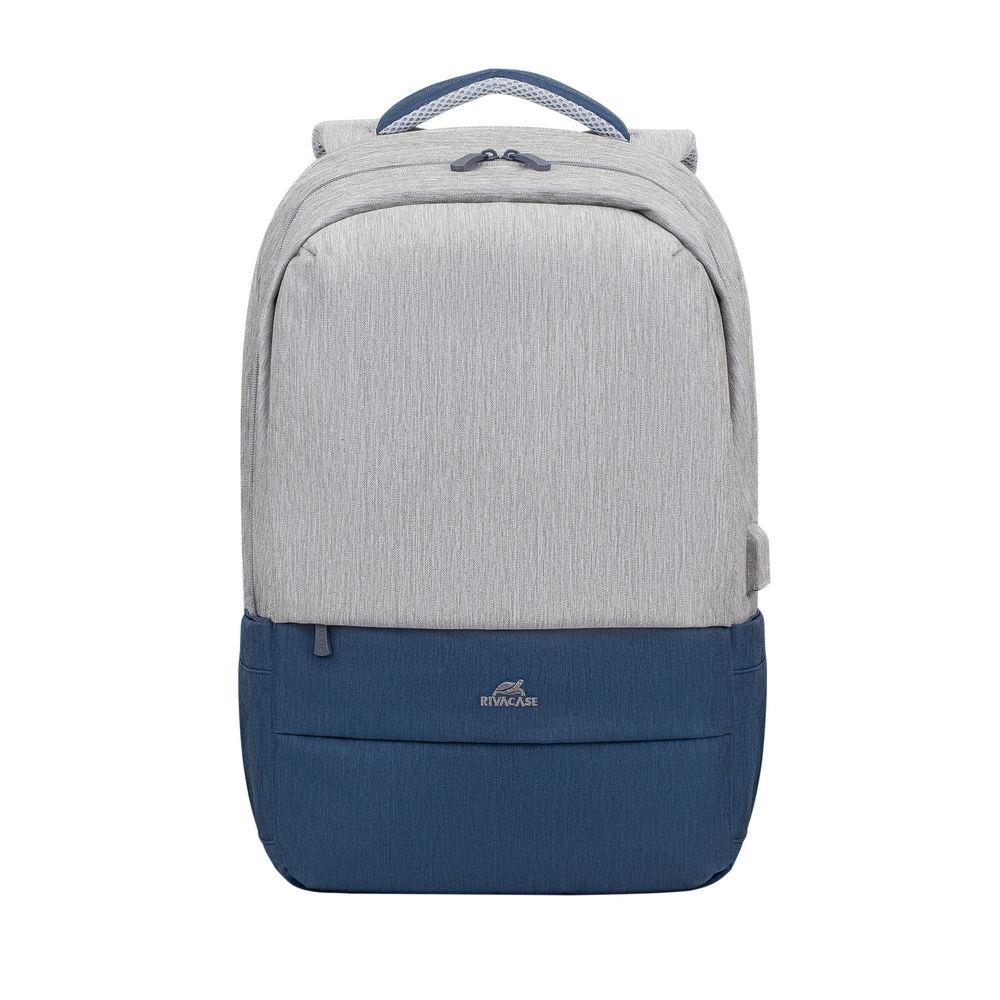
SKU: 1337562
EAN: 4260403578308
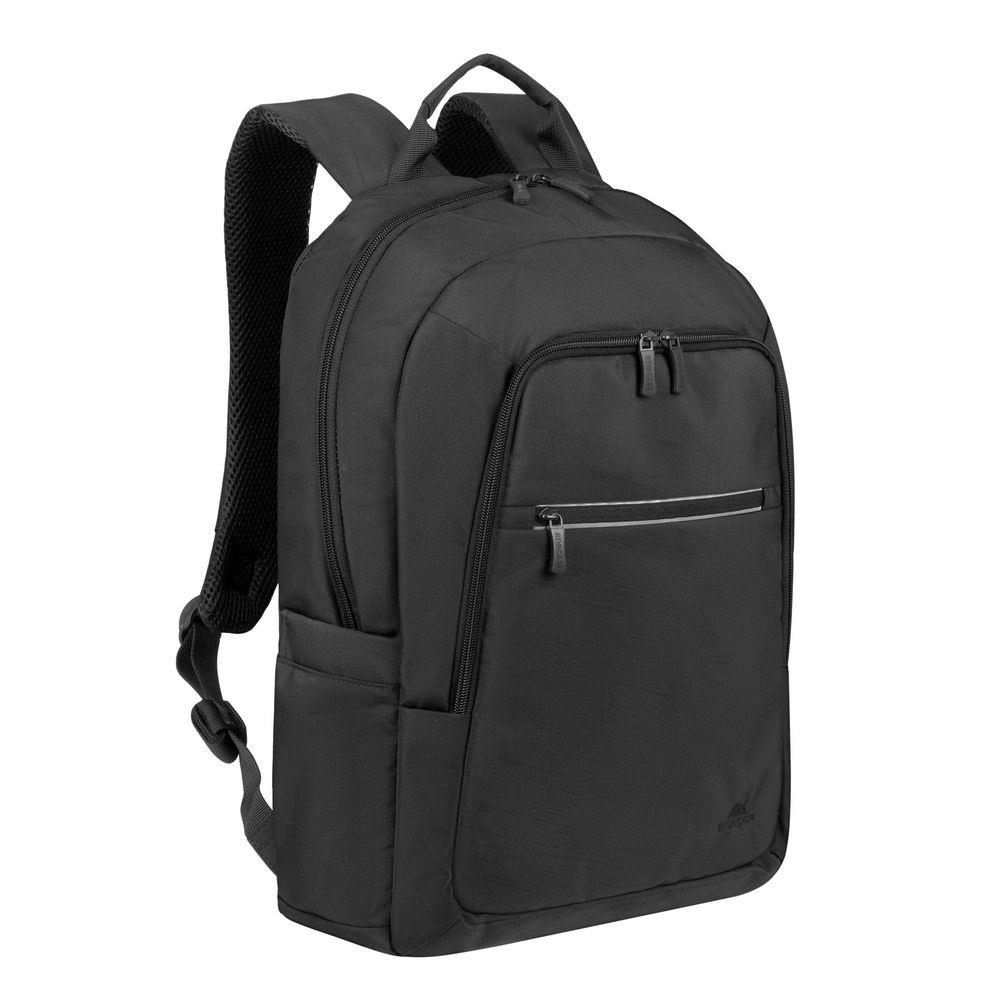
SKU: 1407826
EAN: 4260709011806
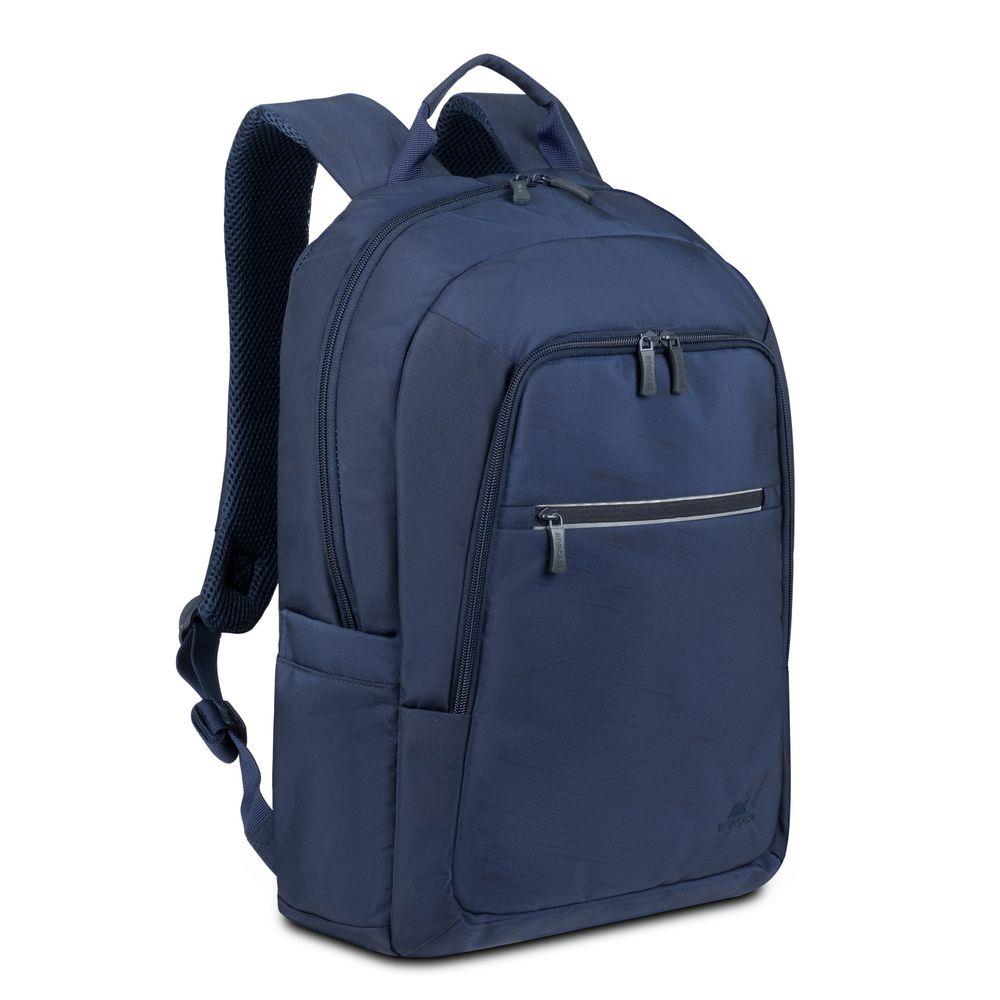
SKU: 1407829
EAN: 4260709019963

SKU: 1407830
EAN: 4260709019970
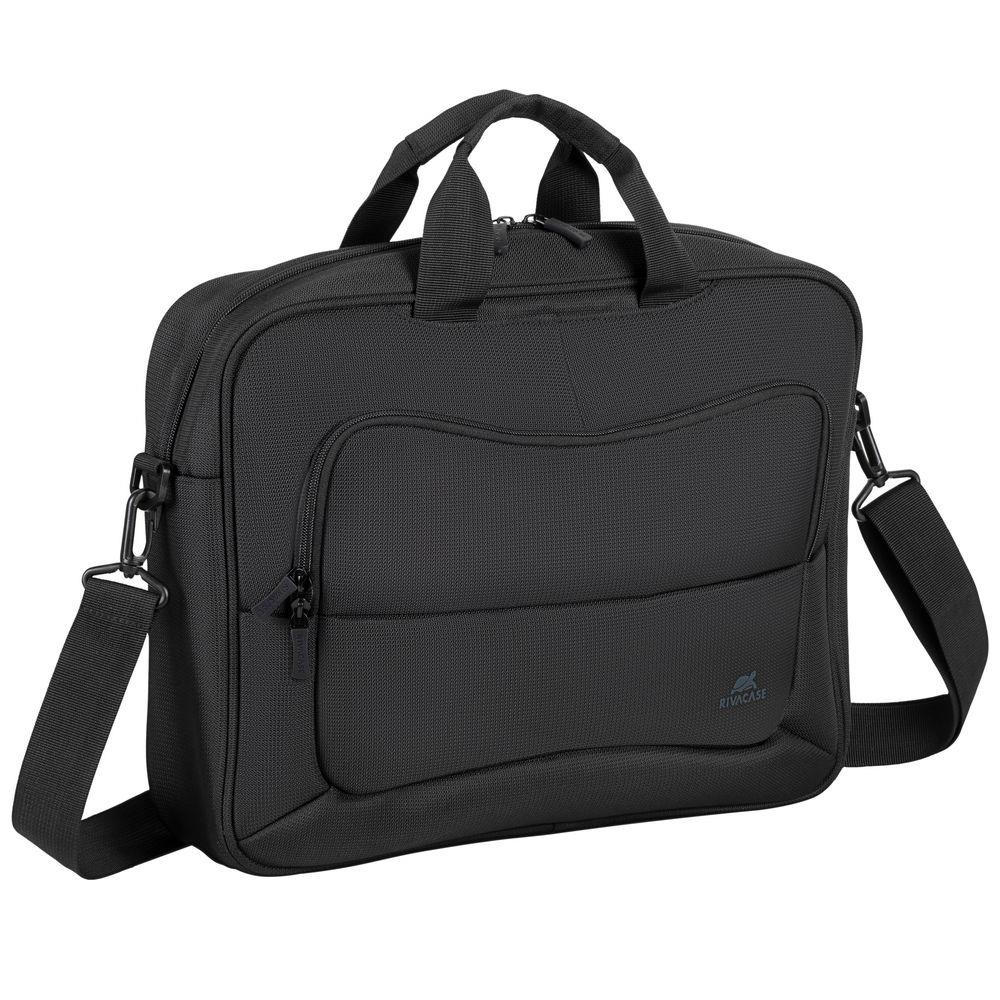
SKU: 1407857
EAN: 4260709012513
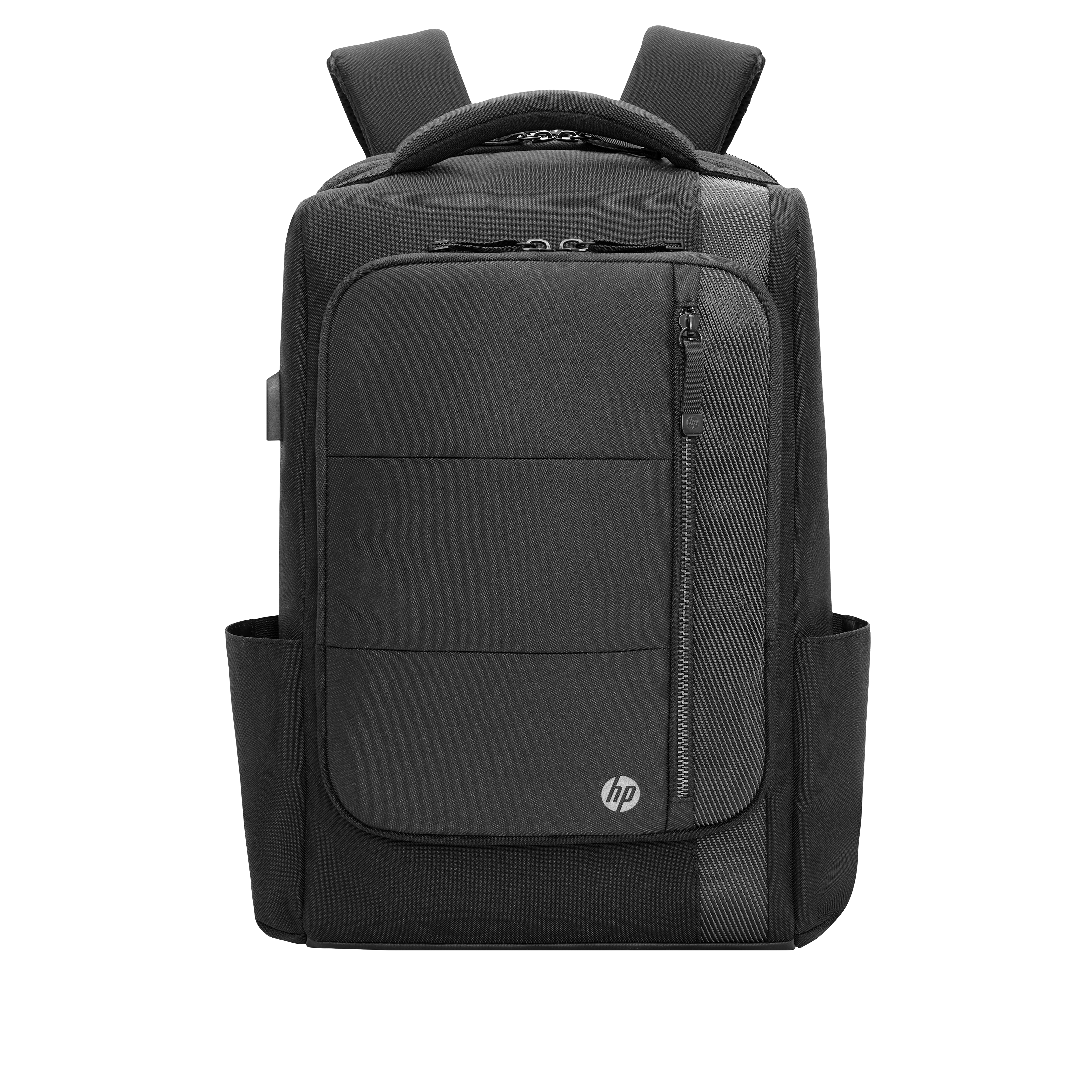
SKU: 6B8Y1UT
EAN: 4582712466467
SKU: 9C2H2AA
EAN: 197961280548

SKU: 1374369
EAN: 4260709010458
SKU: 1438751
EAN: 8595247907530
In today’s fast-paced world, a laptop has become an indispensable tool. It’s no longer just a portable computer—it’s the heart of your mobile office, creative studio and entertainment hub. Here you’ll find everything you need to get the most out of your device, from powerful laptops to accessories that make it more comfortable, secure and productive to use.
Choosing the right device can seem complicated, but it’s easier when you take a systematic approach. Before deciding which laptop to buy, think about how you’ll use it most. Do you mainly need it for email and web browsing, demanding graphic work or playing the latest games? Your answers will determine which specifications matter most to you.
A laptop is an investment that should last for years. It’s worth considering all the different factors to find a model that will meet your needs now and in the future. On our online store, every laptop’s price is clearly displayed, helping you find the best deal within your budget.
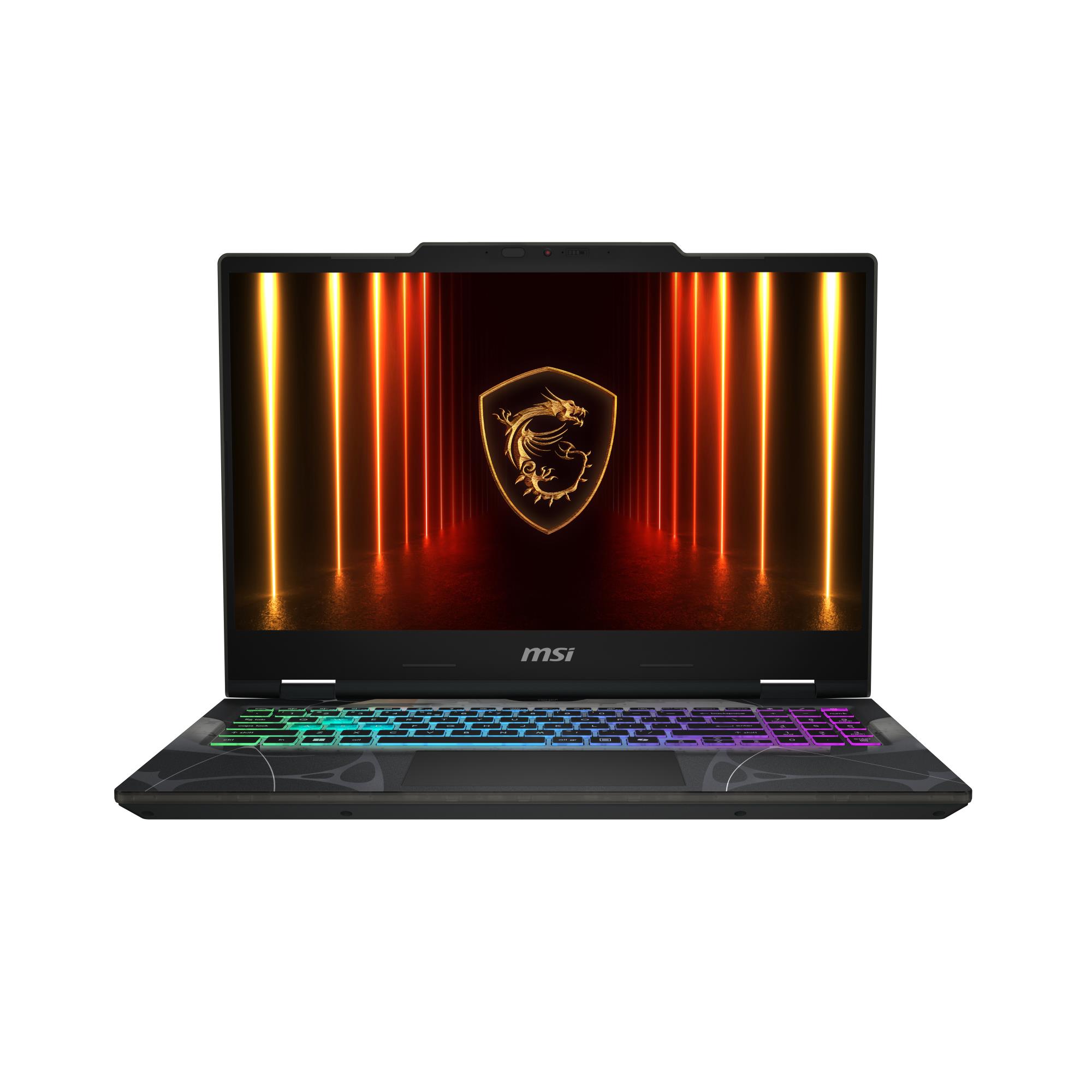
Performance: The computer’s brain—the processor (CPU), RAM and storage (SSD)—determines how fast it runs. For everyday use, 8 GB of RAM is usually enough, but at least 16 GB is recommended for more demanding programs or multitasking. An SSD is now standard, ensuring fast start-up and quick application loading. A powerful laptop is essential for professionals working with video or photo editing.
Display and graphics: Screen size, measured in inches, affects both portability and ease of use. 14-inch and 15-inch laptops are the most popular. Resolution (Full HD, QHD, 4K) determines image sharpness. A dedicated graphics card is also important for gamers and designers, delivering a smooth visual experience. Don’t forget to protect your investment—a quality screen protector helps prevent scratches and glare.
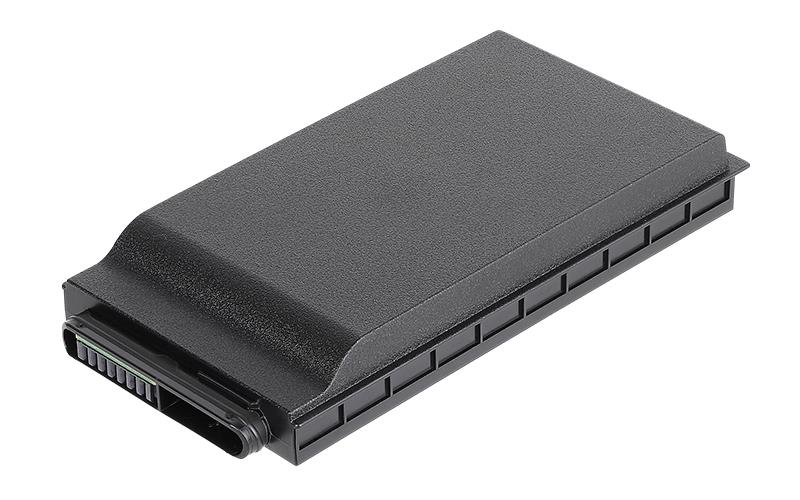
Portability and battery: If you’re often on the move, the device’s weight and battery life are critical. Ultrabooks are slim and lightweight while still offering plenty of performance. Long battery life means you won’t have to keep searching for a power outlet. If your original laptop battery starts to wear out, you’ll find a replacement in our selection to restore your device’s freedom.
The right accessories make using your laptop much more comfortable and productive. These small but important details help create a complete, functional setup.
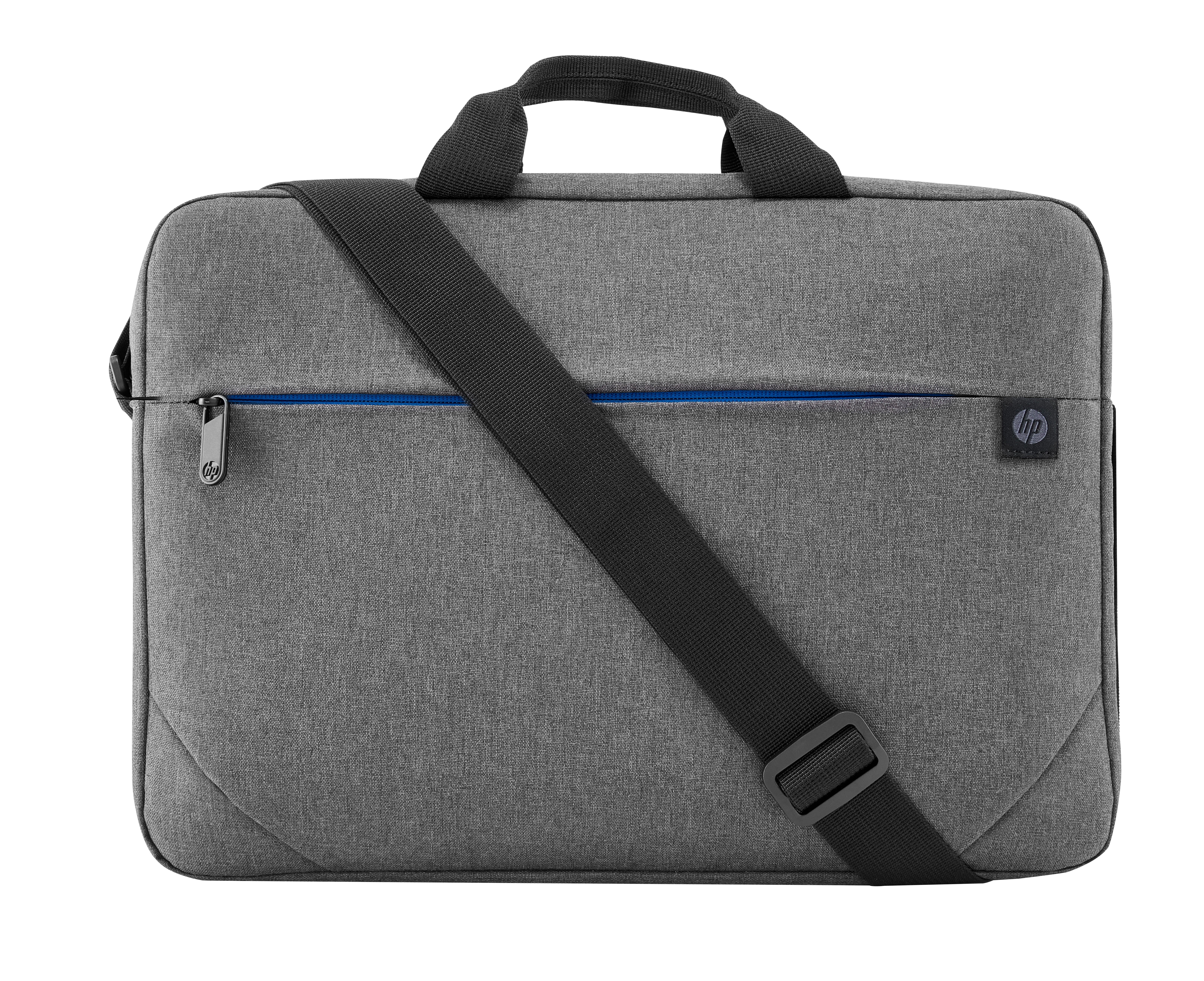
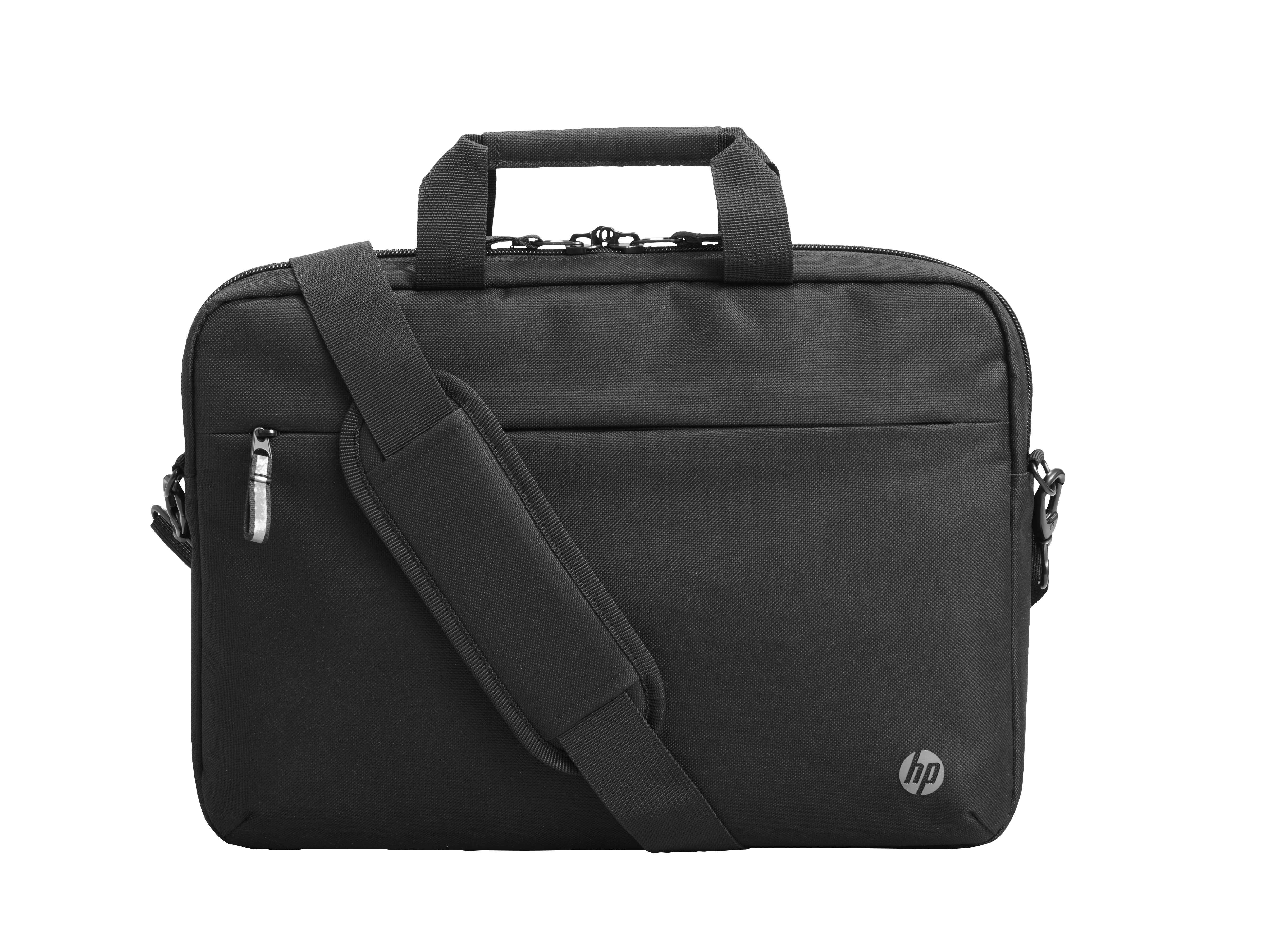
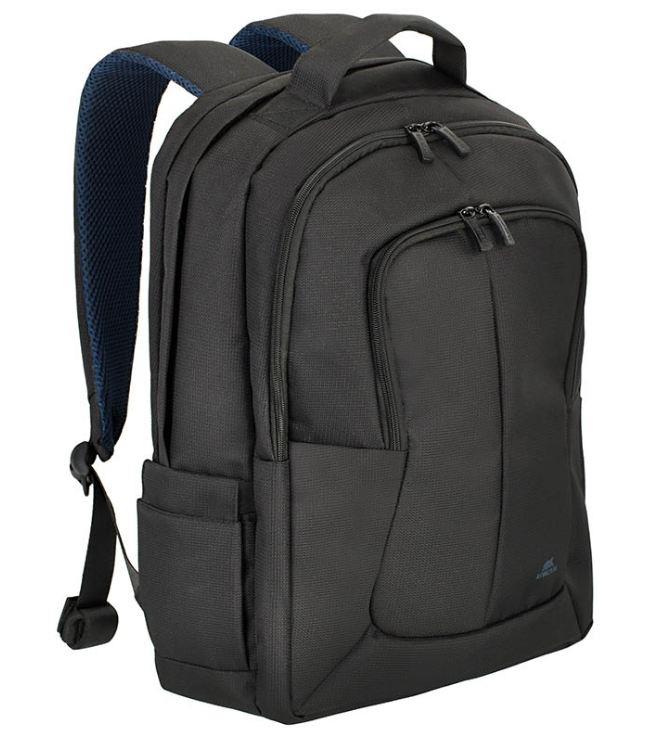
Protection and portability: A good laptop bag or sleeve is the first thing to consider. It protects your device from scratches, bumps and dust. Choose from minimalist sleeves and spacious bags with room for your charger, mouse and documents as well as your laptop. For added security when travelling, consider getting a security lock too.
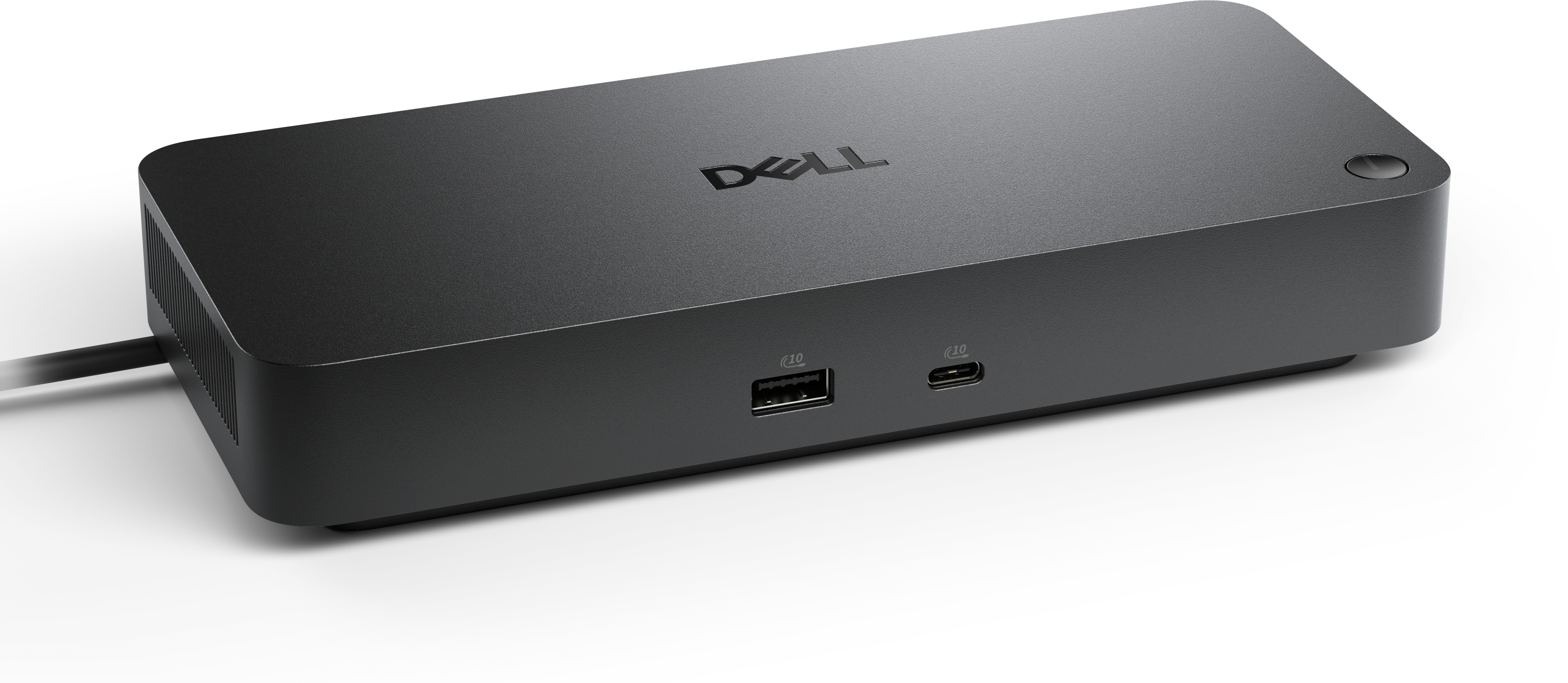
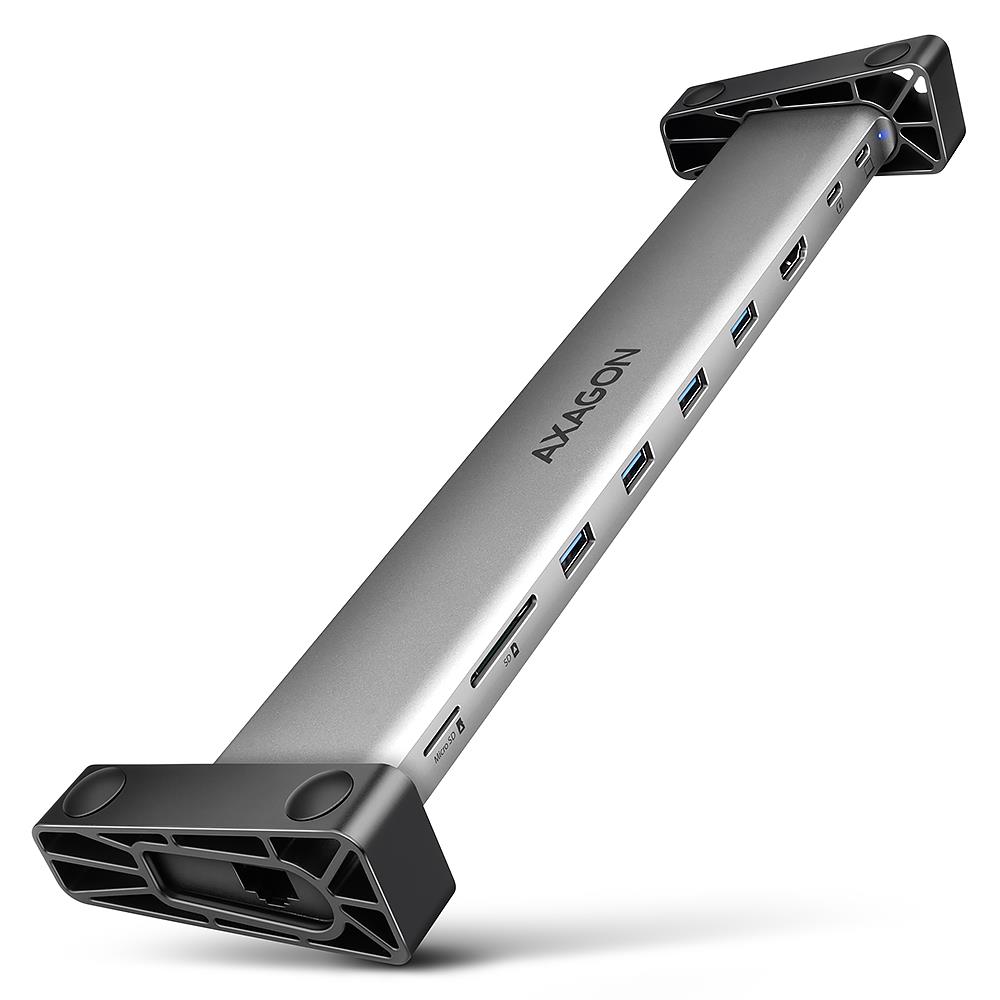
Power and connectivity: The laptop charger that comes with your device is essential, but having a second one for the office or home makes life much easier. A powerful power bank is indispensable when travelling. Modern slim laptops often have few ports. That’s where a laptop dock or USB hub comes in handy, letting you connect all your essential devices—monitor, keyboard, mouse and external hard drive—with a single cable.
Spending long hours at a laptop can strain your back, neck and wrists. Good workspace ergonomics are an investment in your health. An external monitor positioned at eye level helps you avoid hunching. A full-size keyboard and ergonomic mouse keep your wrists in a more natural position than a laptop’s built-in keyboard and trackpad.
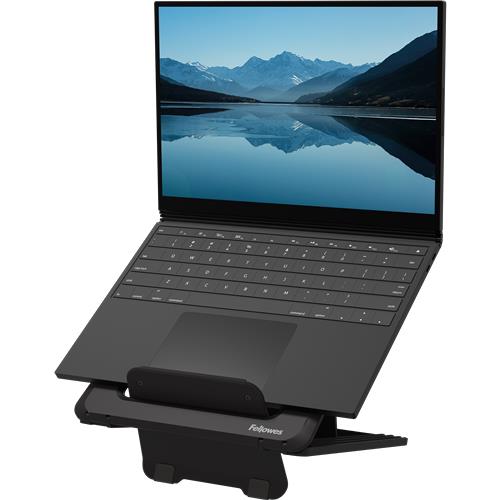
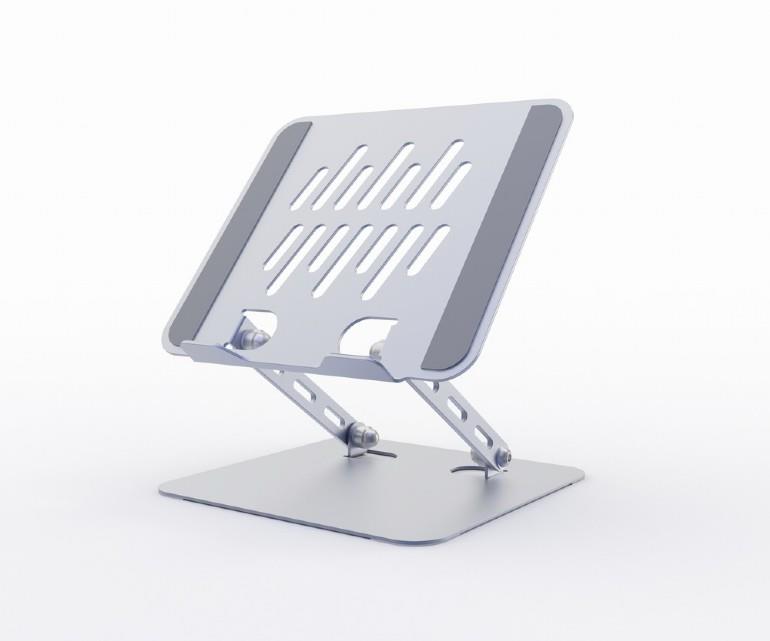
A laptop stand raises the screen to a more comfortable height, but you’ll need an external keyboard and mouse. Ordering online makes it easy and convenient to find the right accessories without leaving home.
Protecting your data is just as important as keeping your device physically secure. Along with passwords and software solutions, a physical security lock can help prevent theft in public places. Regular care is essential to keep your device looking good and working flawlessly. Special cleaning products for screens and cases remove dust and fingerprints without damaging surfaces.
We know that choosing the right tech is an important decision. That’s why we’re committed to offering not only a wide range of products, but also an excellent shopping experience. Ordering a laptop from us is quick and secure.
| Question | Answer |
|---|---|
| How often should I replace my laptop battery? | A laptop battery’s lifespan depends on how heavily it’s used and how it’s charged, but its capacity usually starts to drop noticeably after 2-3 years. If you notice that your battery life has decreased significantly, it may be time to get a new battery. |
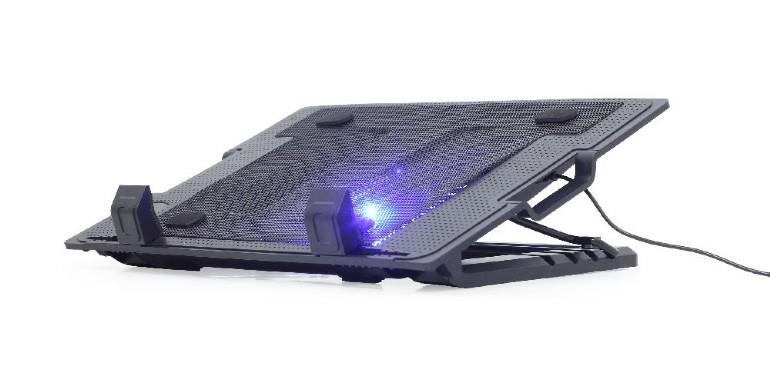
| Is a cooling pad really necessary? | A cooling pad may not be essential for light everyday use, such as web browsing and word processing. However, if you play games, edit videos or do other resource-intensive tasks, a cooling pad can help prevent overheating, maintain stable performance and extend your computer’s lifespan. |
| What’s the difference between a dock and a USB hub? | Simply put, a USB hub adds more ports, while a dock is designed to turn your laptop into a desktop-like workstation. As well as USB ports, a dock often offers video, network and audio outputs, and charges your laptop through a single cable. |
| How do I choose the right size laptop bag? | When choosing a bag, make sure it fits your laptop’s screen size (for example, a 15.6-inch bag for a 15.6-inch laptop). A good bag should hold your laptop securely without squeezing it too tightly. Measure your laptop’s external dimensions and compare them with the bag’s internal dimensions, leaving a little room for accessories too. |
 Desktop Computers
 Electronics Accessories
 Smartphones and Tablets
 TV, Audio & Video
 Storage and NAS Systems
 Networking
 Power Supplies and UPS
 Security solutions
 Peripherals and Office Products
 Servers and Components
 PC Components
 Gadgets and Mobility
 Renewable Energy
 Barcode Scanners
 Laptops, Computers and Accessories