
For private customers
At checkout, product prices are automatically adjusted according to the VAT rate in your delivery country.

Christmas
Furniture
Home & Garden
Sport
Clothing
Mattresses
Watches
Electronics
Construction
Showing 21 of 21 products with selected filters
21 / 21
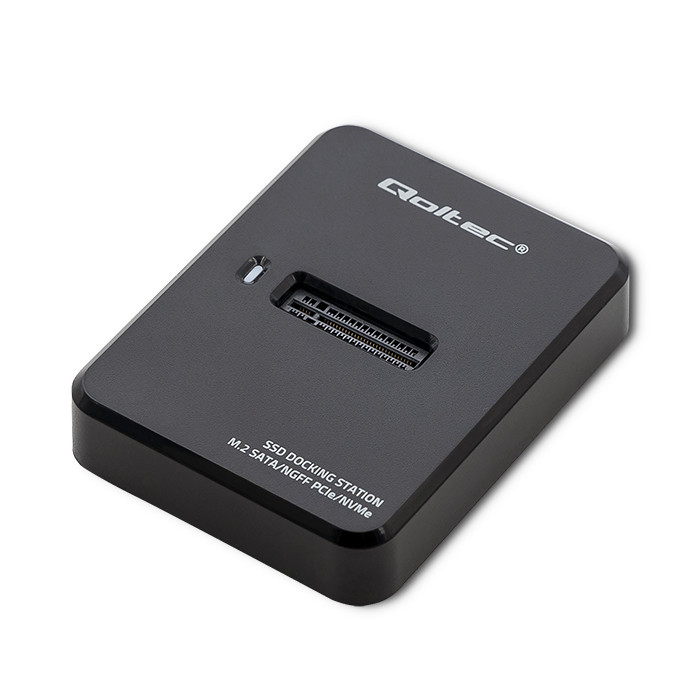
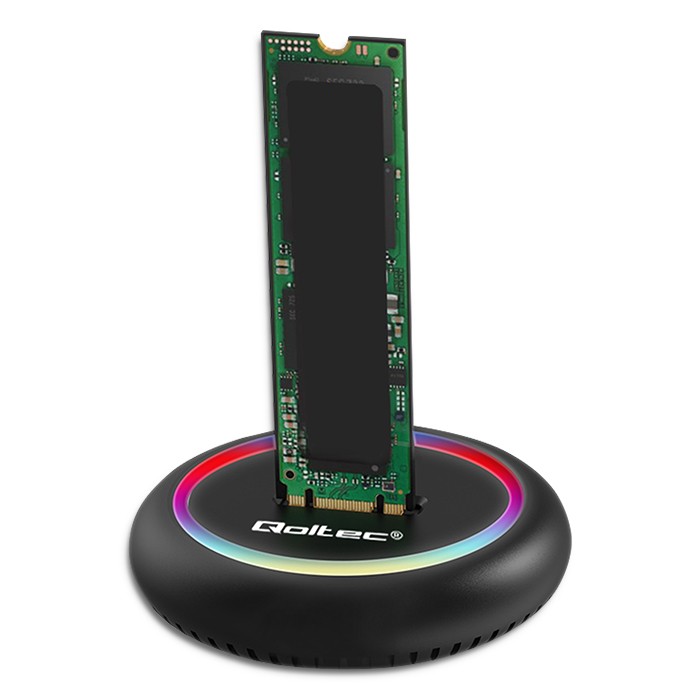


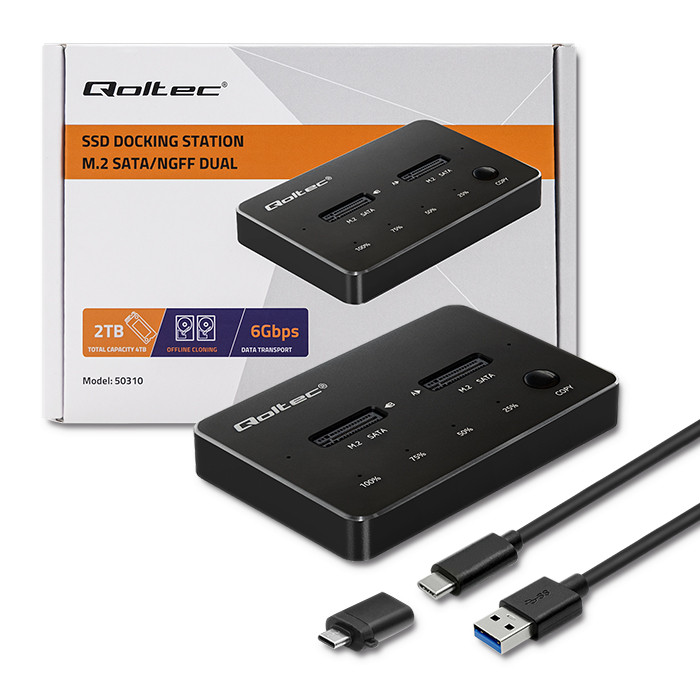

No products match your selected filters.
Modern laptops are thinner and lighter than ever, but this compact design often comes at the cost of fewer ports. If you’re constantly juggling adapters and cables to connect an external monitor, mouse or charger, a high-quality docking station is the solution you’ve been looking for. It’s more than just a port expander; it’s the heart of your desk, turning a tangle of cables into an elegant, efficient single-cable setup.
Forget plugging in and unplugging multiple cables every day. When you sit down at your desk, connect just one cable and everything is ready: your monitors come to life, your peripherals are connected and your laptop battery starts charging. It’s convenient and efficient, freeing you to focus on what matters. Our online store offers a wide selection, from affordable USB-C hubs to professional Thunderbolt 4 docks that meet the needs of even the most demanding users. Best of all, when you buy a docking station from us, delivery is always free.
Choosing the right device may seem complicated, but by focusing on a few key factors, you’re sure to find a model that suits your needs. Consider which devices you use every day and what features you expect. The price of a docking station largely depends on its capabilities and number of ports, so it’s important to find the right balance for you.
Most modern docks use a USB-C connection, but not all USB-C ports are created equal. A standard USB-C docking station is a great choice for most users, providing sufficient speed for video, data and power. These are often universal and work with many different laptops.
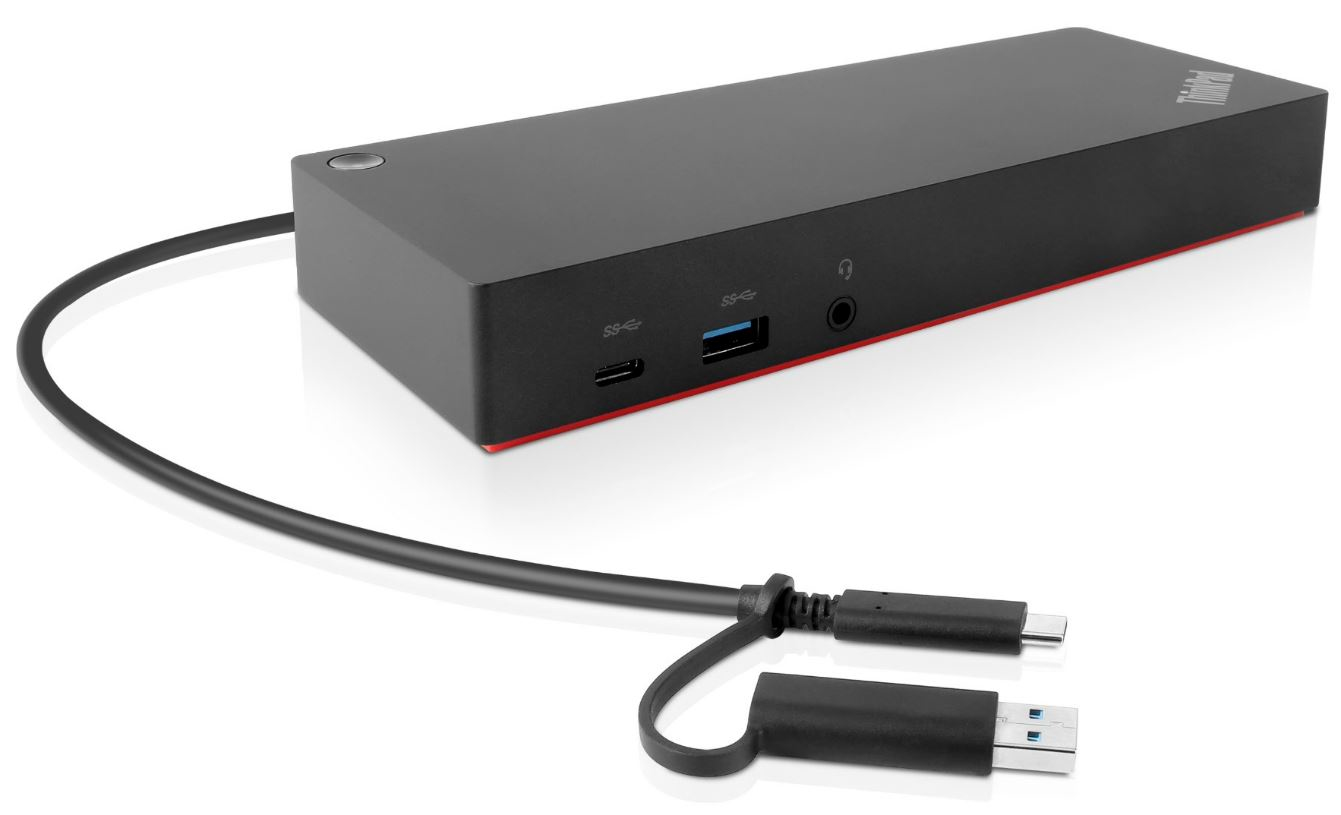
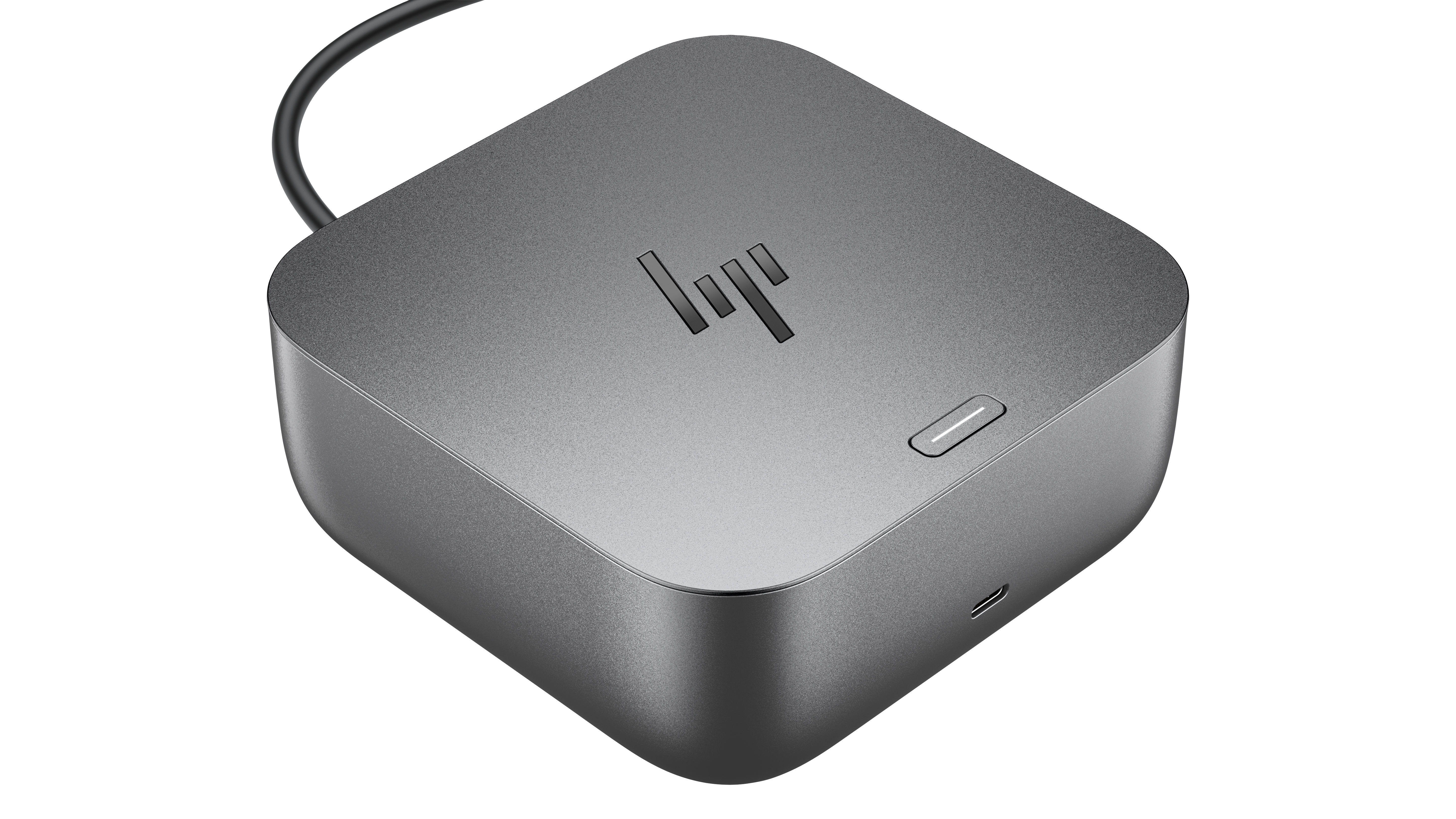
However, if you’re a professional working with video editing, 3D modelling or large amounts of data, a Thunderbolt 4 docking station is worth the investment. It offers significantly faster data transfer speeds (up to 40 Gbps), allowing you to connect multiple high-resolution monitors and other high-performance devices with no lag. Many top-of-the-range HP and Lenovo models offer this technology.
One of the biggest advantages of a docking station is that it can charge your laptop through the same cable that carries data and video. It’s important to check the dock’s 'Power Delivery' (PD) output, measured in watts (W). This should be equal to or greater than the wattage of your laptop’s original charger.
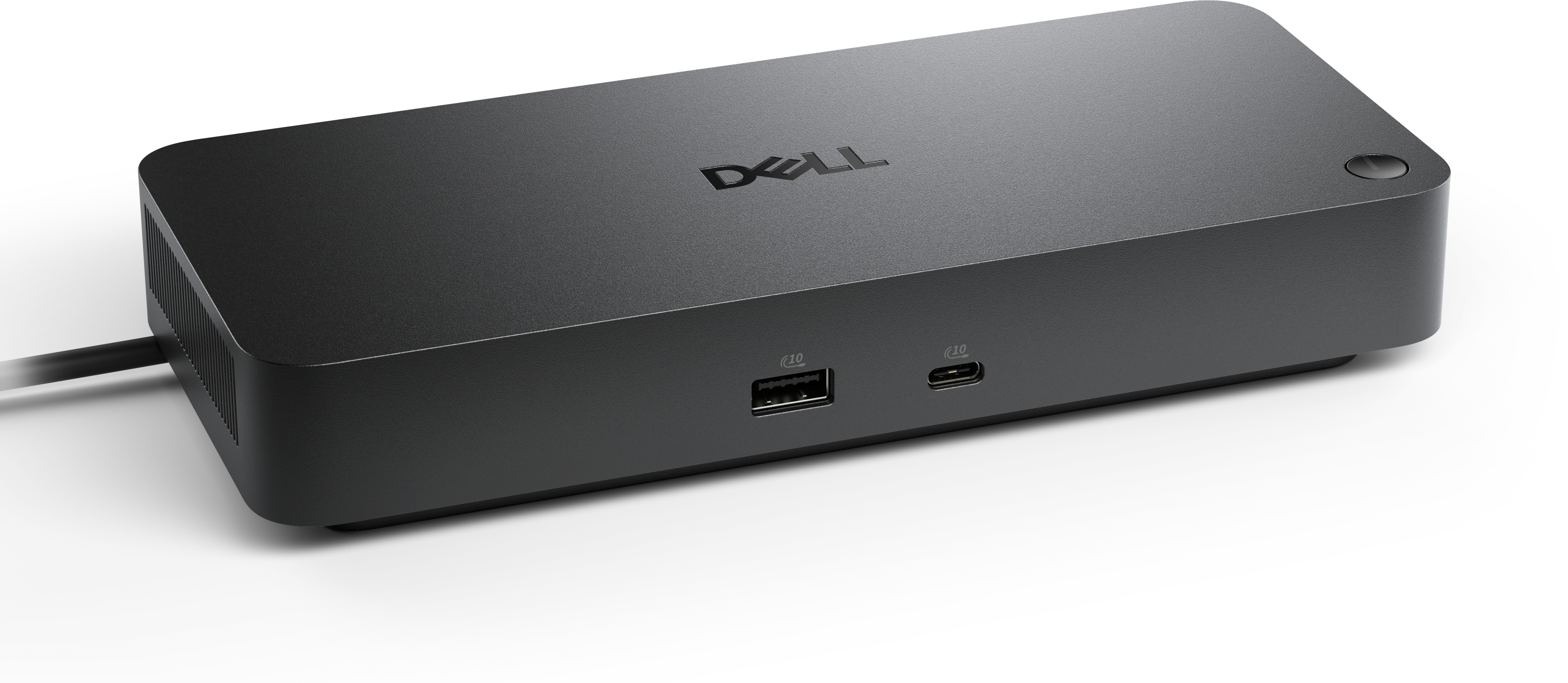
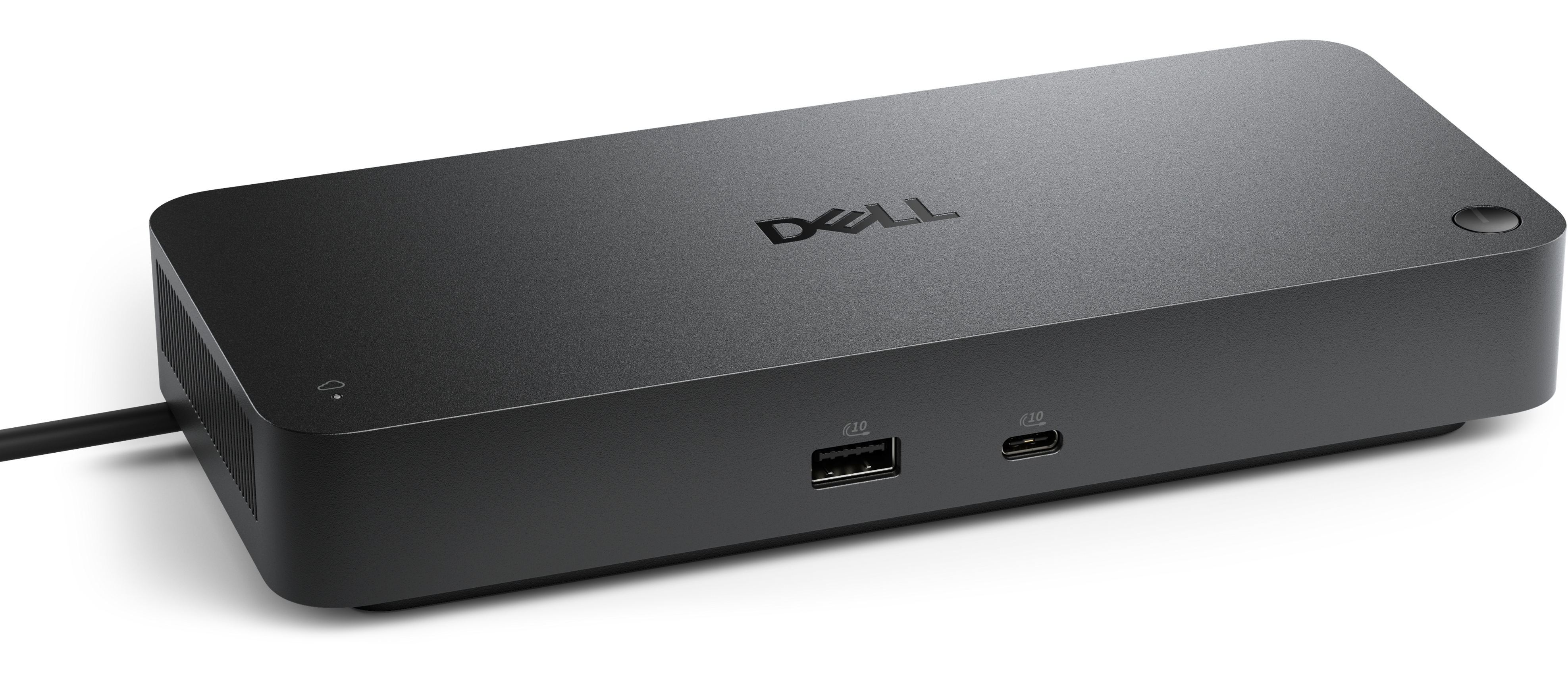
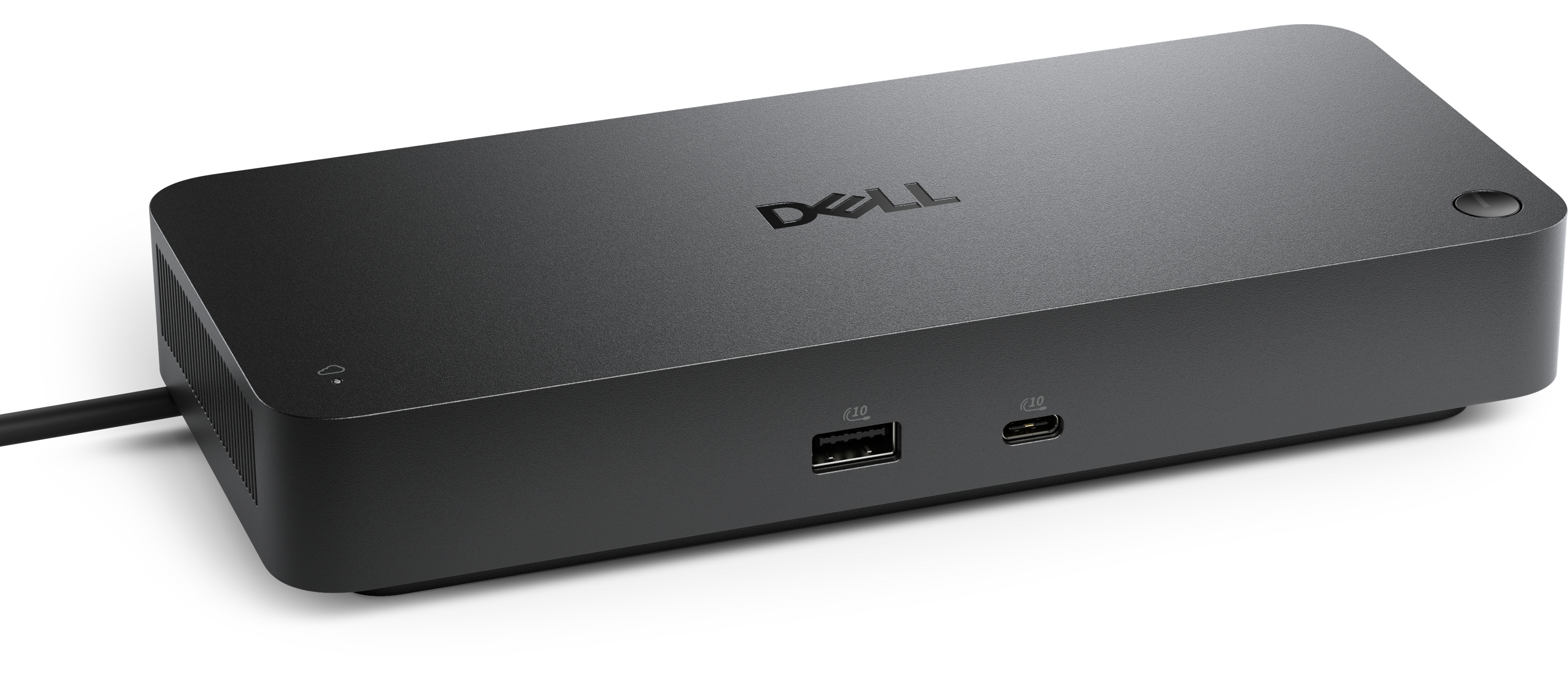
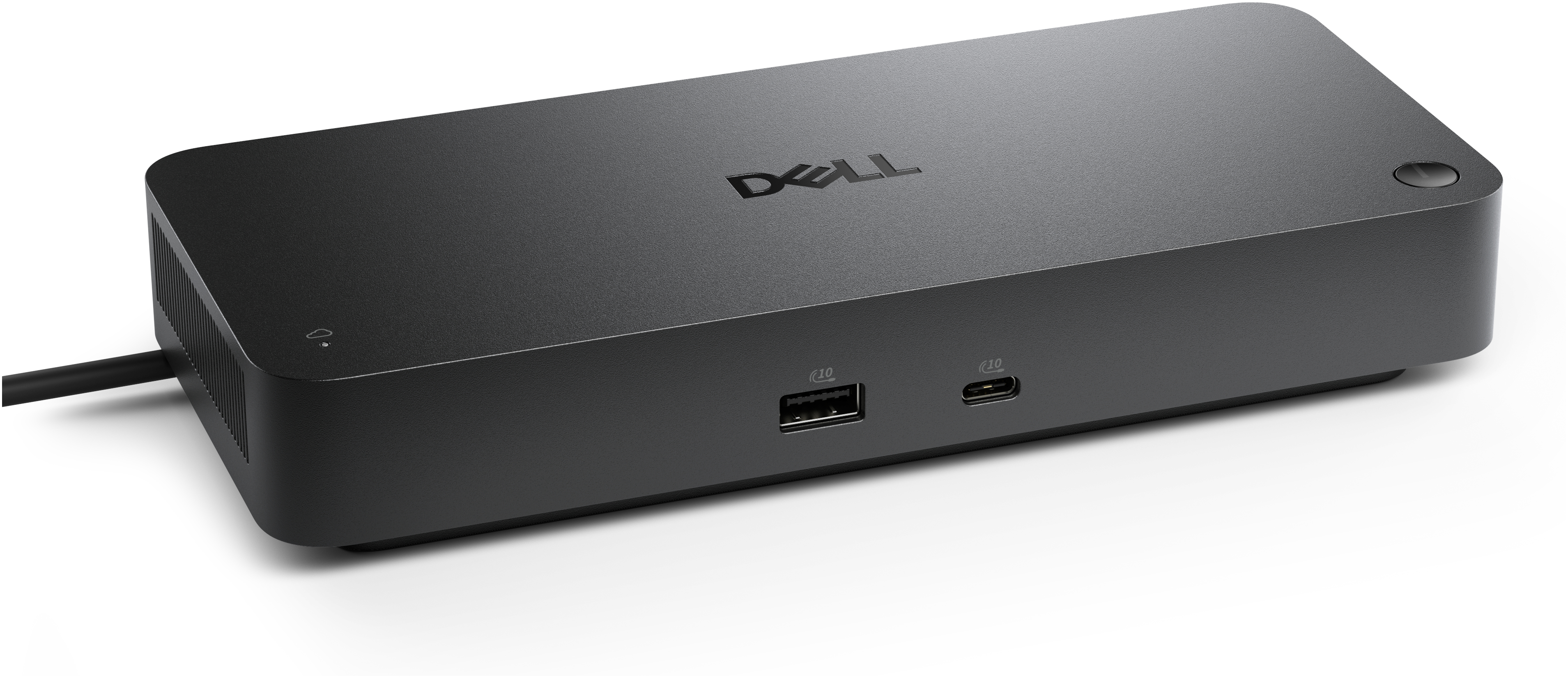
For example, if your laptop charger is 65W, choose a dock that provides at least 65W of charging power. Our range includes models from 65W up to powerful 280W stations, such as the Dell docking station from the WD19DCS series, designed for high-performance workstations. A dock with insufficient power may not charge your laptop under load, or may do so very slowly.
Think about which devices you want to connect. The most common ports are:
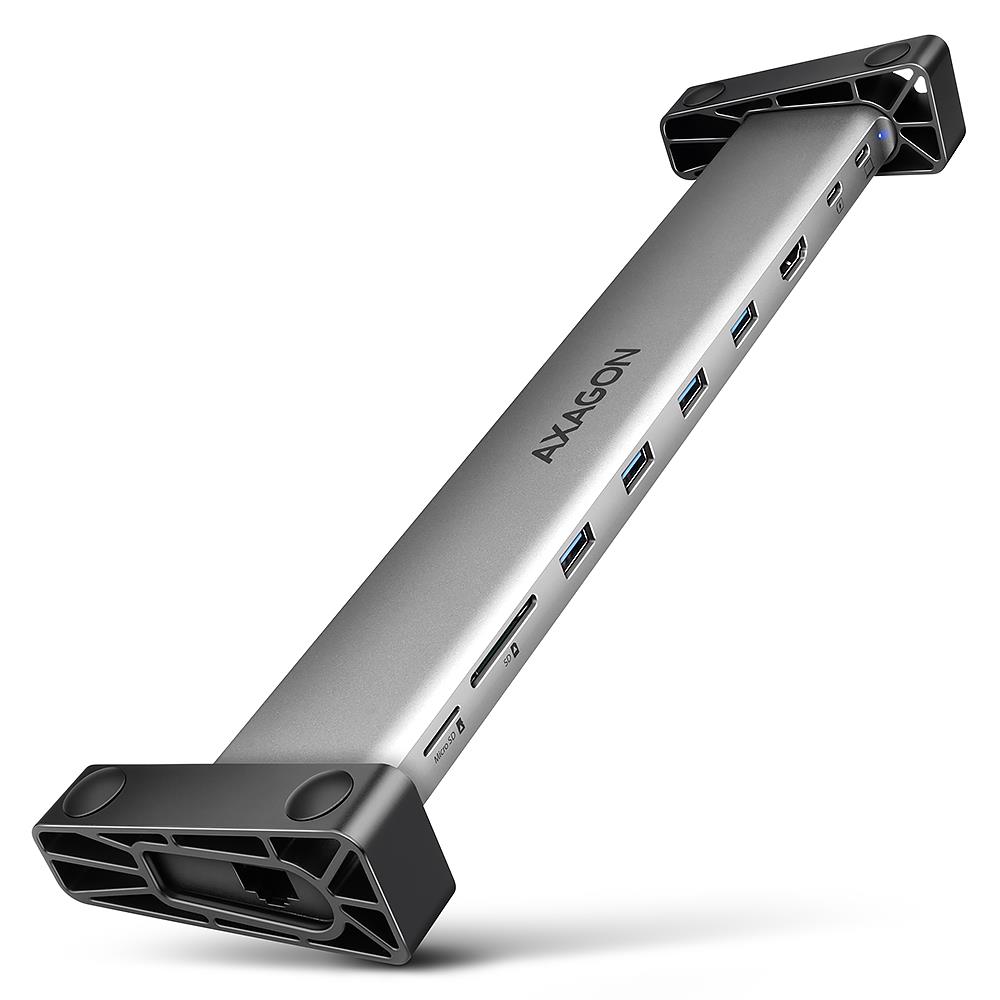
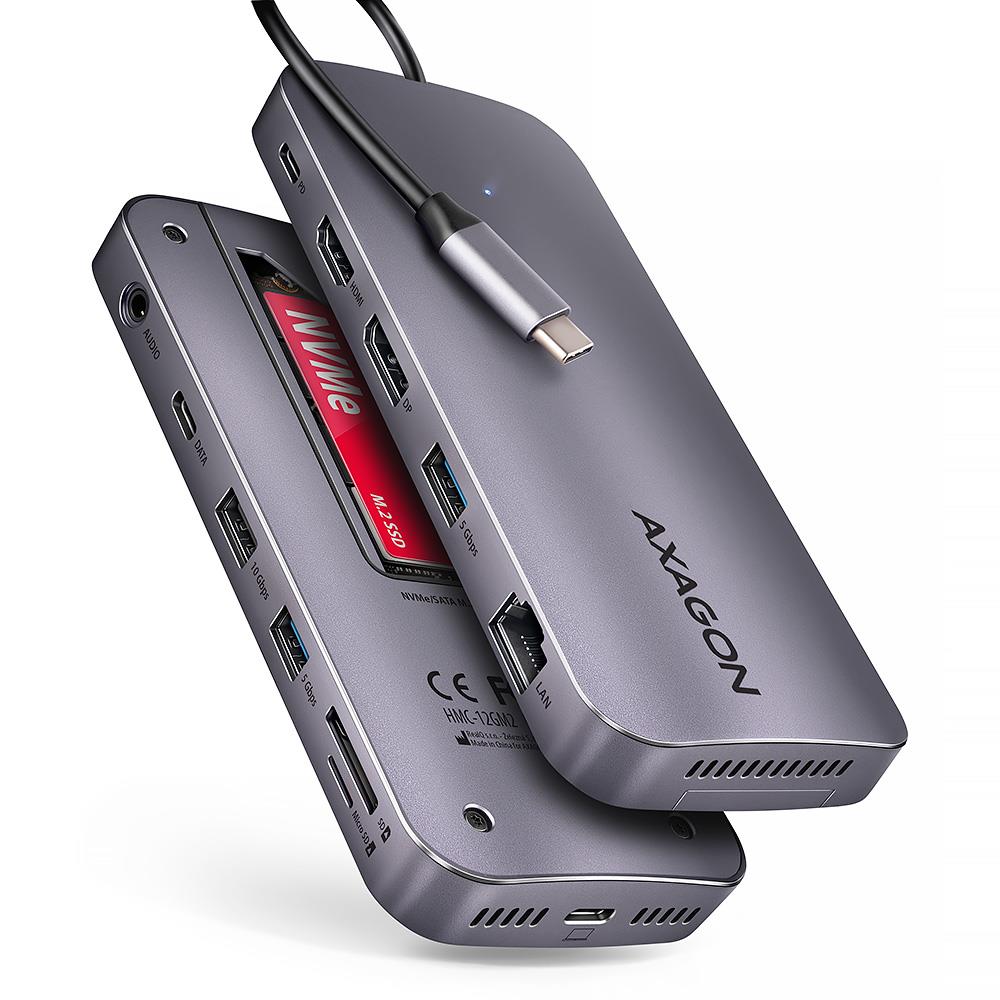
Models such as the Axagon 12-in-1 offer a wide range of ports in a compact design, while professional solutions may provide more specialised connections. A universal docking station that works with different devices is also a good choice.
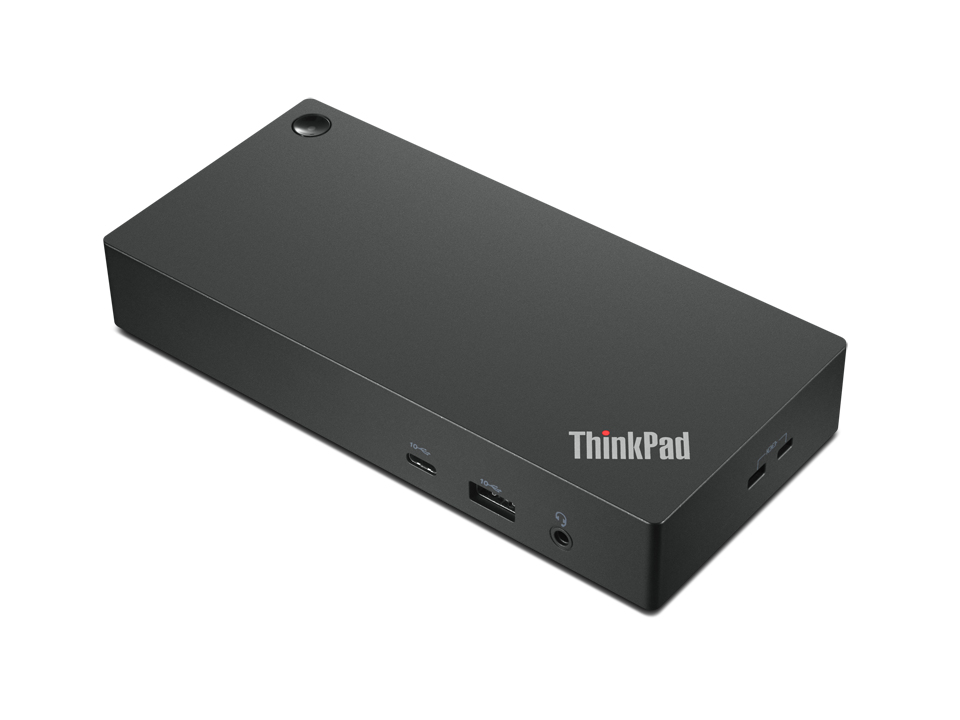
While many USB-C docks are universal, brand-specific docks (e.g. Dell, HP, Lenovo) often offer better integration and additional features with laptops from the same manufacturer. For example, they may include dedicated power buttons or network management features that are important in a business environment. If you have a Dell, HP or Lenovo business laptop, a docking station for your laptop from the same brand is often the best choice. On the other hand, if you use devices from different manufacturers or, for example, a MacBook, a universal docking station is a more flexible and future-proof option.
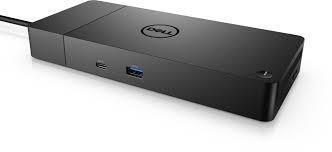


Our range covers every need, from simple adapters to fully fledged workstations. Here’s an overview of the main types to help you order a docking station that meets your expectations.
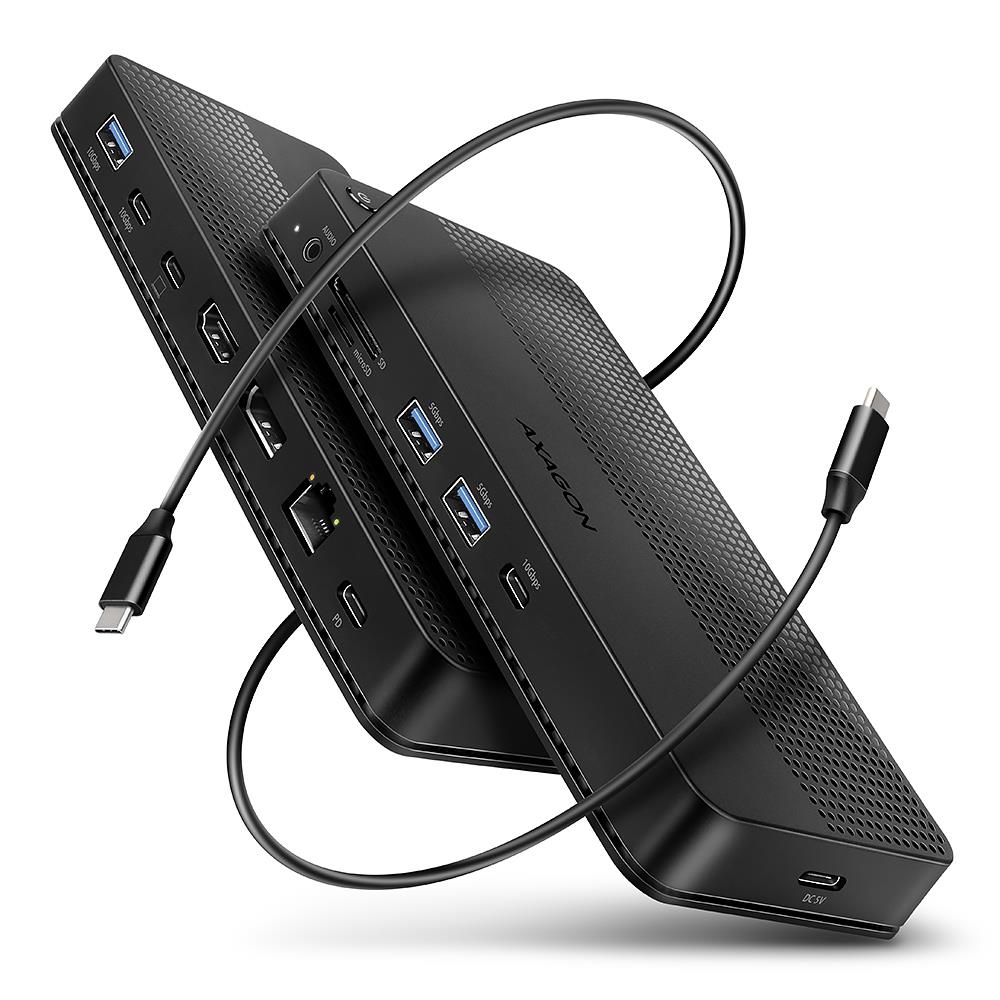
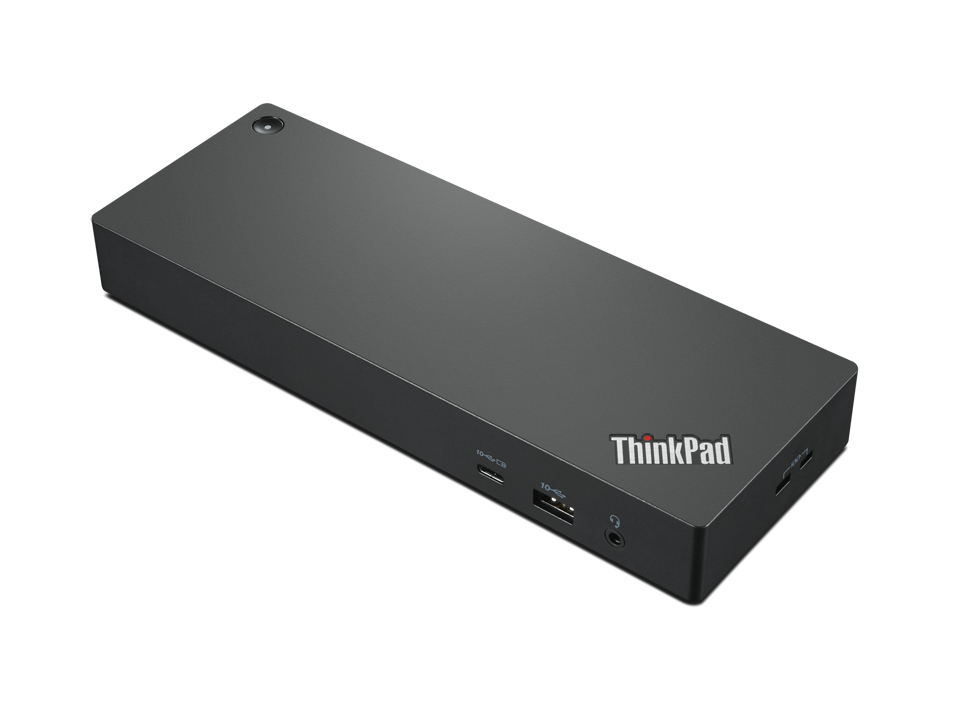
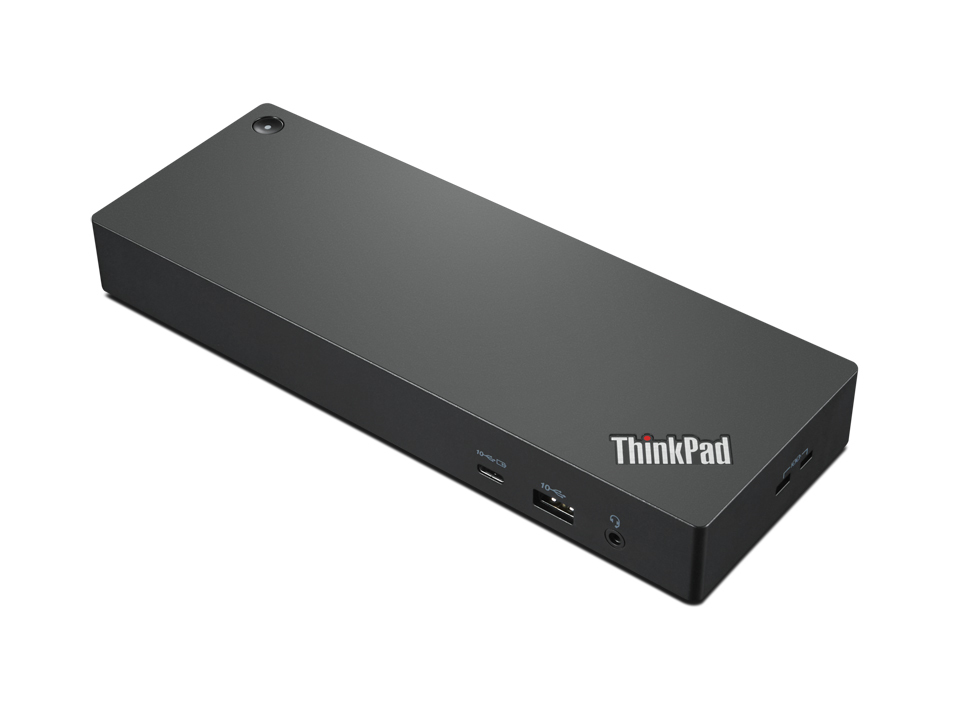
These are the kings of docking stations. Designed for demanding users who need the best performance and widest connectivity. With Thunderbolt 3 or 4 technology, you can connect multiple 4K or even 8K monitors, external graphics cards and ultra-fast SSDs without slowing down your system. They’re ideal for video editors, designers and developers. Many HP docking stations and Lenovo ThinkPad models offer this level of performance.
This is the most popular category, offering an excellent balance of price, functionality and compatibility. They’re ideal for a typical office or home office, letting you connect one or two Full HD or 4K monitors, charge your laptop and connect all your essential peripherals. Many use DisplayLink technology, which also ensures compatibility with older laptops that don’t have a USB-C port with native video support.
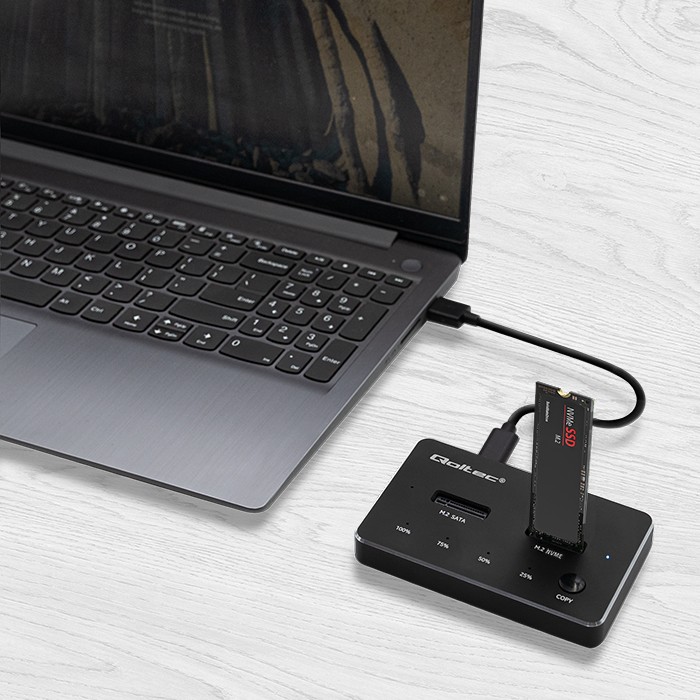
If you’re constantly on the move, a portable docking station, or USB-C hub, is your best friend. These are small and lightweight, and don’t require a separate power supply. While they don’t usually charge your laptop or offer as many ports as desktop docks, they’re ideal for presentations (HDMI port), transferring photos (SD card reader) and connecting peripherals in a hotel room or café. They’re essentially more capable USB hubs that are easy to carry in a dedicated laptop bag.
Our online store features leading manufacturers whose products are known for their quality and reliability. We offer a wide range of docks to suit every budget and need.
Whether you prefer a Lenovo docking station or another brand, you’re sure to find the right solution in our store to improve your workflow and create a better ergonomic workspace.
Our goal is to offer more than just products. We provide considered solutions and the confidence that you’re making the right choice. Here are some of the reasons customers choose to buy their tech from us.