





For private customers
At checkout, product prices are automatically adjusted according to the VAT rate in your delivery country.

Christmas
Furniture
Home & Garden
Sport
Clothing
Mattresses
Watches
Electronics
Construction


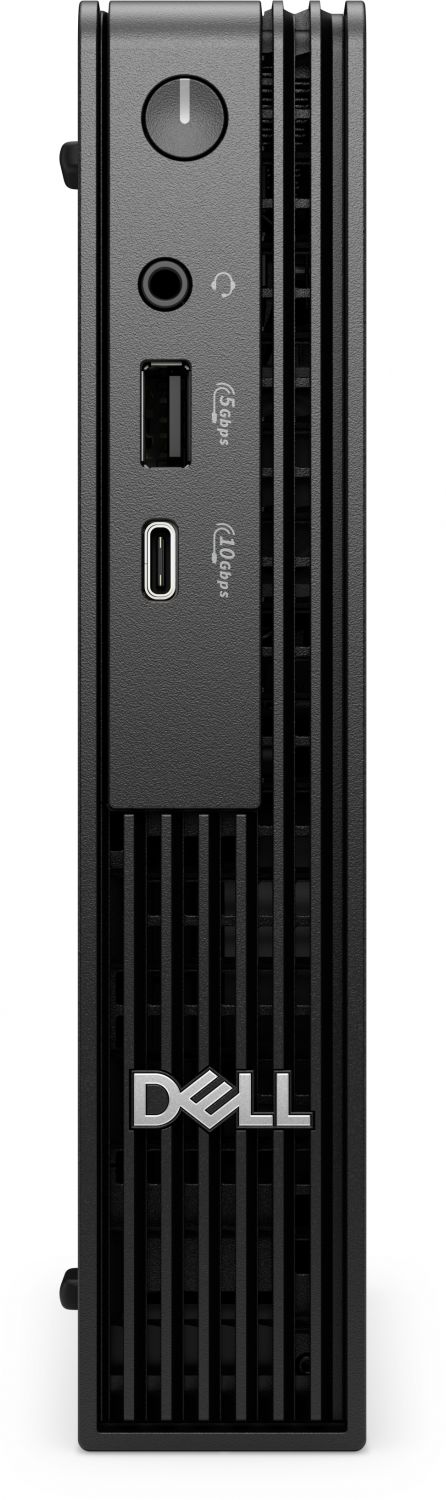


Buying a desktop computer is an investment. It’s the digital heart of your home or office, a creative tool and a gateway to entertainment. Unlike laptops, a good desktop computer often offers better value for money, easier upgrades and more powerful cooling. But how do you find the right model among hundreds of options? This guide will help you make an informed decision, so you can buy a desktop computer that will serve you well for years to come.
Before diving into the technical specifications, the most important question to ask yourself is: what will I mainly use this computer for? The answer will determine your budget and the components you need. There’s no point paying extra for a powerful gaming PC if all you plan to do is browse the web. On the other hand, a cheap desktop computer won’t handle demanding software or games.
Users can broadly be divided into three groups, each with specific needs. Identify which profile fits you best to find the right desktop computer for you.
| User type | Main activities | Key components |
|---|---|---|
| Gamer | Playing the latest games at high settings, streaming. | Powerful graphics card (e.g. NVIDIA GeForce RTX series), fast processor (e.g. Intel Core i7/i9 or AMD Ryzen 7/9), at least 16GB RAM, fast NVMe SSD. |
| Office and home user | Web browsing, email, office software (Word, Excel), watching films. | Reliable processor (e.g. Intel Core i3/i5 or AMD Ryzen 3/5), 8-16GB RAM, SSD for speed. A dedicated graphics card is often unnecessary. |
| Creative professional | Video editing, 3D modelling, graphic design, programming. | A multi-core processor, plenty of RAM (32GB+), a professional or high-end graphics card, ultra-fast, high-capacity SSDs. |
A computer’s performance depends on the sum of its parts. Even if you choose a pre-built system, it’s useful to know what the main abbreviations and numbers mean. This will help you understand what you’re paying for and how the price of a desktop computer compares to its capabilities.
Desktop computers are no longer just big grey boxes under the desk. There are several different form factors on the market to suit different environments and aesthetic preferences. Find the right desktop computer for your home or office.
The most traditional and flexible option. Tower cases offer the best airflow, which is important for cooling powerful components. They’re also the easiest to upgrade in the future, making it simple to replace or add components. This is the best choice for enthusiasts and gamers who want maximum control over their system.
As the name suggests, all the components are built into the monitor casing. The result is a minimalist, space-saving design that needs far fewer cables. All-in-One computers are an excellent choice for an office or living room where aesthetics matter. However, keep in mind that their upgrade options are limited.
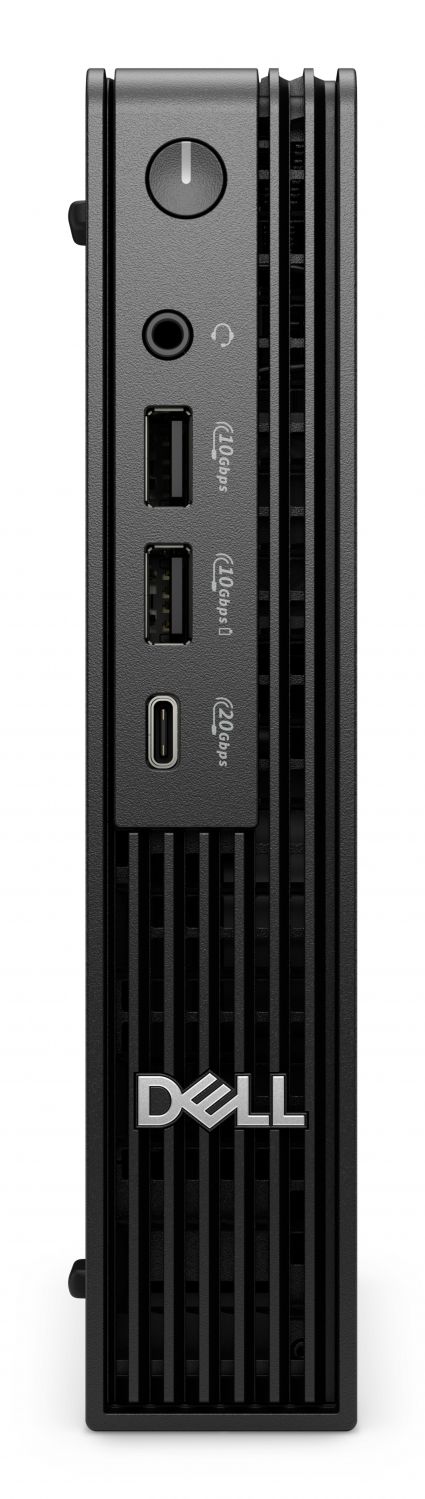
These surprisingly powerful yet highly compact computers can fit in the palm of your hand. A mini desktop computer is ideal as a media centre next to your TV, a basic office computer or for anywhere space is limited. Despite their small size, many models can handle more demanding tasks too.
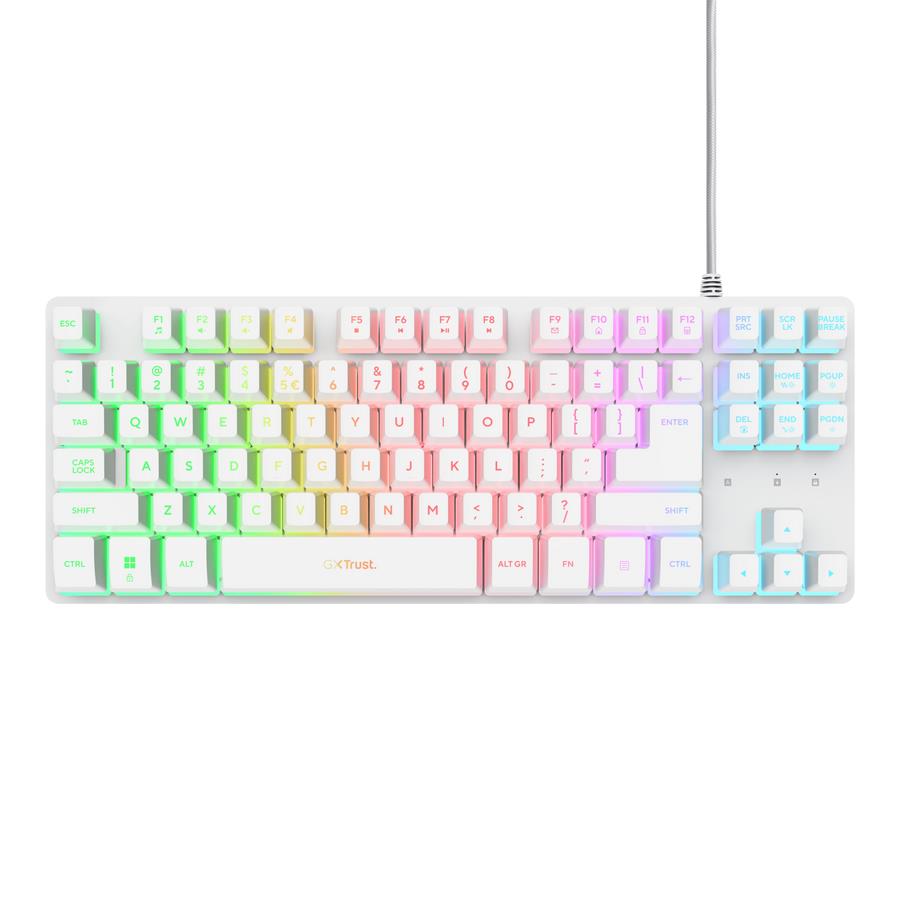
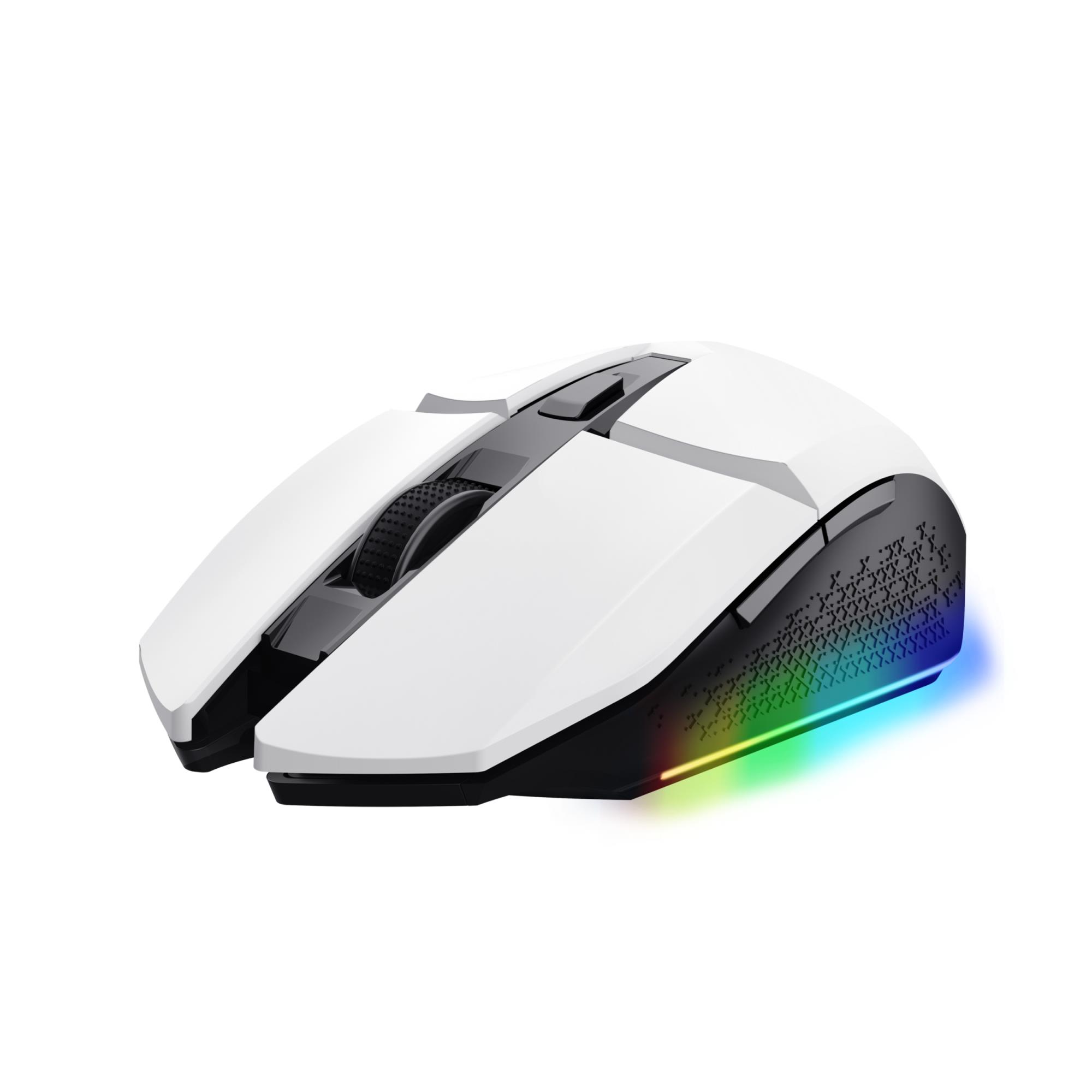
A desktop computer is only part of the complete setup. For the best experience, you’ll also need quality accessories. Don’t forget to invest in good peripherals to make using your computer comfortable and efficient. This could be a large monitor with a clear picture that’s easy on the eyes, or an ergonomic keyboard and mouse.
Ordering online makes the process easy. You can take your time comparing different models and their specifications, reading reviews and finding the right deal for your budget. Our online store offers a wide selection, from affordable basic models to high-end machines. Transparent desktop computer prices and detailed information help you make the best decision. You can also pay in instalments to spread the cost over a longer period.
Our goal is to make buying a quality desktop computer easy and accessible across Estonia. We understand this is an important decision, so we’re committed to providing the best possible shopping experience.
| How much RAM do I need in 2026? | For everyday use, 16GB RAM is still the gold standard for smooth performance. Gamers and professionals should consider 32GB to ensure there’s enough performance headroom for future apps and games. |
| Is an SSD really that much faster than an HDD? | Yes, the difference is noticeable. Computers, programs and games load many times faster from an SSD. It’s one of the most noticeable upgrades you can make to a computer, making the whole system much more responsive. |
| Can I buy a desktop computer in instalments? | Yes, we offer flexible instalment options that let you spread the purchase cost over a longer period. You can choose the option that suits you when selecting a payment method at checkout. |
| What warranty do the computers come with? | All new desktop computers sold in our online store come with a manufacturer’s warranty, usually for at least 2 years. You can find more details on each product page. |