

For private customers
At checkout, product prices are automatically adjusted according to the VAT rate in your delivery country.

Christmas
Furniture
Home & Garden
Sport
Clothing
Mattresses
Watches
Electronics
Construction
Showing 30 of 46 products with selected filters


No products match your selected filters.
An all-in-one computer, also known as an AIO, is a brilliant solution that integrates all the computer hardware directly into the monitor housing. The result is a minimalist, powerful workstation that saves valuable desk space and eliminates the hassle of tangled cables. It’s the perfect choice for anyone who values both style and functionality, whether for a fast-paced office or a modern home workspace.
Finding the right model may seem complicated, but it really comes down to three key questions: what will you use it for, how large a screen do you need, and which features matter most to you? Let’s work through it together.
Performance is at the heart of every computer. An Intel Core i5 processor is more than enough for everyday office work, browsing the web and answering emails. If you work with data analysis, graphic design or other demanding tasks, however, consider a Core i7 or even a newer Core Ultra series processor. 16 GB of RAM is the gold standard today, ensuring smooth multitasking. And frankly, there’s no point buying a computer without a fast SSD – it ensures lightning-fast loading of the operating system and programs.
The screen is your window to the digital world. 24-inch models are the most common and ideal for most tasks. If you need more room to work with multiple windows, a 27-inch display is a better choice. Most AIOs have Full HD (1920x1080) resolution, which is sharp and clear. Some models also have a touchscreen, which can be handy for presentations or creative work.
The biggest appeal of an AIO is its design. A clean, cable-free workspace can improve focus and overall workspace ergonomics. Many models have built-in webcams, microphones and speakers, making them ideal for video calls. Consider adjustability too – can the stand be adjusted for height and tilt? If not, a good computer riser or stand may be just what you need. Business users should also consider a UPS for workstations to protect their data. An AIO is also a great alternative to the more complex combination of a laptop and a docking station.
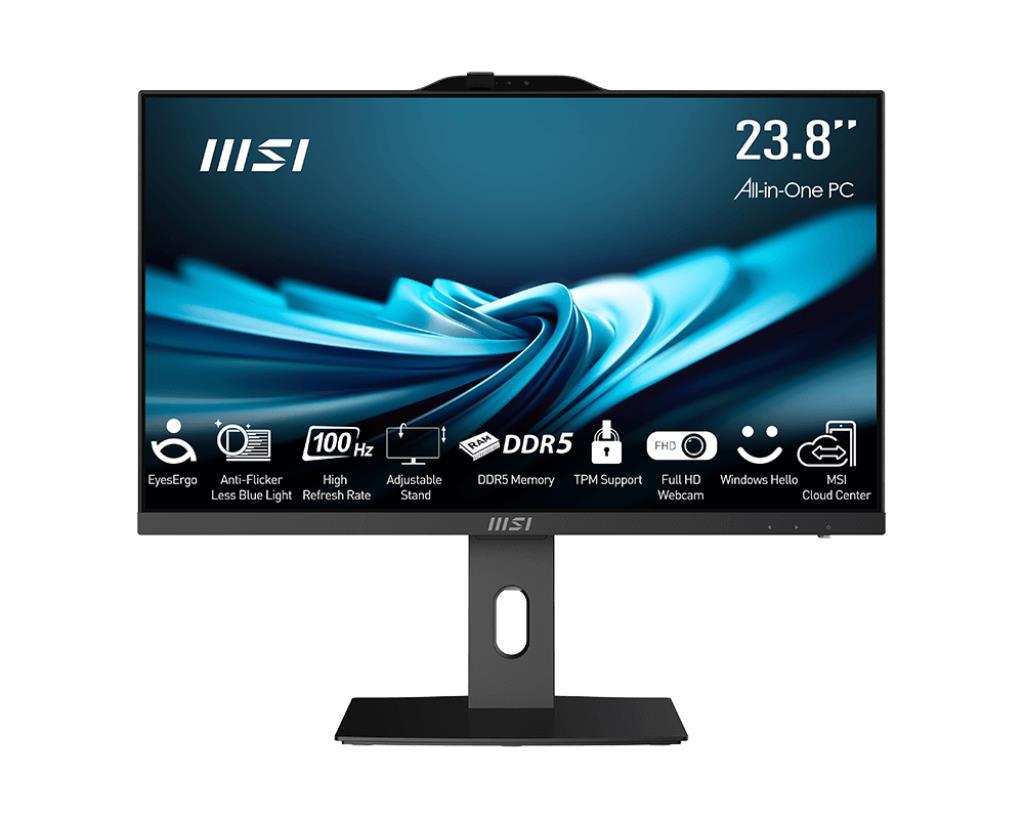
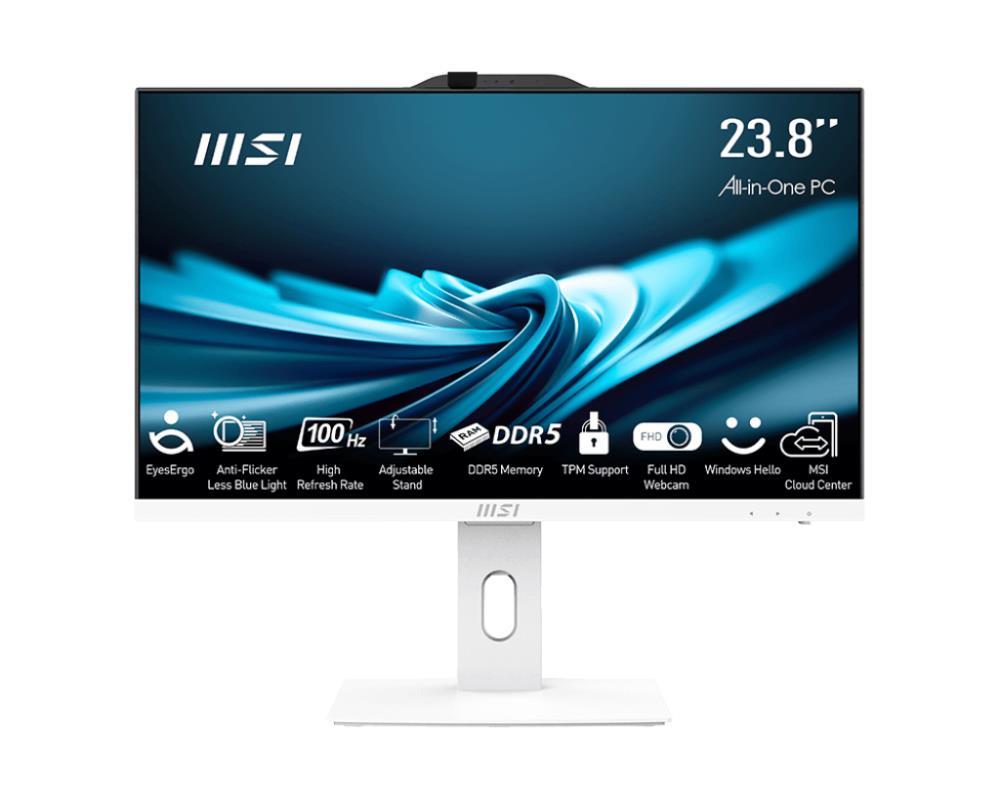
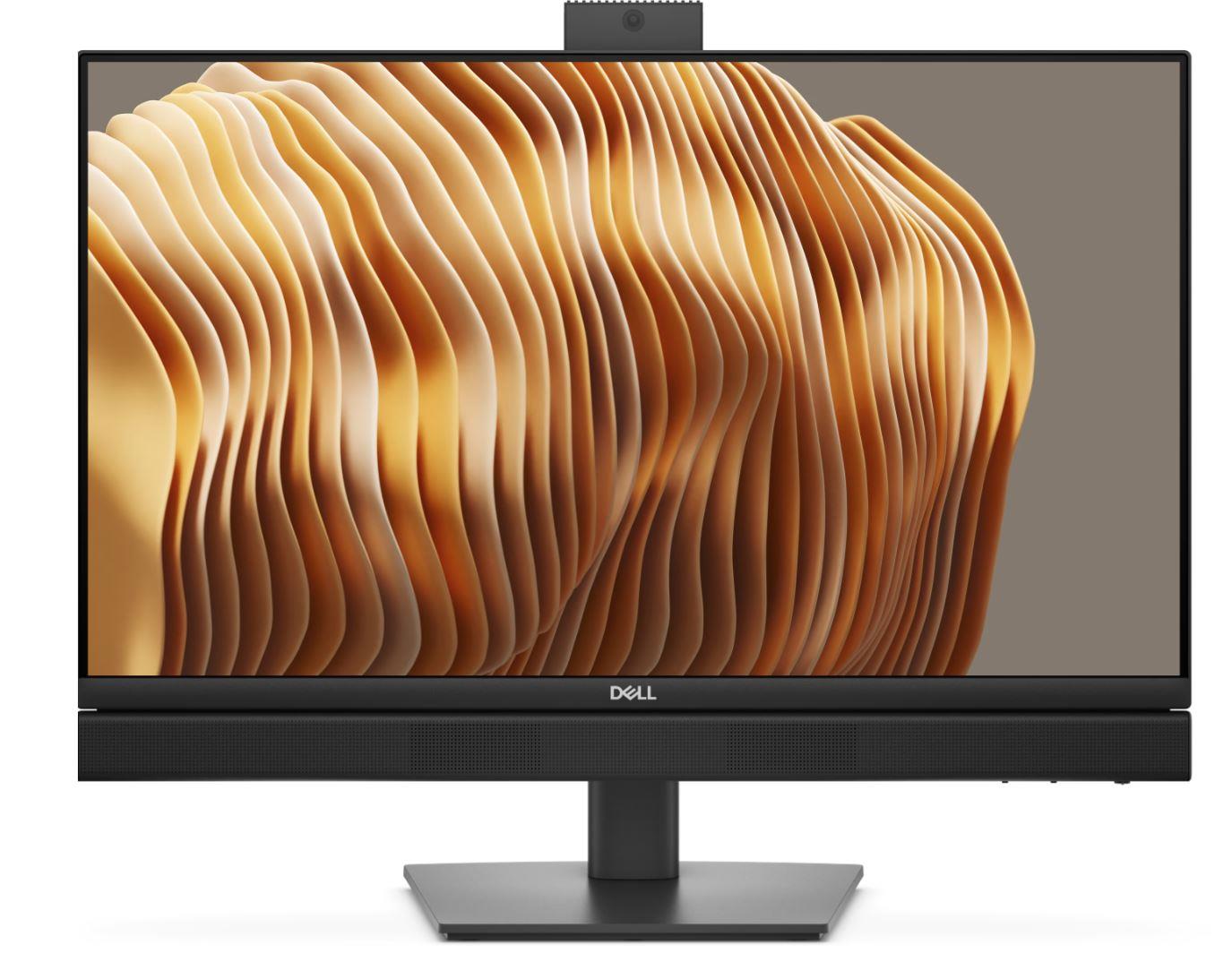
Our range features leading manufacturers. Dell is known for its durable and reliable business-class OptiPlex and Pro series. MSI’s PRO series offers excellent value for money, with a focus on powerful components. HP and ASUS are also strong contenders, offering a wide selection of models for both business and home users, often with elegant designs and innovative features.
| What are the main advantages of an all-in-one computer? | The three main advantages are: 1) Space-saving design and a minimalist look. 2) Fewer cables and simpler setup – just connect one power cable. 3) Everything you need, including a webcam and speakers, is already built in. |
| Are AIO computers suitable for gaming? | Most models here are designed for work and use integrated graphics. They’re suitable for simpler and older games, but don’t offer enough performance for demanding new titles. A dedicated desktop computer is a better choice for serious gaming. |
| Can you upgrade the components? | This is the main compromise with AIO computers. Their compact design limits component upgrades. It’s usually possible to replace or add RAM and an SSD, but replacing the processor or graphics card is generally not an option. |