

For private customers
At checkout, product prices are automatically adjusted according to the VAT rate in your delivery country.

Christmas
Furniture
Home & Garden
Sport
Clothing
Mattresses
Watches
Electronics
Construction
Showing 20 of 20 products with selected filters
20 / 20





No products match your selected filters.
A desktop computer remains king when it comes to power and expandability. Unlike a laptop, it offers uncompromising performance, better cooling and the freedom to replace components whenever you choose. Find the right machine for demanding work, graphic design or the most challenging games.
Choosing the right computer may seem complicated, but it really comes down to a few key questions. Take a moment to think about what you’ll actually use it for. That’s the most important step.
First, define how you’ll mainly use the computer. Are you looking for a machine that can run the latest games at 4K resolution, or a quiet, compact workstation for the office? Or would a simple computer for browsing the web and paying bills be enough?
A computer’s core consists of a few important components whose combination determines the speed and capability of the whole system.
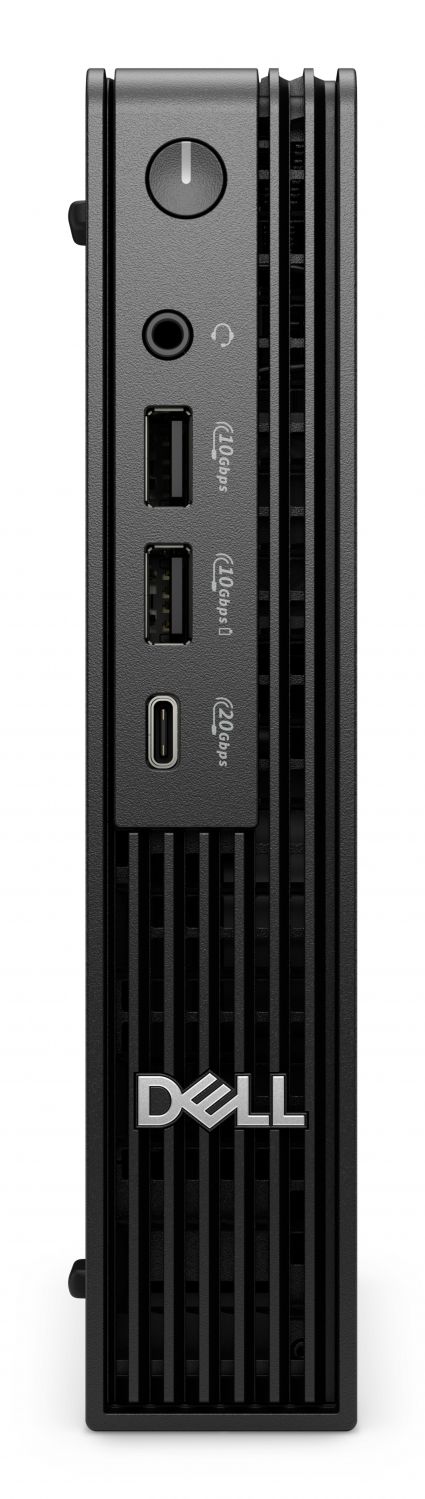
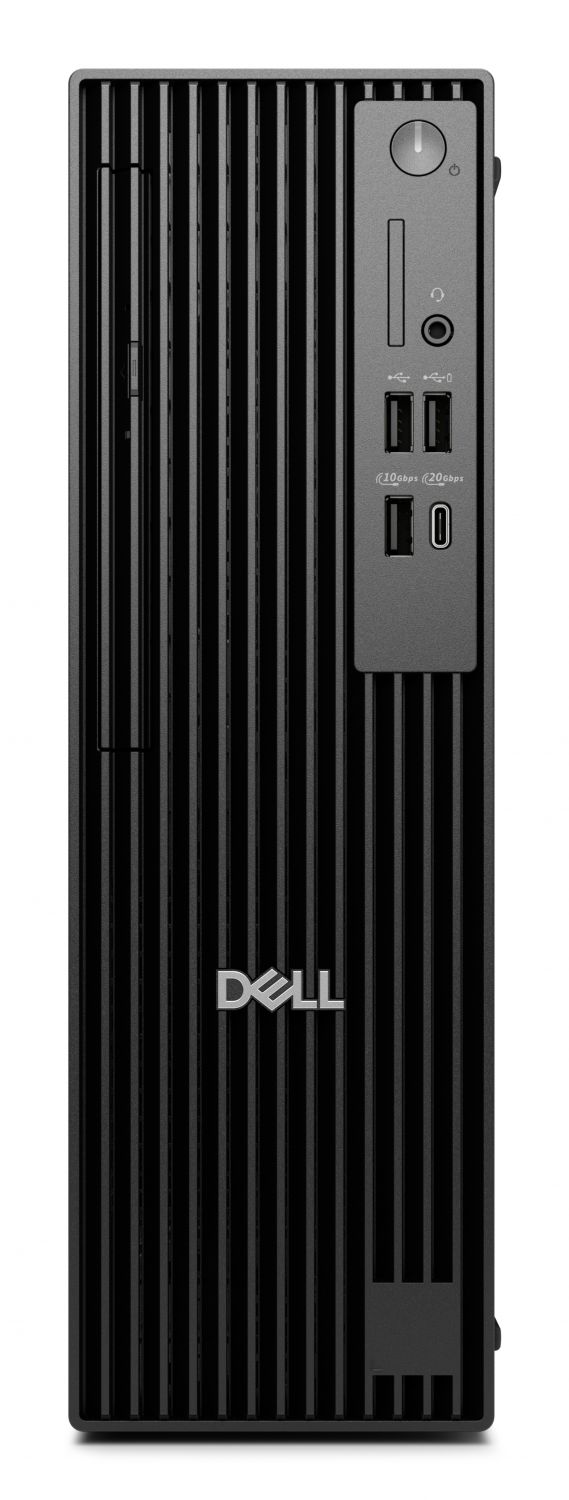
Desktop computers are no longer just big, bulky boxes. Choose from a range of case sizes to suit any environment.
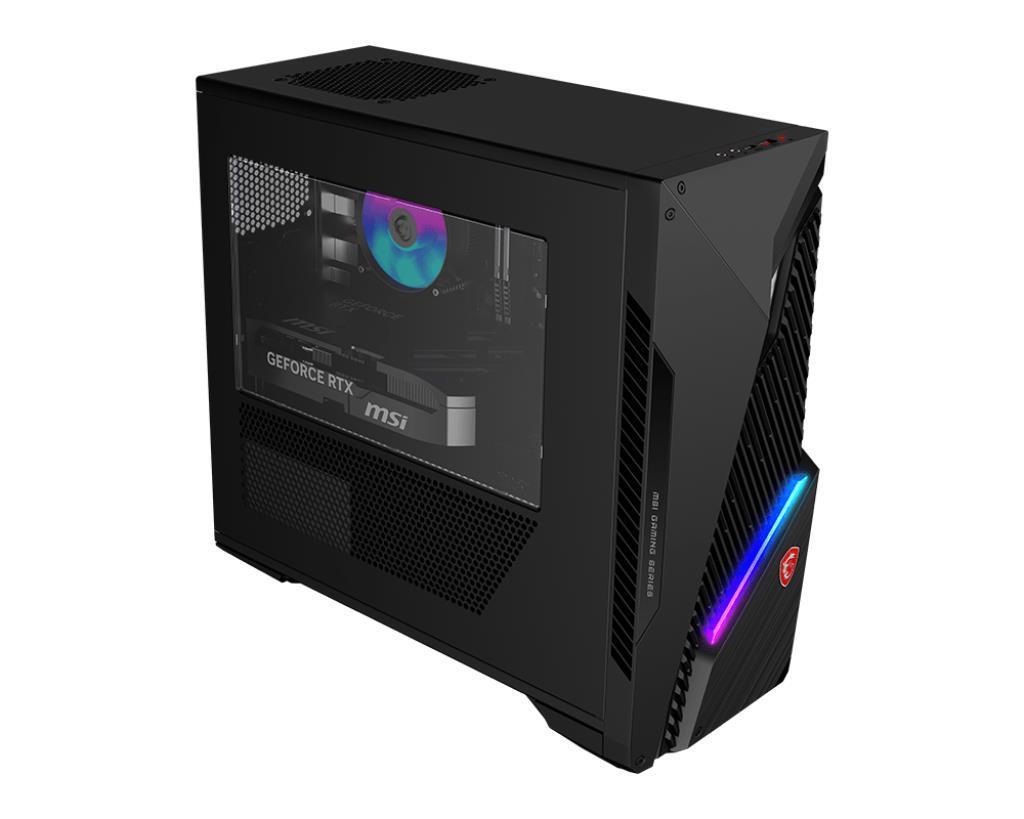
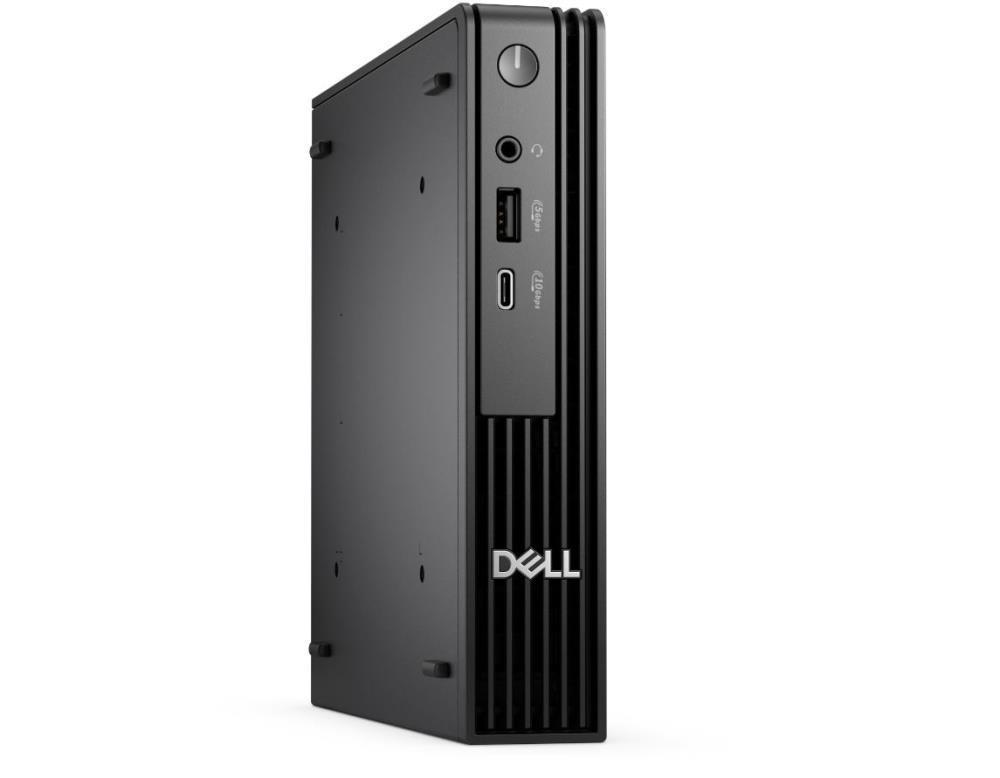
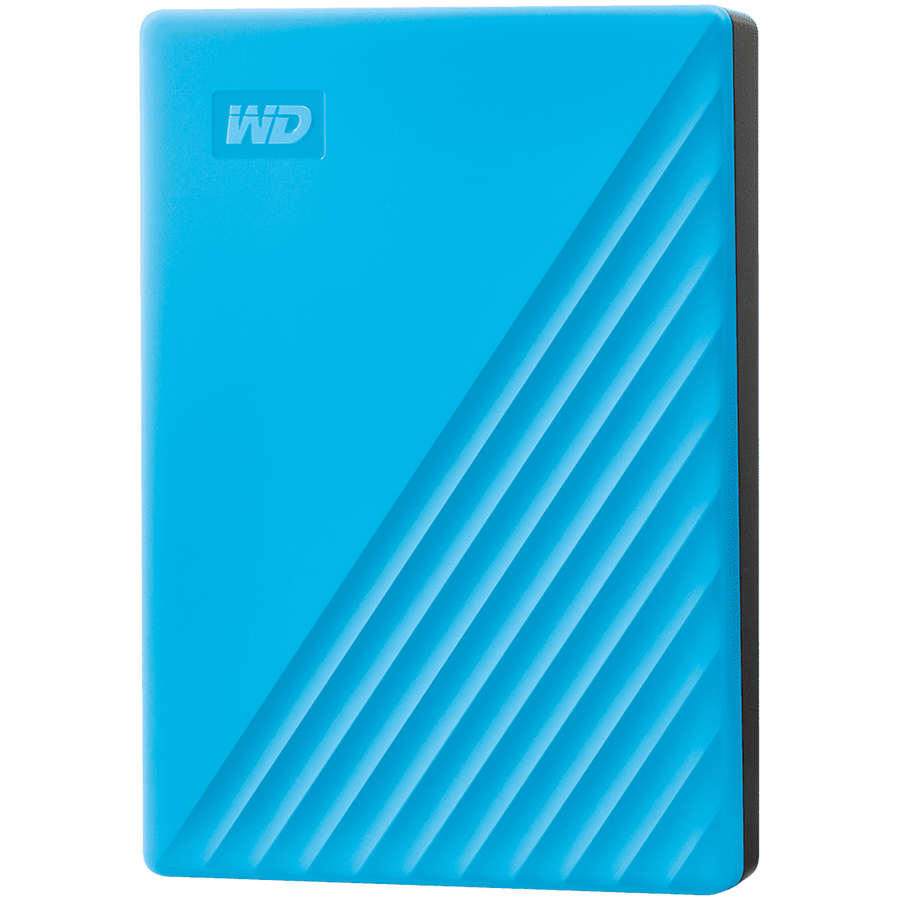
A desktop computer is just the main unit. To get the most out of it, you’ll also need peripherals. Unlike all-in-one computers, desktop PCs don’t always include everything you need in the box.
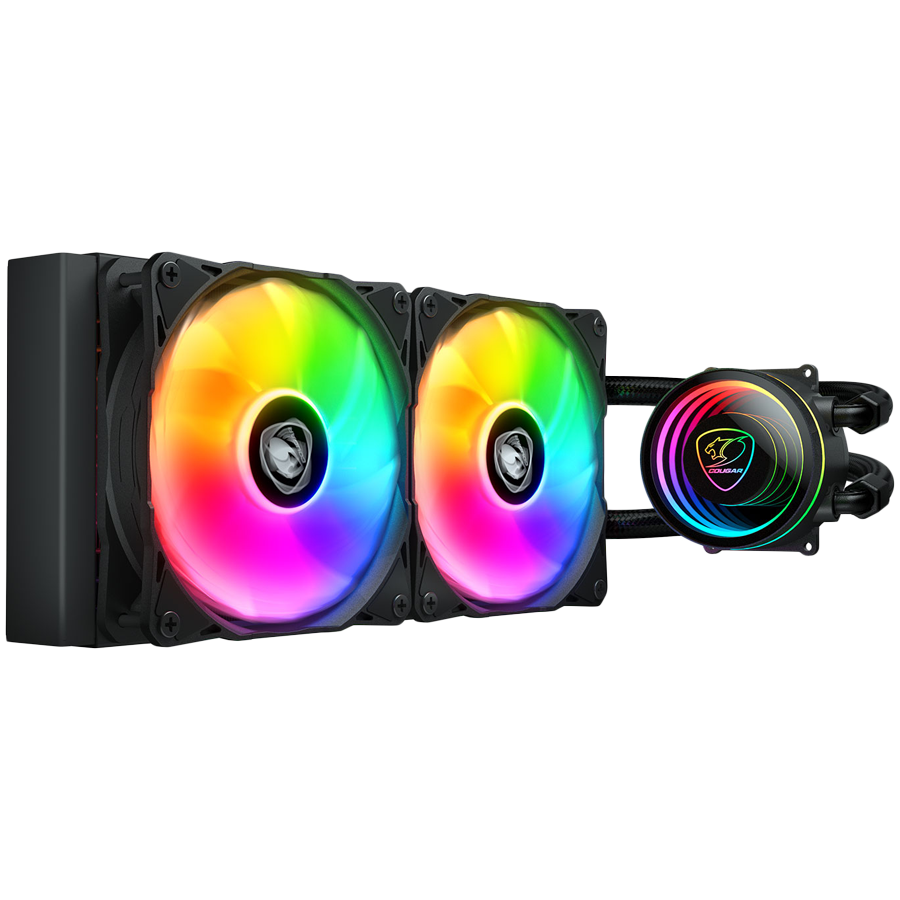
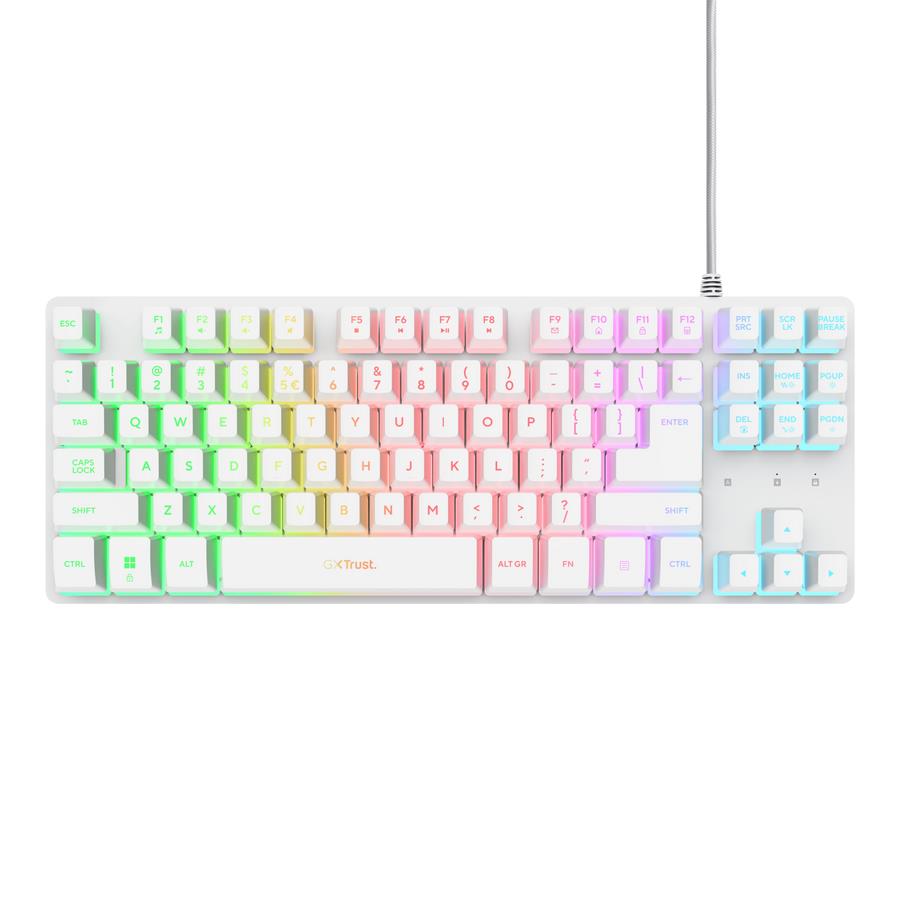
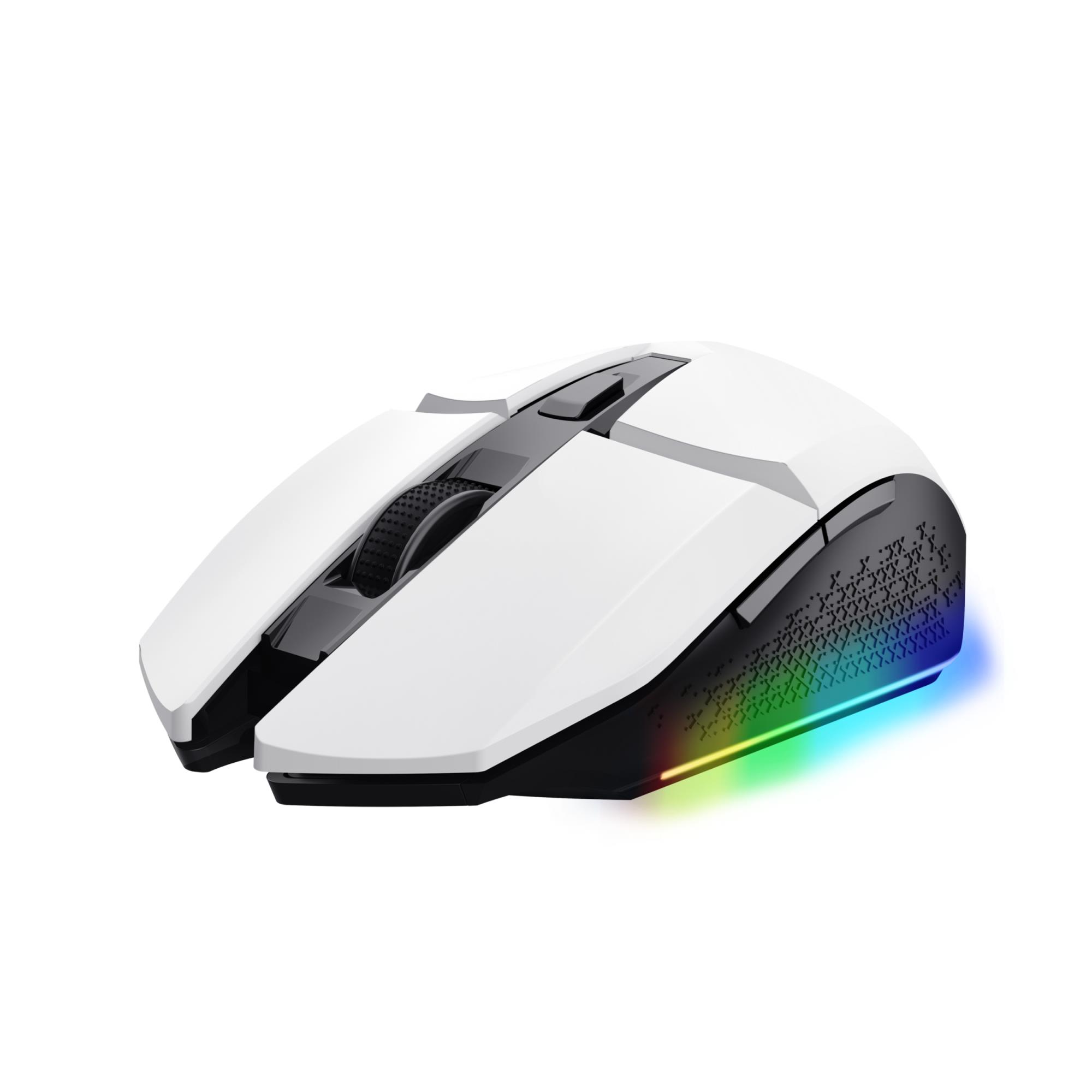
First, you’ll need a good monitor to suit your needs – whether that means a high refresh rate for gaming or high resolution for precise colour work. You’ll also need a comfortable keyboard and a precise mouse. If you plan to use your computer intensively or live in an area prone to power fluctuations, a UPS for workstations is a smart investment that protects your valuable equipment. And if you’re an enthusiast who wants to keep temperatures under control, explore the range of cooling systems.
| Question | Answer |
|---|---|
| Does a desktop computer come with a monitor and keyboard? | Usually not. When you buy a desktop computer, you typically get only the computer case and its internal components. A monitor, keyboard and mouse generally need to be purchased separately, giving you the freedom to choose the ones that suit you best. Some models may include a mouse and keyboard, though – check the product details. |
| What’s the difference between Intel Core i5 and i7? | Simply put, Core i7 is more powerful than i5. It has more cores and threads, which means it can handle more tasks at once. An i5 is perfectly adequate for everyday use and most games. But if you edit videos, create 3D models or stream, an i7 offers a noticeable advantage. |
| How much RAM do I need in 2024? | 8GB is the absolute minimum, but we strongly recommend choosing 16GB. This ensures smooth performance even when you have several programs and lots of browser tabs open. 32GB is recommended for professionals and anyone looking for a gaming computer that will stand the test of time. More is always better, but 16GB currently offers the best balance of price and performance. |