

For private customers
At checkout, product prices are automatically adjusted according to the VAT rate in your delivery country.

Christmas
Furniture
Home & Garden
Sport
Clothing
Mattresses
Watches
Electronics
Construction
Showing 3 of 3 products with selected filters
3 / 3


No products match your selected filters.
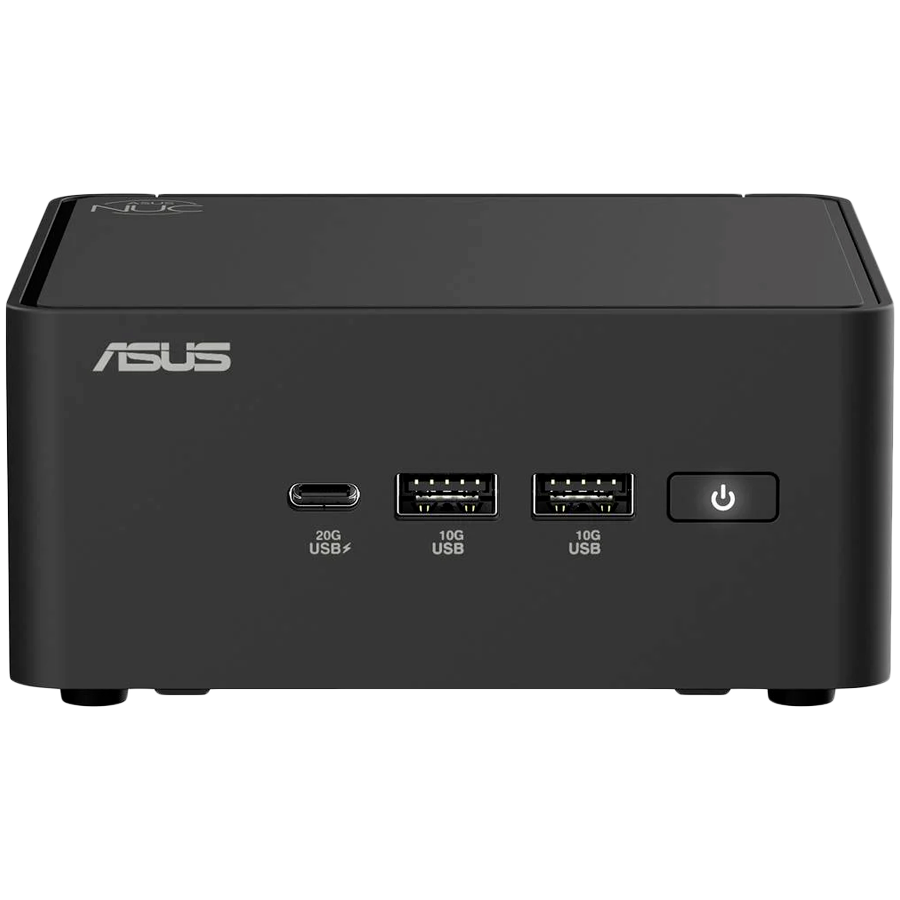
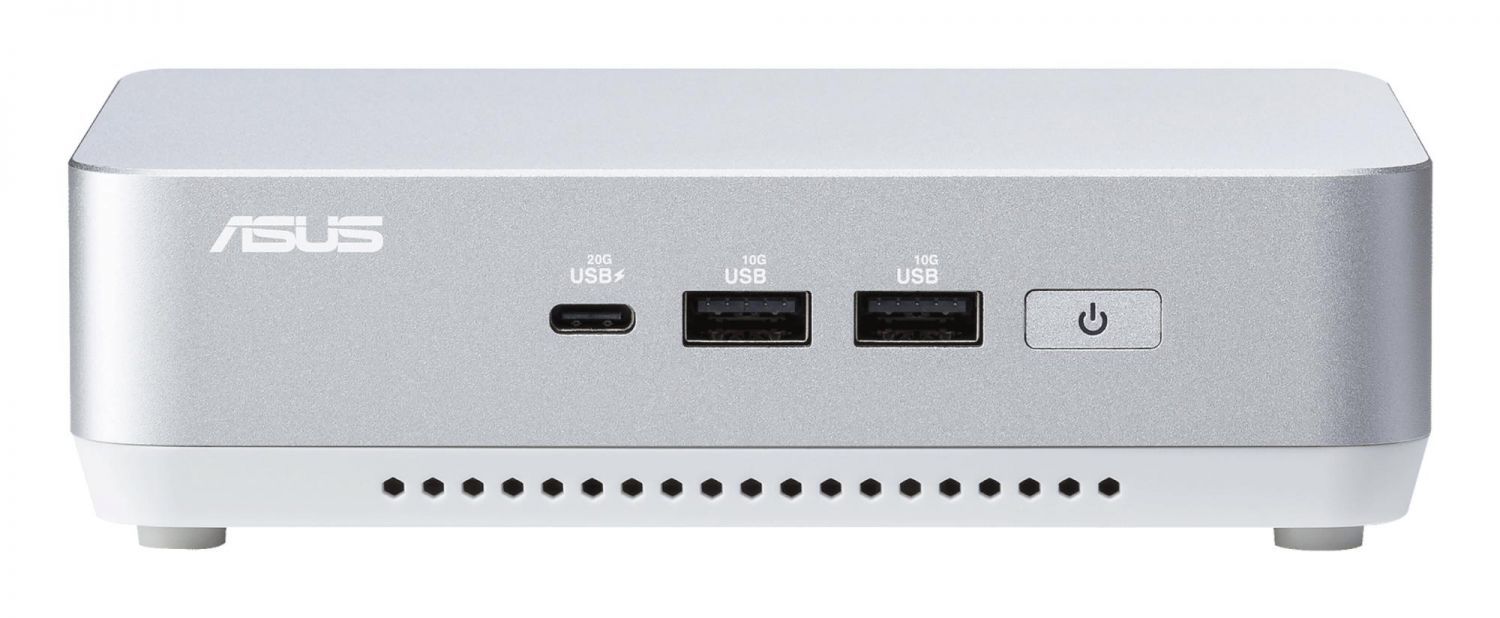
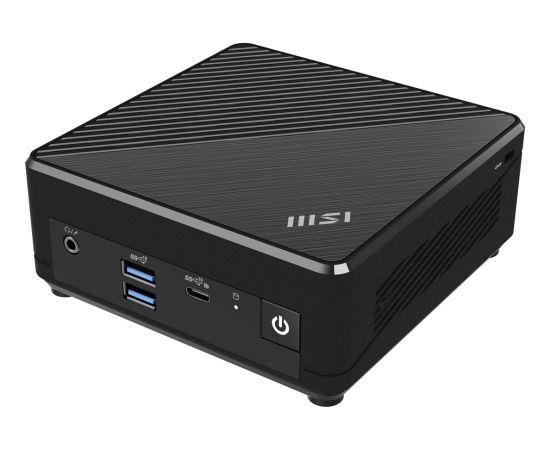
A mini PC, also known as a NUC (Next Unit of Computing) or SFF (Small Form Factor) computer, is essentially a desktop PC in compact form. It delivers impressive performance in a package barely larger than the palm of your hand. These devices are ideal if you value a minimalist desk, low power consumption and quiet operation without compromising on performance.
They have a surprisingly wide range of uses. From an unobtrusive office computer mounted behind a monitor with a VESA bracket to a 4K-capable media center in the living room or even a small but capable home server. Honestly, unless you need the most extreme gaming or video-editing workstation, a quality mini PC can probably meet 90% of your needs.
The choices may seem complicated, but they come down to a few key questions. What will you use it for? And how much are you willing to install yourself? Let's take a look at the main things to consider.
This is the first and most important decision. A barebone kit is like a blank canvas—it includes the case, motherboard and processor. You'll need to buy and install compatible RAM (SODIMM) and storage yourself, such as a fast M.2 SSD. This gives you maximum flexibility and is often more affordable if you already have the components.
A complete system, on the other hand, offers convenience. It comes with memory, drives and often an operating system already installed. Just switch it on and get to work. It's an excellent choice for offices or anyone who doesn't want to get into the details of PC components.

Once you've decided between a barebone kit and a complete system, it's time to look under the hood. Here are the three most important things to consider:
| Are mini PCs noisy? | Most modern models are virtually silent during everyday use. The fan may kick in under heavy load, but noise levels are significantly lower than with standard desktop PCs. Efficient cooling systems are central to their design. |
| Can I play games on a mini PC? | It depends on the model. The integrated Arc graphics in newer Intel Core Ultra processors can handle less demanding and older games surprisingly well. However, these PCs aren't designed to replace dedicated gaming computers. |
| How can I protect my mini PC from power outages? | As with any valuable electronic device, the best solution is an uninterruptible power supply. A small UPS for workstations ensures that a brief power outage won't damage your data or the device itself. This is especially important if you use your mini PC as a home server. |