0

Laptop docking stations

Turn your laptop into a powerful workstation. Our docking stations expand your connectivity, letting you connect multiple monitors, peripherals and a network with a single cable. Choose from compact USB-C hubs for travel and powerful Thunderbolt 4 docks for professionals from brands such as ASUS, HP and Vention.

23 / 23

Weight: 70 g
In stock
Laptop Docking Station VENTION 5-in-1, USB-C, HDMI, 4K@30Hz, Grey

Laptop Docking Station VENTION 5-in-1, USB-C, HDMI, 4K@30Hz, Grey

€16.83 2 pcs

SKU: 1455322

EAN: 6922794791565

1
Weight: 47 g
In stock
Dell Pro 4-in-1 USB-C Travel Hub DA225 Docking Station for Laptop

Dell Pro 4-in-1 USB-C Travel Hub DA225 Docking Station for Laptop

€24.71 51 pcs

SKU: 470-BFBN

EAN: 5397184993170

1
Weight: 120 g
In stock
Laptop docking station Vention 9in1 USB-C 0.15 m

Laptop docking station Vention 9in1 USB-C 0.15 m

€36.44 2 pcs

SKU: 1447703

EAN: 6922794788831

1
In stock
USB-C docking station Axagon HMC-5G21, 5 ports, 0.13 m cable

USB-C docking station Axagon HMC-5G21, 5 ports, 0.13 m cable

€38.94 9 pcs

SKU: 1450746

EAN: 8595247909060

1
Weight: 80 g
In stock
USB-C Network Adapter Club3D CAC-1520, USB 3.2 Gen1 – RJ45 2.5 Gbps

USB-C Network Adapter Club3D CAC-1520, USB 3.2 Gen1 – RJ45 2.5 Gbps

€44.89 4 pcs

SKU: 1448545

EAN: 8719214471248

1
Weight: 436 g
In stock
Docking station Qoltec 2-in-1 HDD/SSD, SATA, M.2 NVMe, cloning, USB-C 3.2 Gen 2, 10Gb/s, 28TB, aluminium

Docking station Qoltec 2-in-1 HDD/SSD, SATA, M.2 NVMe, cloning, USB-C 3.2 Gen 2, 10Gb/s, 28TB, aluminium

€49.56 173 pcs

SKU: 52631

EAN: 5901878526317

1
Weight: 447 g
In stock
M.2 NVMe SSD docking station Qoltec, PCIe, USB-C, 20 Gb/s, dual bay, 2 x 8 TB, offline cloning

M.2 NVMe SSD docking station Qoltec, PCIe, USB-C, 20 Gb/s, dual bay, 2 x 8 TB, offline cloning

€60.20 62 pcs

SKU: 52366

EAN: 5901878523668

1
Weight: 115 g
In stock
Laptop docking station HP RENEW GOLD Universal USB-C Multiport Travel Hub 65W

Laptop docking station HP RENEW GOLD Universal USB-C Multiport Travel Hub 65W

€65.58 9 pcs

SKU: 50H55UTR

EAN: —

1
In stock
Club3D CSV-1553 USB-C hub, 3× DisplayPort, 4K60Hz, black

Club3D CSV-1553 USB-C hub, 3× DisplayPort, 4K60Hz, black

€67.14 4 pcs

SKU: 1427798

EAN: 8719214473174

1
Weight: 690 g
In stock
USB-C to RJ45 Adapter Club3D CAC-2531, 10G Ethernet, Black

USB-C to RJ45 Adapter Club3D CAC-2531, 10G Ethernet, Black

€72.10 9 pcs

SKU: 1461133

EAN: 8719214473808

1
Weight: 140 g
In stock
Laptop Docking Station Club3D CSV-2551, 8-in-1 USB-C, Black

Laptop Docking Station Club3D CSV-2551, 8-in-1 USB-C, Black

€84.73 2 pcs

SKU: 1448456

EAN: 8719214473488

1
Weight: 400 g
In stock
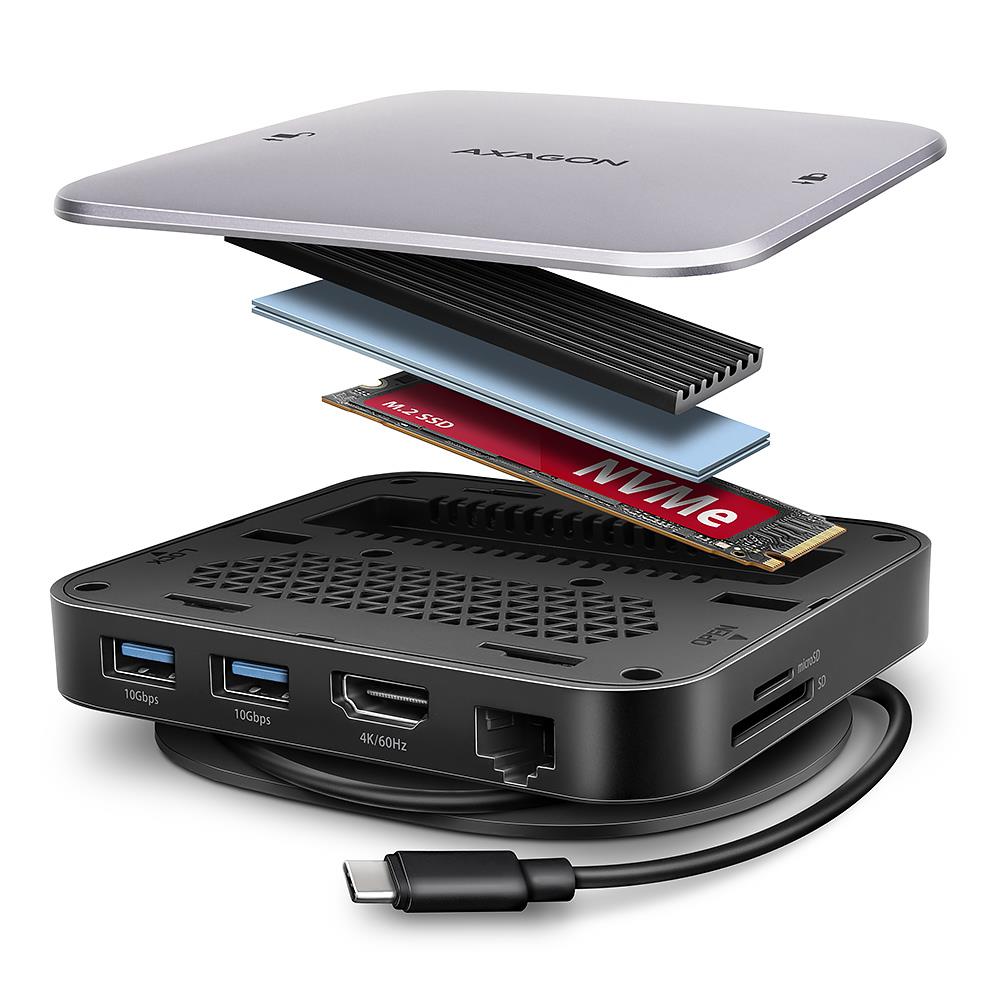
Docking Station Axagon HMC-UFO USB-C 9in1 NVMe/SATA M.2, HDMI, PD

Docking Station Axagon HMC-UFO USB-C 9in1 NVMe/SATA M.2, HDMI, PD

€86.25 14 pcs

SKU: 1438779

EAN: 8595247908438

1
Weight: 220 g
In stock
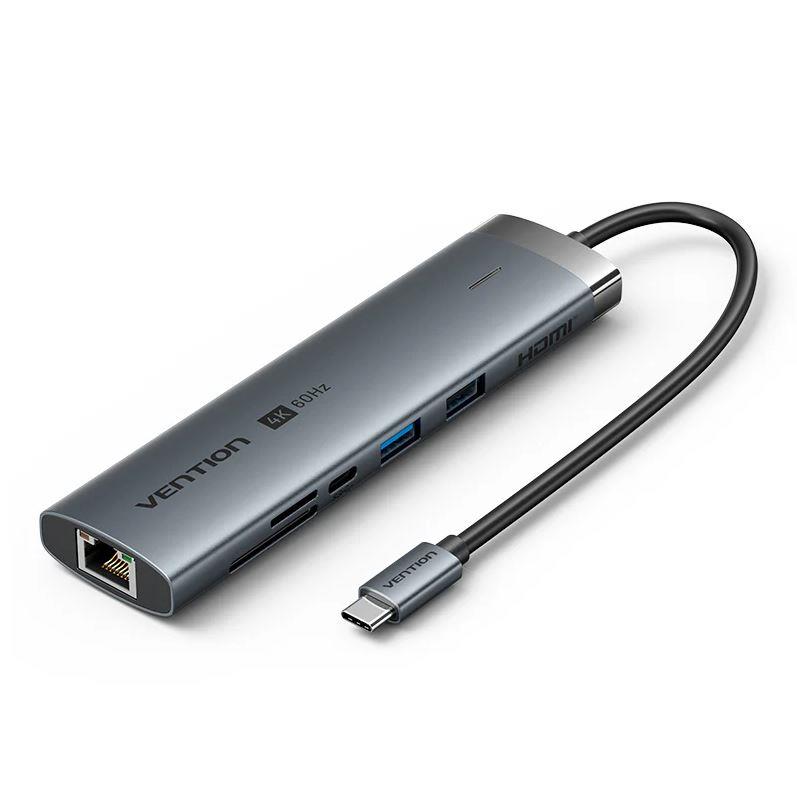
Laptop Docking Station Vention 6in1 USB-C, 0.15 m

Laptop Docking Station Vention 6in1 USB-C, 0.15 m

€86.60 12 pcs

SKU: 1452297

EAN: 6922794790834

1
Weight: 806 g
In stock
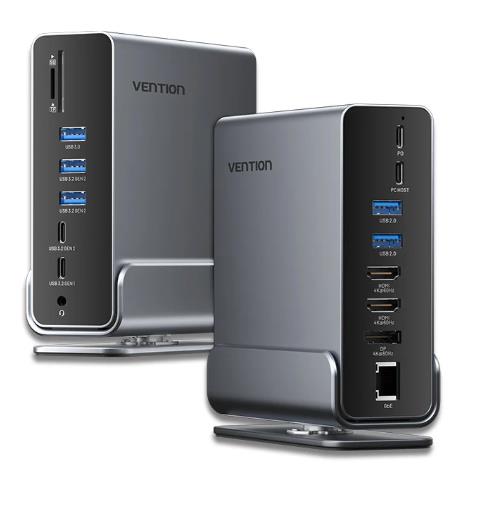
Laptop docking station VENTION 15in1 USB-C MST TPUH0

Laptop docking station VENTION 15in1 USB-C MST TPUH0

€116.29 3 pcs

SKU: 1447701

EAN: 6922794779136

1
Weight: 560 g
In stock
Club 3D CSV-1564W65 USB-C Docking Station 65W, Black

Club 3D CSV-1564W65 USB-C Docking Station 65W, Black

€147.68 3 pcs

SKU: 1427789

EAN: 8719214472108

1
Weight: 680 g
In stock
Laptop Docking Station HP USB-C Dock G6 100W

Laptop Docking Station HP USB-C Dock G6 100W

€155.92 76 pcs

SKU: 9X3V1UT#ABB

EAN: 198415314048

1
Weight: 910 g
In stock
Docking Station Club3D CSV-2541 12-in-1 USB-C 100W, Black

Docking Station Club3D CSV-2541 12-in-1 USB-C 100W, Black

€156.54 4 pcs

SKU: 1448449

EAN: 8719214473525

1
Weight: 720 g
In stock
Laptop docking station Club3D CSV-1564W100, USB-C 3.2 Gen1, 100W PD, black

Laptop docking station Club3D CSV-1564W100, USB-C 3.2 Gen1, 100W PD, black

€177.80 3 pcs

SKU: 1427790

EAN: 8719214471866

1
Weight: 472 g
In stock
Laptop docking station Lenovo USB 4 Smart Dock 135W

Laptop docking station Lenovo USB 4 Smart Dock 135W

€188.19 23 pcs

SKU: 40BC0135EU

EAN: 4573680989966

1
Weight: 730 g
In stock
Laptop Docking Station Club3D CSV-1565, USB-C, 100W PD3.0, Black

Laptop Docking Station Club3D CSV-1565, USB-C, 100W PD3.0, Black

€190.38 3 pcs

SKU: 1448464

EAN: 8719214472702

1
Weight: 567 g
In stock
Laptop Docking Station Dell Pro Thunderbolt 4 Dock WD25TB4

Laptop Docking Station Dell Pro Thunderbolt 4 Dock WD25TB4

€268.87 5 pcs

SKU: 210-BTHY

EAN: 5397321029052

1
Weight: 1.78 kg
In stock
Docking Station Club3D CSV-2562 13-in-1 Thunderbolt 5, black

Docking Station Club3D CSV-2562 13-in-1 Thunderbolt 5, black

€358.11 4 pcs

SKU: 1460048

EAN: 8719214473570

1
Weight: 620 g
In stock
Laptop Docking Station Dell Pro Thunderbolt 5 Dock WD25TB5

Laptop Docking Station Dell Pro Thunderbolt 5 Dock WD25TB5

€375.88 15 pcs

SKU: 210-BTHZ

EAN: 5397321029076

1

Modern laptops are thin and lightweight, but this minimalist design often comes at the cost of fewer ports. A docking station is an elegant solution that transforms a single USB-C or Thunderbolt port into a multifunctional hub, freeing you from a tangle of adapters and cables. It’s not just about convenience—it’s about optimising your workflow.

How to choose the right laptop docking station

Choosing the right dock depends on three main factors: your laptop’s port, the additional ports you need and how you plan to use it. Think of it as laying the foundation for your digital workspace.

Step 1: Connection type – USB-C vs. Thunderbolt

Although they look identical, their capabilities differ significantly. This is probably the most important decision you’ll need to make.

USB-C docks A versatile, affordable choice for most users. Ideal for browsing the web, office work and connecting a single 4K monitor.
Thunderbolt (3/4/5) docks For professionals who need maximum performance. They offer the fastest data transfer speeds (up to 40 Gbps), support multiple high-resolution monitors and let you connect especially demanding devices.

Before buying, check which port your laptop supports. A Thunderbolt dock also works with a standard USB-C port, but with limited functionality. The reverse is not true.

Step 2: Assess your port requirements

Make a list of the devices you want to connect. This will help you avoid both under- and overspending. Do you need just a couple of extra ports or a fully equipped desktop replacement?

User profile Ports needed
Everyday user / Traveller 1x HDMI, 2-3x USB-A, SD card reader. Simpler USB hubs are a good option here too.
Office worker / Home office 2x DisplayPort/HDMI, 4+ USB-A/USB-C, RJ-45 Ethernet, 3.5mm audio.
Creative professional / Gamer Thunderbolt 4, multiple 4K/8K video outputs, high-speed USB-C ports, CFexpress/SD reader.

Step 3: Consider power and portability

Docks generally fall into two categories: those powered by your laptop’s USB port and those with a separate power adapter. Compact hubs are portable, but can only power smaller devices. Larger docks need their own power supply, but provide a stable connection and can charge your laptop (Power Delivery). Check the dock’s power output (W)—it should be equal to or greater than that of your original laptop charger.

Expert tip: Don’t forget the cables. To get the most out of a quality dock, you’ll also need quality video cables (HDMI 2.1 or DisplayPort 1.4) to ensure a stable picture at high resolutions and refresh rates.

Frequently asked questions (FAQ)

  • Will the dock work with my laptop? Most USB-C docks are universal, but always check the product description to confirm compatibility with your operating system (Windows, macOS, ChromeOS). Thunderbolt docks require a Thunderbolt port on your laptop.
  • How many monitors can I connect? This depends on the graphics capabilities of the dock and your laptop. You’ll find information about the maximum number and resolution of monitors in the product specifications.
  • Do I need to install drivers? Most modern docks are “Plug and Play”, so they don’t need separate drivers. Some models with specific features (e.g. DisplayLink technology) may require software to be downloaded from the manufacturer’s website.