



For private customers
At checkout, product prices are automatically adjusted according to the VAT rate in your delivery country.

Christmas
Furniture
Home & Garden
Sport
Clothing
Mattresses
Watches
Electronics
Construction
Showing 30 of 46 products with selected filters










No products match your selected filters.
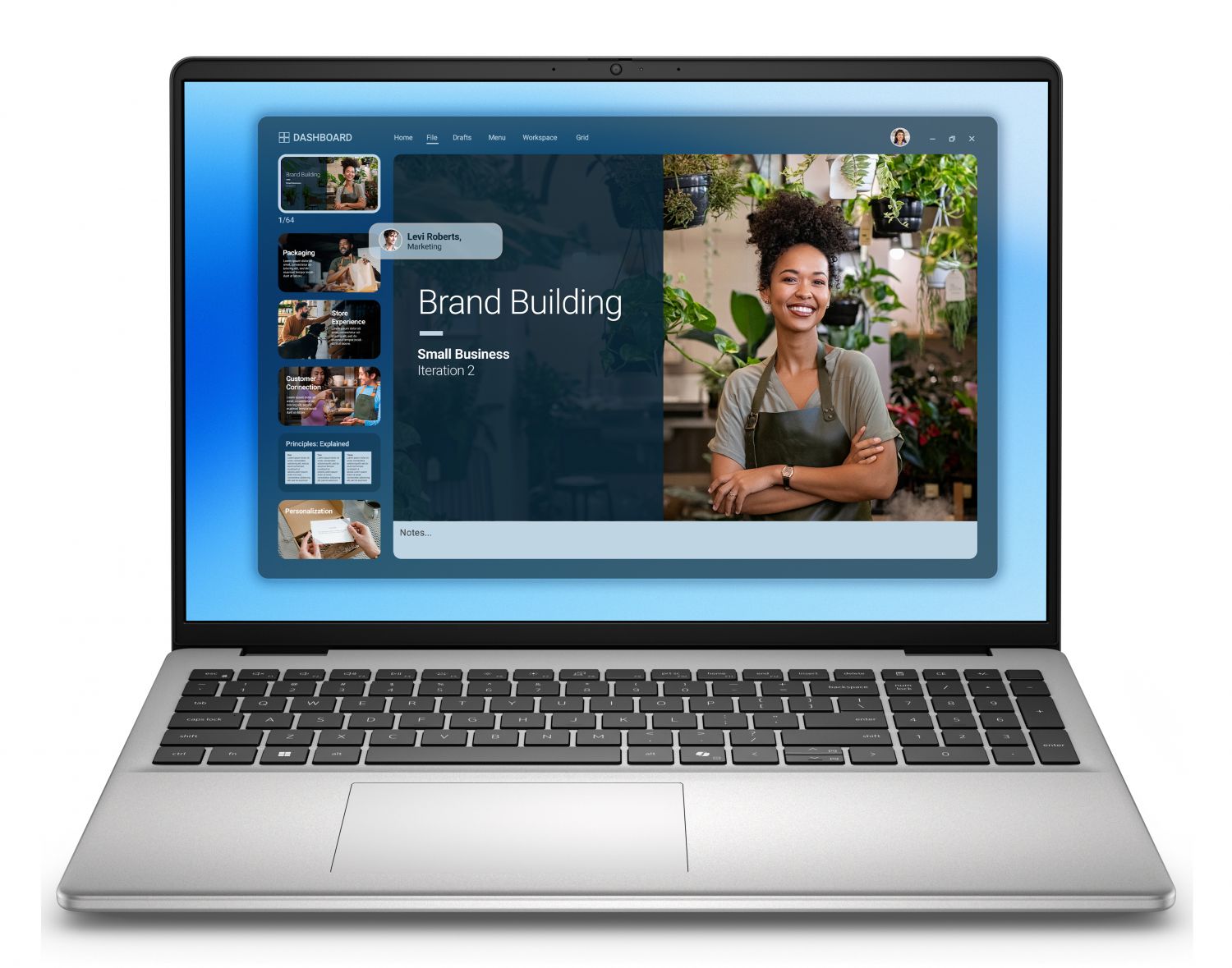
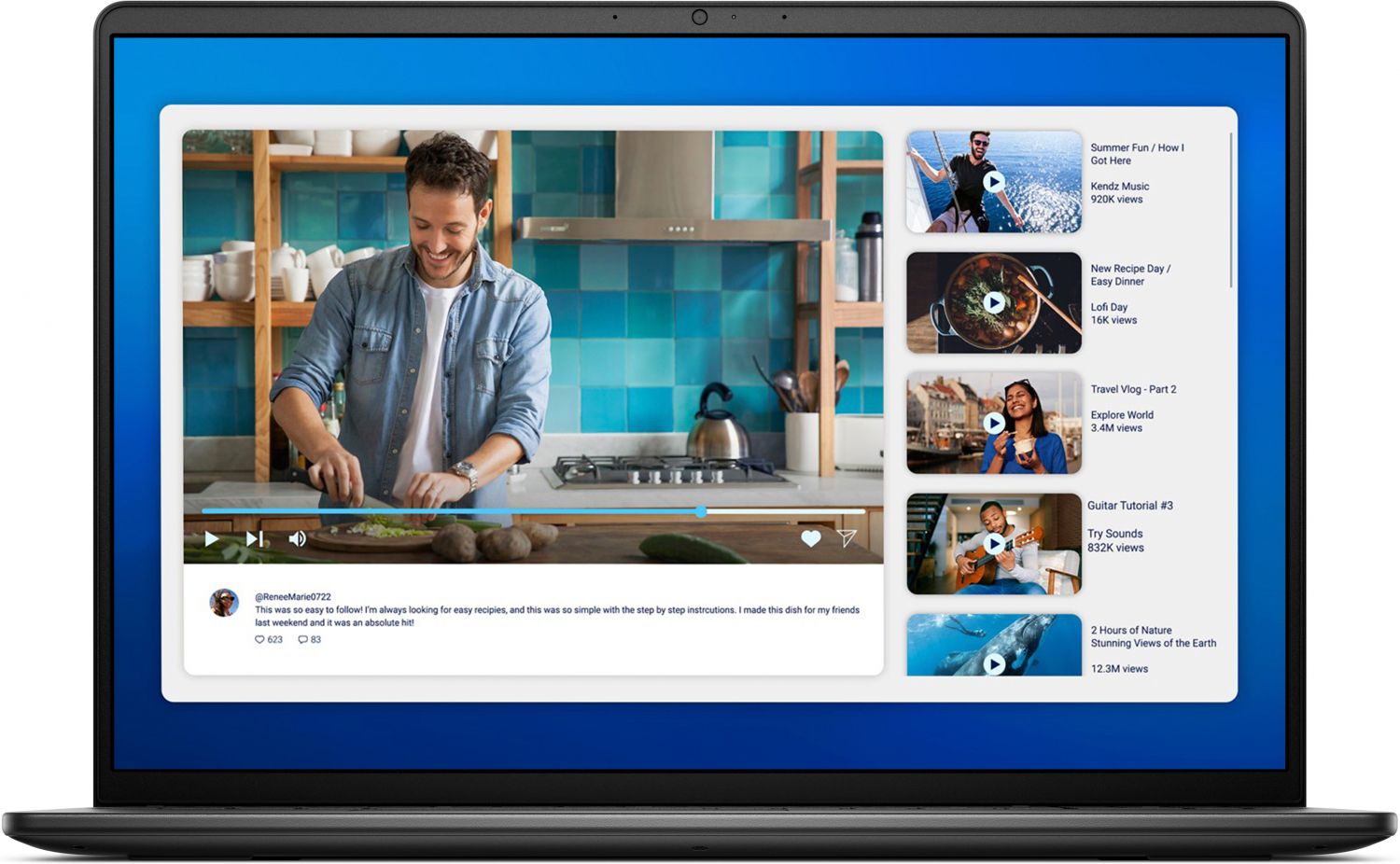
Choosing a laptop can seem complicated, with hundreds of models and dozens of technical specifications to consider. But it really comes down to one question: what will you use it for? This guide will help you find the right machine for your needs, whether you’re looking for a lightweight travel companion or a powerful workstation.
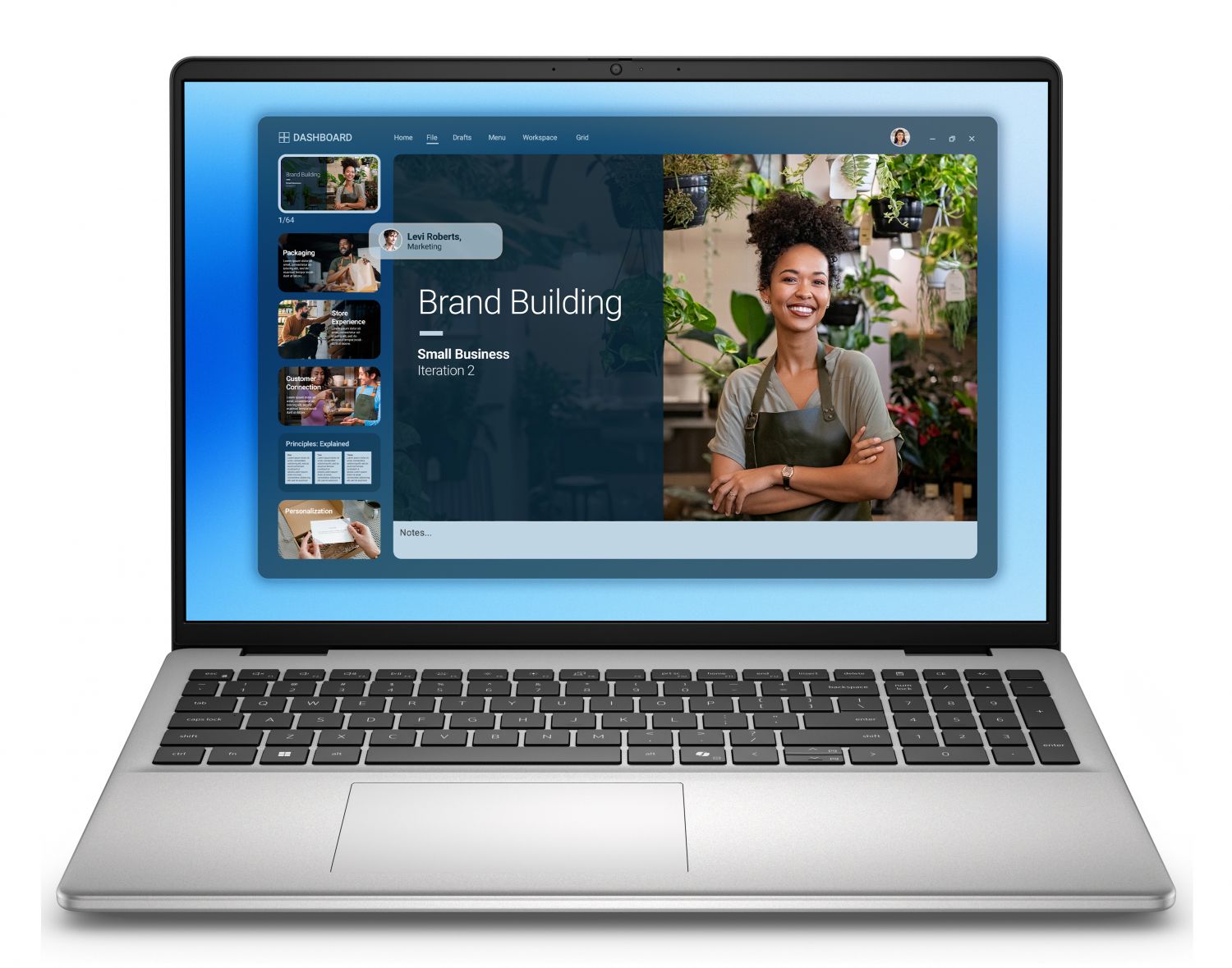
Everyday use and studying: If your main activities are browsing the web, sending emails and creating documents, you don’t need the most expensive model. Look for a lightweight laptop with good battery life. 8GB of RAM and a 256GB SSD are more than enough for smooth everyday use.
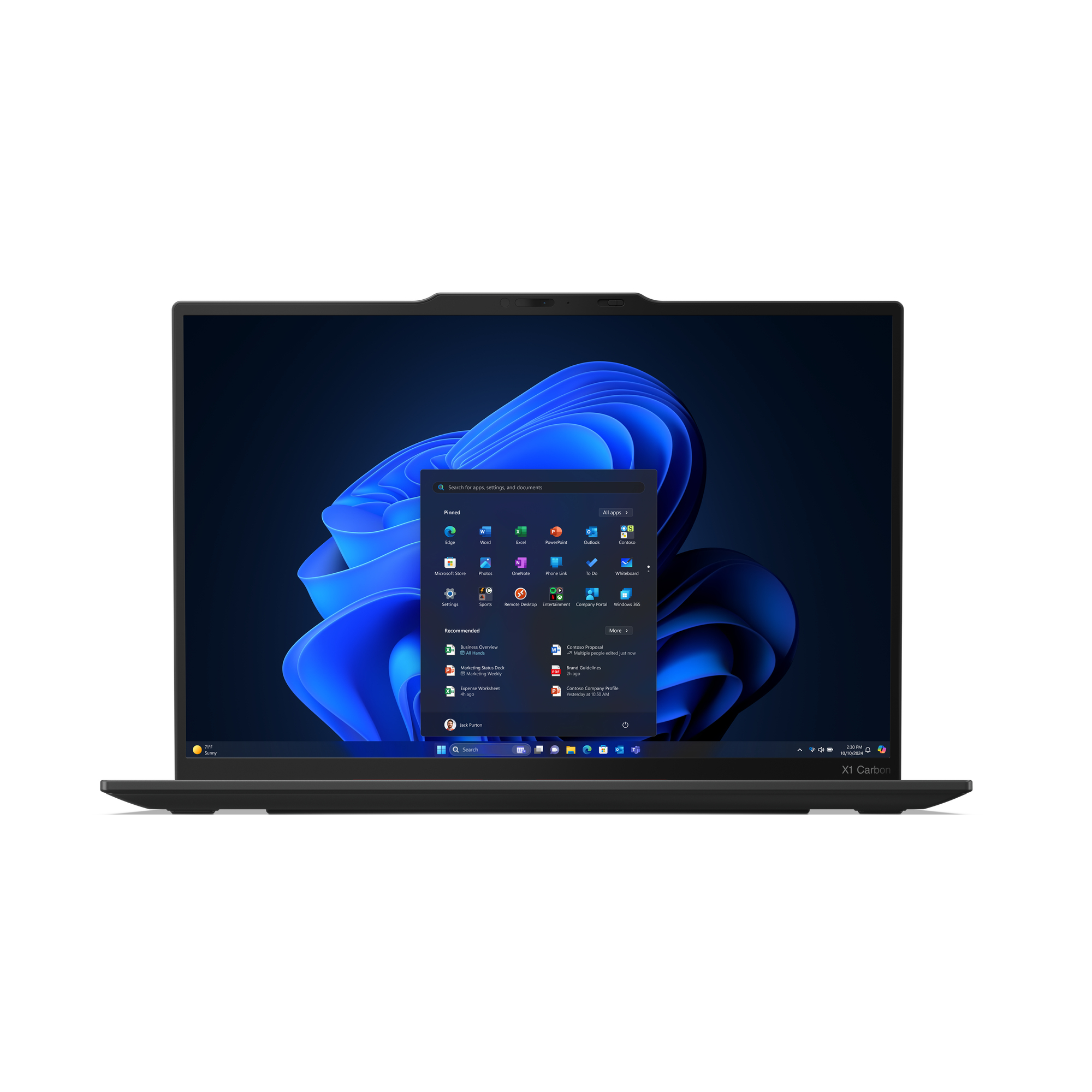
Business and professional work: Security, durability and connectivity are especially important. Features such as Windows 11 Pro, a fingerprint reader and vPro-enabled processors are a big plus. The Lenovo ThinkPad and Dell Pro series are known for their reliability and excellent keyboards, which are essential during long workdays.
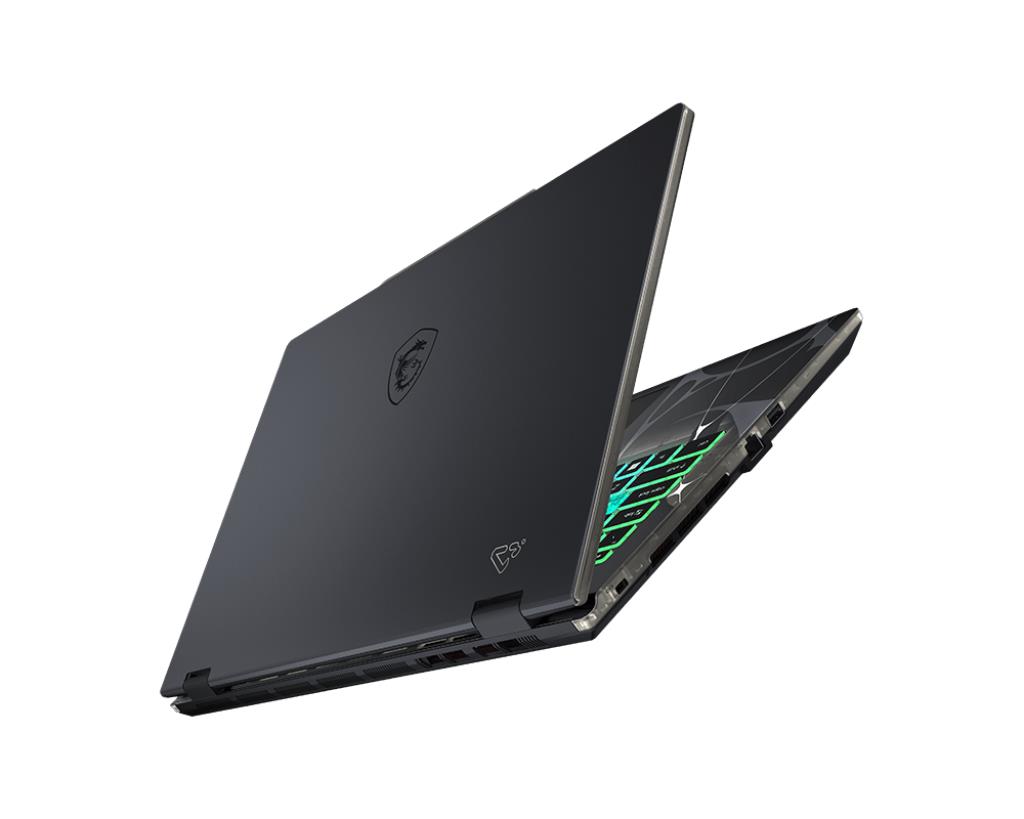
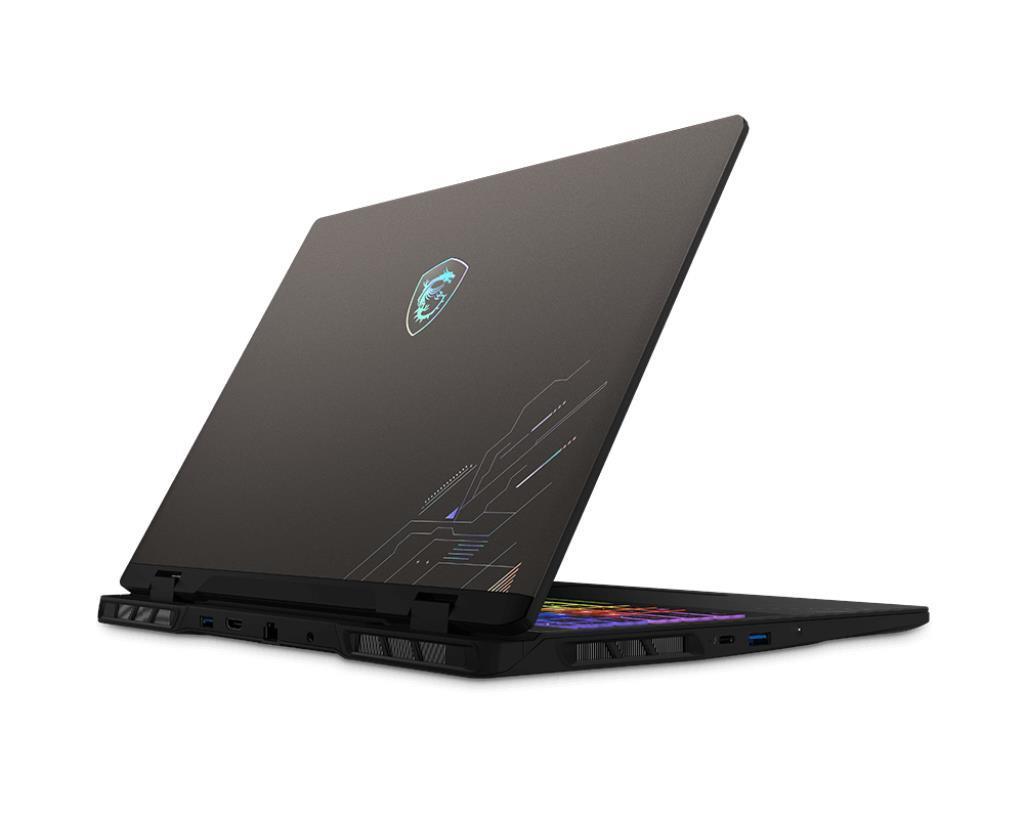
Gaming and creative work: Performance is key for demanding games and video editing. You’ll need a powerful processor (Intel Core i7/i9 or AMD Ryzen 7/9), a dedicated graphics card (such as the NVIDIA GeForce RTX series) and at least 16GB of fast DDR5 RAM. Don’t forget a high-quality display with a high refresh rate.
Even if you know what you’ll use your laptop for, certain technical details determine its real-world capabilities. Here’s a quick guide.
Processor (CPU) is the brain of your computer. The newer Intel Core Ultra and AMD Ryzen AI processors offer an excellent balance of performance and energy efficiency, which means longer battery life. A Core i5/Ryzen 5 is enough for everyday use, but for more demanding work, choose a Core i7/Ryzen 7 or better.
Memory (RAM) determines how many programs you can run smoothly at the same time. 8GB is the minimum, but 16GB is now the “gold standard”, ensuring a comfortable experience for years to come. 32GB is recommended for creative work and gaming.
Storage (SSD) is essential. Forget old, slow hard drives—an SSD (Solid State Drive) makes your computer and programs start up in a flash. 512GB is enough for most people, but if you store a lot of games or large files on your laptop, consider 1TB or more.
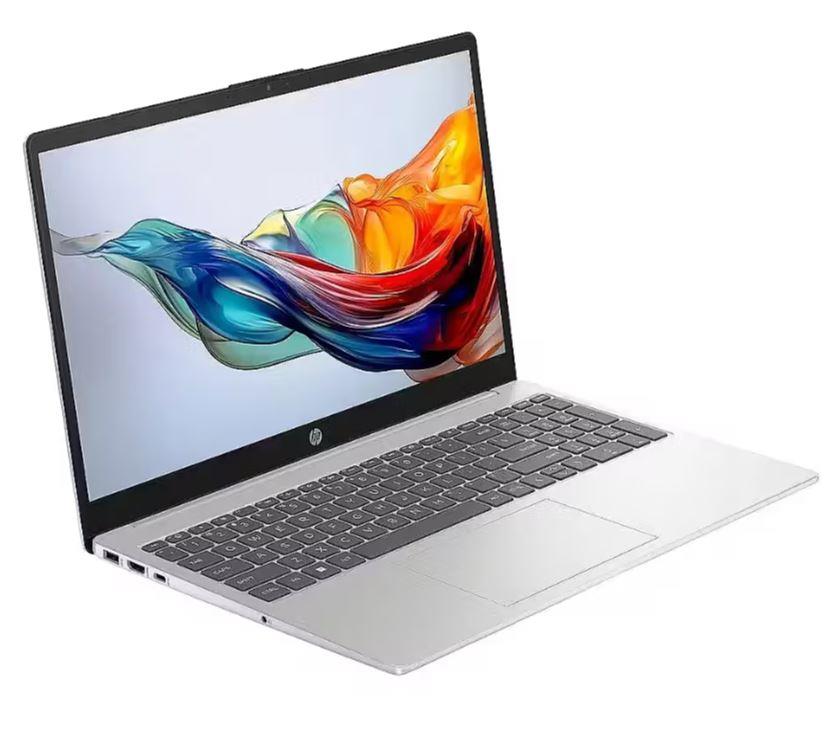
Technical specifications matter, but the brand also plays a part. Each manufacturer has its own focus and strengths to help you make the right choice.
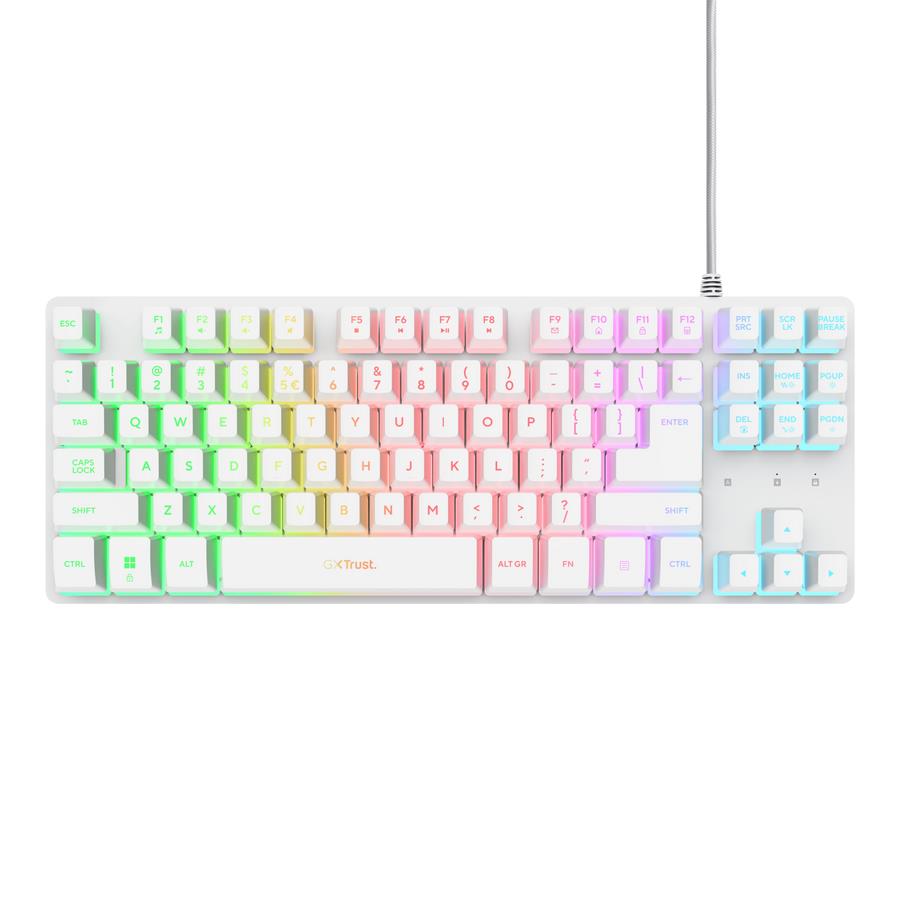
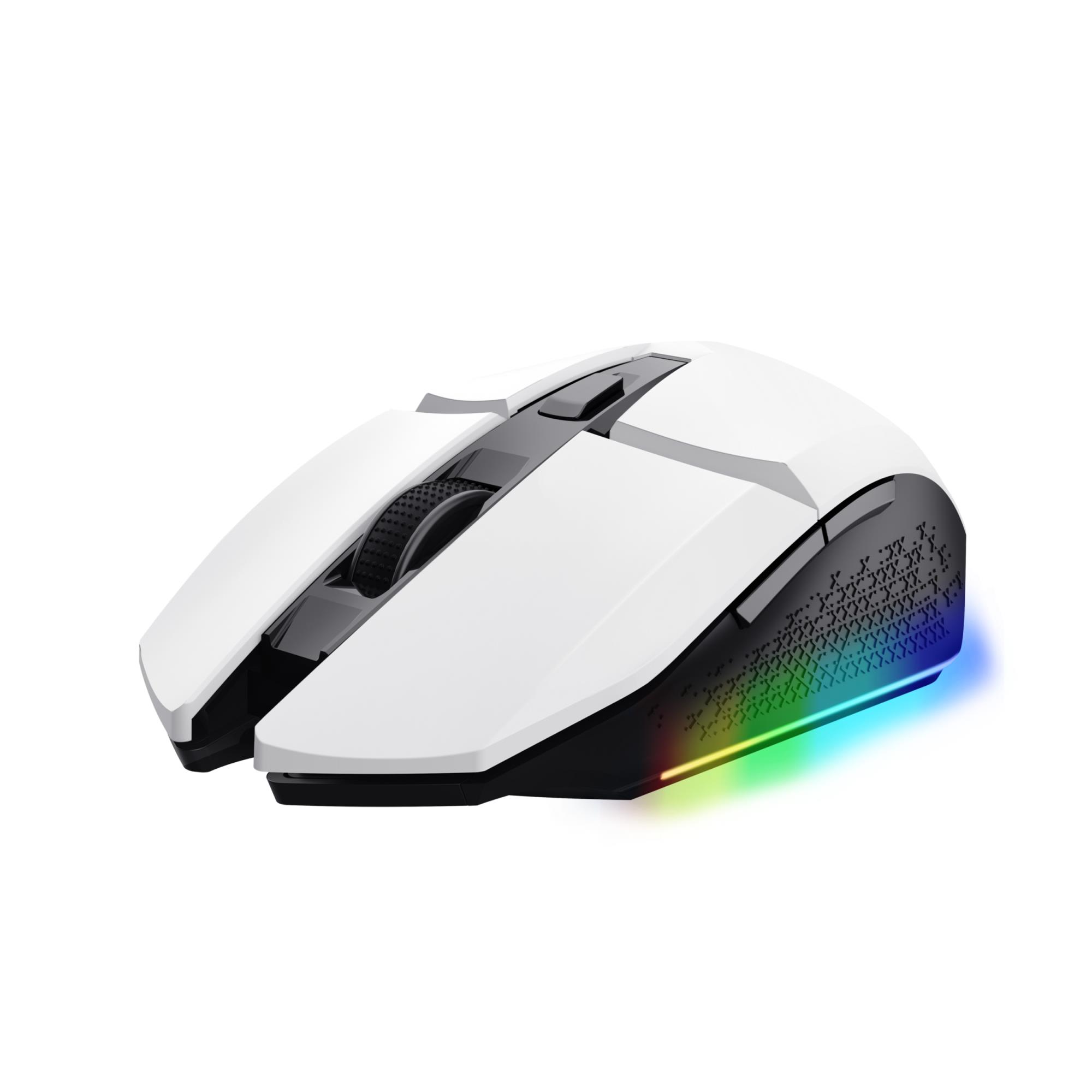
The right laptop is just the beginning. A few accessories can help you get the most out of your new device and protect it. For example, a quality laptop bag is essential for protecting your investment. A docking station makes office work much more convenient, letting you connect a monitor, network and all your other accessories with a single cable. And let’s be honest: an ergonomic external keyboard and a precise mouse make a long workday much easier. It’s also a good idea to have a spare laptop charger—one at home and another at the office.
Yes, for office work, browsing the web and watching films. Modern integrated graphics such as Intel Iris Xe can even handle basic photo editing. However, a dedicated NVIDIA or AMD graphics card is essential for demanding 3D games and video editing.
An ultrabook is a class of laptops defined by Intel. They are especially thin and lightweight, with long battery life, without sacrificing the performance needed for everyday tasks. They’re ideal companions for people who are always on the go.
Think of it this way: 8GB is like a two-lane road—it gets you there, but rush hour brings traffic jams. 16GB is a four-lane highway—smooth and hassle-free most of the time. 32GB or more is like an airport runway, only necessary for professionals working with large amounts of data or virtualisation.