




For private customers
At checkout, product prices are automatically adjusted according to the VAT rate in your delivery country.

Christmas
Furniture
Home & Garden
Sport
Clothing
Mattresses
Watches
Electronics
Construction
Showing 10 of 10 products with selected filters
10 / 10




No products match your selected filters.
A modern laptop is a wonderful tool, but it’s often limited by its number of ports, ergonomics and durability. The right accessories aren’t a luxury—they’re an investment in your productivity and well-being. Every laptop is only as good as the accessories that help unlock its potential.
Whether you’re a professional working from home, a student constantly on the go or a passionate gamer, the right accessories can transform your experience. They solve real problems—from neck pain to a lack of ports.
Base your choice on your main needs and pain points. Think about what frustrates you most in your day-to-day routine.
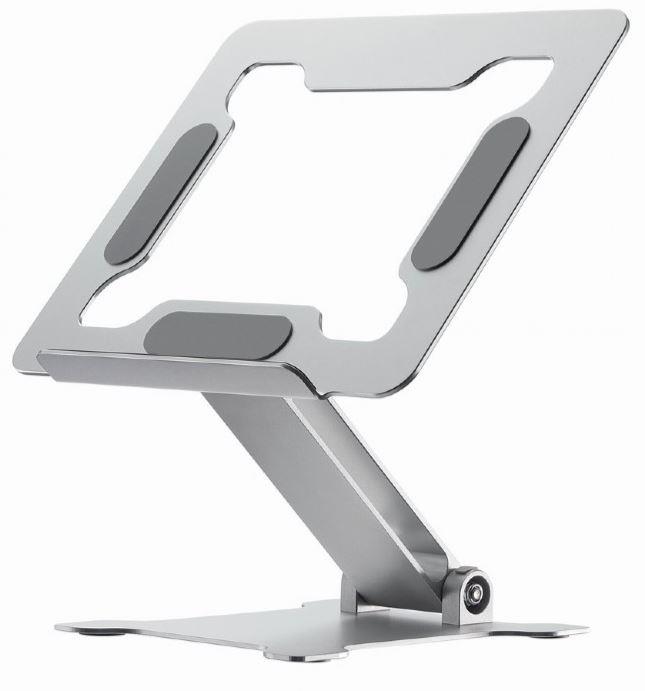

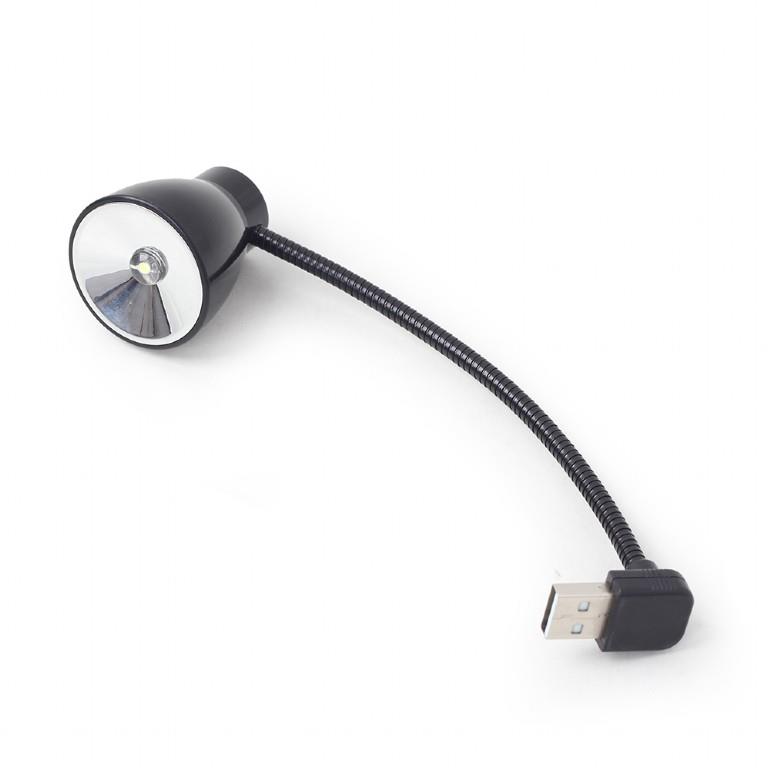
To make choosing easier, we’ve grouped common accessories by their main function.
| Accessory type | Main purpose | Key features |
|---|---|---|
| Stands and cooling pads | Improving ergonomics and preventing overheating | Adjustable, foldable, with fan |
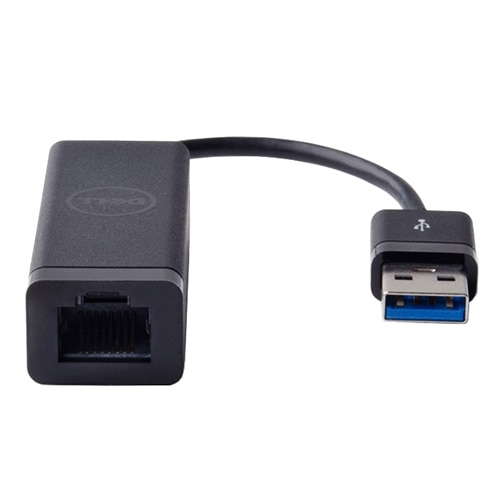
| Adapters and hubs | Expanding connectivity options | USB-C, HDMI, Ethernet, multi-port |
| Bags and sleeves | Protecting and carrying your device | Waterproof, shock-resistant, backpack |
| Chargers and power banks | Keeping your device powered in any situation | Fast charging, universal, travel adapter |
Q: My laptop overheats while gaming. What should I do?
A: The most effective solution is a laptop cooling pad with active cooling. It improves airflow and helps keep components cool, which can extend your device’s lifespan and ensure stable performance.
Q: How can I set up an ergonomic laptop workstation?
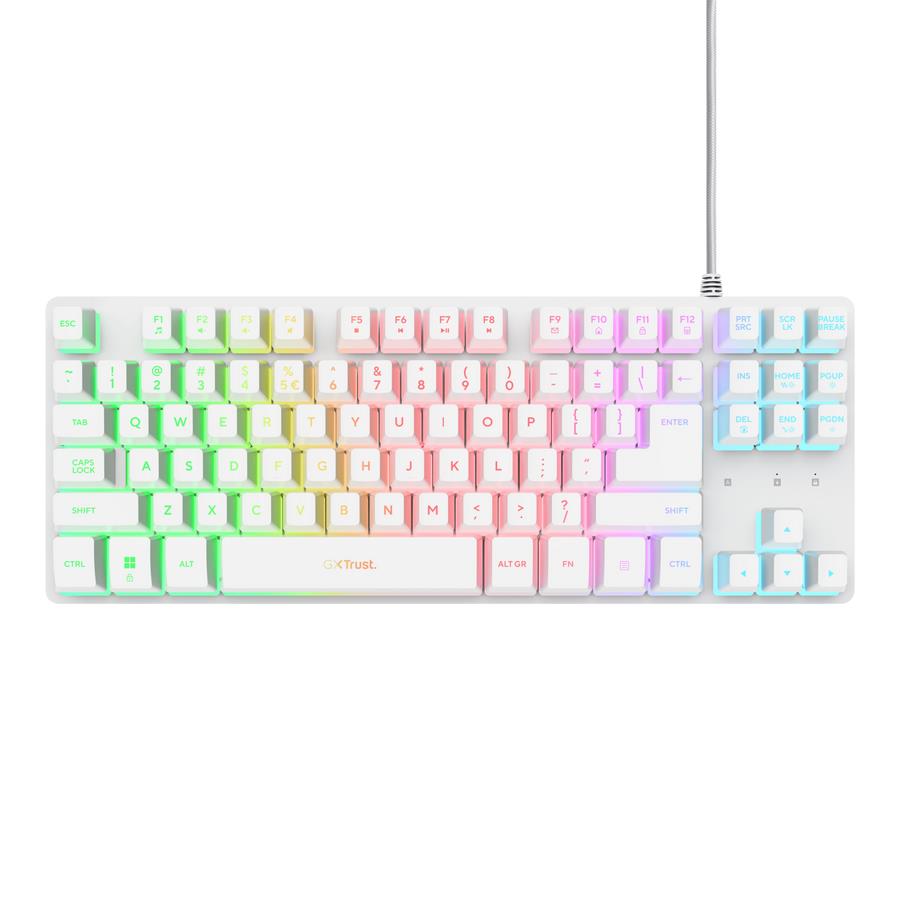
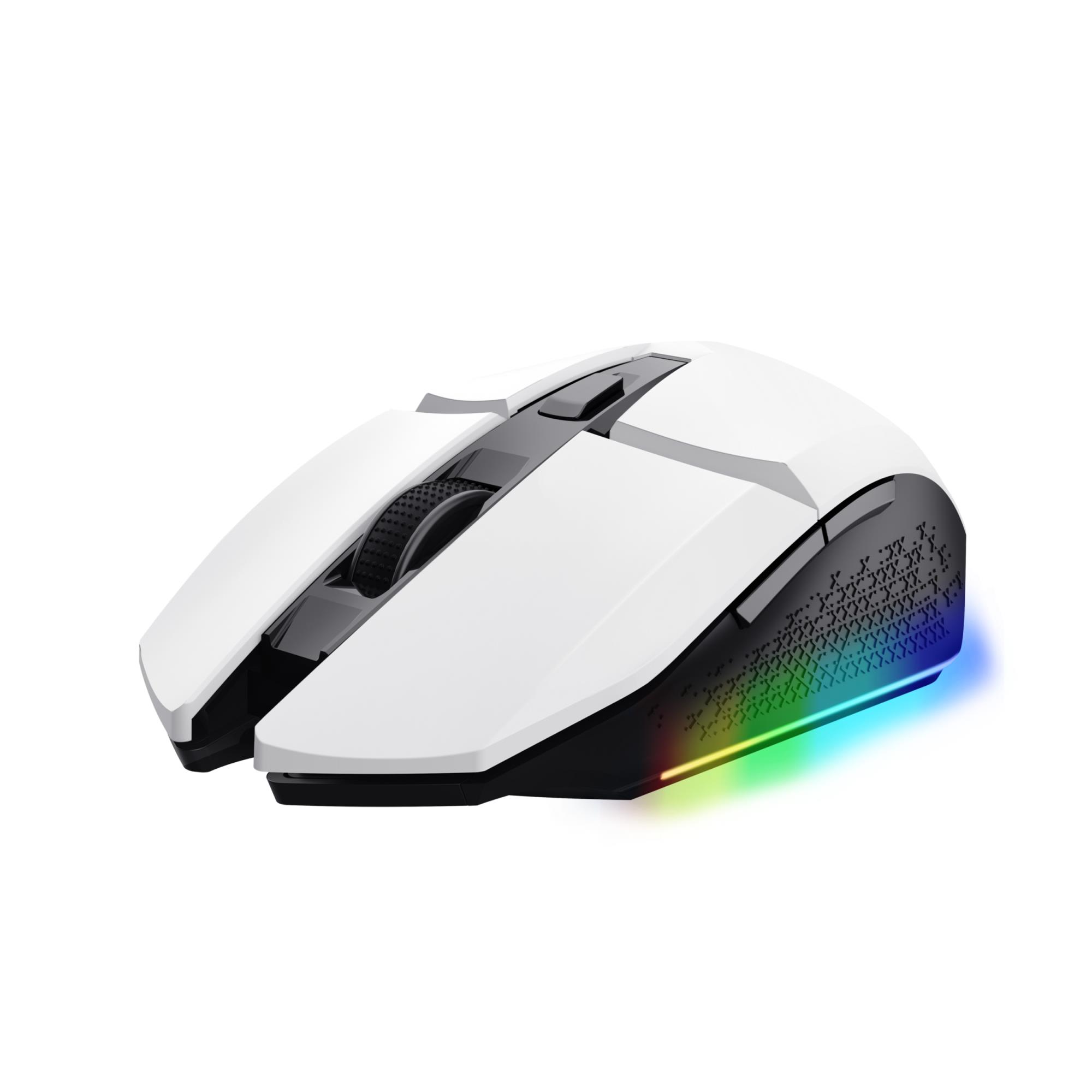
A: It’s easier than you think. Start with a laptop stand to bring the screen to eye level. Add an external keyboard and mouse. This gives you a setup similar to a desktop computer, which is much healthier for your body in the long run.
Q: Will any USB-C hub work with my laptop?
A: Generally, yes—but the devil is in the details. If you want to connect a 4K monitor or transfer data at high speeds, make sure the hub supports the relevant standards (e.g. DisplayPort over USB-C, USB 3.1 Gen 2). Cheaper hubs may offer limited speed or functionality.