



For private customers
At checkout, product prices are automatically adjusted according to the VAT rate in your delivery country.

Christmas
Furniture
Home & Garden
Sport
Clothing
Mattresses
Watches
Electronics
Construction



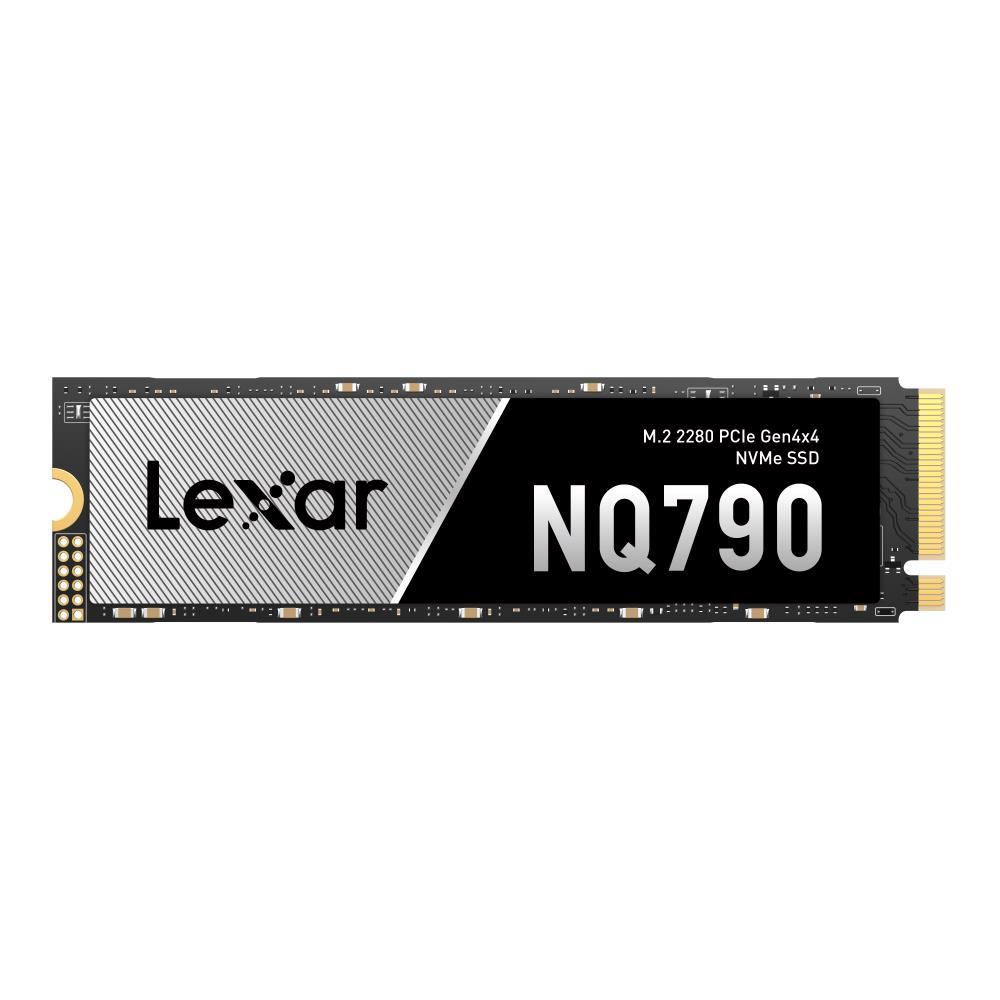


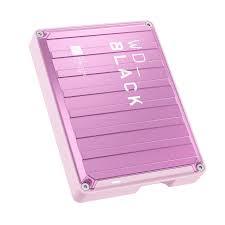


In today’s digital world, data is more valuable than ever. Whether it’s family photos, important work files, video footage or an entire company database, keeping it safe and accessible is essential. Our storage and NAS systems category offers solutions for every need, from a simple external hard drive to sophisticated multi-drive NAS systems built to run 24/7. Find the right device to give your data a long life and fast access.
Choosing the right hard drive can seem complicated, with so many technologies, product lines and acronyms to consider. But it all comes down to what you need it for. Are you looking for a device to back up data, stream media, record video continuously or handle server workloads? Let’s take a look at the key criteria.
The first and most obvious factor is capacity, measured in terabytes (TB). A 1–2 TB drive may be enough for smaller files and documents. Photographers, videographers and avid media collectors should consider 4–8 TB or even larger drives. For businesses with large volumes of data and video surveillance systems, capacities often start at 10 TB and can exceed 20 TB per drive. Think ahead—your data will grow quickly, so it’s wise to choose a device with a little extra capacity.
This is the most important choice. A standard desktop hard drive isn’t designed to withstand the 24/7 workload of a NAS device. That’s why manufacturers have created specialised product lines:
Rotational speed (RPM - revolutions per minute) directly affects data read and write speeds. 7200 RPM drives are faster and better suited to operating systems, games and frequently used files. 5400 or 5900 RPM drives are quieter, use less power and are an excellent choice for archiving data and storing media files. They’re also suitable for some video surveillance systems, where sequential writing matters more than random read speed.


Most internal hard drives for desktop computers, NAS devices and servers use the 3.5-inch form factor. 2.5-inch drives are common in laptops and portable external drives. SATA is the most common interface for home users and small businesses. SAS (Serial Attached SCSI), on the other hand, is widely used in server environments, offering greater reliability, better error handling and higher performance when multiple devices are used at the same time.
Our range brings together top product lines from leading manufacturers, so everyone can find a suitable, reliable solution.
Western Digital makes it easy to find the right drive with its colour-coded system. WD Red is designed for NAS devices, WD Purple for video surveillance, WD Black for maximum performance and WD Blue for everyday use. The WD Gold and Ultrastar lines are made for demanding server solutions.
Seagate also offers specialised product lines. IronWolf and IronWolf Pro are designed for NAS systems and feature AgileArray technology. SkyHawk is optimised for video surveillance and supports a large number of camera streams. The Exos line is aimed at hyperscale data centres, while BarraCuda is known as a fast and reliable desktop drive.
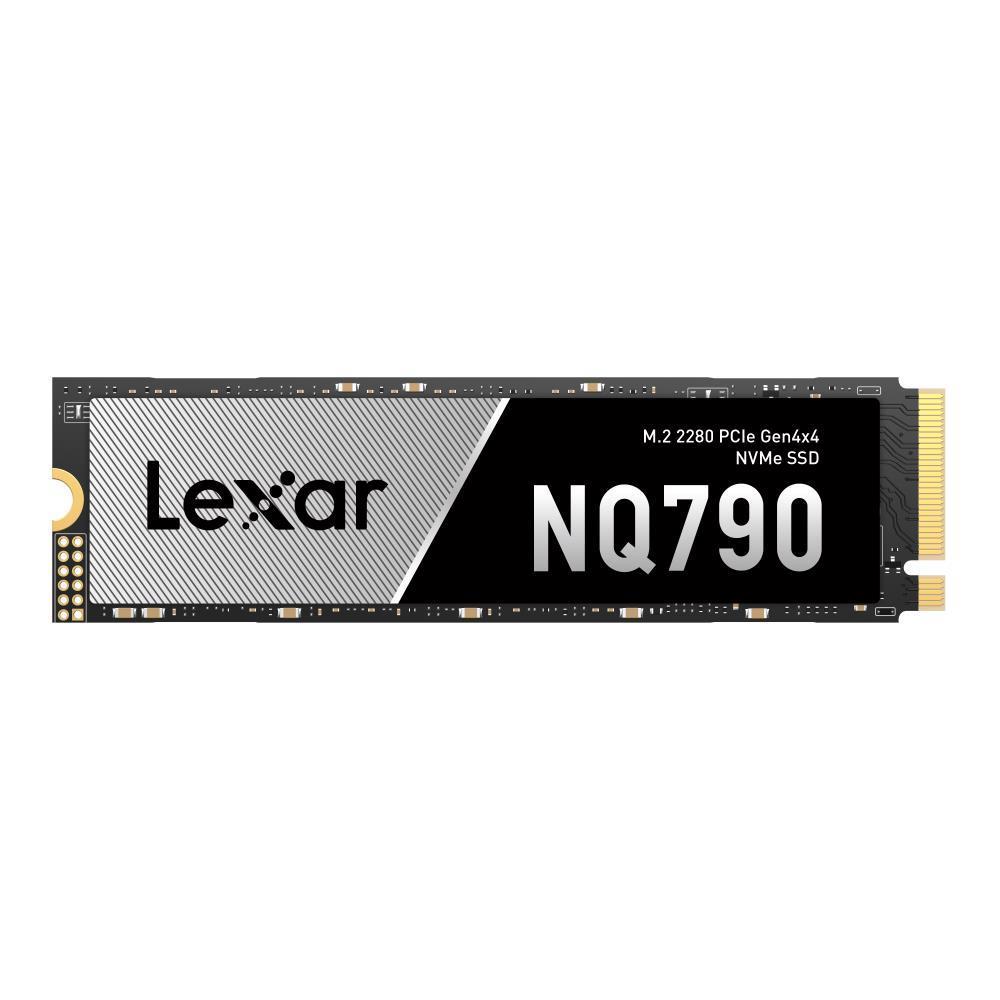
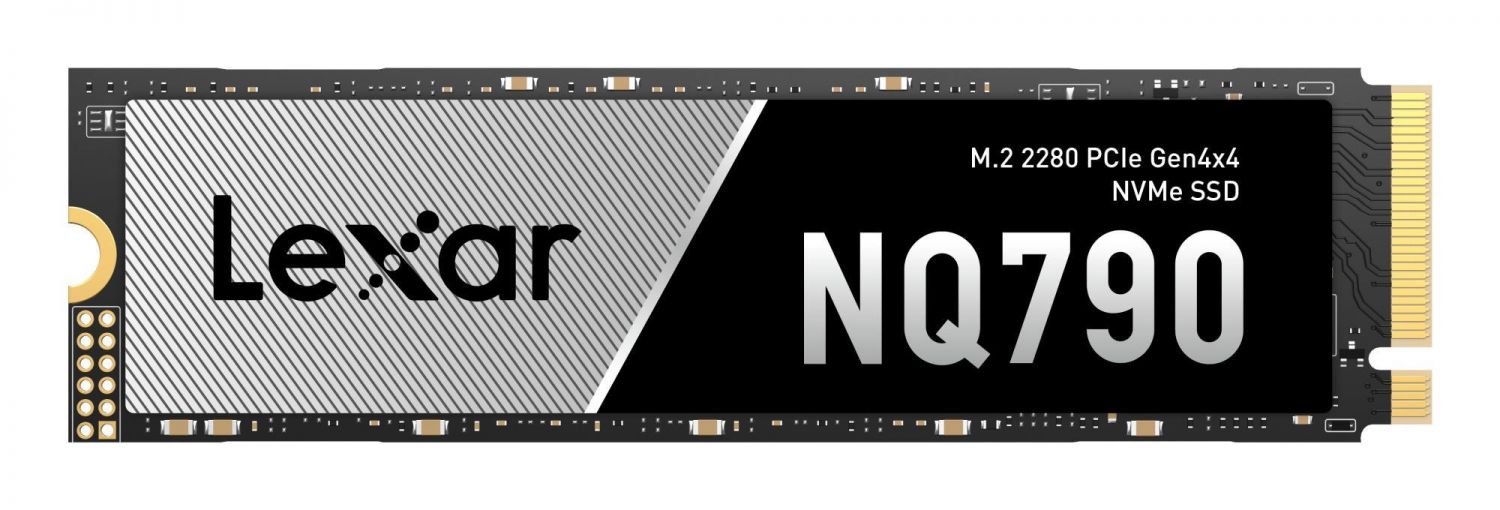
Building a complete, reliable system takes more than just a hard drive. For example, a stable power supply is essential when building a NAS device, and a high-quality computer power supply provides it. Data centres and larger office networks also rely on other server components to keep everything running smoothly. If you’re looking for a faster alternative to a hard drive, or want to use one alongside it, consider SSD M.2 drives for your operating system and applications to significantly improve overall system responsiveness. Ordering online is convenient, letting you compare prices and specifications for different models at your own pace. Our online store has a wide range, from affordable entry-level models to premium enterprise solutions, with all products in stock and ready to ship.
We understand that choosing the right storage device is an important investment. That’s why we’re committed to providing the best possible shopping experience.
Can I use a standard desktop hard drive in a NAS device?
Short answer: it’s not recommended. Desktop drives are designed to run for 8 hours a day, not 24/7. They lack the vibration protection that’s essential in a multi-drive enclosure, and their firmware isn’t optimised to handle errors in a RAID array. This can lead to premature failure of the entire array.
What’s the difference between CMR and SMR technology?
CMR (Conventional Magnetic Recording) is the traditional technology, where data tracks sit side by side. SMR (Shingled Magnetic Recording) partially overlaps tracks, like roof shingles, allowing for greater data density. In NAS and server environments with frequent data overwriting, CMR is always the preferred choice because of its stable, predictable performance. SMR may be suitable for archiving.
How long does a hard drive last?
A hard drive’s lifespan depends on several factors, including workload, temperature and vibration. Manufacturers rate reliability using MTBF (Mean Time Between Failures) and offer warranties that typically range from 2 years for desktop drives to 5 years for NAS Pro and server drives. A good rule of thumb is to replace drives in mission-critical systems once the warranty period has expired.