





For private customers
At checkout, product prices are automatically adjusted according to the VAT rate in your delivery country.

Christmas
Furniture
Home & Garden
Sport
Clothing
Mattresses
Watches
Electronics
Construction


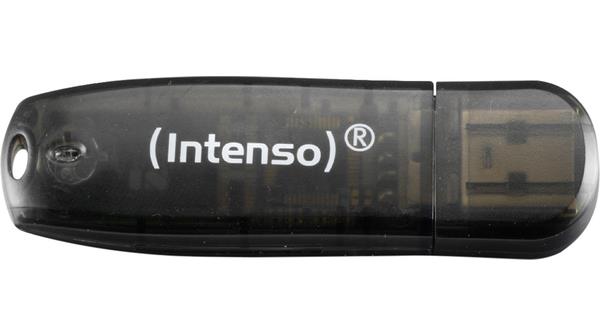
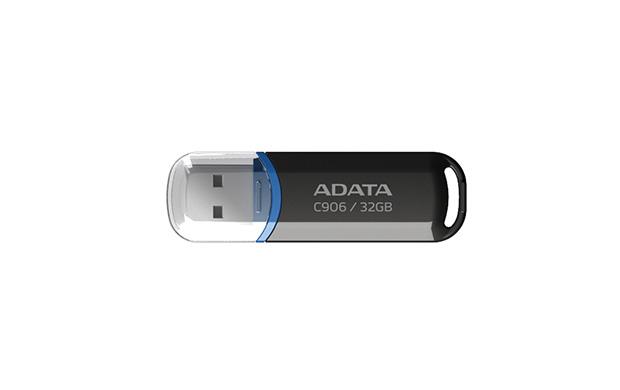
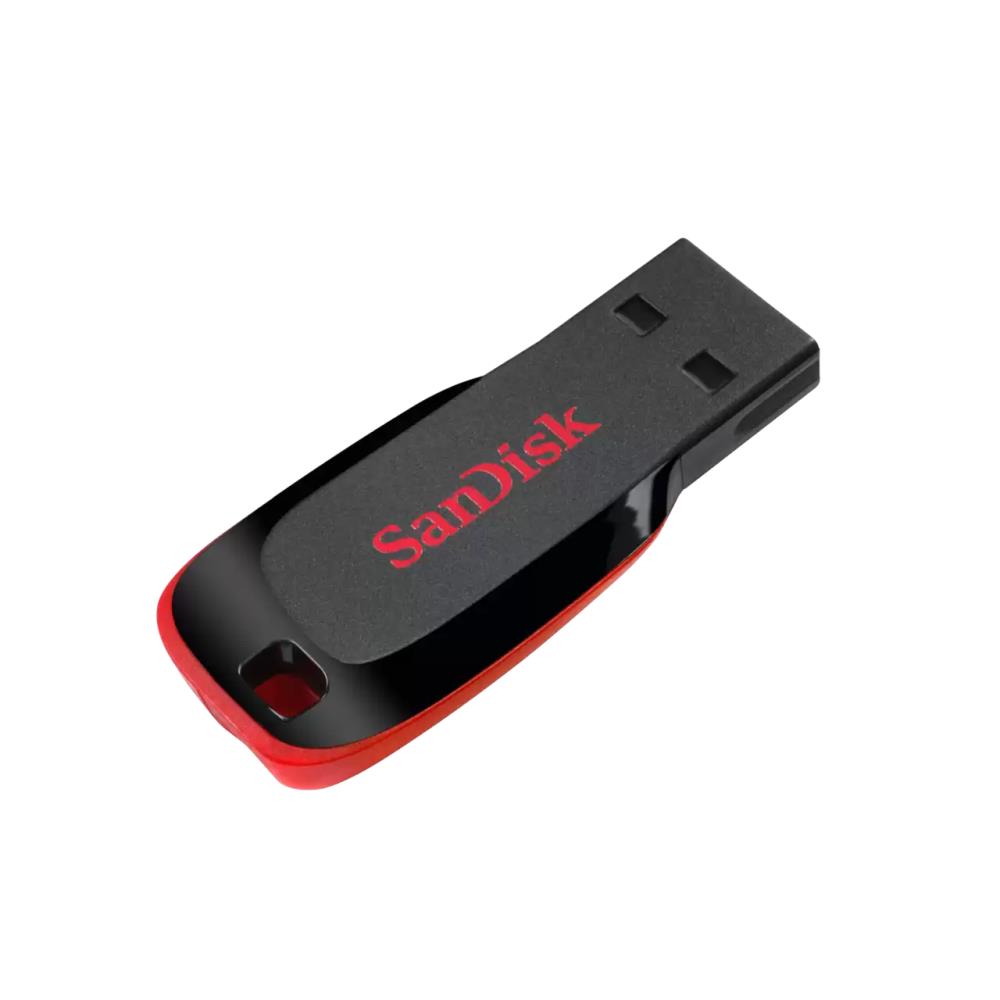
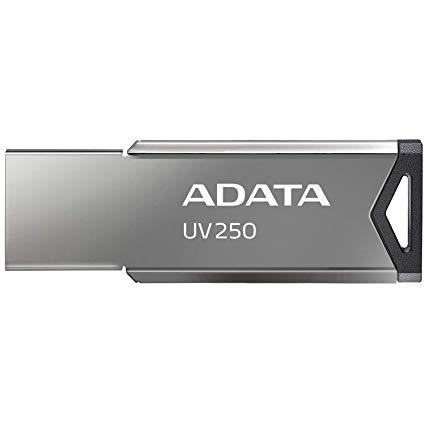


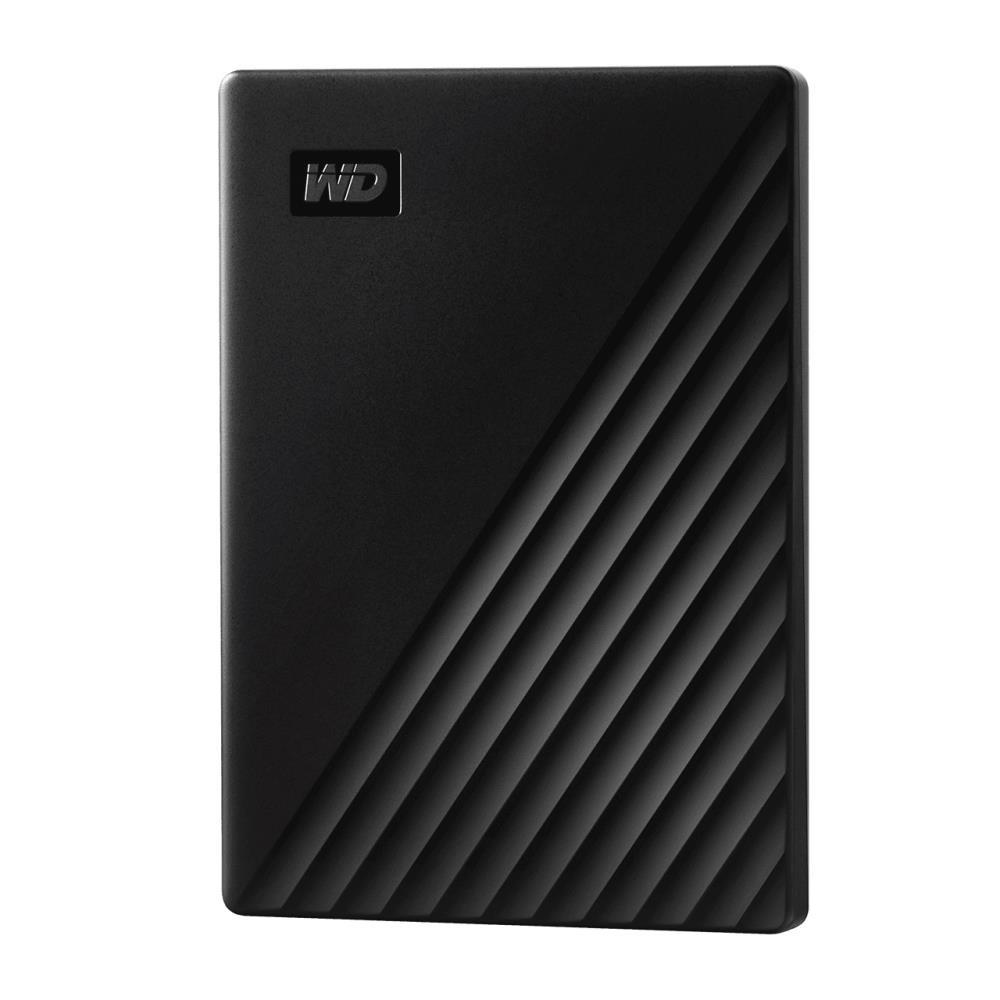


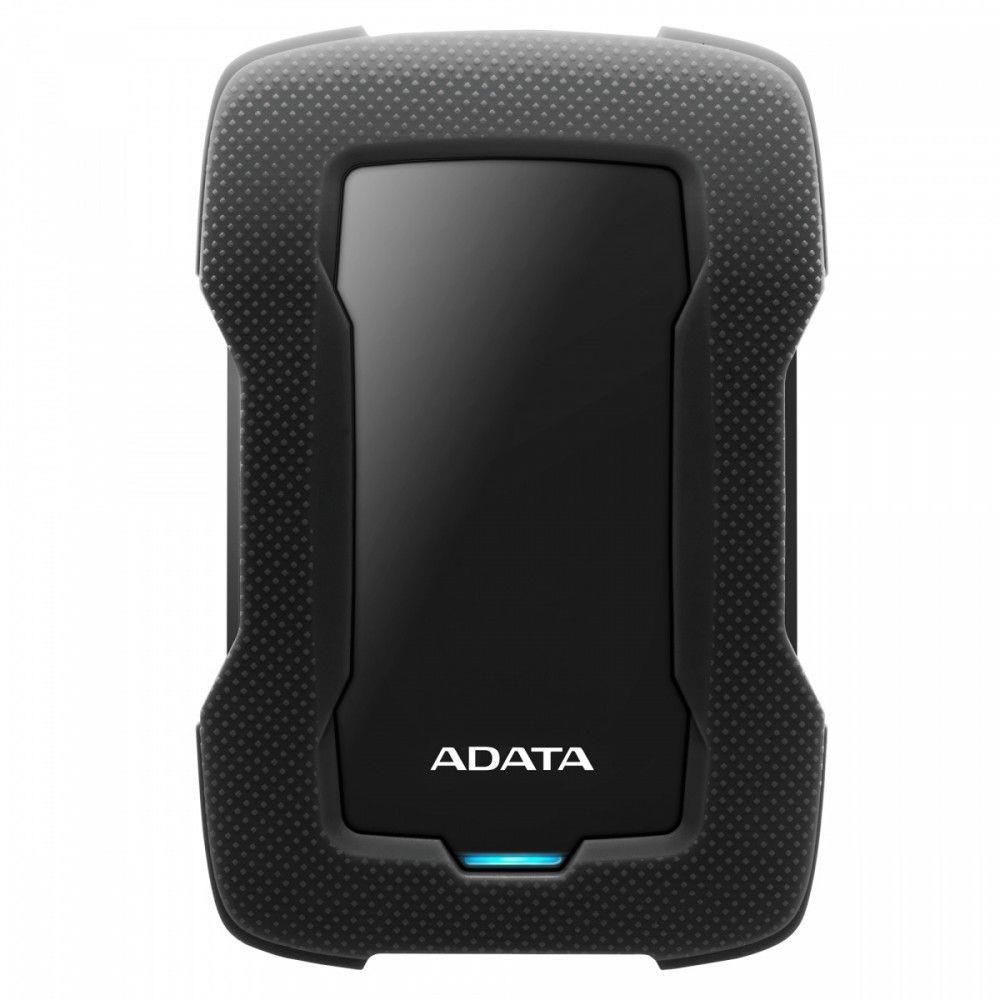
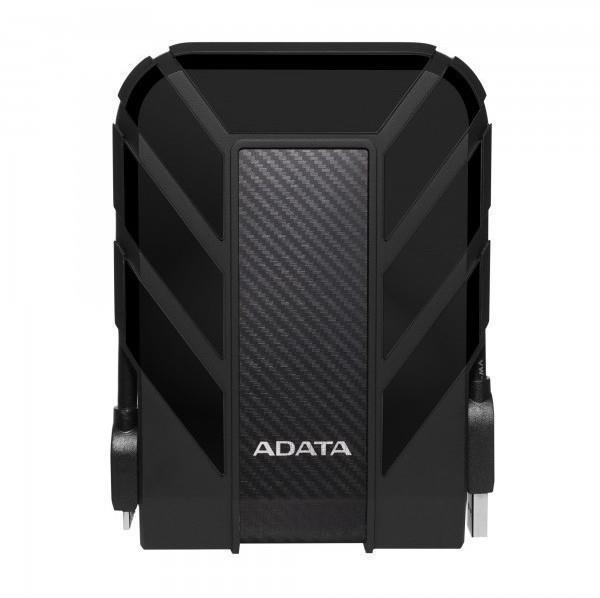

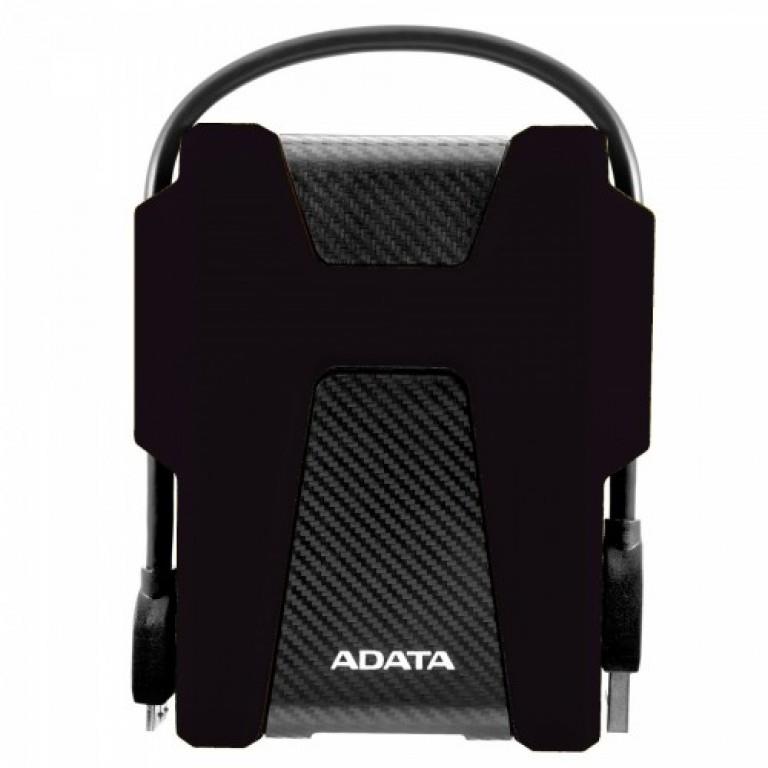
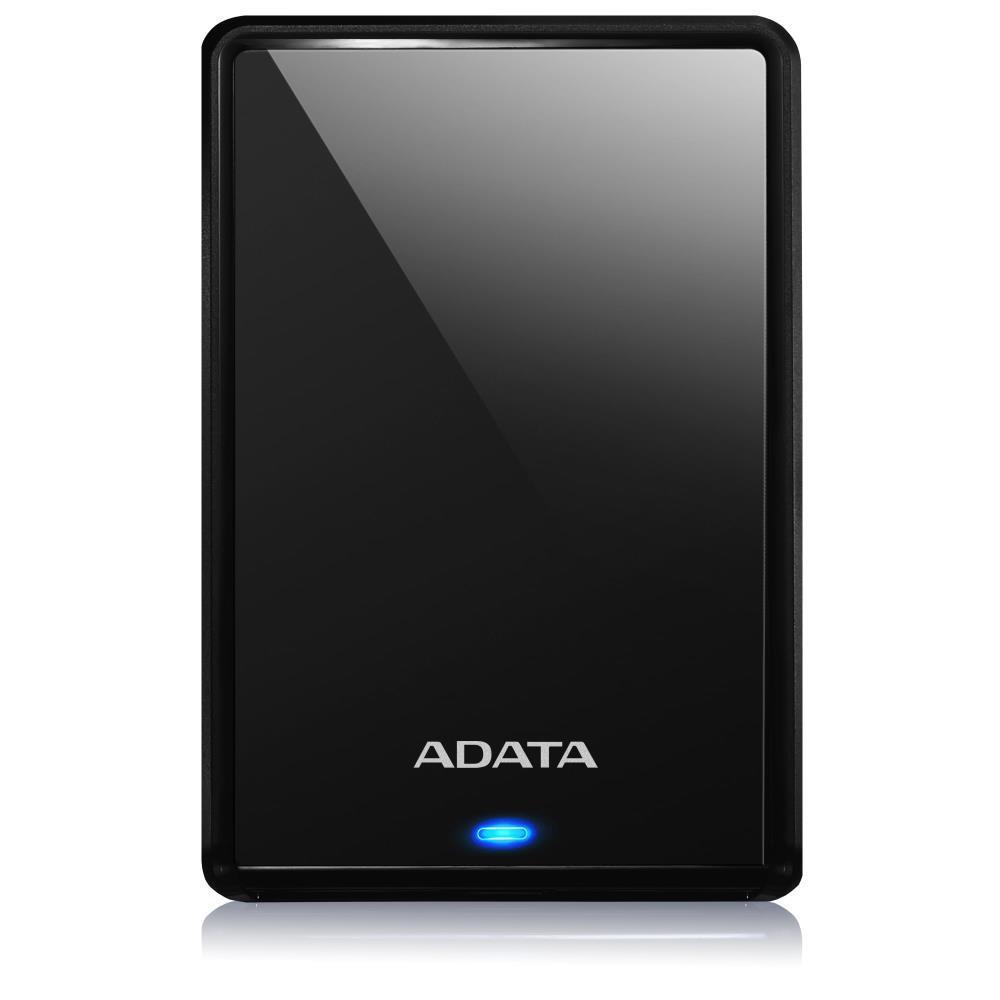
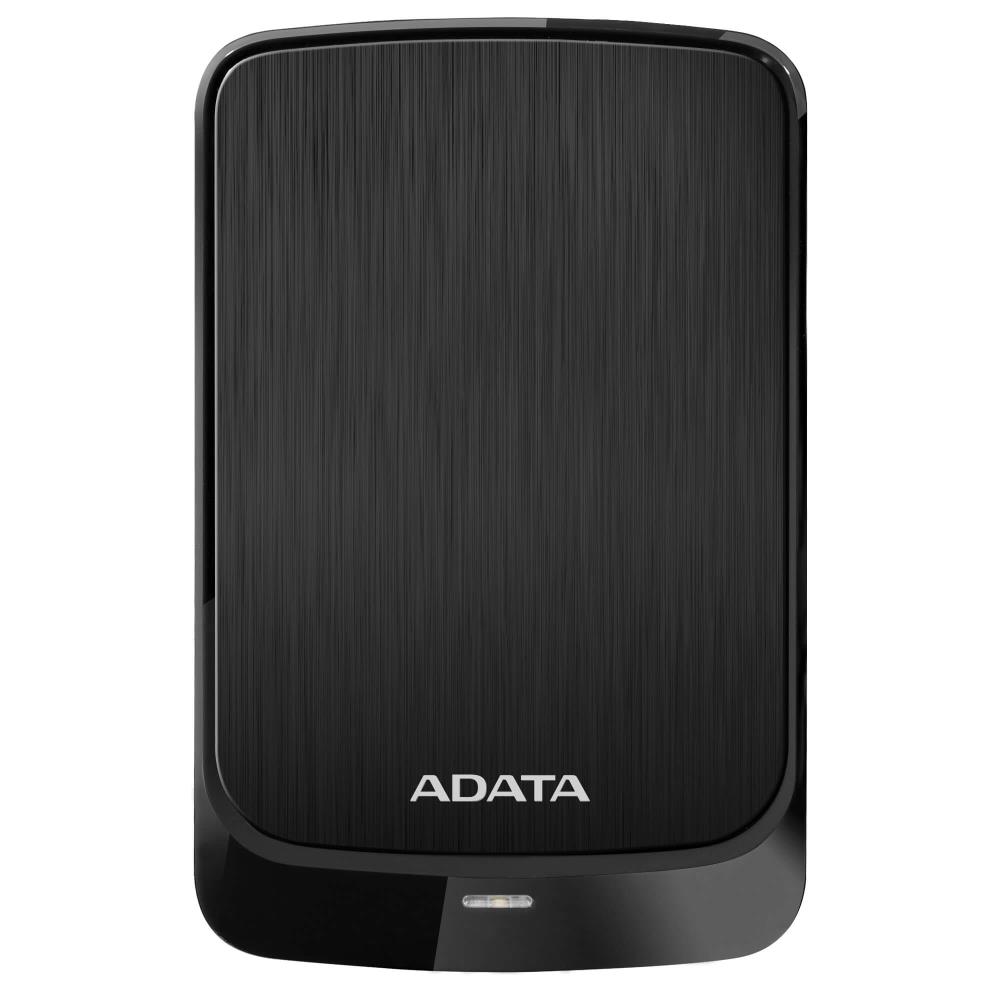
The amount of digital information in our lives is growing exponentially. High-resolution photos, 4K videos, large project files and games all require more and more storage space. An external storage device is no longer a luxury but an essential tool for professionals and everyday users alike, offering peace of mind that your valuable data is safely backed up and always accessible. Here’s a comprehensive guide to help you choose the best external hard drive or other storage solution.
Choosing the right device depends on your needs, budget and how you plan to use it. Before deciding which external storage device to buy, consider the following key points. This will help you find a solution you can rely on for years to come.
Storage capacity is the first and most important factor. How much space you need depends entirely on what you plan to store. As a general rule of thumb, consider the following:
Your choice of technology directly affects the device’s speed, price and durability. The two main types are the traditional hard disk drive (HDD) and the solid-state drive (SSD).
| Feature | External hard drive (HDD) | External SSD |
|---|---|---|
| Technology | Spinning magnetic platters and a read head. | Flash memory with no moving parts. |
| Advantages | High capacity at a low price. Ideal for archiving data. | Ultra-fast read and write speeds, shock-resistant and quiet. |
| Disadvantages | Slower and more vulnerable to knocks. | Higher price per gigabyte. |
| Best for | Backing up large data collections and storing media libraries (films, music). | Running an operating system, storing games and editing video in real time. |
If speed is what you need, an external SSD is undoubtedly the best choice. Files transfer in a flash, and programs run directly from the drive with no lag.
The device’s interface determines its maximum data transfer speed. The most common is USB 3.0 (also known as USB 3.2 Gen 1), which offers good speeds for everyday use. Newer devices use a USB-C connector, which can support various standards, such as ultra-fast USB 3.2 Gen 2 or even Thunderbolt 3/4. These are especially popular with Mac users and essential for professional video editing. Make sure your computer and external device have compatible ports to avoid slower speeds. Cable management solutions can also help keep your connections organised and your desk tidy.
External storage devices come in different shapes and serve different purposes, in addition to using HDD or SSD technology. Here are the main categories available in our online store.
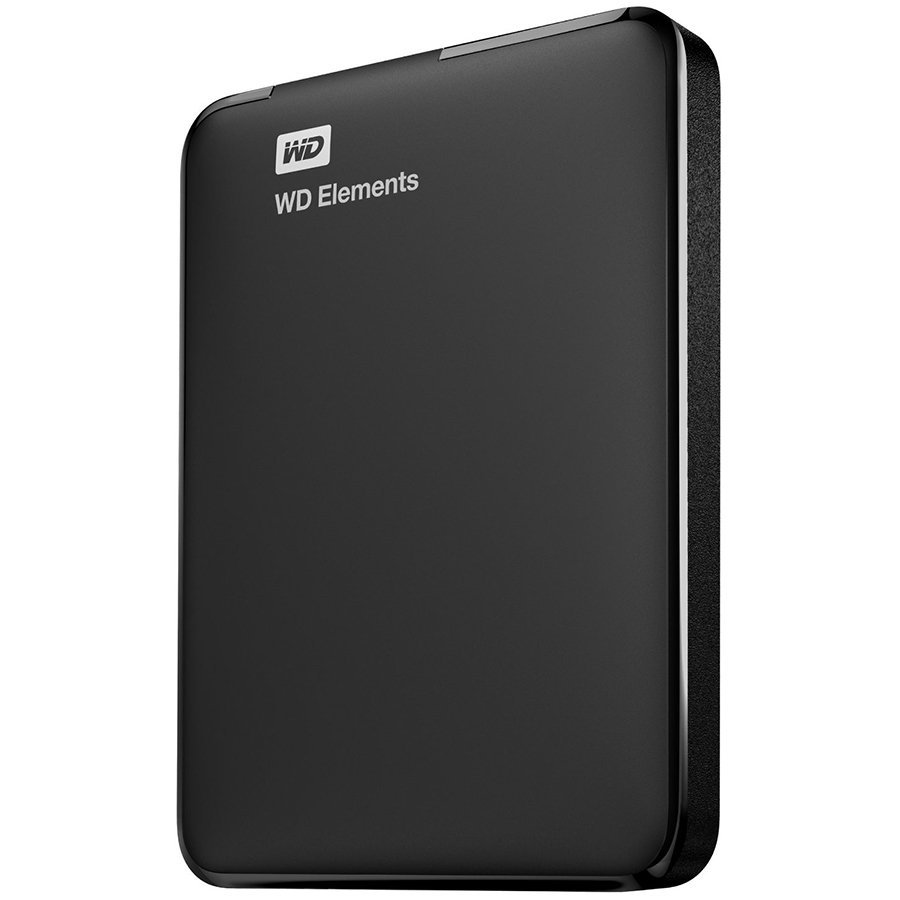
These are classic data storage solutions. They mainly come in two types: portable 2.5-inch drives, powered directly through a USB port, and larger 3.5-inch desktop models, which need a separate power adapter but offer the highest capacity and the lowest price per gigabyte. They’re an ideal choice if you’re looking for an affordable external hard drive for archiving large amounts of data.
A NAS (Network Attached Storage) is essentially a small computer connected to your home or office network. It lets you create a central storage hub that every device on the network can access. It’s an ideal solution for sharing family photos and videos, managing documents centrally and automatically backing up multiple computers. A modern home NAS device can also function as a media server and provide remote access, creating a secure personal cloud. To keep your data safe during power outages, it’s a good idea to connect your NAS device to a UPS.
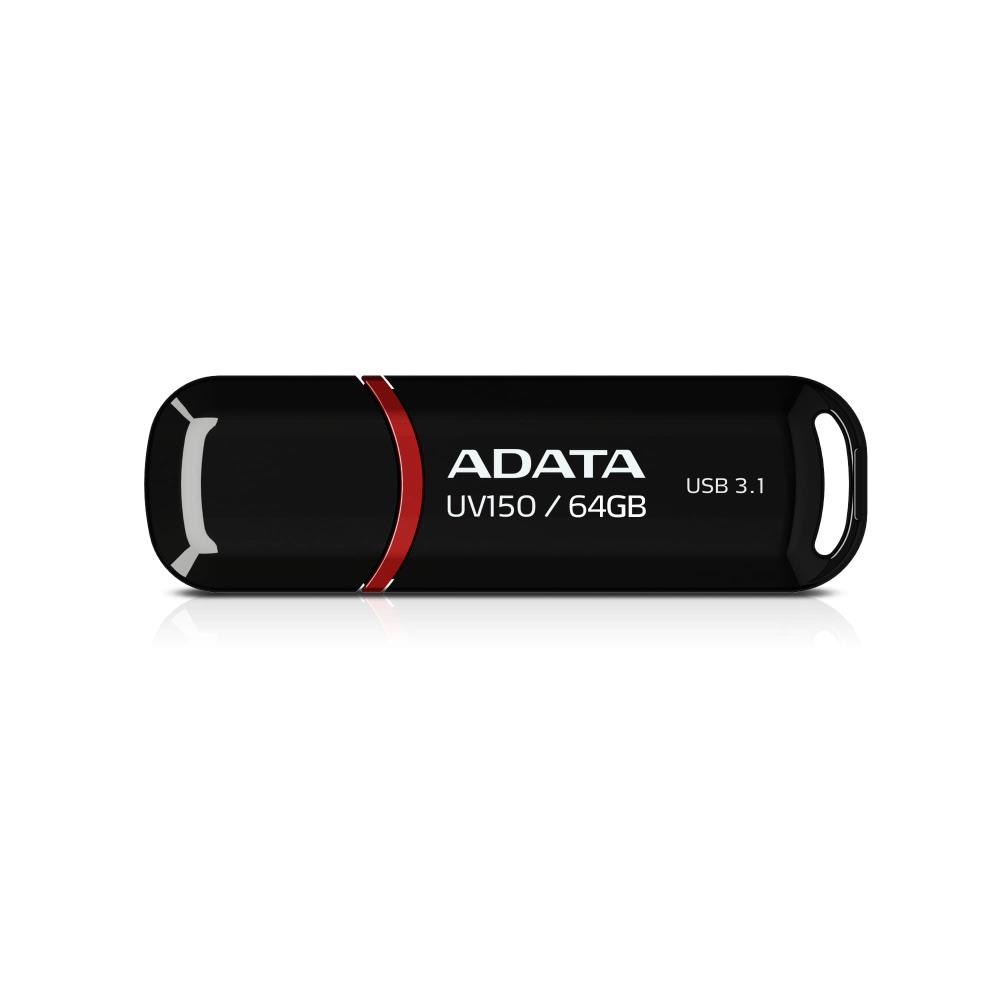
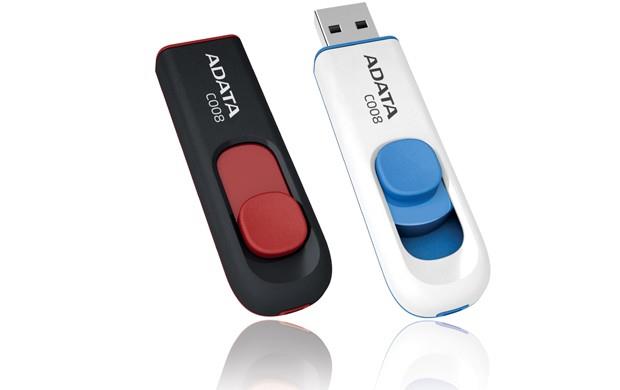
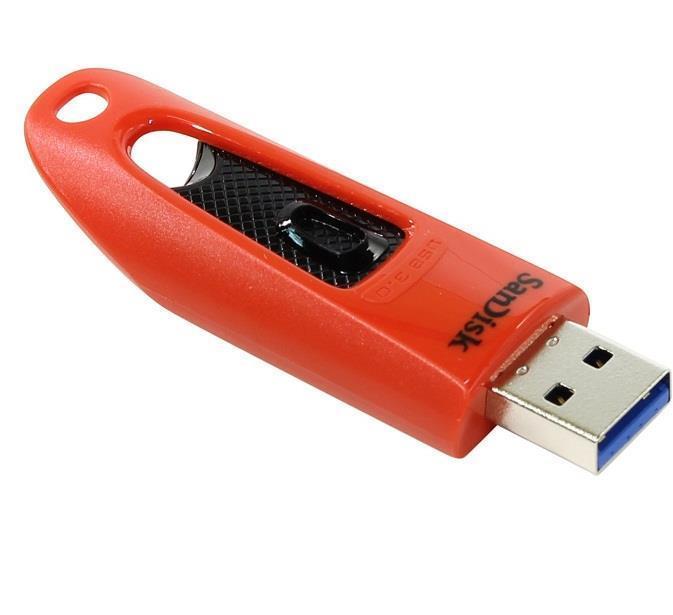
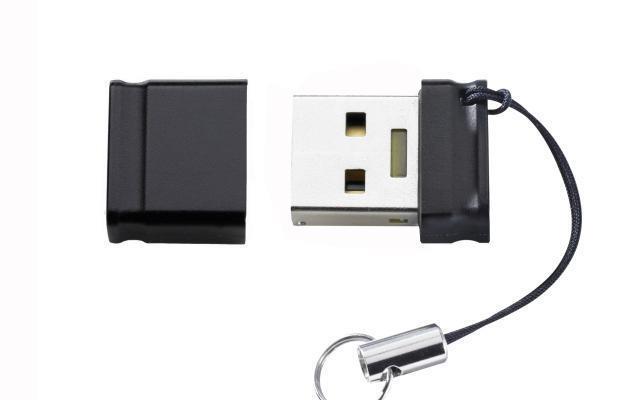
The most compact storage devices are USB flash drives and memory cards. They’re ideal for quickly transferring files between devices, carrying presentations or listening to music in your car’s audio system. Although they usually have less capacity than external hard drives, their convenience and versatility are hard to beat. Our range includes standard memory cards and card readers, as well as ultra-fast USB 3.2 flash drives.
We understand that choosing the right external storage device can be difficult. That’s why we’ve brought together a wide range of great devices in our online store and are here to help throughout the buying process. Shopping online makes it easy to compare the prices and features of different models at your own pace.
The main differences are size and power source. 2.5-inch drives are smaller and lighter, and draw power through a USB cable, making them ideal for carrying with a laptop. 3.5-inch drives are larger and need to be plugged into a separate power outlet, but generally offer more capacity and a lower price per gigabyte. They’re better suited to stationary use alongside a desktop computer.
Most external hard drives and SSDs are plug-and-play devices, so they don’t need special software to work. Connect the device to your computer and it will appear as a new drive in File Explorer or Finder. Some manufacturers (e.g. WD, Seagate) offer additional software for automatic backups or drive encryption, but using it is optional.
To use a drive with both Windows and macOS, format it with the exFAT file system. Most drives come preformatted as NTFS (Windows) or HFS+ (older Macs). You can format a drive in Windows using the Disk Management tool or on a Mac using the Disk Utility app. Remember that formatting erases all data on the drive.
Lifespan depends on the technology and how often the device is used. HDDs have moving parts and an average lifespan of 3-5 years. SSDs have no moving parts, but their memory cells have a limited number of write and erase cycles. For modern SSDs, this limit is practically unreachable for everyday users, and they often last 10 years or more. Regardless of the technology, it’s always a good idea to keep multiple copies of your most important data.