
For private customers
At checkout, product prices are automatically adjusted according to the VAT rate in your delivery country.

Christmas
Furniture
Home & Garden
Sport
Clothing
Mattresses
Watches
Electronics
Construction
Showing 30 of 87 products with selected filters




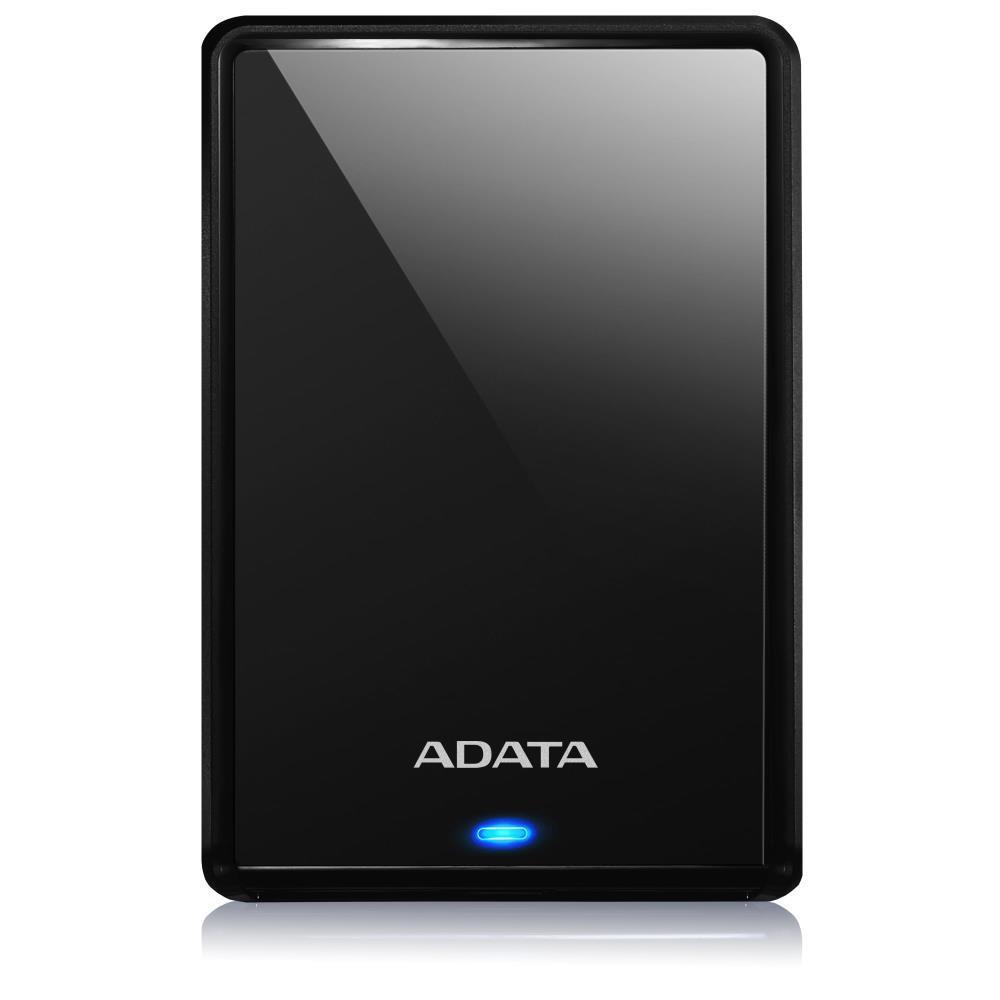
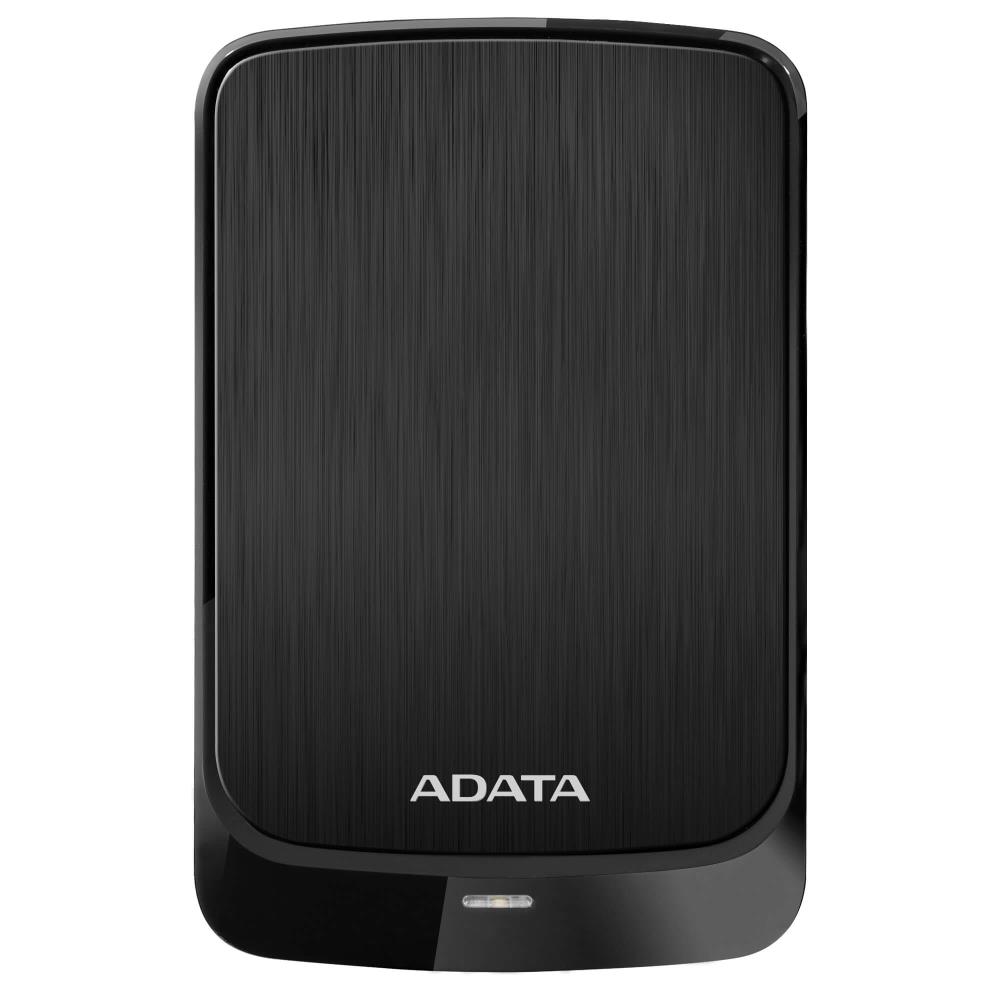
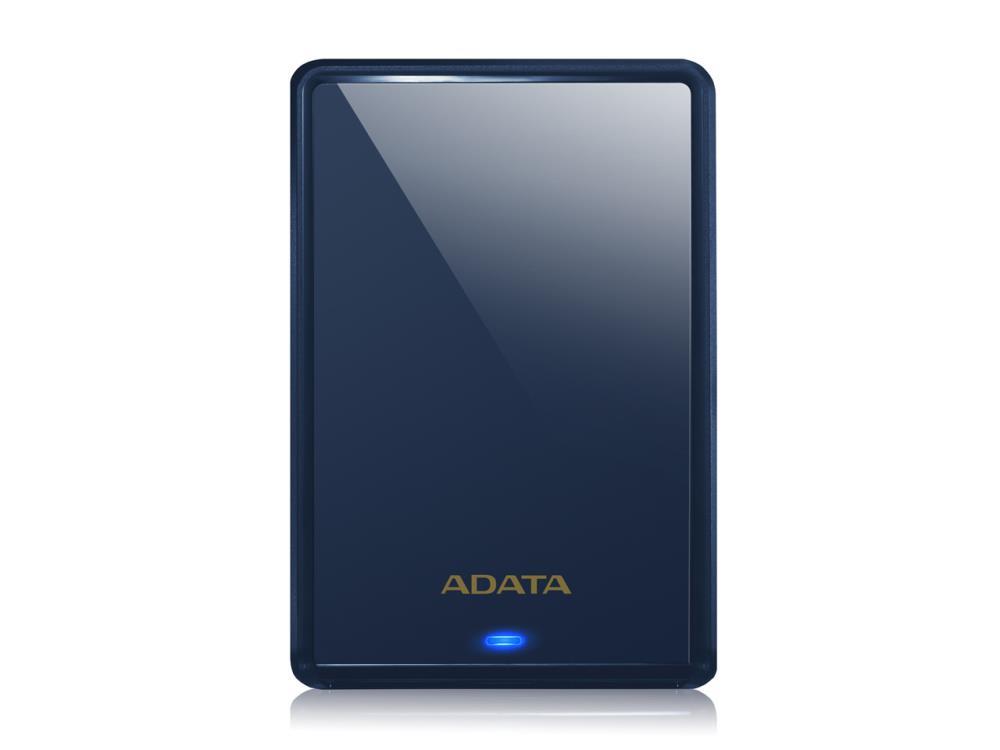
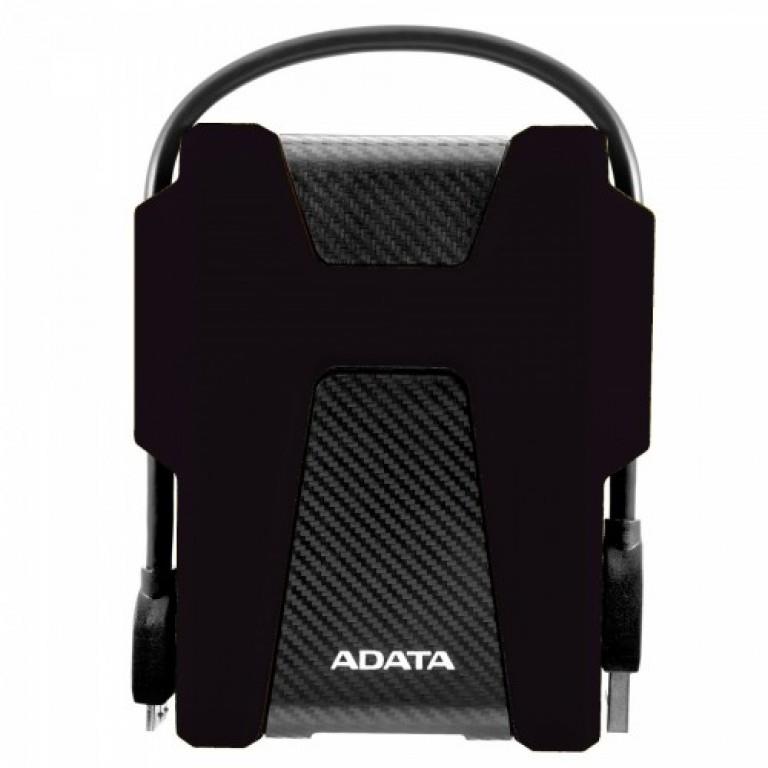

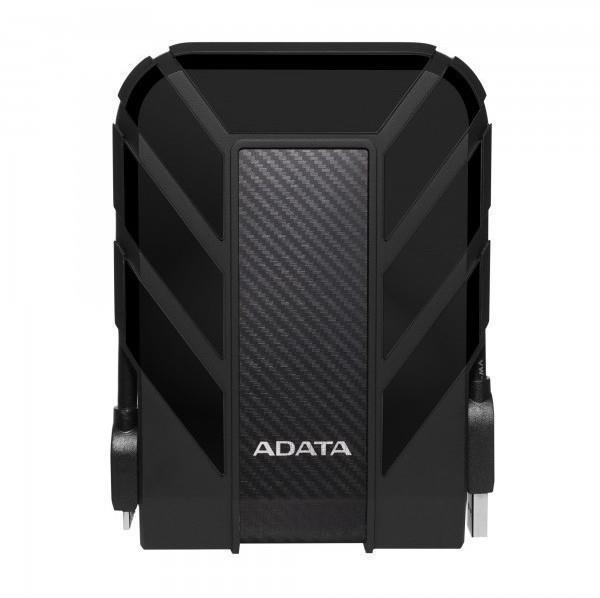
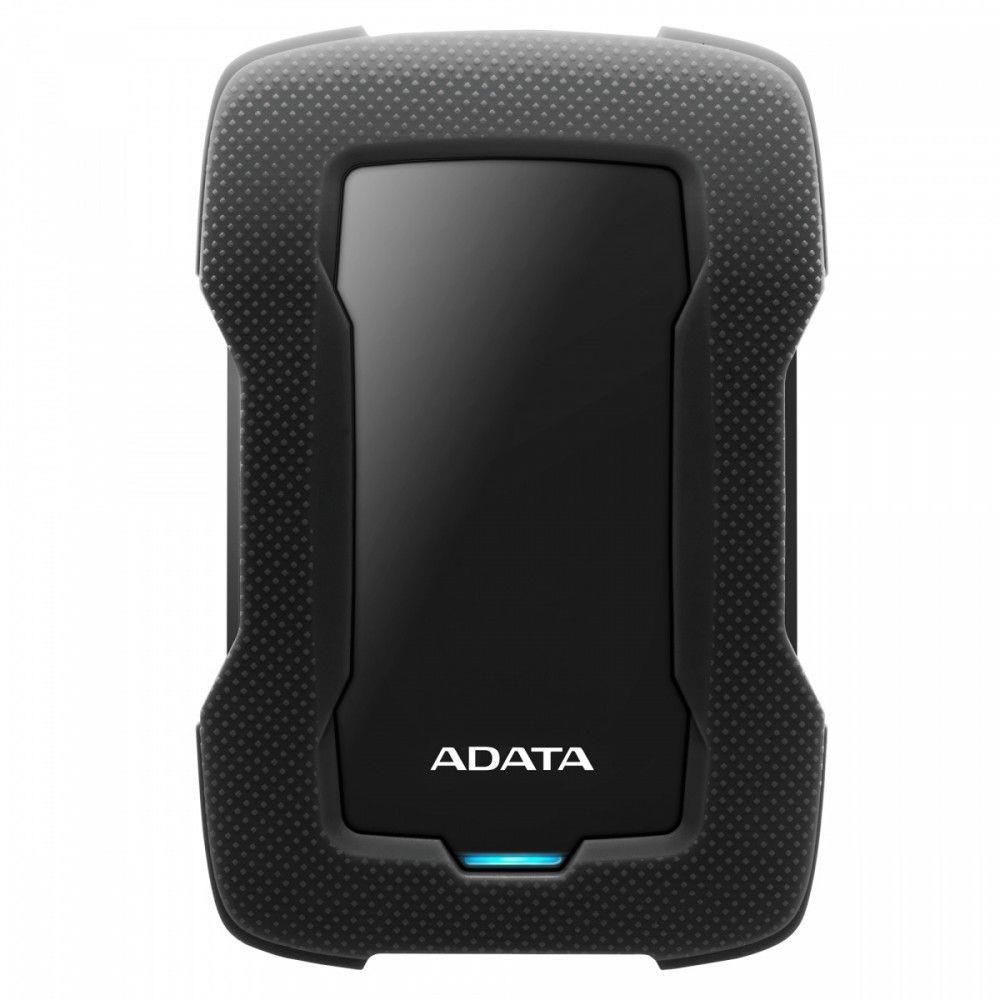


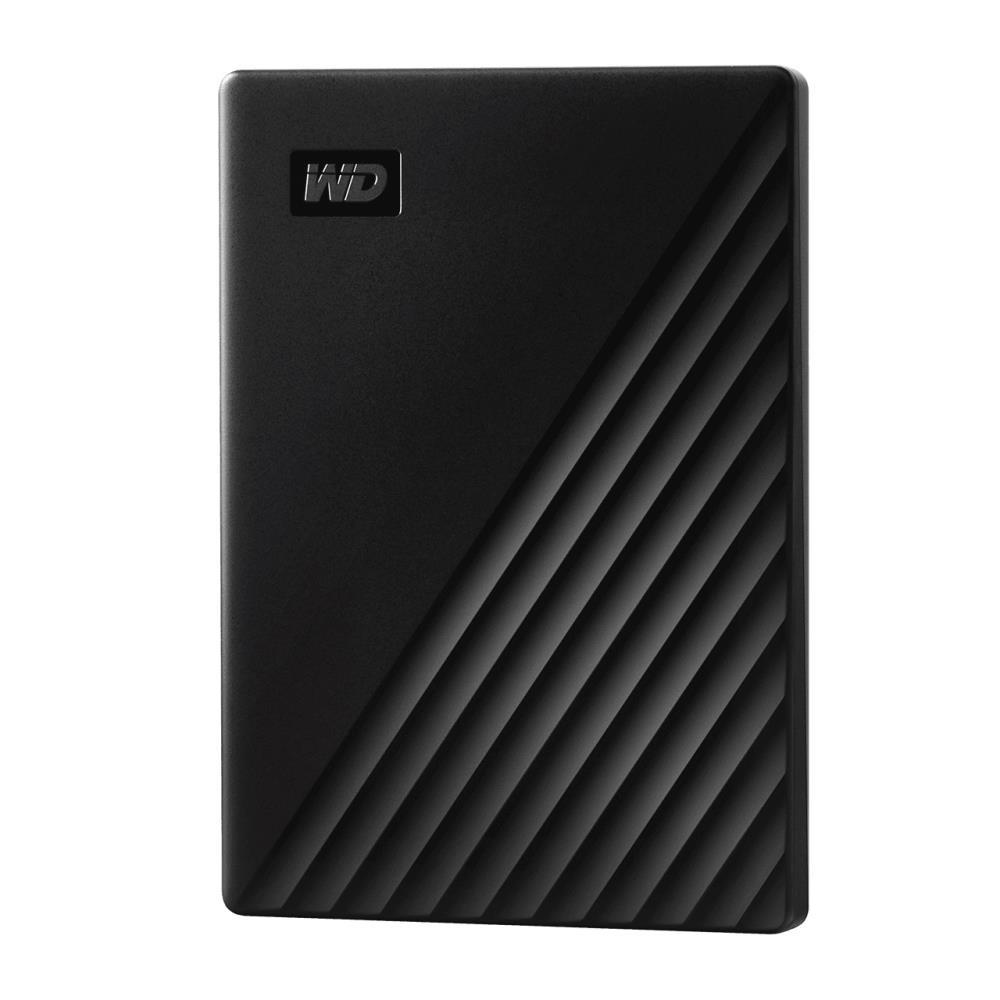
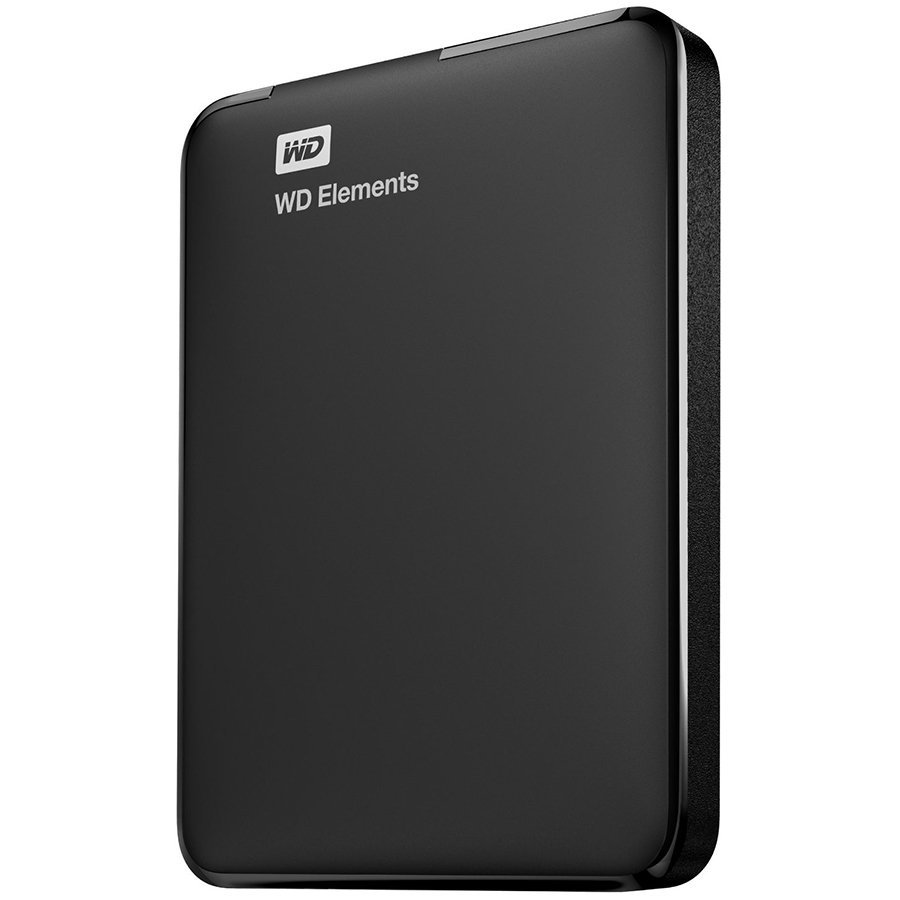

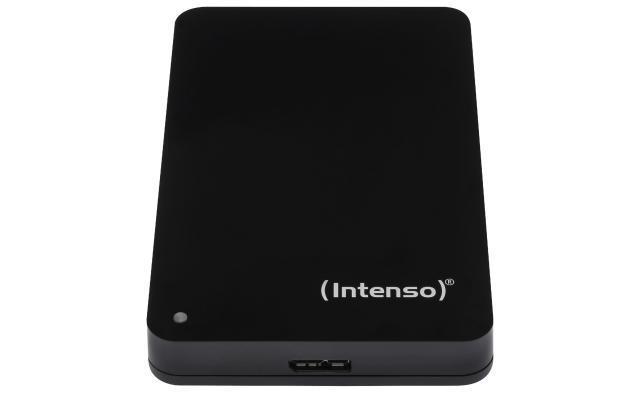
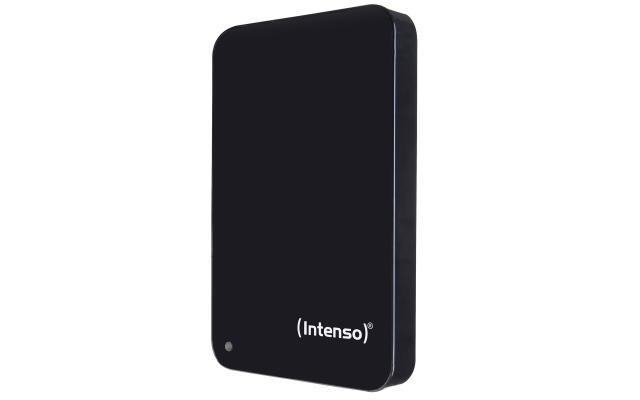

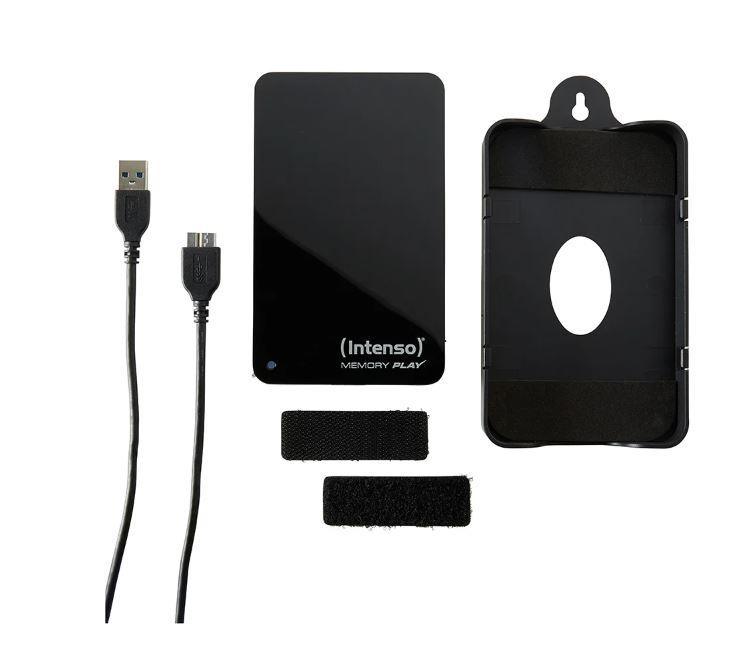
No products match your selected filters.
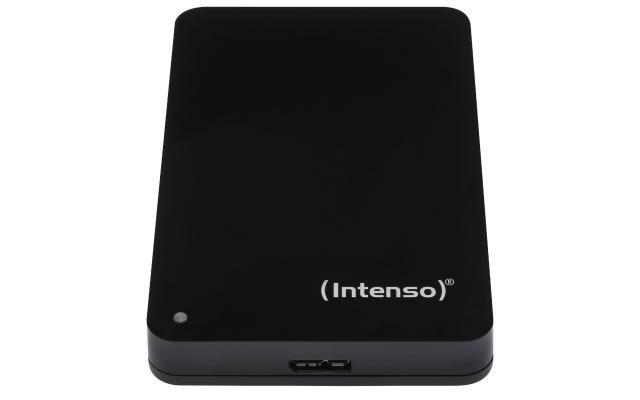
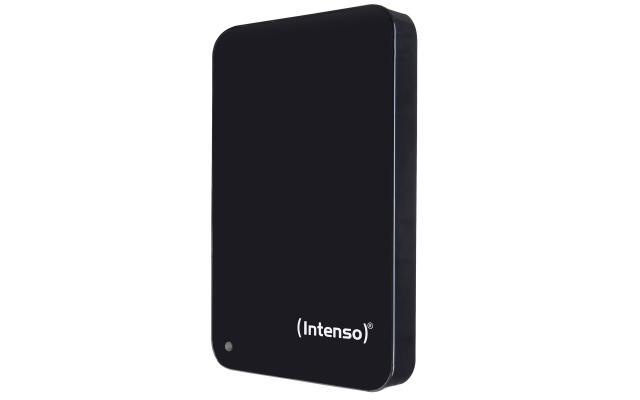
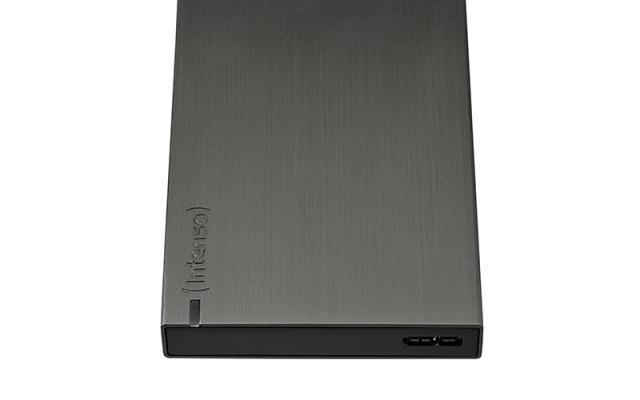
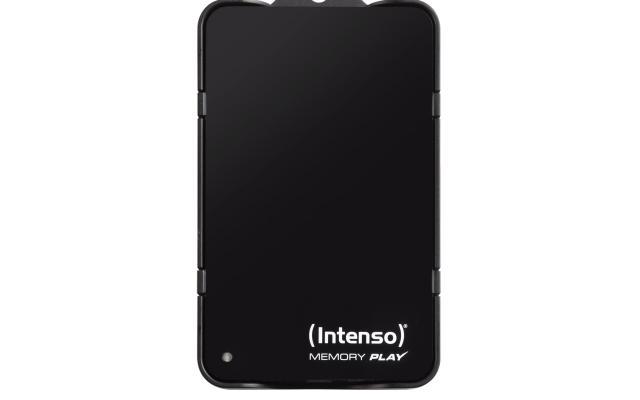
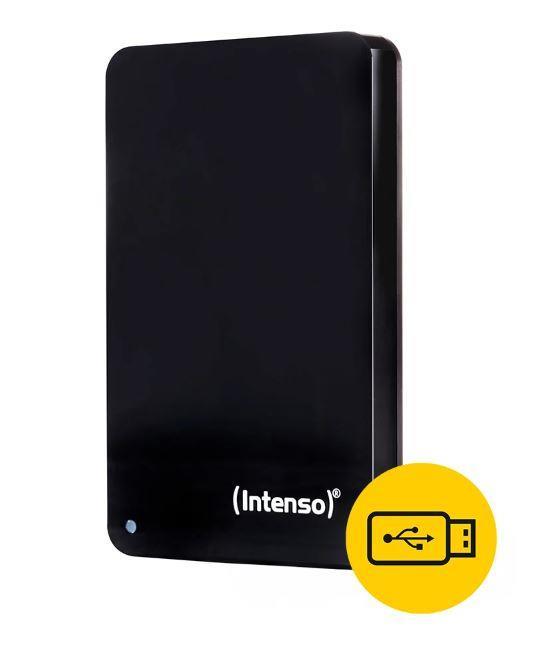
In a digital world where data volumes are growing exponentially, reliable storage has become essential. A 2.5-inch external hard drive is an elegant, practical solution that strikes the perfect balance between portability, capacity and price. Forget worrying about your laptop running out of space or losing important files—find a safe home for your digital life here.
Choosing the right device can seem complicated, especially with hundreds of models to choose from. Are you simply looking for somewhere to store your holiday photos, or do you need something more? The question of which external hard drive to choose comes down to your needs. These compact devices don’t need a separate power adapter, drawing power directly from a USB port. That makes them ideal companions for your laptop at the office, at home or on the go. It’s easy to find and order the right external hard drive for your computer from our online store.
To find the best external hard drive for your needs, pay attention to a few important technical specifications. Don’t worry—it’s easier than it sounds. Let’s go through the main points.
Capacity is the first and most important consideration. There’s a wide range to choose from, starting with 500GB models and going up to several terabytes.
Data transfer speed determines how quickly you can write files to the drive and read them from it. Most modern drives use the USB 3.x standard, which is significantly faster than the older USB 2.0. Although the specifications may vary, all USB 3-series interfaces are fast enough for everyday users to copy large files, such as films, in just a few minutes. The newer the standard, the faster the potential transfer speed.

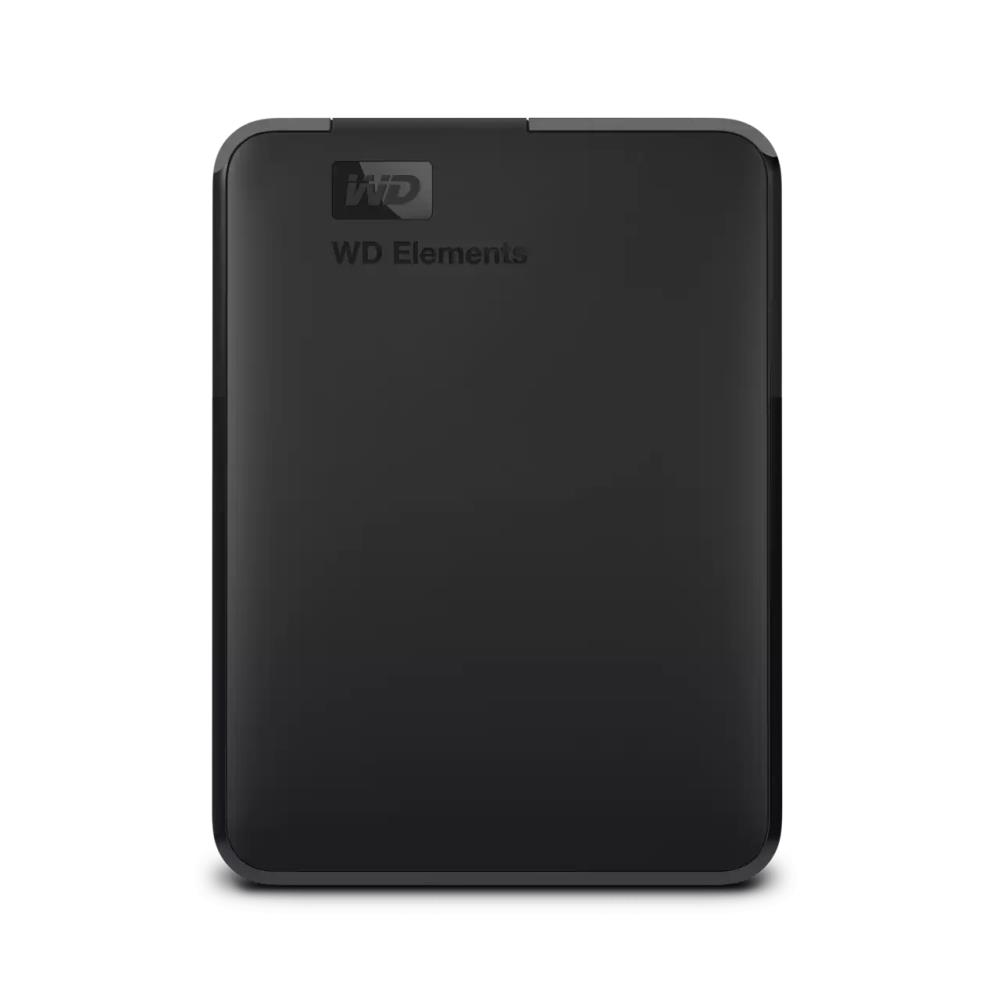
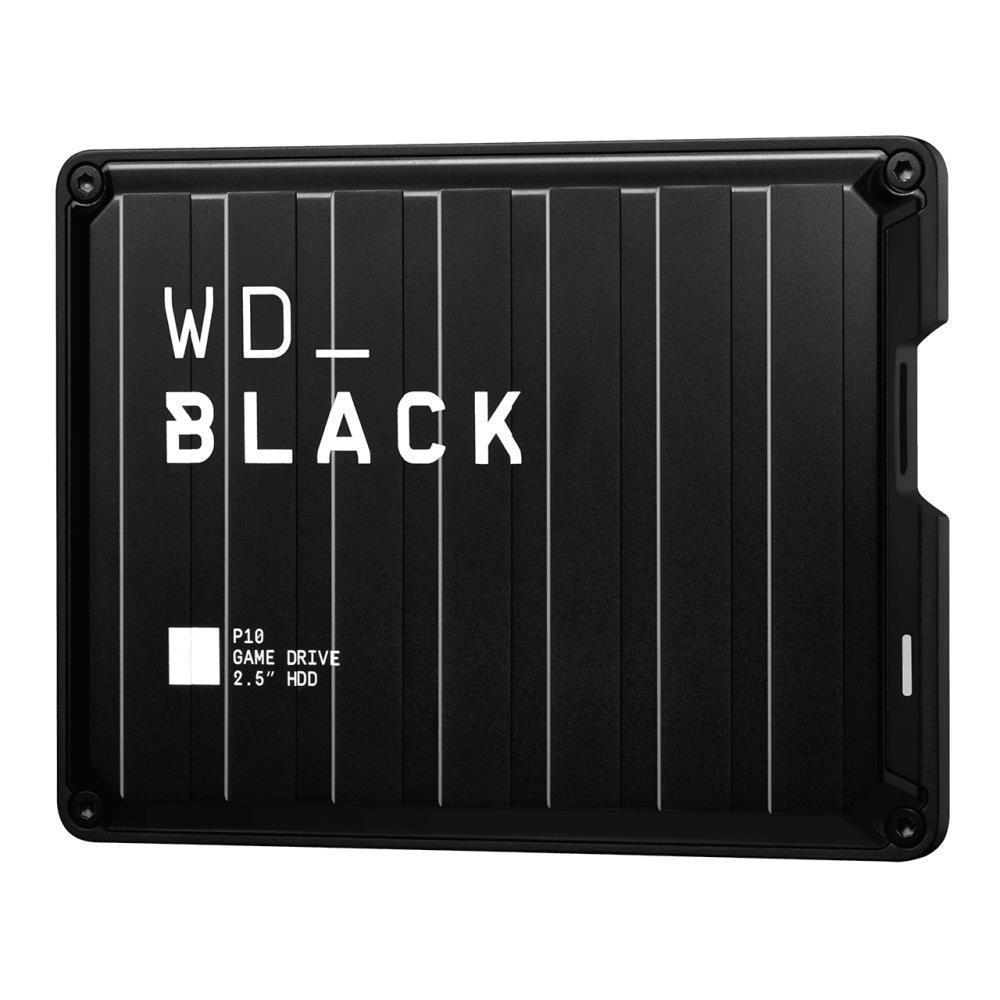
If you plan to carry your drive around frequently, especially when travelling or working outdoors, a shock-resistant external hard drive is a smart investment. Brands such as Transcend, with their StoreJet series, offer multiple layers of protection against drops and impacts. These models often have a rubberised casing that absorbs shocks and protects your valuable data from unexpected knocks. If you’ll be taking your drive with you, it’s also a good idea to get a quality laptop bag with a separate compartment for accessories.
There are several well-known manufacturers on the market whose products you can trust. Our range includes great deals from brands such as:
External hard drives are no longer just for backups. Here are some common uses:
A network-attached storage (NAS) system may be an alternative for some users, making files available over your home network. However, a 2.5-inch drive is always more portable. Photographers editing images on the go will benefit from having both memory cards and a fast external drive for backing up data.
You no longer need to search for ‘external hard drive price comparison’ or ‘external hard drive klick’ to find the best deal. Buying an external hard drive from us is easy, transparent and customer-friendly. We’re your trusted partner in the world of technology.
Here are answers to some of the most common questions to help you make your final decision.
| Question | Answer |
|---|---|
| What’s the difference between an external HDD and an external SSD? | The main differences are the technology and speed. An HDD (Hard Disk Drive) is a traditional drive with moving parts. It’s more affordable and offers more storage for the same price. An external SSD (Solid State Drive) uses memory chips and has no moving parts. It’s significantly faster, more resistant to shocks and lighter, but also more expensive. If speed is critical, an external SSD is the better choice. For example, a 1TB external SSD is an excellent way to carry an operating system or programs with you. |
| Does a 2.5-inch external hard drive need a separate power supply? | No. All 2.5-inch external hard drives get the power they need directly through the USB cable connected to your computer, laptop or game console. That’s what makes them so convenient and portable. Larger 3.5-inch drives need a separate power adapter. |
| How do I connect an external hard drive to a TV or PS4? | It’s very easy. Simply connect the drive to an available USB port on the device. A game console such as the PS4 will usually prompt you to format the drive as extended storage. TVs recognise the drive as a media device, allowing you to browse and play files straight away. Before buying, check your device’s manual to make sure it supports external storage devices. |
| Are there external hard drives with Wi-Fi? | Yes, there are also external hard drives with Wi-Fi. However, these are more specialised and expensive devices. They create their own wireless network, letting you access your data from a smartphone or tablet without cables. This category focuses on classic USB-connected drives. |