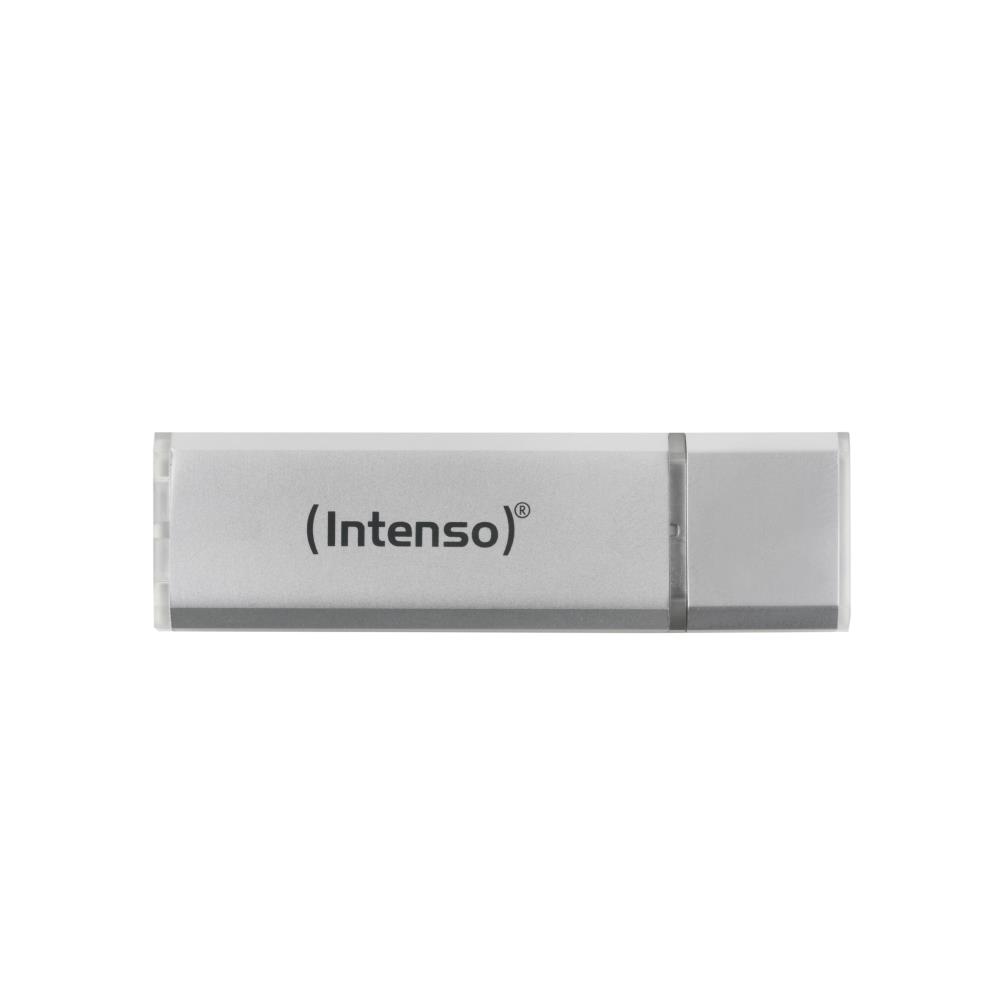
Running out of digital space? 3.5-inch external hard drives offer maximum capacity at the best price per terabyte. They’re ideal for securely backing up large data collections, photo libraries and media files, and expanding your desktop computer’s storage. Explore our range of reliable models from 4TB to 24TB and beyond, from leading brands like Western Digital and Seagate.
In a digital world where files keep getting larger—whether 4K videos, high-resolution photos or sizeable projects—reliable, high-capacity storage is essential. That’s where a 3.5-inch external hard drive comes in. It’s the best solution when you need a stationary, high-capacity and cost-effective place to store your data. Forget constantly deleting files to make room; here you’ll find a solution that will last for years.
How to choose the right 3.5-inch external hard drive
Choosing the right device can seem complicated, but focusing on a few key specifications makes the decision easier. Before deciding which external hard drive to buy, consider your actual needs to find the model that suits you best. It’s not just about the price, but also about long-term convenience and data security.
Capacity – How many terabytes are enough?
Capacity is the main selling point of 3.5-inch drives. While an external hard drive 500gb or 1tb external hard drive was once considered a lot of storage, capacities in this category now typically start at 4TB. The right choice depends on your needs:
4TB - 6TB: A great starting point for home users backing up family photos, documents and music collections. It can hold hundreds of hours of HD video.
8TB - 12TB: An ideal choice for advanced users, photographers or gamers. For example, a 2tb hard drive can fill up quickly, while 8TB provides plenty of breathing room.
14TB - 24TB+: Designed for professionals, videographers and data collectors working with huge volumes of files. It’s an investment in the future, ensuring you won’t suddenly run out of storage.
Expert tip: Don’t buy a drive that only just meets your current needs. A good rule of thumb is to choose at least twice the capacity of the data you plan to back up right away. Data grows faster than you might expect.
Connectivity – USB 3.0, USB-C and the importance of speed
Most modern 3.5-inch drives use a USB 3.0 interface (also known as USB 3.1 Gen 1 or USB 3.2 Gen 1), offering speeds of up to 5 Gbps. That’s more than enough for quickly copying large files. Some newer, more professional models, such as those in the LaCie range, already offer USB-C connectivity, which is more convenient and compatible with modern laptops and workstations. Fortunately, these interfaces are backward-compatible, so you can also use them with older USB 2.0 ports, although at significantly lower speeds. A fast connection is especially important when working with large files, such as during video editing.
3.5-inch HDD vs. 2.5-inch HDD vs. external SSD – What’s the difference?
You may be wondering whether to choose a large desktop drive or a more compact option. While an external SSD hard drive is also an option, each type has its own distinct advantages. Here’s a quick overview to help you decide which external drive is right for you.
Feature
3.5-inch HDD (this category)
2.5-inch HDD
External SSD
Price per terabyte
Most affordable
Affordable
High
Maximum capacity
Very high (up to 24TB+)
Medium (usually up to 5TB)
Limited and expensive
Speed
Good
Moderate
Very fast
Size/Portability
Stationary, large
Small, portable
Very small and lightweight
Power
Requires a separate power adapter
Powered via USB port
Powered via USB port
In short, if you’re looking for maximum capacity at the lowest possible price and the drive will mostly stay on one desk, a 3.5-inch external desktop hard drive is the clear choice. If you need something to carry around regularly, consider an external SSD for its speed and durability.
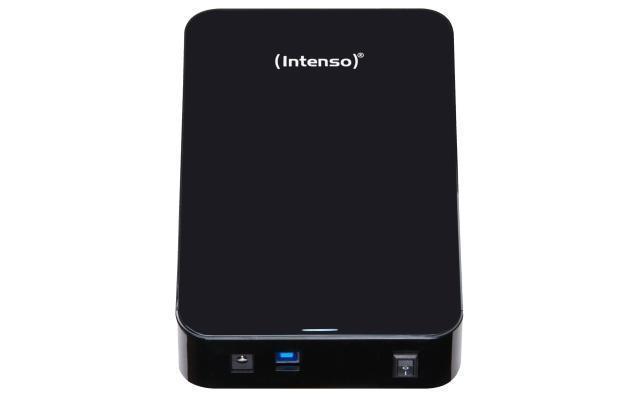
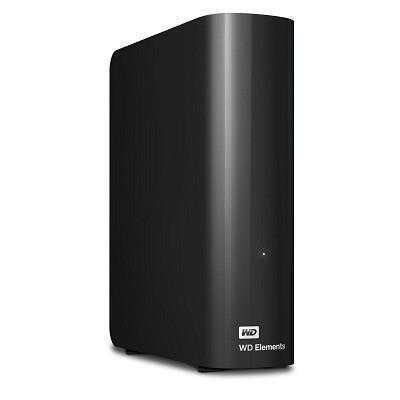
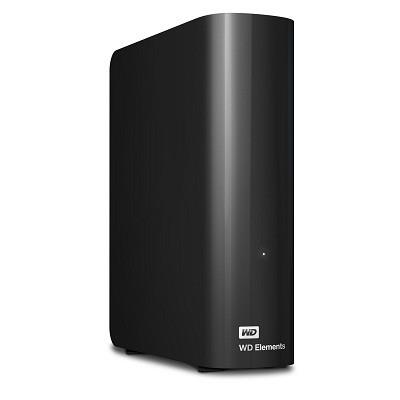
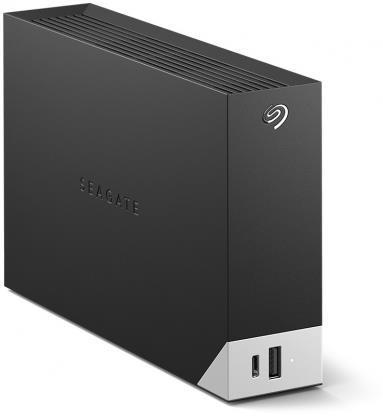
Western Digital Elements Desktop – a simple, high-capacity solution.LaCie d2 Professional – a choice for demanding professionals.Seagate One Touch Hub – with the added convenience of front-facing USB ports.
Popular brands and their product lines
Our selection includes some of the most trusted manufacturers on the market. Even if you search for 'Samsung external hard drive' or 'Toshiba external hard drive', this segment is actually dominated by two major players.
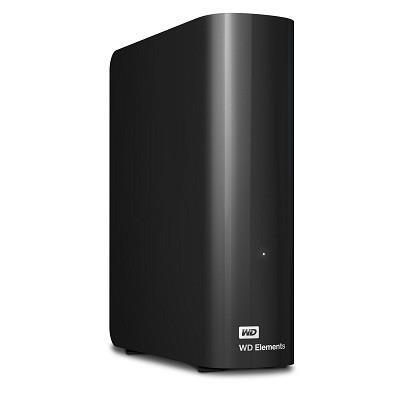
Western Digital (WD): Offers two main product lines. Elements Desktop is simple, reliable plug-and-play storage. The My Book line adds automatic backup software and 256-bit AES hardware encryption for extra security.
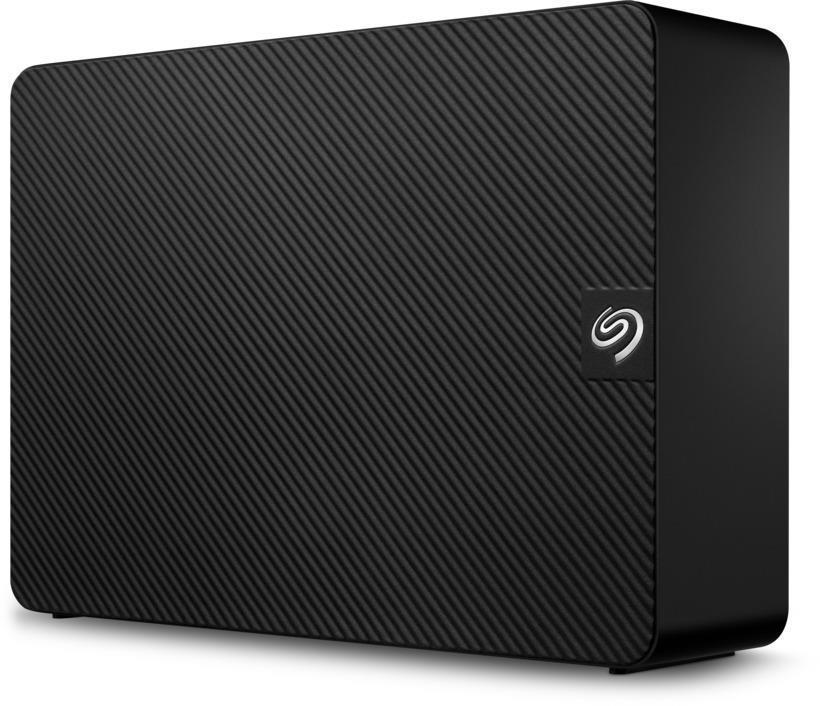
Seagate: Like WD, Seagate offers the Seagate Expansion line as a simple way to add storage. The One Touch Hub line is especially practical, with extra USB hubs on the front panel for charging phones or connecting other devices. It’s a great example of how a Seagate external hard drive offers added value.
LaCie: Seagate’s premium brand, aimed at designers, photographers and video professionals. Its d2 Professional drives are known for their durable aluminium enclosures, high reliability and often faster 7200 RPM drives.
Expert tip: Although 3.5-inch drives aren’t designed to be carried around, so the term 'shock-resistant external hard drive' doesn’t really apply to this category, their stationary design is optimised for better cooling and a longer lifespan than portable drives. Make sure the drive sits on a stable surface with enough space around it for airflow.
Use cases: Who are they for, and what are they used for?
A 3.5-inch external storage drive is a versatile tool. It’s ideal, for example, for storing video footage used in video surveillance systems. It’s also indispensable for gamers who want to expand their console storage—a PS4 external hard drive or one for Xbox is an easy way to fit more games. If you’re looking for a network solution that multiple devices can access at the same time, consider a network-attached storage system (NAS), which is like a private cloud for your home or office. While some may search for 'external hard drive wifi' functionality, that’s offered by NAS devices, not directly connected drives.
Expert tip: When buying a high-capacity external drive, consider investing in a UPS (uninterruptible power supply) too. An unexpected power outage while data is being written can damage both your files and the drive itself. A UPS protects your valuable data from such disruptions.
Why order your new external drive from the ZAZA online store?
We understand that the best external hard drive is one that meets your needs, is reliable and comes at a fair price. We make buying external hard drives simple and transparent, saving you from having to browse comparison sites like Hinnavaatlus. We offer a carefully selected range and a convenient shopping experience.
Always free delivery: Whatever size drive you choose, we’ll deliver it to you anywhere in Estonia at no extra cost.
Carefully selected range: We’ve done the research for you and selected models only from the best and most reliable manufacturers.
Warranty and support: All our products come with an official warranty. If you have any issues, you can always contact us.
Safe and convenient shopping: Order the external hard drive that suits you best from the comfort of home using our secure payment solution.
Frequently asked questions (FAQ)
Which external hard drive should I buy for archiving large files?
For archiving, the best choice is a 3.5-inch HDD with as much capacity as possible (10TB or more) from a reliable brand (e.g. WD My Book or Seagate Expansion). Speed isn’t the top priority here; a low price per terabyte and reliability matter more.
Does a 3.5-inch external hard drive need a separate power supply?
Yes, all 3.5-inch external hard drives need a separate power adapter to operate, and it’s always included with the product. They draw more power than a standard USB port can provide.
Can I use this drive with my PS4 or Xbox?
Yes, most USB 3.0 external hard drives are compatible with gaming consoles (PS4, PS5, Xbox One, Xbox Series X/S) and are a great way to expand your game library. Before buying, make sure the drive’s capacity meets your console’s minimum requirements (usually at least 250GB).
What’s the difference between the WD Elements and My Book lines?
The main differences are software and security. Elements is a simple plug-and-play drive without additional software. My Book includes WD Backup software for automatic backups and 256-bit hardware encryption to protect your data with a password.
Can I buy an external hard drive enclosure separately?
Yes, you can also buy a separate external hard drive enclosure and install a standard internal 3.5-inch HDD in it. This is a good option if you have an old hard drive left over from a computer. In this category, however, we offer ready-to-use solutions.
Please log in or create an account to request product availability.
For private customers
At checkout, product prices are automatically adjusted according to the VAT rate in your delivery country.
For B2B customers and legal entities
Registered B2B customers and legal entities receive personalized wholesale prices. After registering, contact us and we’ll activate your company’s individual discount. Special prices for all products will then be shown automatically in your account.