
For private customers
At checkout, product prices are automatically adjusted according to the VAT rate in your delivery country.

Christmas
Furniture
Home & Garden
Sport
Clothing
Mattresses
Watches
Electronics
Construction
Showing 30 of 36 products with selected filters





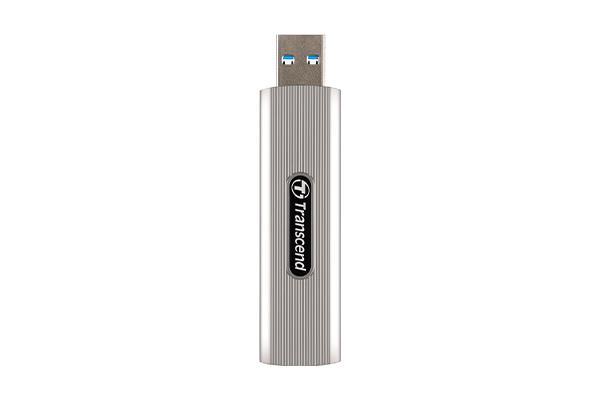
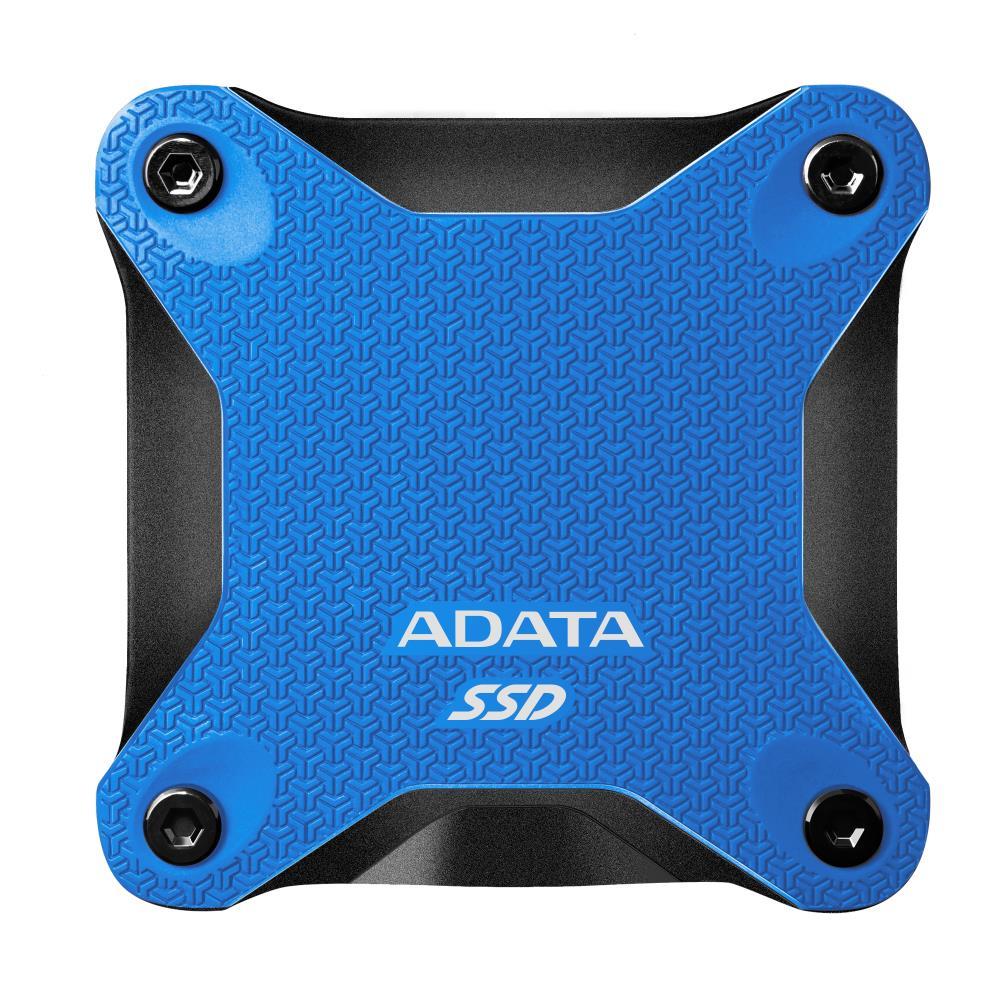

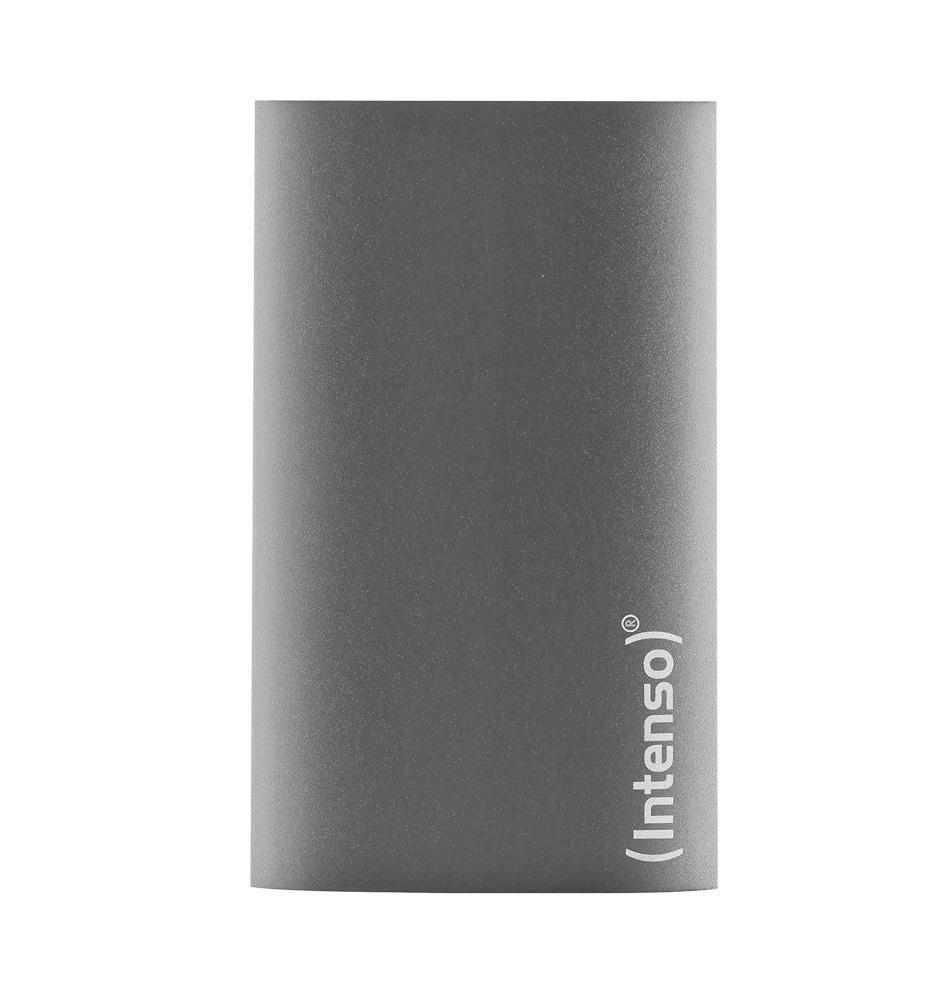







No products match your selected filters.
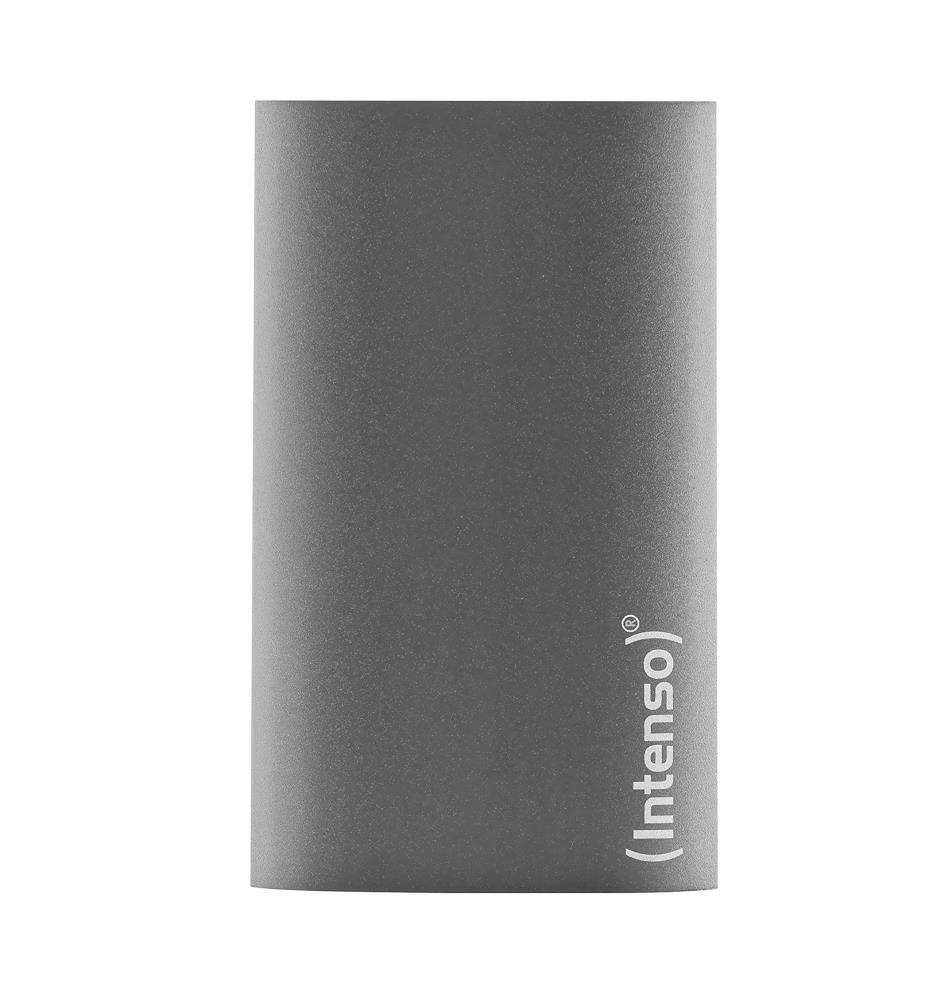
In an age when data volumes are growing exponentially, fast and reliable storage has become essential. Traditional hard disk drives (HDDs) offer plenty of capacity, but their mechanical design limits both speed and durability. That’s where the external SSD (Solid State Drive) comes in: a revolutionary step forward in data storage that offers dramatically higher speeds, greater durability and a more compact design. It’s the ideal solution for anyone looking to buy a device they can rely on.
Whether you’re a photographer working with large RAW files, a videographer who needs fast access to 4K footage, or simply someone who values their time and doesn’t want to wait for files to copy, a quality external SSD hard drive is just what you need. Our online store offers a wide selection to suit every need and budget, all with free delivery available.
Choosing the right device can seem daunting at first, as there are many different models on the market. But focusing on a few key specifications makes the decision much easier. Let’s look at the main factors to consider when finding the external SSD drive that best suits your needs.
The first and most important question is capacity. Think about what you’ll mainly use the drive for.
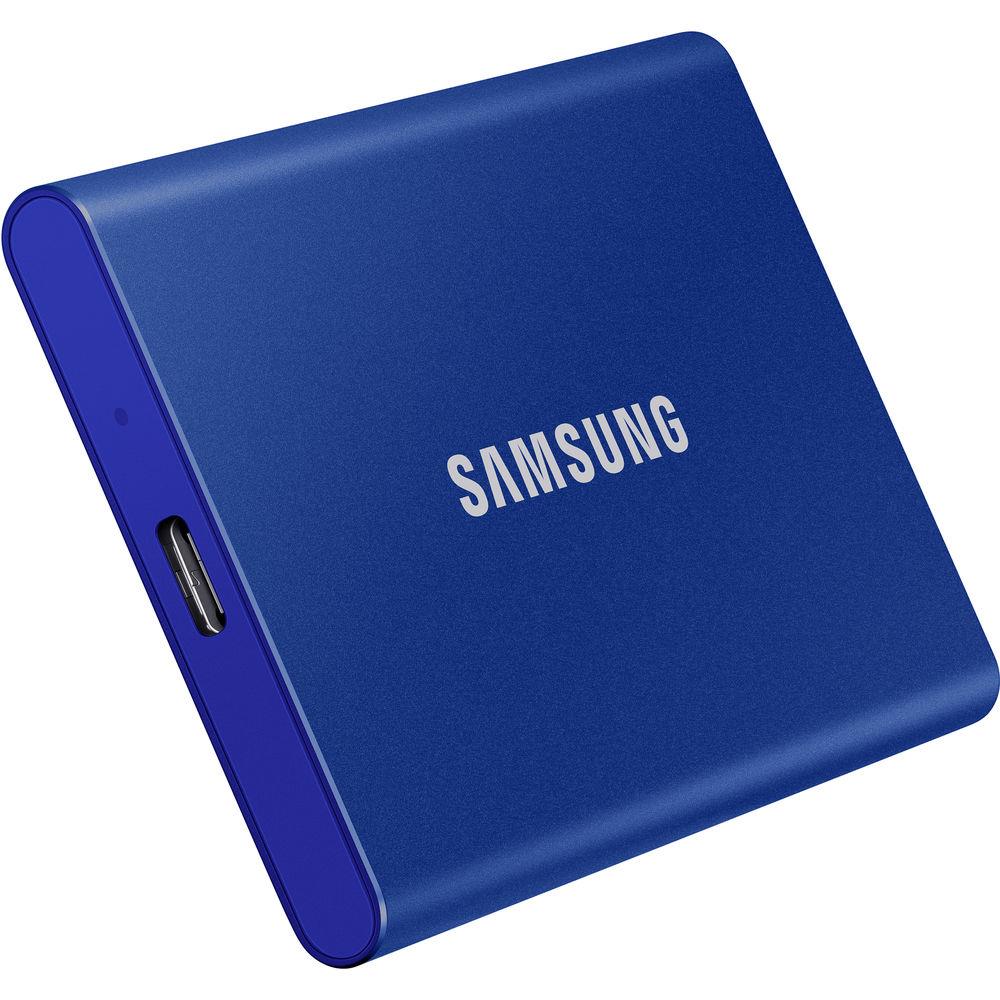
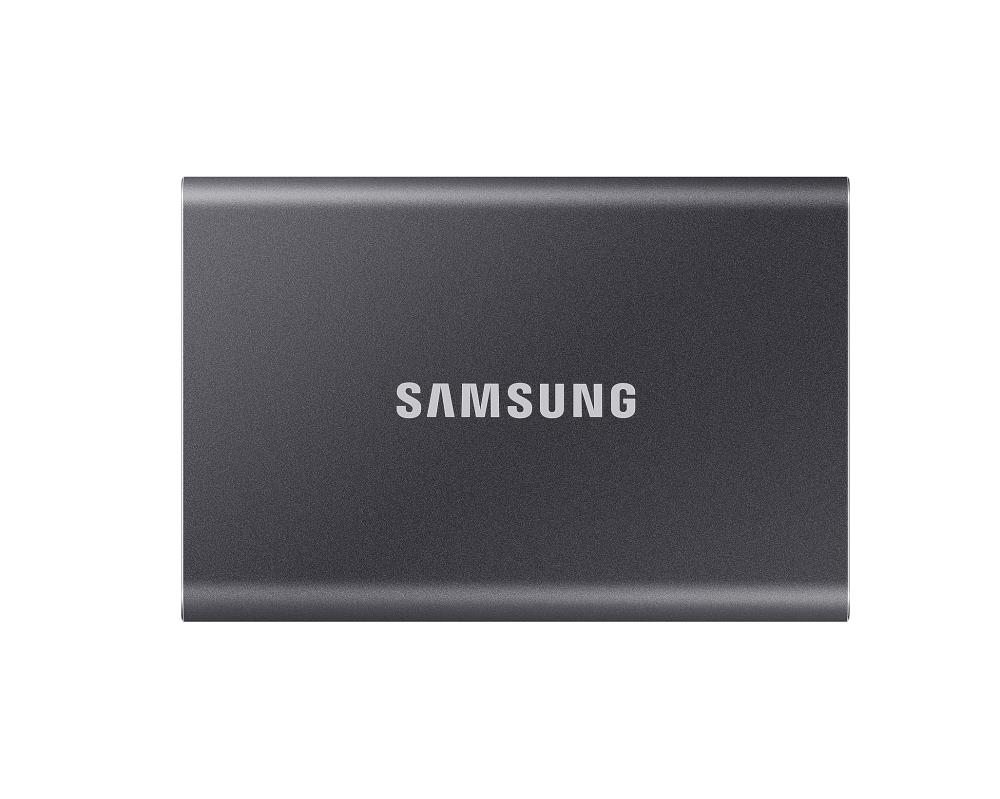
Speed is the main advantage of an SSD. How quickly you can read and write data depends on both the drive’s internal technology and the interface you use. USB 3.2 and USB-C are the most common standards today. For example, Samsung’s T-series external hard drives are known for their consistent, high speeds.
Speeds vary considerably:
Modern laptops often have a limited number of ports, so it may be worth investing in quality USB hubs to connect all your devices.
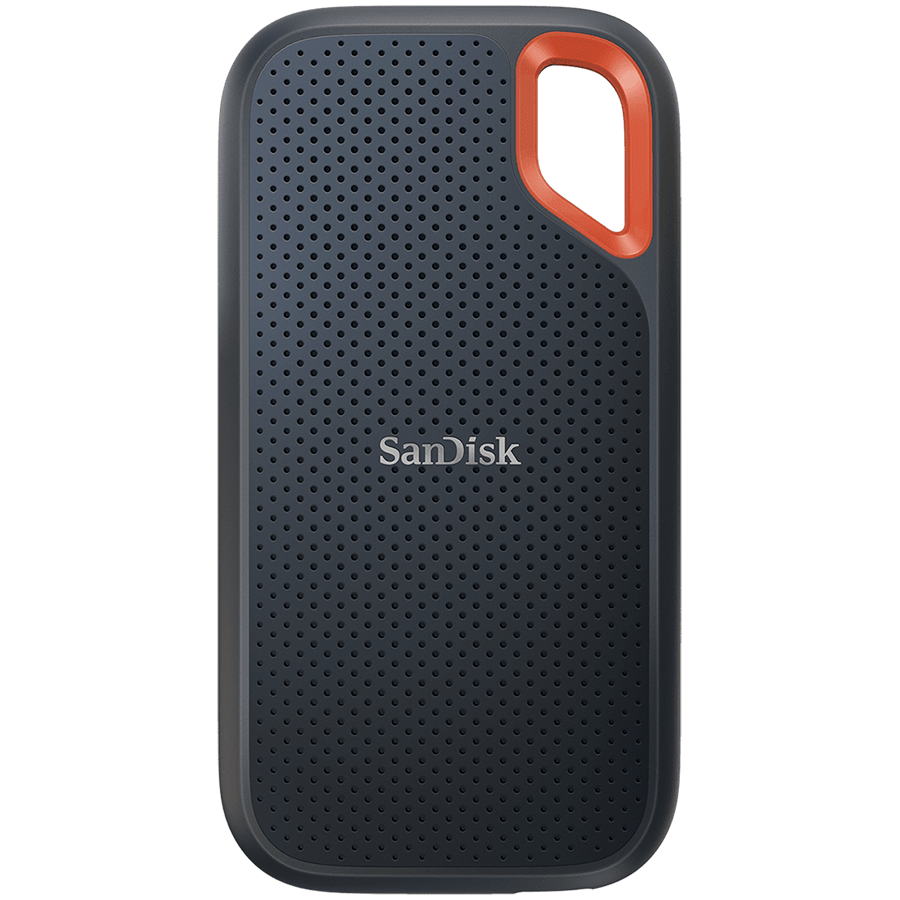
Since external SSDs are designed to be carried around, durability matters. Unlike HDDs, SSDs have no moving parts, making them naturally more resistant to knocks and bumps. Brands such as SanDisk offer models in their Extreme series that are also water- and dust-resistant (for example, with an IP55 rating). If you plan to use your drive while travelling or outdoors, this extra protection is well worth the investment. For safe transport, consider getting a dedicated laptop bag to protect both your computer and accessories.


While traditional external hard disk drives (HDDs) still offer the best value for capacity, SSDs have several compelling advantages that justify their higher price. Here’s a quick overview.
| Feature | External SSD | External HDD |
|---|---|---|
| Speed | Very fast (up to 2800 MB/s) | Slow (usually 100-150 MB/s) |
| Durability | Resistant to shocks and vibration | Sensitive to knocks and drops |
| Size and weight | Very light and compact | Larger and heavier |
| Noise | Completely silent | Produces noise and vibration while operating |
| Power consumption | Lower, saving your laptop’s battery | Higher |
In short, if speed, portability and data security are important to you, an external SSD hard drive is the best choice. If you need maximum capacity for the lowest price and the drive will mostly stay on your desk, an HDD may be worth considering. For a centralised solution that’s always available, explore the world of network-attached storage (NAS).
Our goal is to offer more than just products. We want to provide a complete and enjoyable shopping experience, which is why we focus on several key features that make shopping with us convenient and secure.
Generally, no. All modern external SSDs are Plug and Play devices. Simply connect one to your computer’s USB port, and the operating system (Windows, macOS, Linux) will recognise it automatically. Some models may include additional software for encryption or backups, but installing it is optional.
Most external SSDs come preformatted with the exFAT file system. This is ideal because exFAT works with both Windows and macOS without any additional steps. You can use the drive seamlessly with different computers. If you plan to use it with just one system (e.g. only with a Mac), you can reformat it to APFS (macOS) or NTFS (Windows) to use system-specific features.
Yes, absolutely! It’s one of the most popular ways to use one. A fast external SSD, especially one with read speeds above 1000 MB/s, is quick enough to run games directly from the drive, reducing load times and freeing up space on your computer’s internal drive. This is especially useful for laptops with limited internal storage. To improve your gaming experience, you’ll also need a powerful graphics card, in addition to a fast drive.
These are different speed standards within the USB 3.2 family. In simple terms:
To achieve maximum speed, the external drive, cable and computer port must all support the same or a faster standard.