
For private customers
At checkout, product prices are automatically adjusted according to the VAT rate in your delivery country.

Christmas
Furniture
Home & Garden
Sport
Clothing
Mattresses
Watches
Electronics
Construction
Showing 21 of 21 products with selected filters
21 / 21



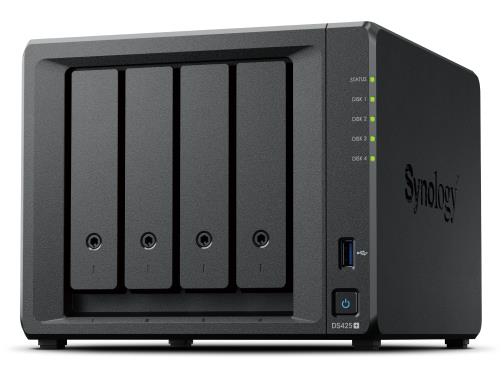


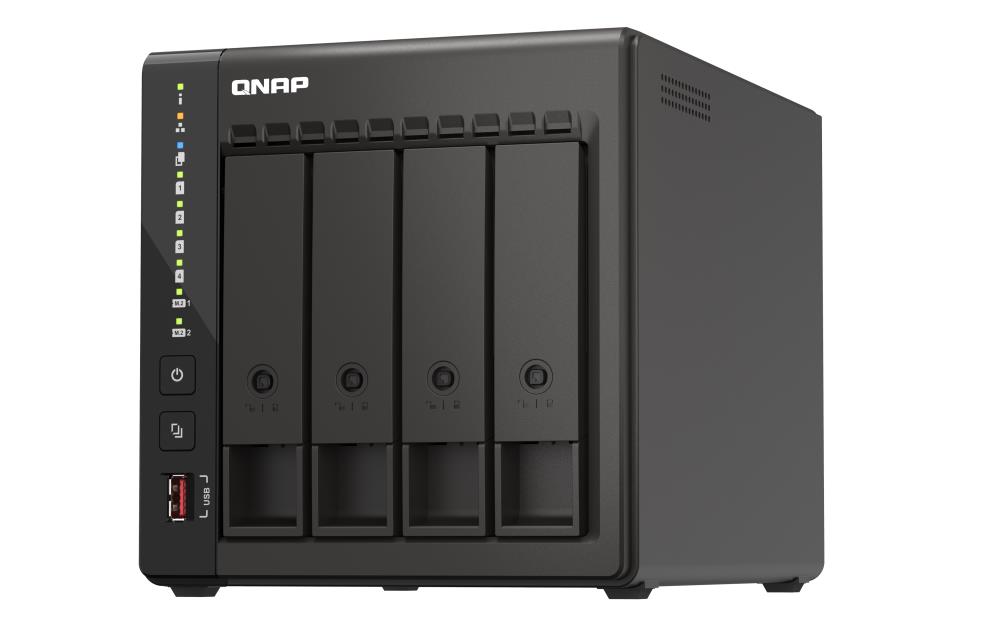


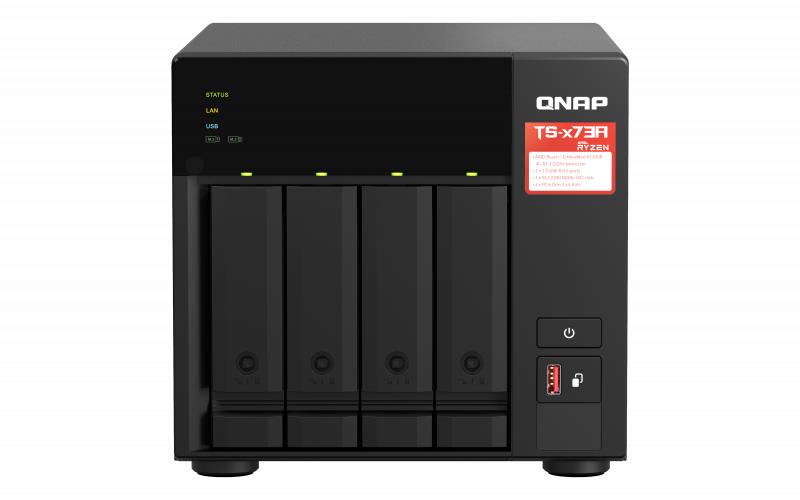


No products match your selected filters.
In today’s digital world, our data — photos, documents, videos and work files — is scattered across different devices and cloud services. This creates clutter and increases the risk of losing precious memories or important information. A Network Attached Storage device, or NAS, is an elegant and powerful solution that brings all your data together in one secure, central location in your home or office. Think of it as your own personal cloud, one you have complete control over.
Forget monthly cloud service fees and storage limits. The right NAS server offers virtually unlimited capacity, fast access to your files from any device and, most importantly, peace of mind knowing your digital assets are safe. Our online store offers a wide range of devices, from simple models for home users to powerful business solutions, with clear pricing on every product.
Choosing the right NAS device may seem complicated at first, but it really comes down to identifying your needs. This guide will help you find the right solution, whether you’re buying your first NAS for home or upgrading your company’s data storage.
Start by thinking about what you’ll primarily use the device for. This determines the performance and features you’ll need.
The number of drive bays determines how many hard drives you can install, and therefore the maximum potential capacity and available RAID options. Most models are sold as diskless NAS devices, giving you the freedom to choose the drives that suit you.
RAID (Redundant Array of Independent Disks) is a technology that combines multiple physical drives into one logical unit to improve performance or provide data protection. Here are the most common types:
| RAID Level | Description | Minimum number of drives |
|---|---|---|
| RAID 0 | Data is distributed across drives for maximum speed, but there is no data protection. If one drive fails, all data is lost. | 2 |
| RAID 1 | Data is fully mirrored (copied) to a second drive. It provides good data protection, but usable capacity is limited to the size of one drive. | 2 |
| RAID 5 | A combination of performance and data protection. It can tolerate one drive failure, offering a good balance for most users. | 3 |
| Synology Hybrid RAID (SHR) | Synology’s automatic RAID management system simplifies setup and makes more efficient use of drives of different capacities. Highly recommended for beginners. | 2 |
A NAS device’s “brain” is its processor and memory (RAM). A faster processor and more RAM mean the device can serve more users at once, run more applications and handle tasks such as 4K video transcoding (converting video formats on the fly). For most home users, 2-4 GB of RAM is enough, but 8 GB or more is standard for business use and virtualization. A fast network connection is also essential. While a 1GbE port is sufficient for everyday users, videographers and businesses moving large files should consider a NAS with 10GbE support and compatible switches to avoid bottlenecks.
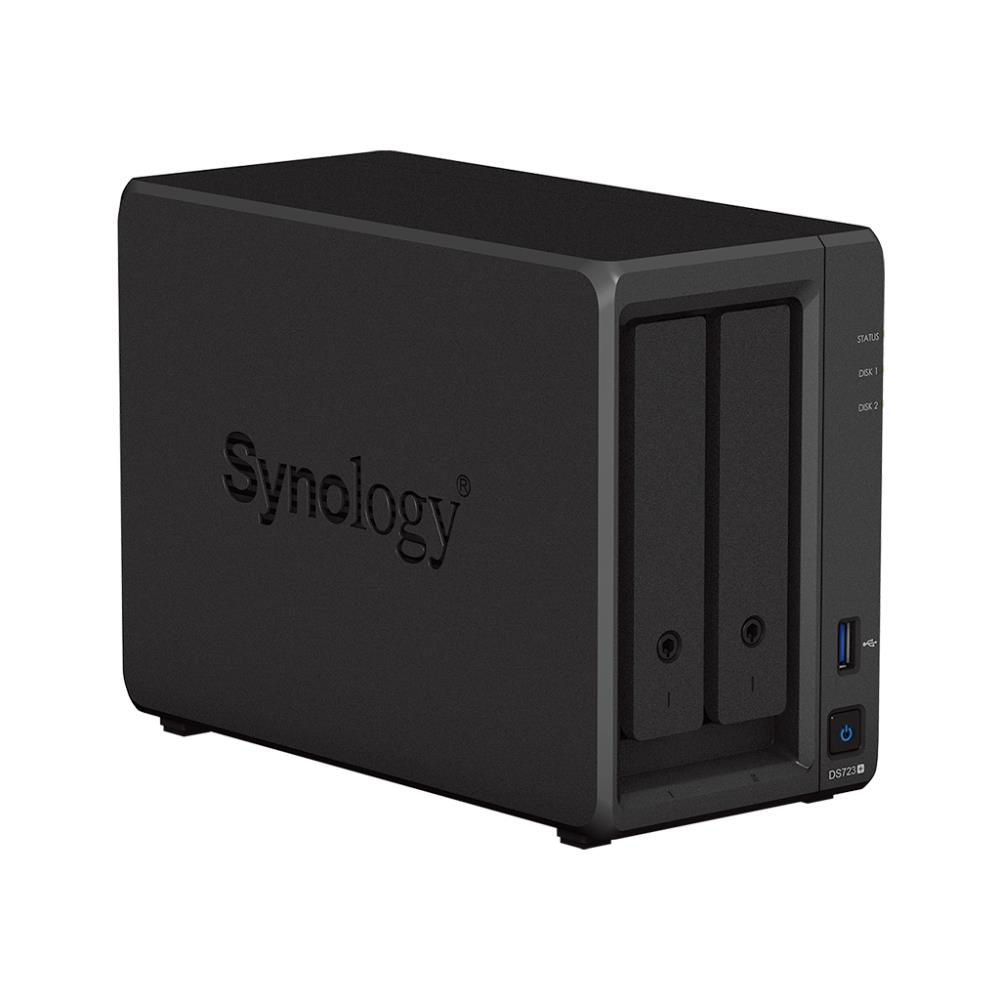


The NAS market is dominated by two major players: Synology and QNAP. Both offer excellent products, but with different strengths.
Our range also includes other brands, such as Netgear with its ReadyNAS series and Promise, which specializes in high-performance storage solutions. Ordering online is convenient, as you can take your time comparing specifications and prices from different manufacturers.
A modern NAS is much more than a network drive. It’s a multifunctional server that can handle dozens of different tasks:
Our category also includes DAS (Direct Attached Storage) devices. Unlike a NAS, which connects to a network, a DAS connects directly to one computer via a USB or Thunderbolt cable. Essentially, it’s an external multi-drive enclosure that provides high capacity and speed for a single workstation, but cannot be accessed over a network.
Do I need special hard drives for a NAS?
Yes, they’re strongly recommended. NAS-specific hard drives (e.g. the Western Digital Red series and Seagate IronWolf) are designed for 24/7 operation, better withstand vibration and are optimized for RAID environments. A regular desktop drive may fail sooner in a NAS.
How difficult is it to set up a NAS?
Modern NAS devices, especially Synology models, are very user-friendly. Initial setup is usually handled by a web-based wizard that guides you through the process step by step. Configuring more advanced features may require a little more time and effort.
Is a NAS device noisy?
Noise levels depend on the specific model, its fans and the hard drives installed. In general, tower-style devices designed for home users are quieter, while high-performance rackmount devices installed in dedicated server racks can be quite loud.
What does “diskless” mean?
It means the device is sold as an empty enclosure, without hard drives. This gives you the freedom to choose drives with exactly the capacity and type you need. You can buy both a diskless NAS enclosure and compatible drives from our store.
Can I access my data when I’m away from home?
Yes, that’s one of the main advantages of a NAS. All the major manufacturers offer simple ways (such as Synology QuickConnect or myQNAPcloud) to securely connect to your device over the internet, wherever you are. This turns your NAS into a truly personal cloud server.