
0

Internal Storage

Give your computer a new lease on life. Browse our range for a fast SSD that makes system startup and program loading lightning-fast, or a high-capacity HDD for mass storage. We offer cutting-edge M.2 NVMe and widely compatible SATA solutions for laptops, desktops and workstations.

Popular products

Weight: 60 g
In stock
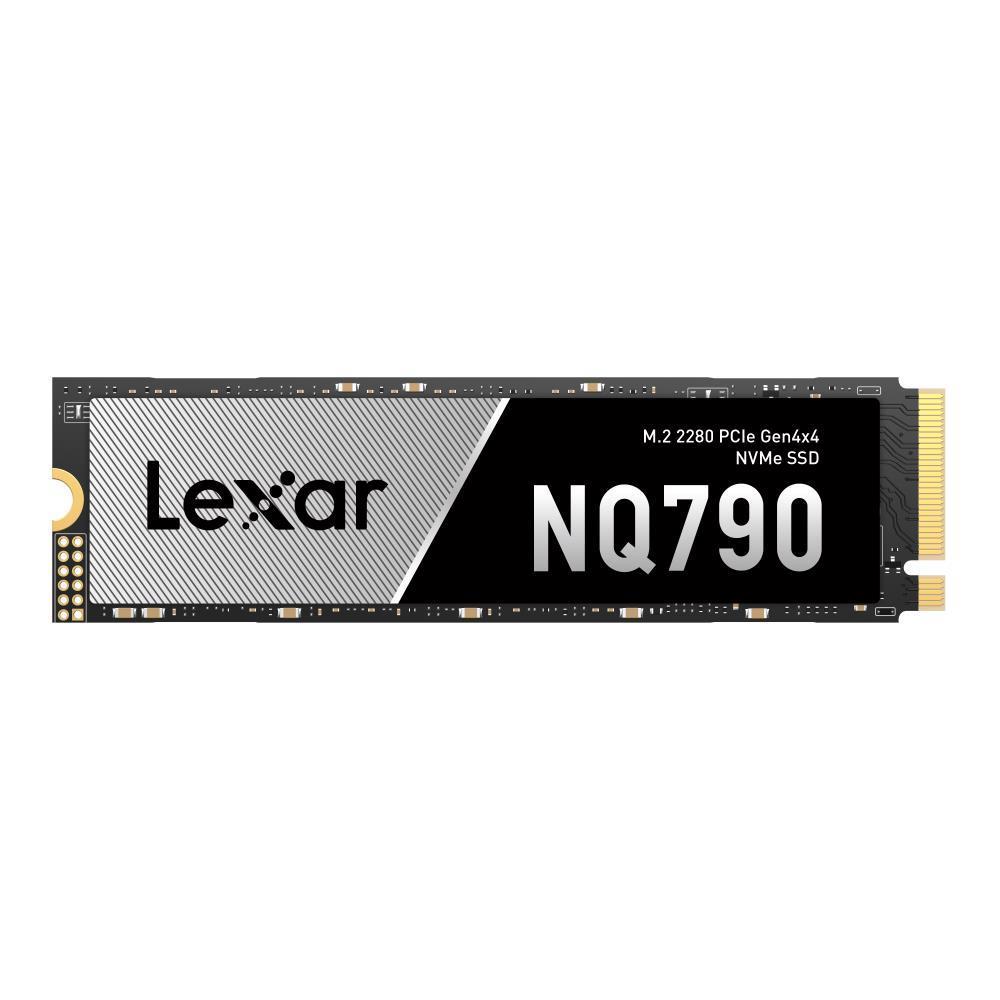
SSD Lexar NQ790 1TB, M.2 PCIe Gen4 NVMe, Heatsink

SSD Lexar NQ790 1TB, M.2 PCIe Gen4 NVMe, Heatsink

€231.21 2249 pcs

SKU: 1422206

EAN: 10843367132215

1
Weight: 60 g
In stock
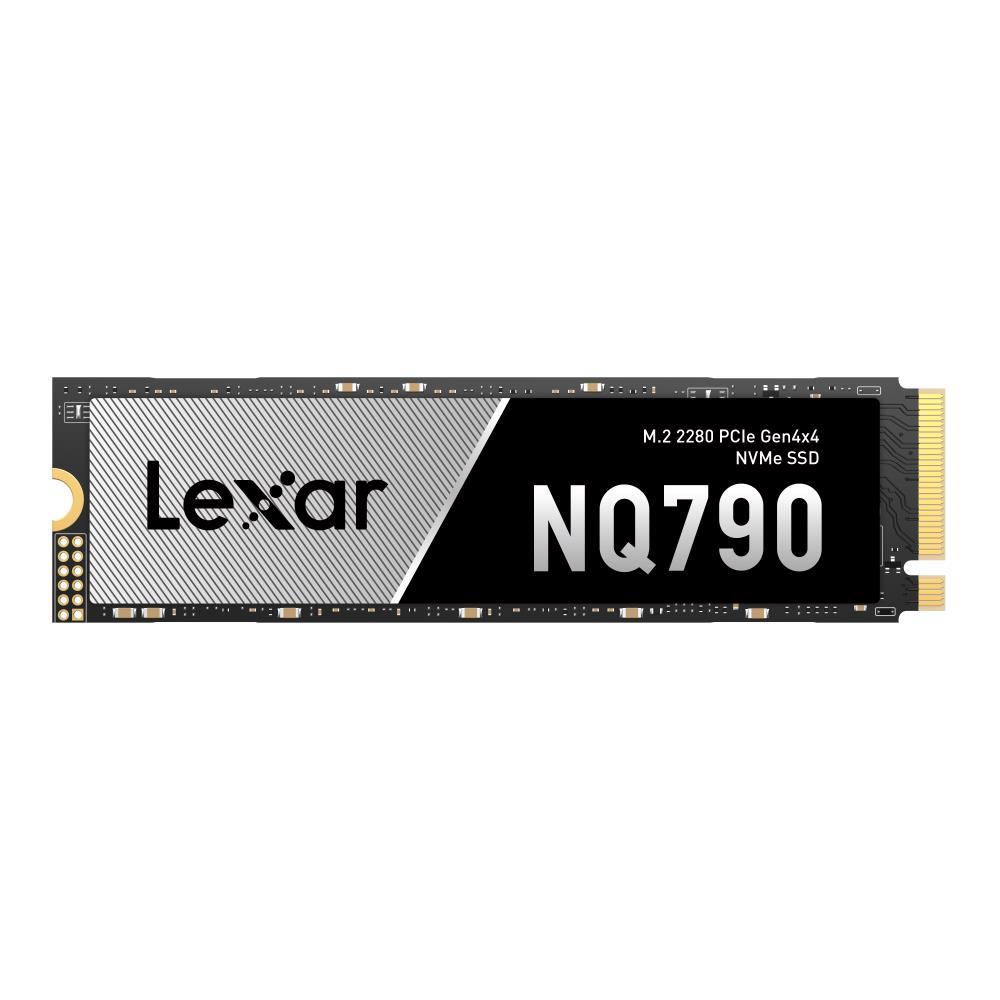
SSD M.2 Lexar NQ790 512GB, PCIe 4.0

SSD M.2 Lexar NQ790 512GB, PCIe 4.0

€138.03 1000 pcs

SKU: 1454403

EAN: 843367144433

1
In stock
Lexar NM790 512GB SSD M.2 PCIe Gen4 NVMe

Lexar NM790 512GB SSD M.2 PCIe Gen4 NVMe

€141.60 926 pcs

SKU: 1397152

EAN: 843367130276

1
Weight: 30 g
In stock
Network cable CAT6 UTP 1 m, grey, Gembird

Network cable CAT6 UTP 1 m, grey, Gembird

€4.83 864 pcs

SKU: 1393324

EAN: 8716309088121

1
Weight: 27 g
In stock
Network Cable CAT5e UTP 1m Gembird PP12-1M

Network Cable CAT5e UTP 1m Gembird PP12-1M

€4.67 842 pcs

SKU: 1124252

EAN: 8716309009591

1
Weight: 62 g
In stock
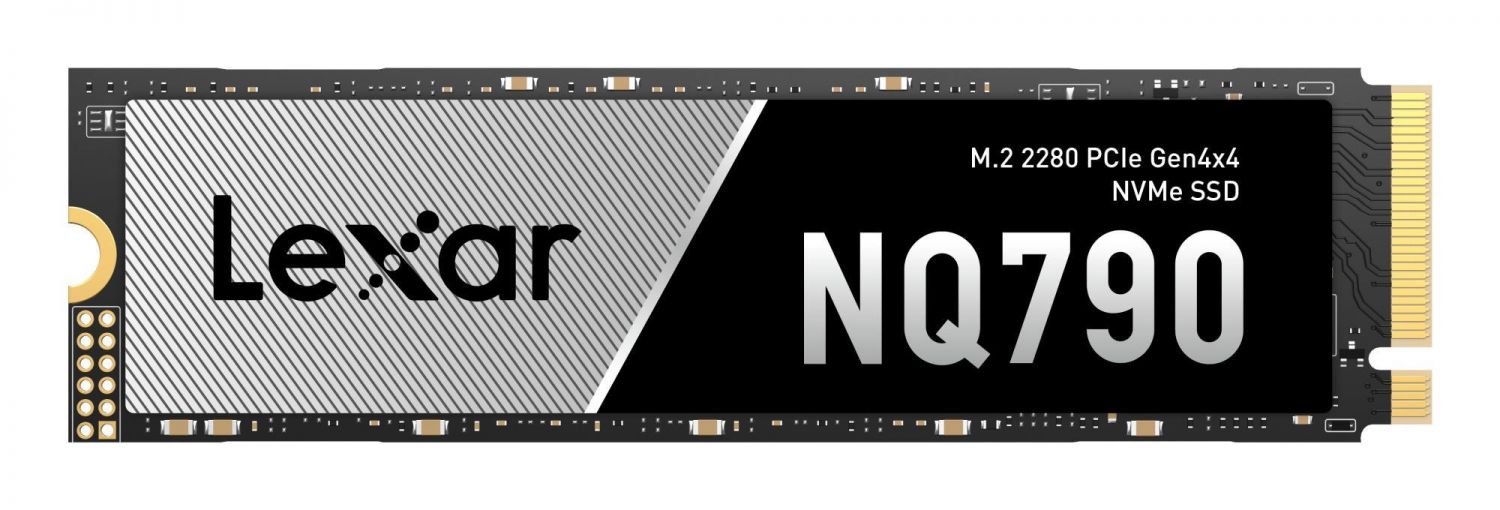
SSD Lexar NQ790 2TB, M.2 PCIe Gen4 NVMe with Heatsink

SSD Lexar NQ790 2TB, M.2 PCIe Gen4 NVMe with Heatsink

€398.48 799 pcs

SKU: 1422207

EAN: 10843367132222

1
Weight: 17 g
In stock
Network cable CAT6 UTP 0.25 m, black, Gembird

Network cable CAT6 UTP 0.25 m, black, Gembird

€4.67 748 pcs

SKU: 1399177

EAN: 8716309093040

1
Weight: 60 g
In stock
SSD M.2 Western Digital Green SN3000 500GB, PCIe Gen4 NVMe

SSD M.2 Western Digital Green SN3000 500GB, PCIe Gen4 NVMe

€105.76 701 pcs

SKU: 1429818

EAN: 718037904634

1
Weight: 31 g
In stock
SSD M.2 Kingston NV3 1TB, PCIe 4.0 NVMe

SSD M.2 Kingston NV3 1TB, PCIe 4.0 NVMe

€183.58 638 pcs

SKU: 1422292

EAN: 740617344790

1
Weight: 68 g
In stock
SSD Lexar NM620 1TB M.2 PCIe NVMe, read speed 3300 MB/s

SSD Lexar NM620 1TB M.2 PCIe NVMe, read speed 3300 MB/s

€225.25 589 pcs

SKU: 1349649

EAN: 843367123162

1
Weight: 20 g
In stock
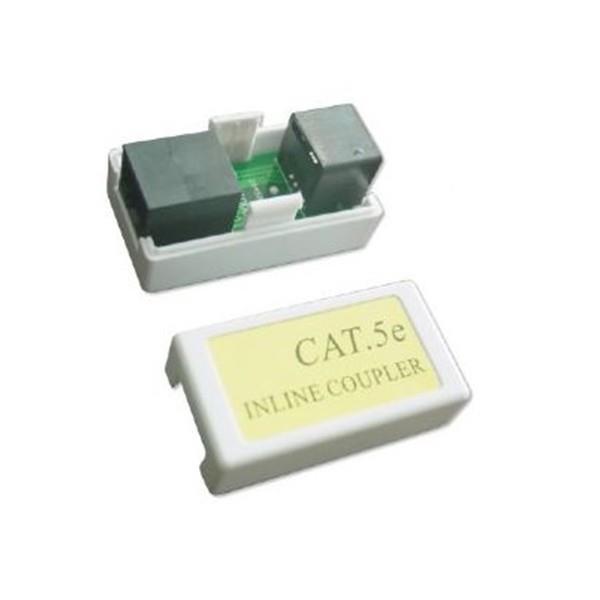
Network cable coupler Gembird Cat.5E, white

Network cable coupler Gembird Cat.5E, white

€5.13 544 pcs

SKU: 1200504

EAN: 8716309063791

1
Weight: 2 g
In stock
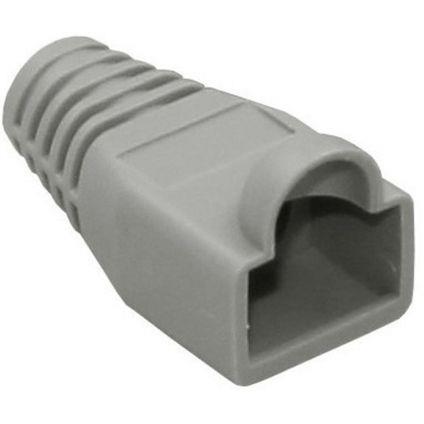
Genway RJ45 Connector Protector, Black

Genway RJ45 Connector Protector, Black

€4.33 490 pcs

SKU: 1367391

EAN: 5900000168821

1

Recommended

Weight: 48 g
In stock
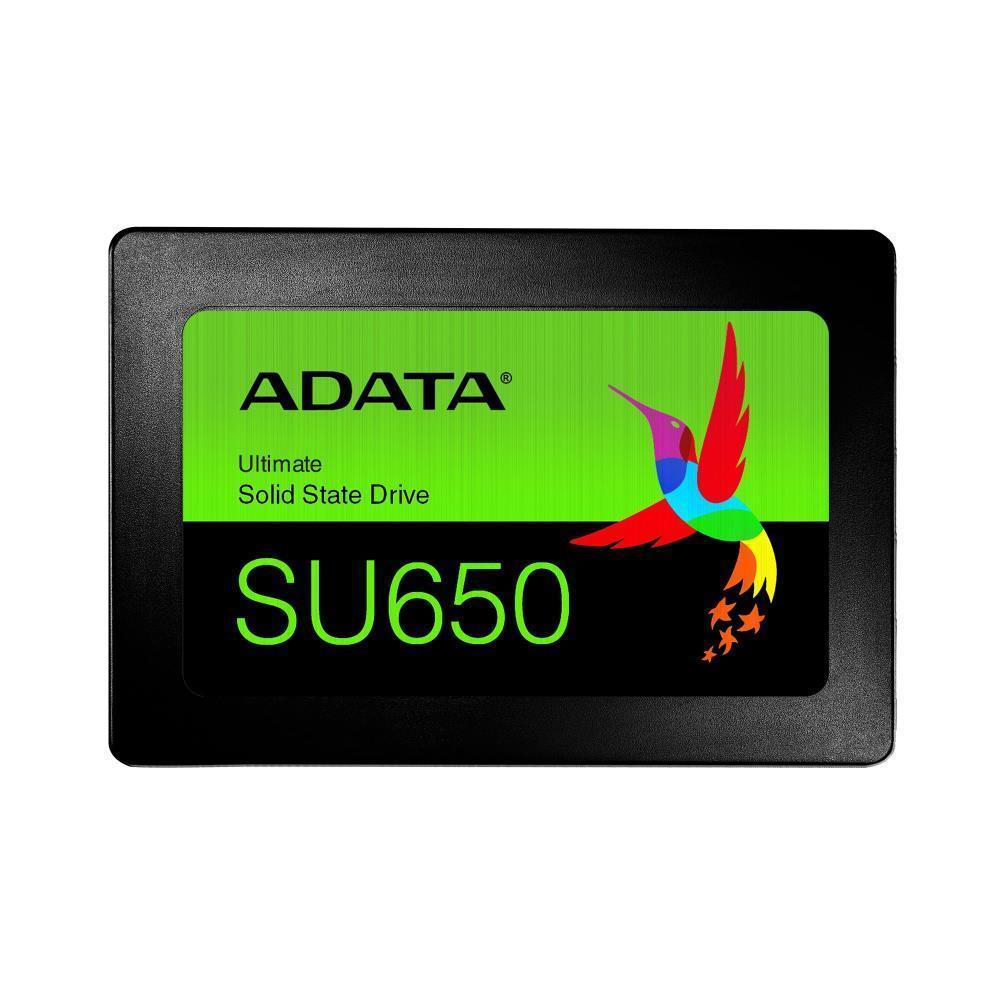
SSD drive ADATA SU650 512GB SATA 3.0, 2.5-inch

SSD drive ADATA SU650 512GB SATA 3.0, 2.5-inch

€73.04 109 pcs

SKU: 1339845

EAN: 4711085931528

1
Weight: 647 g
In stock
Network cable Mikrotik DQ+BC0003-DS+, 3 m

Network cable Mikrotik DQ+BC0003-DS+, 3 m

€72.98 7 pcs

SKU: 1463583

EAN: —

1
Weight: 300 g
In stock
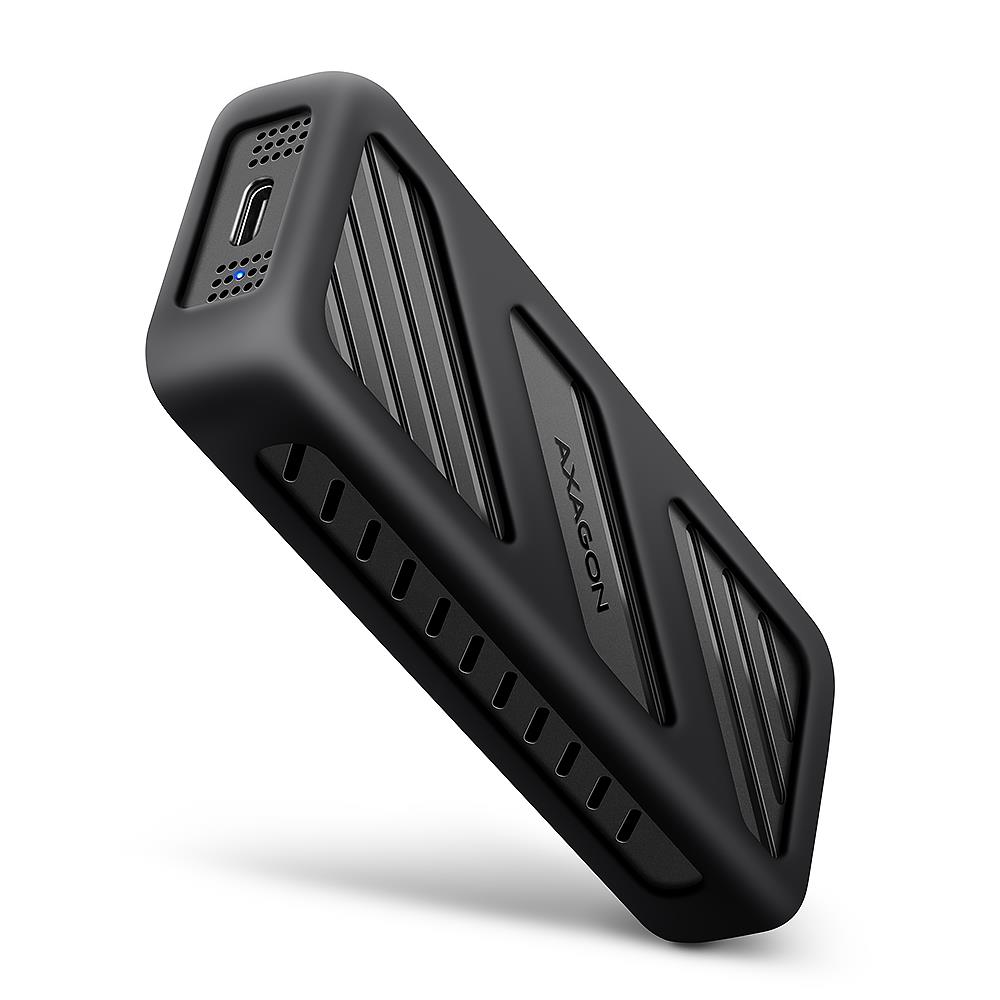
External SSD Enclosure Axagon EEM2-40G, M.2 NVMe, USB-C, black

External SSD Enclosure Axagon EEM2-40G, M.2 NVMe, USB-C, black

€71.73 1 pcs

SKU: 1461212

EAN: 8595247909473

1
Weight: 2.682 kg
In stock
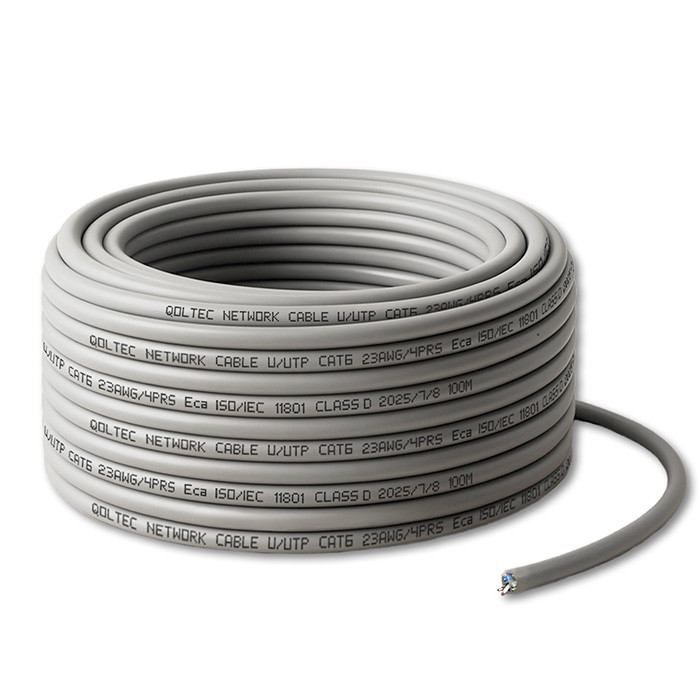
Network cable Qoltec UTP CAT6, 100 m, grey

Network cable Qoltec UTP CAT6, 100 m, grey

€59.94 45 pcs

SKU: 54560

EAN: 5901878545608

1
Weight: 68 g
In stock
SSD Patriot P210 256GB SATA 3.0, 2.5-inch

SSD Patriot P210 256GB SATA 3.0, 2.5-inch

€57.52 217 pcs

SKU: 1303703

EAN: 814914026809

1
Weight: 310 g
In stock
SSD Adapter AXAGON ADSA-CC CLONE MASTER 2, USB-C 10Gbps, M.2 NVMe and SATA

SSD Adapter AXAGON ADSA-CC CLONE MASTER 2, USB-C 10Gbps, M.2 NVMe and SATA

€57.05 5 pcs

SKU: 1438597

EAN: 8595247907332

1
Weight: 10.5 kg
In stock
Dahua Cat6 UTP Network Cable 305 m CCA, White

Dahua Cat6 UTP Network Cable 305 m CCA, White

€48.26 13 pcs

SKU: 1457898

EAN: 6923172557322

1
Weight: 93 g
In stock
Network Cable MikroTik S+AO0005, SFP+ 10Gbps, 5 m

Network Cable MikroTik S+AO0005, SFP+ 10Gbps, 5 m

€47.97 16 pcs

SKU: 1260650

EAN: —

1
Weight: 190 g
In stock
External SSD enclosures Axagon EEM2-20G, USB-C 20Gbps, black

External SSD enclosures Axagon EEM2-20G, USB-C 20Gbps, black

€47.47 12 pcs

SKU: 1438726

EAN: 8595247908483

1
Weight: 85 g
In stock
SSD Intenso 256GB SATA III, 2.5-inch

SSD Intenso 256GB SATA III, 2.5-inch

€45.22 155 pcs

SKU: 1301061

EAN: 4034303016693

1
Weight: 100 g
In stock
SSD external enclosure Axagon EEM2-SD2, M.2 NVMe/SATA, USB 3.2, metal

SSD external enclosure Axagon EEM2-SD2, M.2 NVMe/SATA, USB 3.2, metal

€43.03 9 pcs

SKU: 1442052

EAN: 8595247908872

1
Weight: 64 g
In stock
SSD Adata SU650 256GB SATA 3.0 2.5-inch

SSD Adata SU650 256GB SATA 3.0 2.5-inch

€43.00 229 pcs

SKU: 1384951

EAN: 4711085931511

1

Does your computer feel sluggish, do programs take ages to open, and do game load times seem endless? Or have you simply run out of storage space? The solution is often simpler and more affordable than you might think: upgrading your computer's internal storage. A single component—a new, fast internal drive—can dramatically improve your experience, breathe new life into an older machine or help a new system reach its full potential. Here you'll find everything you need to make an informed choice and find the right internal SSD or traditional hard drive.

How to choose the right internal storage drive

Choosing the right drive may seem complicated, but it really comes down to a few key factors: speed, capacity, physical compatibility and budget. Consider your needs and it will be easy to find the best solution. Our online store offers a wide range, whether you're looking for an affordable upgrade or top-tier performance.

SSD vs. HDD: Which is right for you?

This is the first and most important decision. An SSD (Solid State Drive) uses flash memory and has no moving parts. It delivers much faster read and write speeds than a traditional HDD (Hard Disk Drive), which uses spinning magnetic platters. Replacing an old HDD with a new SSD is a surefire way to speed up your computer. Today, a sensible setup is to use a fast SSD for your operating system and programs, and a larger, more affordable HDD for storing large files such as movies, photos and archives.

Form factor: M.2, 2.5-inch or something else?

The form factor determines a drive's physical dimensions and whether it will fit in your computer. The two most common types are:

  • 2.5-inch SATA SSD: The classic form factor, about the size of a laptop hard drive. It's the most versatile option, compatible with most desktops and older laptops via the standard SATA 3 interface. If you're looking to buy a 2.5-inch SSD, this is a reliable, proven choice.
  • M.2 SSD: A compact, stick-like drive that connects directly to an M.2 slot on the motherboard. It saves space and eliminates the need for cables. Before buying an M.2 SSD, make sure your motherboard supports it. M.2 drives come in different lengths, with M.2 2280 being the most common.
Expert tip: Before buying an M.2 drive, check your motherboard specifications to see which key (M-Key or B-Key) and length (e.g. 2280, 2242) the slot supports. The wrong type may not physically fit or may not work at the expected speed. This is an important step to ensure full compatibility.

Interface speed: NVMe PCIe vs. SATA

This technical factor determines a drive's maximum potential speed. Both M.2 and 2.5-inch drives can use the SATA interface, with speeds of up to ~550 MB/s, but the M.2 form factor also supports the much faster NVMe (Non-Volatile Memory Express) protocol over the PCIe (Peripheral Component Interconnect Express) bus.

NVMe SSDs cost a little more, but the speed difference is enormous, reaching thousands of megabytes per second. They're the best choice for gaming PCs, video editing and other demanding tasks. Our range includes the latest PCIe 5.0 SSD models, excellent-value PCIe 4.0 SSDs and older PCIe 3.0 options.

Capacity: How much storage do you really need?

Storage needs vary from person to person. Here are a few general guidelines:

  • 250GB - 512GB: Enough for an operating system, essential programs and documents. A good choice for an affordable upgrade or an office PC.
  • 1TB: The sweet spot for most users. 1TB SSDs have become very affordable and offer room for your system, programs and several modern games.
  • 2TB: Ideal for gamers and content creators. A 2TB SSD gives you plenty of space for a large game library and video files.
  • 4TB and more: Designed for professionals, data hoarders and enthusiasts who never want to worry about running out of space. You can also buy 4TB SSDs and even 8TB SSD models from us.

Shopping online makes it easy to compare prices across capacities and find the best deal. It's easy to order the right internal storage drive from our online store, whether you're in Tallinn, Tartu or elsewhere in Estonia. Free delivery makes the whole process even more convenient. Choosing a larger drive now could also save you the hassle of transferring data later if you need more RAM or other components.

Popular technologies and brands in our range

Our range includes leading brands such as Samsung and HP, known for their reliability and innovation. Their internal storage products set the standard for quality.

Samsung SSD innovation: EVO, QVO and PRO series

Samsung is one of the biggest names in the SSD market. Its series are designed for different types of users. Our Samsung SSD range includes plenty to choose from: the QVO series offers the highest capacities at great prices, using QLC NAND memory. The EVO series is an excellent all-round choice (e.g. Samsung 970 EVO Plus), balancing speed and endurance with TLC memory. The PRO series (e.g. Samsung 980 PRO or the latest 990 PRO) offers the very best performance for enthusiasts and professionals who want the best possible performance.

Expert tip: High-performance NVMe PCIe 4.0 and 5.0 drives can overheat under heavy use, causing speeds to drop (thermal throttling). Consider a model with an integrated heatsink or buy a separate M.2 cooling solution to maintain stable peak performance under sustained load.

HP reliability: Optimised for workstations and laptops

HP internal SSDs are often aimed at business users and workstation environments, where stability and long-term durability are essential. Their drives undergo rigorous testing to ensure compatibility and reliability in professional settings. HP's SSD warranty and quality make these drives a dependable choice for storing important data.

Installation and setup

Installing a new drive is easier than you might think. In a desktop PC, it usually just involves a couple of screws and connecting a cable. In a laptop, replacing an SSD may require removing the back cover. Once the drive is installed, you can either reinstall the operating system from scratch or use special software to clone your data from the old drive to the new one. Many manufacturers, including Samsung, offer free downloadable software for this. You'll also find all the necessary PC components and accessories in our range. It's also worth checking your power supply to make sure it provides enough power.

Why choose ZAZA?

  • Wide selection: Find the right internal storage drive for your needs and budget, from affordable SATA SSDs to high-performance NVMe drives. All popular SSDs are in stock and ready to ship.
  • Expertise: We provide detailed product descriptions and specifications to help you make the right choice. Our goal is to find the best SSD for you, even if you're looking for something as specific as the best SSD for 2026 standards.
  • Always free delivery across Estonia: Whether you want to order an SSD to Tallinn, Tartu, Narva, Pärnu or anywhere else in Estonia, we'll deliver it to you free of charge.

Frequently asked questions (FAQ)

Q: Can I replace the HDD in my laptop with an SSD?

A: Yes, in most cases. If your laptop has a 2.5-inch HDD, you can replace it with a 2.5-inch SSD. If your laptop has a spare M.2 slot, you can add an M.2 SSD and keep the old HDD for data storage, if there's room.

Q: What's the difference between an M.2 SATA SSD and an M.2 NVMe SSD?

A: They look similar and fit into the same M.2 slot, but they use different protocols. M.2 SATA speeds are limited to ~550 MB/s, while M.2 NVMe uses the PCIe bus and can reach speeds of over 7000 MB/s, delivering significantly better performance.

Q: Do I need separate cooling for an M.2 SSD?

A: Usually not for everyday use. However, if you use a high-speed PCIe 4.0 or 5.0 NVMe drive heavily (e.g. transferring large files, gaming or video editing), a model with a heatsink or a separate cooler is strongly recommended to prevent overheating and maintain maximum speed.

Q: How long is the warranty on SSDs?

A: The warranty period depends on the manufacturer and model, but is usually 3 to 5 years. In addition to the warranty period, coverage is often limited by the amount of data written (TBW – Total Bytes Written), which indicates the drive's endurance.