









For private customers
At checkout, product prices are automatically adjusted according to the VAT rate in your delivery country.

Christmas
Furniture
Home & Garden
Sport
Clothing
Mattresses
Watches
Electronics
Construction
Showing 30 of 39 products with selected filters












No products match your selected filters.
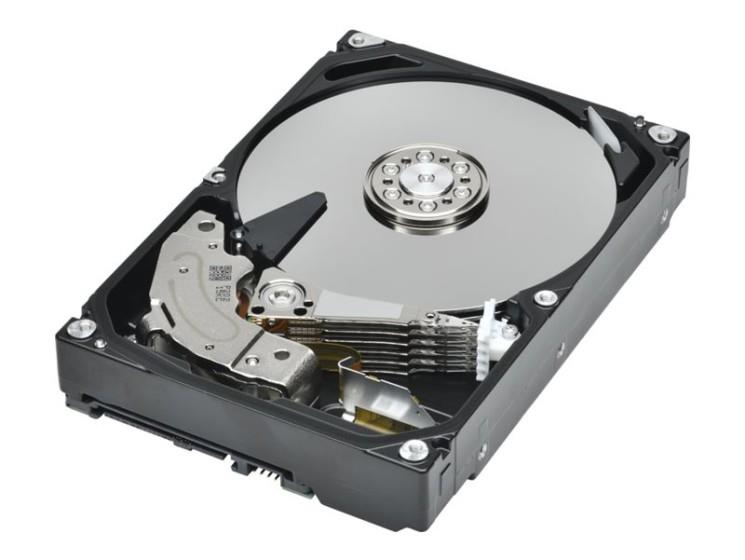
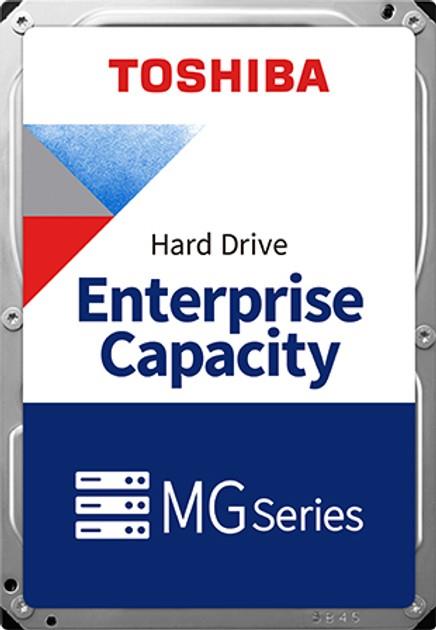
In a world of data where every byte is valuable and reliability is an absolute priority, not all hard drives are created equal. Enterprise SATA HDDs are specifically designed to meet the demands of the most challenging business environments. Unlike standard desktop drives, they are built for continuous operation, delivering consistent performance and protection against data loss. If you’re looking for a reliable way to store your company’s data, a high-quality server hard drive is an investment that pays off.
Choosing the right drive involves more than just picking the biggest number. It’s about finding the right balance between capacity, speed, reliability, and price. Consider your actual needs: do you need lightning-fast access to active databases, or a massive amount of space for long-term archiving? Every specification affects the drive’s overall performance and compatibility with your system.
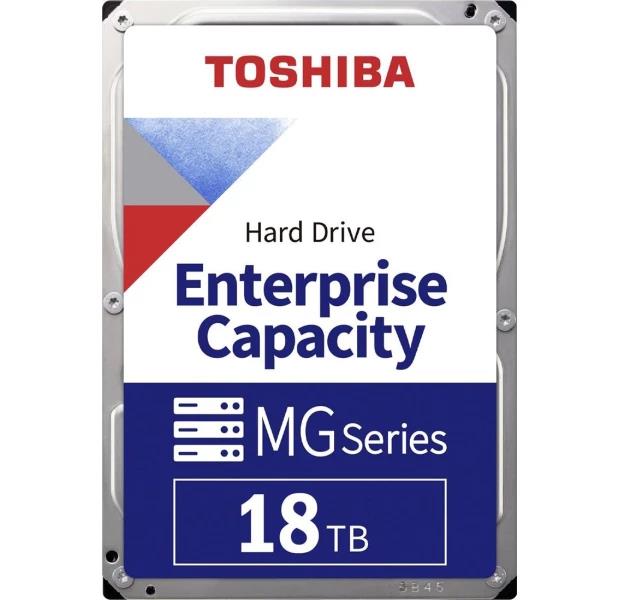
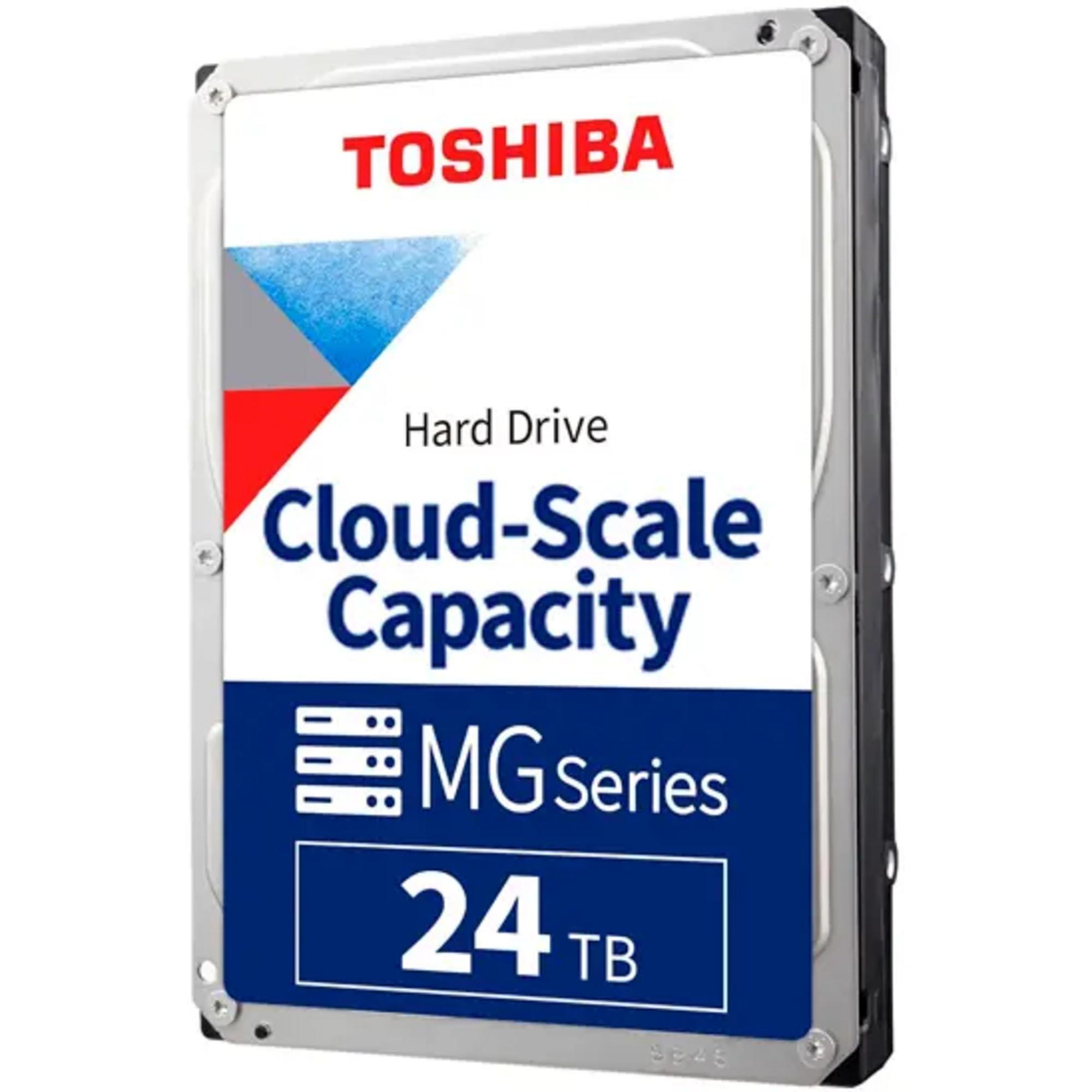
Capacity is often the first specification people look at, and our range spans from a few terabytes (TB) to massive models exceeding 20TB. Smaller server hard drives, such as 2TB or 4TB models, are ideal for operating systems or smaller applications. Larger models, such as 16TB, 18TB, or even 22TB drives, are indispensable for storing large volumes of data, video surveillance footage, or “cold” archival data. When planning a RAID array, remember that some capacity is used for redundancy, so always allow for a little extra headroom.
Most enterprise-grade drives spin at 7200 revolutions per minute (rpm), providing fast data access and shorter load times. This is the standard for demanding applications and active databases. There are also 5400 rpm models designed for archiving and infrequently accessed data. Their advantages include lower power consumption, quieter operation, and less heat output—important in large systems with dozens of drives.
Cache, which typically ranges from 128 MB to 512 MB, acts as an ultra-fast buffer for the drive. A larger cache can improve performance, especially for frequent operations involving small amounts of data, because the drive can keep more data ready for quick reuse. This is an important specification if your workload involves frequent random data requests.

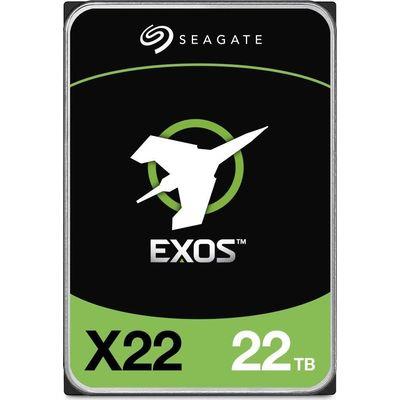
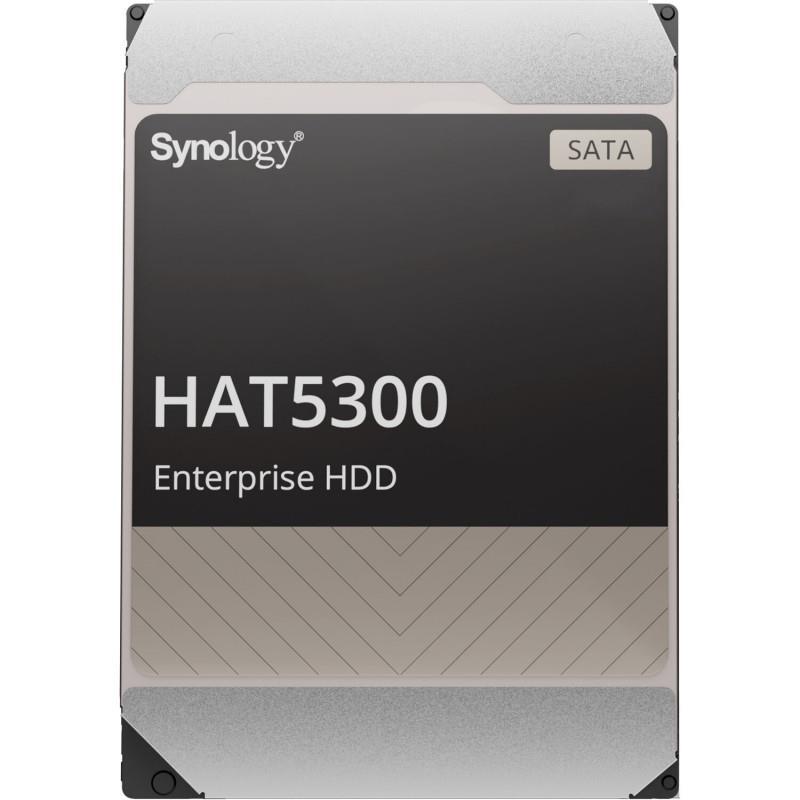
Our online store offers a wide selection of drives from trusted manufacturers, proven in the most demanding conditions. Here’s a quick overview of some of the most popular series:
You might wonder why you should pay more for an enterprise-grade drive when a desktop model offers the same capacity. The difference lies in durability and specialized technologies designed for continuous operation. Ordering online gives you the chance to compare specifications at your own pace and find a product that suits your budget and needs. Our online store has a wide selection, from more affordable enterprise drives to top-of-the-line models, all in stock and available for fast delivery.
| Feature | Enterprise HDD | Desktop HDD |
|---|---|---|
| Operating schedule | 24/7 (24 hours a day, 7 days a week) | 8/5 (8 hours a day, 5 days a week) |
| Workload rating | High (up to 550 TB per year) | Low (typically ~55 TB per year) |
| MTBF (Mean Time Between Failures) | High (up to 2.5 million hours) | Low |
| Vibration protection | Yes, with specialized sensors | Usually none |
| Warranty | Long (typically 5 years) | Short (1-2 years) |
Can I use an enterprise-grade hard drive in a regular desktop computer?
Yes, technically you can, because it uses the same SATA connection. However, it’s usually impractical. Enterprise drives are often noisier and optimized for server workloads rather than everyday use. It’s like driving a sports car to the store to pick up milk—it works, but that’s not what it’s designed for.
What’s the main difference between SATA and SAS interfaces?
SATA (Serial ATA) is a widely used standard that offers good performance at a cost-effective price. SAS (Serial Attached SCSI) is a higher-end interface that offers faster speeds, dual-port functionality for fault tolerance, and better error handling. If you need maximum performance and reliability, consider the HDD Enterprise SAS category.
How many terabytes do I actually need?
It depends entirely on how you plan to use the drive. A 4-8TB RAID 1 array may be enough for a small business file server. A large video archive might require 50TB or more. A good rule of thumb is to estimate your current data volume and double it to allow for future growth.
Is a 7200 RPM drive always better than a 5400 RPM drive?
Not always. For frequently accessed data and operating systems, 7200 RPM is clearly the better choice because of its speed. But for archiving “cold” data that is rarely accessed, a 5400 RPM drive is more energy-efficient and produces less heat, which may be more important in the long run.