








For private customers
At checkout, product prices are automatically adjusted according to the VAT rate in your delivery country.

Showing 18 of 18 products with selected filters
18 / 18

SKU: 1398597
EAN: 718037899831

SKU: 1398399
EAN: 718037899770

SKU: 1211772
EAN: —

SKU: 1394683
EAN: 7636490078323

SKU: 1370813
EAN: 7636490078309

SKU: 1452803
EAN: 718037905754

SKU: 1227582
EAN: 8719706003766


SKU: 1268549
EAN: 8719706009812
SKU: 1409972
EAN: —

SKU: 1439627
EAN: —


SKU: 1439628
EAN: 718037906218

SKU: 1396431
EAN: 8719706432276


SKU: 1323660
EAN: 718037875729
SKU: 1378173
EAN: —
No products match your selected filters.
For many people, a desktop computer remains the hub for work, entertainment and creativity. At its heart is the storage drive. While SSDs are the kings of speed, a traditional hard drive (HDD) still offers the best value for money and capacity, making it indispensable for storing large amounts of data such as photos, videos and games. Find the solution that suits your needs here.
Choosing the right drive can seem complicated, especially with dozens of models to pick from. In reality, it comes down to a few key specifications. Think about what you need the drive for. Are you simply looking for somewhere to store files, or do you need a drive that can handle a 24/7 workload? That’s the first step to finding the best external hard drive... sorry, internal drive. Many people confuse the two. Unlike an external drive, which connects via USB, an internal computer hard drive is installed directly in the case, providing a more stable and faster connection.
Capacity is probably the first thing you’ll notice. Options range from a modest 500GB to drives with several terabytes of storage.
Rotational speed determines how quickly a drive can read and write data. The two most common standards are 5400 RPM and 7200 RPM. Some specific models, such as certain drives in the WD Red range, also use intermediate speeds like 5640 RPM to optimise power consumption and performance.
7200 RPM drives offer better performance and are the preferred choice for operating systems, applications and games. A 5400 RPM hard drive, on the other hand, is quieter, uses less power and is ideal for a data archive or media server where top speed isn’t a priority. It’s a good choice if you’re looking for a quiet solution for your desktop computer.
Cache is a small but extremely fast memory that an HDD uses to temporarily store frequently accessed data. A larger cache (e.g. 256 MB or 512 MB vs 64 MB) can improve performance, especially when transferring large files or running multiple tasks at once. Although it isn’t the most important specification, it’s worth comparing, especially when looking at models with similar hard drive prices.


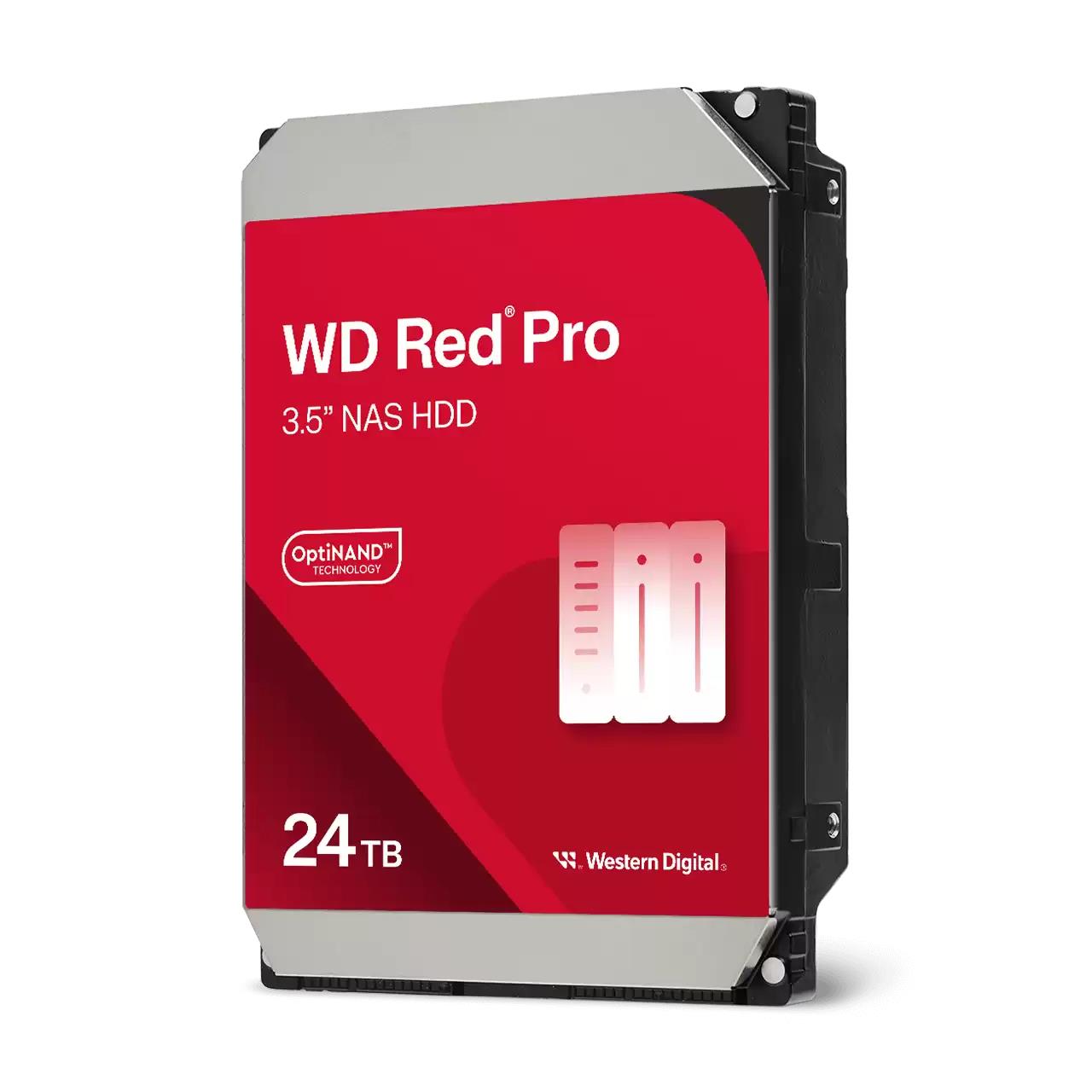
Our selection includes products from market leaders Western Digital and Seagate, covering every need. Even if you’re looking for something specific, such as a Toshiba external hard drive or a Samsung external hard drive, their internal drives are also top quality.
A common setup today is to use a fast SSD M.2 drive for the operating system and applications, alongside a large HDD for mass storage. This is an ideal compromise. Although an SSD is unmatched for speed, its price per terabyte is significantly higher. If you need plenty of storage at an affordable price, a SATA hard drive is still the best choice. It’s ideal for archiving large files such as films, music and games. A portable hard drive is often HDD-based too, offering plenty of capacity at a reasonable price.
Whether you’re deciding which external hard drive to buy or whether to choose an internal one depends on how you plan to use it. For a permanent desktop upgrade, an internal drive is always better. Ordering the right drive from our online store is easy and quick, so there’s no need to waste time comparing prices on different websites. We make hard drive shopping straightforward and customer-friendly, with competitive prices and, best of all, always free delivery throughout Estonia.
We understand that choosing the right component matters. That’s why we’ve stocked our online store with only the best, carefully selected products, so you can shop with confidence.
| Question | Answer |
|---|---|
| Are these hard drives compatible with my laptop? | No. This category contains 3.5-inch drives designed for desktop computers. Laptops usually use smaller 2.5-inch drives. We also have a separate category for laptop hard drives. |
| What’s the difference between an HDD and an SSD? | An HDD (Hard Disk Drive) is a mechanical drive that offers high capacity at an affordable price. An SSD (Solid-State Drive) uses memory chips and is significantly faster, but more expensive. The best solution is often a combination of the two. Although external SSDs are also available, they’re better suited to portable tasks that require speed. |
| Can I use this drive with a PS4 or PS5? | Not as an internal drive. Game consoles use 2.5-inch internal drives. However, you can use an external USB adapter (hard drive reader) to connect this desktop drive as external storage, although it’s not the most elegant solution. A dedicated external PS4 hard drive is a better choice. |
| Do you also sell external hard drives? | Yes, we have a wide selection of external hard drives, including external SSDs and traditional HDDs. You’ll find them in a separate category. This category is dedicated to internal drives for desktop computers. |