









For private customers
At checkout, product prices are automatically adjusted according to the VAT rate in your delivery country.

Christmas
Furniture
Home & Garden
Sport
Clothing
Mattresses
Watches
Electronics
Construction
Showing 30 of 33 products with selected filters








No products match your selected filters.
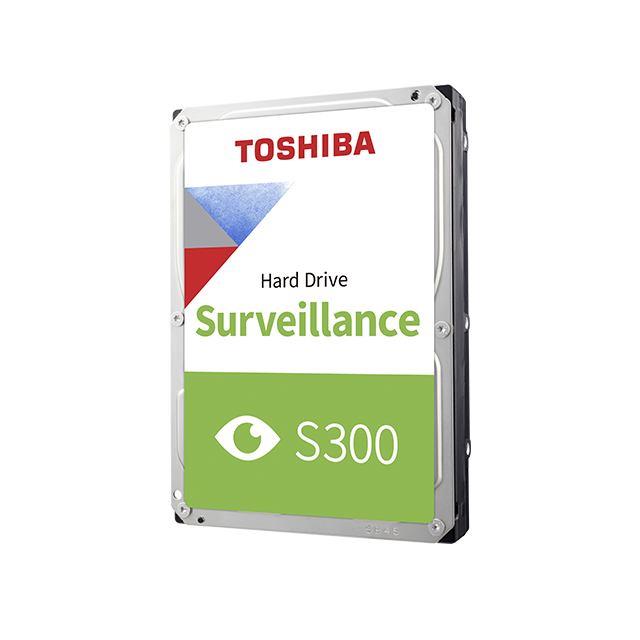
Modern video surveillance is more than just cameras—it’s a complete ecosystem built around a reliable storage device. Here you’ll find a wide range of specialized HDDs (hard disk drives) designed to withstand the unique demands of video surveillance systems. Unlike standard drives, these models are built to run around the clock, ensuring no important moment is missed. Choosing the right surveillance hard drive is an investment in your security and peace of mind.
Using a standard desktop hard drive in a video surveillance recorder may seem tempting, but it’s a short-sighted and risky decision. Standard HDDs are designed for intermittent use—reading and writing data for a few hours a day. Video surveillance systems, however, write data continuously, 24 hours a day, 7 days a week. This constant workload quickly wears out a standard drive, leading to errors, dropped frames and, ultimately, drive failure. Here are the main differences.
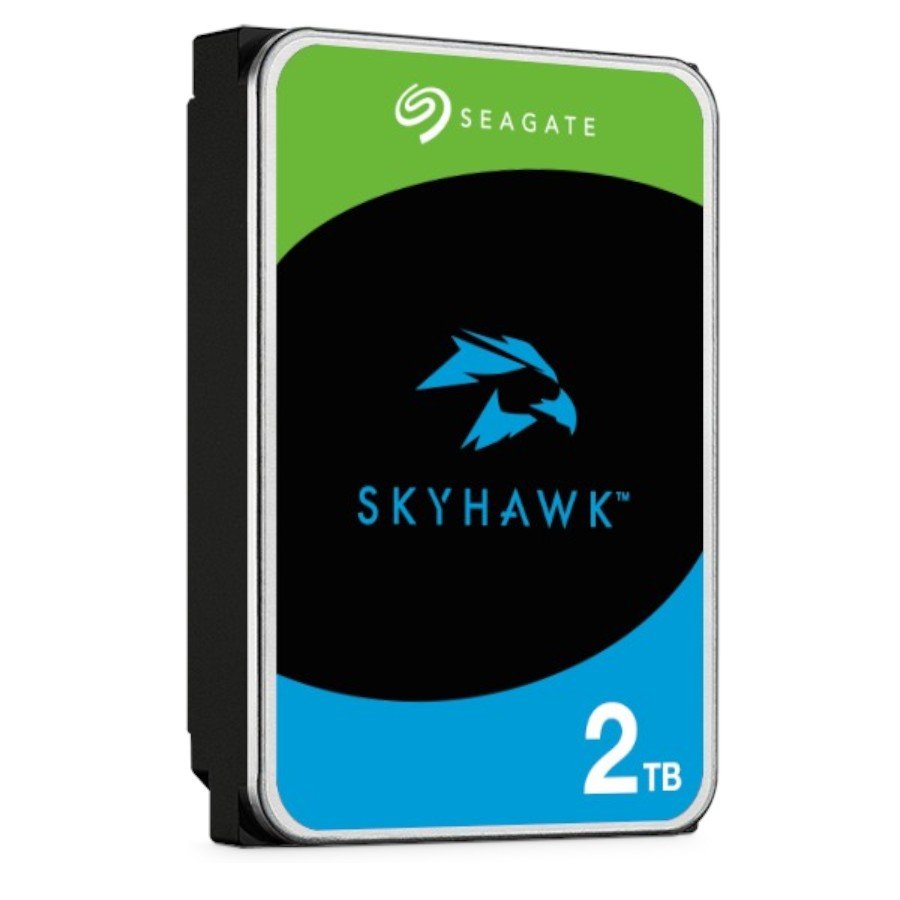
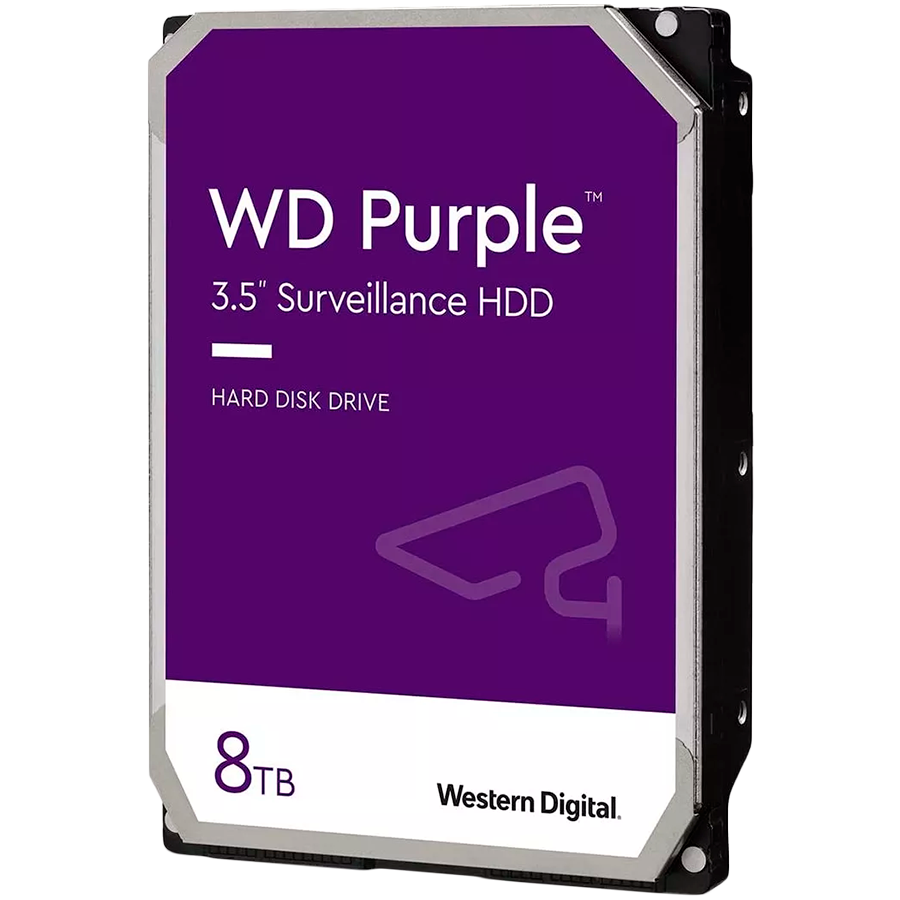
Specialized series such as Western Digital Purple and Seagate SkyHawk use firmware optimized for recording multiple camera streams simultaneously. Technologies such as WD AllFrame™ and Seagate ImagePerfect™ reduce dropped frames, improve playback and ensure recorded video is always clear and intact. These drives have much higher workload ratings—up to hundreds of terabytes per year—reflecting their durability under intensive use.
Choosing the right HDD ensures your system’s stability and longevity. It’s not simply a matter of picking the largest number; it’s about balancing capacity, price, performance and reliability. Our online store offers a wide range, so you can find an affordable surveillance hard drive that suits your needs.
Capacity is the first and most important factor. It depends on several things: the number of IP cameras, their resolution (e.g. 1080p, 4K), frame rate (fps), compression method (H.264, H.265) and how long you want to keep recordings (how many days or weeks you want to retain your archive). The higher the video quality and the more cameras you have, the faster your storage will fill up.
| Capacity | Typical use | Recording time (example) |
|---|---|---|
| 1-2 TB | Home or small office (1-4 cameras) | ~ 7-14 days (4x 1080p cameras) |
| 4-8 TB | Medium-sized business, shop (4-16 cameras) | ~ 15-30+ days |
| 10-24 TB | Large sites, warehouses, server setups (16+ cameras) | Long-term archiving, high resolution |
Use online storage calculators to get a more precise estimate, or consult our specialists. As a rule of thumb, a modern 4MP camera using the H.265 codec needs around 40-50 GB of storage per day when recording continuously.


This is one of the key factors that sets surveillance drives apart from standard ones. Workload is measured in terabytes per year (TB/year). A standard desktop drive is typically rated at around 55 TB/year, while WD Purple drives start at 180 TB/year, as do Seagate SkyHawk models. This means these drives are built to handle more than three times the data volume, which is standard for video surveillance. For more demanding systems with continuous video analytics, Pro-series drives are available with a workload rating of up to 550 TB/year.
Three major brands dominate the market with products specifically designed for video surveillance. While all offer excellent reliability, there are some minor differences.
Choosing between them often comes down to personal preference, as all three offer top-quality products. Make sure the surveillance hard drive you choose is in stock and available quickly, so your security system isn’t left waiting.
Here are answers to some of the most common questions about choosing hard drives for video surveillance.
Can I use a standard desktop hard drive in a video surveillance system?
We strongly advise against it. Desktop drives aren’t designed for continuous 24/7 recording. They can overheat, have a higher error rate and are likely to fail much sooner under this kind of workload, taking your valuable recordings with them. A dedicated drive is a small price to pay for peace of mind.
How long will a 4TB hard drive record for?
It depends on several factors. For example, with four 4MP (2K) cameras using H.265+ compression, a 4TB drive can record continuously for around 20-25 days. Using motion-triggered recording will extend this period considerably.
What are CMR and SMR, and which should I choose?
CMR (Conventional Magnetic Recording) and SMR (Shingled Magnetic Recording) are data-writing technologies. For video surveillance, CMR is always the better choice. CMR drives allow data to be overwritten randomly, which is important for continuous recording and deleting old footage. SMR drives are slower at overwriting data and may struggle under intensive workloads, causing dropped frames. Most surveillance drives (WD Purple, Seagate SkyHawk) use CMR technology.
How many hard drives can I install in my recorder?
It depends on your NVR or DVR model. Compact devices for home use typically have one hard drive bay. Professional and business-class models may have 2, 4, 8 or even more bays, allowing you to create very high-capacity storage arrays.