







For private customers
At checkout, product prices are automatically adjusted according to the VAT rate in your delivery country.

Christmas
Furniture
Home & Garden
Sport
Clothing
Mattresses
Watches
Electronics
Construction
Showing 17 of 17 products with selected filters
17 / 17





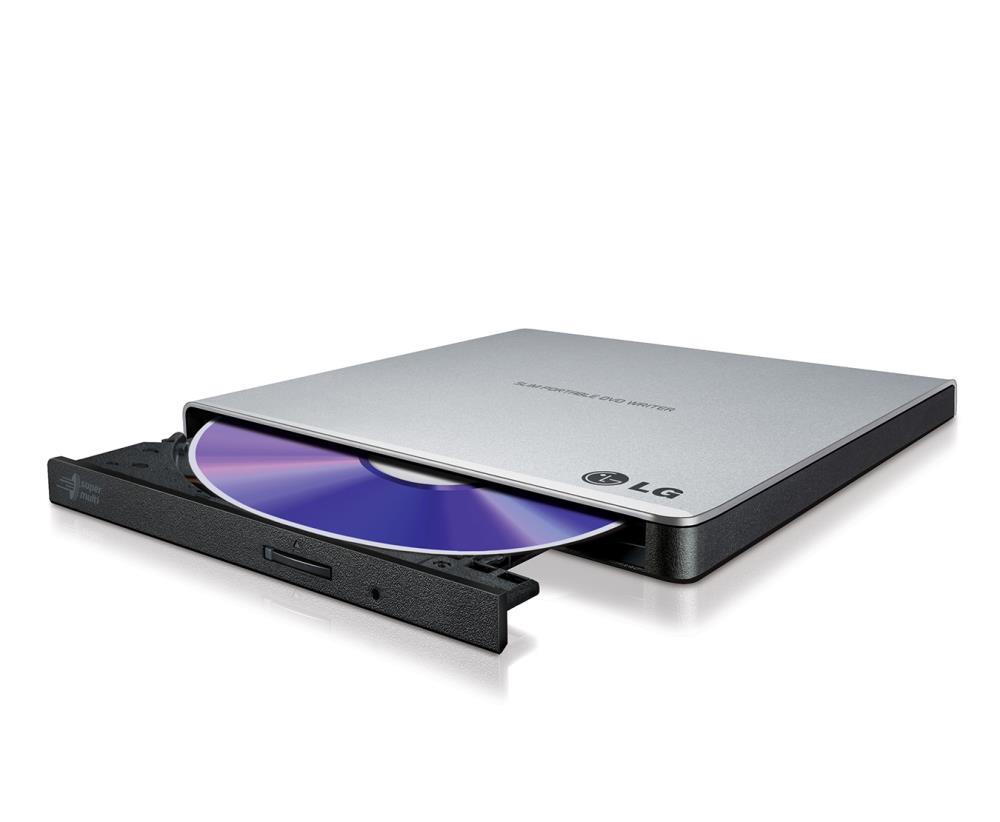


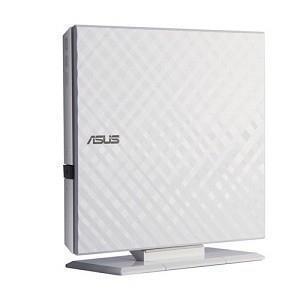
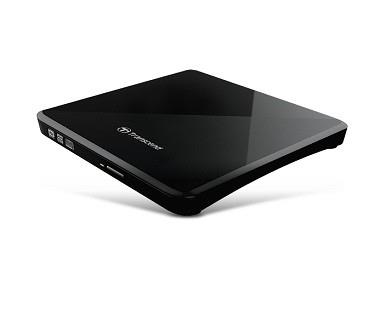


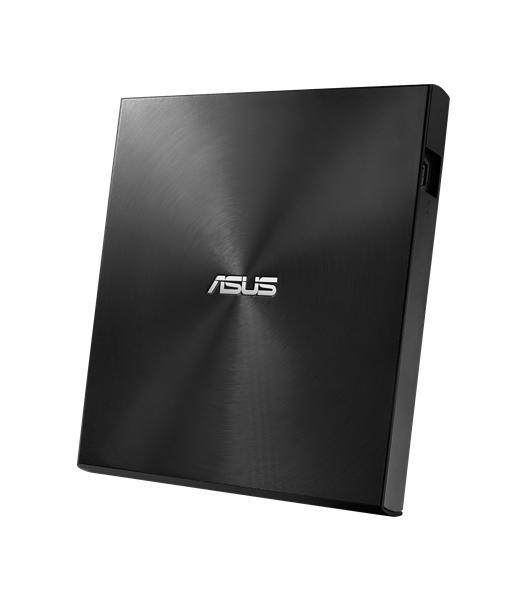


No products match your selected filters.
In today’s digital world, where cloud services and streaming dominate, an optical disc drive may seem like a thing of the past. Yet there are still times when this small but capable device is indispensable. Whether you need to access old CDs of family photos, install specific software from a disc or create a physical backup of important documents, a quality optical drive provides peace of mind and functionality. Order the right drive for your needs from our online store, knowing that our optical disc drives are competitively priced and we offer a wide selection.
Although physical media is becoming less common, it still has its place. Many of us have boxes at home filled with music CDs, DVD movies or old data discs containing valuable files. Without a working drive, all of this is inaccessible. Optical discs are also still one of the most reliable ways to archive data long-term, especially if you use special M-DISC discs, which are designed to last for centuries. So when you buy an optical disc drive, you’re really investing in continued access to your digital memories and data.
When choosing an optical drive, the first major decision is whether to go for a portable external drive or a fixed internal one. Each has its advantages, depending on your needs and the equipment you already have. You’ll find both types of drives at great prices in our store.
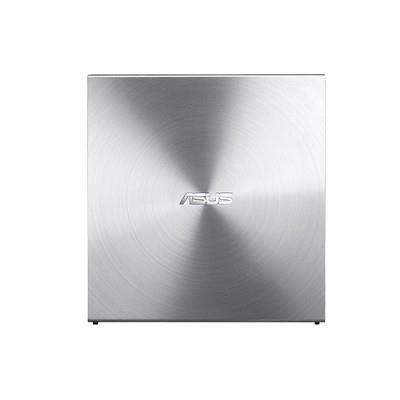
An external optical disc drive is the ideal companion for modern laptops, ultrabooks and Mac computers, which often don’t have a built-in drive. These drives are lightweight and compact, and draw power directly from a USB port, so there’s no need for a separate power adapter. Simply connect it to your computer and you’re ready to go – true Plug and Play convenience. Choose from classic USB 2.0/3.0 models as well as newer drives with USB-C connectivity. A slim external drive fits easily into most laptop bags, making it the perfect travel companion. If your laptop has limited ports, a powerful USB hub is a great way to expand your connectivity options.
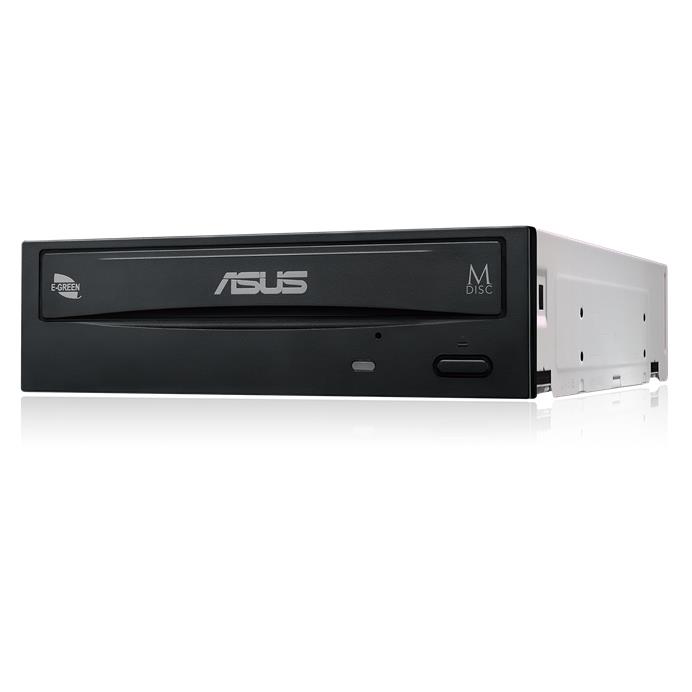
If you have a desktop computer, an internal optical disc drive is often the best and most affordable choice. These drives fit into a 5.25-inch bay in the computer case and connect to the motherboard via a SATA interface. Internal drives usually offer faster read and write speeds (up to 24x) and are more stable and durable. They’re a great choice if you regularly burn discs, work with video editing or build your own PC. Before installation, make sure your computer power supply has a spare SATA power connector, that there’s enough room in the case and that your cable management is in order.


Choosing the right drive depends on several technical factors. To help you make an informed decision, we’ve listed the main specifications to consider. Our online store has a wide selection of drives in stock and ready to ship.
Our goal is to offer more than just products. ZAZA is your trusted technology partner, providing the best shopping experience in Estonia.
| Question | Answer |
|---|---|
| Do I need drivers for a new optical drive? | Most modern external optical drives are Plug and Play, which means you don’t need to install separate drivers. Both Windows and macOS will recognise them automatically. For internal drives, you may need to check your BIOS/UEFI settings. |
| Can I watch Blu-ray movies with a regular DVD drive? | No. You need a dedicated Blu-ray optical disc drive to read Blu-ray discs. A standard DVD drive can’t read discs that use blue laser technology. |
| How can I extend the life of my optical drive? | Avoid keeping the drive in a dusty environment, and don’t touch the reading surface of discs. You can also use special cleaning products from time to time, such as a cleaning disc, to keep the drive’s lens clean. |
| How much does a good optical disc drive cost? | The price of an optical disc drive depends on its type, brand and features. Our selection includes affordable models starting at around 20 euros, while Blu-ray drives from well-known brands may cost more. We offer options for every budget. |