









For private customers
At checkout, product prices are automatically adjusted according to the VAT rate in your delivery country.

Christmas
Furniture
Home & Garden
Sport
Clothing
Mattresses
Watches
Electronics
Construction
Showing 30 of 66 products with selected filters













No products match your selected filters.
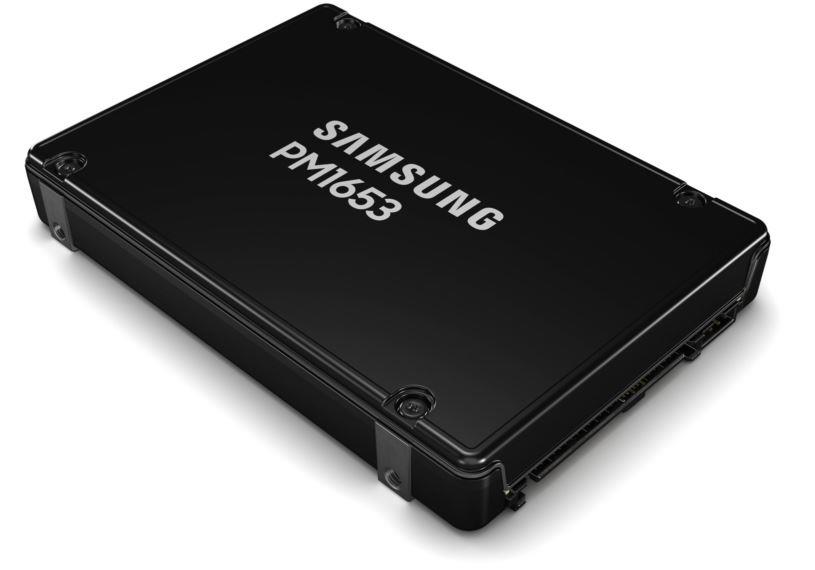
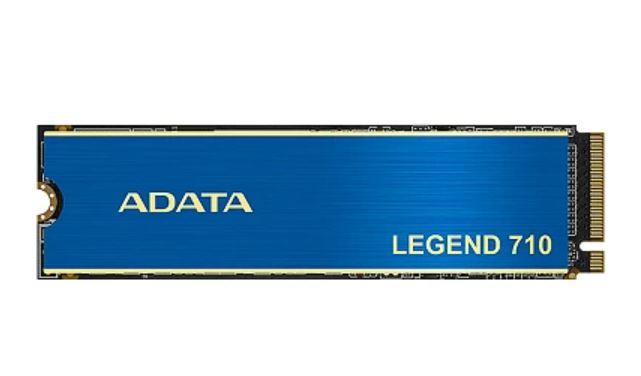
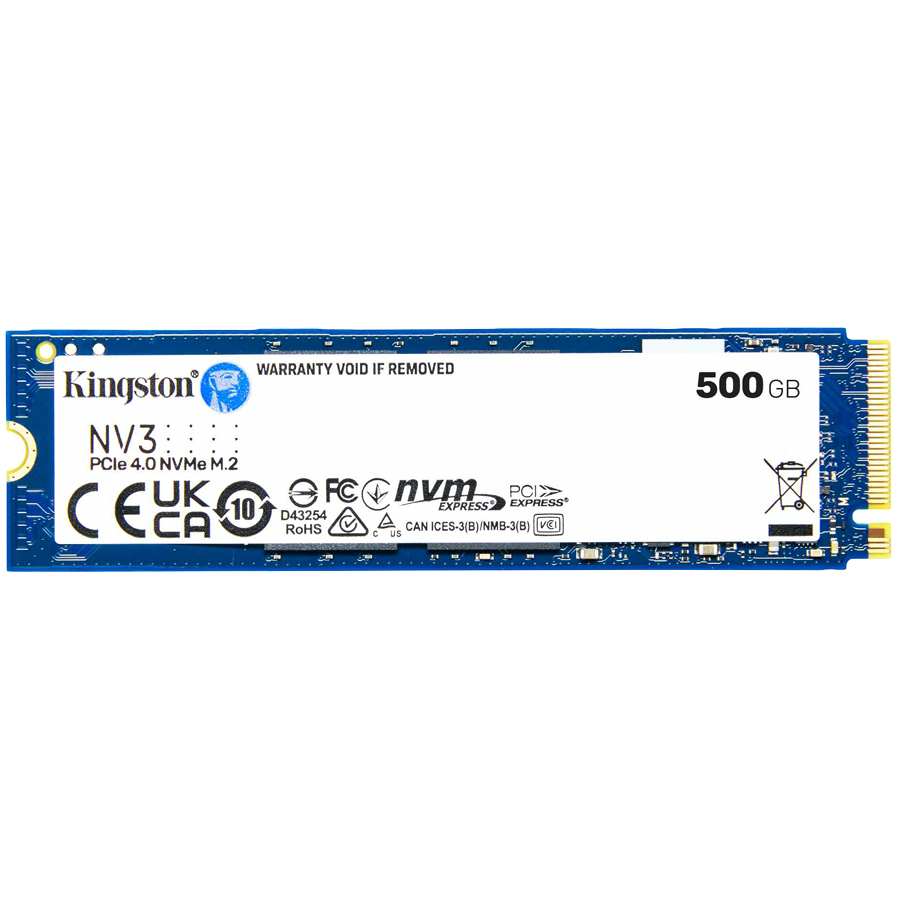
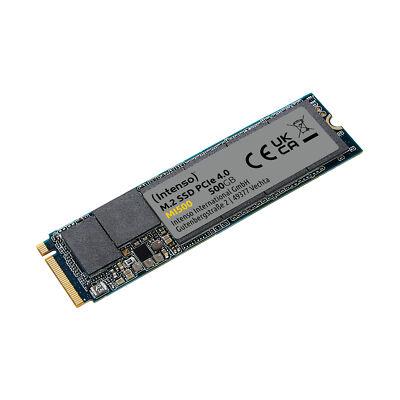
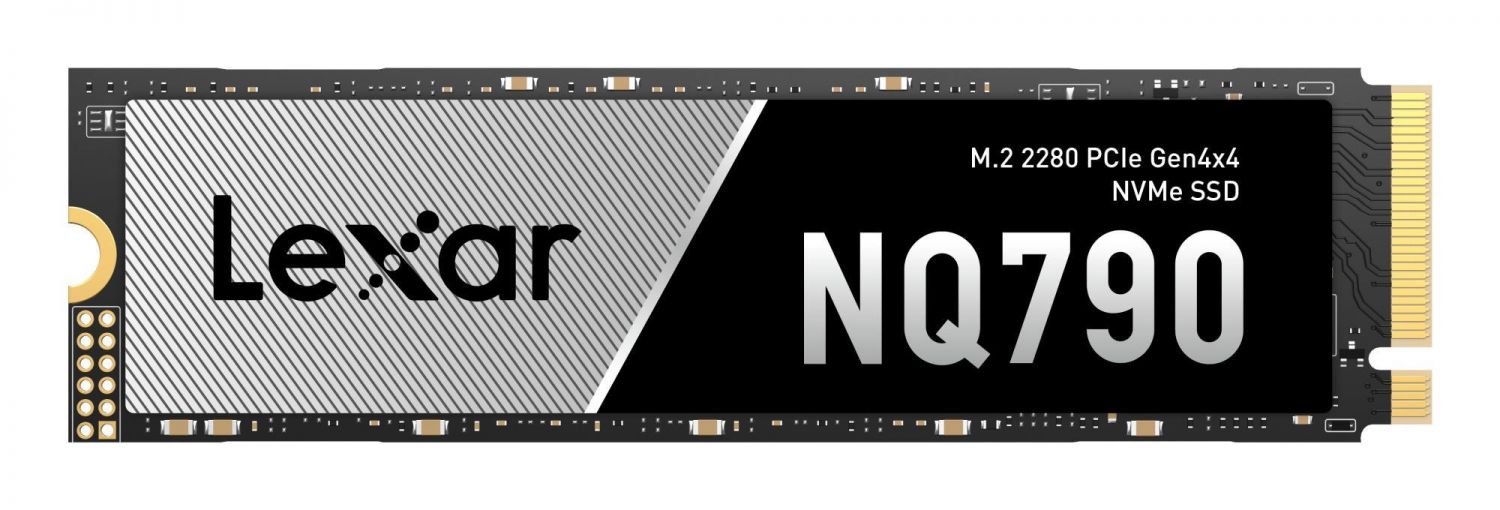
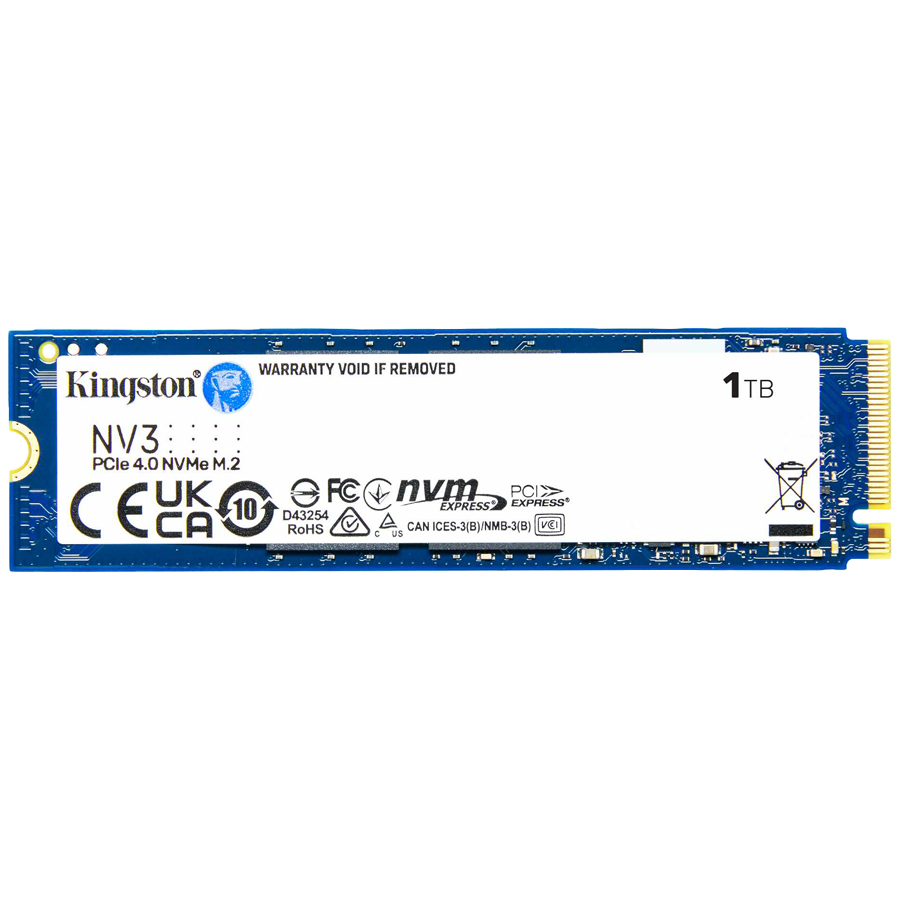
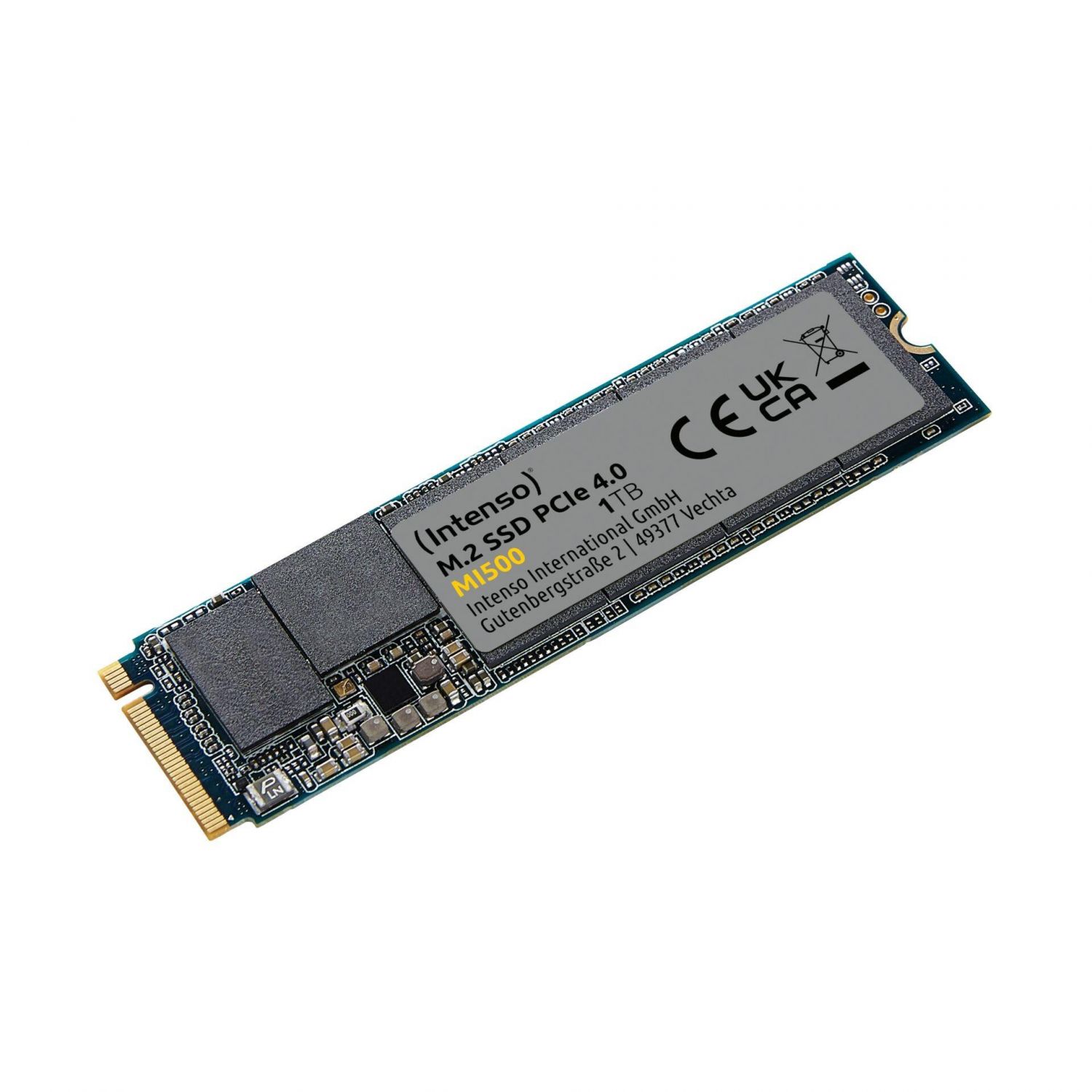
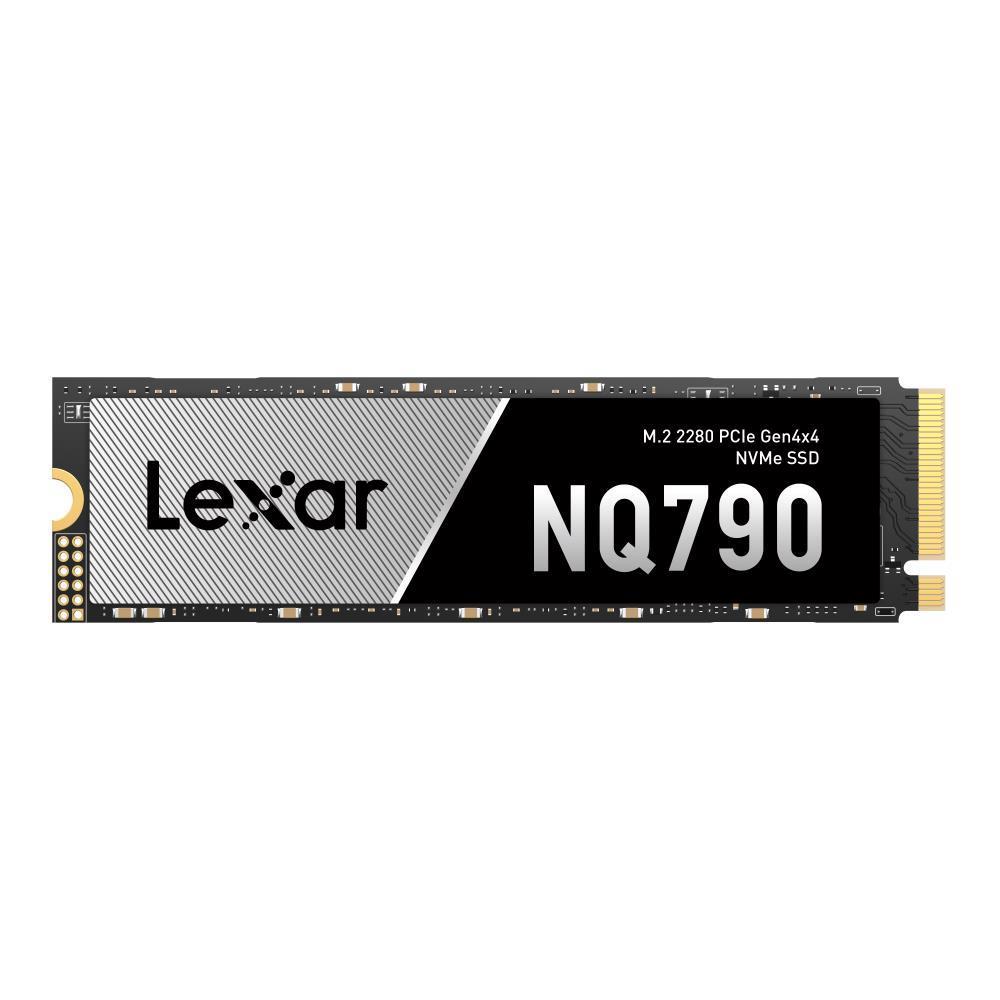
Forget waiting and experience instant responsiveness. A modern M.2 SSD is a revolutionary upgrade that transforms the way you use your computer. Unlike old hard disk drives (HDDs) and even traditional SATA SSDs, M.2 NVMe drives connect directly to the motherboard via the PCIe bus, offering speeds once available only in server centres. This means your operating system boots in seconds, programs open instantly and even the largest files take just moments to copy.
Choosing the right drive ensures maximum performance and compatibility. While the options may seem overwhelming, the decision comes down to a few key criteria. Consider your needs and your system’s capabilities to find the best fit. Our online store makes it easy to buy the SSD that’s right for you.
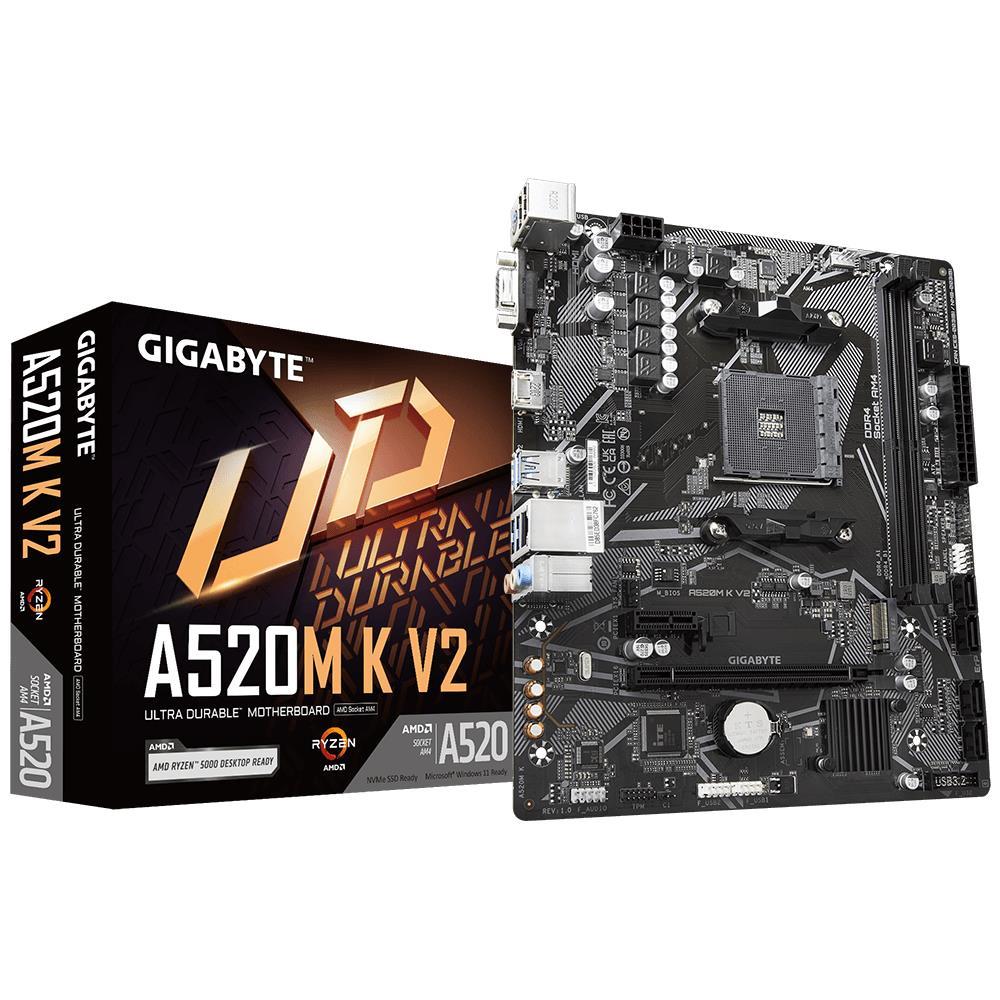
First, make sure your computer’s motherboard supports M.2 NVMe drives. Most modern desktop and laptop computers do. Check your motherboard’s specifications to see which PCIe generation it supports (e.g. Gen 3.0, 4.0 or 5.0). A newer-generation drive will work in an older slot, but its speed will be limited by the slot’s capabilities. For example, a PCIe 4.0 SSD will work in a PCIe 3.0 slot, but at Gen 3.0 speeds.
Capacity is one of the first things to consider. Your choice depends on how you plan to use the drive. When deciding which SSD is best for you, think about the size and number of your files.
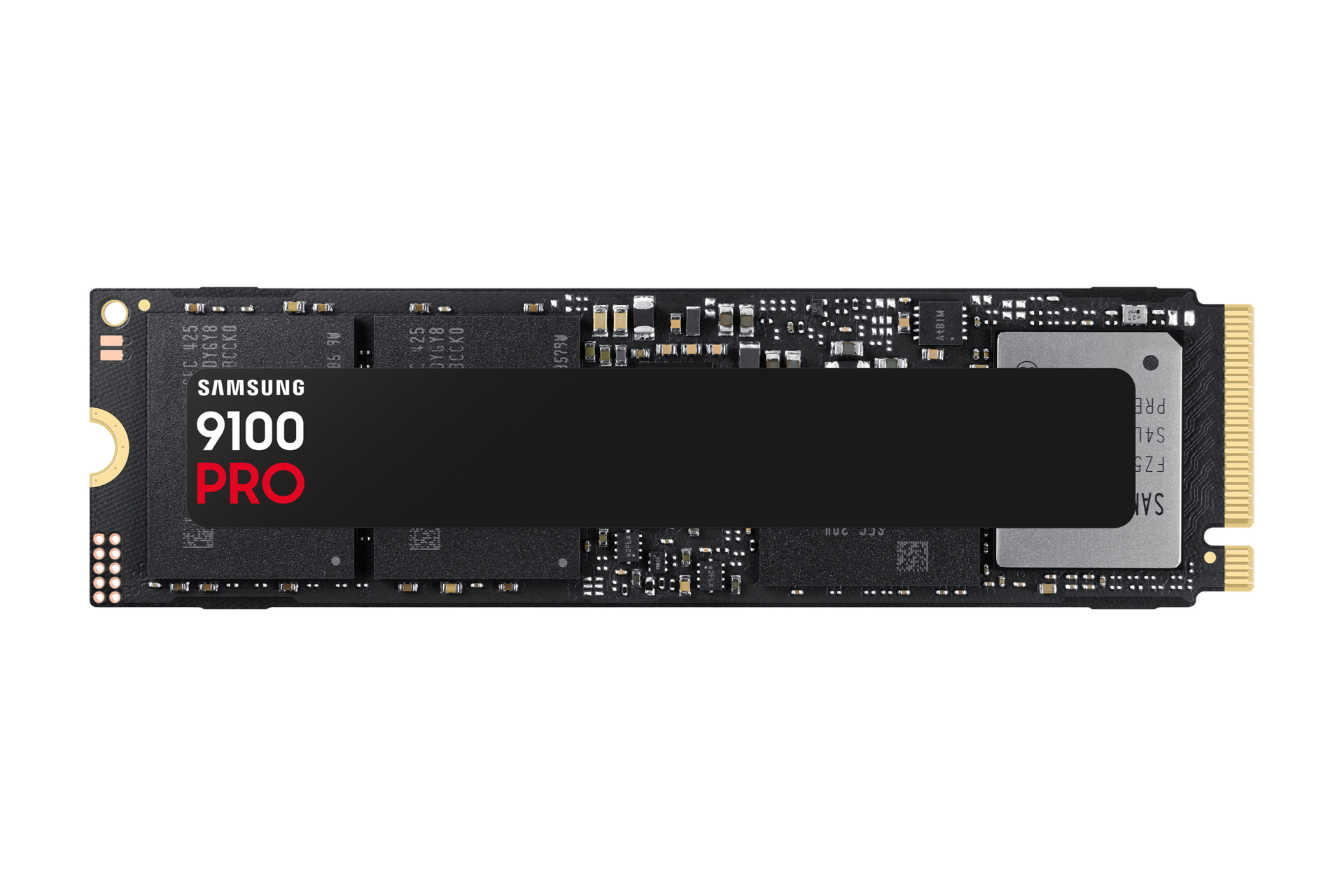
The read and write speeds (MB/s) listed in a drive’s specifications are important, but they don’t always tell the whole story. For everyday tasks, such as running an operating system, random read and write speeds (IOPS) matter too. High-end drives such as the Samsung 990 PRO and WD Black series deliver excellent performance in every situation. If you’re choosing an SSD for a laptop, also consider its power consumption.


SSD technology comes with plenty of technical terms. Knowing a few key ones can help you make an informed choice. The price of an SSD depends largely on these technologies.
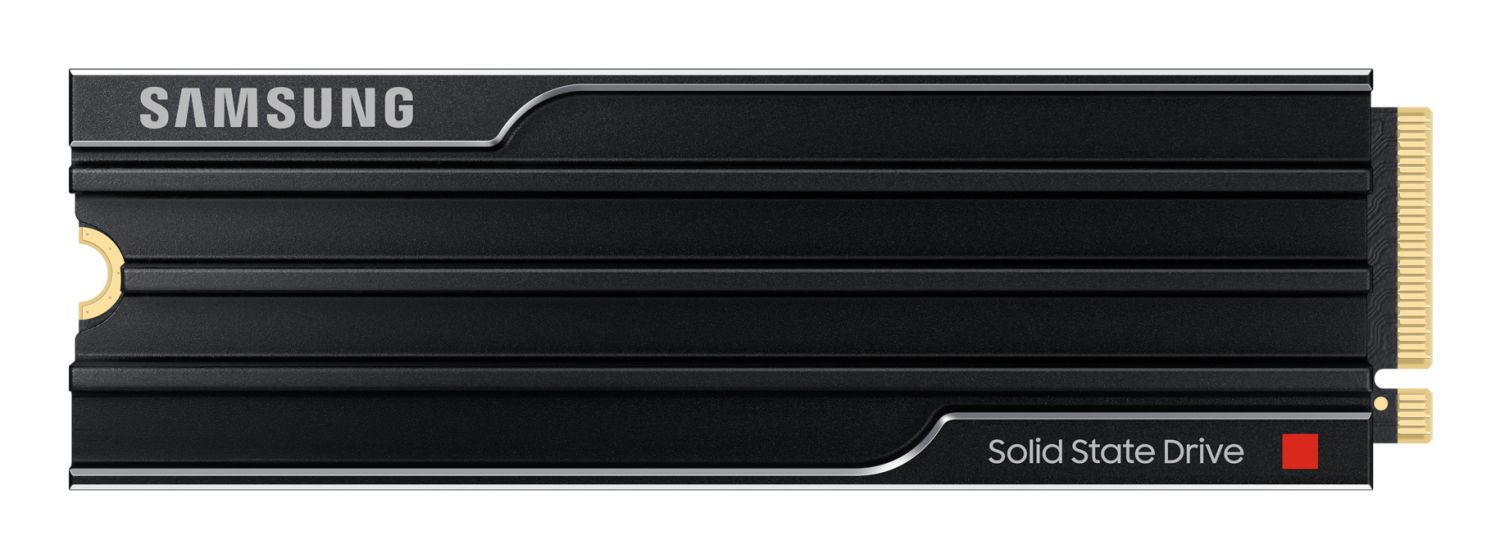
Fast PCIe 4.0 drives, and especially PCIe 5.0 drives, can overheat under heavy use, causing their speeds to drop (thermal throttling). If you plan to use the drive for gaming or video editing, or install it in a case with poor airflow, a model with a heatsink is strongly recommended. Many motherboards also have built-in M.2 heatsinks. In more demanding cases, additional cooling systems may be needed to maintain stable performance.
Ordering online is often more convenient, as you can compare prices and specifications at your own pace. Our online store clearly lists each M.2 SSD’s availability and exact price, making it easy to choose. We offer fast, free delivery throughout Estonia, including straight to your door in Tallinn, Tartu and Pärnu.
The versatility of M.2 SSDs makes them ideal for a range of uses. When building a new gaming PC, a fast NVMe drive is just as important as a powerful graphics card or enough RAM. Upgrading a laptop with an M.2 drive is one of the most effective ways to breathe new life into it. Many models, especially those with a heatsink, are also ideal for expanding the storage capacity of a PlayStation 5, letting you install more games and enjoy faster loading times.
| Question | Answer |
|---|---|
| What’s the difference between an M.2 SATA and an M.2 NVMe drive? | Although both use the M.2 form factor, they use different technologies. M.2 SATA uses the older SATA bus (max ~550 MB/s), while M.2 NVMe uses the ultra-fast PCIe bus, offering much higher speeds (1500 MB/s to over 12000 MB/s). Before buying, make sure your motherboard supports NVMe. |
| Can I install a PCIe 4.0 SSD in a PCIe 3.0 slot? | Yes, thanks to backwards compatibility. However, the drive will run at the maximum speed supported by PCIe 3.0. If you upgrade your motherboard in the future, you’ll be able to take full advantage of the drive’s potential. |
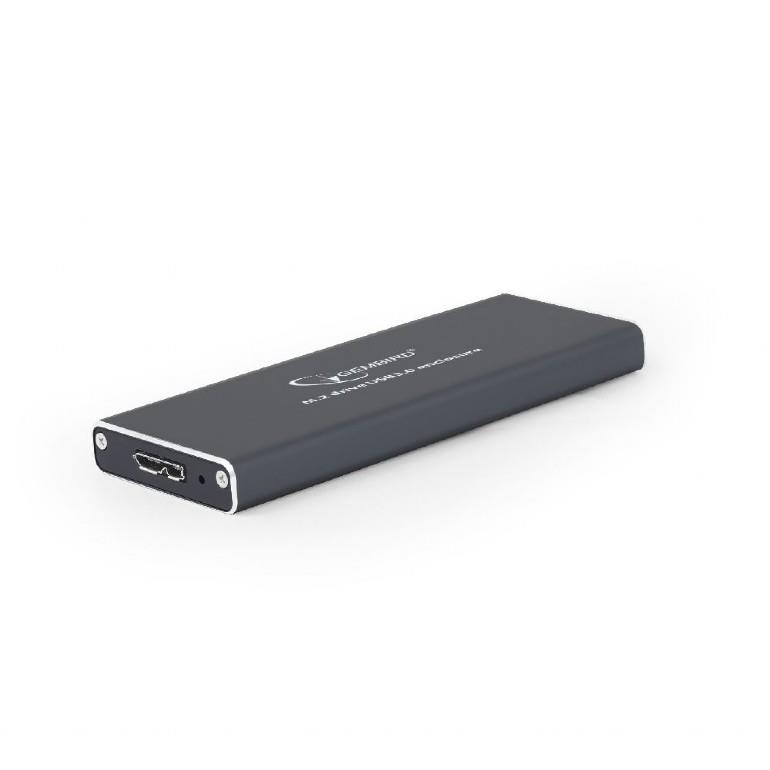
| Can I use an M.2 drive as an external storage device? | Yes. Special M.2 external enclosures connect to your computer via USB. They’re a great way to create an ultra-fast, compact external SSD. |
| What are the best SSDs for gaming? | For gaming, we recommend a PCIe 4.0 NVMe drive with at least 1TB of storage. Popular brands and models include the Samsung 980/990 Pro, Western Digital Black SN850X and Crucial P5 Plus. They offer excellent loading times and a smooth gaming experience. |