







For private customers
At checkout, product prices are automatically adjusted according to the VAT rate in your delivery country.

Christmas
Furniture
Home & Garden
Sport
Clothing
Mattresses
Watches
Electronics
Construction
Showing 0 of 0 products with selected filters
0 / 0
No products match your selected filters.
The heart of any data centre or server room is its hardware. Every processor, memory module and hard drive generates heat while operating. Without effective cooling, this heat quickly becomes a problem, causing overheating, reduced performance (throttling) and, in the worst cases, permanent component damage and unexpected downtime. This is where specialist server cooling parts come in. They are designed to withstand 24/7 workloads and maintain a stable operating environment.
Unlike standard computer fans, server cooling components are designed for much more intensive use. Their job is to move large volumes of air through densely packed components, ensuring that every device stays within its optimal temperature range. Investing in quality cooling parts means investing in the stability and longevity of your entire IT infrastructure. That is why the price of the right cooling part is always justified when the security of business-critical data is at stake.
Choosing the right server cooling part may seem complicated, but keeping a few key parameters in mind makes the process much easier. Whether you need to replace a faulty fan or upgrade your entire system, here are the main factors to consider when planning to buy a new cooling part.
The most common type is PWM (Pulse-Width Modulation) fans, which allow the motherboard to adjust fan speed according to temperature. This helps balance cooling performance and noise levels. When choosing a fan, pay attention to its size (e.g. 40mm, 80mm, 120mm) and technical specifications such as airflow (CFM – cubic feet per minute) and static pressure. Higher CFM is important in open cases, while high static pressure is essential in densely packed servers, where air must be forced through heatsinks and filters.
A heatsink is a passive cooling component that dissipates heat over a large surface area. Heatsinks are often used on processors and chipsets. Active cooling adds a fan to the heatsink to speed up heat dissipation. The choice depends on the component's heat output (TDP – Thermal Design Power). A passive solution may be sufficient for lower-power devices, but most server processors require effective active cooling.
Server cooling parts are often designed for specific cases and form factors. For example, 1U server cooling is low-profile and uses high-speed fans, while 4U cases have room for larger, quieter solutions. Before buying, always make sure the cooling part is compatible with your server model, manufacturer (e.g. Supermicro, Dell, HP) and case type. This is especially important for hot-swap modules, which must fit their slots precisely.
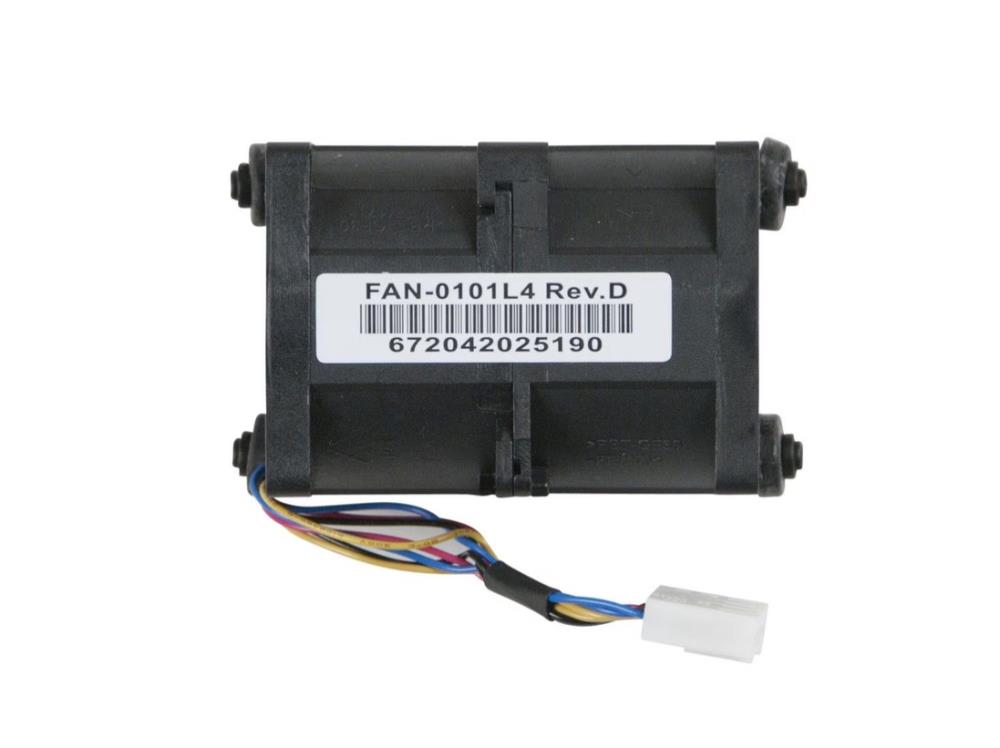
Even the best server cooling part needs to be installed correctly and maintained regularly. When installing a processor heatsink, using quality thermal paste is crucial to ensure maximum heat transfer. It is also important to clean fans and heatsinks regularly, as dust acts as an insulator and reduces cooling efficiency. Proper maintenance helps your investment last longer and work efficiently.
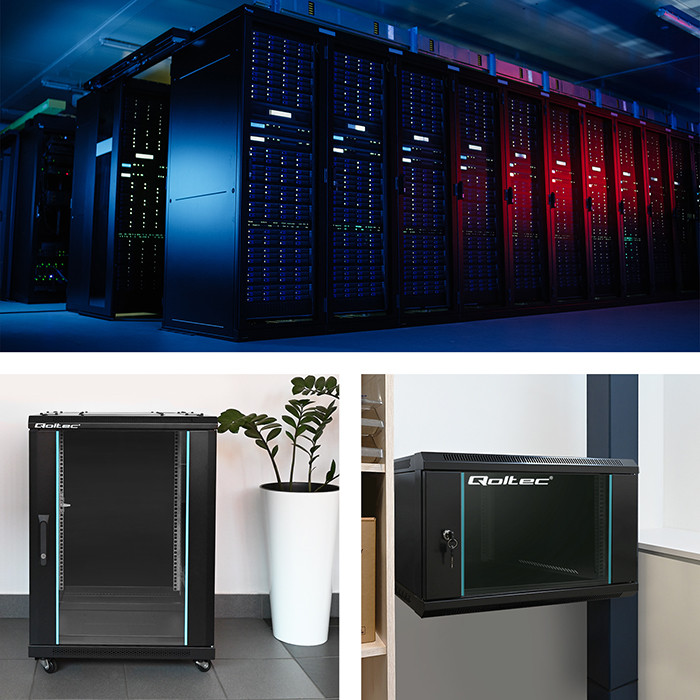
In addition to proper cooling, it is important to keep other server components, such as server power supplies, in good working order. Modern CPU coolers need to be connected correctly and have enough space for air to circulate freely. All these components need to fit into dedicated 19-inch rack cabinets, where proper cable management, aided by specialist server cables, also plays a role in maintaining airflow.
| Question | Answer |
|---|---|
| How do I know which fan is compatible with my server? | The surest way is to check your server's user manual or the model number on the old fan. You can also contact our customer support and tell us your exact server model—we'll help you find the right replacement part. |
| What is a PWM fan, and why is it better? | PWM (Pulse-Width Modulation) is a technology that allows fan speed to be adjusted dynamically as needed. This means the fan runs more quietly and uses less energy at low loads, while providing maximum cooling at high loads. It is the standard solution in servers for optimising efficiency and noise levels. |
| My server is too noisy. What can I do? | Server noise mainly comes from fans spinning at high speeds. Make sure the optimal cooling profile is selected in your server's BIOS/UEFI settings (e.g. 'Balanced' or 'Quiet' if the workload allows). Also check that the device is not clogged with dust, as this forces the fans to run faster. If necessary, you could also consider installing specialist quieter fans, provided they deliver sufficient airflow. |
| How often should I replace server fans? | Server fans are designed for continuous operation and typically last several years (e.g. 50 000+ hours). Preventive replacement is not necessary, but you should replace them as soon as you notice unusual noise (e.g. worn bearings) or your monitoring software reports a fan failure. |