





For private customers
At checkout, product prices are automatically adjusted according to the VAT rate in your delivery country.

Christmas
Furniture
Home & Garden
Sport
Clothing
Mattresses
Watches
Electronics
Construction
Showing 8 of 8 products with selected filters
8 / 8


No products match your selected filters.
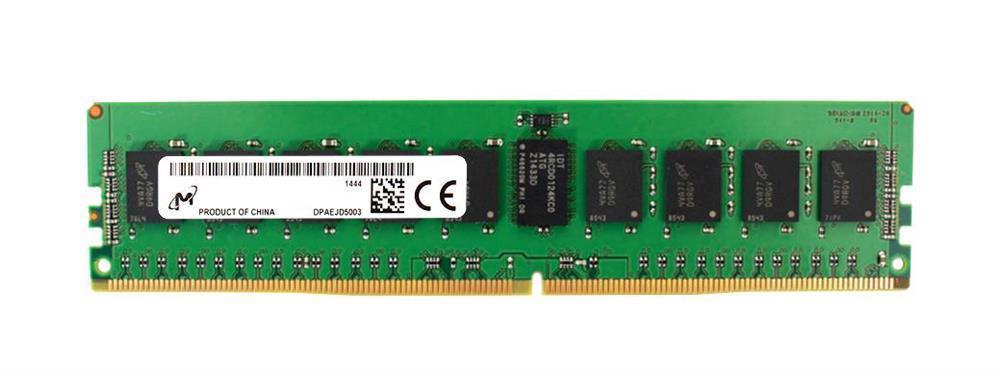
Server memory is more than just a component – it’s the backbone of your IT infrastructure. It determines database speed, the responsiveness of virtualized environments and overall system stability. The wrong choice can lead to data corruption and costly downtime, while the right one can unlock better performance and efficiency. Here you’ll find everything you need to make an informed decision.
Choosing server memory is an exact science where every specification matters. It’s not a place to compromise. Here are the key factors to consider when finding the right solution for your system and making sure your investment lasts. If you’re planning to buy server memory, start with these points.
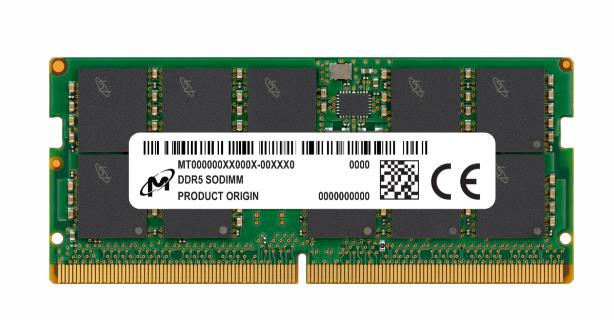
The choice between these two generations depends mainly on your server platform and motherboard. They are not interchangeable.
This is one of the most important technical considerations. The form factor determines how memory communicates with the controller and how much memory the system can support.
| Type | Description | Best use |
|---|---|---|
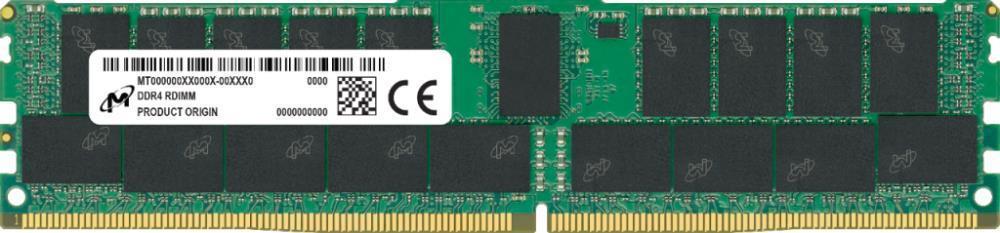
| RDIMM (Registered DIMM) | The most common type of server memory. The module has a register that buffers commands and addresses, reducing the electrical load on the memory controller. This allows more memory modules to be installed per channel. | Most standard servers that need a good balance of capacity and performance. |
| LRDIMM (Load-Reduced DIMM) | Similar to RDIMM, but uses a dedicated RCD (Registering Clock Driver) chip to buffer data. This further reduces the load, allowing the system to support the maximum possible memory capacity. | Large databases, virtualization servers and other memory-intensive applications that need hundreds of gigabytes or even terabytes of RAM. |
| UDIMM (Unbuffered DIMM) | Unbuffered memory, where commands travel directly from the memory controller to the memory chips. It offers the lowest latency, but creates a greater electrical load. As a result, the number of UDIMM modules a system can support is limited. | Small entry-level servers or workstations where memory capacity is modest and the lowest possible latency is the priority. |
All the server memory we offer features ECC (Error-Correcting Code) technology. This critical feature detects and corrects single-bit memory errors in real time. In a regular desktop computer, an error like this might simply cause a program to crash, but in a server it can lead to data corruption, system instability or security vulnerabilities. ECC server memory is the standard, with no compromises.
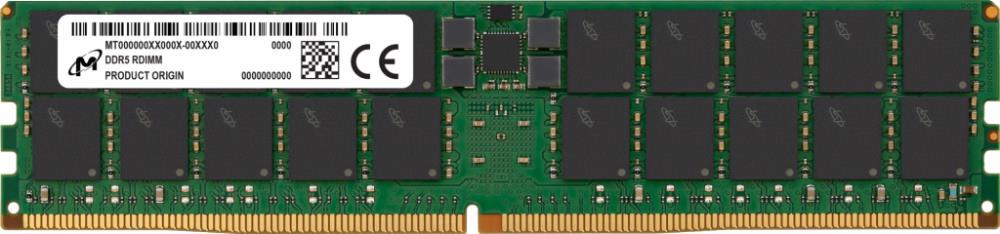

How much memory is enough? It depends entirely on your workload. A small file server may be fine with 16GB or 32GB, while a host running dozens of virtual machines may need 256GB, 512GB or even more. Memory speed (MHz) and latency (CL) matter too, but their impact on real-world performance is often smaller than having enough capacity. The price of good server memory depends directly on these specifications, but our online store aims to offer competitive prices across every segment.
We offer memory modules only from trusted manufacturers whose products meet strict server industry standards. Our range includes products from brands such as:
Whether you’re looking for specific HPE server memory or a more universal Samsung solution, you’ll find the right option in our store. Shopping online makes it easy to compare different models and prices at your own pace. All the information you need is right there, from clock speed to voltage.
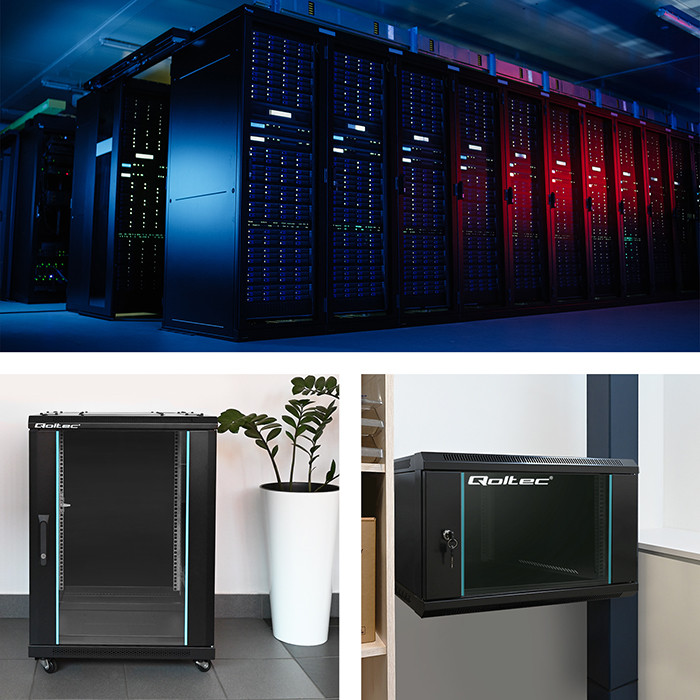
It’s worth emphasizing again: compatibility is paramount in the server world. Before placing your order, make sure the memory you choose is compatible with your server model, processor generation and BIOS/UEFI version. If you’re not sure, get in touch with us – our specialists can help you find the right product. Proper server and component management starts with choosing the right parts, ensuring they work together and are compatible with the capabilities of your rack cabinets and power supplies (PSUs).
Here are answers to some common questions about server memory.
Can I mix memory modules with different speeds and capacities?
It is sometimes technically possible, but strongly discouraged. The system will run at the speed of the slowest installed module, and mixing different modules can cause instability. For the best results, use identical memory modules.
What is the main difference between server and desktop memory?
The main difference is that server memory includes ECC (Error-Correcting Code). Servers also often use registered (RDIMM) or load-reduced (LRDIMM) memory to support higher capacities, while desktop computers mainly use unbuffered (UDIMM) memory.
How much memory does my server need?
It depends entirely on the applications you run. As a rule of thumb, start with the minimum requirements for the operating system and each major application (e.g. database, web server), then add memory for each expected user or virtual machine. It’s always better to have a little extra to handle peak workloads.