






For private customers
At checkout, product prices are automatically adjusted according to the VAT rate in your delivery country.

No country found
Showing 2 of 2 products with selected filters
2 / 2
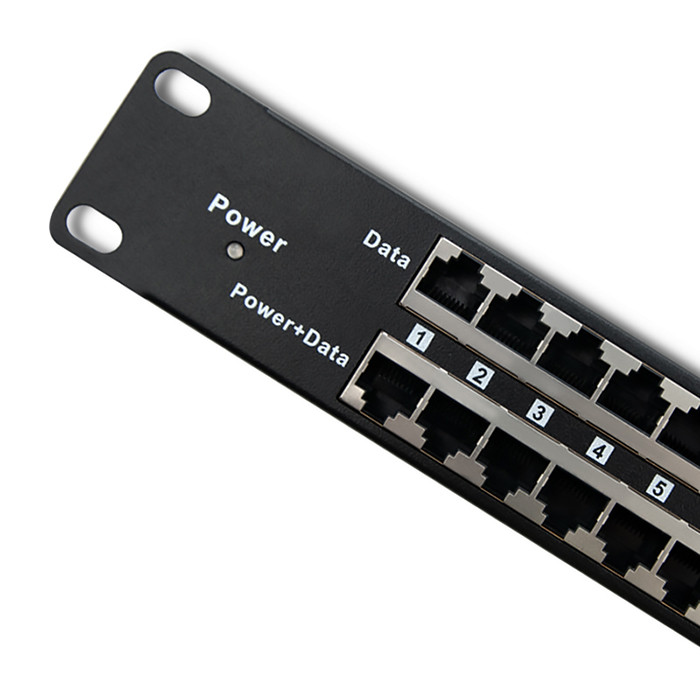
SKU: 54477
EAN: 5901878544779
No products match your selected filters.
A patch panel, also known as a distribution panel, is a key component of structured cabling. It lets you build an organised, flexible and easy-to-manage network infrastructure. This passive device brings all your network cables together in one place, making it much easier to manage, test and change connections. Without one, a server room can quickly become a mess, and tracing cables turns into a nightmare. A quality patch panel is an investment in your network’s stability and future readiness.
The right panel depends on the size of your network, the speed you need and the installation environment. Choosing one is straightforward once you know what to look for. Consider your current needs, but always leave room for future expansion. Below is an overview of the key features to consider when buying a new patch panel.
The number of ports is the first and most obvious choice. It determines how many devices or workstations you can connect to the panel.
The network cable category determines the maximum data transfer speed. Your panel should match or exceed the category of your cabling to avoid creating a bottleneck.
Today, a Cat 6 patch panel is the most practical choice, offering excellent value for money and enough performance for most Gigabit Ethernet networks. If you’re building a new network or want to be ready for future 10GbE speeds, consider the Cat 6a standard.
Your choice of shielding depends on the installation environment. Shielding protects the signal from external electromagnetic interference (EMI).
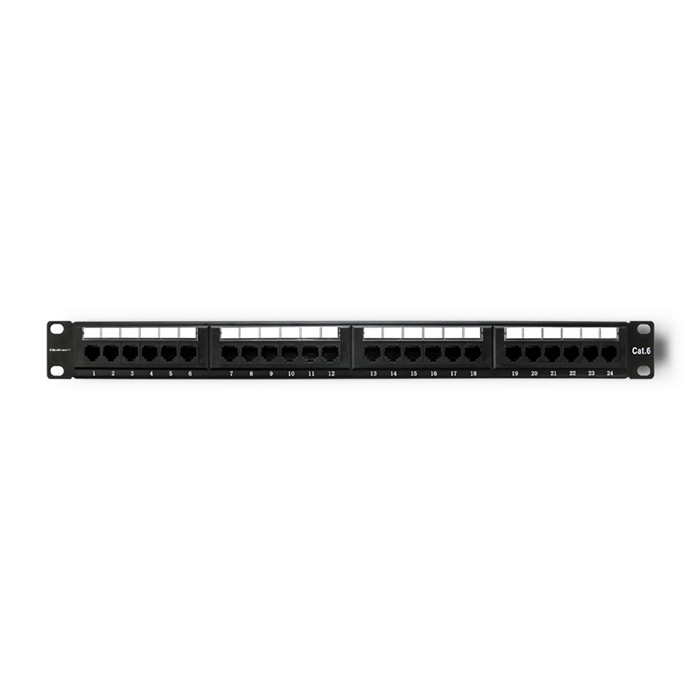


Most patch panels are designed for standard 19-inch server racks. Panel height is measured in units (U), where 1U is 1.75 inches. The most common panels are 1U high. Once installed, the permanent cables running through the building’s walls or floors are connected to the back of the panel. The ports on the front are connected to active devices, such as switches, using short patch cables. This keeps the permanent cabling undisturbed, reducing wear and the risk of faults.
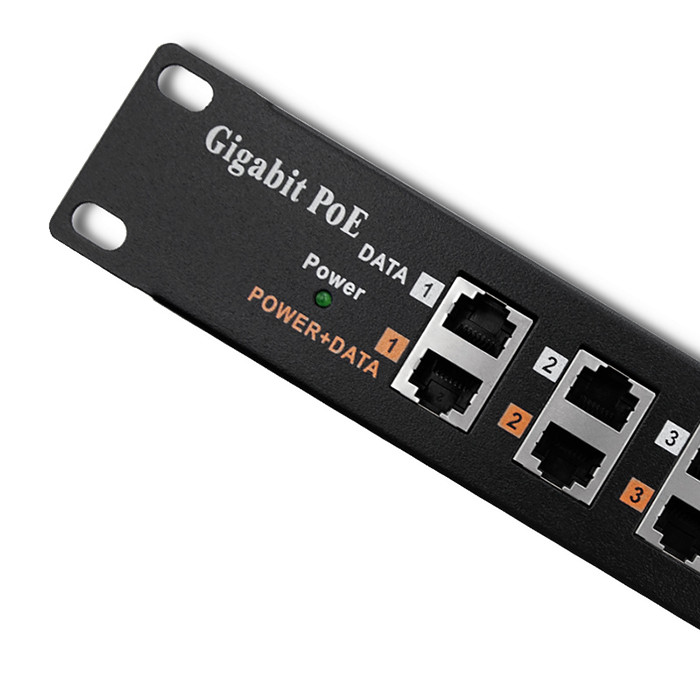
In addition to standard panels, there are also specialist options. A PoE (Power over Ethernet) patch panel can deliver power alongside data to devices such as IP cameras, VoIP phones and wireless access points. This eliminates the need for separate power adapters and simplifies installation. When ordering a PoE panel online, make sure its power capacity meets your devices’ requirements. Our online store also offers a wide range of PoE devices that are compatible with our panels.
A blank patch panel has openings for individual keystone modules. It offers maximum flexibility, allowing you to combine different connection types on a single panel, such as RJ45 (Ethernet), RJ11 (telephone), HDMI, USB or fibre-optic connectors. It’s an excellent solution for multimedia workstations or conference rooms.
Our goal is to offer more than just products. We understand that a reliable network is the backbone of every business and modern home. That’s why we’ve put together our range of patch panels with quality, durability and value for money in mind.
| Question | Answer |
|---|---|
| What is the difference between a patch panel and a switch? | A patch panel is a passive connection point—a “cable organiser”. A switch is an active network device that analyses data packets and routes them to the right destination. The panel connects to the switch. |
| Can I use a Cat 6 panel with Cat 5e cables? | Yes, this is technically possible. The system will work, but the speed of the entire connection will be limited by its weakest link, the Cat 5e standard. For the best results, all components (network cables, panel and connectors) should be of the same or a higher category. |
| Do I need a special tool for installation? | Yes, most panels require an LSA (Krone) punch-down tool to connect the wires. This ensures a secure and reliable connection. |
| What is the best patch panel for a home network? | For most home users, a 12- or 24-port Cat 6 UTP patch panel is more than enough. It leaves room for future expansion and provides stable gigabit speeds. |