





For private customers
At checkout, product prices are automatically adjusted according to the VAT rate in your delivery country.

Christmas
Furniture
Home & Garden
Sport
Clothing
Mattresses
Watches
Electronics
Construction
Showing 11 of 11 products with selected filters
11 / 11



No products match your selected filters.
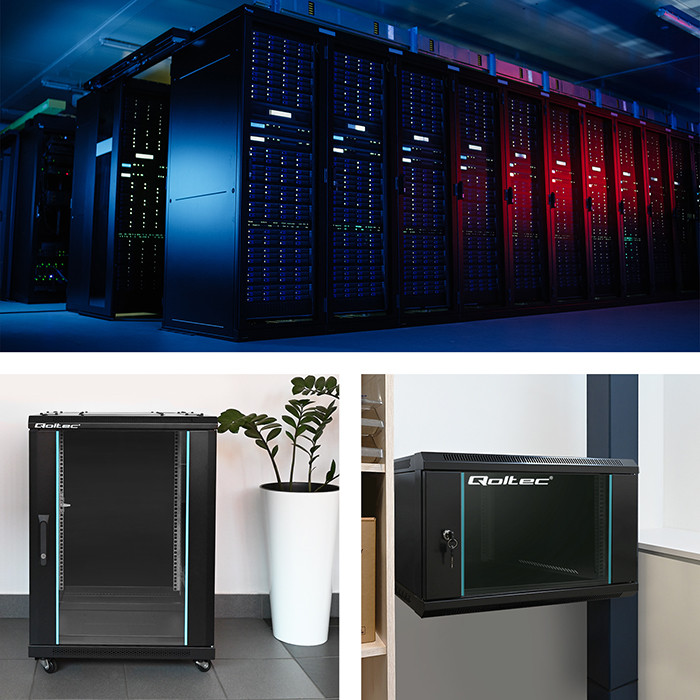
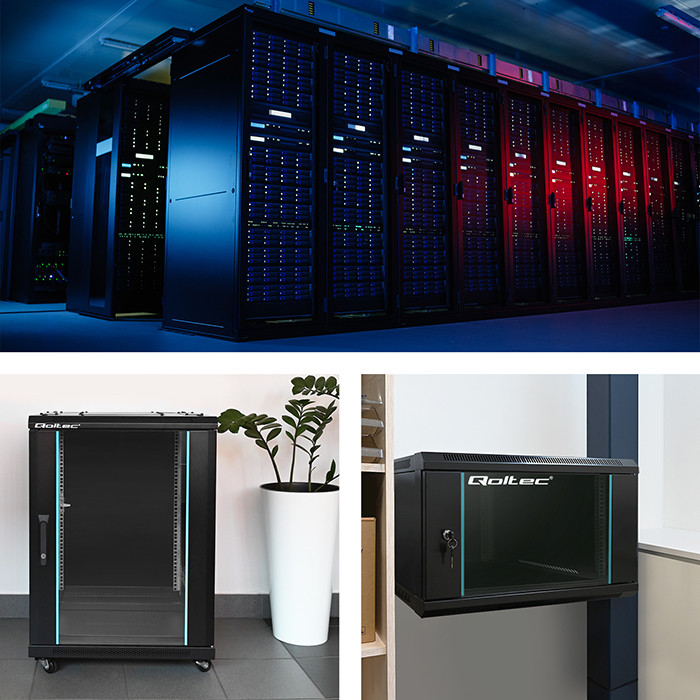
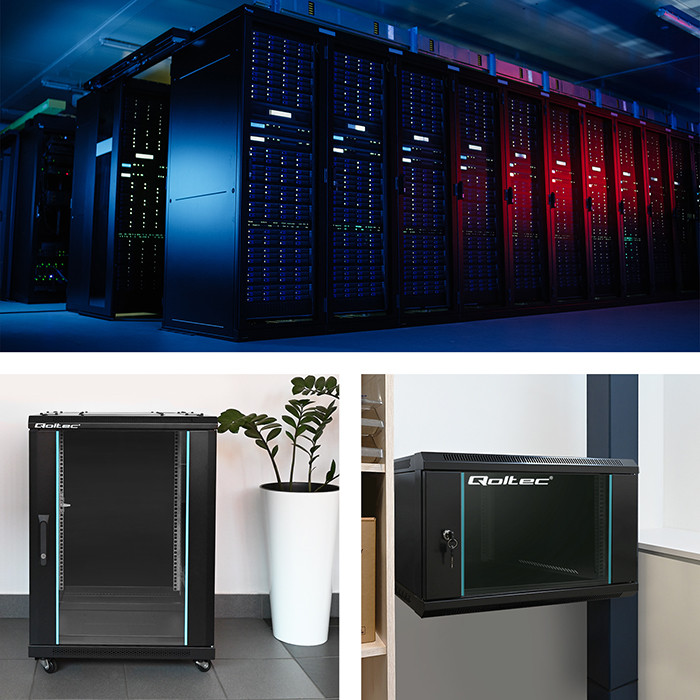
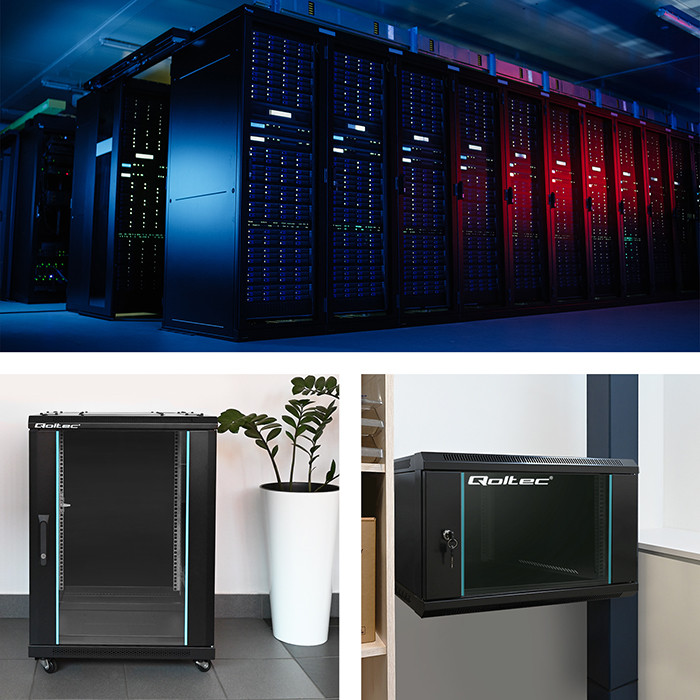
In today’s digital world, an organized and secure IT infrastructure is the foundation of every successful business and modern home. This is where a quality server cabinet comes in. It’s more than just a metal box—it’s a strategic investment in the longevity, security and performance of your equipment. It keeps all your essential server components, switches, routers and other network equipment organized and protected.
Choosing the right server cabinet may seem complicated, but it’s a process that ensures your system stays reliable for years to come. Think of it as a protective shell for your digital nervous system. Here you’ll find a wide range of models designed to meet the needs of small businesses, home users and large data centers alike. It’s easy to find the right solution in our online store and have it delivered straight to your door—with free delivery on every order.
Buying a server cabinet doesn’t have to be a headache. Consider a few key specifications to make an informed choice that meets your expectations and technical requirements. Below, we cover the most important factors to keep in mind.
The first and most important specification is cabinet size. Rack cabinet height is measured in standard units called 'U' (Unit), where 1U equals 1.75 inches (44.45 mm). Equipment manufacturers always state product height in U units. So, if you have a 2U server, a 1U patch panel and a 1U UPS, you’ll need a cabinet with a capacity of at least 4U. It’s always a good idea to leave a few spare U spaces for future additions. Our range includes popular sizes such as 4U, 6U, 9U and 12U, suitable for most offices and homes.
Depth is another critical measurement. Standard depths are usually 450 mm and 600 mm. Smaller network switches and patch panels fit comfortably in a 450 mm-deep cabinet, while larger servers and UPS units need a 600 mm or even deeper cabinet. Always check your equipment dimensions before deciding which server cabinet is right for you.
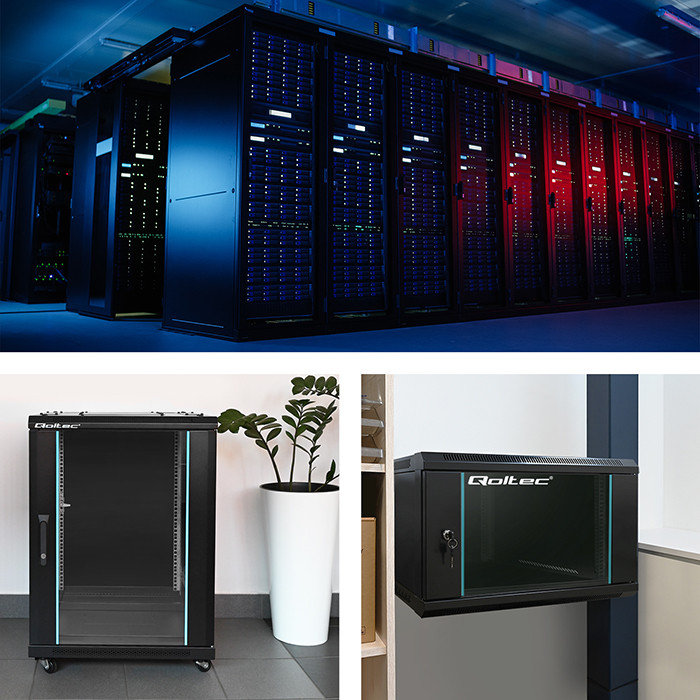
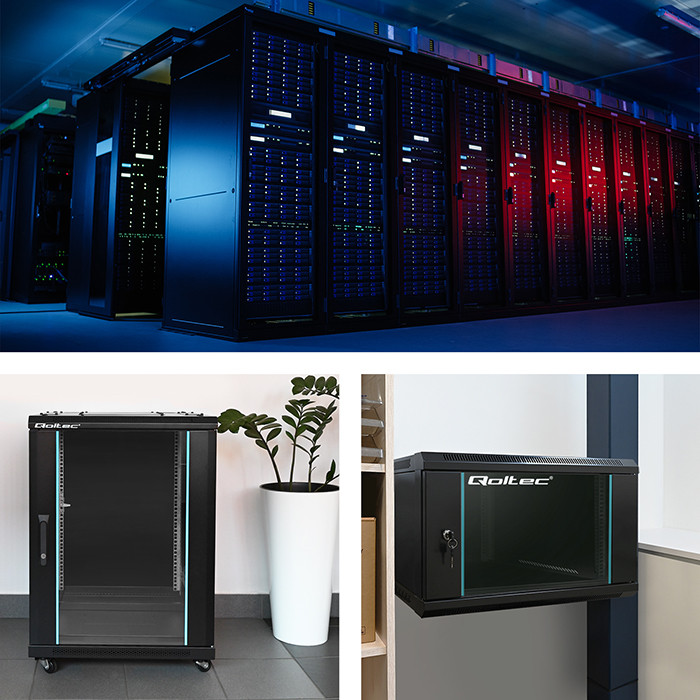
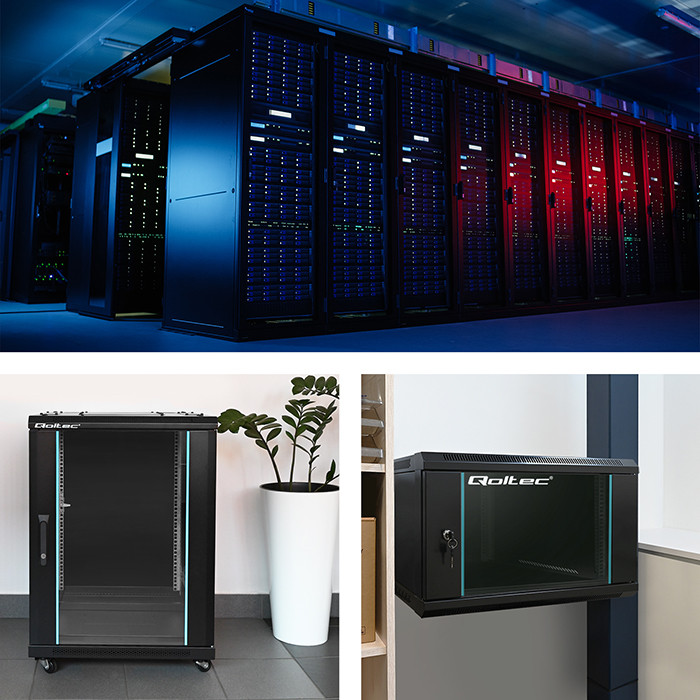
Your choice largely depends on the size of the room and the weight of your equipment. Wall-mounted rack cabinets (hanging cabinets) are an excellent solution when space is limited. Compact and usually up to 12U high, they’re ideal for small networks in offices, shops and homes. They keep equipment off the floor, protecting it from dust and accidental knocks.
Floor-standing cabinets (standing cabinets) are designed for larger, heavier equipment. They typically start at 15U and can be much larger. Many have wheels (casters), making them easy to move for maintenance or repositioning. If you expect to expand your system significantly in the future, a floor-standing cabinet is the safer choice.
The door type affects both the cabinet’s appearance and its cooling performance. Server cabinets with tempered glass doors look elegant and let you check your equipment’s status (such as indicator lights) without opening the door. They’re a good choice if the cabinet contains fewer heat-generating devices, such as switches and patch panels, and is in a visible location, such as an office.
Cabinets with perforated doors, on the other hand, are the best choice for cooling. The small openings in the door allow continuous, unobstructed airflow, which is essential for servers, UPS units and other equipment that generates significant heat. This helps prevent overheating and keeps your equipment running reliably. If performance and reliability are your priorities, a perforated door is the technically superior choice.
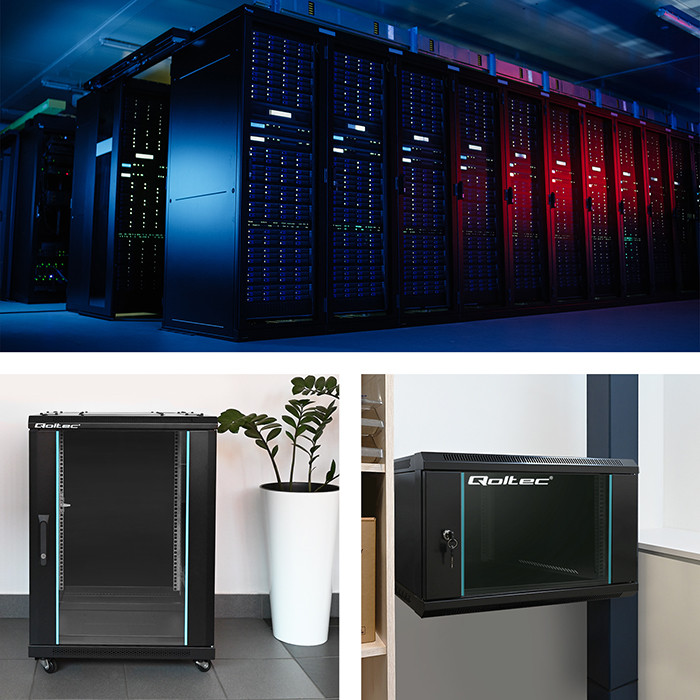
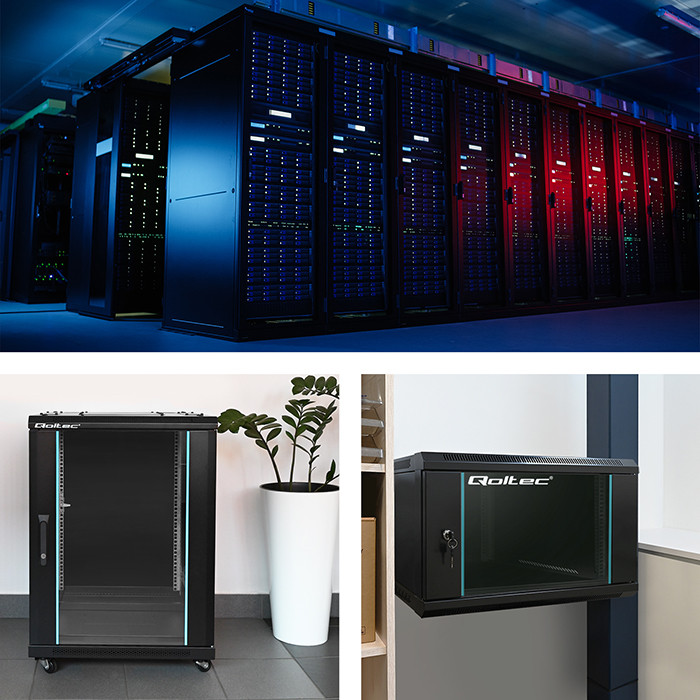

A modern server cabinet is more than just a frame. Features and accessories make it more convenient, secure and efficient to use. Ordering the right solution online is easy, so you can compare the prices and features of different models at your leisure. Our online store offers the best combination of server cabinet price and quality in Estonia.
Most cabinets have a lockable front door to protect your valuable equipment from unauthorized access. This is especially important if the cabinet is in a shared space. Many models also have removable side panels, making installation and maintenance much easier by providing access to the cabinet interior from multiple sides.
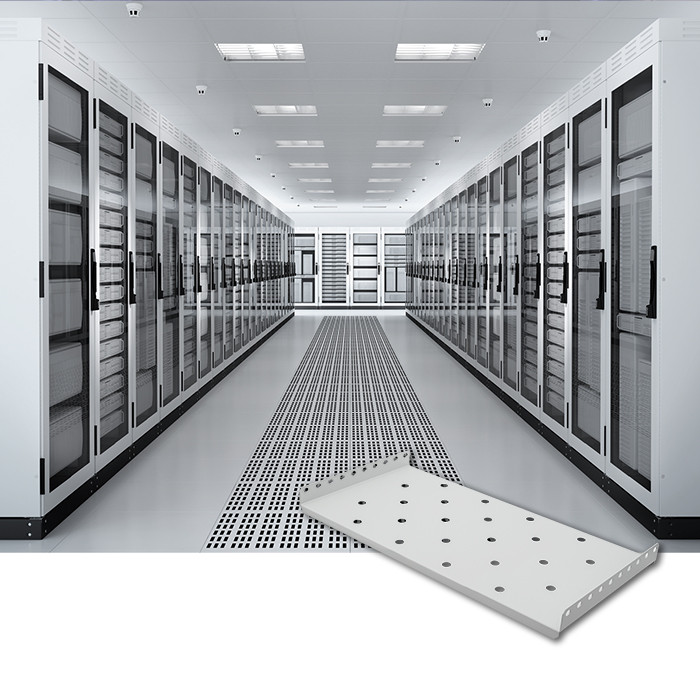
Tangled cables aren’t just an eyesore—they can obstruct airflow and make maintenance more difficult. Proper cable management is essential. Look for cabinets with dedicated cable entry and exit openings at both the top and bottom. You can also use specialist cable holders and panels to keep all your server cables organized and tidy.
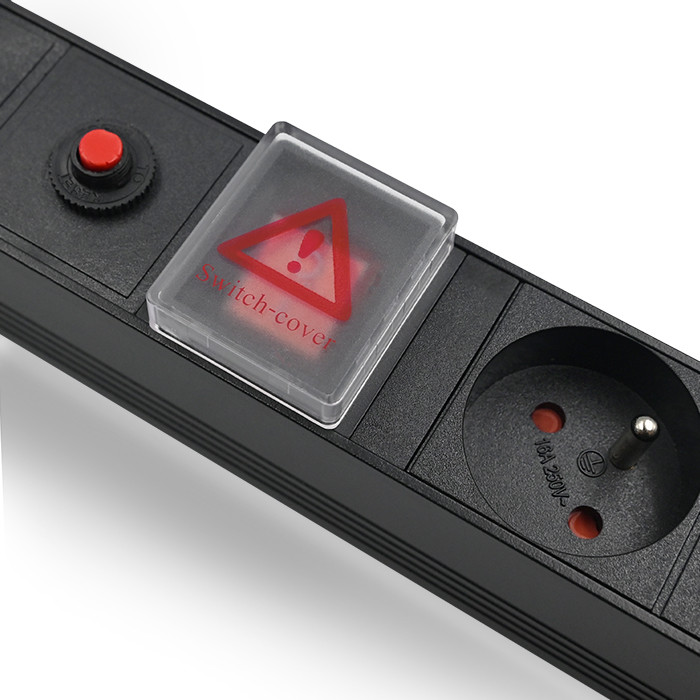
In addition to passive cooling through perforated doors, many cabinets can be fitted with fans on the roof or rear panel. This provides active airflow and is almost essential when the cabinet houses powerful servers. It’s also important to consider power distribution. Rack-mounted PDU power distribution units (Power Distribution Units) let you connect all your equipment conveniently and safely in one place, saving space and preventing power outlets from being overloaded.
'U' is a standard unit of height used to measure rack-mounted equipment and cabinets. 1U is 44.45 mm. A cabinet’s height in U indicates how many standard-height devices it can hold vertically.
It depends on your cooling needs. If your cabinet contains several heat-generating devices (servers, UPS units), a perforated door is essential for better airflow. If it mainly houses passive equipment (switches, panels) and appearance matters, a glass door is also a good choice.
Measure your deepest device and add at least 10-15 cm. This leaves enough room to connect cables at the back of the device and promotes airflow, which is essential for equipment longevity.
Most cabinets are delivered flat-packed to make them easier to transport. Assembly is similar to putting together furniture, and detailed instructions are always included. Installing a wall cabinet requires checking the wall’s load-bearing capacity and using the right fixings, but it’s manageable for most people.