Essential tools for everyday work. Browse our selection of the latest office software, including Microsoft Office suites with Word, Excel and PowerPoint. An ideal solution for home users, students and small businesses looking to maximise productivity. Choose the legal licence that suits you and get started.
In today’s digital world, the ability to create, manage and share documents is the foundation of success. Whether you’re working on a school assignment, a business plan or a personal budget, the right office software makes complex tasks simple and turns time spent into an investment. It’s more than just a program; it’s your personal productivity hub.
Here you’ll find a wide range of solutions designed to meet your needs. Forget compatibility issues and unsafe pirated versions. We offer only legal, up-to-date software for a smooth workflow and peace of mind. If you’re looking for somewhere to buy office software, you’ve come to the right place.
How to choose the right office software
Choosing the right option may seem complicated, but it really comes down to your main needs. Before checking the price of different office software options, think about what you’ll use it for most. This will help you find the best value for money.
Home and study vs. business: Which version is right for you?
The difference between versions is one of the most common questions. Here’s a quick overview to help you decide.
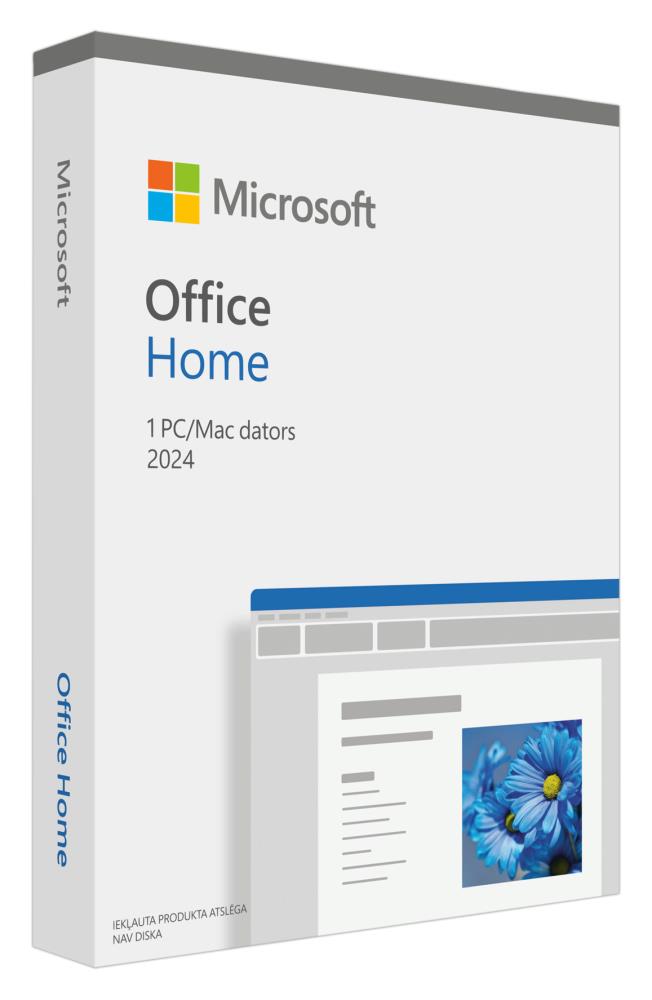
Home (Home and Student): This suite is designed for home users and students. It usually includes core applications such as Word, Excel and PowerPoint. If you need software for writing essays, managing a household budget or creating school presentations, this is an ideal, affordable choice.
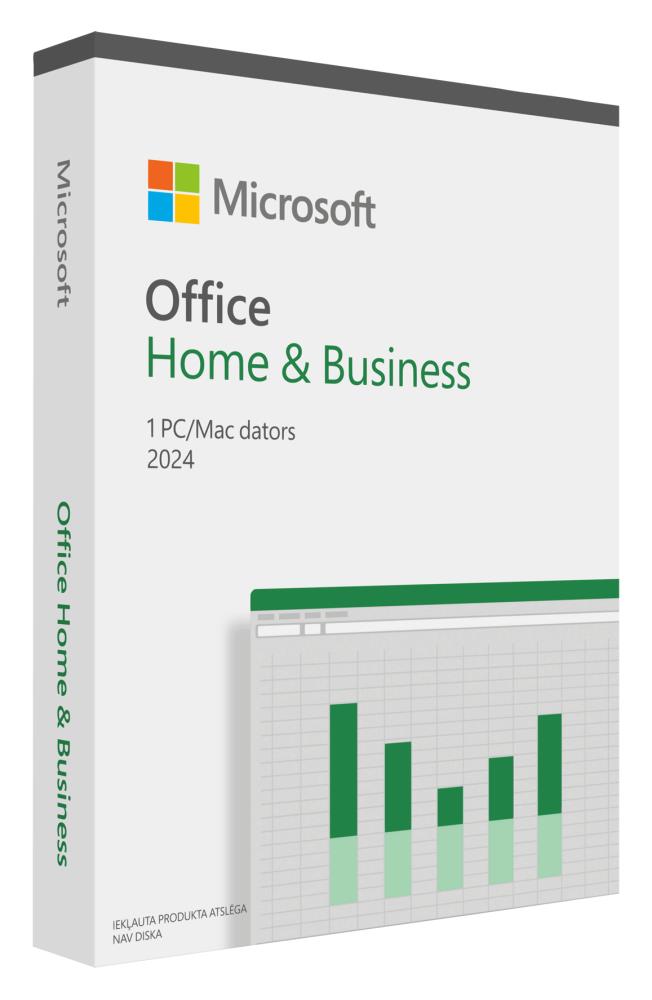
Home & Business: This version is aimed at small business owners and freelancers. Along with the core applications, it includes Outlook, a powerful email client for managing contacts, calendars and tasks. It’s the best office software for those running a business from a home office.
Professional: The most comprehensive suite, it includes database management software (Access) and a desktop publishing application (Publisher) in addition to the above. It’s designed for users with specific business needs.
Expert tips: Always make sure your computer meets the software’s system requirements before you buy. Newer software suites may not be compatible with older operating systems. This can save you a headache later, especially if you’re planning to install software on an older computer. Be sure to check that you have a valid Windows retail licence or another compatible operating system.
Perpetual licence or subscription? Understanding the difference
Another important choice is the licence type. The office software we offer in our online store is primarily available with a perpetual licence.
Perpetual licence means you pay once and own the software indefinitely. It’s a great choice if you prefer fixed costs and don’t want monthly bills. For example, if you buy the Office 2026 suite, you can use it for as long as your computer supports it, with no additional fees. It’s an investment that pays off in the long run.
Microsoft Office Home: ideal for home use and study.Microsoft Office Home & Business: everything you need for professional work.
Key applications and what they can do
Modern office software is about much more than just writing text. It’s a suite of tools that can help you stay organised and work more creatively. Whether you’ve just bought a new laptop or are upgrading your existing desktop computer, these applications will make your work easier.
Application
Main function
Ideal for...
Microsoft Word
Word processing and document creation
Creating reports, essays, letters and CVs.
Microsoft Excel
Spreadsheets and data analysis
Managing budgets, charts, financial analyses and databases.
Microsoft PowerPoint
Presentation creation
Presenting meetings, lectures and projects visually.
Microsoft Outlook
Email, calendar and contacts
Managing professional communication and scheduling.
Expert tips: Always invest in legal software. Pirated versions may seem tempting, but they come with significant security risks, including malware and data theft. Legal office software gives you regular security updates, technical support and peace of mind that your data is protected.
Installation and activation
Many people worry about installing software, but these days the process is extremely simple. After your purchase, you’ll receive a digital product key and instructions. The process usually involves downloading the installation file, running it, entering your key and letting the software activate itself. It takes just a few minutes, and your new office software is ready to use. Ordering from our online store is quick and easy.
Expert tips: Many Office suites integrate seamlessly with cloud services such as OneDrive. This lets you save your documents in the cloud, access them from any device and collaborate in real time. It’s especially useful if you switch between a desktop and a laptop. Quality accessories are also important for comfortable work, such as good keyboards and large monitors.
Why choose ZAZA?
We understand that buying software is a matter of trust. ZAZA.ee is designed to give you a safe, fast and convenient shopping experience. We’re committed to providing excellent service, whether you’re in Tallinn, Tartu or elsewhere in Estonia.
Always free delivery: We don’t charge extra for shipping. Whether your order is going to Tallinn, Tartu, Pärnu, Narva or Viljandi, delivery is always free.
Legal software only: We offer only official, legal licences. This gives you peace of mind, security updates and full functionality. Your investment is protected.
Wide selection and clear prices: Our range meets the needs of both home and business users. The price of each office software product is clearly displayed, so you can make an informed decision with no hidden costs.
Quick and convenient online shopping: Our online store is open 24/7. Compare products and place your order whenever it suits you, without leaving home. Digital products are delivered especially quickly.
Frequently asked questions (FAQ)
Is the software sold here a one-time purchase?
Yes, most of the office software we offer comes with a perpetual licence, which means a one-time payment. This is always specified in the product description.
Can I install the software on multiple computers?
A standard licence is usually intended for one computer (PC or Mac). The licence terms are listed on the product page. Some suites may offer exceptions.
What happens if I buy a new computer?
You can usually remove a perpetual licence from your old computer and transfer it to a new one. The process is described in the software manufacturer’s instructions, so your investment won’t go to waste.
Is the software available in Estonian?
Yes, Microsoft Office and similar suites offer a wide range of language options during installation, including full Estonian language support for both menus and spellchecking.
Please log in or create an account to request product availability.
For private customers
At checkout, product prices are automatically adjusted according to the VAT rate in your delivery country.
For B2B customers and legal entities
Registered B2B customers and legal entities receive personalized wholesale prices. After registering, contact us and we’ll activate your company’s individual discount. Special prices for all products will then be shown automatically in your account.