
For private customers
At checkout, product prices are automatically adjusted according to the VAT rate in your delivery country.

Christmas
Furniture
Home & Garden
Sport
Clothing
Mattresses
Watches
Electronics
Construction
Showing 2 of 2 products with selected filters
2 / 2
No products match your selected filters.
An operating system is the heart of every computer. It is the foundation for everything else, from work programs to entertainment. That’s why choosing a stable, secure and genuine solution is essential. Our category features a wide range of Microsoft Windows operating systems for setting up new computers and upgrading older systems. We offer full retail versions that give you peace of mind and the best possible experience, whether you’re setting up a home media centre or a powerful workstation. Forget dubious downloads and potential security risks—buy Windows here with confidence. And delivery is always free.
The right Windows version depends entirely on your needs. Are you a passionate gamer looking for top performance, a home user who browses the web and uses office software, or a professional who needs advanced security and management features? There’s a solution for every scenario, from Windows 11 Home to specialised server products.
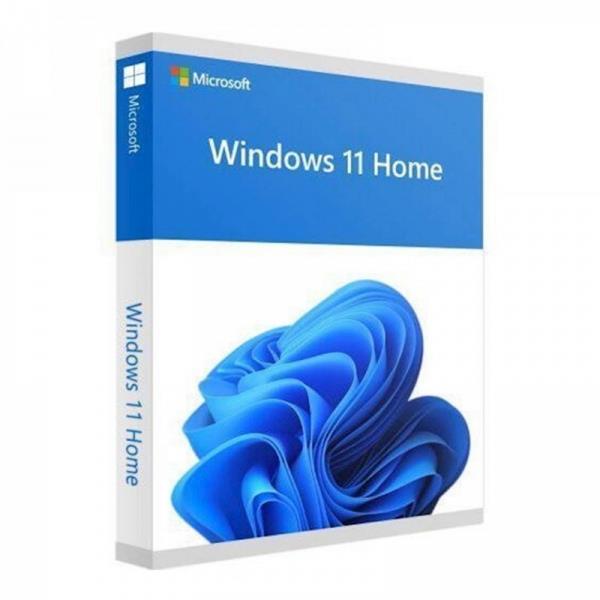
Win 11 Home is an excellent choice for most home users. It offers a modern, intuitive interface, improved performance and new features that make everyday computer use smoother. Gamers benefit from important features such as Auto HDR and DirectStorage, which take advantage of the latest DirectX 12 capabilities. The updated Microsoft Store, which now also offers Android apps, makes this platform even more versatile. If you’re building a new gaming PC or simply want a fresh, fast system, Windows 11 Home is a reliable choice. It’s a logical step forward for those familiar with a system like Windows 10 Home.
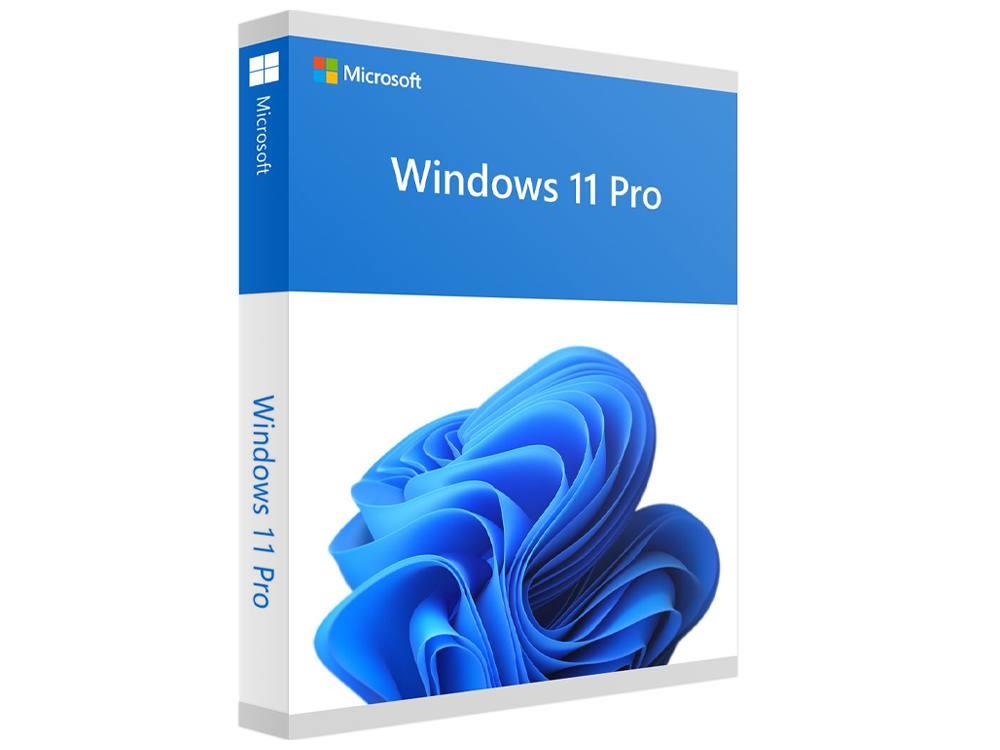
If your work demands more, Windows 11 Pro (or simply Win 11 Pro) is the way to go. It includes all the features of the Home version, plus powerful tools designed for business users and IT professionals. BitLocker device encryption protects your data if your device is stolen or lost. Windows Remote Desktop lets you connect to and manage your computer from anywhere. W10 Pro and its successor also offer advanced virtualisation options, including Hyper-V and Windows Sandbox, which are ideal for safely testing software. It’s an investment that pays off with greater security and flexibility. When comparing Windows 10 Pro vs Home, the Pro version always offers more business-critical features.
Although the focus is on the new Win 11 platform, Microsoft Windows 10 remains highly relevant and supported. For many users whose hardware doesn’t meet Windows 11’s strict requirements, Windows 10 Pro or even Windows 10 Enterprise LTSC is the best choice for stability and long-term support. Our range includes a solution even if you need a reliable platform for older hardware. You may sometimes need to work with systems originally built for platforms such as Windows 7 or even WinXP. In these cases, having a genuine licence and understanding the differences between versions are key. Although we no longer sell older versions such as Windows 95 or Windows ME, we understand the need for a smooth transition.
In addition to desktop operating systems, Microsoft offers a powerful product range for businesses. Windows Server, including versions such as Windows Server 2022 and Windows Server 2019, is designed to provide a reliable, scalable platform for network services, databases and applications. Whether you need to manage a small office network with Windows Server Essentials or build a complex cloud infrastructure with the Datacenter edition, there’s a solution to suit your needs. To find the best server operating system, browse our dedicated category.


One of the most important decisions when buying Windows is choosing between a retail (Retail/FPP) and an OEM licence. Although OEM keys (e.g. Windows 10 OEM) may seem cheaper, they have a significant limitation: they’re tied to the motherboard of one specific computer. If your motherboard fails or you decide to upgrade your computer significantly, you lose the licence too. By contrast, the retail versions we offer, such as Windows 11 Pro Retail, are transferable. This means that if you replace your computer, you can deactivate the licence on the old device and activate it on the new one. That’s the freedom and investment in the future that provides long-term value and flexibility.
Is your computer slow, crashing or showing confusing error codes such as 0x80070643, 0x800f081f, 0xc00007b or even 0x80004005? Often, the best solution is to start fresh. Instead of searching the internet for dubious 'windows 10iso' files or using pirated software such as 'kmsauto', which may contain malware, a clean install using a genuine Windows 11 USB gives you a stable, secure system. This process removes accumulated junk files and potential viruses, and resolves many driver conflicts. Tools such as 'msconfig' and 'gpedit msc' are powerful, but they can’t always fix deep-rooted system problems that a fresh install can. It’s also the best way to get rid of the 'windows old' folder and free up valuable disk space.
| Question | Answer |
|---|---|
| What’s the main difference between Windows 11 Home and Pro? | The main difference is in the business and security features. In addition to BitLocker encryption, the Pro version offers Remote Desktop, Hyper-V virtualisation and more advanced management options designed for professionals and businesses. The Home version is usually sufficient for home users. |
| Can I transfer this licence to another computer in the future? | Yes. We sell retail (Retail/FPP) licences, so they’re transferable. If you replace your computer, you can deactivate the licence on the old device and activate it on the new one. Unlike OEM licences, they aren’t tied to a specific computer. |
| Why buy genuine Windows when I can download files from the internet? | Software downloaded from dubious sources, such as search results for 'win11 download', often contains malware and security vulnerabilities, and may not receive important security updates. Buying a genuine copy gives you a stable, secure and fully supported system. It also avoids the risks associated with pirated tools such as 'kmsauto lite' and unofficial versions such as 'win 11 lite'. |
| My computer doesn’t support Windows 11. What should I do? | If your hardware doesn’t meet the Windows 11 requirements, Windows 10 remains an excellent, fully supported option. Windows 10 Pro still offers top-level security and functionality, and will receive updates for years to come. |